
May 15
You keep calling them iPads. These are not iPads. These are cheap Chinese android devices.
Securus Technologies (part of Aventiv) is the brand replacing ViaPath (formerly GTL) tablets in California prisons.
Key Details
Contract Award: In February 2025, the California Department of Technology awarded Securus a new multi-year contract (around $189–$315 million over four years) after a court vacated the prior ViaPath agreement.
These have nothing to do with @Apple.
@CommunityNotes
1
7
208
May 15
You keep calling them iPads. These are not iPads. These are cheap Chinese android devices.
Securus Technologies (part of Aventiv) is the brand replacing ViaPath (formerly GTL) tablets in California prisons.
Key Details
Contract Award: In February 2025, the California Department of Technology awarded Securus a new multi-year contract (around $189–$315 million over four years) after a court vacated the prior ViaPath agreement.
These have nothing to do with @Apple.
@CommunityNotes
May 14

California just spent $189 MILLION to give a “free” iPad to every inmate, even those on death row.
The inmates were caught watching porn, sending nudes, & some were even caught grooming children😳
Officials say they can’t monitor 90,000 tablets.
Ok, why did you pass them out?
1
4
254

May 15
It gets worse. They pit out the contract for the new tablet company every three years or so. Started with ViaPath millions of dollars in instalation of infrastructure and the tablets themselves. Now Securus won the bid and it starts all over with everything new again. Awful!
9
329

May 14
Except it's not:
"Diaz was serving a three-year sentence at Avenal State Prison in Kings County for committing lewd acts against a 12-year-old and making criminal threats with a gun. Between July 5, 2024, and Nov. 25, 2024, Diaz used prison phones, a CDCR-issued tablet, and prison-monitored ViaPath messaging equipment to communicate with the victim. Although Diaz had a 10-year no contact order for a minor, he placed thousands of calls to the minor. He instructed the minor to create and transmit to him images of the minor engaged in sexually explicit conduct. When Diaz learned that someone had contacted law enforcement about the communications, he directed people to delete evidence."
justice.gov/usao-edca/pr/cal…
3
10
816

May 14
Federal prosecutors indicted Nathaniel Ray Diaz (Avenal State Prison) for using his CDCR-issued tablet plus ViaPath messaging to solicit explicit images from the same minor he was already imprisoned for abusing, despite a no-contact order. Thousands of calls.
Inmates report easy workarounds for porn & sexting. Former CDCR official plus dozen inmates back it. $189M taxpayer tablets aren’t foolproof “rehab” tools.
Fix the monitoring or restrict access for sex offenders/death row. 🧐
1
32
565

May 13
Will the Dane County Board contract again with private equity owned ViaPath, or pursue other communication options in the Dane County Jail?
It's headed to a vote tomorrow.
—
for @isthmus
isthmus.com/news/news/jail-p…
1
4
388

While Aventiv has been donating directly to nonprofits, ViaPath created a private foundation in 2022 to donate to other nonprofits. I spoke with some of the ViaPath and Aventiv's donation recipients about their decision to accept those funds.
prismreports.org/2026/05/05/…
1
5
210
Companies like Aventiv Technologies & ViaPath Technologies have been criticized for charging high fees for prison phone & video calls, e-messages & digital media. They've also been lobbying for higher rate caps for prison phone & video calls under the Trump administration.
1
4
208

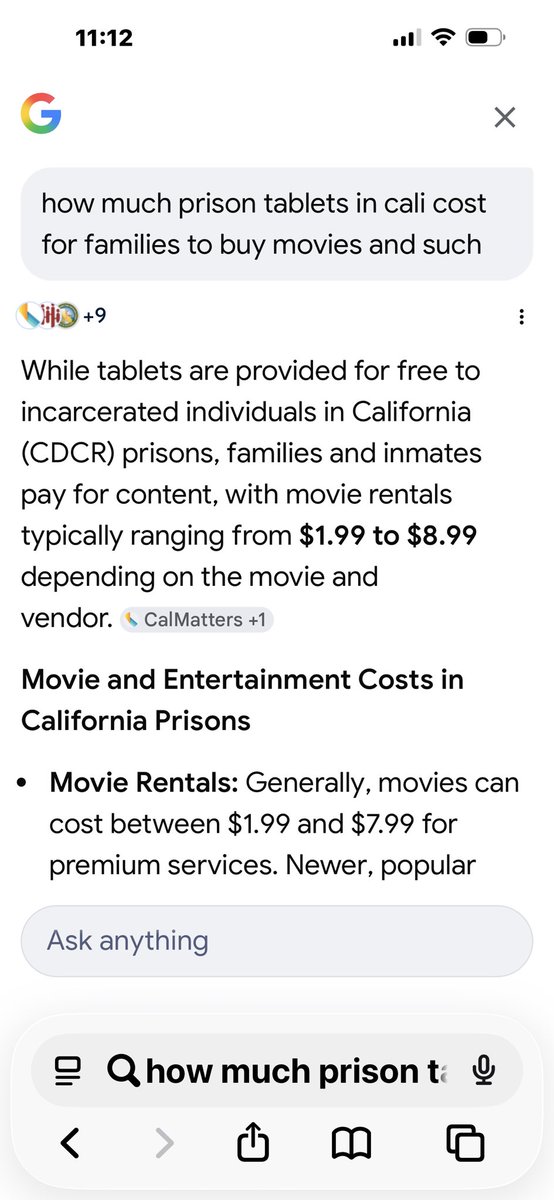
The prison industry at work! Also, those free tablets can be uploaded with approved movies and such by fam for a cost$$$$ See pic. Looks like they (Cali) changing vendors;
Vendors: California is transitioning from ViaPath/JPay to Securus Technologies for tablet services…
1
74

Apr 8
They'll be free,courtesy of the usual suspects like JPay, ViaPath/GTL, and Securus. These corporate smakes slither in,drop the hardware on the state's doorstep at zero upfront cost,then sink their fangs into the families on the outside with per-minute messaging fees, pay-to-play movies, games, and whatever else the cons can drain from grandma's checkbook.
It's classic snakes-eating-snakes. The state looks magnanimous for rehabilitating the customer base. The vendors print money while the guys who earned a cage get Angry Birds and video visits.
They swear it'll stop the flow of drugs into prison. Right. Because Oregon didn't just decriminalize hard drugs a few years back and turn the whole state into a fentanyl buffet.
1
2
136

VADOC has successfully launched new inmate tablets at four pilot sites.
The launch of modernized inmate tablets represents the culmination of efforts by VADOC corrections team members and vendor partners ViaPath and Abilis.
Read the news release here: vadoc.virginia.gov/news-pres…
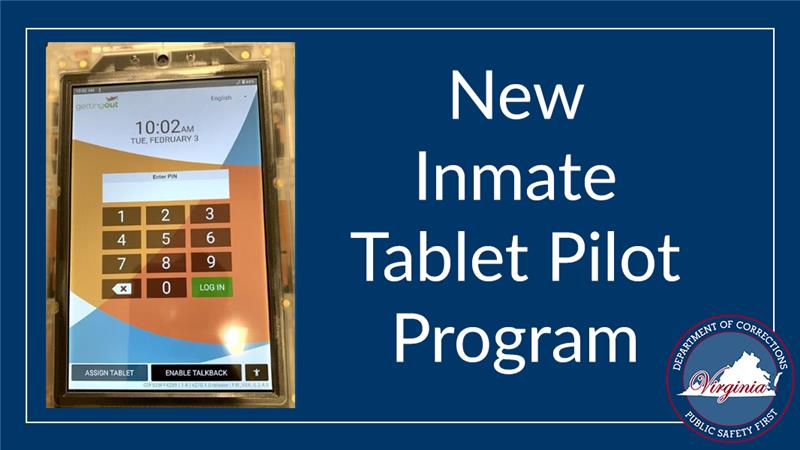
ALT Tablet screen displaying a numeric keypad login interface for the New Inmate Tablet Pilot Program in the Virginia Department of Corrections.
1
3
166


14 Nov 2025
@BhaddieTim Jade is lying again. Julie couldn't call him.
****
Inmate Phone Calls in Nebraska State Prisons
In the Nebraska Department of Correctional Services (NDCS) system, which oversees state prisons, inmates cannot directly receive incoming phone calls. Instead, phone communication is limited to outgoing collect calls (also known as billed calls) that inmates place from approved facility phones or devices to pre-approved phone numbers on their contact list. This setup prioritizes security and monitoring, with all non-attorney calls recorded and restricted to landlines (no cell phones, conference calls, or three-way calls allowed). The policy is outlined in NDCS Administrative Regulation (AR) 205.03, "Use of Telephones by Inmates."
#### Key Details on How It Works
- Provider: Global Tel*Link (GTL), a subsidiary of ViaPath Technologies, handles all inmate calls across NDCS facilities. Family and friends set up accounts via the ConnectNetwork platform to receive and pay for these calls.
- Call Types and Funding:
- Collect Calls (Traditional): The called party pays per call. Rates are capped at 94 cents for a 15-minute intrastate call (Nebraska prisons are among the more affordable in the U.S. for this duration).
- Prepaid (AdvancePay): Friends/family prepay a balance for receiving calls from the inmate.
- PIN Debit: Inmates use funds from their commissary account to call any approved number (funds can be deposited by loved ones).
- Approval Process:
- Inmates submit a list of up to 30 phone numbers for approval (typically limited to immediate family and close contacts).
- NDCS reviews for security risks; approved numbers are added to the inmate's personal identification number (PIN) system.
3
58

22 Aug 2025
The company that runs this service (which is literally hosted at gettingout.com) goes by ViaPath Technologies, but that isn't the only name they've used before.
I just started looking into them and so far it does NOT look good...
1
25
444

14 Aug 2025
WCSO Connects: The answers to your most frequently asked questions of our jail staff
Keep your eyes peeled on our social media, where WCSO will be rolling out a series of posts tackling the most frequently asked questions our jail staff faces!
Our mission? To inform our community and save everyone's time with these handy nuggets of information!
Let’s get started by sharing how you would set up an account through Viapath to visit an inmate at the WCSO Jail.
VIAPATH VISITING INSTRUCTIONS
****VISITING: ACCOUNTS MUST BE MADE ON BOTH SITES****
STEP 1 – SET UP ACCOUNT – TO VISIT
➡Go to GettingOut.com select “visit now” to conduct/connect the visit
➡Create your account – address must match your driver’s license (Viapath approves)
➡For quick approval: include the last 4 numbers of your social security number
➡Add profile photo – no filters, hats-head gear, sunglasses
➡Add photo of physical driver’s license (front and back) –
➡Digital ID’s are not allowed
➡Choose the inmate you want to visit – they must accept you into their contacts
➡Check and confirm your emails
Download the Mobile App-select the GettingOut.com “visit now” feature to connect to your visit
☎️Customer Service: 1-866-516-0115
STEP 2 –SET UP ACCOUNT – TO SCHEDULE A VISIT
➡Go to: WeldCo.GtlVisitMe.com to schedule visits
➡Create your account - (jail staff approves your account)
➡Add a profile photo – no filters, hats-head gear, sunglasses
➡Add a photo of your physical driver’s license (front only)
➡PROFESSIONAL VISITORS: include your bar card / work IDs with your driver’s license
➡Digital IDs are not allowed
➡Check and confirm your emails
⭐FAMILY AND FRIENDS: You must schedule 24 hours in advance
⭐PROFESSIONALS: You may schedule same day – please contact the jail to inform them of your intent to visit an inmate.
💻Remote visits (minimal fee per minute) = the inmate calls out to you.
🏦On-site visits (free) = check in with jail staff, log into your GettingOut.com account on the monitor.
Visit our website under the “Inmate Visitations” section to learn more.
3
446

12 Jul 2025
ViaPath–one of 2 telecom giants that rule the industry–rooted for this shameful move, while also claiming it is committed to ensuring "that no incarcerated person loses access to crucial connections with their loved ones."
The math ain't mathin. 🤔
wate.com/business/press-rele…
1
3
3
642

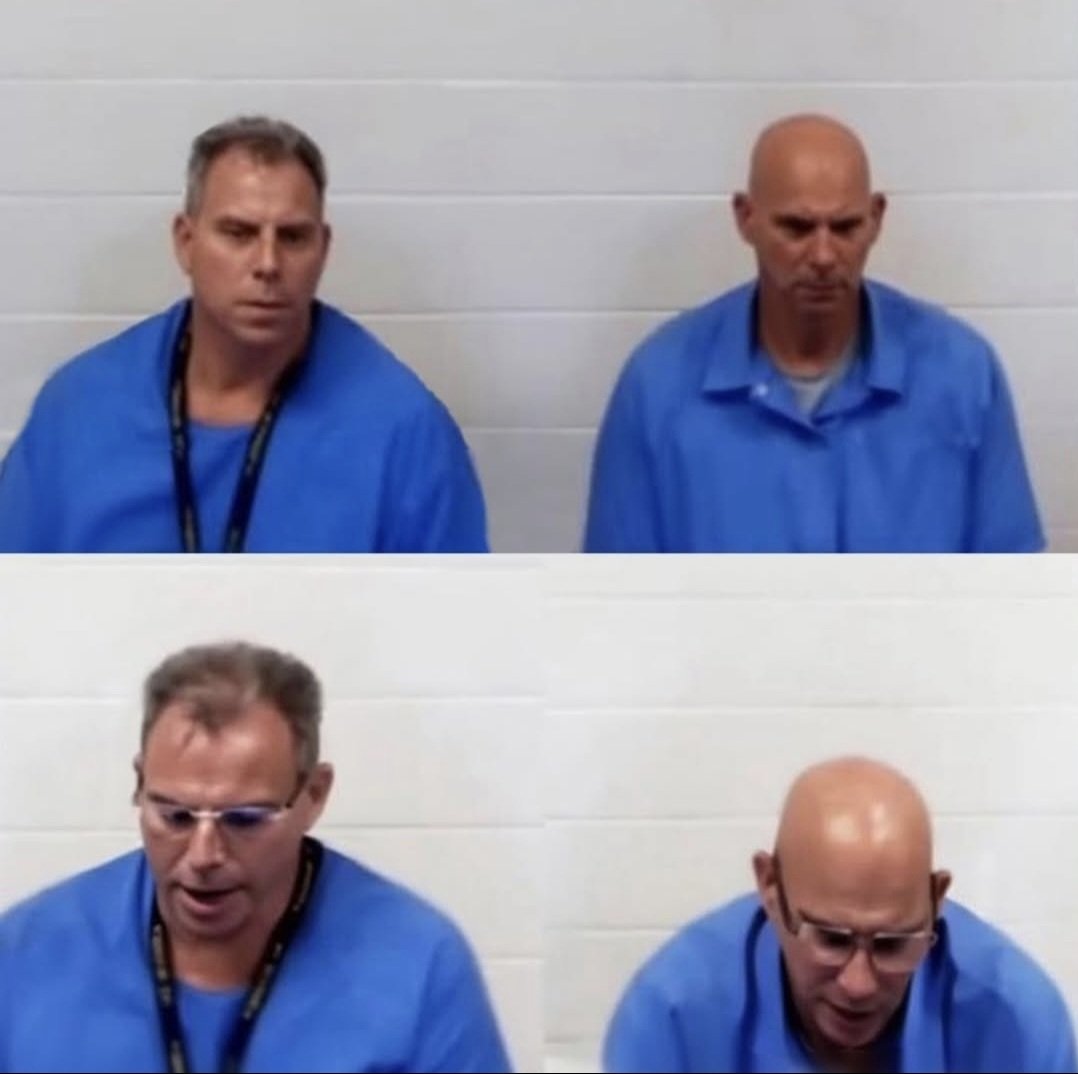
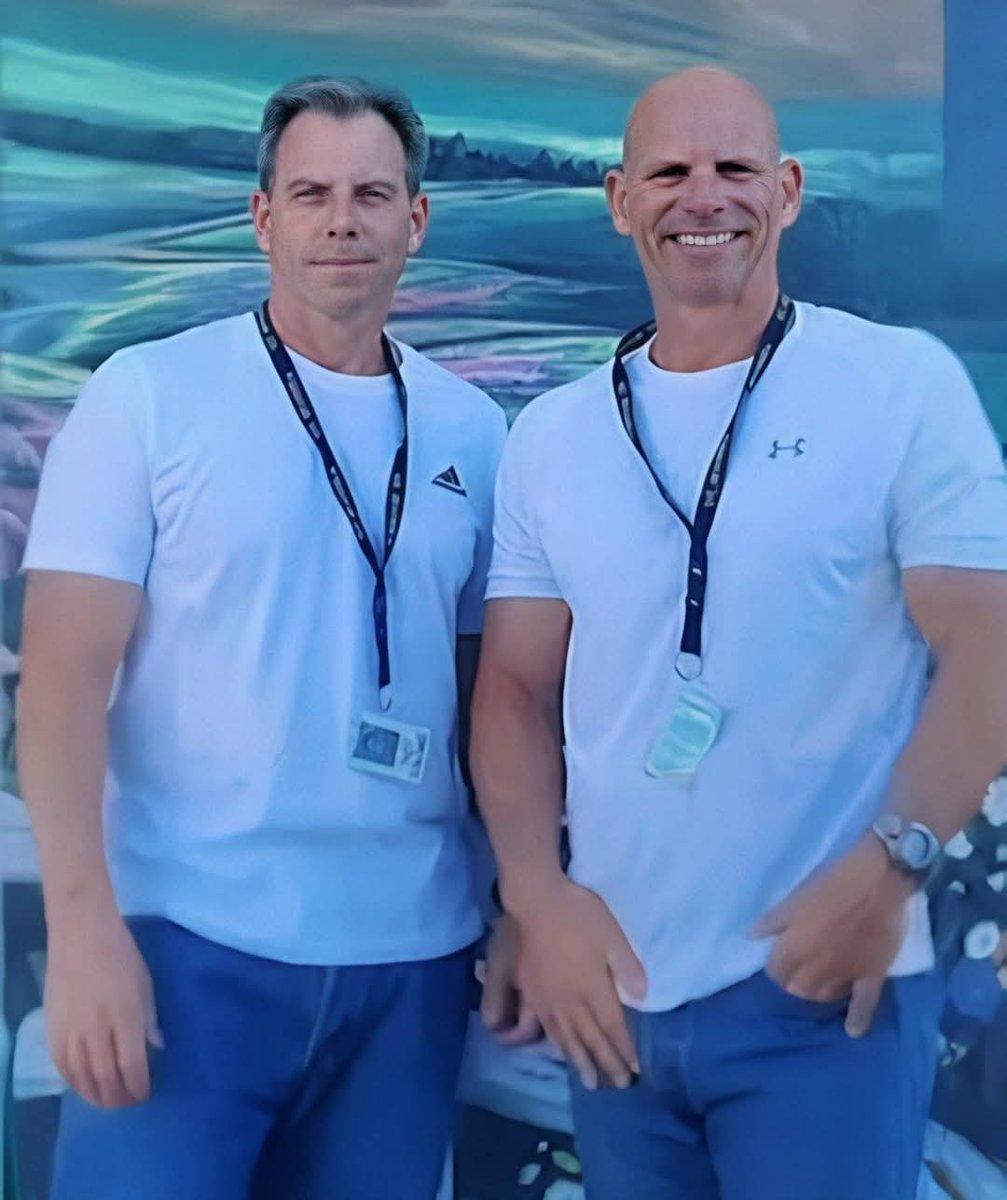
Congratulations tonight to Erik Menendez who will be awarded his Bachelor of Arts degree in sociology tomorrow through U.C. Irvine in a graduation ceremony at R.J. Donovan Correctional Facility in Otay Mesa.
It's unclear this evening if the recent suspension of visiting at R. J. Donovan - and other prisons listed by the CDCR - will allow visitors to attend the graduation in person. Currenly, in person visiting along with phone access and ViaPath tablet communications are suspended at RJD along with several other California prisons. Erik's brother, Lyle, received his B.A. degree in sociology last year from U.C. Irvine.
Both Erik and Lyle will be testifying in front of California's Parole Board in separate hearings August 21 and 22. The brothers became immediately eligible for parole after Judge Michael Jesic resentenced them on May 13 at Van Nuys Superior Courthouse from LWOP to 50 years to life.
The story isn't over yet.
The question was always why.
Read: Updated Edition of "The Menendez Murders."
@benbellabooks
Watch: 'Menendez Menudo Boys Betrayed'
Now streaming on @peacock
#JusticeForErikandLyle
#JusticeforRoy
MenendezMurders.com


12
49
352
9,272

6 Jun 2025
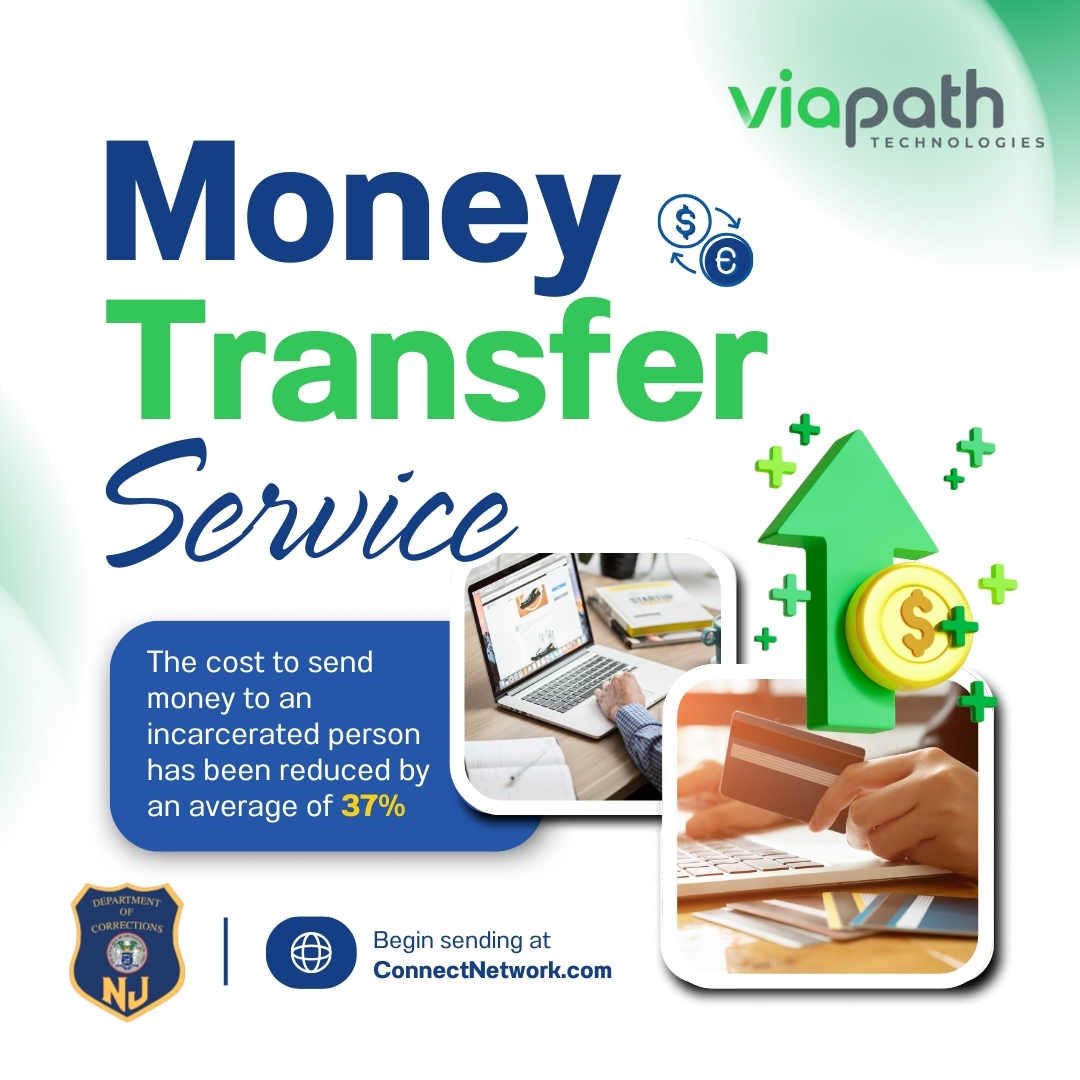
Lowering costs, lifting burdens: 37% fee cut is just the beginning.
For updates on the transition to ViaPath Technologies, visit njdoc.gov/pages/viapath.html
3
75

28 May 2025
A ViaPath team member told Filter that they'd been in prisons and jails across 20-plus states, and this was the first time they'd felt unsafe.
By @cellsecrets:
filtermag.org/viapath-prison…
3
2
266

1 May 2025
If govt misconduct results in “demonstrable prejudice, or substantial threat thereof” to the rt to counsel. USA v. Morrison (1981) 449 US 361. Eg, Rt to confidential comms.
W ViaPath there is a way NOT to record atty calls, but you’d still hear the warning re recording.
6
3,163