
New to paddle boarding? 🏄♂️
Discover why inflatable stand up paddle boards are perfect for beginners—from excellent stability to easy transport and storage.
Read here 👇
🔗 wanderglobe.org/why-inflatab…
#SUP #PaddleBoarding #InflatableSUP #WaterSports #AdventureTravel #BeginnerGuide

9

🚨 क्या आप भी जानते हैं Bitcoin की कीमत Up/Down क्यों होता है ?
Watch FULL VIDEO
youtu.be/LPbclHtapMY
#Bitcoin #Crypto #BeginnerGuide #Investment

9

What feels like “loss” is usually just volatility doing its job. 📉➡️📈
Beginners don’t fail because of dips…
they fail because they panic during them.
#Crypto #Bitcoin #XRP #Investing #HODL #MarketVolatility #WealthBuilding #FinancialFreedom #SmartMoney #BeginnerGuide
1
1
43

Jun 3
Learn step-by-step how to register on CDC and subscribe to IPOs easily. Perfect guide for beginners!
youtube.com/watch?v=Dg0TBip4…
#CDCRegistration #IPO #StockMarketPakistan #InvestmentGuide #FinanceTips #HowToApply #BeginnerGuide #PakistaniInvestors #IPO2026 #FinancialEducation
11



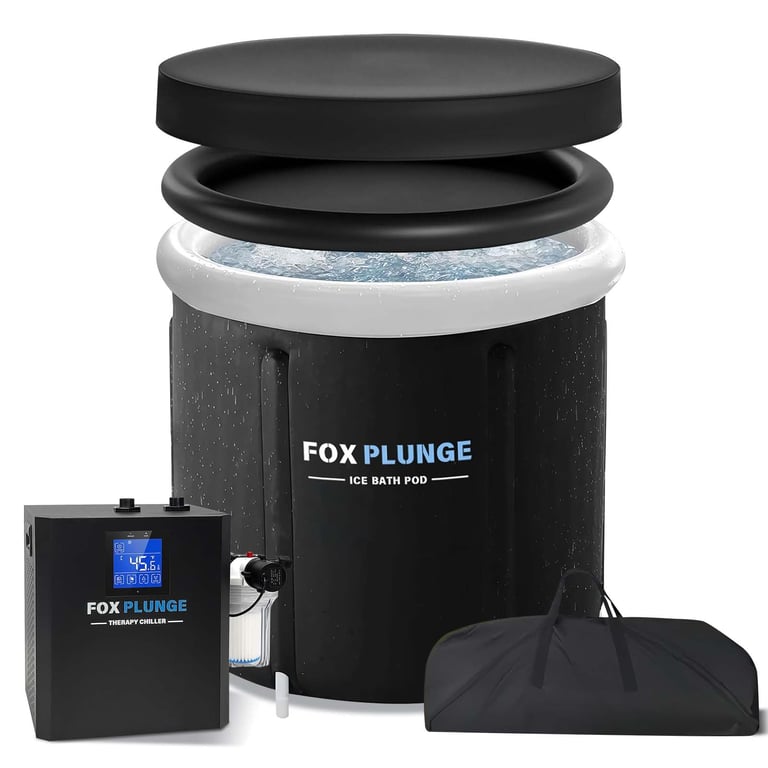
New to cold plunging? heres the honest timeline:
week 1: terrible
week 2: slightly less terrible
week 4: you start craving it
week 8: cant imagine skipping it
put together a beginner progression if youre just starting:
saunaorplunge.com/how-to-sta…
#ColdPlunge #BeginnerGuide #ColdWaterTherapy #WellnessJourney #IceBath
13

May 24
5

May 24
Using custom GPTs for content creation. Learn how to provide crucial context for effective AI-generated content, overcoming beginner challenges. #CustomGPTs #AIContentCreation #TechTips #BeginnerGuide #ArtificialIntelligence
12

May 23
New guide: Ant Keeping for Beginners UK — 50 questions answered 🐜 From queen ants to setup tips for black garden and harvester ants, Best Ants UK covers what beginners need to know. Read more: wix.to/UZ5kiqF
#AntKeeping #Ants #Formicarium #BeginnerGuide #BestAntsUK
10

May 23
Want to create coloring books that actually look ready to sell? ✨
If you’ve been thinking about making printable coloring books for Etsy but you still feel lost, this guide was made for you.
Introducing: 10 Golden Tips to Create & Sell Coloring Books on Etsy 💛
This beginner-friendly printable product guide helps you learn how to:
• choose better coloring book ideas
• design covers that attract clicks
• create clean printable pages
• avoid copyright problems
• use stronger keywords
• improve listing images
• promote your books with Pinterest
Simple. Clear. Beautiful. And made to help you start with more confidence.
If you love digital products, printable books, coloring pages, and creative business ideas, this guide is a great place to begin 🌸
Shop on Etsy:
mashirosmashup.etsy.com
Shop on Shopify:
creativepens.org/collections…
#EtsySeller #ColoringBookGuide #PrintableColoringBooks #DigitalProductGuide #EtsyTips #PrintableBusiness #ColoringPagesGuide #BeginnerGuide #EtsySEO #PinterestMarketing #DigitalDownload #CreativeBusiness #PrintableProducts


44

Starting erotic flagellation with a beginner friendly mindset means focusing on trust, communication, comfort levels, and learning safe techniques before increasing intensity or exploring more advanced dynamics ✨
blog.swingtowns.com/starting…
#BDSMSafety #ConsentMatters #BeginnerGuide #LifestyleEducation
520

May 22
How to Read Crypto Price Charts: A Beginner’s Guide dlvr.it/TSgNLM #CryptoTrading #PriceCharts #CryptoInvesting #BeginnerGuide #CandlestickCharts

1
10

May 22
How to GROW Your City the RIGHT Way | Cities Skylines 2 Beginner Guide | Pt.3
@CitiesSkylines #beginnerguide
youtu.be/QNfraInwoAo
2
62

May 21
How to Set Up Claude in 5 Minutes – A Beginner's Guide
Intro
Everyone's talking about Claude. You want to try it, but you don't know where to start.
This guide gets you from zero to your first real conversation with Claude in under 5 minutes, using just a web browser. No technical skills required. No credit card needed (if you stick with the free tier).
Just follow the steps.
Step 1: Go to the Right Website
Open any browser (Chrome, Safari, Edge, Firefox – all work) and type:
claude.ai
⚠️ Heads up: There are fake lookalike sites like "claude-ai.com" or "claudeai.org". Only use claude.ai – that's the official site by Anthropic.
Step 2: Create Your Account
You'll see two main options on the sign-up screen:
Continue with Google → Fastest. Pick your Gmail and you're in.
Continue with email → Enter your email, Claude sends you a login link, click it.
Pick whichever you prefer. Both work the same after sign-up.
Step 3: Verify Your Phone Number
This is a one-time security step.
Enter your mobile number, check the box confirming you are at least 18 years of age, then click "Send Verification Code." Enter the verification code received via text and click "Verify and Create Account."
💡 Tip: Any country's mobile number works. Use your real number – this is just for verification, not marketing spam.
Step 4: Enter Your Name
Type your name (real name or a nickname both work) and hit Send.
🎉 That's it. Your free Claude account is live.
You're now looking at the main chat interface. Empty input box at the bottom, ready for your first message.
Step 5: Your First Real Conversation
Don't waste your first message on "hi" or "are you real?". Try something useful right away.
Prompts to test with:
"Summarize this article into 5 key points: [paste link or text]"
"Write a polite email declining a meeting invitation for tomorrow"
"Explain blockchain to me like I'm 10 years old"
"Review this resume and tell me 3 things I should improve" (drag and drop a PDF)
💡 Claude reads PDF, Word, Excel, images, and code files. Just drag the file into the chat box – no need to copy-paste text.
Step 6: Free vs. Pro – Which Should You Choose?
Free Plan – Perfect for Beginners
Full access to core features.
Daily message limit (you'll hit a cooldown if you chat heavily).
Great for: trying Claude, light writing, occasional research, learning the ropes.
Pro Plan – Only Upgrade When You Need To
Upgrade only if you're consistently hitting the daily limit, want larger file uploads, or need advanced research features.
How to upgrade: Click your initials or name in the lower left corner, select "Settings," go to "Billing," click "Upgrade plan," then "Get Pro plan." Choose between monthly or annual billing, enter your payment info, and click "Subscribe."
⚠️ Pro requires an international Visa/Mastercard. Stick with Free if you don't have one – it covers 80% of what most users need.
Step 7: 3 Beginner Mistakes to Avoid
❌ Mistake 1: Asking once, then giving up→ Claude works best when you push back. Say things like "shorter," "more formal," or "rewrite in my voice." Iterate. That's where the magic shows.
❌ Mistake 2: Pasting instead of uploading→ For long documents, upload the file directly. Claude understands structure (headings, tables, formatting) better that way.
❌ Mistake 3: Trusting Claude blindly on current events→ Claude's training data has a cutoff. For news, prices, or anything time-sensitive, ask Claude to "search the web for the latest" – it has a built-in search tool.
Closing
Setting up Claude isn't the hard part. The hard part is building the habit of using it for real tasks instead of testing it once and forgetting.
After reading this, do these 3 things today:
✅ Go to claude.ai and sign up (5 minutes).
✅ Drop in one real question you actually need help with right now.
✅ Bookmark the tab so you remember it tomorrow.
Don't put it off. Tomorrow you'll forget.
If this helped, save it and share with anyone still stuck on ChatGPT only. 👇
#Claude #ClaudeAI #Anthropic #AI #ArtificialIntelligence #AItools #BeginnerGuide #ProductivityTools #AITutorial #TechTwitter #ChatGPT #AIcommunity #BuildInPublic #ContentCreator
5
1
4
232

May 18
Subnautica 2 mistakes every new player makes. the Adaptation Chamber at 180m north changes everything
#Subnautica2 #SubnauticaEarlyAccess #SurvivalGame #Steam #XboxGamePass #GamingTips #BeginnerGuide #ARPay #Gaming2026 #SubnauticaTips #UnknownWorlds
69
May 17
New from Best Ants UK: Anthony — an AI chatbot with 29 years of ant-keeping expertise to help beginners pick the perfect starter farm. Instant species, kit and setup advice: wix.to/RwVLbpm #AntKeeping #AI #AntFarm #BeginnerGuide

13