
The day i decided to have a portfolio on bubble.io even though i have a lot on my neck to get done
#bubblehack | #bubbleio | #nocode | #nocodebuilder | #bubbletips | #bubbleapps | #buildinpublic | #automationtools | #appdevelopment | #saasbuilder | #startupideas
1
10
300
#bubblehack | #bubbleio | #nocode | #nocodebuilder | #bubbletips | #bubbleapps | #buildinpublic | #automationtools | #appdevelopment | #saasbuilder | #startupideas | #indiehacker | #techcreator | #digitalcreator | #solopreneur | #nocodeautomation
2
4
37

19 May 2023
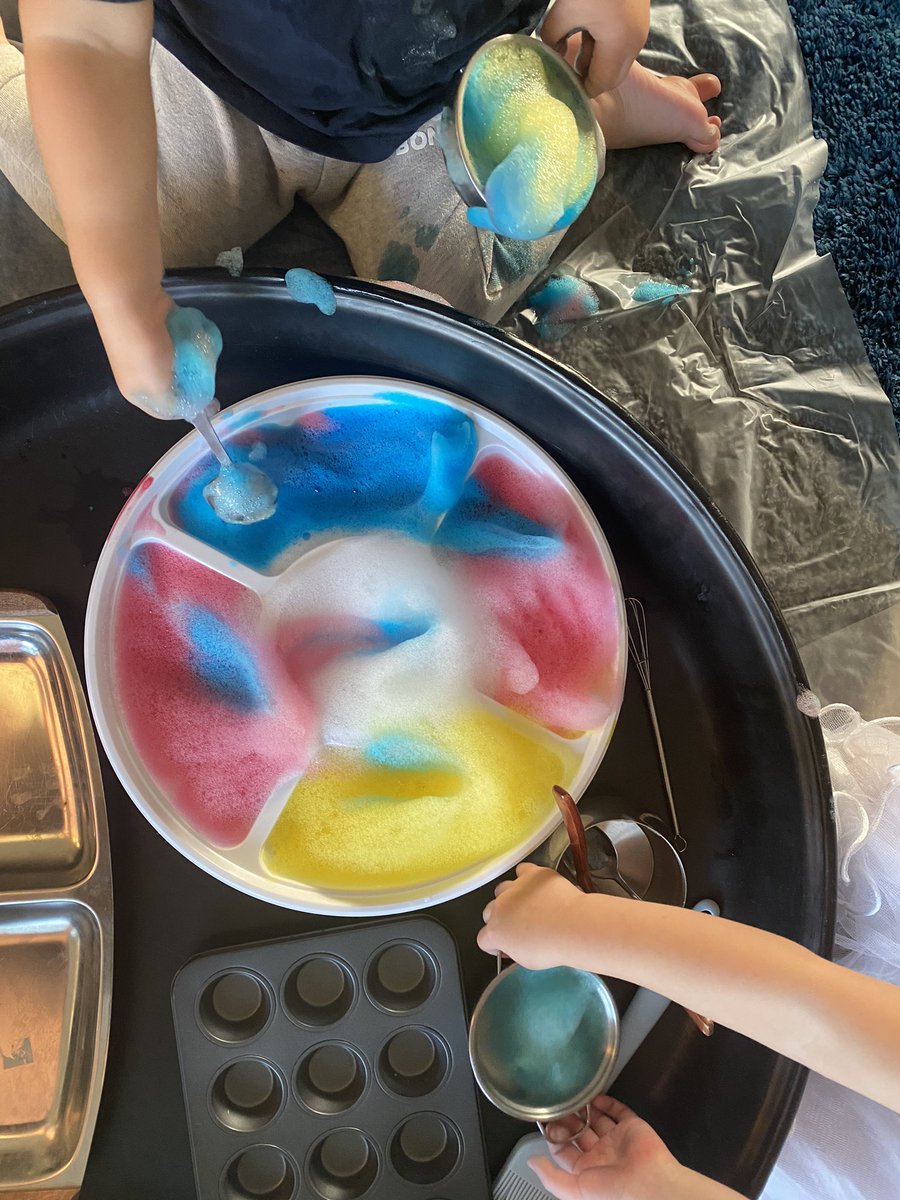
Impressed with Friday afternoon parenting, even if I have to pretend to be a bird #bubblehack
1
116

19 Mar 2023
💡 #BubbleHack: Implement lazy-loading for your app by conditionally showing elements based on the scroll position or other user interactions. This helps speed up initial load times. #nocode #bubbleio
3
310

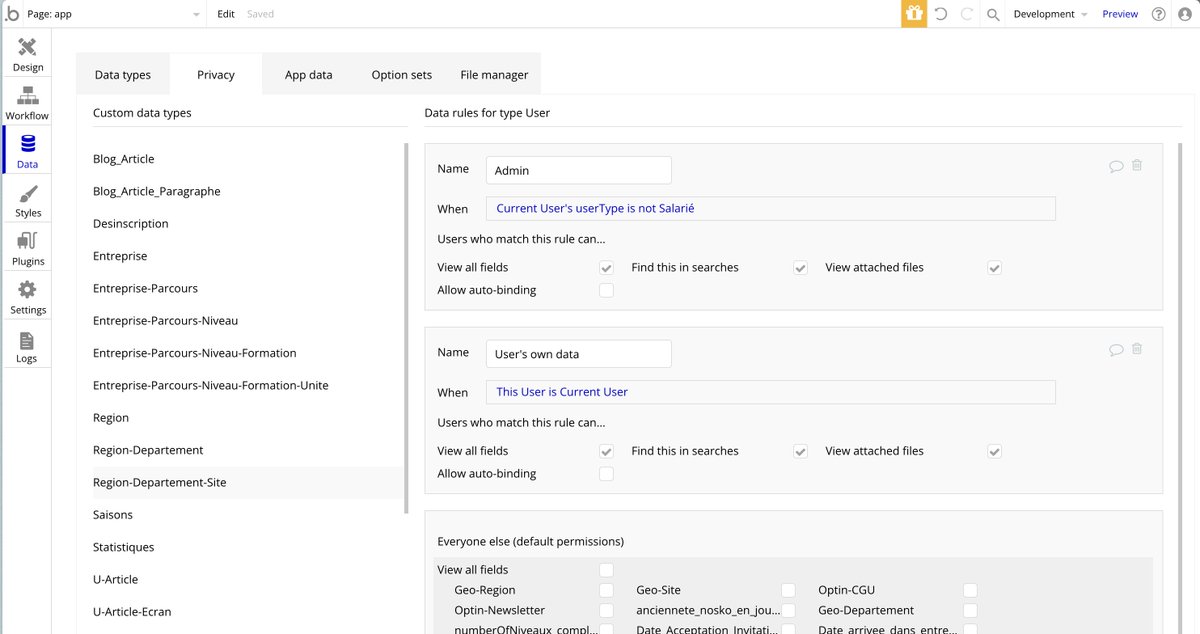
🚨 Attention Bubble.io developers! 🔒 Protecting user data is essential.
How? Define privacy rules in the Data Tab to display data only for the correct user. #datasecurity #privacymatters #Bubbleio #webdev #BubbleHack
1
2
75

25 Jan 2023
#bubbleHack of this year
Reminder for someone who is trying to pass JSON array via API using Bubble,
While creating the JSON Object, do not leave any spaces at all.
5
420

17 May 2022
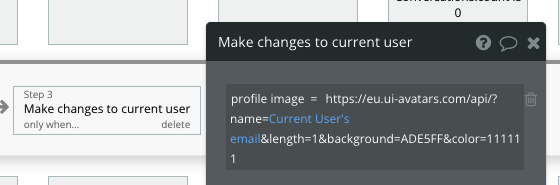
bubbleHack of the week: You don't always need the API connector to make simple GET requests in @bubble. This (see pic below) is an API request using the UI Avatars API, made directly from a workflow
6
3
41

21 Jan 2022
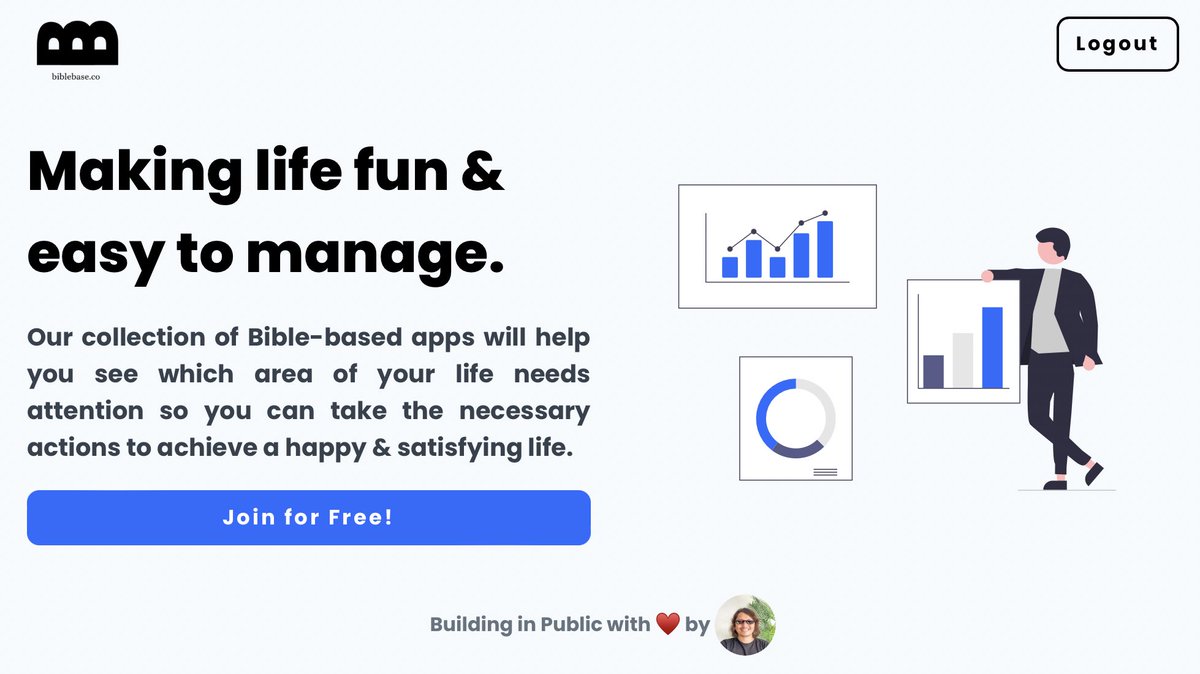
This is the beauty of investing time in the beginning to make a simple design system in @bubble - just modify the style in one area and see the changes to your app in an instant. Before (Left) & After (Right) #BubbleHack #BuildingInPublic #BibleBasedApps

1
2

18 Dec 2021
#bubblehack for responsive interfaces: Use coloured groups and RGs to optimise the responsive behaviour of objects. #nocode

19 Feb 2021
@nocodedevs @nocodemakers_ @nocodeweekly @nocodefounders @news_nocode @NocodeHQ @NoCodeNoProblem #NoCode #buildinpublic
Bubblehack #7 Database queries eat performance.
Use custom states instead of DB queries when displaying info to users in your @bubble app.

1
4
10 Feb 2021
#NoCode #buildinpublic #bubblehacks @nocodedevs @nocodefounders @nocodemakers_ @nocodeweekly @news_nocode @NocodeHQ @NoCodeNoProblem
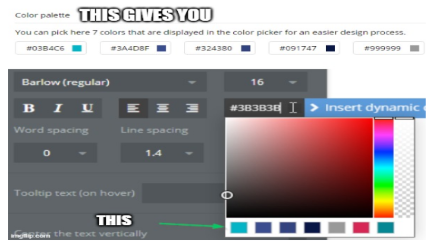
Bubblehack #6 - Refine your palette.
You can set the color options for a consistent theme in in your @bubble app in the Settings>>General tab.
1
1
4 Feb 2021
@NocodeHQ @nocodefounders @nocodedevs @nocodeweekly @nocodemakers_ @NoCodeNoProblem @news_nocode @bubble #buildinpublic #NoCode #bubblehacks
Bubblehack #5 - Love Slugs
Use slugs to create a unique url for any object in your database. No need to create new pages. GREAT for SEO!

1
1
27 Jan 2021
@bubble @nocodeweekly @nocodedevs @nocodefounders @news_nocode @nocodemakers_ @NoCodeNoProblem #NoCode #buildinpublic #bubblehacks
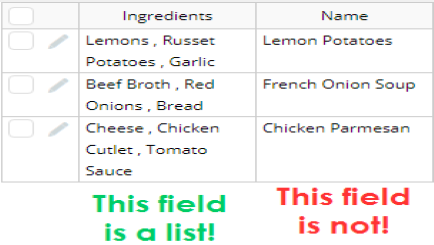
Bubblehack #4 - "This field is a list" is not what you think.
Think of a "list" like an Excel cell that has more than one value.
1
6
26 Jan 2021
@nocodedevs @nocodeweekly @nocodefounders @nocodemakers_ @news_nocode #nocode #bubblehacks
Bubblehack #3 - Use Postman to test your API calls.
The @Bubble API connector is awesome, but Postman is a little more forgiving.
Get that 200 before you add the call to Bubble.

3
22 Jan 2021
#NoCode #buildinpublic @bubble #bubblehacks
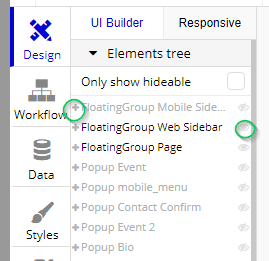
Bubblehack #2 - Use the Elements Tree
Selecting elements by clicking on them is easy but pros use the elements tree when there are too many overlapping elements.
These little plus signs and eyeballs will save your life one day.
1
10
16 Jan 2021
#bubblehacks #NoCode #buildinpublic @bubble
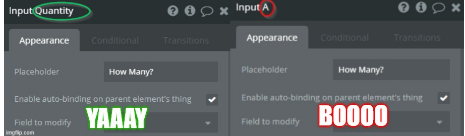
Bubblehack #1 - Name your elements.
Treat elements like files on your computer. Name them in a systematic way that let's you access them easily.
1
7