
May 9
Been working on a JSON:API toolkit for Laravel.
Resources, filtering, searching, sorting, pagination, includes, sparse fieldsets, OpenAPI generation - all spec-compliant out of the box in a single package!
More below 👇
2
7
47
6,187

May 6
GraphQL fixes overfetching but trades it for N 1 traps and cache headaches. Moved a payments dashboard to it once. Latency dropped 40 percent but CDN hit rate cratered from 80 to 12. REST with sparse fieldsets gets most teams 90 percent of the way there.
1
2
140

Here’s a simple, step-by-step explanation of why this happens and how to fix it.
Why is JSON serialization so slow?
Your server has some data in memory (like a huge list of products, each with name, price, description, reviews, images, etc.).
JSON is the common text format everyone understands (looks like { "name": "Shirt", "price": 29.99, ... }).
Turning that big Python (or whatever language) object into one long JSON string takes a lot of CPU work, especially if the object is massive.
The default JSON tool in many languages (like Python’s built-in json module) is not very fast for huge data.
Best ways to speed it up (in order of simplicity)
Make the data smaller first (easiest and biggest win)
Ask: Does the person really need ALL the information?
Let the client (the app or website) choose only the fields they want.
Example:
fields=id,name,price (this is called sparse fieldsets or projections).
If it’s a long list (1000 products), don’t send everything at once. Use pagination — send only 20 or 50 items, and give a “next page” link.
Result: Much less data to convert → serialization becomes way faster.
Use a faster JSON toolStop using the slow default JSON library.
Switch to super-fast ones like orjson, simdjson, or jsoniter.
These are often 5–10 times faster because they are written in faster languages (like Rust or C) or use clever tricks with modern CPUs.
In many cases, you can just change one line of code and get big speed improvements.
Cache the final JSON (great when data doesn’t change often)If the same request is made many times (e.g., product catalog that updates only once a day),
don’t keep converting to JSON every time.
Convert it to JSON once, then store the ready-made JSON string in a fast cache like Redis.
Next time someone asks, just grab the cached JSON and send it instantly — no serialization needed.
Important: Cache the JSON string, not the original data object.
Stream the response instead of building one giant stringNormally, the server builds the entire huge JSON in memory first, then sends it.
With streaming, it starts writing and sending pieces of JSON as soon as they’re ready (like pouring water continuously instead of filling a big bucket first).
Benefits:Uses less memory.
The client (browser or app) starts receiving and showing data earlier — feels much faster to the user.
Switch to a better format if possible (more advanced)JSON is human-readable but not the most efficient.
If the client (mobile app, another service, etc.) can accept it, use binary formats like:Protobuf (Protocol Buffers)
MessagePack
These are smaller in size and much faster to serialize and deserialize on both sides.
Many companies use gRPC (which is built on Protobuf) for communication between their own microservices.
3
2,425

Apr 17
, profile is screaming that serialization is the main issue here, so let's fix it.
1/ Check if the payload size can be reduced. Does the client need all fields? If not, use sparse fieldsets (?fields=id,name). If the list is long, use pagination.
2/ Upgrade serialization library by using a faster one (simdjson, jsoniter or native compiled extensions).
3/ If the data changes infrequently, we can cache it. Store the final json in cache and next request will be served from cache, bypassing serialization entirely.
4/ Instead of building one giant string, we can write to the response stream incrementally (streaming). This reduced memory pressure and lets clients start receiving data earlier.
5/ If the client can accept binary formats, use them. MessagePack/Protobuf serializes faster and produces smaller payloads.
We must combine these, starting with the simplest and measure each change.
1
11
1,914


Apr 6
Loved the fieldsets with 4 outfielders though. 6-3 for Dube😂, and by the end it was cow corner, long on, mid on as the three legside ones.
Thanks for bearing with the pedantry
2
184

Mar 31
One thing I did notice was there were specific fieldsets for players, like iirc legslip for Overton vs Bishnoi. Minimal effect, but very much indicative that he's very data driven.
1
2
256
Mar 27
We need to balance the payload size (small for mobile) and completeness (rich for dashboard).
We have a few options:
1/ Sparse fieldsets:
Here, we let clients request only the fields they need via query params (?fields=id,name)
The server then returns a specific json. This approach is simple, cacheable, and works for both mobile and web w/o extra endpoints.
2/ BFF (Backend for Frontend):
Here, we create separate API gateways per client.
Mobile BFF aggregates minimal data and web BFF fetches full details.
This isolates client-specific logic and reduces over‑fetching, but adds deployment complexity.
3/ GraphQL:
In this approach, the client specifies what it needs.
Mobile queries request only a subset while the web queries request the full object.
This is single endpoint but it adds complexity.
4/ Versioned endpoints:
We can have dual endpoints: `/api/v1/mobile/users` and `/api/v1/web/users`.
Very simple but this is duplication and not so elegant.
My choice would be sparse fieldsets, then BFF or GraphQL approaches can be tried.
1
8
597
Mar 12
Clearly, profile is screaming that serialization is the main issue here, so let's fix it.
1/ Check if the payload size can be reduced. Does client need all fields? If not, use sparse fieldsets (?fields=id,name). If the list is long, use pagination.
2/ Upgrade serialization library by using a faster one (simdjson, jsoniter or native compiled extensions).
3/ If the data changes infrequently, we can cache it. Store the final json in cache and next request will be served from cache, bypassing serialization entirely.
4/ Instead of building one giant string, we can write to the response stream incrementally (streaming). This reduced memory pressure and lets clients start receiving data earlier.
5/ If the client can accept binary formats, use them. MessagePack/Protobuf serializes faster and produces smaller payloads.
We must combine these, starting with the simplest and measure each change.
3
521
Mar 9
The immediate fix is pagination where we would use cursor-based (not offset) to split 10k items into smaller pages.
This reduces per-request payload and timeout issue. But this is just the start.
Next step would be implement sparse fieldsets so clients and request only the fields they need (e.g.. ?fields=id,name).
This dramatically cuts response size.
We should also enable compression (gzip/Brotli). This is usually missing in dev but very critical in prod.
For mobiles, we must consider incremental sync: return etag header, clients can ache and use if-none-match to avoid refetching unchanged data.
If data changes frequently, we should move to a push model (WebSockets or webhooks) instead of polling large arrays.
If the data is static or semi‑static, we should put it behind a CDN with long TTLs.
Finally, it is important to evaluate whether a JSON array of 10K items is the right design at all.
Often a paginated collection endpoint with stable cursors and total count optional is the pragmatic, scalable answer.
More on pagination here: x.com/anirudhology/status/20…
Mar 9

Your API returns a massive JSON array of 10K items.
Mobile clients on slow networks time out waiting for the response.
How do you redesign the endpoint?
2
132

Mar 5
England have had a day to forget
Awful planning, awful fieldsets, awful fielding
#INDvENG
1
7
242
Jan 29
Felt the execution and fieldsets were off for the plan but yeah
2
2
675

Jan 26
Day 226/365
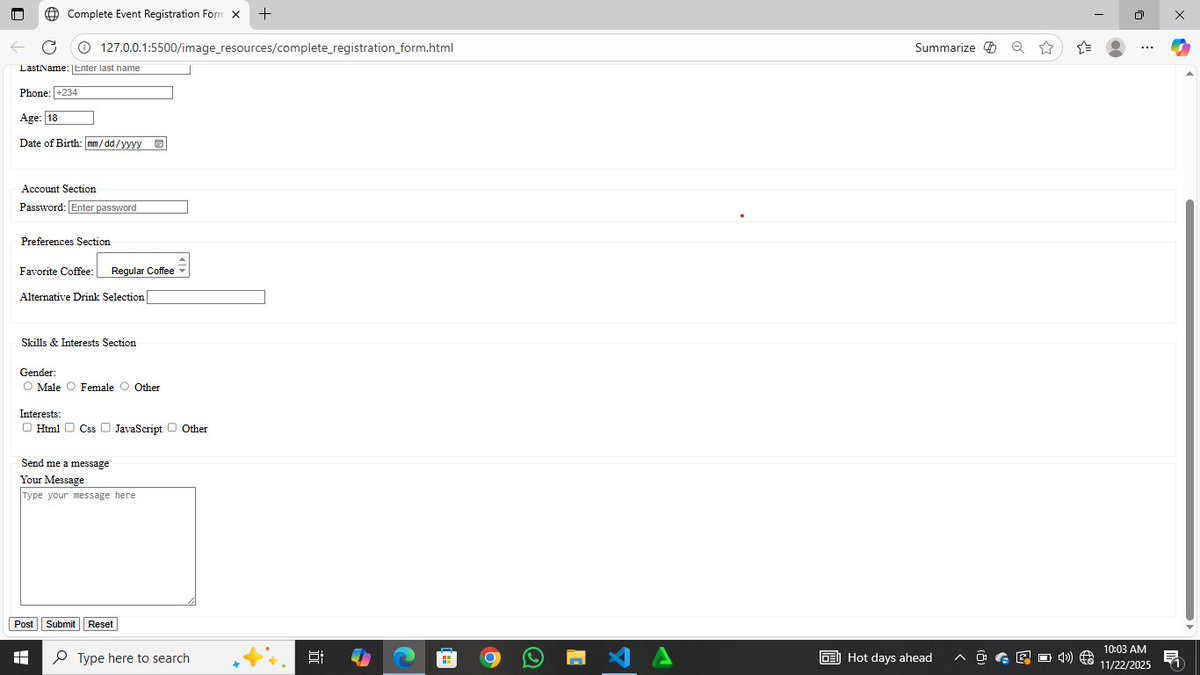
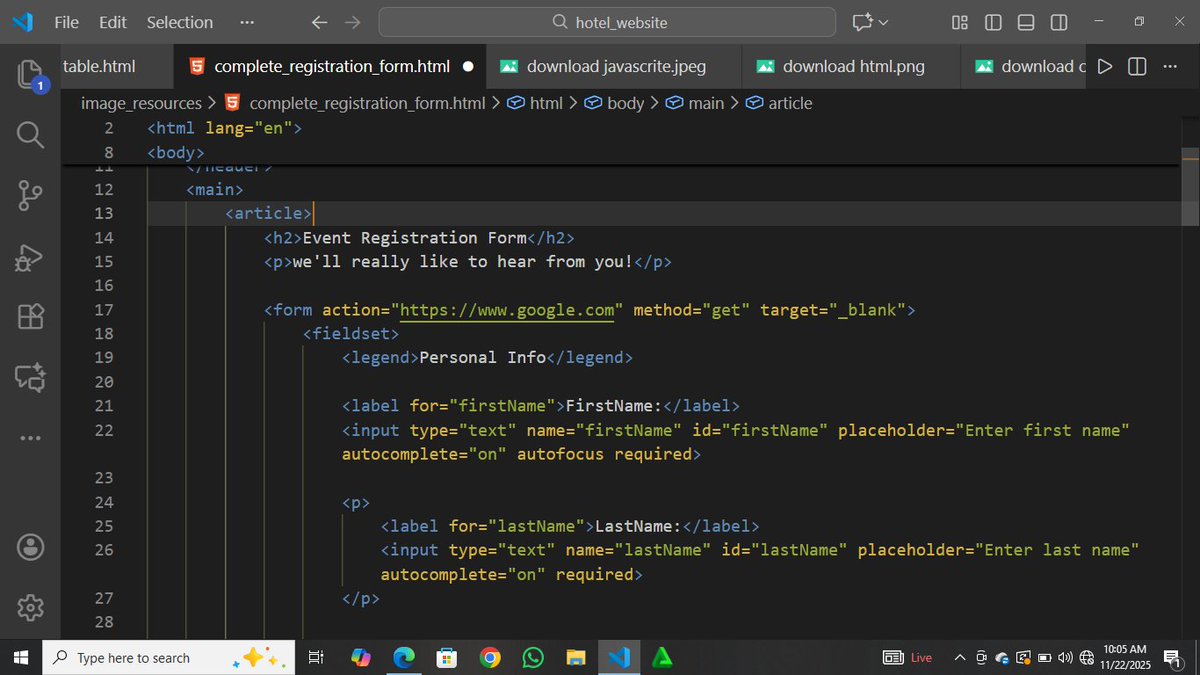
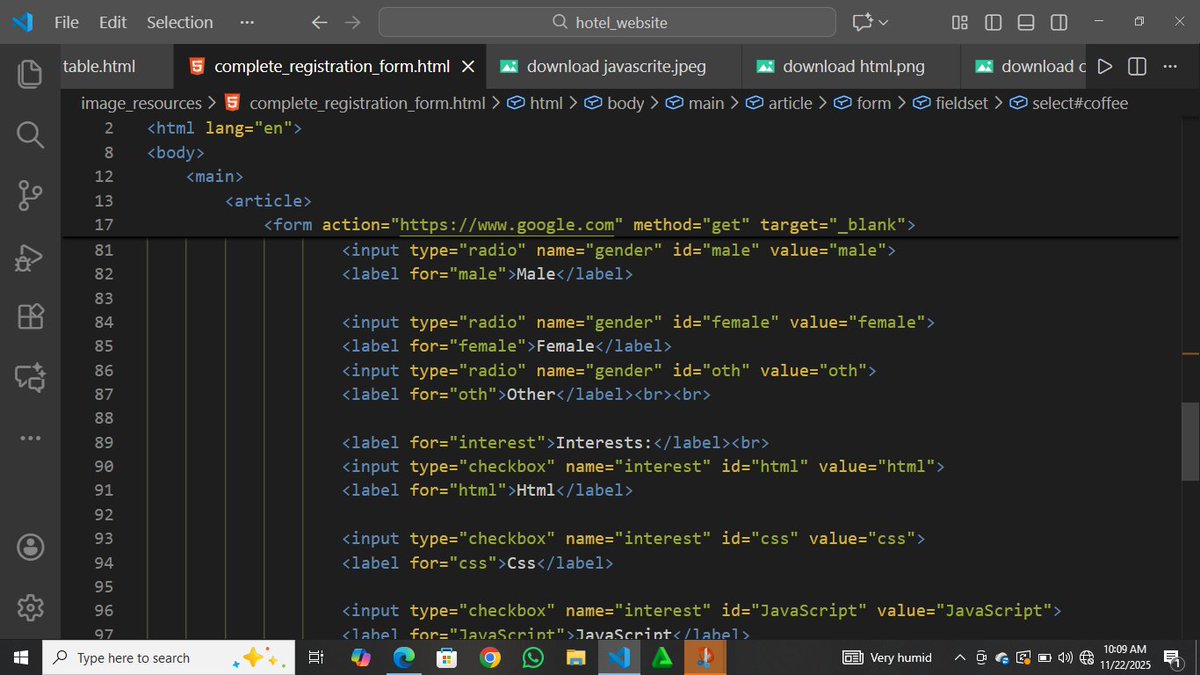
Today in #TheOdinProject I dove deep into HTML forms; how <form>, action, and method connect the frontend to the backend, plus inputs, labels, select menus, radio buttons, checkboxes, fieldsets, and how tricky form styling can be across browsers.
#WebDevelopment #LearnInPublic #CodingJourney #javascript
3
44
6 Dec 2025
Comms finally picking on how fieldsets have been horrible throughout the day
Still not naming the man
#Ashes
2
264

30 Nov 2025
“use sparse fieldsets. GraphQL gets this right. REST can too with `?fields=id,name,email`.”
Thanks for this. Explored this further in REST to understand how I can do it using Jackson’s @JsonFilter annotation.
TIL moment for me
2
17
3,224

30 Nov 2025
If your API response is 1MB, it's not your backend that's slow it's your payload that's obese. Compress, paginate, and breathe. 💯💯
Here's how you can improve your API:
> paginate everything. no one needs 10,000 records at once. cursor-based pagination beats offset for large datasets. return 50 items, a next token, and move on.
> enable gzip or brotli. one line in your nginx config. JSON compresses beautifully - 1MB becomes 100KB. your users on slow networks will thank you.
> stop returning the entire object. the client asked for a username, you sent back their life story lol. use sparse fieldsets. GraphQL gets this right. REST can too with `?fields=id,name,email`.
> ditch the nested bloat. returning a user with their orders with their items with their reviews? stop. return IDs, let the client fetch what it needs. or use expansion parameters explicitly.
> cache aggressively. if the data doesn't change every second, slap a Cache-Control header on it. let CDNs and browsers do the heavy lifting.
> use 204 when there's nothing to say. not every response needs a body. deleted something? 204 No Content. don't echo the entire object back.
> stream large responses. if you must send a lot, stream it. chunked transfer encoding exists for a reason. don't make the client wait for the last byte before seeing the first.
> audit your serializers. ORMs love to include everything. that `toJSON()` method is probably leaking fields you forgot existed. explicit is better than implicit.
Lean payloads, fast APIs, happy clients.
30 Nov 2025

If your API response is 1MB,
it’s not your backend that’s slow:
it’s your payload that’s obese.
Compress, paginate, and breathe.
15
97
1,267
127,665



25 Oct 2025
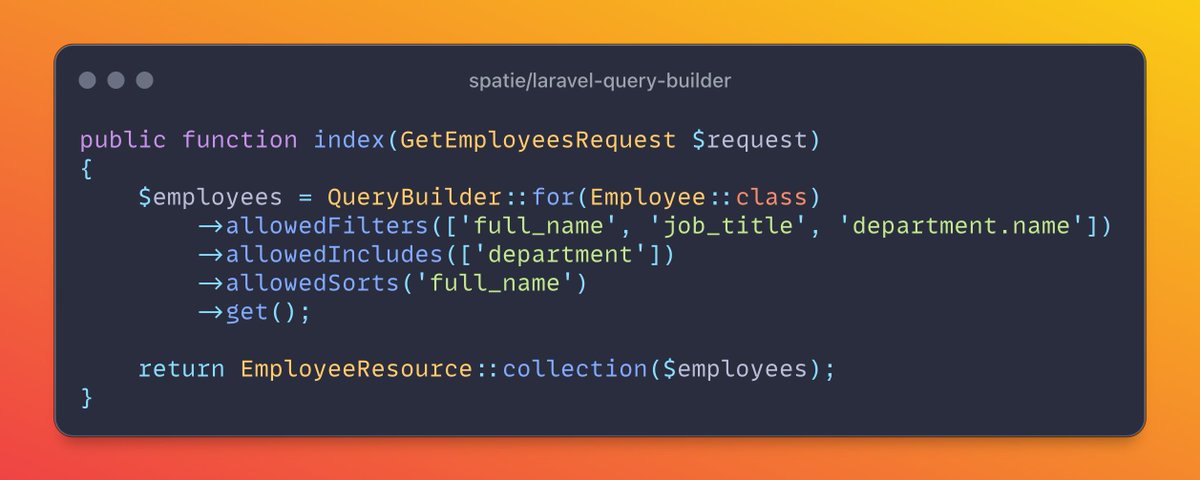
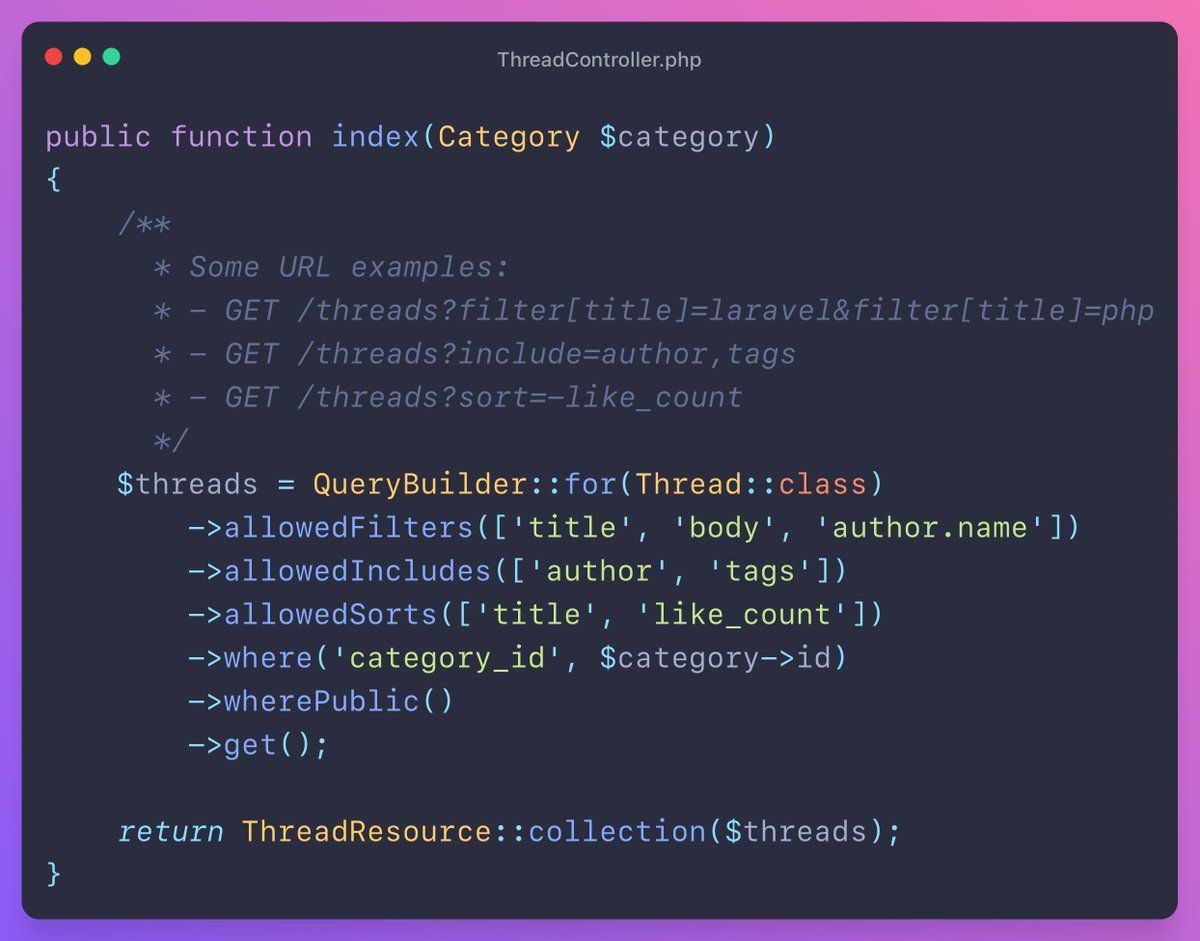
the easiest way to convert your http requests into mysql queries
including
- filtering
- sorting
- relationships
- sparse fieldsets
meet the spatie/laravel-query-builder package
take a look at this beauty:
3
13
178
8,751
22 Oct 2025
7/ laravel-query-builder
With this package, you can build Eloquent queries based on the Request. It can handle things like:
- Filtering
- Sorting
- Including relationships
- Sparse fieldsets
1
13
1,405