

Jun 12
As media becomes more automated, real-world presence matters more than ever. This 𝑩𝒆𝒆𝒕.𝑻𝑽 𝑳𝒆𝒂𝒅𝒆𝒓𝒔𝒉𝒊𝒑 𝑺𝒆𝒔𝒔𝒊𝒐𝒏 𝒂𝒕 𝑪𝒂𝒏𝒏𝒆𝒔 brings together leaders from across the out-of-home ecosystem to discuss how brands are turning everyday environments into engines of visibility, cultural relevance and measurable performance.
Join conversations featuring Anna Bager, @YourOAAA; Tim Armstrong, @Flowcode; Maggie Sellers Reum, HSR; Ian Dallimore, @LamarOOH; Scott Marsden, @pmgworldwide; Lucy Markowitz, @vistarmedia; Dan Levi, @CCOutdoorNA; Scott Pawloski, GSTV; Brian Rappaport, @QuanMG, Chris Grosso and Esther M. Raphael, @intersection_co
Register here: events.beet.tv/cannes 🏖️
#BeetCannes #CannesLions2026
1
1
37


May 30
From Grok:
When you scan a restaurant QR code (like the one on the Pizza Hut menu directing you to current prices), you’re not just viewing a menu — you’re triggering a web request that lets the restaurant (and often third-party tech providers) collect various data about you and your behavior.746
Here’s a breakdown of the main types of data involved:
1. Basic data collected automatically on every scan (even if you just view the menu)
This happens the moment your phone loads the linked page — no login or ordering required:
•Scan metadata: Exact timestamp, which specific QR code you scanned (many are table-specific, so they know your table/section), and scan volume trends (e.g., how many people scanned today).48
•Device and technical info: Your device type (iPhone/Android), operating system, browser, and screen size (via the “user-agent” string your phone sends).
•IP address and approximate location: Reveals your city/region and internet provider; sometimes more precise if the code is geofenced to the restaurant.
•Basic behavior tracking: Which menu sections you scroll to, items you view longest, popular categories, and time spent on the page.448
Many systems route through a third-party tracking server first (dynamic QR codes), which logs this as “analytics” for the restaurant’s dashboard.36
2. Interaction and order data (if you browse, add items, or order)
•Detailed menu analytics: Which specific items get the most views vs. orders, modifications/customizations, conversion rates (e.g., viewed → ordered), and patterns like “appetizer X leads to main Y.”49
•Order specifics (common for full QR ordering systems): What you ordered, when, table number, price, any special requests, and total.
•Timing and context: Peak scan times, language chosen, or device preferences.
Restaurants use this to tweak menus dynamically (e.g., why prices aren’t printed — they can update them instantly and see real-time popularity).1
3. Personal/identified data (if you go further)
•If you sign up for loyalty, enter contact info, or place an order: Name, phone number, email, payment details (processed via their system), and dining history/preferences.
•Over time with repeat visits (especially if linked to an account): Visit frequency, average spend, favorite items, and a customer profile for personalized recommendations or marketing.49
•Some systems integrate with POS tools like Toast or Square, pulling this into the restaurant’s CRM.
4. Advanced tracking (often via third-party QR/menu providers)
Many restaurants use platforms (e.g., Toast, specialized QR services like those from Flowcode/Uniqode-style tools, or custom ones) that add:
•Device fingerprinting: A unique “ID” for your phone based on its settings/hardware combo (even without cookies).
•Cookies, advertising ID, and behavioral profiling: Tracks you across sites/apps; can link this restaurant visit to your broader online activity (e.g., ads you see later).
•Inferred demographics: Age group, gender, interests (estimated from behavior or cross-referenced data).4647
These providers often share/sell anonymized or aggregated versions of the data with advertisers, analytics firms, or partners. The restaurant gets useful dashboards; the platform gets richer tracking.
In short: A simple scan gives the restaurant (or its tech partner) mostly anonymous usage stats your device footprint to understand “how guests behave here.” Going deeper (ordering/contact) turns it personal. Compared to a printed menu, this is far richer data — which is exactly why chains like Pizza Hut push QR codes: cheaper than reprinting menus valuable insights for pricing, layout, and marketing.15
Privacy note: You can often view basic menus without much input, but full systems encourage more. Using airplane mode a privacy browser, or asking for a physical menu/alternative, limits exposure — though many places now rely on QR for dynamic pricing.
13
42
351
27,998

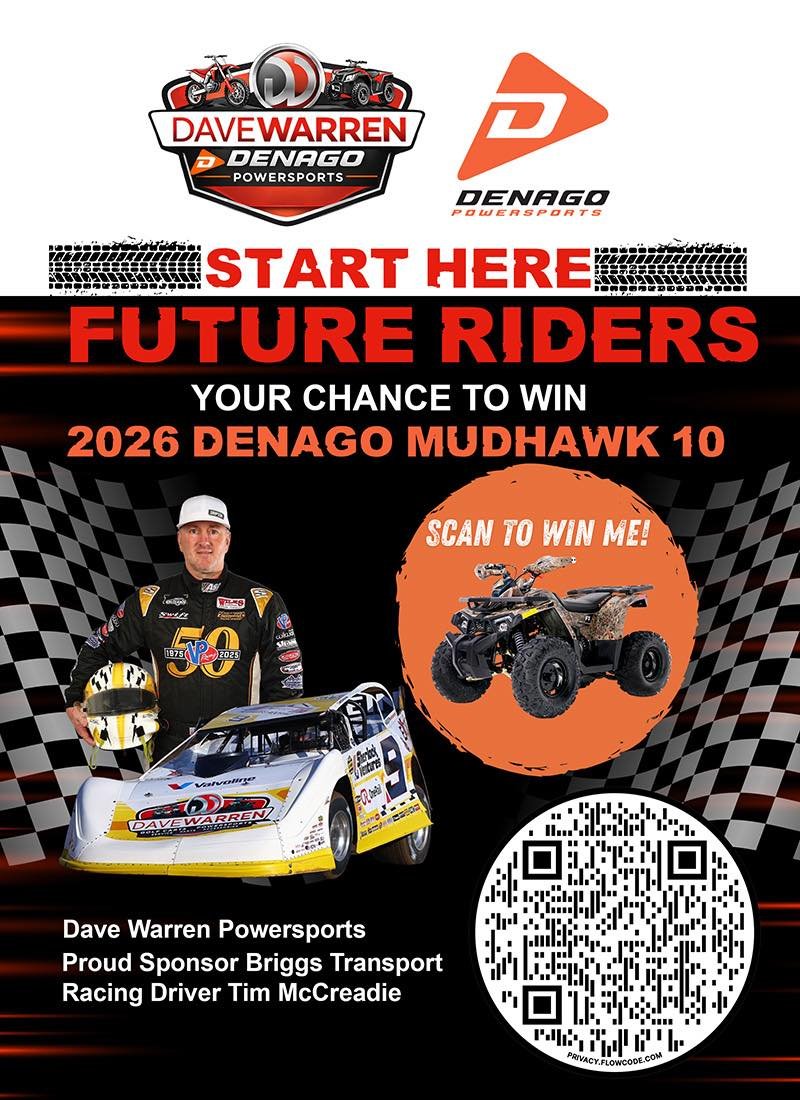
The World of Outlaws is proud to partner with @davewarren1975 Powersports to give away a youth ATV this season!
Scan the flowcode or click the link to enter 👉 bit.ly/DWATVGiveaway
2
16
1,820

May 4
new #phishing at hXXps://flowcode[.]com/p/e8ouZT0yRY | 172.64.152.29 | None | CLOUDFLARENET - Cloudflare, Inc. | ASN AS13335 | #infosec #cybersecurity
phishstats.info/search/3de96…
3
192

Feb 24
I am Multi STreaming some Binaural Beats from @epidemicsound while I work! come and hang out on your favorite platform!
I am on @rumblevideo @Twitch @YouTube and @kick
Check the flowcode on my Bio!
2
27

Feb 19
1
4
20


Jan 20
I also have proficiency in softwares like CAD, MATLAB, FLOWCODE, PROTEUS , LabVIEW and Microsoft Office.
I am actively seeking to start a new chapter and would be appreciative of any recommendations.
1
58
201
13,921

Jan 17
Join me on a FREE Webinar & learn how we can work together to improve your golf.
I’m hosting a webinar with Flowcode CEO Hallam Morgan.
Book on to the call below ⬇️
us02web.zoom.us/meeting/regi…
To learn more about Flowcode & watch some free content check out my website andycartergolf.com/flowcode
2
436
Jan 14
‼️ I’ve partnered with ‼️ Comment FLOWCODE for free access to 4 introductory videos to learn more about golf psychology. #golf #psychology #golfpro #golfcoach #golfers
3
5
912
17 Dec 2025
Great day filming with over at - fascinating content to come over on my Flowcode Portal and my website in the coming weeks #golf #mentality #golfcoach
7
624

🗣️Parmi Natesan CA(SA), CEO @The_IoDSA ~ the IoDSA offers two designations: the Certified Director and Chartered Director (SA) designations. Each designation symbolizes particular recognition given by the IoDSA to the person who qualifies for it, and the assessment for both designations is based on the IoDSA Director Competency Framework.
#⃣ #In_For_SightSummit #SAICAIn_For_SightSummit #EthicalLeadership @QuickBooks @Infinitusreport
@CWA_SA @BDO_SA @DraftworxTeam @SageGroupZA @CamafSA @StandardBankZA #SBLove #SBPrivate #Finnivo @deel @Flowcode @parminatesan
2
4
630
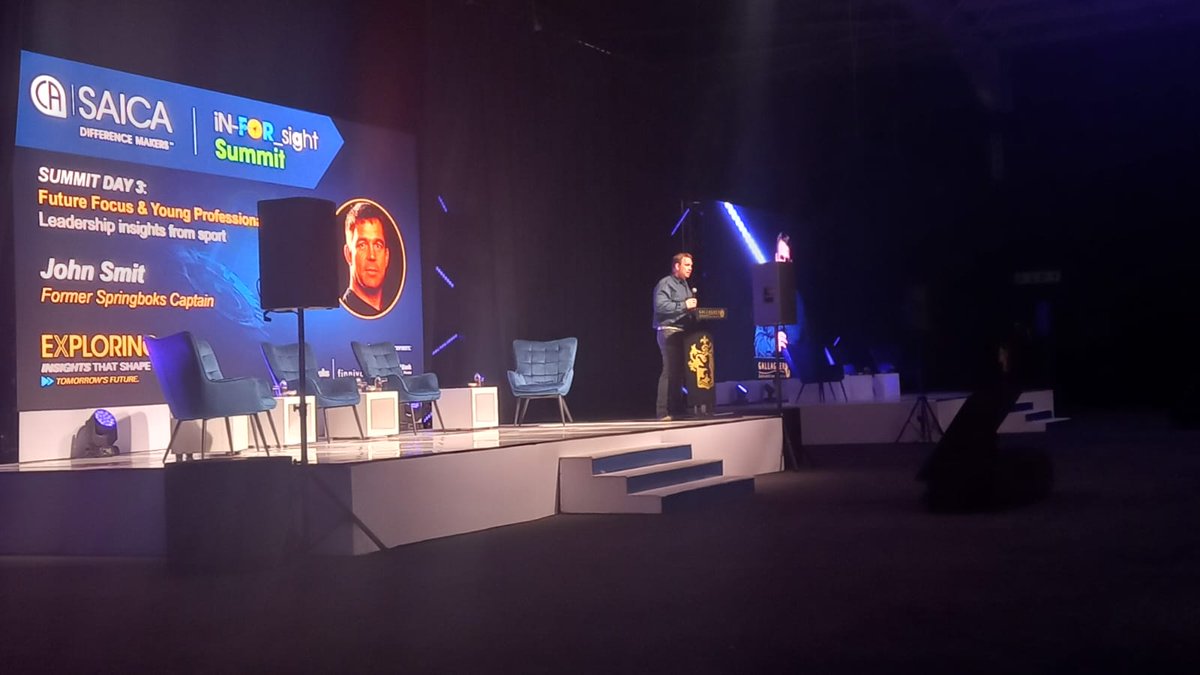
Day 3 at the 2025 SAICA In-For_Sight Summit!
We’re live from the Gallagher Convention Centre, diving into today’s theme: "Future Focus & Young Professionals" - shaping the next generation of leaders in finance and accounting. 🚀
🗣️On stage now ~ John Smit, Former Springboks Captain.
#⃣ #In_For_SightSummit #SAICAIn_For_SightSummit #YoungProfessionals #FutureFocus @QuickBooks
@Infinitusreport @CWA_SA @BDO_SA @DraftworxTeam @SageGroupZA @CamafSA
@StandardBankZA #SBLove #SBPrivate #Finnivo
@deel @Flowcode

2
3
471
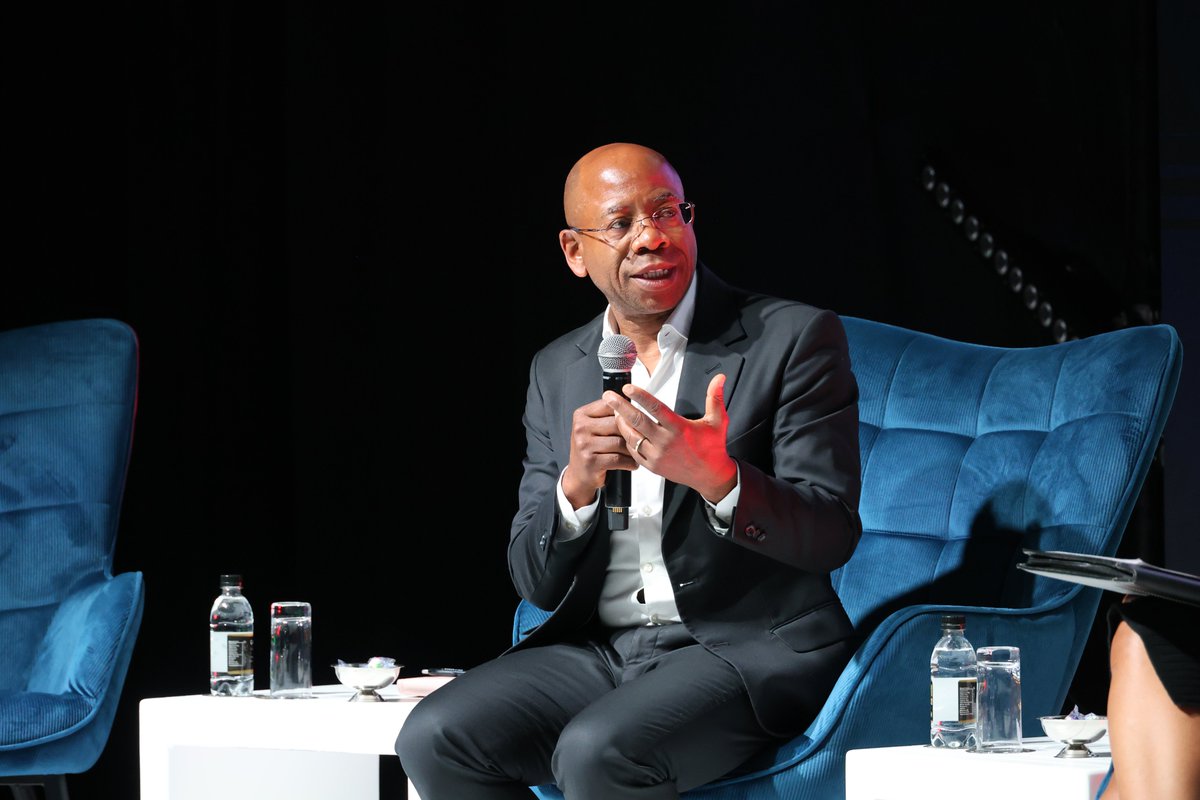
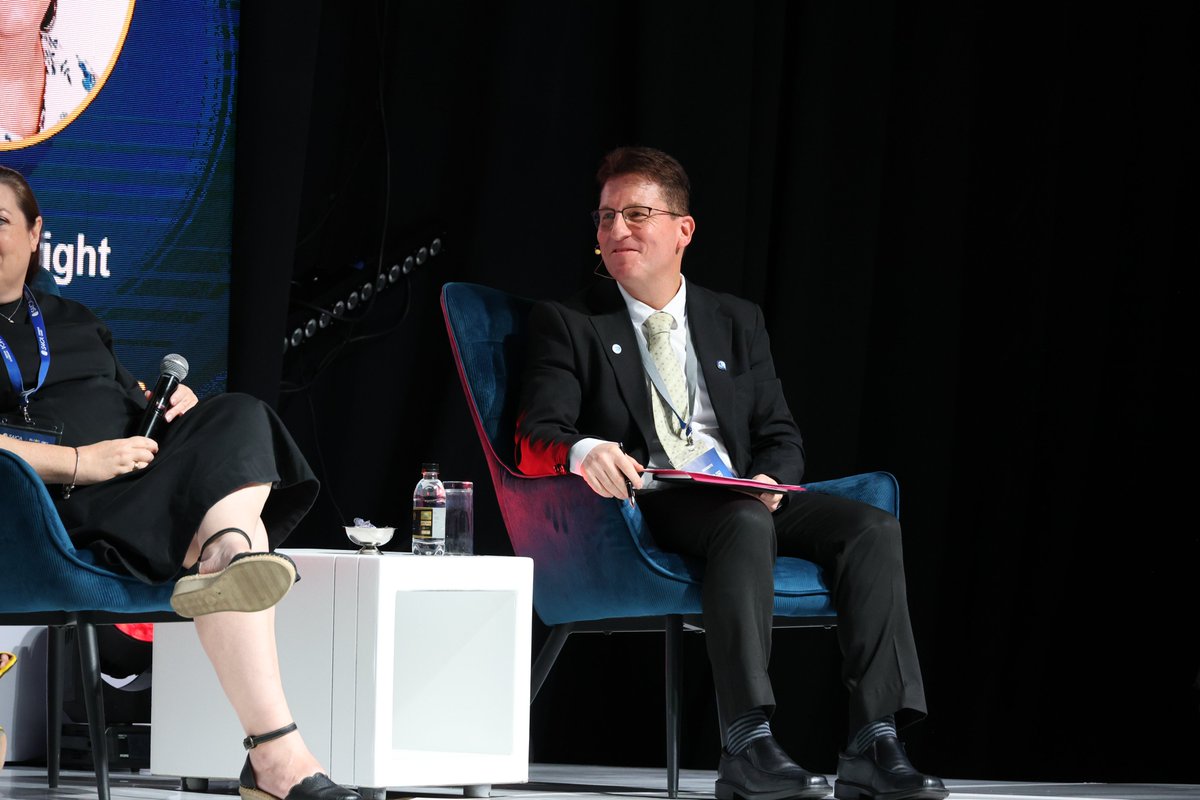
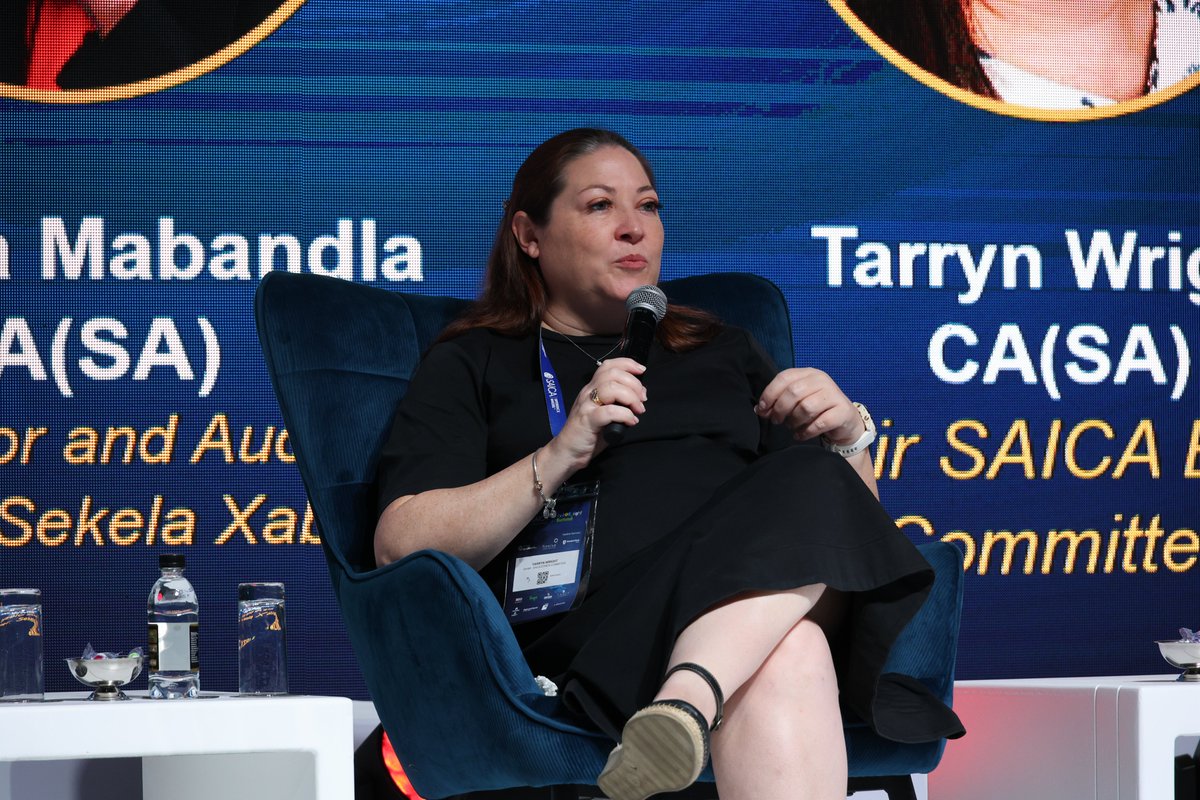
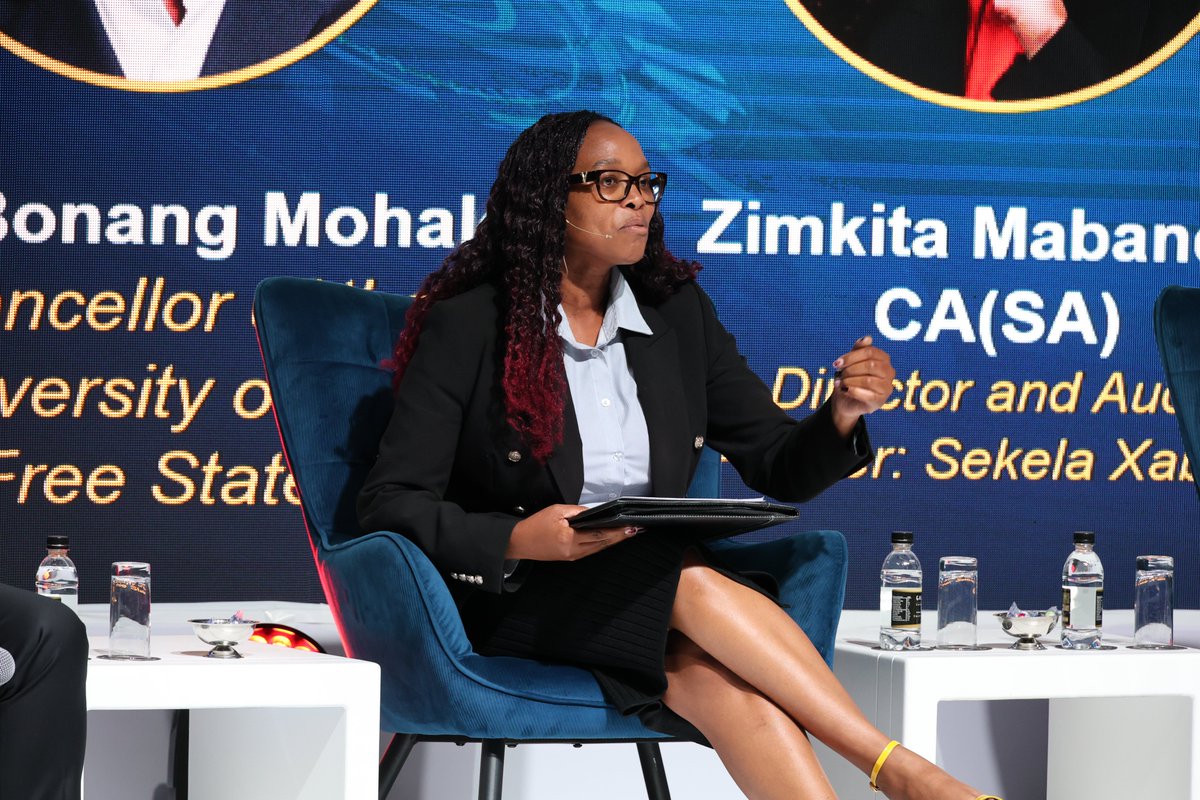
Day 2 at the SAICA In-For_Sight Summit is in full swing!
Today’s plenary panel dives into Ethical Leadership - a powerful conversation shaping the future of responsible business.
Breakout streams explore:
🤖 Ethics in AI
🧘 Wellness & Lifestyle
💳 FinTech
Insight. Integrity. Innovation.
Registrations for Day 3 are still open 🔗tinyurl.com/yc4bswyx
#⃣ #In_For_SightSummit #SAICAIn_For_SightSummit #EthicalLeadership #AIethics #FinTechFuture #WellnessInBusiness #CAforChange
@QuickBooks @Infinitusreport @CWA_SA
@BDO_SA @DraftworxTeam @SageGroupZA
@CamafSA @StandardBankZA #SBLove #SBPrivate #Finnivo @deel @Flowcode @Umkhitha
2
4
556
Empowering change through enterprise and impact!
Karabo Dhlamini, Marketing Coordinator at The Hope Factory & SAICA Enterprise Development, is attending the SAICA In-For_Sight Summit, championing entrepreneurship, transformation, and inclusive growth.
Her work is a powerful reminder that purpose-driven marketing can spark real change.
Registrations for Day 2 and Day 3 are still open 🔗tinyurl.com/yc4bswyx
#⃣ #In_For_SightSummit #SAICAIn_For_SightSummit
@QuickBooks @Infinitusreport @BDO_SA
@DraftworxTeam @SageGroupZA @CamafSA
@StandardBankZA #SBLove #SBPrivate #Finnivo
@deel @Flowcode @CWA_SA @SaicaEnterprise @HopeFactorySA
2
7
541
Meet Luncedo Mtwentwe AGA(SA) - entrepreneur, business coach, and host of the SAICABiz Impact Portal at the SAICA In-For_Sight Summit!
With a passion for empowering SMEs and driving real-world impact, Luncedo brings sharp insights and bold energy to the conversations that matter most to South Africa’s business community.
👩💻 Registrations for Day 2 and Day 3 are still open 🔗tinyurl.com/yc4bswyx #In_For_SightSummit #SAICAIn_For_SightSummit
@QuickBooks @Infinitusreport @BDO_SA @DraftworxTeam @SageGroupZA @CamafSA
@StandardBankZA #SBLove #SBPrivate #Finnivo
@deel @Flowcode @CWA_SA @AdvisoryVantage
1
1
5
1,441

10 Sep 2025
Everyone breathes differently for what their body requires. See the difference between how your body reacts to various breathing patterns and find what's right for you! #FlowCode
2
38

30 Jul 2025
AI is the 1,000-pound gorilla in every boardroom right now. Some leaders are optimistic but cautious, others are actively questioning its long-term impact. At Flowcode, we’ve made our position clear... we’re fully embracing it.
flowcode.com
#podcast #AI #founder #startupfounder #startup #tech #futureofwork #founderstory
1
320