
Apr 29
Year 2
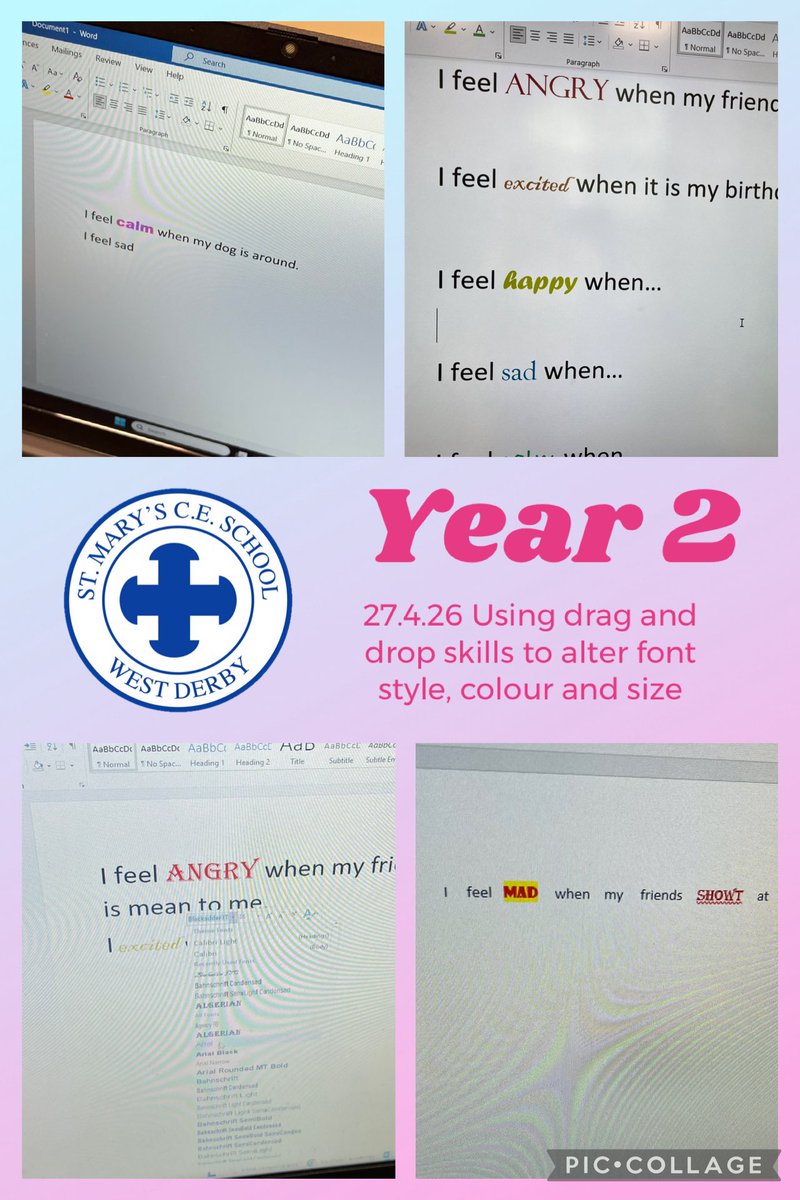
This week Year 2 at @stmarys_CofE have been investigating how to change font colours,
styles and sizes with dragging and highlighting. Great skills! @MglWorldNews
#ks1computing
1
3
216
Apr 29
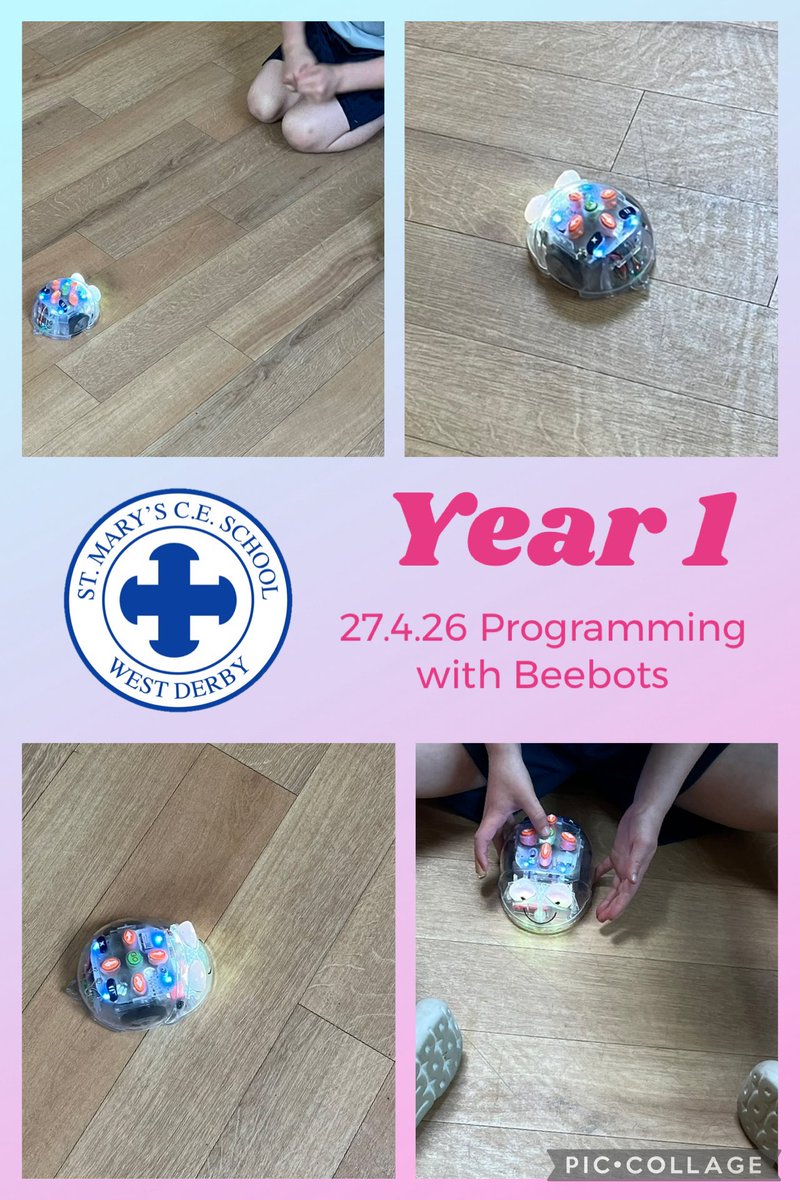
Y1 at @stmarys_CofE really enjoyed using the Beebots again today. We programmed
them to move to a partner using forwards, left, right and backwards and even had Beebot
races! Super work! @MglWorldNews #ks1computing
1
3
40
Apr 20
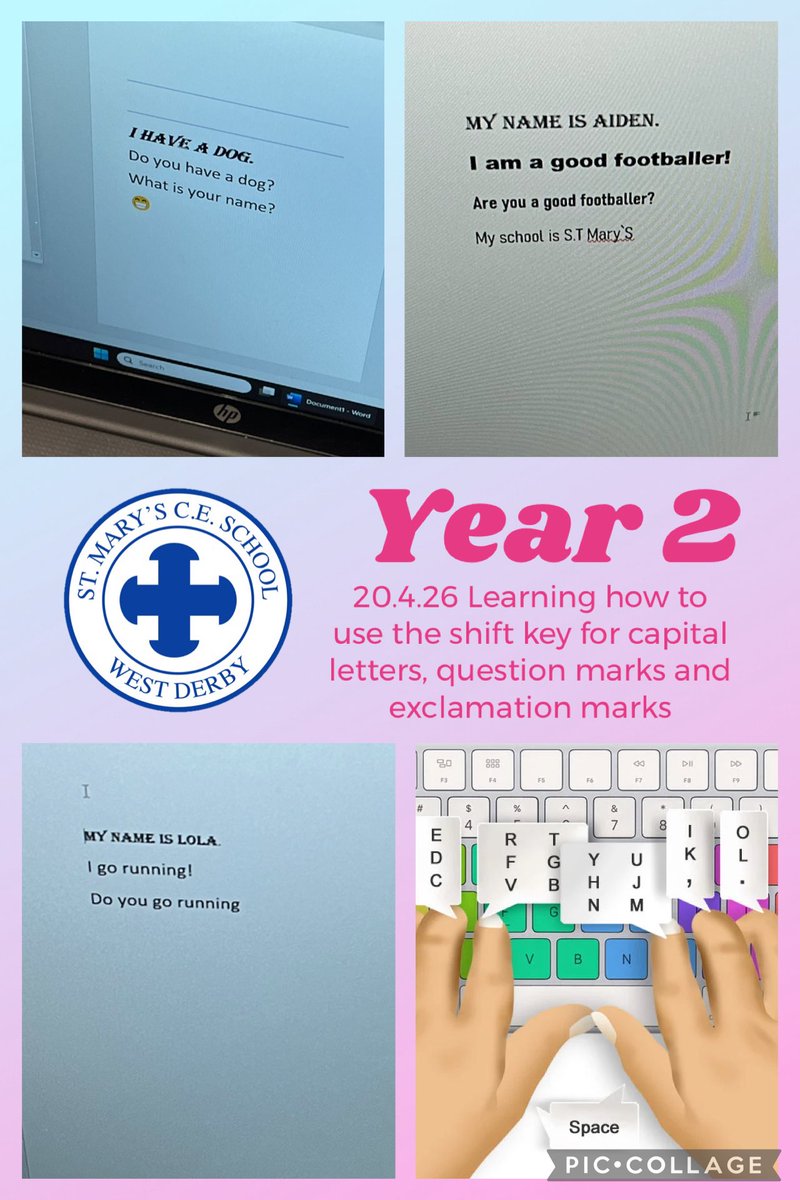
This week Year 2 at @stmarys_CofE have been developing their typing skills and how to
use the shift key for capital letters, exclamation marks and question marks. Great skills!
@MglWorldNews #ks1computing
1
5
197
Apr 20
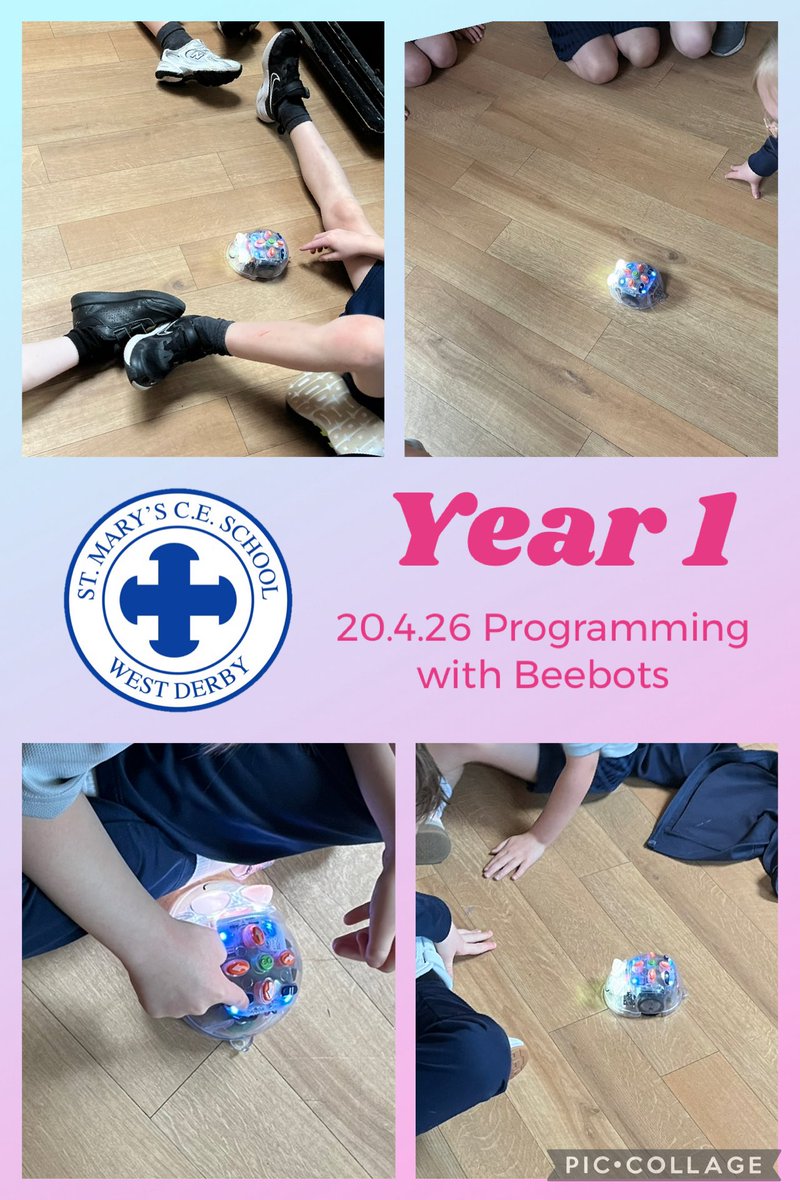
Year 1 at @stmarys_CofE really enjoyed using the Beebots today. We programmed them to
move to a partner using forwards, left, right and backwards and even had Beebot races!
Super work! @MglWorldNews #ks1computing
3
4
143
Apr 15
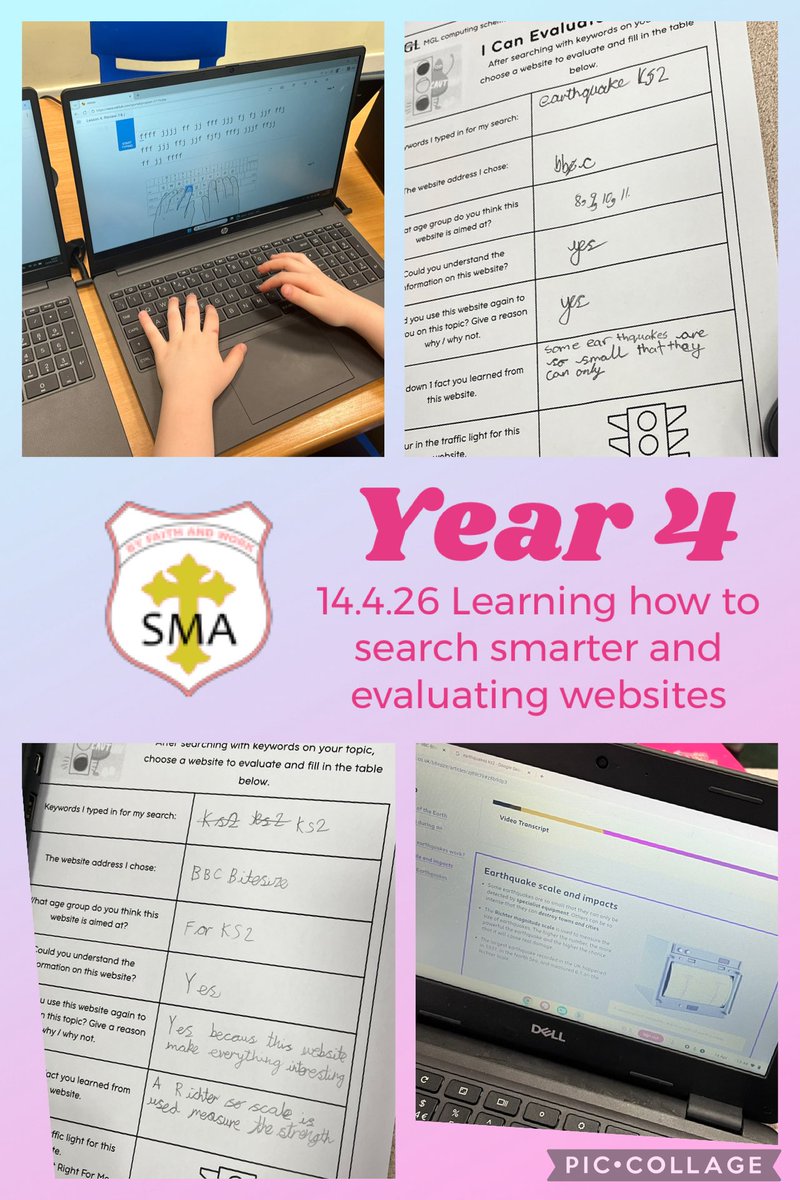
In computing this week @SMA_Year4 started a new topic all about smarter searching and
online safety. Today we evaluated websites on their usefulness for finding out Great work!
@MglWorldNews #ks1computing @MglWorldNews @StMargarets_ #ks2computing
4
4
329
Apr 15
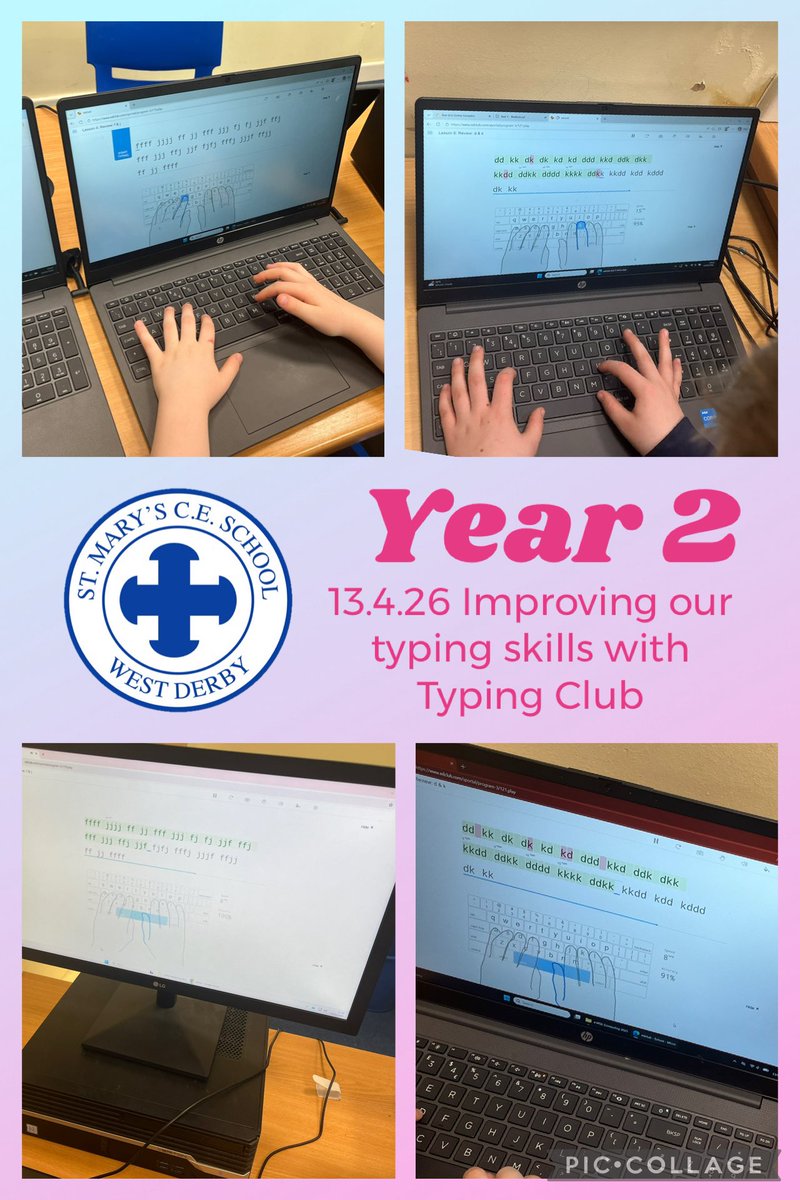
This week Year 2 at @stmarys_CofE started a new computing unit on digital publishing.
Today we practised our typing skills using the Typing Club website. Great work!
@MglWorldNews #ks1computing
1
3
152
Apr 15
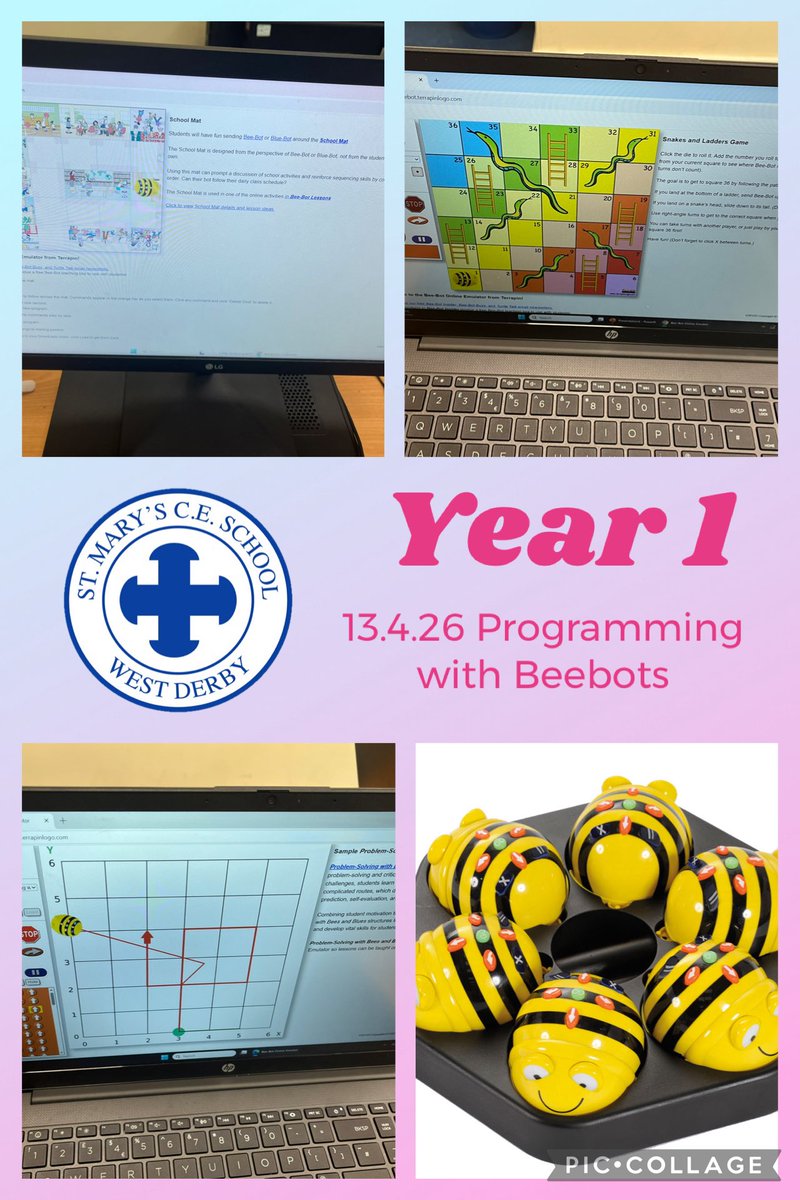
Year 1 at @stmarys_CofE started looking at Beebots in computing this week. Today we
learned about how Beebots move and programmed them to move forwards, backwards and
turn. Great work! @MglWorldNews #ks1computing
3
3
140
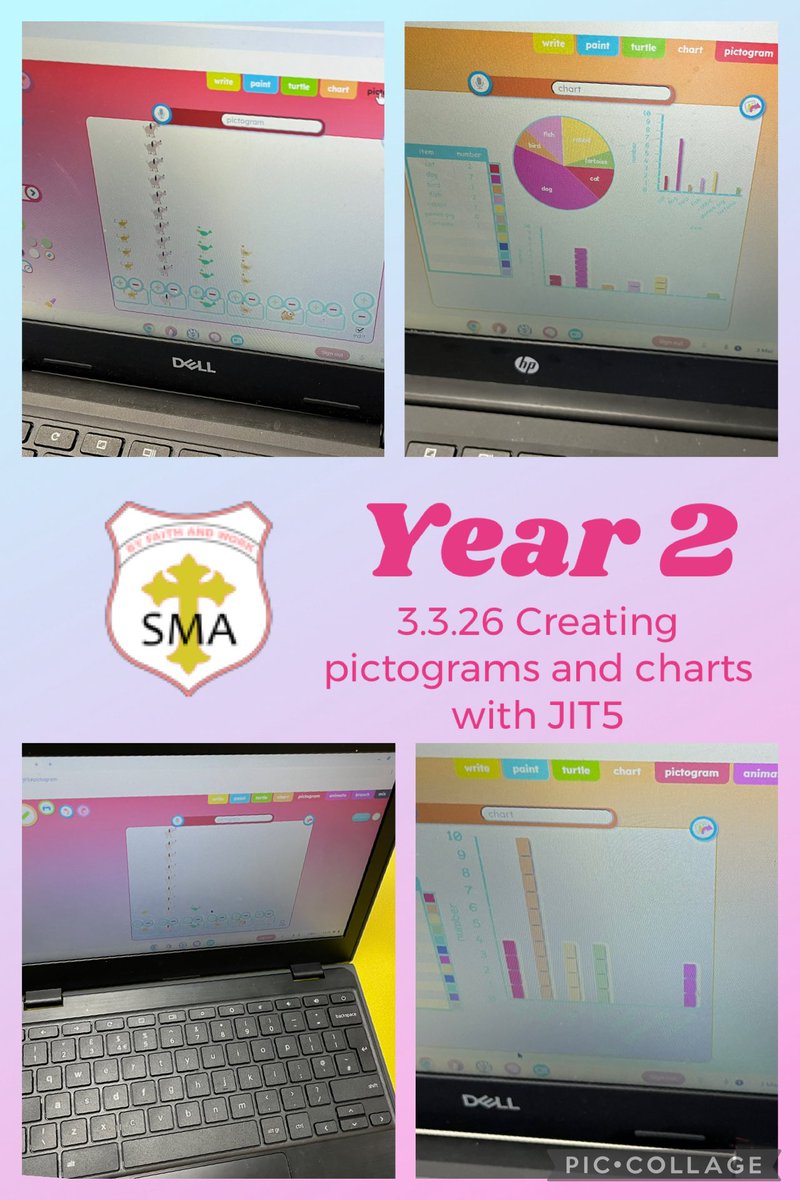
In computing @SMA_Year2 continued their work on handling data. We surveyed the class
on the number of pets they owned and created graphs and charts of the data. Great work!
@MglWorldNews #ks1computing @MglWorldNews @StMargarets_ #ks1computing
3
6
462
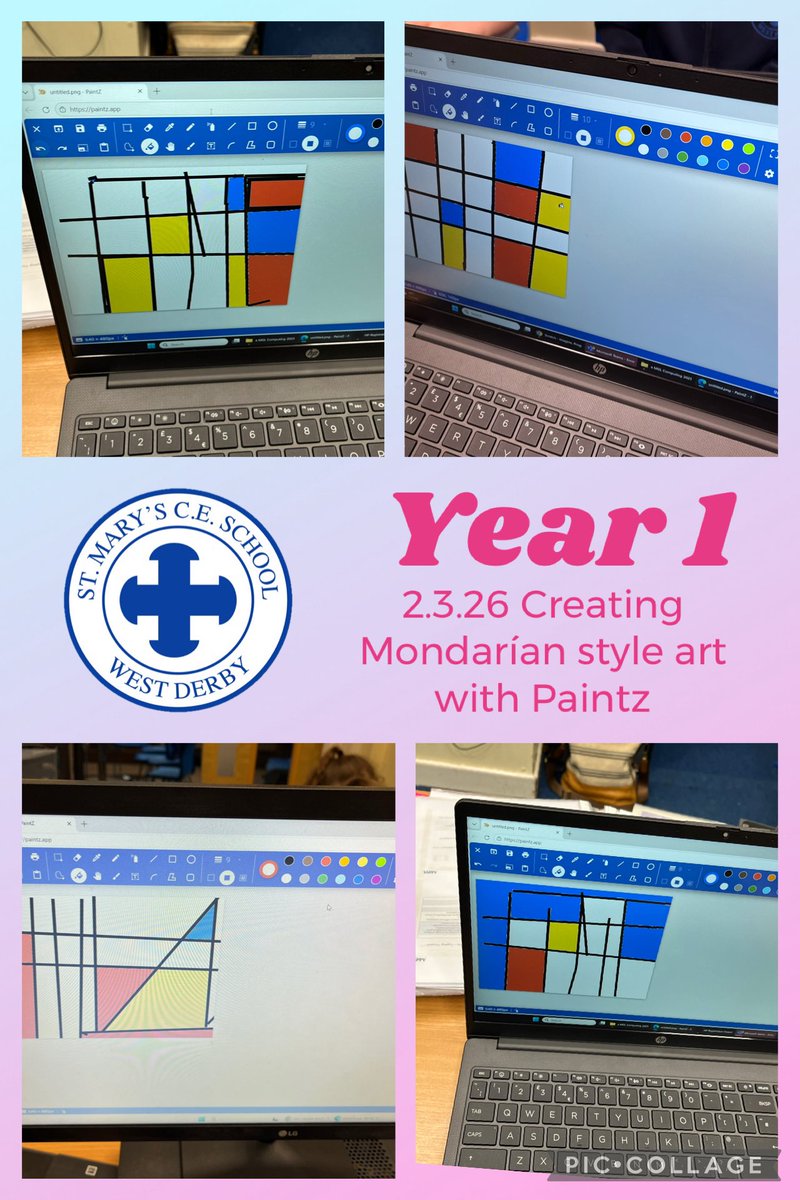
Year 1 at @stmarys_CofE continued their digital painting work in computing by creating
artwork in the style of Mondarian using lines and primary colours. Great work!
@MglWorldNews #ks1computing
1
4
271
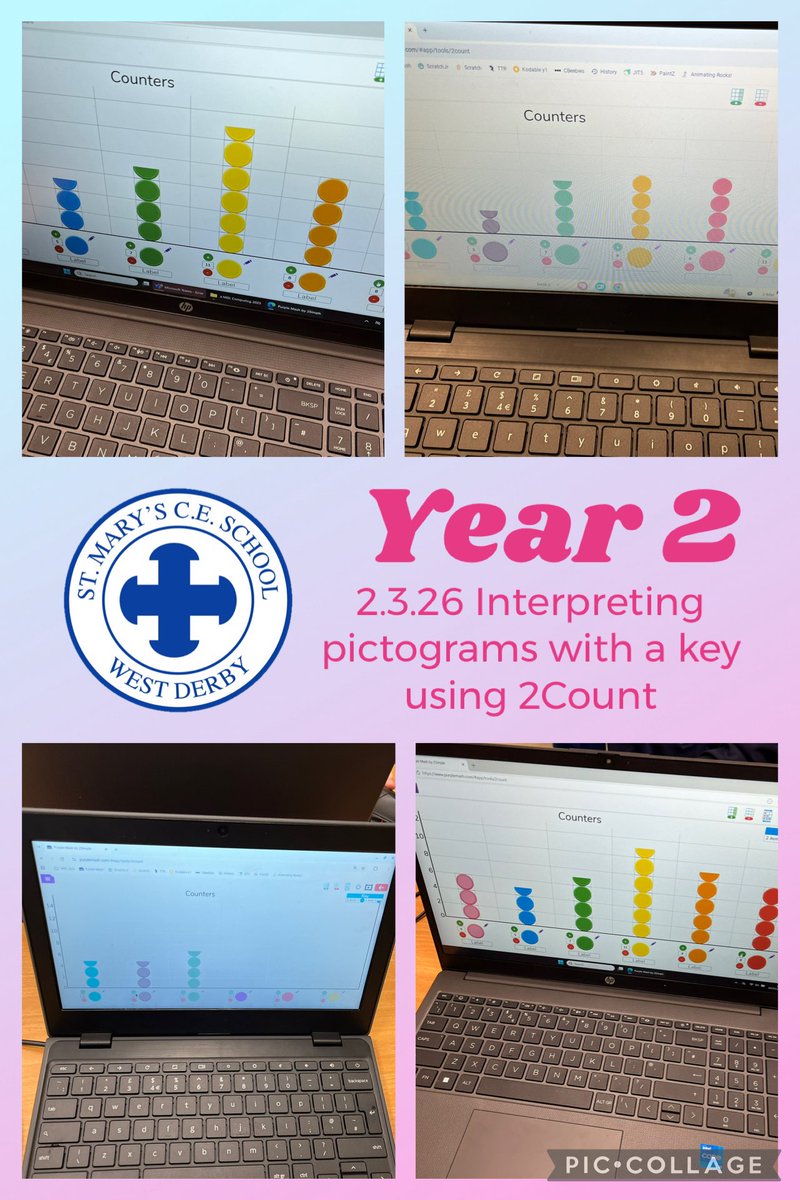
This week Year 2 at @stmarys_CofE continued their learning about pictograms, graphs and
charts. Today we looked at pictograms where the value is more than 1 and used
@PurpleMash 2Count to create our pictograms. Great work! @MglWorldNews
#ks1computing
2
32
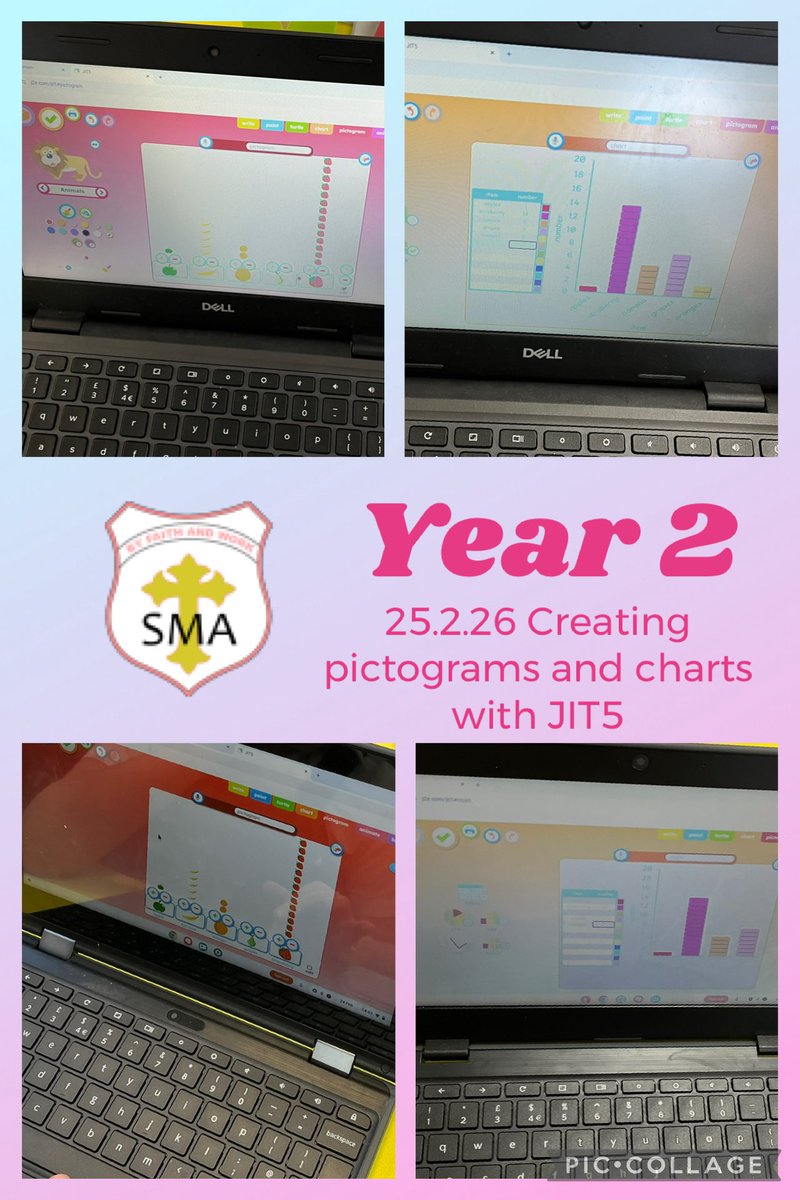
In computing @SMA_Year2 started a new computing unit on handling data. We created a
tally chart from a class vote and interpreted it as a pictogram and bar chart using JIT5. Great
work! @MglWorldNews #ks1computing @MglWorldNews @StMargarets_ #ks1computing
1
3
70
Feb 23
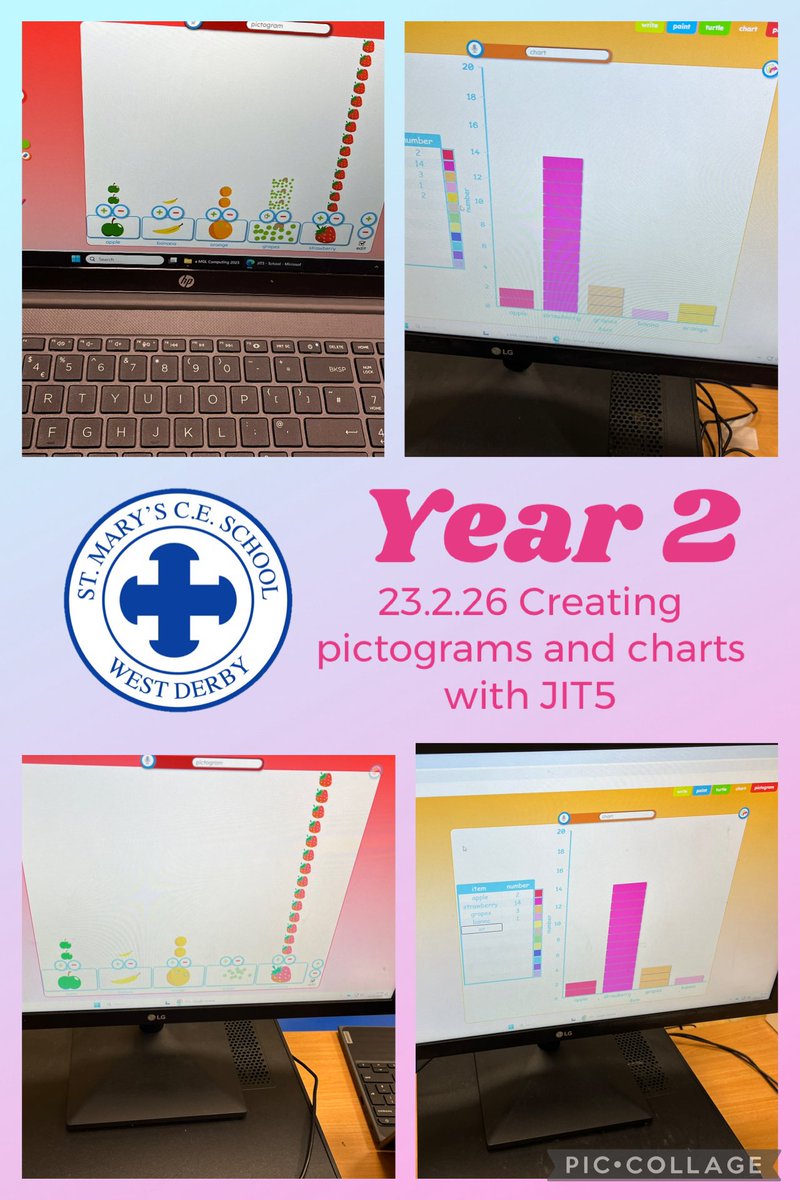
This week Year 2 at @stmarys_CofE started a new computing unit on handling data. We created a tally chart from a class vote and interpreted it as a pictogram and bar chart using JIT5. Great work! @MglWorldNews #ks1computing
1
5
411
Feb 23
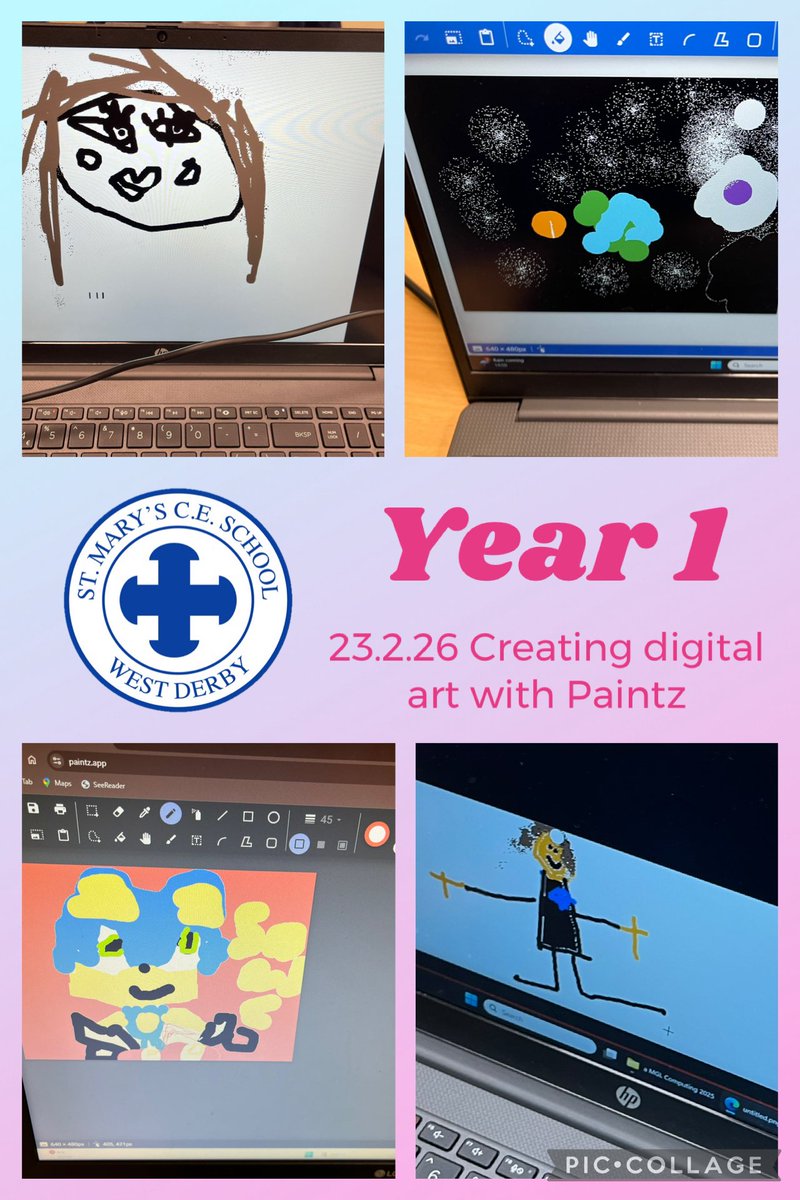
Year 1 at @stmarys_CofE started learning all about digital painting using Paintz.app. Today we investigated how to use several tools correctly including the fill tool, back button, rubber and clear. We created some great pictures! @MglWorldNews #ks1computing
1
5
150
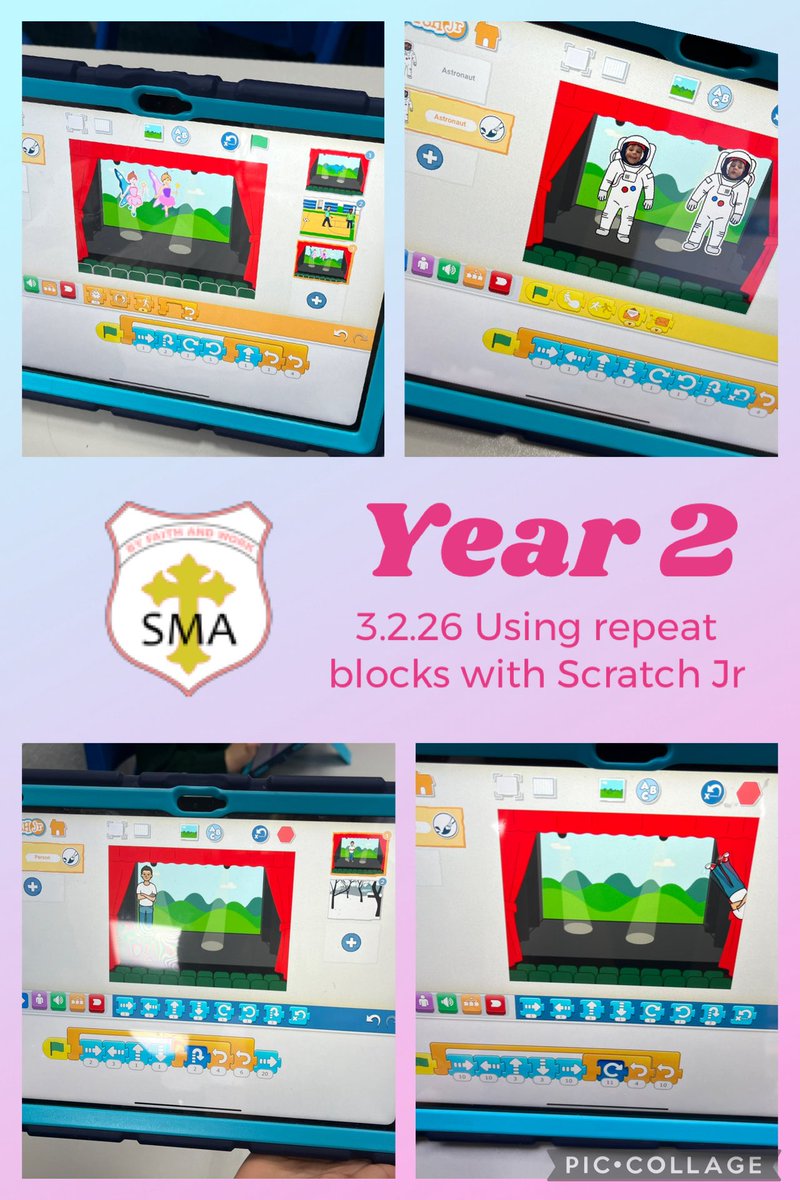
In computing this week @SMA_Year2 continued their ScratchJR coding work. We used repeat loops in a variety of ways looking at how the position of the loops alters the sequence of the output. Great work! @MglWorldNews #ks1computing @MglWorldNews @StMargarets_ #ks1computing
1
2
275
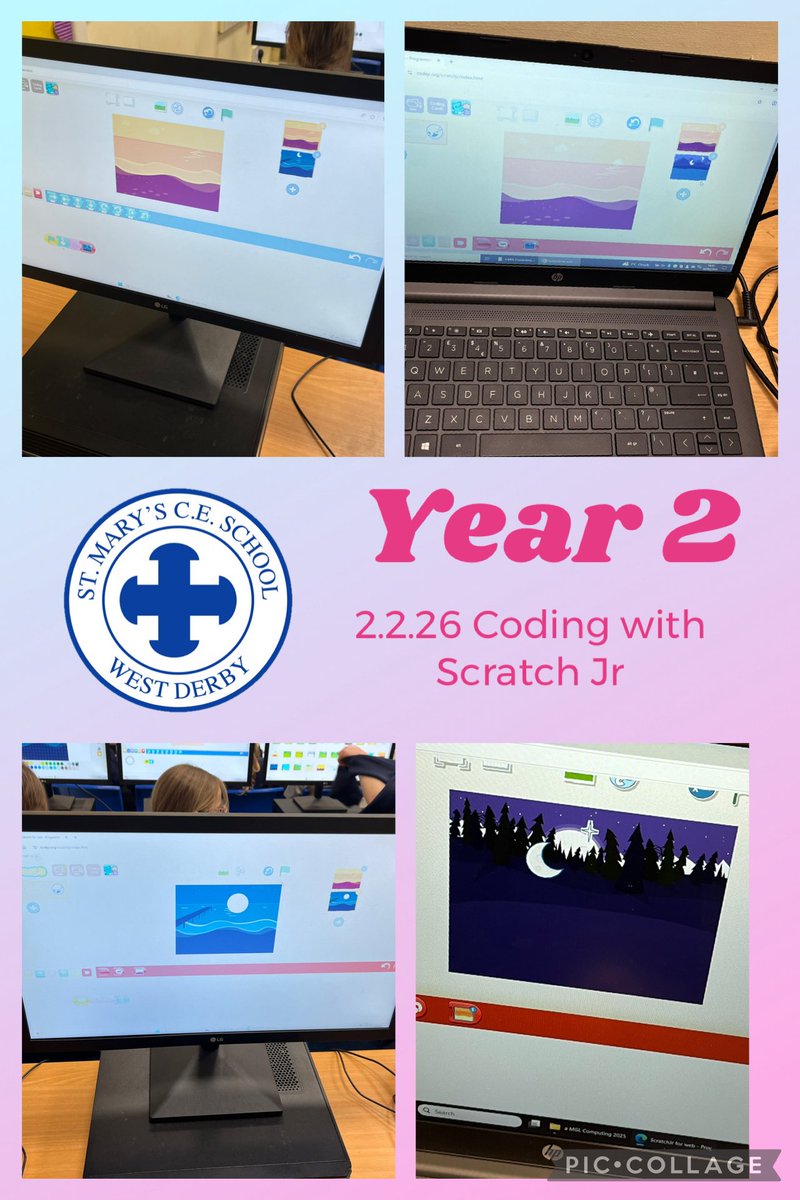
This week Year 2 at @stmarys_CofE completed their Scratch Jr computing unit. Today we put all our knowledge into practise to create our own programs. Great work! @MglWorldNews #ks1computing
1
2
45
Jan 28
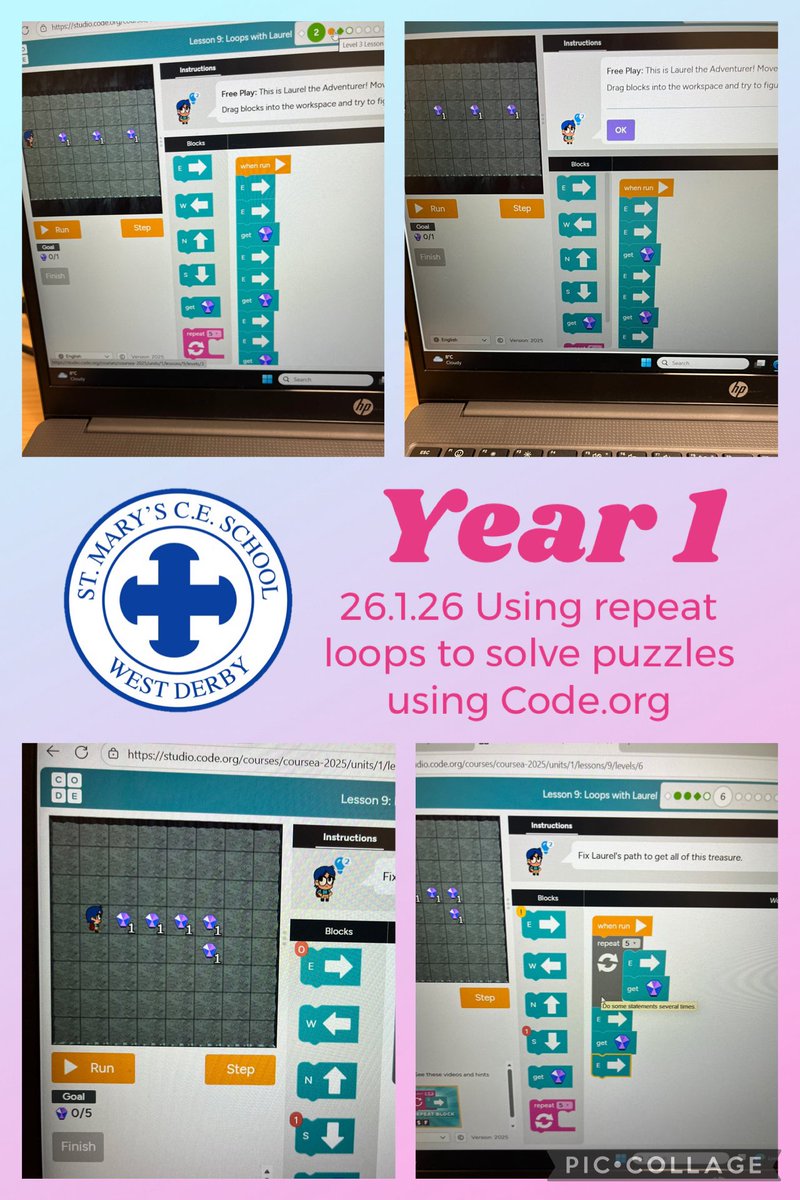
Year 1 at @stmarys_CofE continued their computing work this week learning all about algorithms. Today we solved puzzles using repeat loops. It was tricky but we persevered, well done! @MglWorldNews #ks1computing
2
5
172
Jan 28
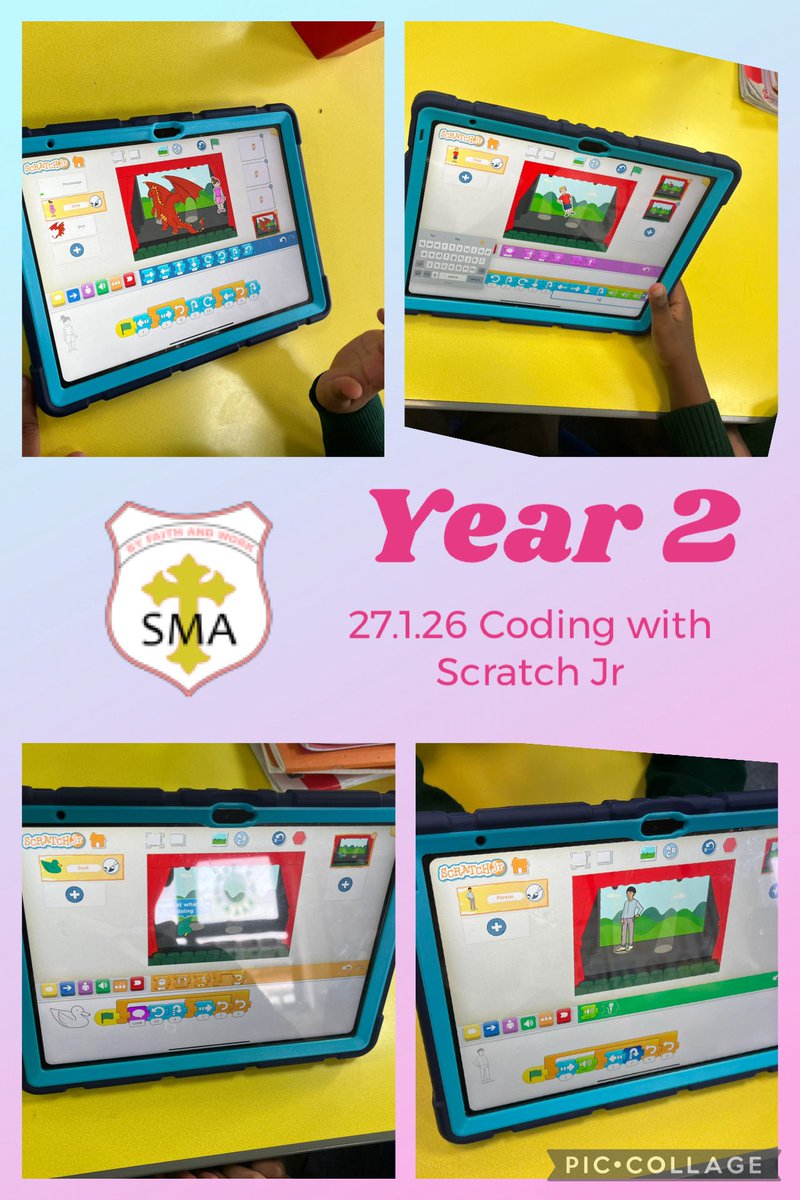
In computing this week @SMA_Year2 continued their ScratchJR coding work. We used repeat loops in a variety of ways looking at how the position of the loops alters the sequence of the output. Great work! @MglWorldNews #ks1computing @MglWorldNews @StMargarets_ #ks1computing
3
34
Jan 21
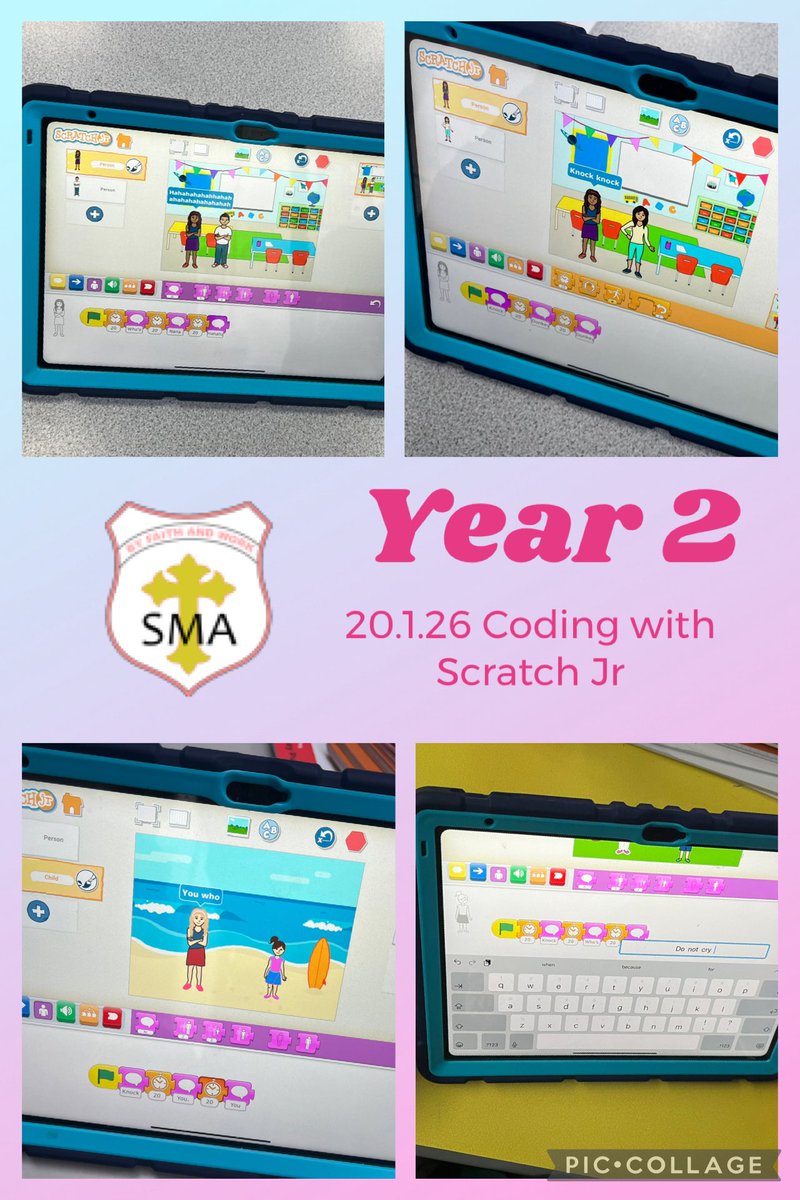
In computing @SMA_Year2 continued their ScratchJR coding work. We created a project where 2 characters told a joke. We needed to use the timer button carefully so they paused at the correct times! @MglWorldNews #ks1computing @MglWorldNews @StMargarets_ #ks1computing
2
3
352
Jan 19
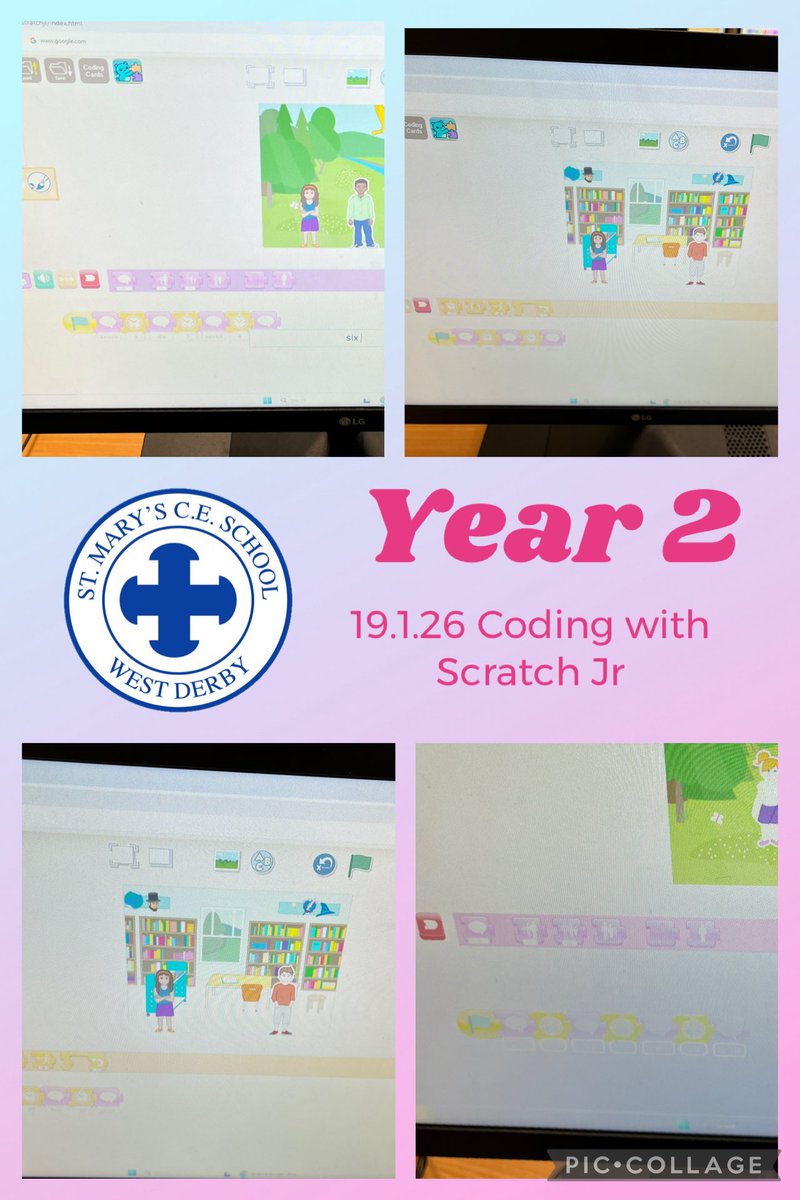
This week Year 2 at @stmarys_CofE created a Scratch Jr project where 2 characters had a conversation. We needed to use the timer button carefully so they paused at the correct times! @MglWorldNews #ks1computing
2
5
179
Jan 19
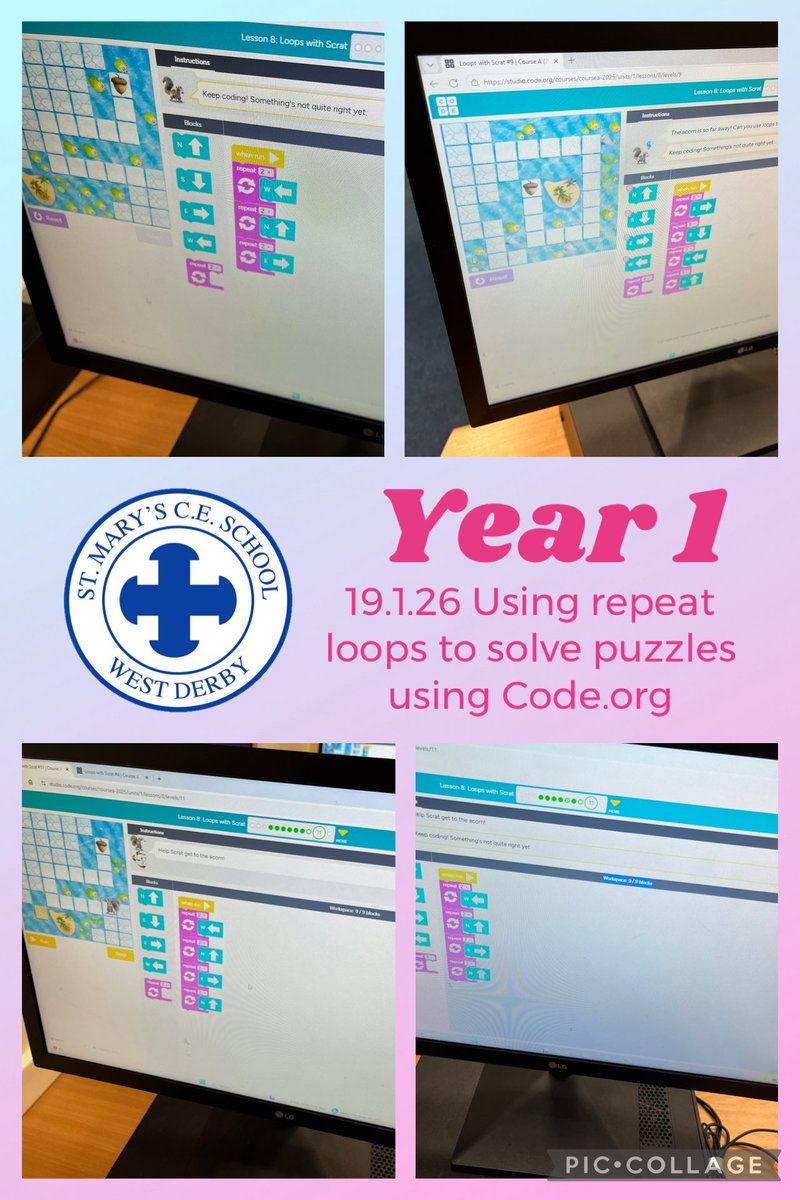
Year 1 at @stmarys_CofE continued their computing work this week learning all about algorithms and coding. Today we used the Code.org website to learn all about repeat loops and how to use them. Great work! @MglWorldNews #ks1computing
2
5
158