
12 Mar 2025
Perlin Station #creativecoding #computerart
#codeart #dailycoding #logocoding
Made with turtleSpaces...
4
35
20 Feb 2025
Sea Anemone #creativecoding #codeart #genart
#dailycoding #stemeducation #logocoding
TO anemone
reset : hideturtle
setpenstyle "mark
setbackgroundcolor blue
setbackgroundshade 6
forever [
norender : clearscreen
setpencolor 16 : setfillcolor 17
repeat 36 [
penup : home
seth 10 * repcount : pendown
repeat 100 [
setpenwidth 3 * abs sin 1.7 * repcount
definecolor 16 {
100 * abs sin (10 * repabove 1) 5 * loopabove 2
repcount
100 - repcount
}
setpenshade 5 - repcount / 10
forward 1.3 * abs sin (repcount 10 * repabove 1) 100 * sin loopabove 2
right sin (repcount (50 * abs sin 0.05 * loopabove 2) * repabove 1) 3 * loopabove 2
if 0 = remainder repcount iff oddp repabove 1 loopabove 2 0 - loopabove 2 10 [
definecolor 17 {
100 - first color 16
100 - second color 16
100 - third color 16
}
penup : raise 0.1
setfillshade -5 repcount / 10
spot 4 * abs sin 1.5 * repcount
lower 0.1 : pendown
]
]
]
render
]
END
2
119
15 Nov 2024
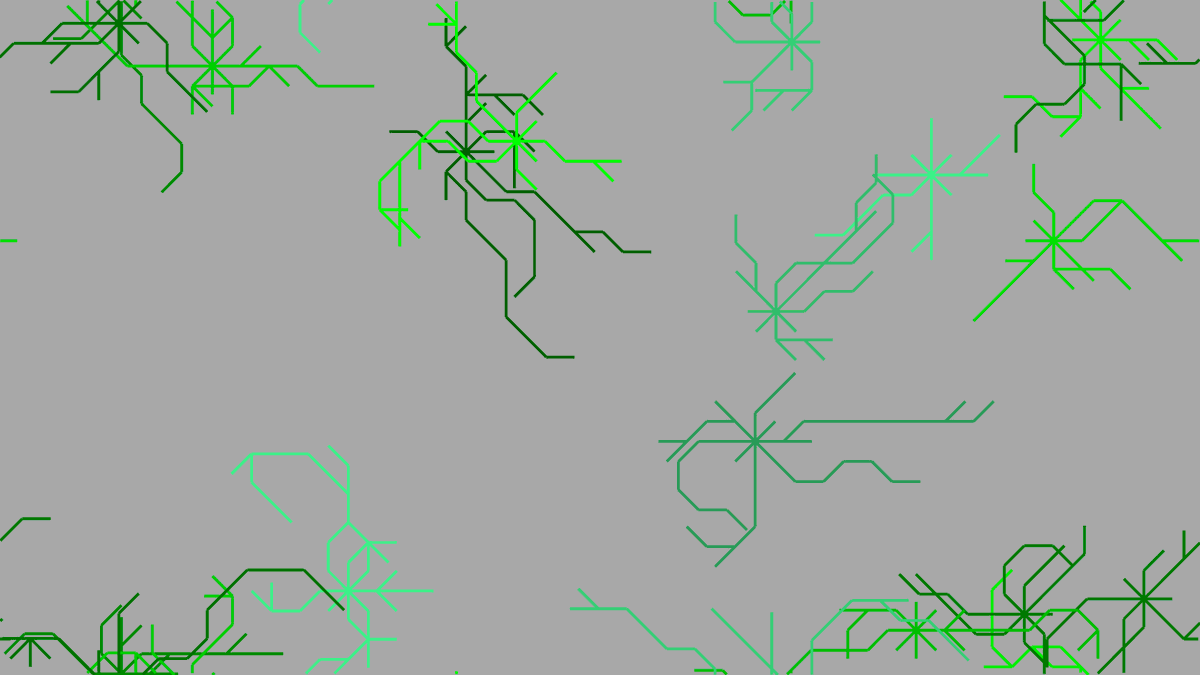
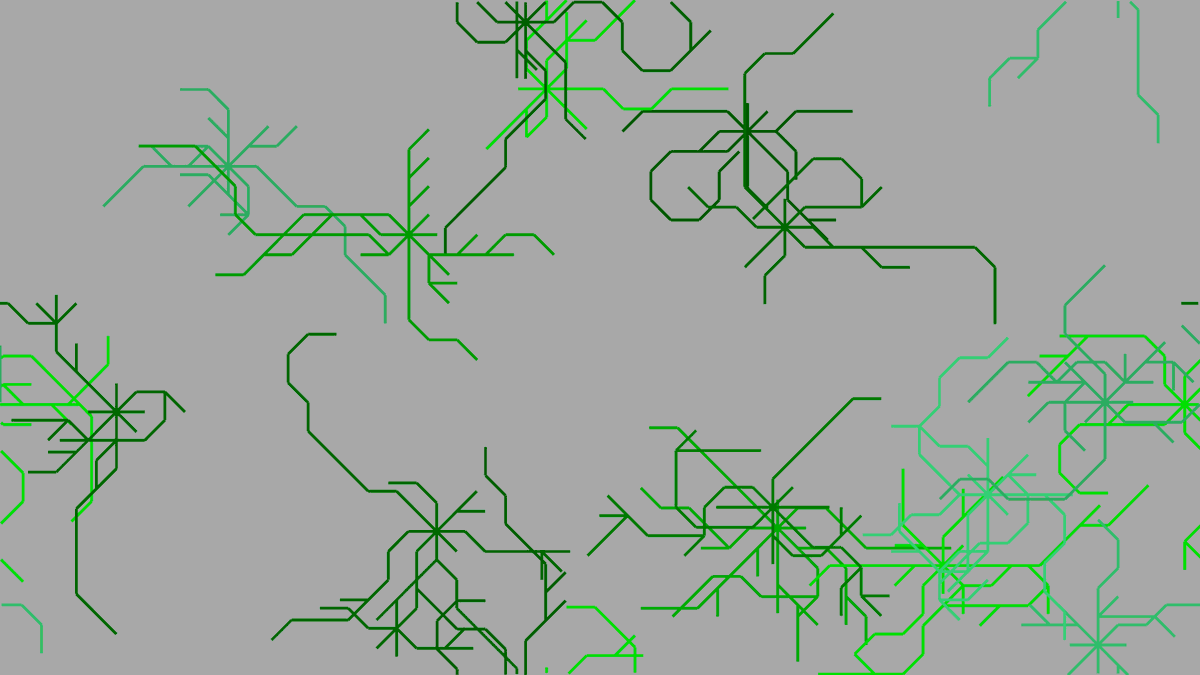
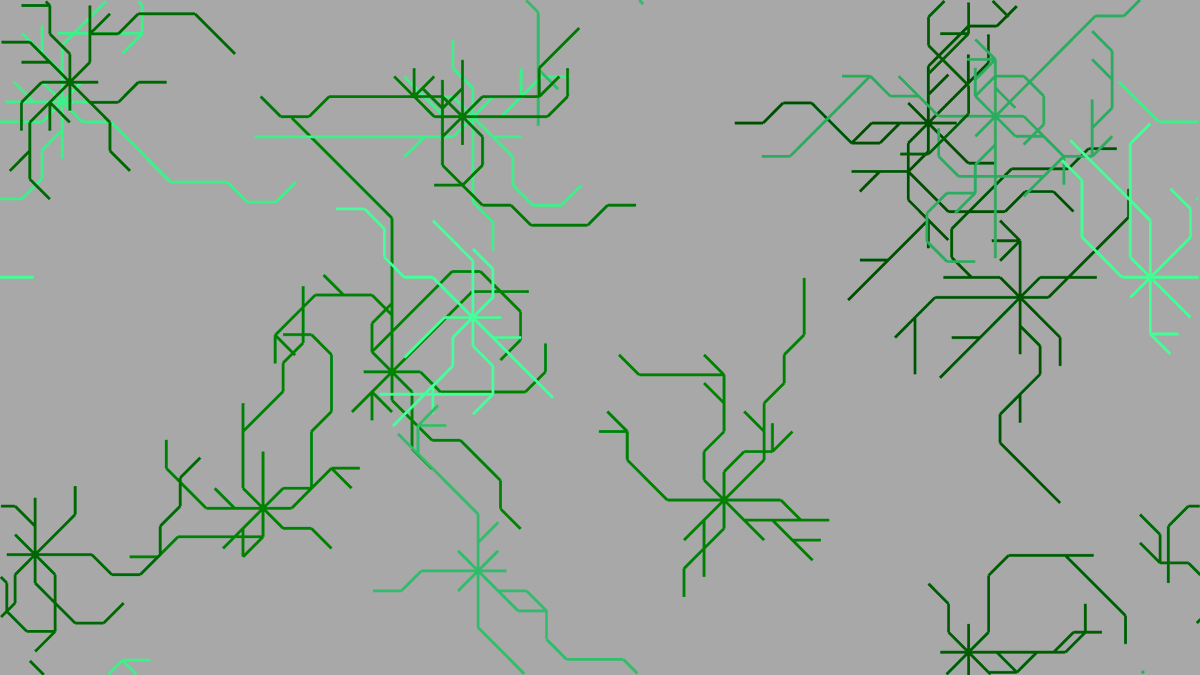
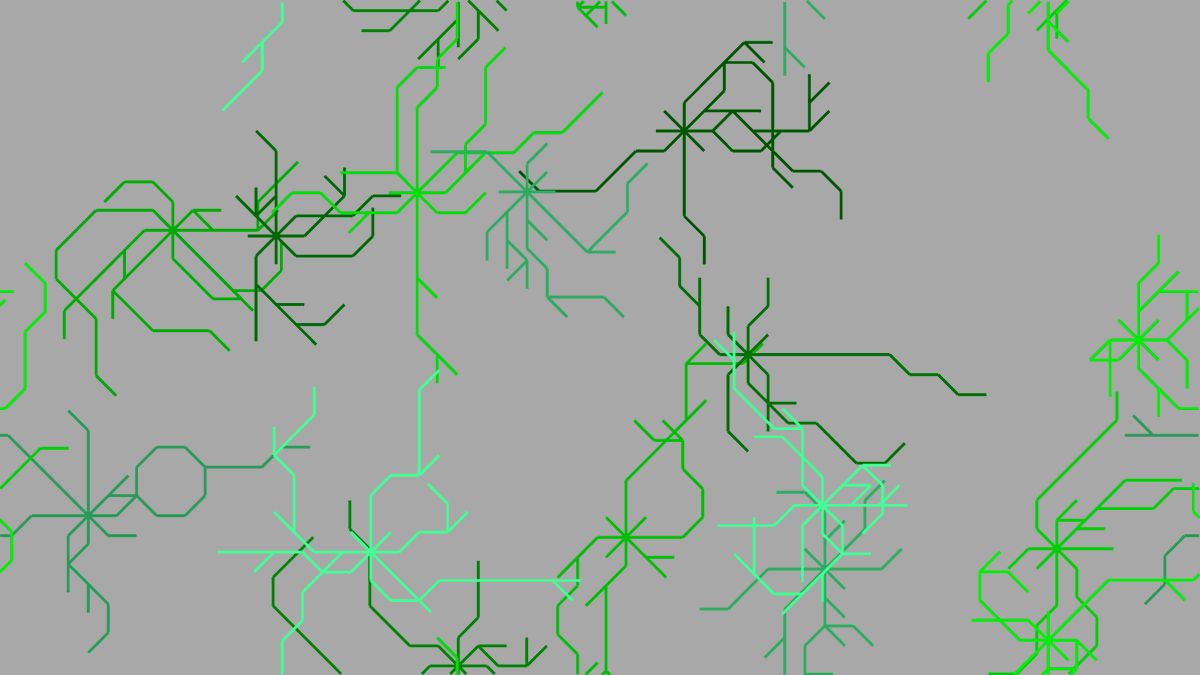
Bermuda Grass #creativecoding #computerart
#codenewbies #STEMeducation #logocoding
TO bermudagrass
reset : hideturtle
setbackgroundcolor lightgray
setbackgroundshade random [5] ;1 to 5
setpenstyle "mark
repeat 5 random 20 [ ;repeat 5 - 24 times:
penup
randomposition
setorigin position
;set home (origin) position
setpencolor pick {green lightgreen cyan}
setpenshade random 8
repeat 8 [
penup : home
right 45 * repcount
;repcount = REPeat loop COUNTer
;number of times we've done this
pendown : pushturtle
;push (save) the turtle state (position) to the stack
repeat random [12] [ ;repeat 1 to 12 times:
forward 10
if randomp 2 [popturtle]
;if the result of a coin toss (randomp 2) is 0 (heads):
;pop (restore) the turtle state off the stack
right pick [-45 0 45]
pushturtle
]
]
]
END
2
39
10 Nov 2024
Octagons #creativecoding #stemeducation #math
#codeart #dailycoding #logocoding
Inspired by @junkiyoshi (Thank you!)
x.com/junkiyoshi/status/1855…
(this is the cheap Logo version lol ;)
TO octagons
reset : hideturtle : penup
setpenstyle "mark
make "color 1
;create :color container and put in the number 1
forever [
if zerop remainder loopcount, 57 [increment "color]
;every 57 loops increment the number in the color container
rerandom : clearscreen
;reset random number generator and clear graphics
setmodel [ ;create turtle model:
setpencolor :color
setpenshade 10 - (1 remainder 1 loopcount, 57) / 2.5
;shade range -15 (white) to 15 (black)
penup : back 9 : left 68
;position turtle
repeat 57 [
if (58 - repcount) = remainder 1 loopabove 1, 57 [pendown]
forward 1
if zerop remainder repcount, 7 [right 45]
;every 7 movements, turn right 45 degrees
]
]
;create array of stamped models:
repeat 11 [ ;eleven rows:
sety 120 - 20 * repcount
;position turtle vertically (y)
repeat 11 [ ;eleven columns:
setx (-125 iff oddp repabove 1, 10, 0) 20 * repcount
;position turtle horizontally
;iff... creates offset effect
pushturtle ;save turtle state
left (random 360) 4 * loopabove 2 ;rotate turtle
stamp model ;place impression of turtle model
popturtle ;restore turtle state
] ;do above ten more times
] ;do above ten more times
render : norender ;show frame to user
] ;do above forever
END
10 Nov 2024

Lay out hexagons. Source code -> junkiyoshi.com/openframework… #openframeworks #programming #creativecoding #プログラミング
1
3
672
6 Oct 2024
Ferris Wheel's Day Off #creativecoding #dailycoding
#3danimation #animation #stemeducation #k12
#logocoding
TO ferris
;A simple ferris wheel with wobbling cars
;animated using the render-per-frame method
reset : cam:pullout 20 ;position camera
hideturtle : setbackgroundcolor lightblue ;sky
forever [
penup : raise 3
;Draw the ground:
sety bottomedge
down 90 : setfillcolor brown
spot 1000 : up 90 ;ground
;Create the supports:
setpenwidth 7
setpencolor yellow
forward 4
repeat 2 [
iso 100, topedge 3
lower 41
] ;supports
;Create the wheels:
home : forward 4 : rerandom ;reset random
right loopcount : setfillcolor orange
repeat 2 [
cylinder 20, 5, 36
roller 10, 90, 5, 100
lower 30
] ;wheels
;Add the spokes
raise 27.5 : setfillcolor brown
repeat 2 [
up 90
repeat 18 [
cylinder 2, 90, 10
rollright 20
]
down 90 : raise 30
] ;spokes
;Place the cars:
lower 27.5
dropanchor : pullout 95
repeat 18 [
setfillcolor red : lower 1
cylinder 3, 30, 20 : raise 1 ;car mount
pushturtle : lower 7.5
setheading 180 4 * sin repcount * loopabove 1
;create rocking motion in cars
randomfillcolor : setfillopacity 70
voxeloid [15], 27.5, 20 ;cars
popturtle ;restore turtle state
orbitleft 20
]
render : nextframe : norender : clearscreen
;render a frame of animation and clear
] ;do the above forever
END
3
269
20 Jul 2024
Rings and Balls #stemeducation #creativecoding #computerart #k12 #newbiecoders #logocoding #Coding
Source code in replies
2
1
1
74
5 Jun 2024
#logocoding #logo #coding #computerart #creativecoding
TO numbering
reset : cam:pullout 70
rollright 45 : penup : hideturtle
dropanchor : pullout 100
forever [
begintag loopcount : rollright 90
dropanchor : pullout 30
begintag loopcount : pushturtle
orbitleft 36 * random 10
repeat 10 [
up 90 : setfillcolor repcount
inscribe repcount - 1
dn 90 : orbitleft 36
]
popturtle : rollleft 90
pullin 30 : setanchor [0 0 0] : endtag
if loopcount > 36 [
erasetag loopcount - 36
]
orbitleft 10
cam:run [orbitdown 1]
]
END
1
1
2
69
27 Feb 2024
This Logo demonstration uses the internal physics engine to detect collisions with landed shapes. Hatchlings are given a random tetris shape, then randomly move and rotate until they collide with the 'blockmap' of previously merged hatchlings (and then merge themselves).
#logocoding #stemeducation #kidscoding #edtechchat
TO tetris
reset : penup : clearmodels : setsurfacefriction 100 : setelasticity 0
setxy leftedge bottomedge - 15 : beginblockmap : quad rightedge * 2 20 ;floor
forever [
setxy leftedge 10 * (random (rightedge * 2) / 10), topedge 100
hatch [ ;new tetris piece
make "shape pick [ ;tetris shapes:
[0 0 0 0 0 0 1 0 0 1 1 1 0 0 0 0]
[0 0 0 0 0 0 0 0 1 1 1 1 0 0 0 0]
[0 0 0 0 0 1 0 0 0 1 1 1 0 0 0 0]
[0 0 0 0 0 1 1 0 0 1 1 0 0 0 0 0]
[0 0 0 0 0 0 1 0 0 1 1 0 0 1 0 0]
]
complexmodel
make "model word "block loopcount ;unique model name
newmodel :model [ ;create shape model:
randomfillcolor : randomfillshade
penup : forward 20 : slideleft 20
foreach "i :shape [
if :i = 1 [square {10 - 1/10000}]
slideright 10
if divisorp 4 loopcount [back 10 : slideleft 40]
]
]
setmodel :model : right 90 * random 4 : make "x xpos
penup : showturtle : elastic : setelasticity 0
setforces [[180 10]] : wait 60
setvelocity 100 : setmaxvelocity 100
forever [
if randomp 100 [run pick [[rt 90] [lt 90] [make "x :x 10] [make "x :x - 10]]]
setx :x
if hitp [die]
if blockedp [setforces [] : brake 90
wait 30 : setx :x
sety 10 * (int ((ypos 125) / 10)) - 119
stamp :model : merge
if ypos > topedge [finish] : die]]
]
wait 60
]
END
1
1
83
7 Feb 2024
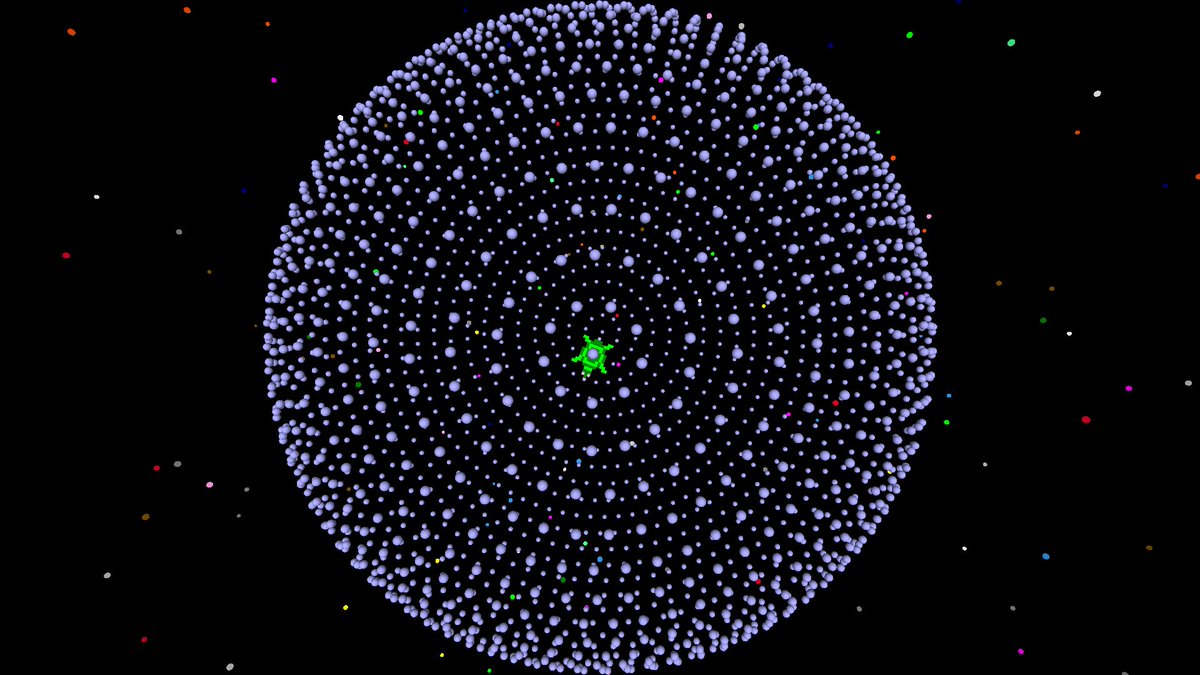
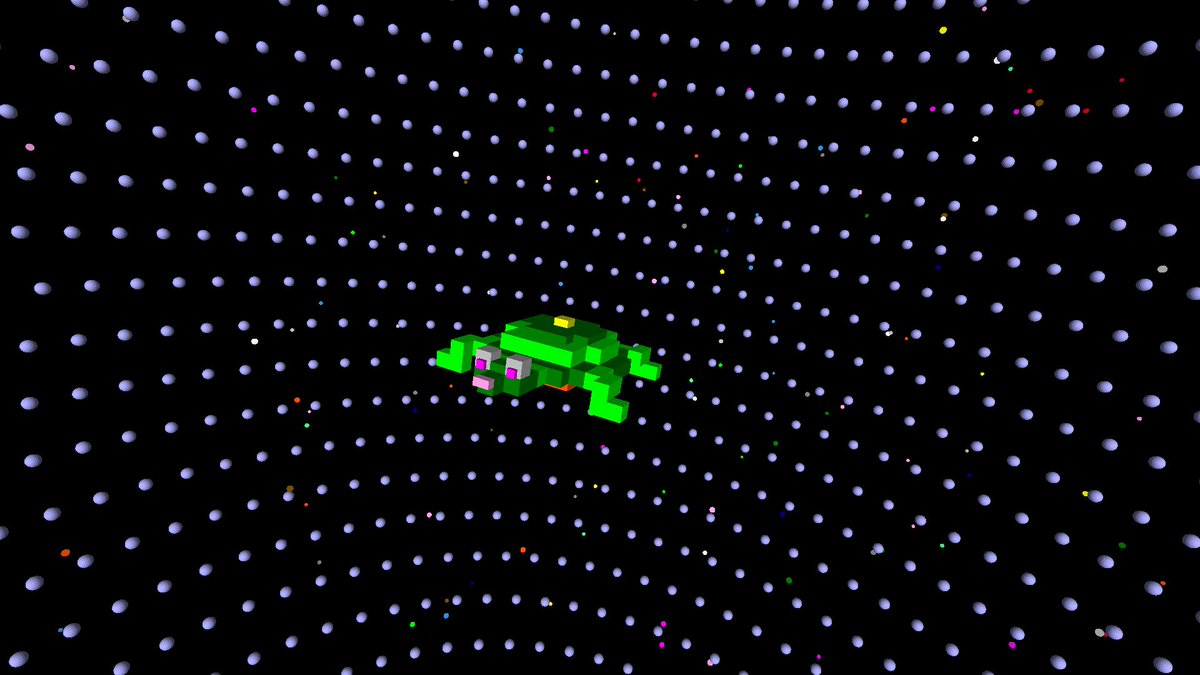
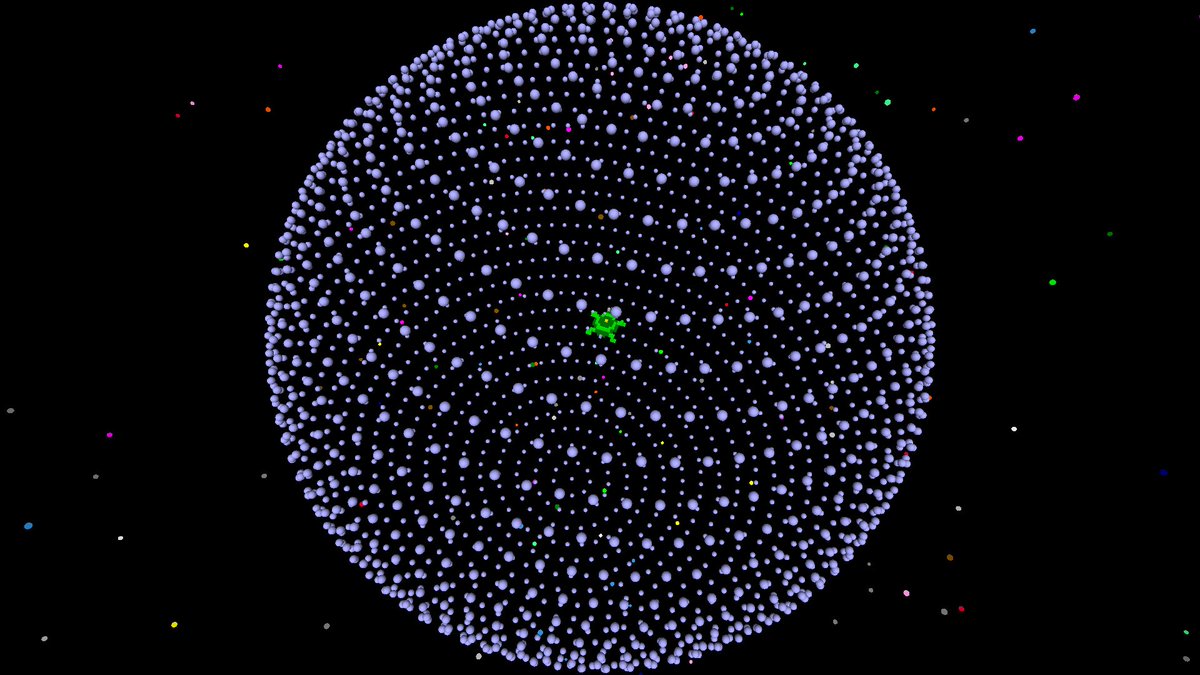
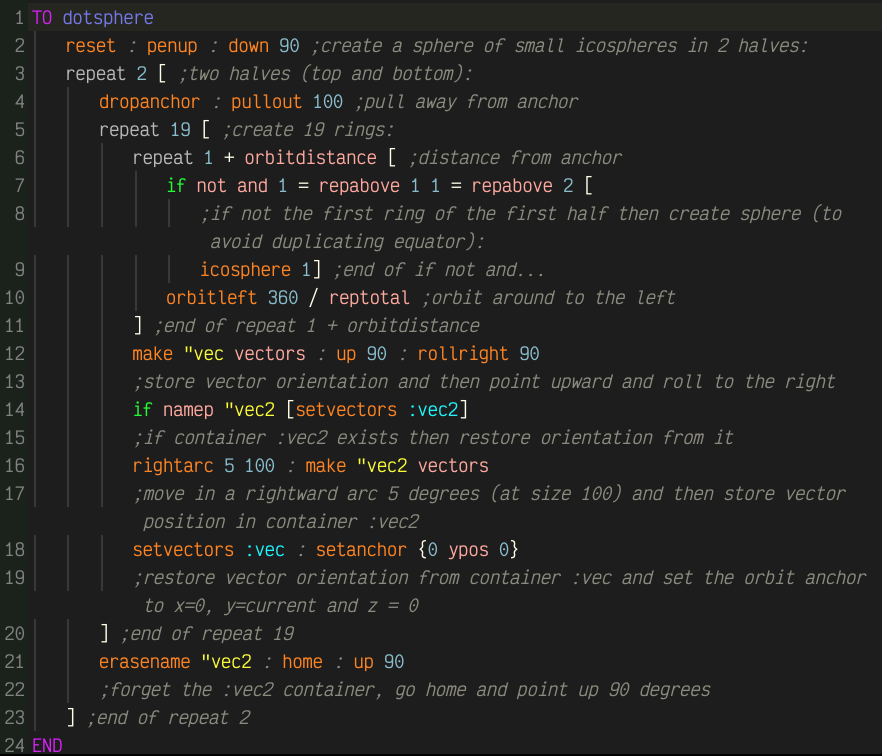
Check out this 3D sphere made in Logo using tiny icospheres! The orbit, arc and vector primitives are used with a series of nested loops and two containers that store the turtle's orientation.
Explore the commented source #code!
#logocoding #coding #k12 #stemeducation #csed
1
3
105
18 Jan 2024
TO spiral
repeat 110 [
pendown : setpenshade 15 - 2 * repcount / 10
repeat 8 [forward 0.25 * repabove 1 : right 45]
penup : right 15 - repcount / 16 : forward repcount / 5
]
END
#stemeducation #logocoding #coding #k12 #csed #turtle
2
2
81
15 Dec 2023
#computerart #kineticart #logocoding #stem #coding #k12
TO slush
reset : pu : setfc 5 : setfriction 100
beginblockmap : setxy -212 -119 : quad 424 10
endblockmap : sety 200 : setelasticity 0
setgravitypoints {{[0 -10000 0] 10 ^ 20}}
forever [
setx -200 random 400
(newobject
loopcount
[s elastic bounce gravity]
position heading
[[setfc 15 randfs spot 2 rd 9]]
[]
)
wait 10
if loopcount > 200 [removeobject loopcount - 200 "s]
]
END
3
46
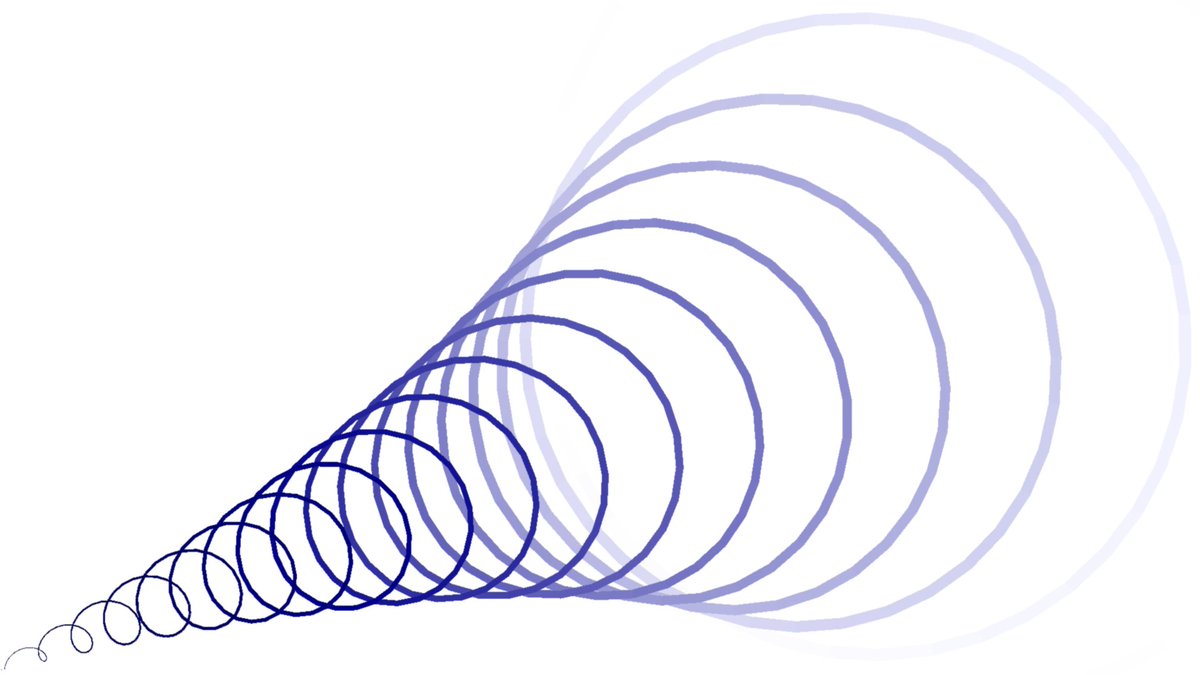
6 Nov 2023
#computerart #logocoding #stem
TO spiral
cs : setpc blue : setbg white : setpenstyle "mark
penjoins : pu : sl 220 : bk 119 : pd
repeat 501 [
setpw repcount / 100 : setps 10 - repcount / 18
fd repcount / 23 : rt 20 - repcount / 40
setx xpos 0.725 : snip : sety ypos 0.29 : snip
]
END
2
61
18 Sep 2023
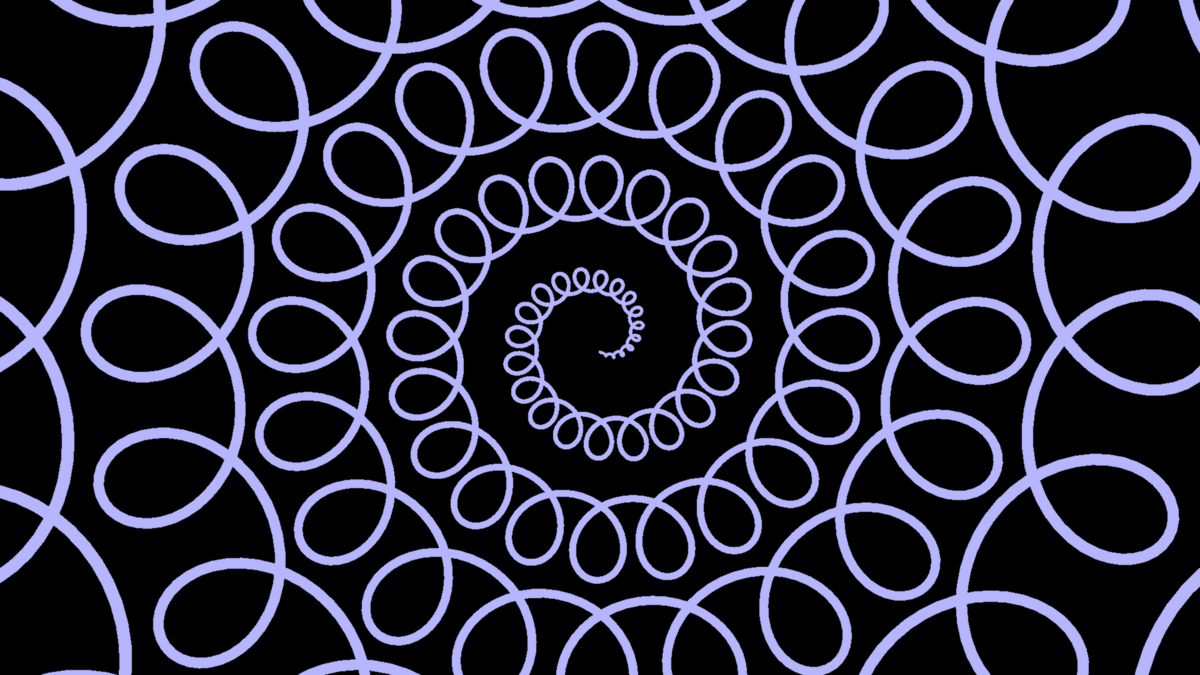
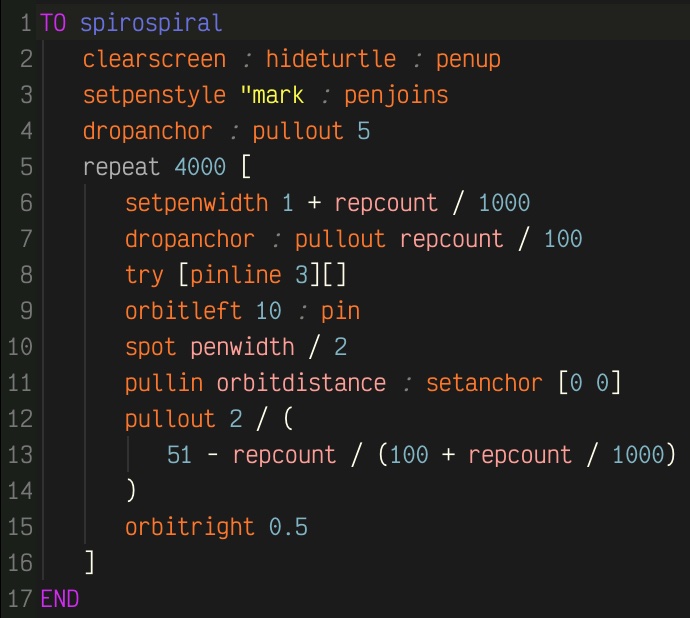
Another #spirograph-inspired #computerart using the same mechanic to gradually step out from home, creating a #spiral
#creativecomputing #stemeducation #logocoding #csed #coding
2
79
16 Aug 2023
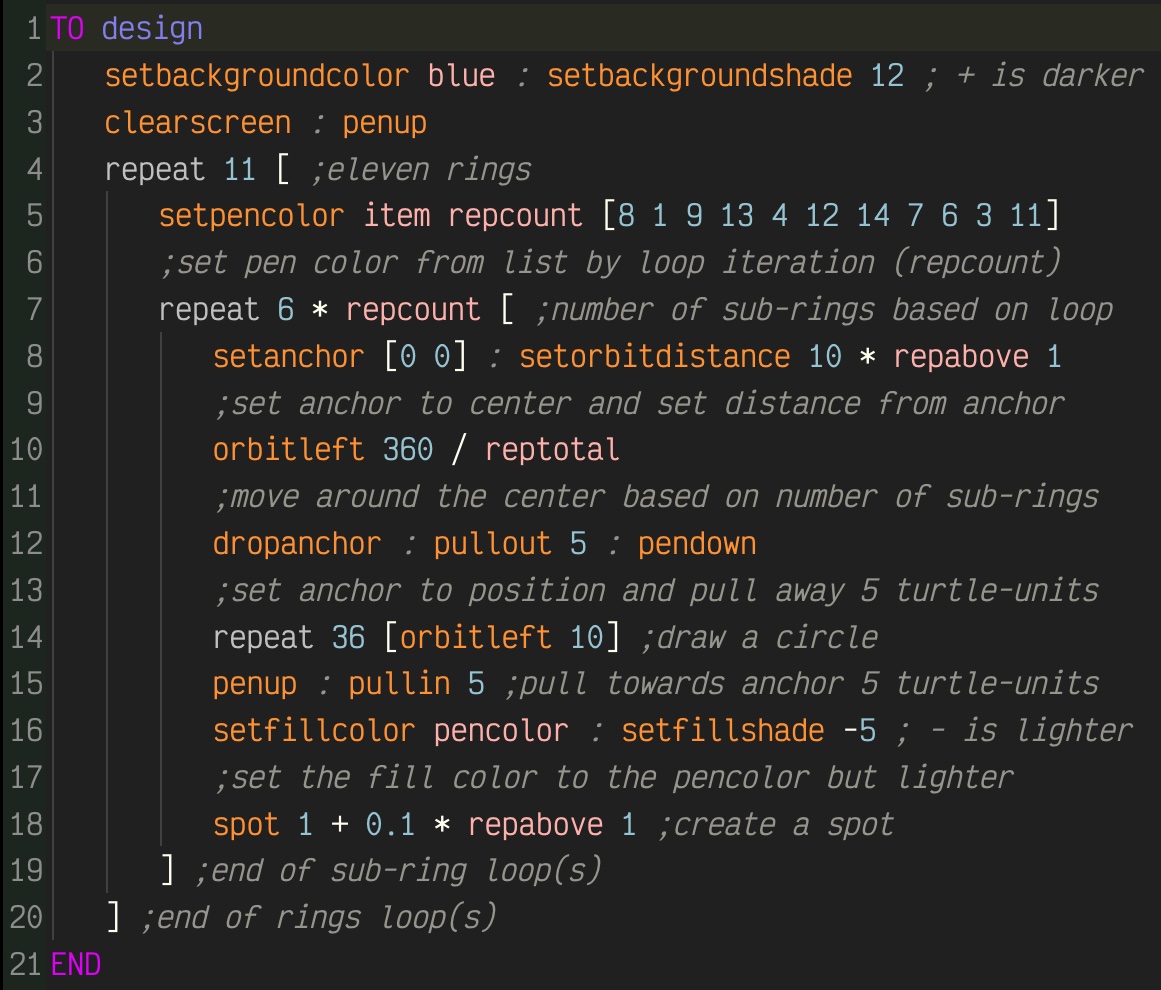
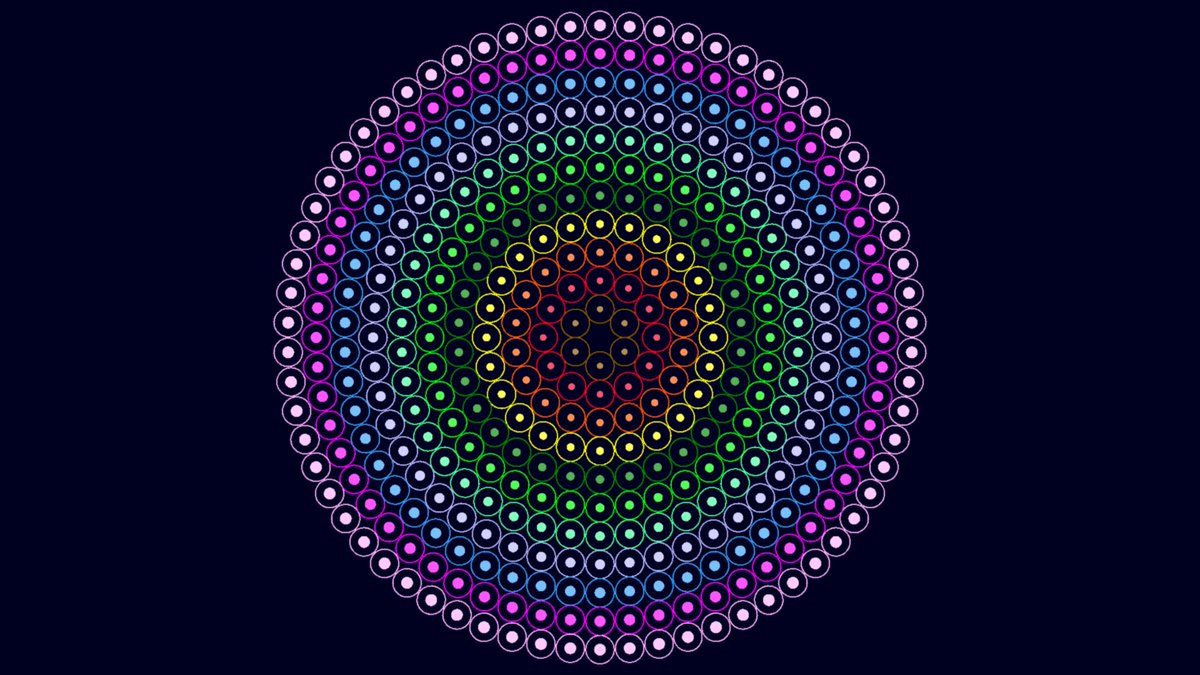
This #design uses the orbit commands to draw rings of increasing numbers of rings (with spots in them for effect) -- designs like these are simplified greatly using this technique! #computerart #creativecoding #stemeducation #logocoding
1
2
94
13 Aug 2023
This may seem to be a very simple mechanic, but it's really not! This is a spinning door based on an old #apple2 #game called Lady Tut. I think I'm going to make a new #logocoding #maze game inspired by it -- after all, I already have the door! #gamedev
4
137
8 Aug 2023
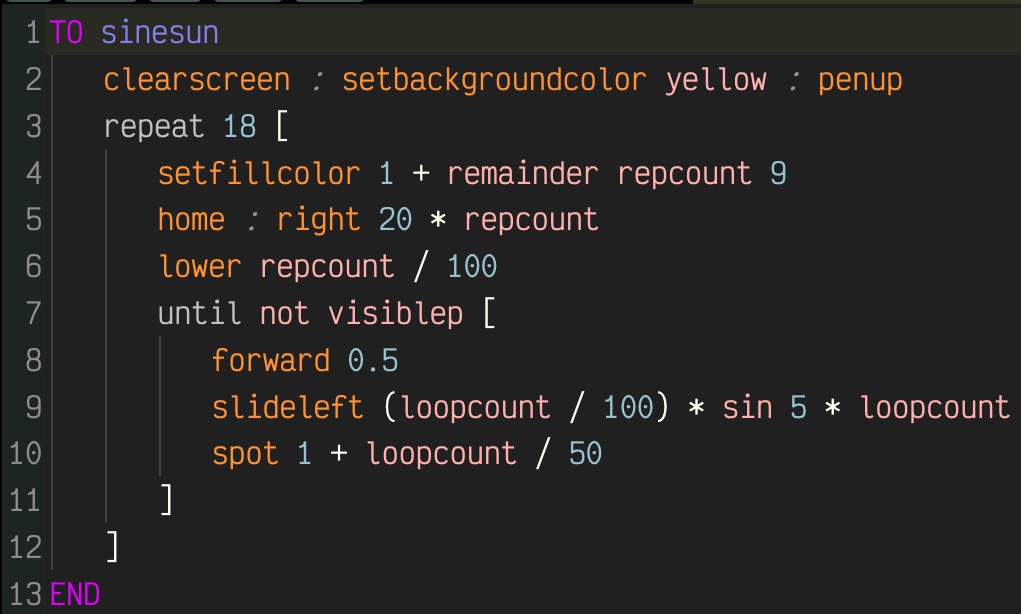
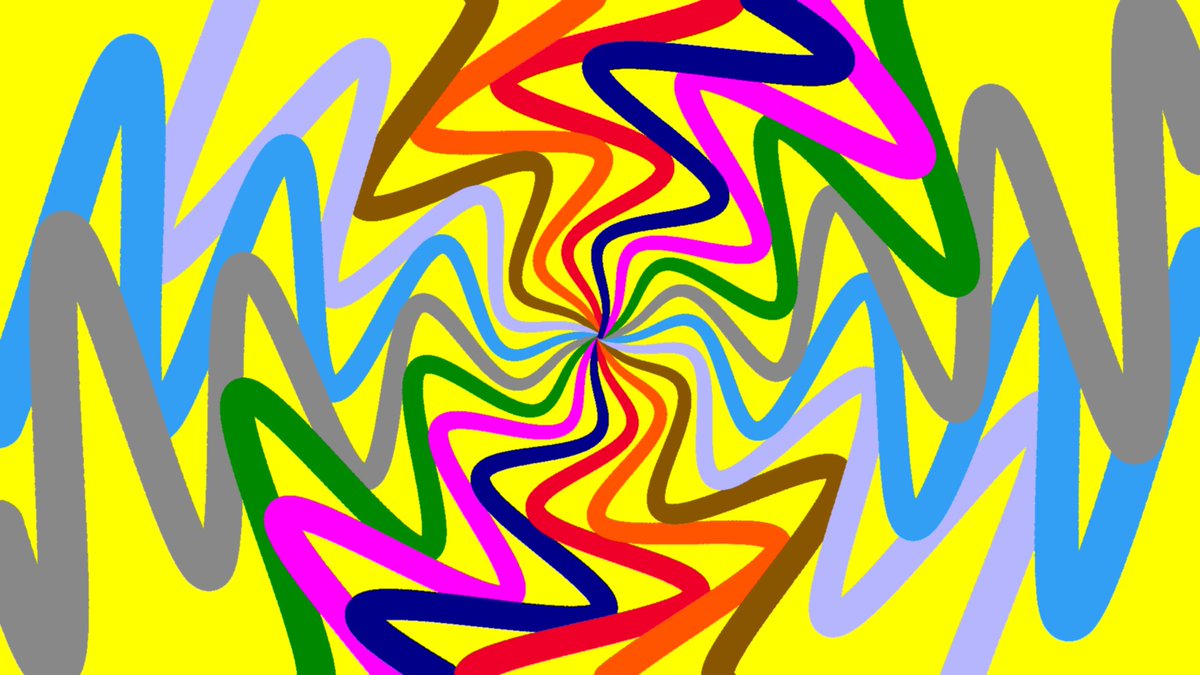
More sine wave art! Adjust the numeric values in line 9 to vary the effect -- these were made by changing the number after 'sin' #computerart #logocoding #stemeducation #STEAM #csed #k12 #coding
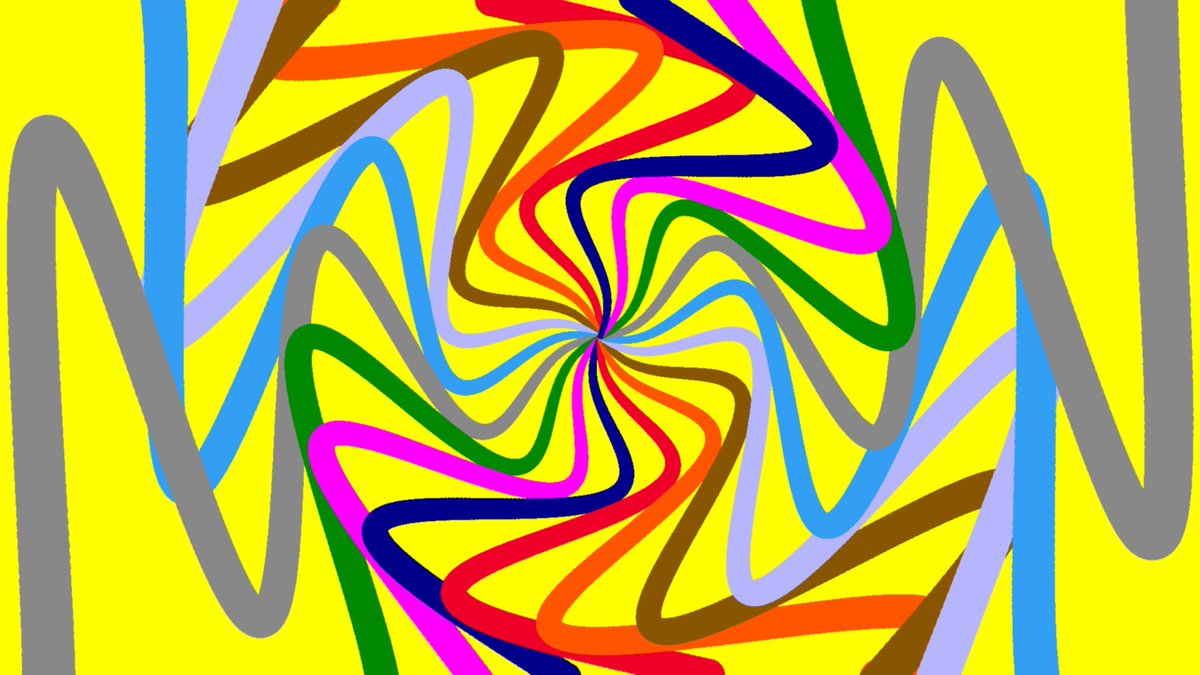
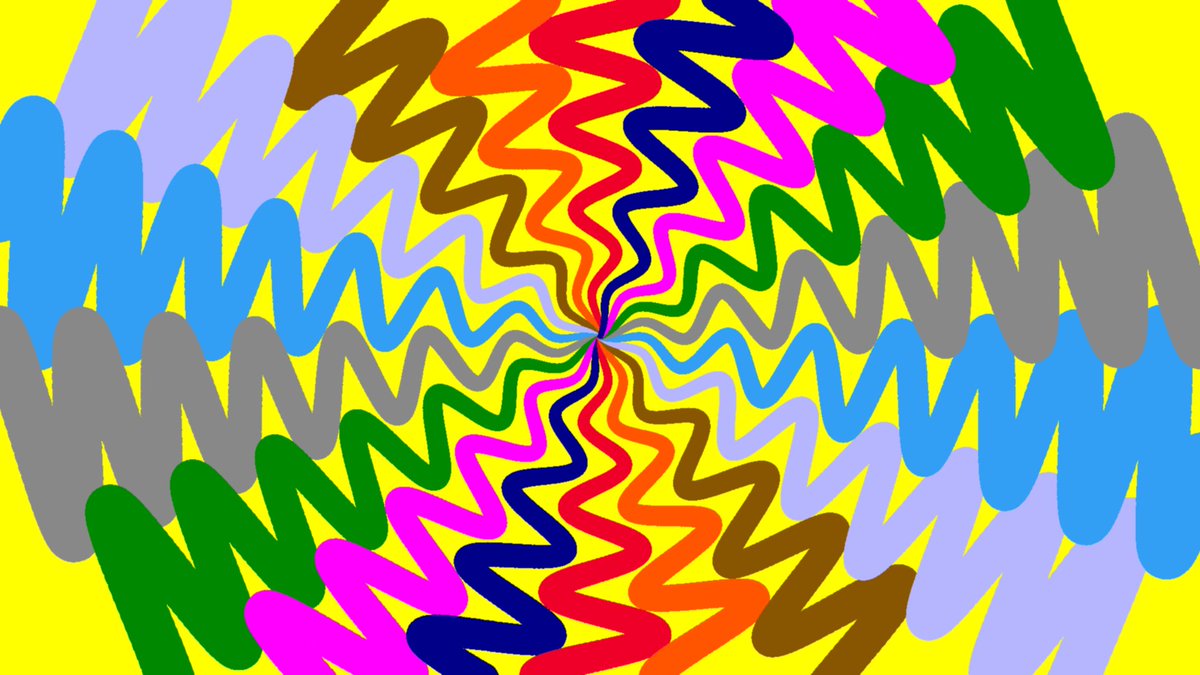
2
64
7 Aug 2023
Good Morning Monday! Here's a flower-like design that uses the humble spiral, varying the size, color and shade based on the repeat counters. Note that it uses Z-axis layering to ensure each spiral is on the right level! #computerart #turtleart #artlogo #logocoding #stemart #k12
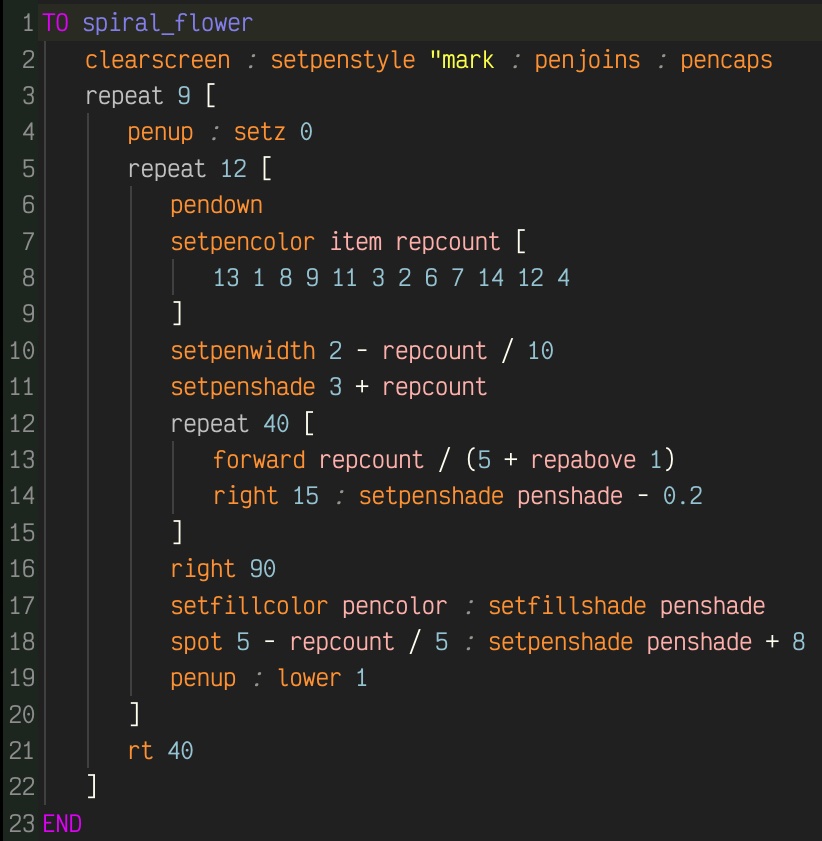
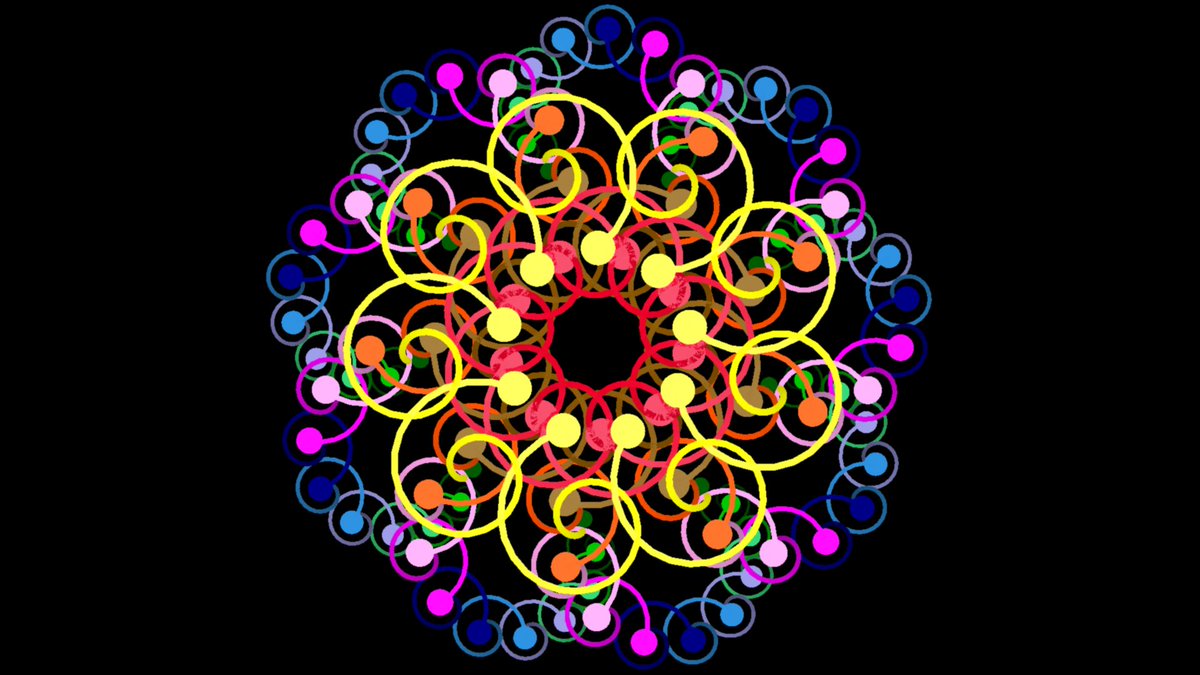
1
70
6 Aug 2023
#logocoding
TO checkerblast
clearscreen : penup : hideturtle
repeat 8 [
repeat 8 [
hatch [
(setfillcolor
item (repcount repabove 1), {red, blue})
setmodel [quad 20 20] : penup
showturtle : physical : gravity
until not visiblep [wait 30]
]
slideright 20
]
slideleft 160 : back 20
]
setgravitypoints {{[80 -80 0], negative 10 ^ 16}}
END
1
3
100
23 Jul 2023
#logocoding #csed #stemed #k12 #learntocode
TO spinner
clearscreen : hideturtle
setpencolor yellow : setfillcolor red
gradient ; creates gradients between pen fill colors
repeat 72 [
pushturtle ;stores turtle state
repeat 12 [
setpenshade -10 repcount * 2 ; negative is lighter
rightarc 180, repcount : swapcolors
leftarc 180, repcount : swapcolors
]
popturtle ; restores turtle state
right 5
]
savewebm 10 ; create a WEBM
repeat 19 [
cam:rollright 1/4 : wait 5 ;rotate camera
]
END
1
2
67
15 Jul 2023
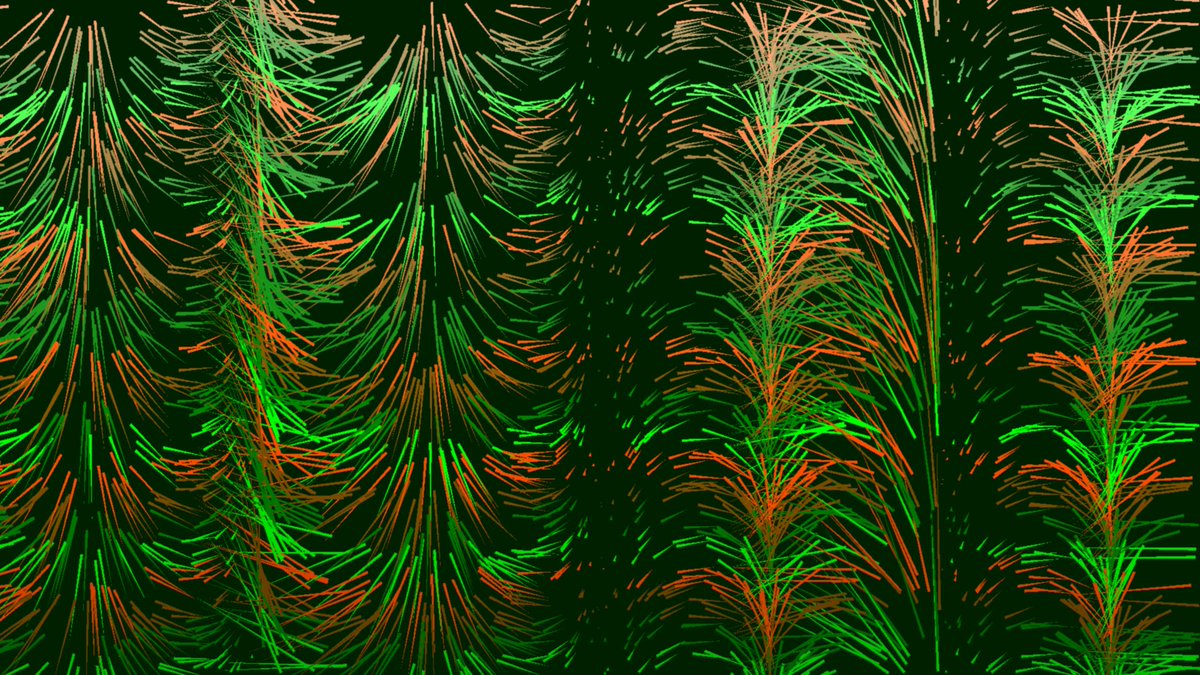
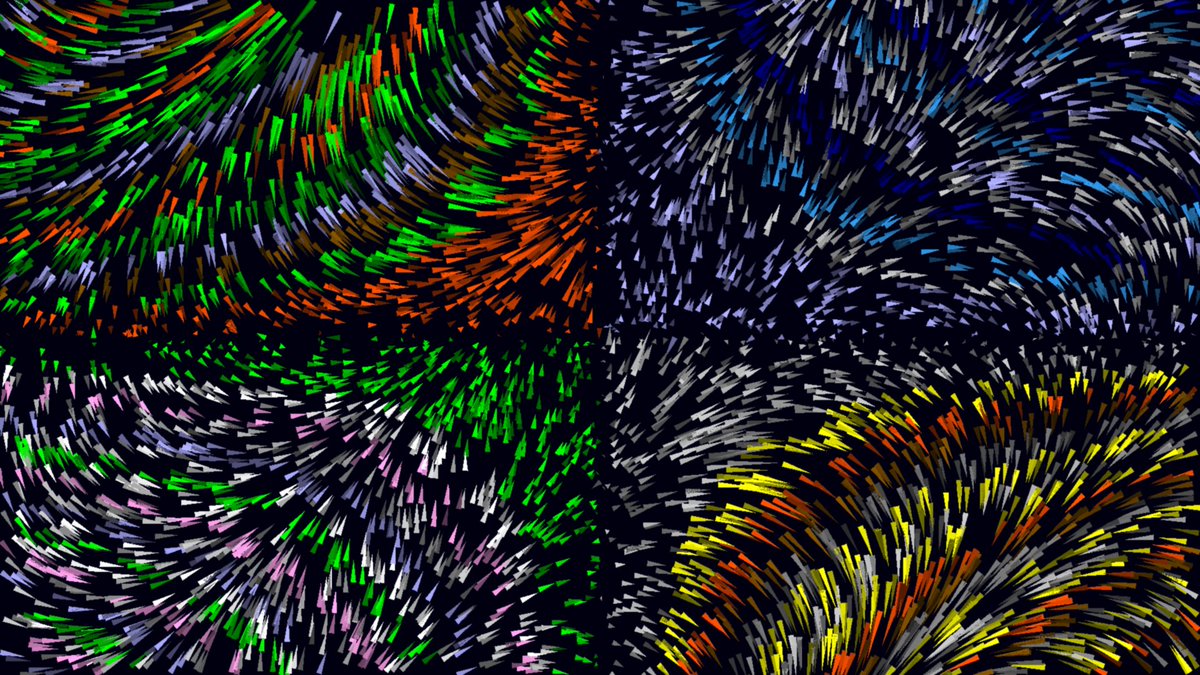
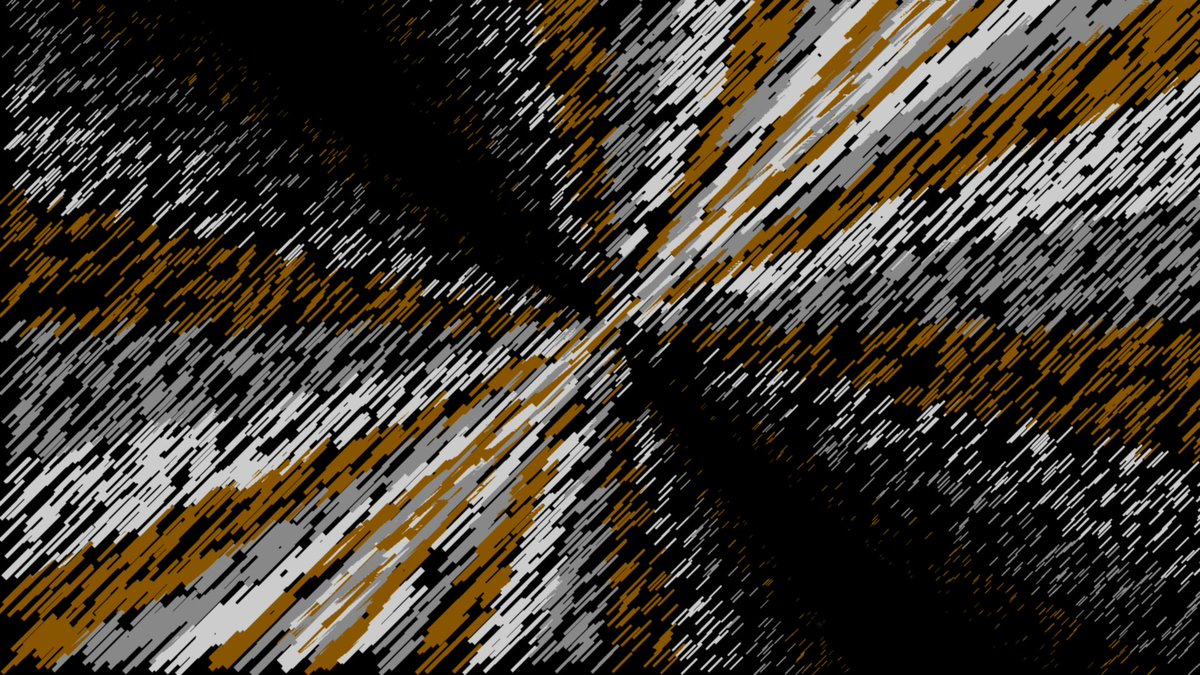
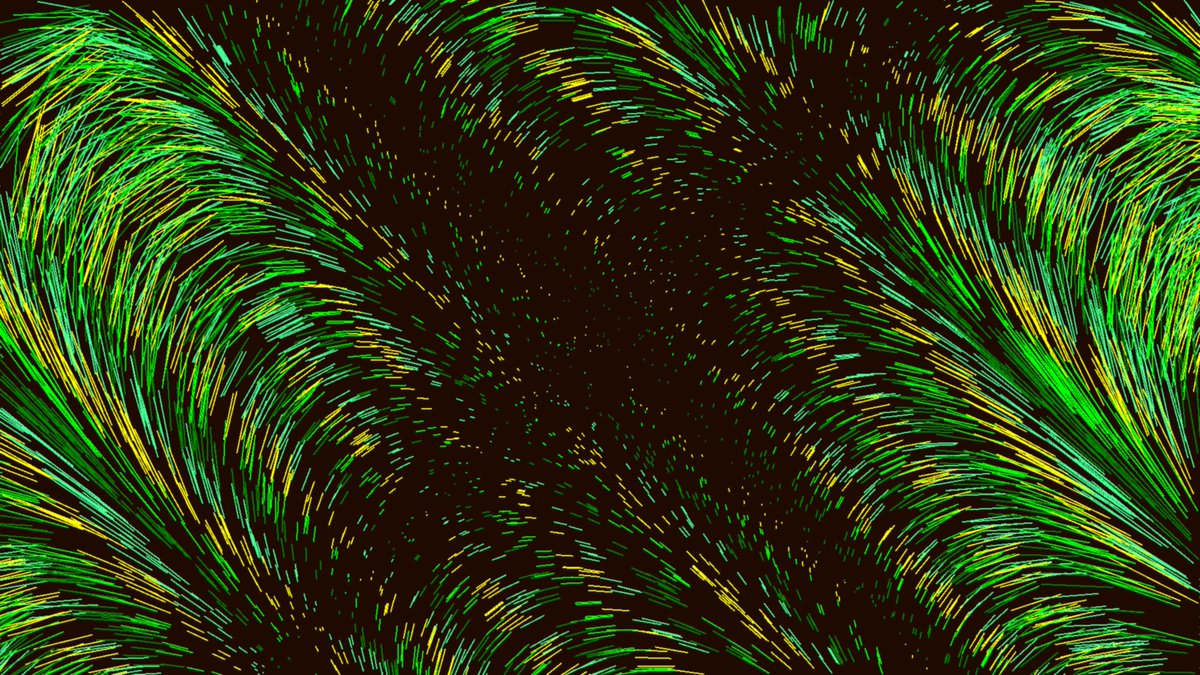
More math-based line-art using the co-ordinates (and in some cases the heading) to determine line length, direction and color. #computerart #logocoding
1
3
97