
13 Feb 2023
Just heard of #loveteachingweek and plan on participating in the campaign to celebrate teaching and the amazing colleagues I work with! Who wants to join me? #engagesdow #sdowtech #westisbest #washingtonwest
25 Jan 2023

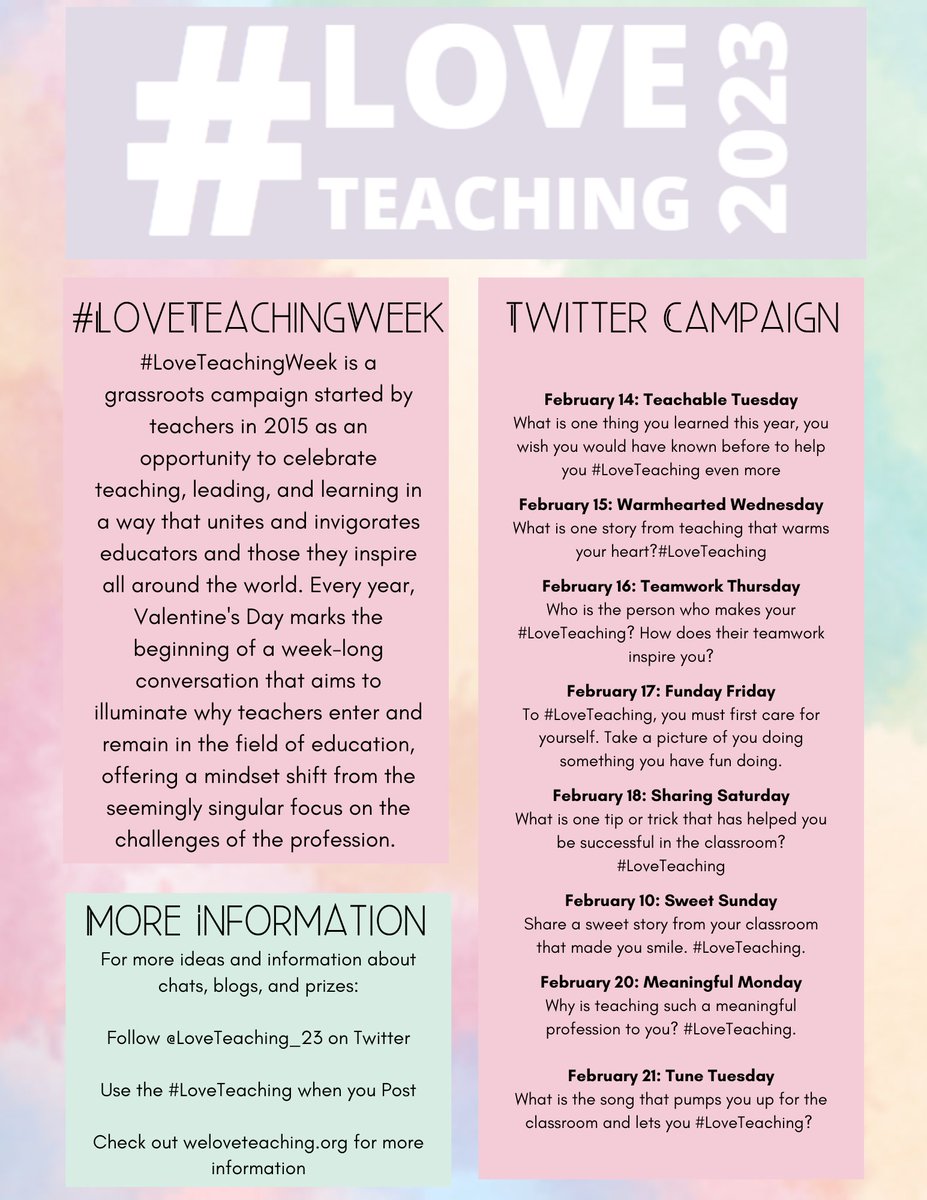
We are excited to announce our plans for this year's #LoveTeaching Week!!! Please share this graphic below to start making your plans for the best week of the year!
1
3
309
21 Apr 2022
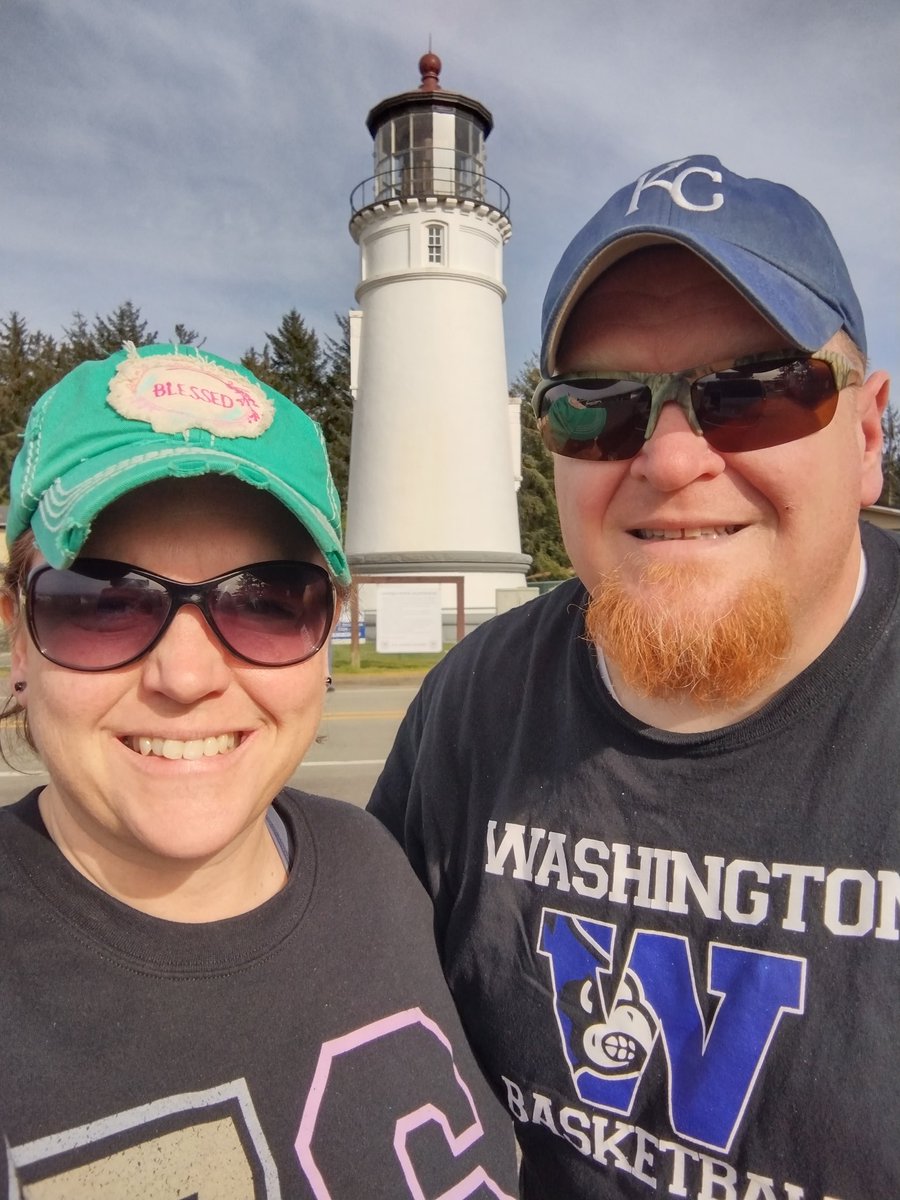
I should have posted a few weeks ago. But I am grateful for Spring Break to get some rest and renewal. I'm able to come back recharged and finish the 21-22 school year strong. #teacherlife #sdow #sdowtech #DawnCampbellEDU #SDOWTLA #washingtonwest
1
3


1
2

3 Feb 2018
1
3
3 Feb 2018
#TTLA Google Certification is pushing me to step out of my comfort zone to learn about personalizing learning utilizing Multimedia Text Sets. Great resource is: goo.gl/LRZYWj #SDOWTECH #satchat
2
1 Feb 2018
Thank you @coachcfly, my colleague & #TTLA classmate. He shared the magic of Kami @officialkamihq . My Students can easily annotate PDFs and seamlessly upload to Google Drive through @GoogleForEdu Classroom. #closereading #textevidence #SDOWTECH
2

10 Aug 2017
Google has a curriculum for using G Suites and life skills. cs-first.com/en/curriculum Easy to use. #sdowtech
1

