
2 Jul 2022
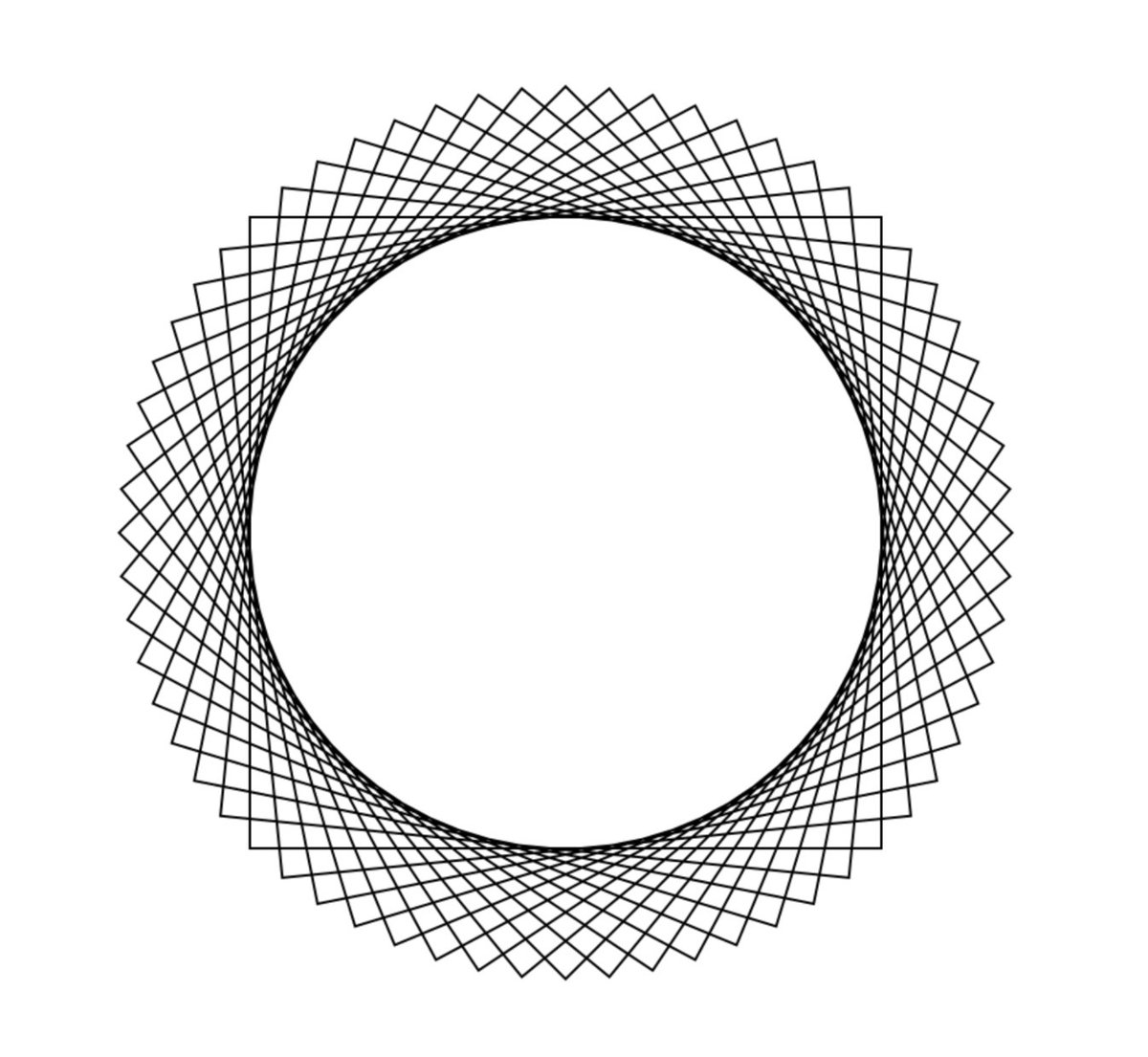
Day 88,89 ✅ #100DaysOfSwift Project 27 - CoreGraphics. Reviewed: UIGraphicsImageRenderer, UIGraphicsGetCurrentContext, UIGraphicsImageRendererContext, cgContext, cgColor, addEllipse, addRect, drawPath, translateBy, strokePath, NSMutableParagraphStyle 📈
9

14 Jun 2022
Technical Pen for sketches, a new brush > strokepath > streamline 40% (my art is lineless so i do sketch on low opac then i do colors with this brush) Nikko Roll for shading sometimes and then an airbrush on low opac for shading too
2

12 Oct 2021
Thank you! This was all done in p/rocreate.
For brushes: Hair/face uses “Derwent”
settings: shape >> count 2/strokepath >> streamline at 18% (it’s still very light to work with so when I’m done drawing, I clone that layer then use erase to get right of the heavier areas.)
1

12 May 2020
Stroke path animation isn't just for self-drawing or self-erasing effects. ✏️ You can create a marching ants animation too! youtube.com/watch?v=FI0IDKYs… Follow our tutorial to learn how! #svg #svgfile #svganimation #pathanimation #strokepath #lineanimation
1
1

9 Jun 2019
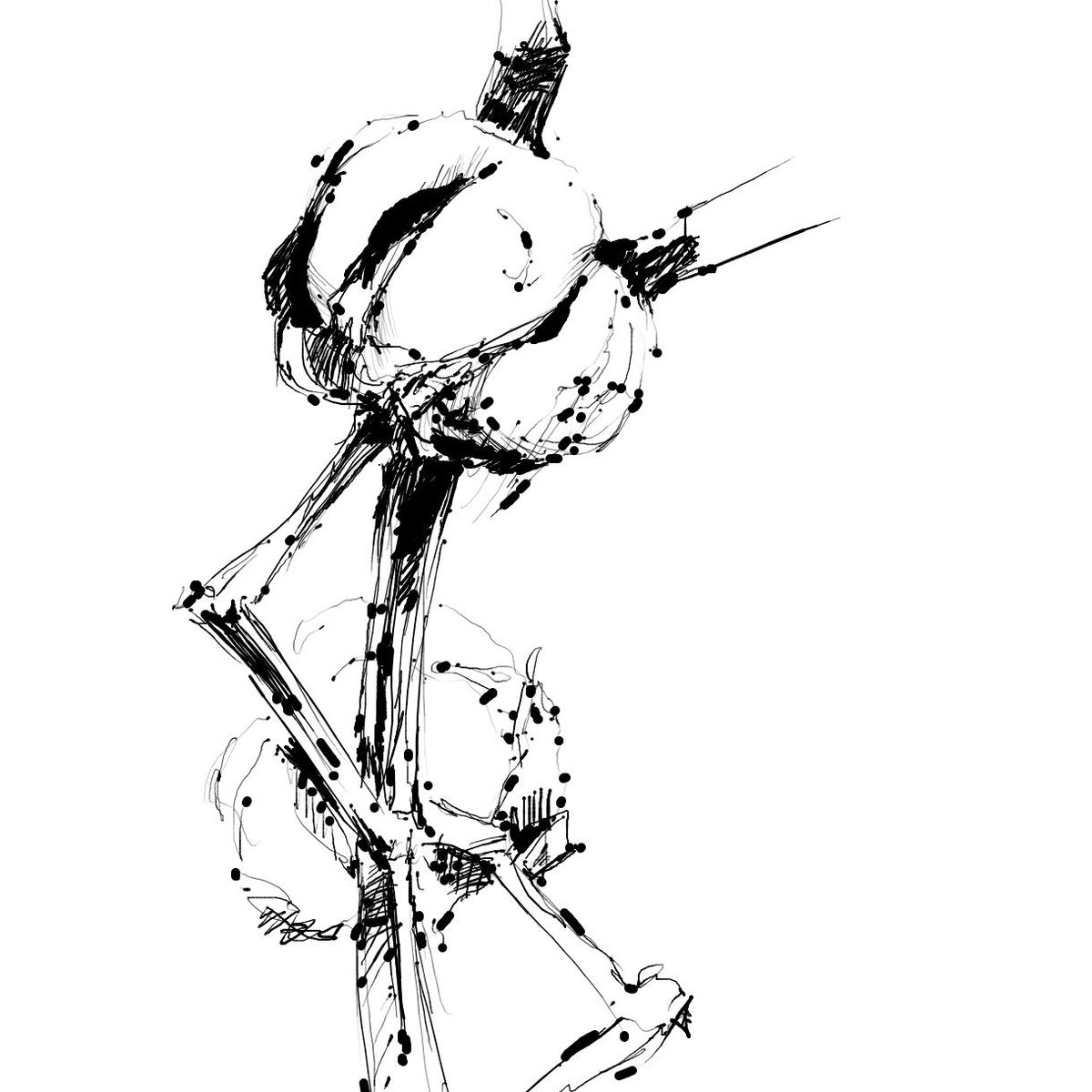
- 綿 - 梅雨の入り、乾いた綿も心なしか頭を垂れているような気がします。
ApplePencilを入手したので、自作ペイントソフトで絵を書く活動を再開。
ソフト制作2時間、ペイント20分。UIImageViewにCGContextでstrokePathを投げるだけ。筆圧検知のバグで、インク溜まりが酷い。
3
11

8 Mar 2019
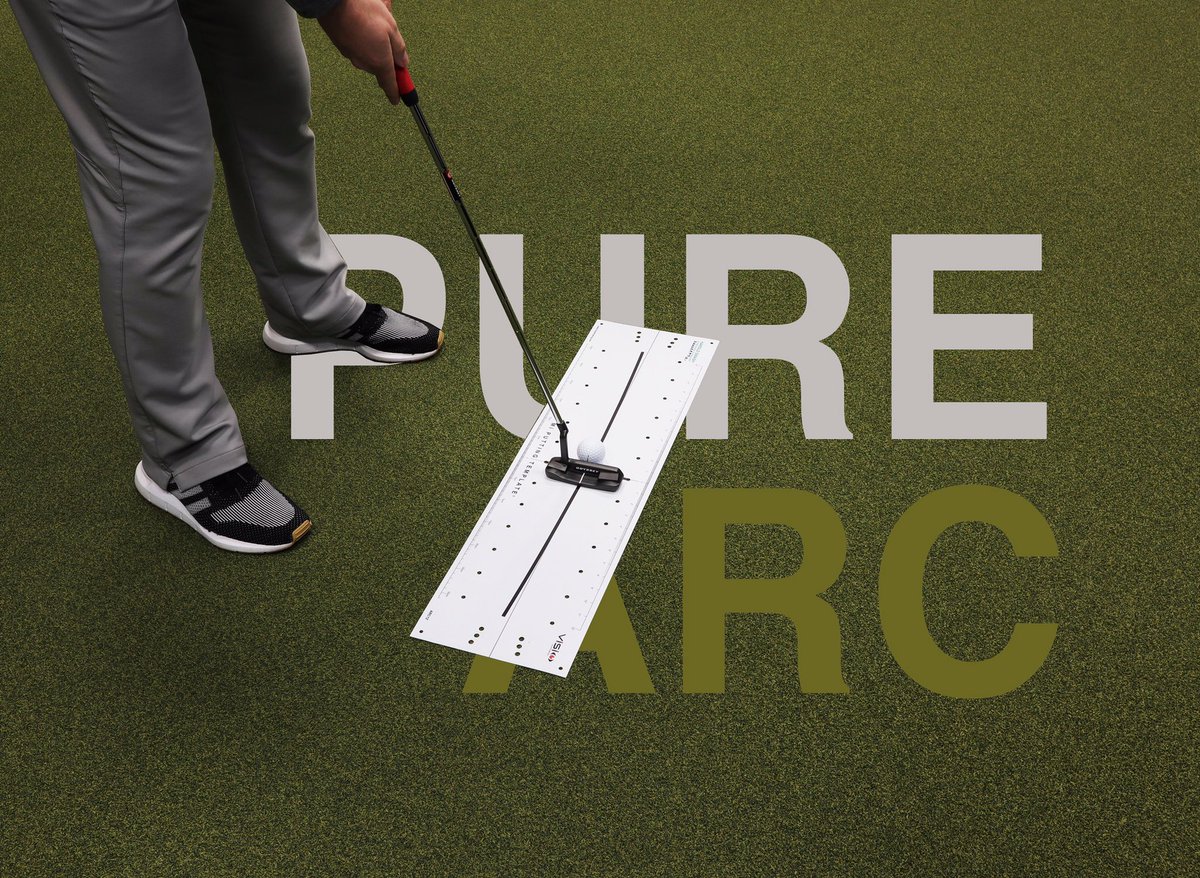
Looking for feedback on path only? Why not train using the @VisioPutting ‘Mi Putting Template’ PURE Arc without the putter face lines printed on! Where does your putters sweet-spot travel on its journey during your stroke? #practicewithpurpose #strokepath
1
2
11 Dec 2018
Want to feel you have more control with stroke path direction? Try using this @VisioPutting Mi Putting Template DRILL, click the link for set-up Instructions visioputting.com/blog/stay-o… a selection of our Training Aids are no available online @CallawayGolf & @odysseygolf #strokepath
5
14


20 Oct 2016
1
2