

May 26
I'm going to hold your hand when I say this. I really don't like the new @basecamp 💔 The more I look at it, the more I get upset. I am going to go as far as say that this is the biggest adjustment since Instagram for me.
We use it mostly for knowledge sharing rather than task management, and my typical userflows are just gone. Also, something about the design makes me deeply unsettled.
Sorry Basecamp team, I can tell you worked really hard on it. This is just really unexpected
9
4
30
1,499

May 22
2. UI/UX DESIGNERS:
Design Tool: Figma & Adobe
These kind of designers specialize in mobile apps, website interface, dashboards, userflows and more.
Figma is mostly used by every startup, product designer and tech company.
It is browser based and gives a clean interface.
1
18
57

Apr 30
Built Mermaid Jam 🧜♀️🍓
Paste Mermaid or markdown and turn it into editable FigJam userflows with native cards, connectors, validation, and local-only generation.
Not officially published yet, but you can try it here:
GitHub: github.com/sarveshsea/mermai…
Preview: sarveshsea.github.io/mermaid…
2
72

Mar 30
Now that this feature has arrived you can tell your Claude to unit test your products.
Before this it used to always say done to everything, even when a feature wasn't really working, and tests were inaccurate.
Use this prompt for unit testing via this new feature:
"Claude, (1) unit test everything with Computer use in my localhost, (2) fix what's not working yet, (3) don't use just smoke testing, (4) test in real time with actual usage, (5) if you couldn't unit test something or you are not sure, report to me"
Even better if you first
> let it create userflows
> as flowcharts and diagram
> in the build process for this to work better
P.S. For this new feature to work:
1. make sure to /mcp in Claude Code
2. find computer-use in the mcp servers list, and enable it first
3. first time you use the mcp you will have to /exit and enter back with /claude again.
4. after that this will be always available for all your Claude sessions

Computer use is now in Claude Code.
Claude can open your apps, click through your UI, and test what it built, right from the CLI.
Now in research preview on Pro and Max plans.
8
5
73
9,874


Feb 5
Generally think the latest AA EIP and the open intents framework will be able to cover most average case userflows
Feb 1

Ethereum's latest account abstraction proposal is its best yet. EIP-8141 [1] adds a new transaction type called a frame transaction.
Existing transaction types operate in the context of a single identity, whoever signs the transaction. Adding the ability to bundle operations from multiple entities into a single transaction was done at the application layer, creating confusion for users and using a lot of gas.
The frame transaction includes a list of frames (essentially calls) that can originate from different identities. This allows for gas sponsorship that is much simpler than a paymaster [2]. Nothing is worse than user churn because they don't have a gas paying asset. It also allows for native multicall. No more sending two transactions (approve/transferFrom [3]) to deposit a token into a defi app. This is huge for apps, every additional click is churn.
Perhaps most users will send frames to the network instead of transactions in the future. Bundles [4] can be implemented natively and maybe there is a way to prevent unbundling at the app layer.
It reminds me of the Solana instruction [5] model, where frames are similar to instructions.
Probably too late in the dev cycle for this to be considered in the Hegota upgrade (late 2026) but generally think the only EIP that is more impactful than this one is 6 second slots [6]
[1] eips.ethereum.org/EIPS/eip-8…
[2] alchemy.com/overviews/what-i…
[3] ethereum.stackexchange.com/a…
[4] docs.flashbots.net/flashbots…
[5] solana.com/docs/core/instruc…
[6] eips.ethereum.org/EIPS/eip-7…
1
2
181

Feb 4
Tips for working with clients and Design
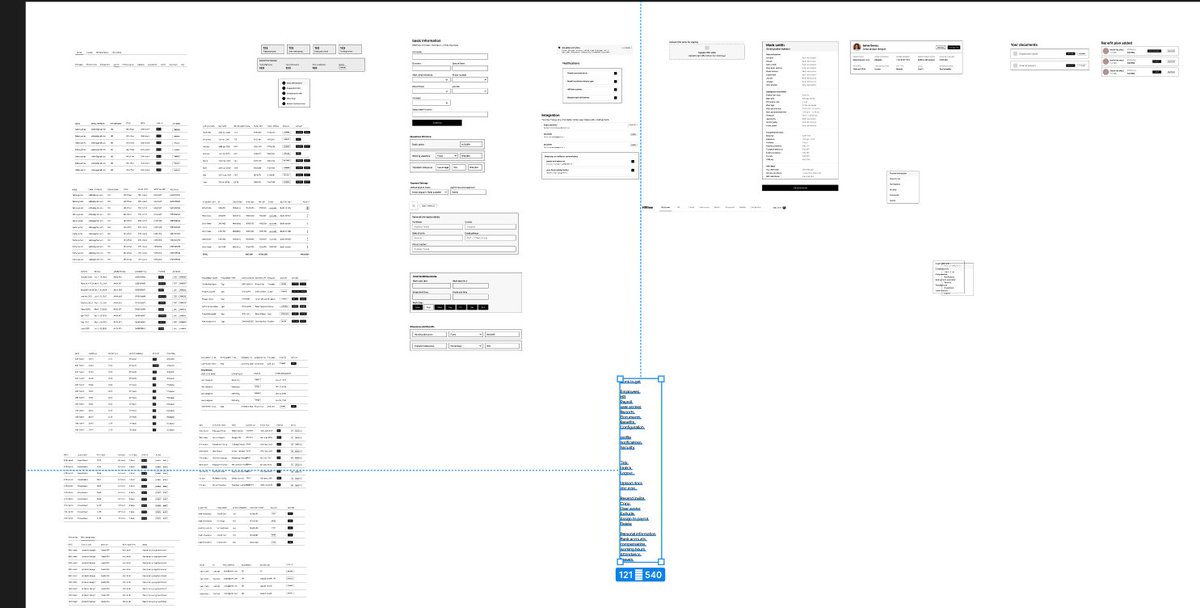
1. When working on client work, start with scoping out everything on userflows to wireframes, be very clear about everything when talking and scoping out user journeys
2. Always review at least 2 times per week with clients to get alignment
3. Note and explain what happens on each stage
4. Walk your clients through user flows and make them understand the whys of each and how you make decisions
5. After designing wireframes, pull all similar screens together and separate each component: Tables, top cards, Metrics, side panels, cards, lists, buttons
6. Design from a design system, dont design everything from scratch, create a system, make work faster
7. Pull out inspirations to use, show your clients, and align with them on what needs to be done
8. Let the work be a collaborative process. You are the expert, be an expert
If you love these tips so far, please retweet and like
#BuildInPublic
1
2
75

A small UX change can beat a full redesign.
In an employee verification app, users weren’t sure if submissions worked.
Clear confirmation visible status fixed it.
User confusion is always design feedback.
#CaseStudy #UXDesign #MobileUX #ProductDesigner #UserFlows
1
11
94

Jan 12
Day 3 of #Buildinginpublic
The biggest task isn't about the code, it's about planning architectures and userflows
- Structured the landingpage & content
- Planned the backend architecture
- have to work on userflows still
preferring
clarity > chaos
confidence > clutter
8
9
236

27 Dec 2025
Optimizing app userflows with Claude is great when your attention span is cooked
>prompt it
>scroll X for a minute
>tab back over and look at the results
>repeat
1
2
169

4 DAYS. 4 POWERFUL SESSIONS. 4 PATHWAYS INTO TECH.
If you’ve been thinking about starting a career in tech or upgrading your skills — this is your sign.
From Business Analysis to Cybersecurity, Data, and Product, we’re hosting a full week of practical, expert-led sessions designed to show you exactly what it takes to land a job in tech.
This is NOT theory.
This is NOT random talk.
These are hands-on, real-world, career-launching sessions with senior professionals who actually work in these fields.
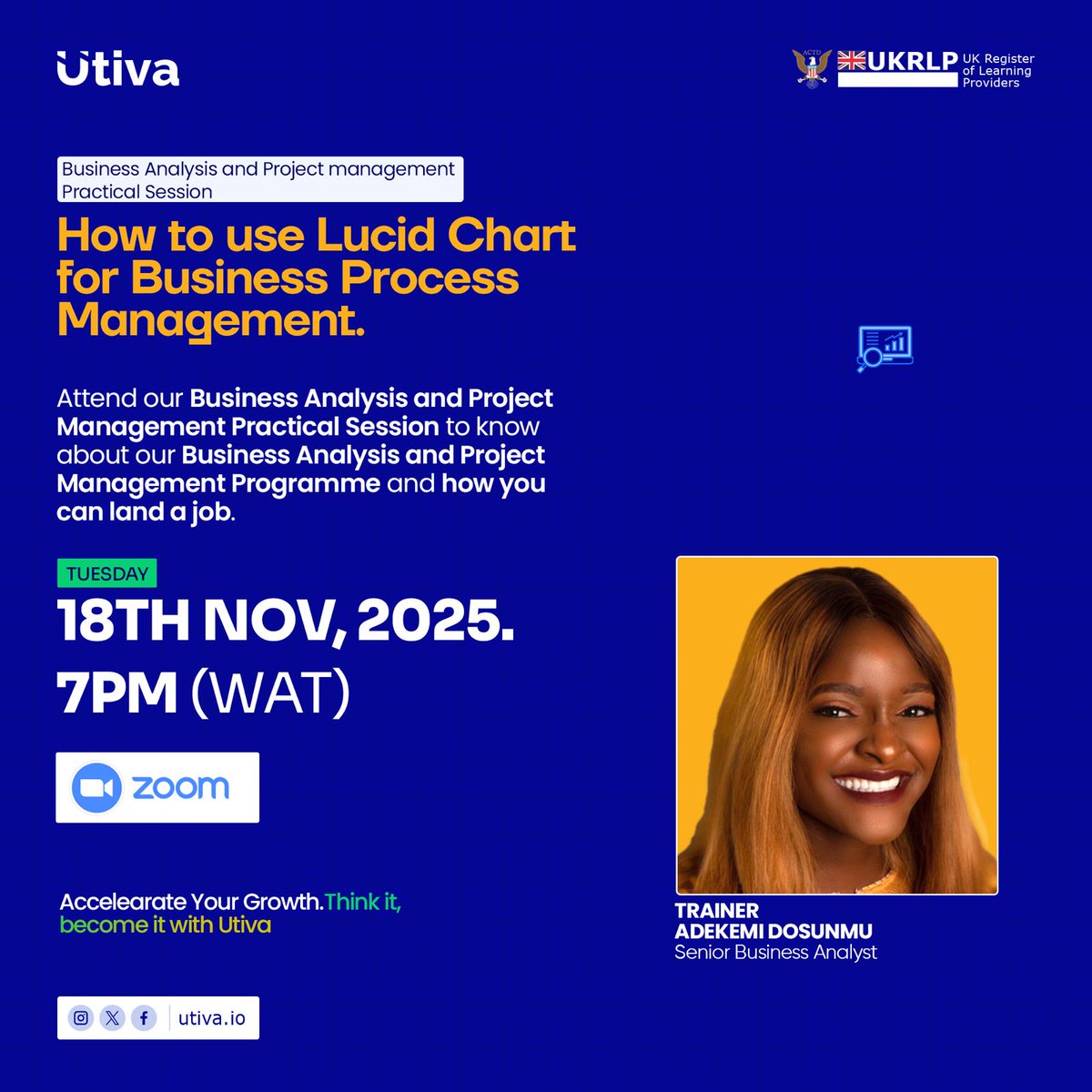
TUESDAY — Nov 18th, 2025 | 7PM (WAT)
Business Analysis & Project Management Practical Session
Topic: How to Use Lucidchart for Business Process Management
Trainer: Adekemi Dosunmu — Senior Business Analyst
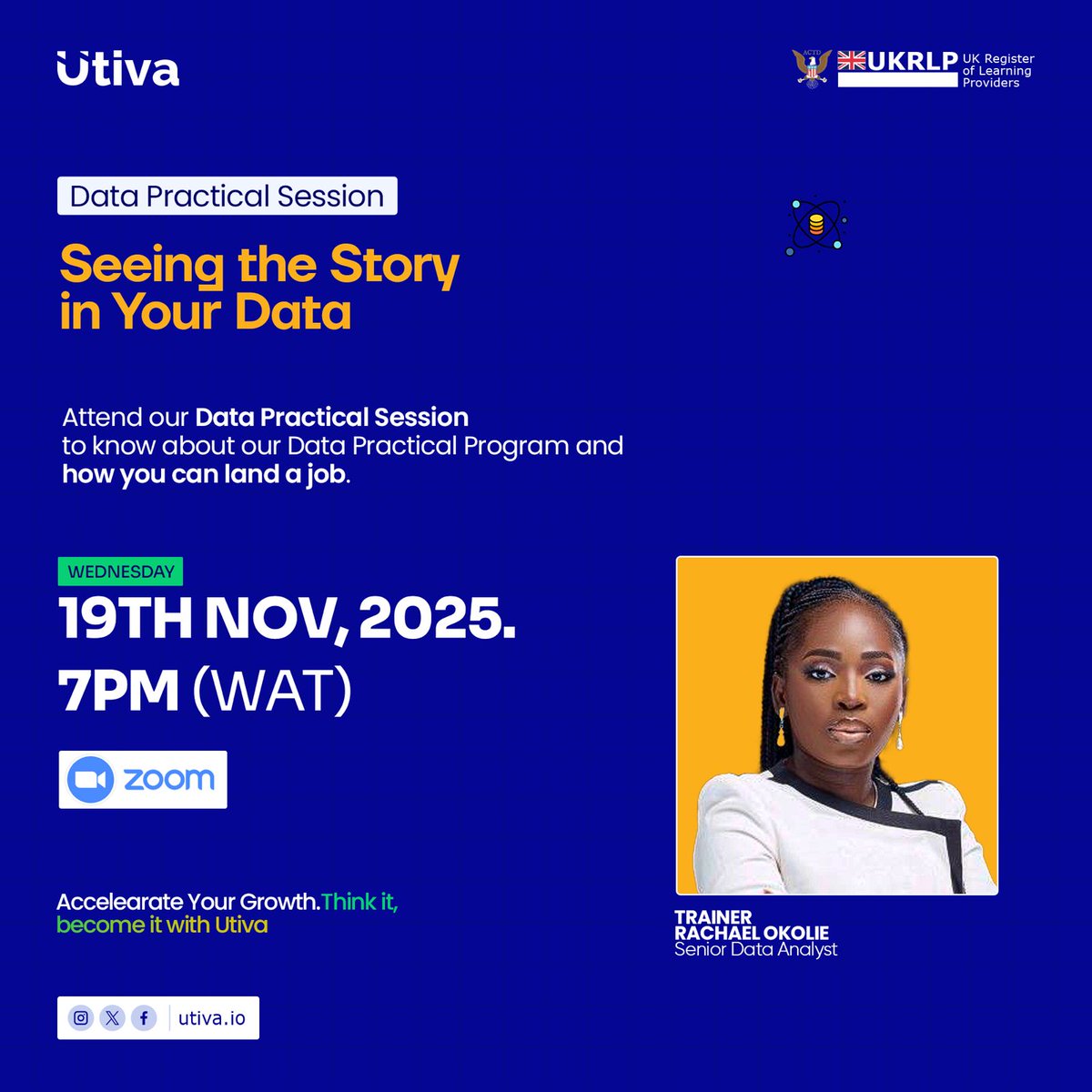
WEDNESDAY — Nov 19th, 2025 | 7PM (WAT)
Data Practical Session
Topic: Seeing the Story in Your Data
Trainer: Rachael Okolie — Senior Data Analyst
THURSDAY — Nov 20th, 2025 | 7PM (WAT)
Cybersecurity Practical Session
Topic: Social Engineering in Phishing — Why It Works & How Attackers Exploit Human Psychology
Trainer: Olopade Babawale Charles — Senior Cybersecurity Analyst
FRIDAY — Nov 21st, 2025 | 7PM (WAT)
Product School Practical Session
Topic: Build Userflows, Design & Market a Product
Trainers:
Oluwaseun Omodara — Senior Product & Digital Marketer
Oluwafemi Ojoko — Senior Product Manager
Faith Okolo — Senior Product Designer
Why You Should Not Miss This Week:
✔ Learn directly from industry experts
✔ Get hands-on tools, frameworks & real-world strategies
✔ Understand exactly how to land a job in each tech path
✔ Ask questions, get clarity & explore which career fits you
✔ Build confidence and direction for your tech journey
👉 Want to join any session? Comment “I’M IN”, or send us a DM and we’ll send the Zoom link.
Your tech future starts with one decision and it starts now.
#Utiva #TechSkills #PracticalSessions #BusinessAnalysis #CyberSecurity #DataAnalytics #ProductManagement #DigitalSkills #LearnWithUtiva


1
2
127

17 Nov 2025
🎨 Moonchild Design Hackathon
🚀 Ready to unleash your creativity and design the future of apps? Join the Moonchild Design Hackathon and show off your skills using Moonchild, the AI-powered app product design tool that turns PRDs or prompts into full app designs and userflows in minutes.
🌙 What is Moonchild?
Moonchild is an AI tool that helps you design apps instantly. Just type a prompt like “event booking app” and it generates a complete set of app screens with a working prototype. You can edit and refine everything inside Moonchild, and your flow is ready to share. It’s the fastest way to turn ideas into real app designs.
(Note: You don’t need to export to Figma or edit in Figma — the whole process stays inside Moonchild.)
📝 Challenge Overview
In this hackathon, participants will use Moonchild to create a full app flow based on the given topic (to be announced).
Start with a prompt in Moonchild.
Let AI generate the app flow.
Refine, customize, and polish your design directly inside Moonchild.
Download and submit your final 3 screens.
The best winners will be picked according to their designs — creativity, usability, and flow.
1
5
616
15 Nov 2025
🎨 Moonchild Design Hackathon
🚀 Ready to unleash your creativity and design the future of apps? Join the Moonchild Design Hackathon and show off your skills using Moonchild, the AI-powered app product design tool that turns PRDs or prompts into full app designs and userflows in minutes.
🌙 What is Moonchild?
Moonchild is an AI tool that helps you design apps instantly. Just type a prompt like “event booking app” and it generates a complete set of app screens with a working prototype. You can edit and refine everything inside Moonchild, and your flow is ready to share. It’s the fastest way to turn ideas into real app designs.
(Note: You don’t need to export to Figma or edit in Figma — the whole process stays inside Moonchild.)
📝 Challenge Overview
In this hackathon, participants will use Moonchild to create a full app flow based on the given topic (to be announced).
Start with a prompt in Moonchild.
Let AI generate the app flow.
Refine, customize, and polish your design directly inside Moonchild.
Download and submit your final 3 screens.
The best winners will be picked according to their designs — creativity, usability, and flow.
1
2
173

13 Nov 2025
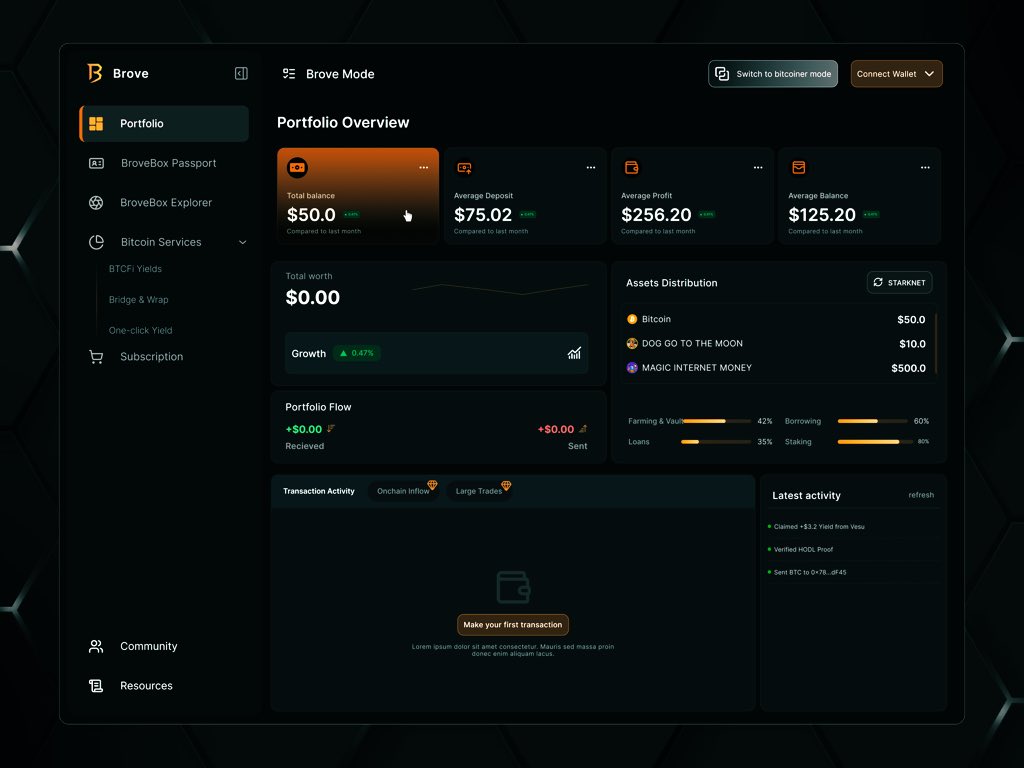
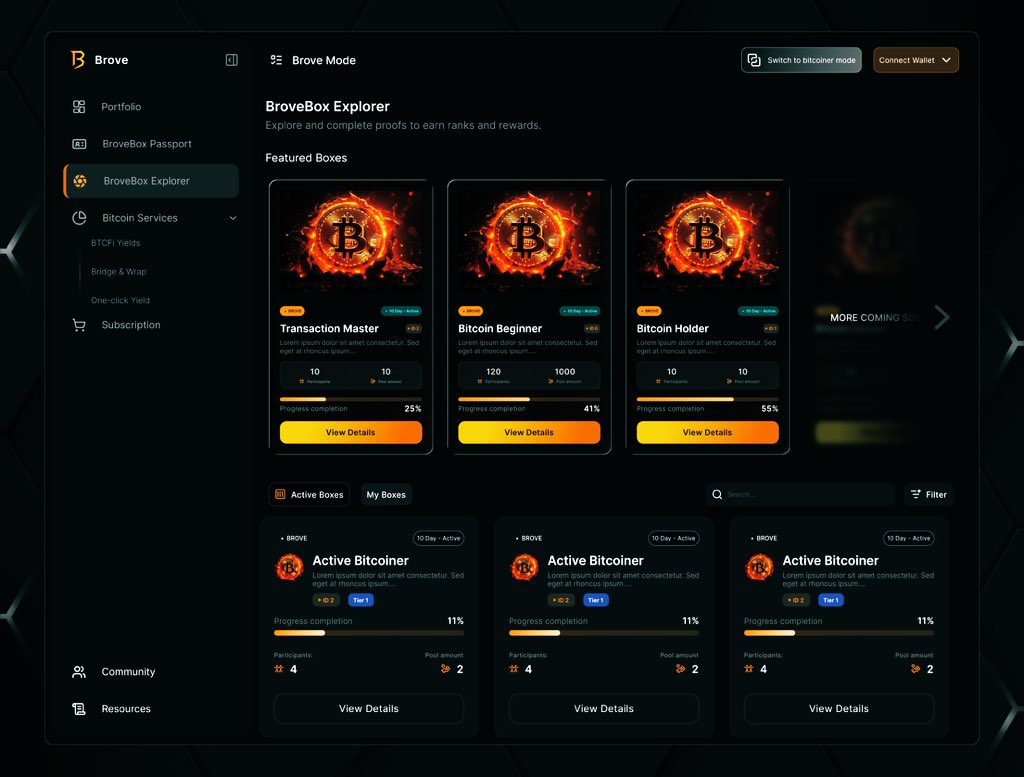
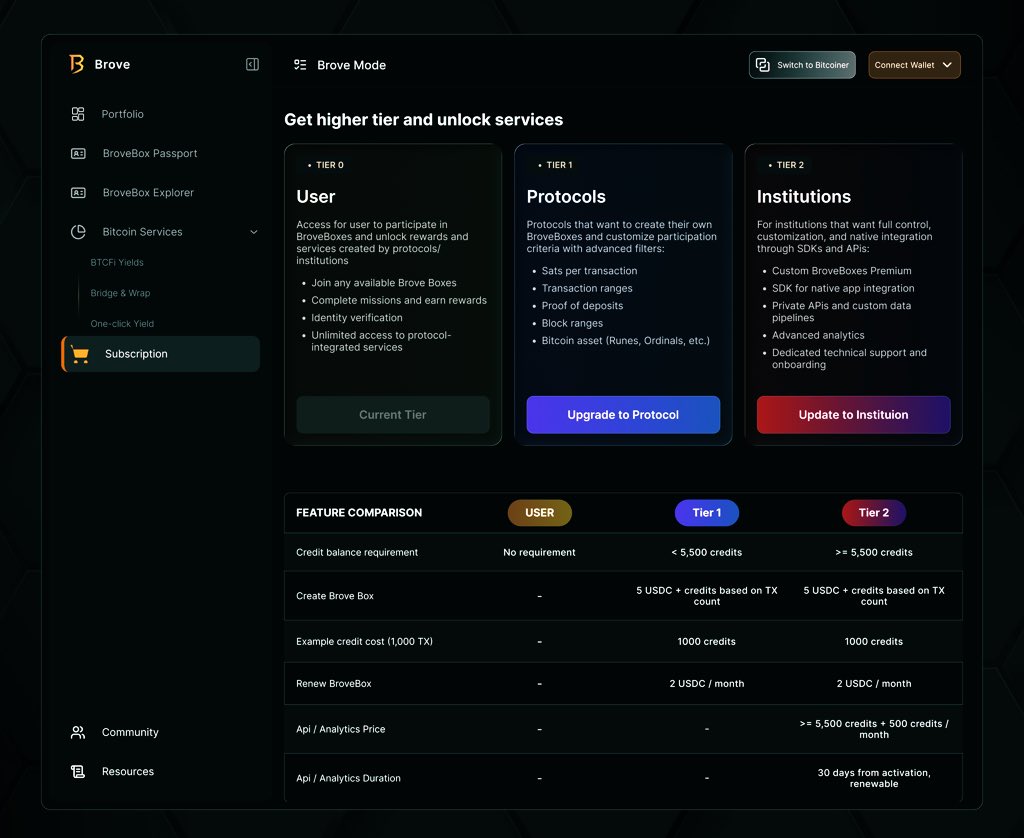
Episode 1:
[What if]
@just_brove_it had a new look next quarter, one that users instantly understand and adopt faster?
– Unclustered minimal navigation
– Story-driven userflows
– focused anchored service
A cleaner, more intentional Brove experience.
What do you think? 😊
6 Nov 2025

I think I might be redesigning brove 🙏
The UX tradeoff on the app is high for such an amazing project idea
2
4
152

12 Nov 2025
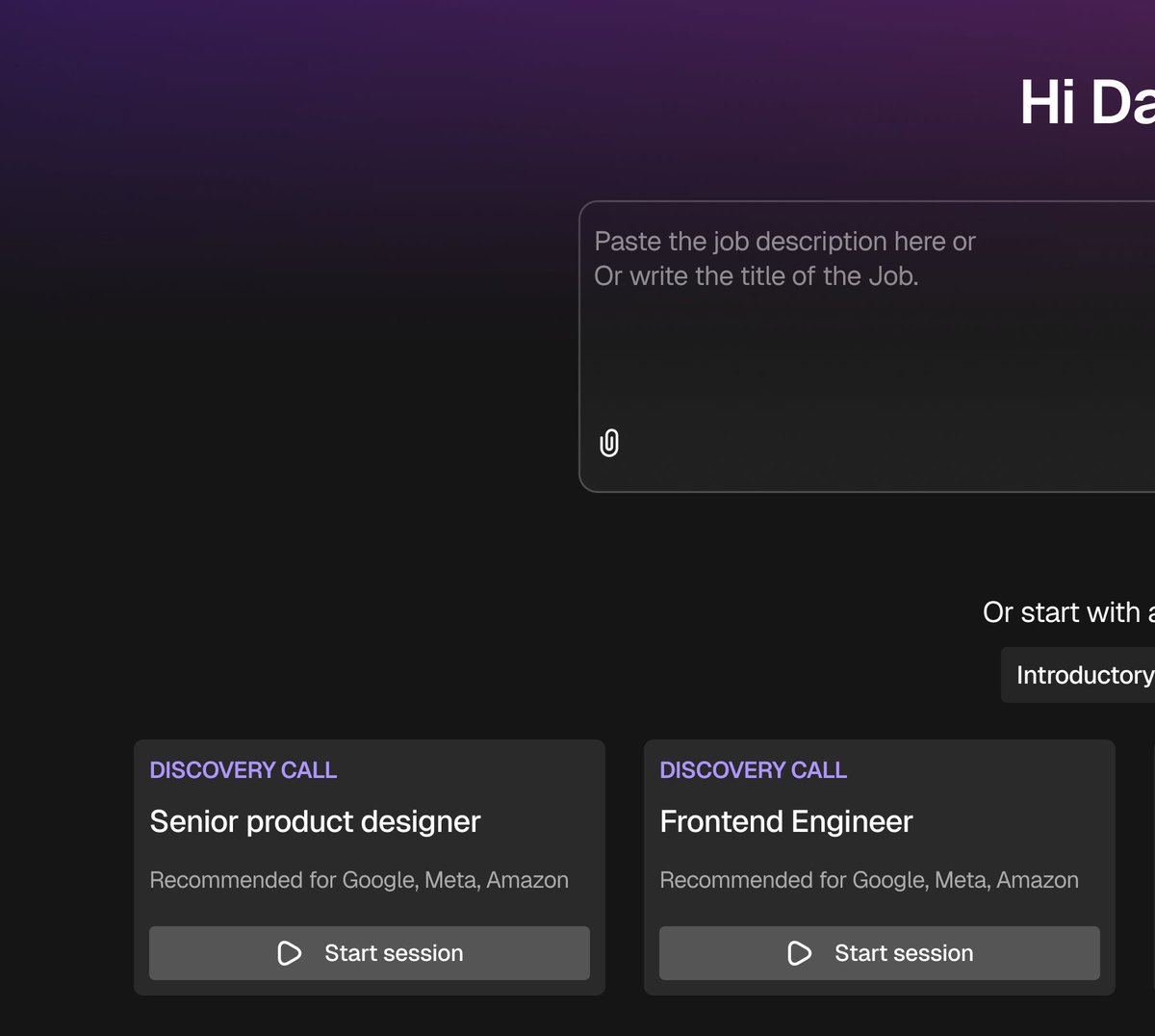
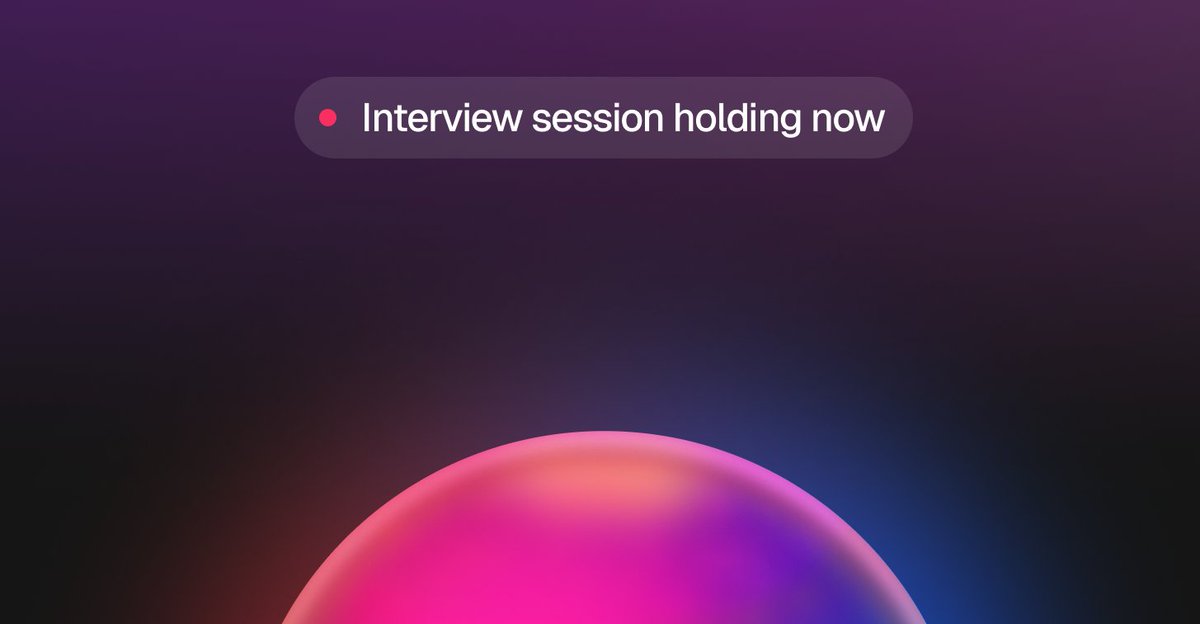
Changes in userflows and interaction patterns and information priorities came with restructuring the homepage design.... Now, it is more sleeker than the previous Saas native dashboard design it had.

1
3
248

11 Nov 2025
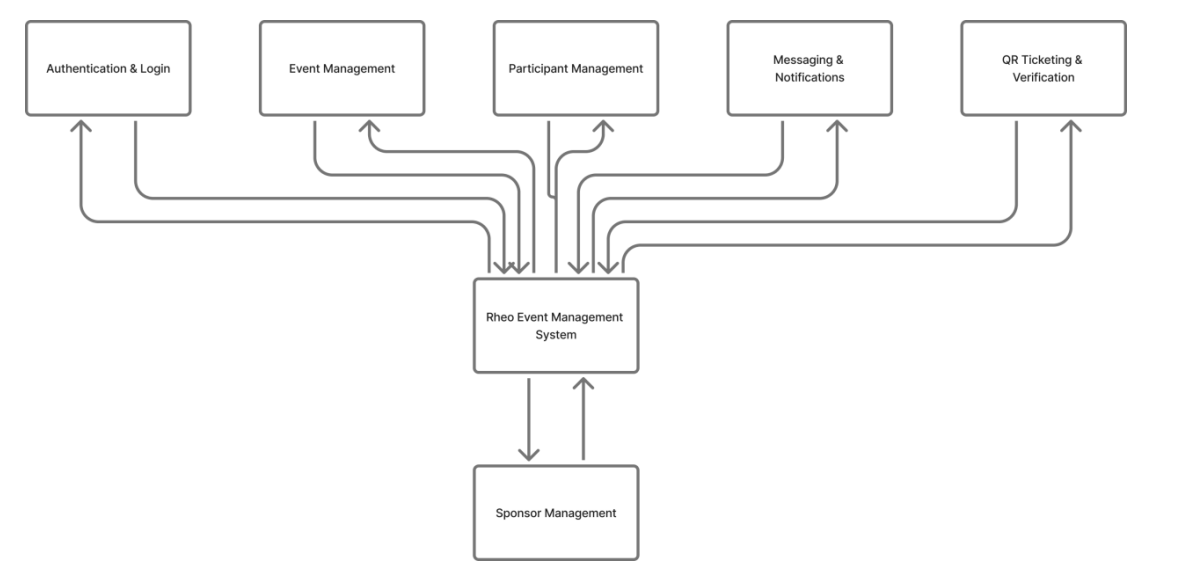
Wtaf! Chatgpt now has a figma mcp and it can now create workflow diagrams, architecture diagram, flowcharts, userflows directly on a figma design! The output too is not very bad. How easy is AI gonna make it for all of us?
4
85

8 Nov 2025
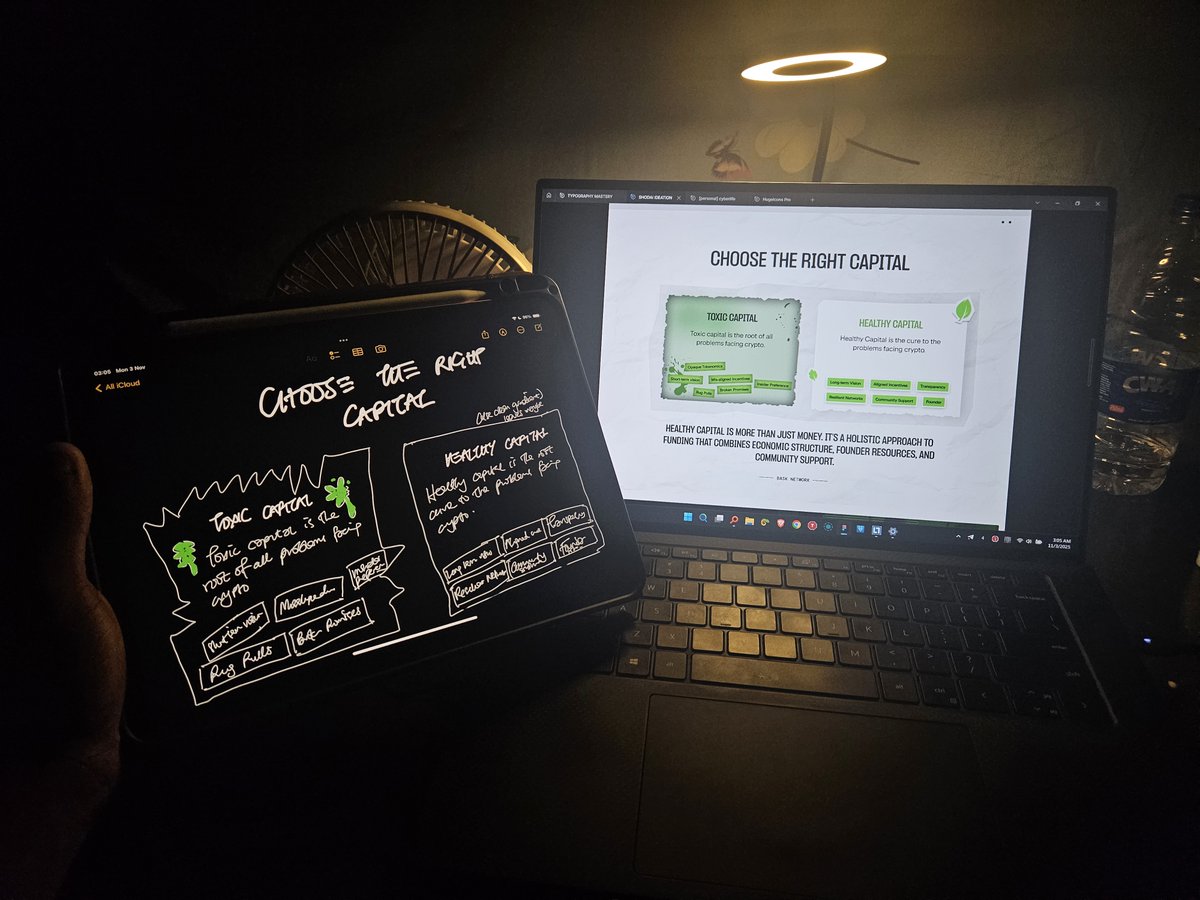
I don’t know how people get an ipad and say they don’t use it. Despite the fact that I dislike ipadOS, I use my ipad very frequently. At a point, even more than my phone lol.
- Sketching a page layout, userflows
- Sketching illustrations, logos, icons and visual assets
- Writing my thoughts
- Doodling
- Planning a project
- Checking off task lists
It’s been an incredibly useful tool for me and worth every penny.
Although in retrospect, my Procreate and Toonsquid subscriptions were probably poor financial decisions 😂

2
359

6 Nov 2025
Day 28/60
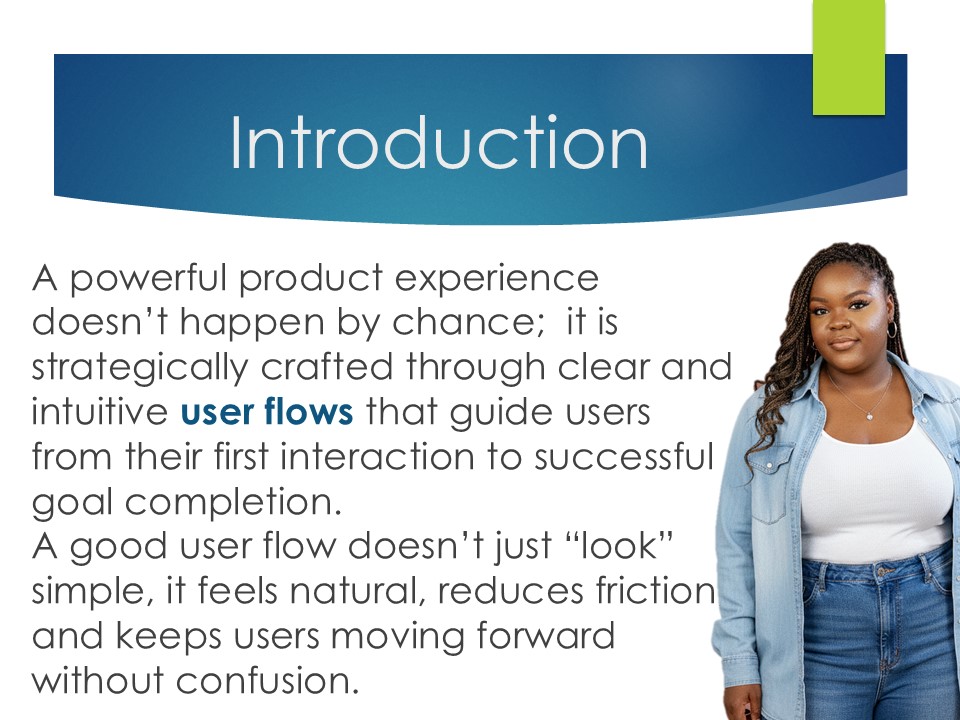
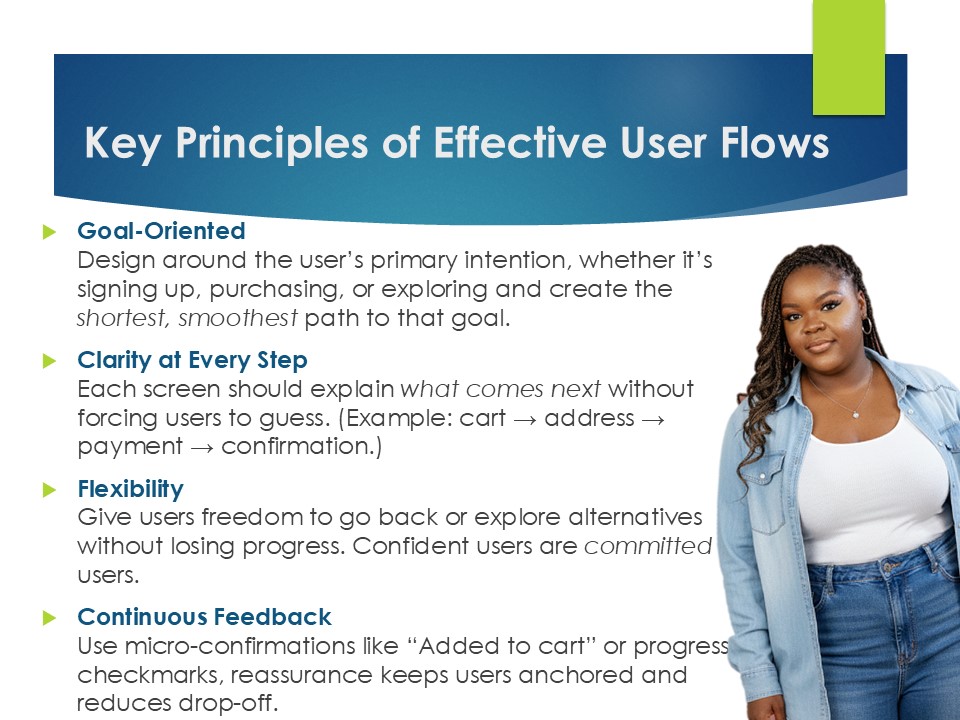
User Flow Design: Guiding Users With Intention
When your user flow is intuitive, people don’t just complete tasks
they enjoy the journey.
#uiuxdesign #userflows #ProductDesign #uxstrategy #uxtips #userjourney
#LoveYourW
3
57