
Mar 6
Daily Vim Tip: From any bracket, brace, or parenthesis, % teleports you to its matching partner. In files with the matchit plugin loaded, it also hops between if/else/end blocks and HTML tags.
#vim #vimtip #ostechnix
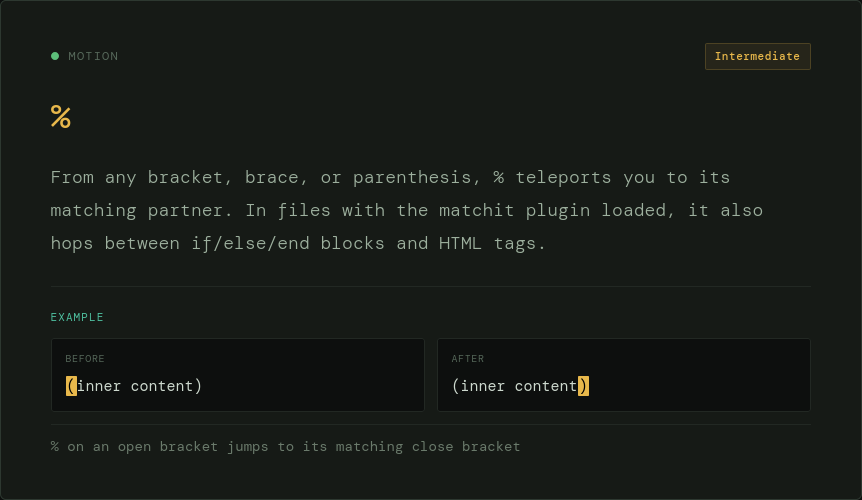
ALT Daily Vim Tip: From any bracket, brace, or parenthesis, % teleports you to its matching partner.
1
2
50
Feb 25
Daily Vim Tip: Use e / E to land on the final character of the current word rather than the start of the next. Handy when you want to append to a word or delete to its tail. E skips punctuation just like W does.
#vim #vimtip #coding #ostechnix
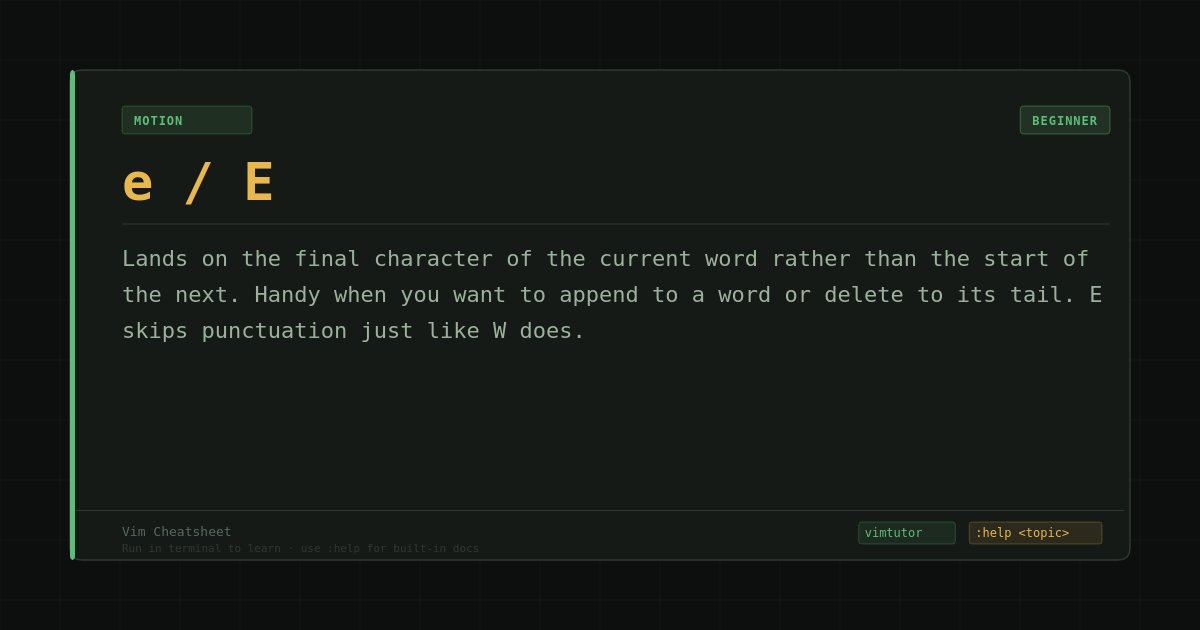
ALT Daily Vim Tip: Use e / E to land on the final character of the current word rather than the start of the next.
2
4
104
Feb 23
Daily Vim tip: w / W
Two flavours of 'move forward by word.' Lowercase w treats punctuation as a word boundary, so it hops between tokens. Uppercase W ignores punctuation and jumps to the next gap in whitespace — useful when navigating camelCase or paths.
#vim #vimtip #coding
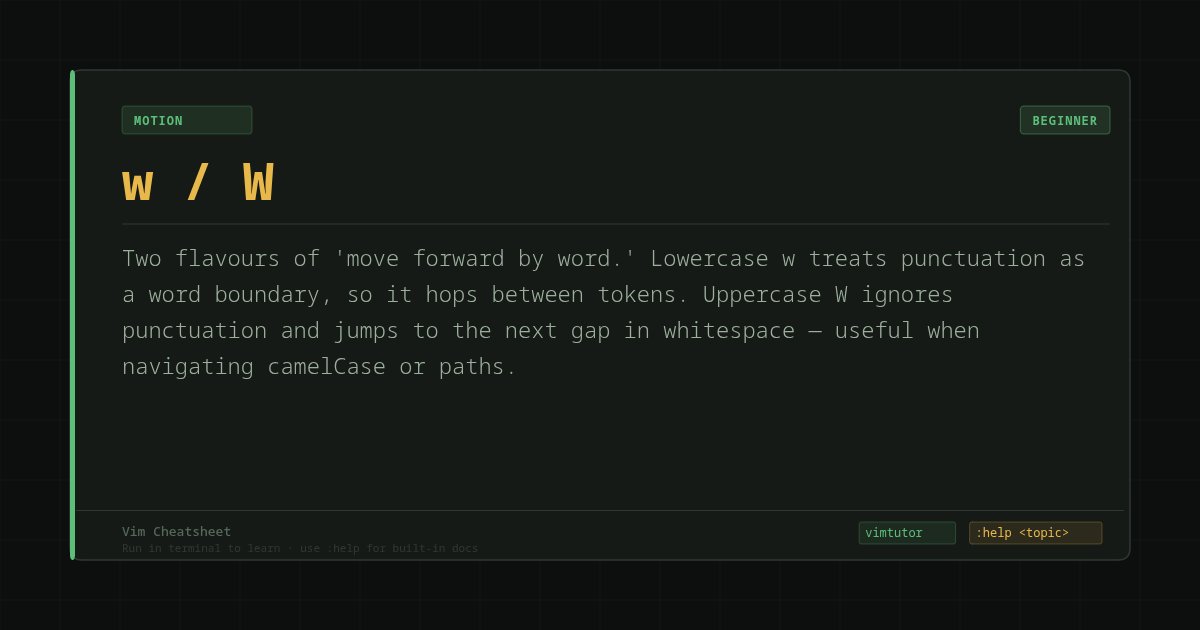
ALT Vim Tip: Use w or W to move forward by word
1
2
74

1 May 2021
#vimtip #ViernesVIM #vim in @holbertonschool Tip 003
Did you know that:
You can compare 2 files with vimdiff
Find more info with this cmd :help vimdiff
2
4
23 Apr 2021
#vimtip #ViernesVIM in @holbertonschool Tip 002
Did you know that:
You can restore the cursor to the last position before exiting buffer by pressing single quote and double quote ('")
Find more info with this cmd :help 'quote
2
1
6
16 Apr 2021
#vimtip #ViernesVIM in @holbertonschool Tip 001
Imagine this. You are working with malloc, but you don't remember what lib it needs. so let's #RTFM with #vim
You can run man cmd for keyword under the cursor pressing K
Find more info with this cmd :help K
1
2
11 Apr 2021
#vimtip #sundayvibes
ok let's learn something about vim because is Sunday :D
You can restore the position before the latest jump with double single quote
find more info about this running this command
:help ''
1
2


21 May 2019
In Vim I just used '. to return to the most recently edited line in my code. Handy. #vimtip #vim #developers
2


24 Jun 2018
g~iw toggles case from the current word. gUiw changes current word for uppercase. guiw changes current word for lowercase. g~3w toggles case from the next 3 words. gUU changes the current line to uppercase. guu changes the current line to lowercase. #vimtip
2
6
