




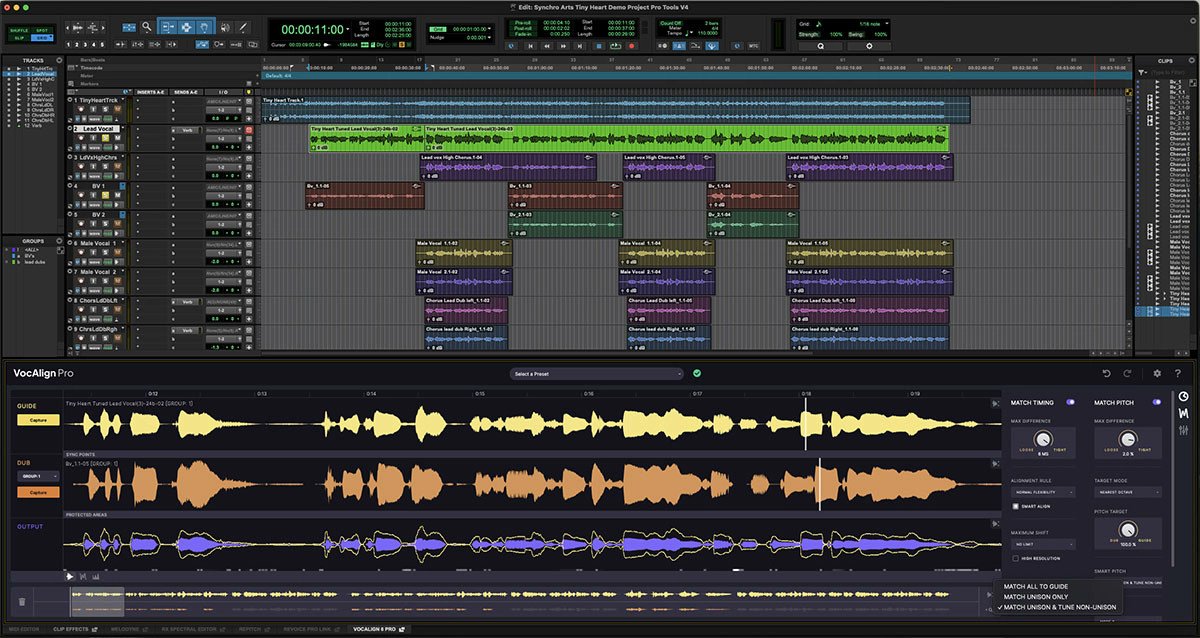
ALT Avid Pro Tools Delivers ARA 2 Support for iZotope, Synchro Arts, and Sound Radix Solutions Plus New MIDI Plugins Read More https://audioxpress.com/news/avid-pro-tools-delivers-ara-2-support-for-izotope-synchro-arts-and-sound-radix-solutions-plus-new-midi-plugins Avid has announced an update for its Pro Tools audio production software that introduces ARA 2 support for solutions from iZotope, Synchro Arts and Sound Radix. The update also adds two new included MIDI effect plugins from Mixed In Key, session export for Media Composer, Dolby Atmos enhancements, improved searching and importing of session data, memory locations enhancements, MIDI pitch labels, and more. #softwareupdate #vocalprocessing #pitchalignment iZotope, Inc. Synchro Arts by LANDR Sound Radix

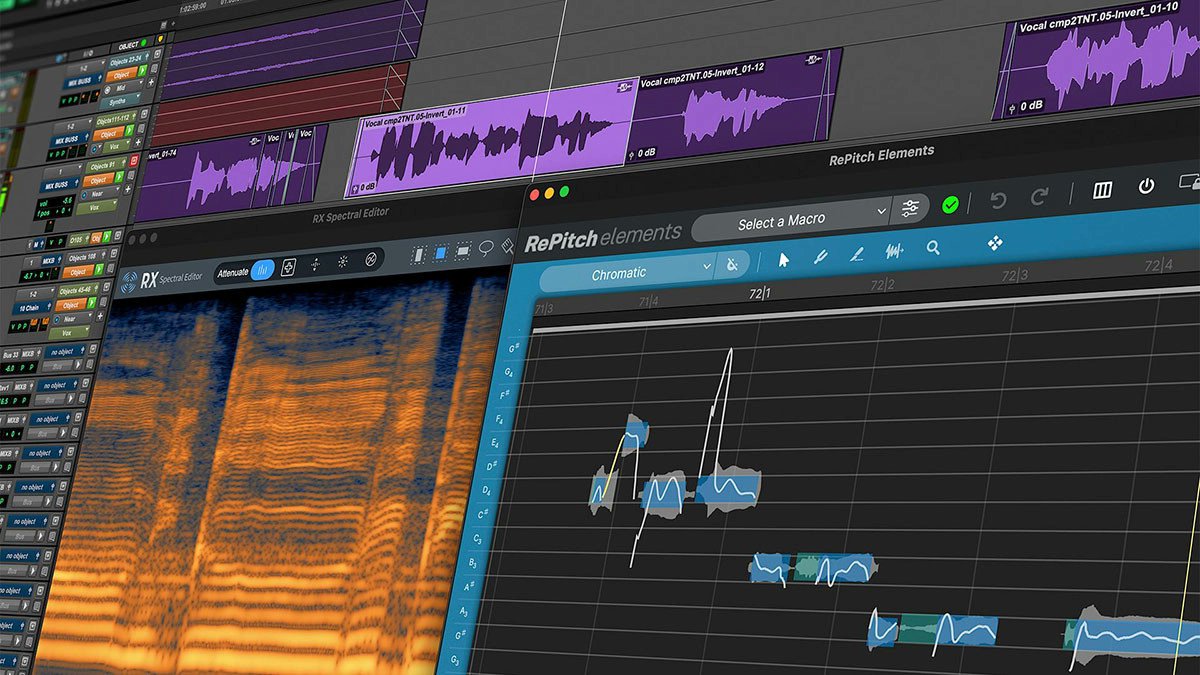
ALT Avid Pro Tools Delivers ARA 2 Support for iZotope, Synchro Arts, and Sound Radix Solutions Plus New MIDI Plugins Read More https://audioxpress.com/news/avid-pro-tools-delivers-ara-2-support-for-izotope-synchro-arts-and-sound-radix-solutions-plus-new-midi-plugins Avid has announced an update for its Pro Tools audio production software that introduces ARA 2 support for solutions from iZotope, Synchro Arts and Sound Radix. The update also adds two new included MIDI effect plugins from Mixed In Key, session export for Media Composer, Dolby Atmos enhancements, improved searching and importing of session data, memory locations enhancements, MIDI pitch labels, and more. #softwareupdate #vocalprocessing #pitchalignment iZotope Synchro Arts Sound Radix
ALT Avid Pro Tools Delivers ARA 2 Support for iZotope, Synchro Arts, and Sound Radix Solutions Plus New MIDI Plugins Read More https://audioxpress.com/news/avid-pro-tools-delivers-ara-2-support-for-izotope-synchro-arts-and-sound-radix-solutions-plus-new-midi-plugins Avid has announced an update for its Pro Tools audio production software that introduces ARA 2 support for solutions from iZotope, Synchro Arts and Sound Radix. The update also adds two new included MIDI effect plugins from Mixed In Key, session export for Media Composer, Dolby Atmos enhancements, improved searching and importing of session data, memory locations enhancements, MIDI pitch labels, and more. #softwareupdate #vocalprocessing #pitchalignment iZotope Synchro Arts Sound Radix