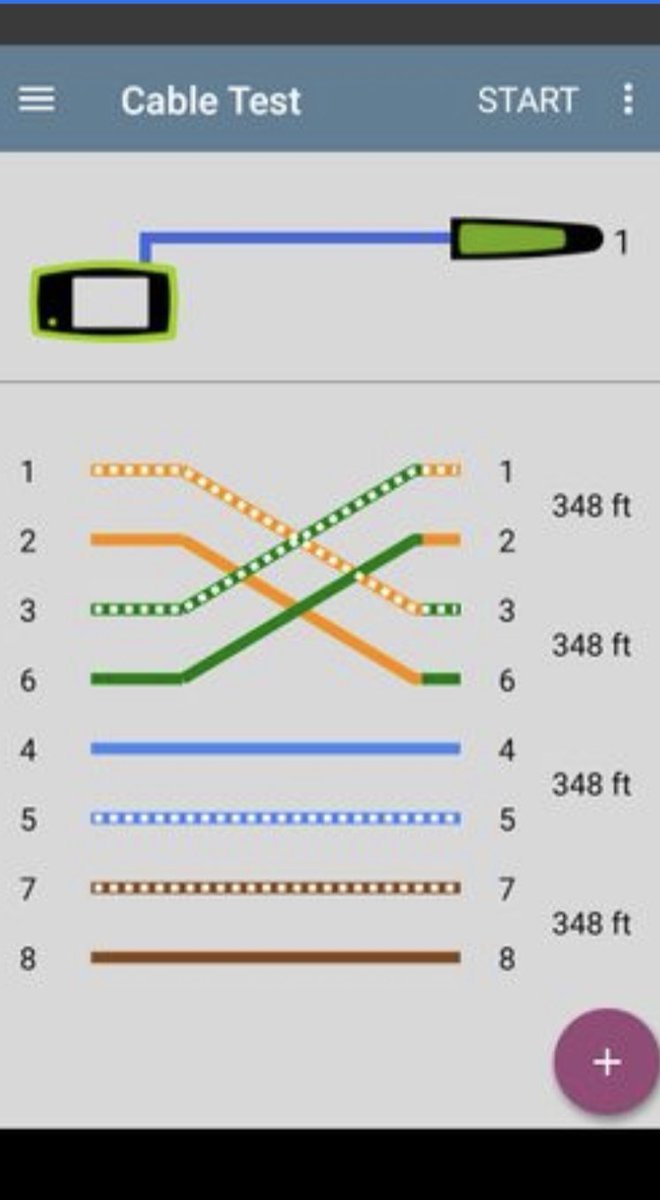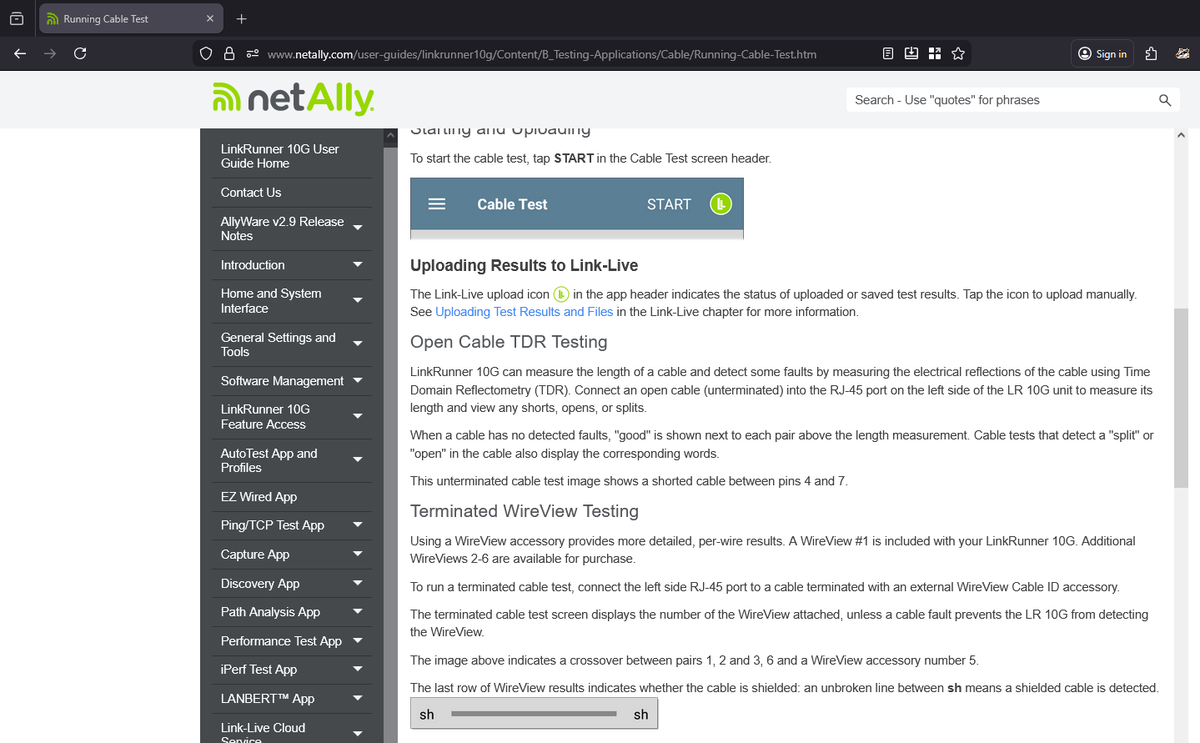
ALT Uploading Results to Link-Live The Link-Live upload icon in the app header indicates the status of uploaded or saved test results. Tap the icon to upload manually. See Uploading Test Results and Files in the Link-Live chapter for more information. Open Cable TDR Testing LinkRunner 10G can measure the length of a cable and detect some faults by measuring the electrical reflections of the cable using Time Domain Reflectometry (TDR). Connect an open cable (unterminated) into the RJ-45 port on the left side of the LR 10G unit to measure its length and view any shorts, opens, or splits. When a cable has no detected faults, "good" is shown next to each pair above the length measurement. Cable tests that detect a "split" or "open" in the cable also display the corresponding words. This unterminated cable test image shows a shorted cable between pins 4 and 7. Terminated WireView Testing Using a WireView accessory provides more detailed, per-wire results. A WireView #1 is included with you
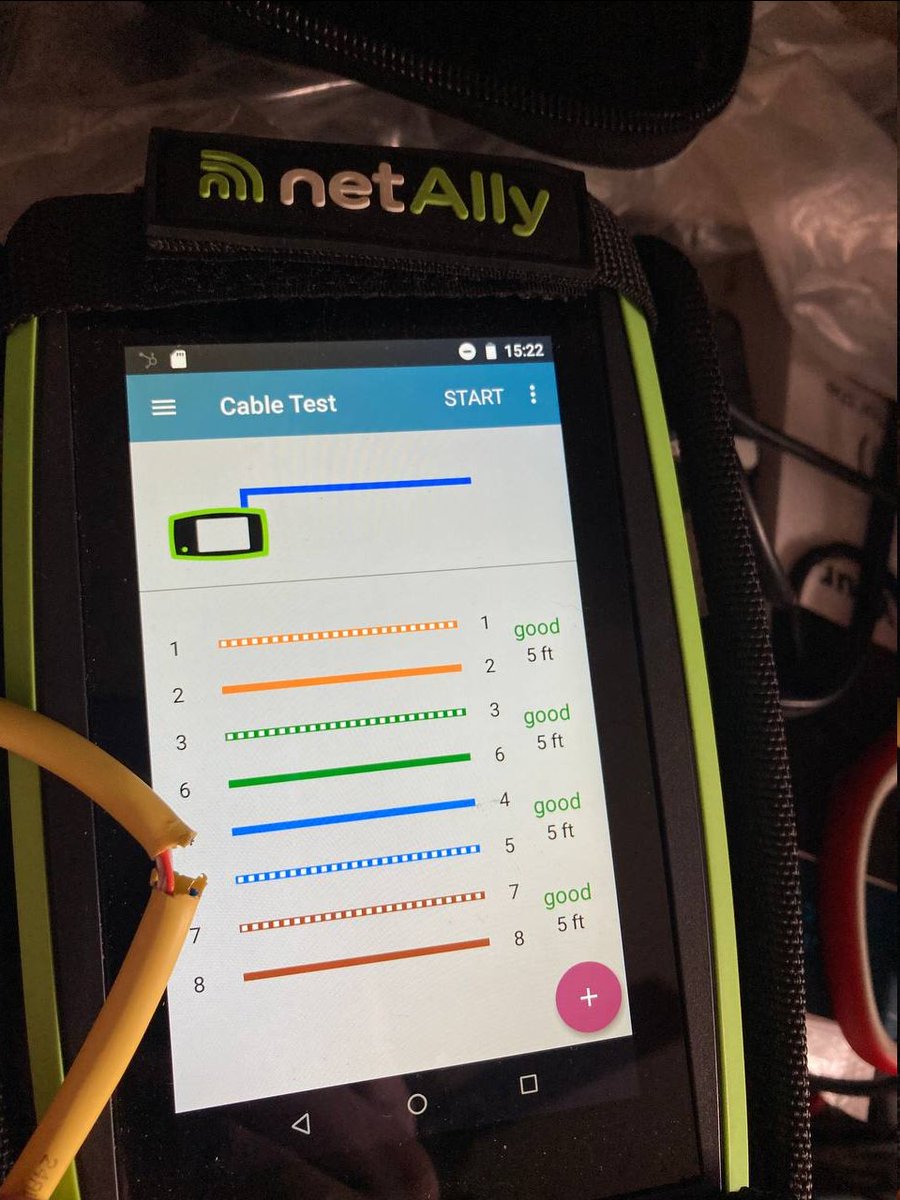
ALT Netally 10G link runner showing 5 ft with one blue cable cut
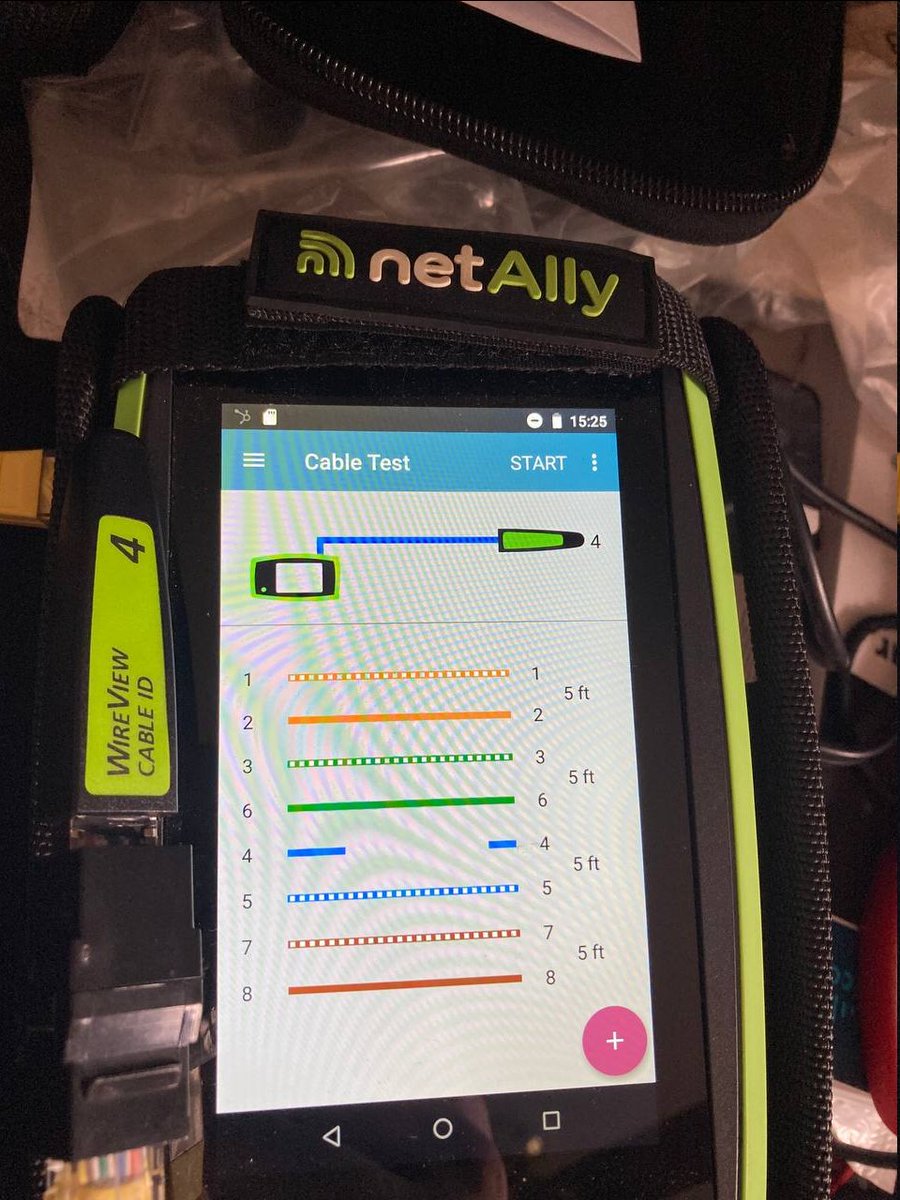
ALT Link runner 10G with a wireview on the end showing the blue cable is broken.