
Engineering Manager at @Buffer husband, father of four little monkeys, and happy Latter-day Saint. If you're reading this we should be friends. 👋🏻日本語を勉強します!
Joined January 2008
- Tweets 5,504
- Following 1,264
- Followers 865
- Likes 4,236
236 Photos and videos






AI makes me faster, but it doesn't necessarily make me better.
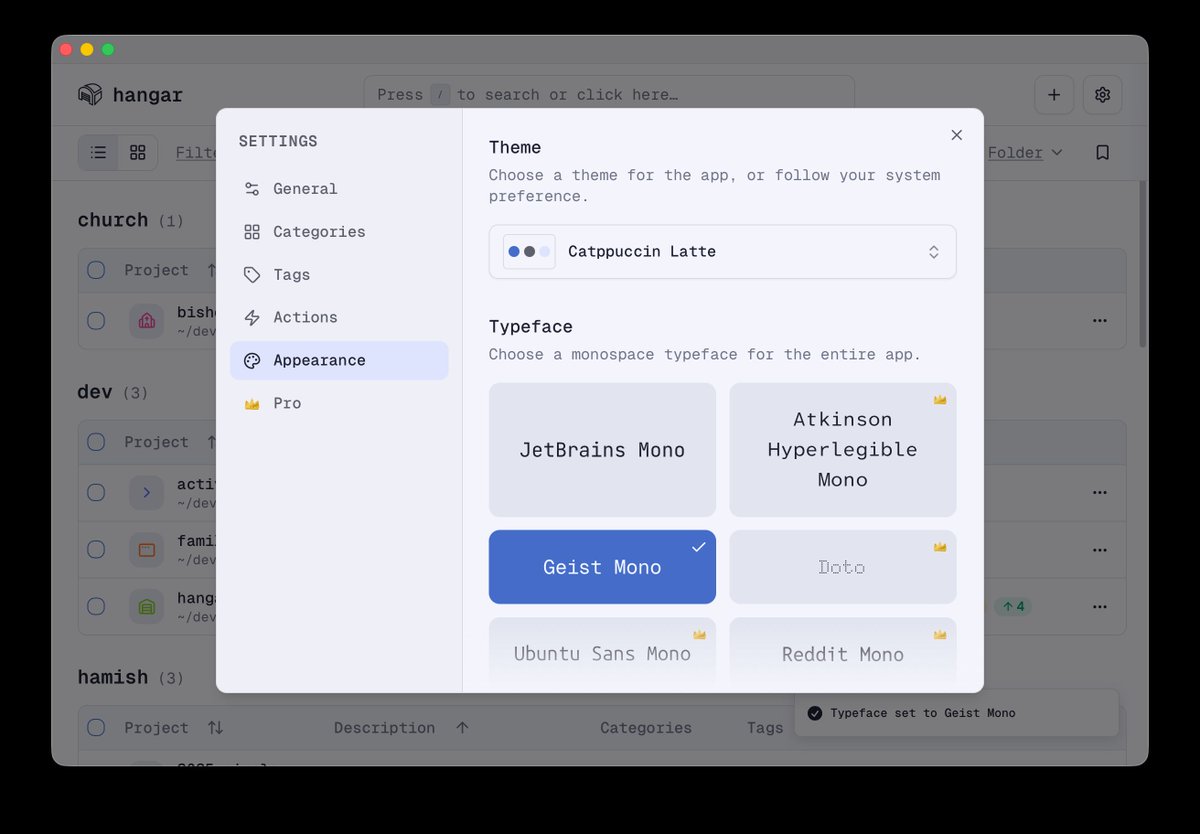
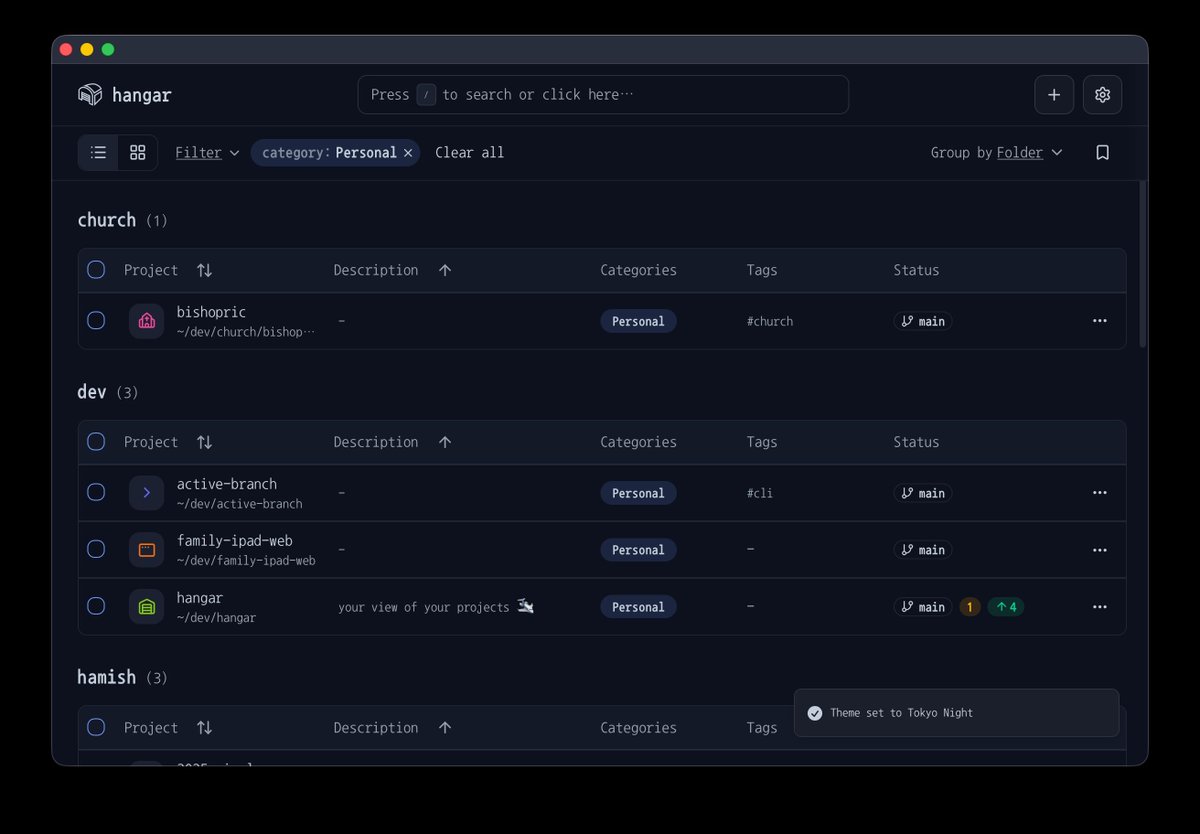
With my upcoming app Hangar, i've spent a lot of time trying to polish little things to improve the overall design, and UX. It's a bit buzzwordy, but I do feel like "craft" is going to become even more important.
1
59
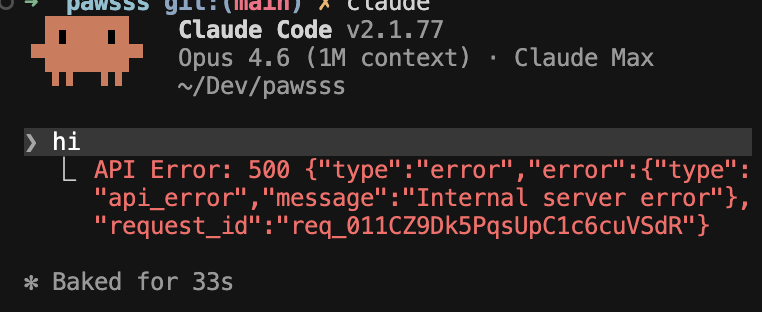
Just burned way too many tokens trying to fix a bug. The error was cryptic, and no matter how I rephrased the problem, the LLM kept guessing wrong.
What finally worked: asked it to instrument some logging first. Ran the build, pasted the logs back in. Issue was clear immediately
1
46
The lesson: if you're going in circles, don't keep retrying the same vague error. Add some logging, get concrete data, THEN go back to the LLM. Real logs > vibes-based debugging.
#buildinpublic
1
2
28
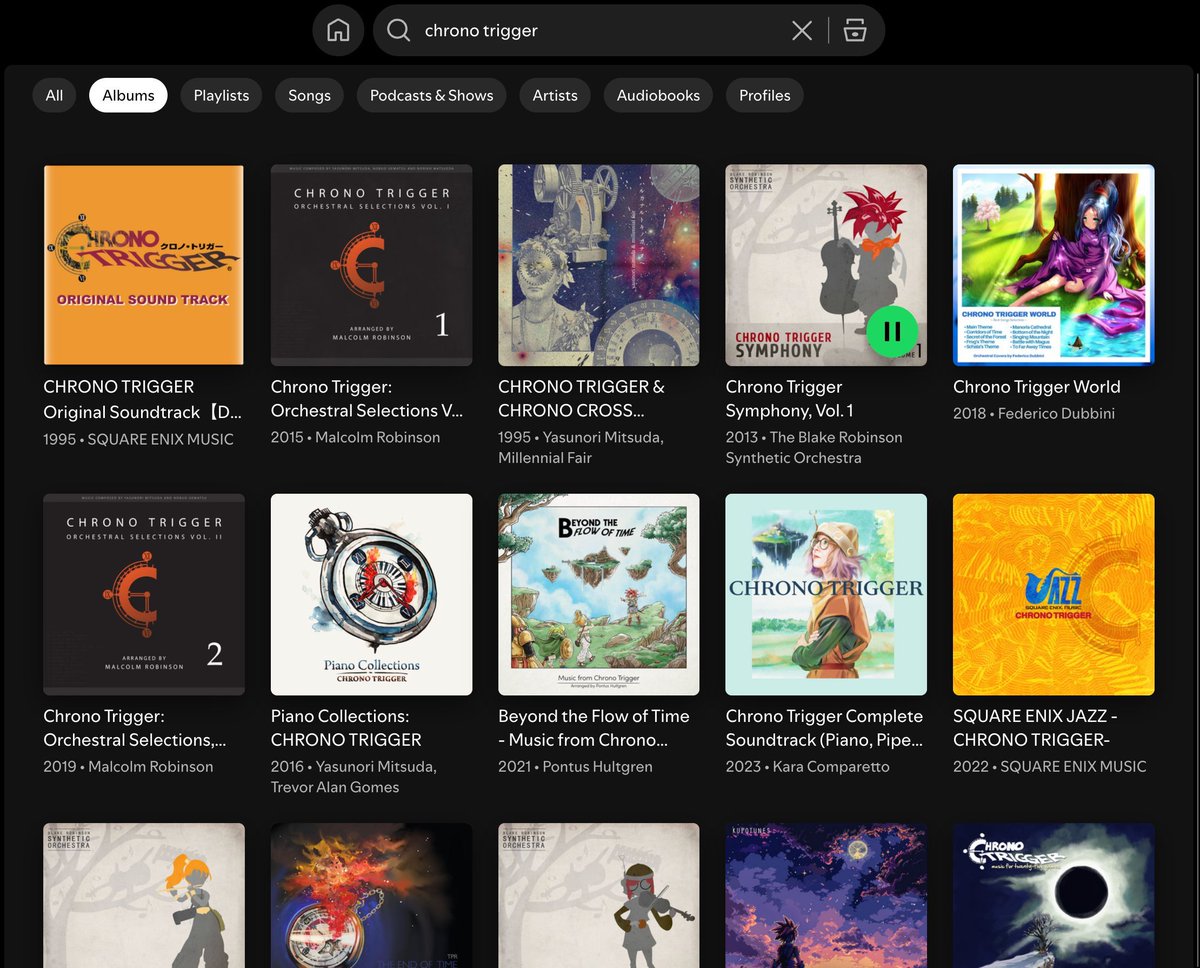
My favorite song from one of the best RPGs of all time. ❤️
youtu.be/UKCWgkJCU3o?si=4YIu…
46

Obsidian uses local files, so all your standard terminal commands work for editing/moving/searching files
what Obsidian CLI adds is everything else:
- interacting with the UI
- Obsidian's internal functions, e.g. base queries
- deterministic results like the "orphans" command
- easily one-shot a personal plugin, now that your agent can access devtools, console, screenshots, eval, etc
See the docs:
help.obsidian.md/cli
20
18
389
60,724
ooh this is sweet - might make it easier to interact with my obsidian vault from openclaw

Obsidian CLI
help.obsidian.md/cli
88