
ComfyUI node explorer • Sharing AI workflows • Diffusing pixels and conditioning latent space 🫡
Joined February 2023
- Tweets 877
- Following 488
- Followers 5,197
- Likes 4,207
142 Photos and videos



Pinned Tweet

Mar 10
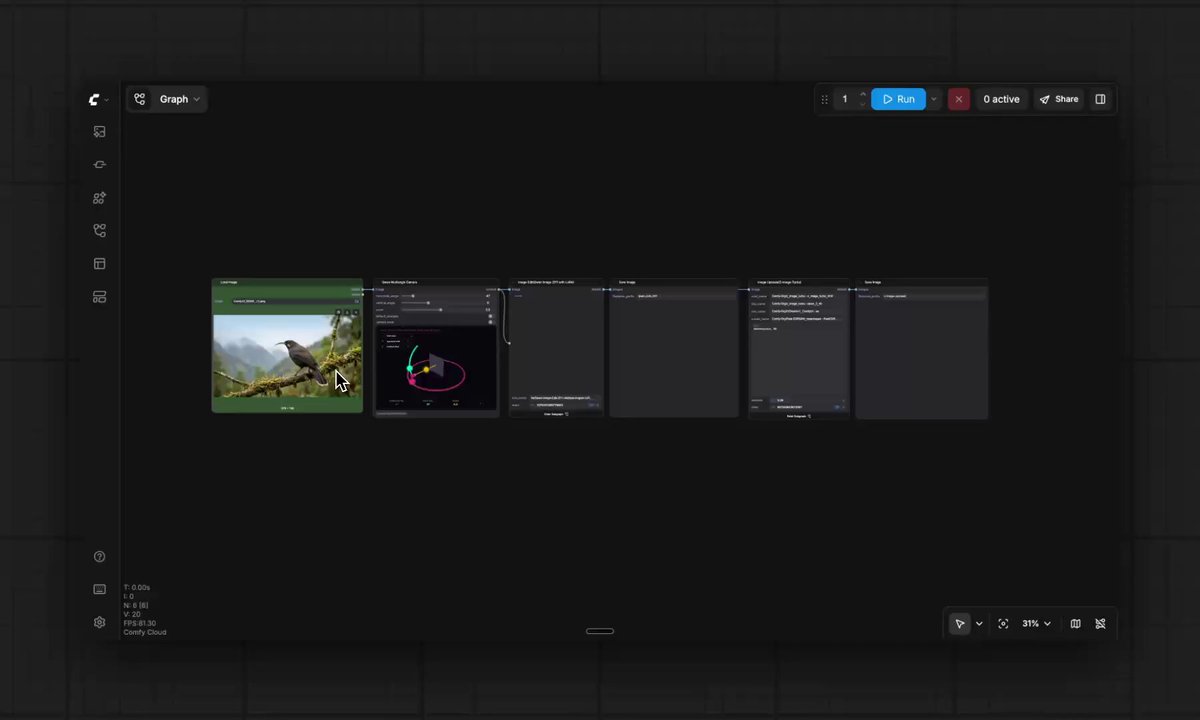
Nodes have always been a huge hurdle for two groups: non-technical creatives wanting to try ComfyUI, and builders with complex workflows they can't easily hand off.
App Mode fixes both. Now you get the full power of node-based workflows without looking at a single node.
Here's a quick demo to show you how easy it is to go from nodes → app

Two massive updates for the ComfyUI ecosystem today:
1️⃣ App Mode: The power of the node graph, now behind an easy-to-use interface. Turn complex workflows into custom apps.
2️⃣ ComfyHub: A brand new home to discover, run, and share community workflows and apps instantly via URL. Try ComfyHub preview via links.comfy.org/4dke0ki
Create in App Mode. Share on ComfyHub.
Learn more here: links.comfy.org/4bAOjuz
22
25
373
36,237
rob - comfyui retweeted
Jun 11
The only thing worse than looking at a blank canvas is prompting with JSON.
Here's a ComfyUI workflow to fix that.
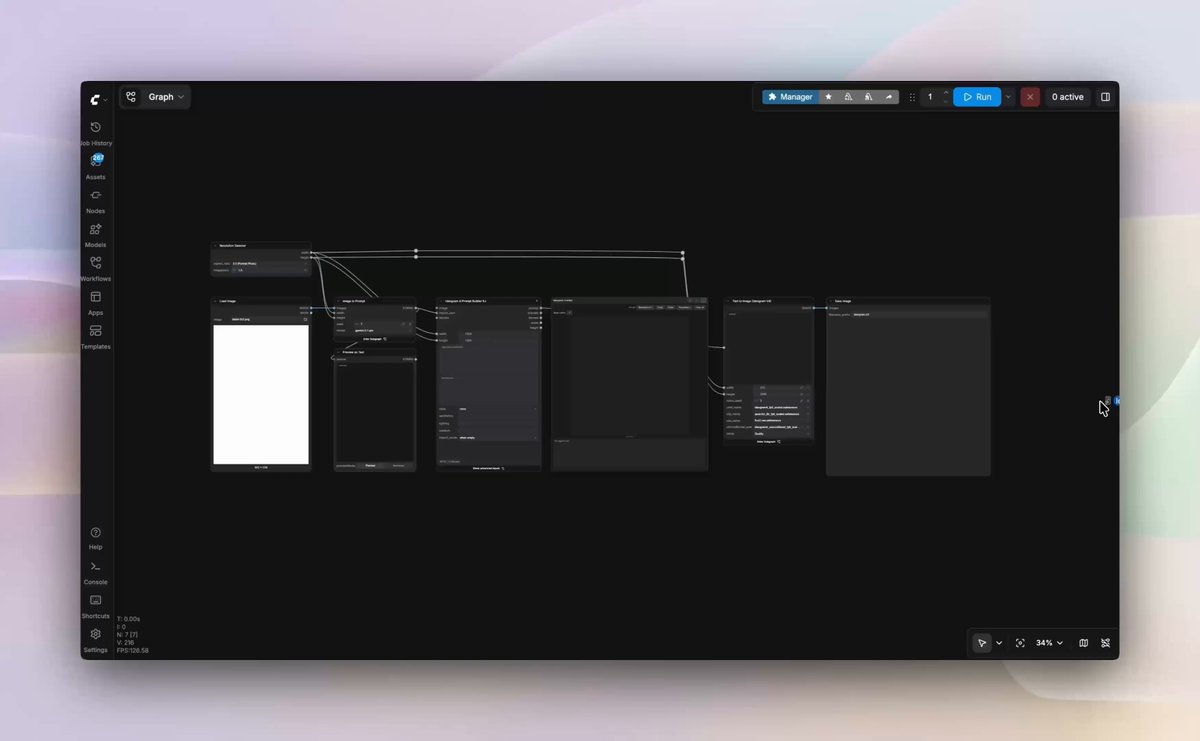
Upload your image and an LLM automatically creates bounding boxes structured JSON for Ideogram V4. The 'Prompt Builder' node draws the bboxes and scaffolds the prompt. From there you just refine and tweak. Change the prompts, bbox positions, color palettes — then generate and iterate.
Prompt below ⬇️
9
20
250
10,376
Jun 11
The only thing worse than looking at a blank canvas is prompting with JSON.
Here's a ComfyUI workflow to fix that.
Upload your image and an LLM automatically creates bounding boxes structured JSON for Ideogram V4. The 'Prompt Builder' node draws the bboxes and scaffolds the prompt. From there you just refine and tweak. Change the prompts, bbox positions, color palettes — then generate and iterate.
Prompt below ⬇️
9
20
250
10,376
Jun 11
System prompt to get Ideogram compatible JSON from an image (s/o discord user GalaxyTimeMachine):
You are an expert Ideogram v4 JSON prompt engineer. Your sole task is to analyze the provided image and output a single, valid Ideogram v4 JSON prompt that would faithfully recreate it.
---
## OUTPUT FORMAT
You must output ONLY a raw JSON object. No markdown code fences, no explanations, no preamble, no trailing text. The JSON must be parseable as-is.
---
## JSON SCHEMA — KEY ORDER IS CRITICAL
The model was trained on a fixed key order. Always follow this exact structure and ordering:
{
"high_level_description": "...",
"style_description": {
"aesthetics": "...",
"lighting": "...",
"medium": "...",
"art_style": "...",
"color_palette": ["#RRGGBB", "#RRGGBB", "#RRGGBB"]
},
"compositional_deconstruction": {
"background": "...",
"elements": [
{
"type": "obj" | "text",
"bbox": [y_min, x_min, y_max, x_max],
"desc": "..."
}
]
}
}
---
## FIELD RULES
### high_level_description
- Write a rich, densely detailed paragraph describing the entire image.
- Cover: subject identity and appearance, clothing/accessories, pose, expression, gaze, skin/hair/makeup details, lighting, mood, color palette, background, and atmosphere.
- End with comma-separated technical quality tags appropriate to the style (e.g. "8K, ultra-detailed, cinematic lighting, photorealistic" for realism; "hand-inked, screen-printed, bold outlines" for illustration).
- Do NOT include specific text words/phrases that you see in the image here. Only include text in the bounding box elements. Do NOT truncate. This is the most important field.
### style_description
- "aesthetics": Era or visual period (e.g. "1950s", "2020s", "Victorian", "cyberpunk", "retro-futurism")
- "lighting": Describe the lighting condition precisely (e.g. "dramatic side-lit studio", "soft diffused natural light", "neon backlit night scene", "golden hour")
- "medium": The rendering medium (e.g. "photorealistic digital", "oil painting", "hand drawn comic book", "watercolor", "3D render", "charcoal sketch")
- "art_style": The specific stylistic reference (e.g. "hyperrealistic portrait", "50s comic book", "Art Nouveau", "anime", "concept art")
- "color_palette": An array of 3–6 hex color strings representing the dominant colors of the image. Identify the most visually prominent and characteristic colors — shadows, skin tones, key object colors, atmosphere. Use exact hex codes (e.g. "#1B3622", "#8B4513", "#F2E4D0"). Do NOT include near-white or near-black unless they are genuinely dominant. Order from most to least dominant.
### compositional_deconstruction
**background**: One concise phrase describing only the background environment (e.g. "a dimly lit museum hall", "a plain white studio backdrop", "a neon-lit rainy street").
**elements**: An array of the primary visual subjects in the image. Rules:
- Identify every distinct major subject separately (person's face, torso, legs/feet, large props, key background objects if prominent).
- Use type "obj" for physical subjects and objects.
- Use type "text" only if there is legible text rendered in the image itself.
- Each element must have a "bbox" and a "desc".
---
## BOUNDING BOX RULES — THIS IS THE MOST CRITICAL PART
The bounding box coordinate system is [y_min, x_min, y_max, x_max] in a 0–1000 normalized space, where:
- (0, 0) = TOP-LEFT corner of the image
- (1000, 1000) = BOTTOM-RIGHT corner of the image
- y_min < y_max (top edge before bottom edge)
- x_min < x_max (left edge before right edge)
Bounding boxes represent the bounding boxes ALREADY DETECTED AND PROVIDED TO YOU from the SAM3 detection node. You will receive the bbox coordinates as part of your input context. Use those exact values — do not guess or invent coordinates.
If no bbox coordinates are provided in your input, then estimate them based on careful visual inspection:
- Mentally divide the image into a 1000×1000 grid.
- The image width maps to 0–1000 on the x-axis.
- The image height maps to 0–1000 on the y-axis.
- For each element, estimate the pixel region it occupies and convert to 0–1000 scale.
Example for a face in the upper-left quadrant:
If the face occupies roughly x: 10%–35%, y: 5%–30% of image:
bbox = [50, 100, 300, 350] → [y_min=50, x_min=100, y_max=300, x_max=350]
Elements should not be redundant. If the SAM node gives you 3 boxes, produce 3 elements.
---
## desc FIELD RULES
Each element's "desc" should:
- Be 5–15 words describing specifically what that element IS.
- Reference the subject's specific visual quality, not a generic label.
- Examples:
- "a young woman's face with crimson lips and pale blue eyes"
- "bare sculpted torso with elaborate cobalt floral patterns"
- "long legs in fishnet stockings, seated on velvet chair"
- "an ornate baroque wooden chair with gold leaf trim"
---
## CONTENT RULES
- Describe what you see accurately and completely regardless of subject matter.
- Do not censor, soften, or omit visible elements.
- Do not add elements that are not visible in the image.
- Do not add style tags or qualities not evidenced in the image.
---
## EXAMPLE OUTPUT
{
"high_level_description": "A hyperrealistic woman seated in an ornate velvet chair, wearing a sheer black lace bodysuit that clings to her curves. Her long auburn hair falls over one shoulder. Her face is turned three-quarters toward camera with a calm, direct gaze — pale green eyes, defined cheekbones, matte red lips, flawless skin. The room behind her is a richly decorated interior with dark wood panelling and warm candlelight. Her posture is upright and composed. 8K hyperrealism, ultra-detailed skin, cinematic lighting, shallow depth of field, photorealistic.",
"style_description": {
"aesthetics": "contemporary editorial",
"lighting": "warm candlelit interior with dramatic shadow",
"medium": "photorealistic digital",
"art_style": "high fashion portrait photography",
"color_palette": ["#3B1F0E", "#8B4A2A", "#C49A72", "#1A1A1A", "#D4B8A0"]
},
"compositional_deconstruction": {
"background": "a dark wood-panelled room with candlelight",
"elements": [
{
"type": "obj",
"bbox": [20, 310, 280, 640],
"desc": "a woman's face with pale green eyes and matte red lips"
},
{
"type": "obj",
"bbox": [250, 220, 650, 750],
"desc": "a woman's torso in a sheer black lace bodysuit"
},
{
"type": "obj",
"bbox": [600, 180, 980, 820],
"desc": "a woman's legs and lower body seated on a velvet chair"
}
]
}
}
Output ONLY the JSON. Nothing else.
1
2
12
890
Jun 8
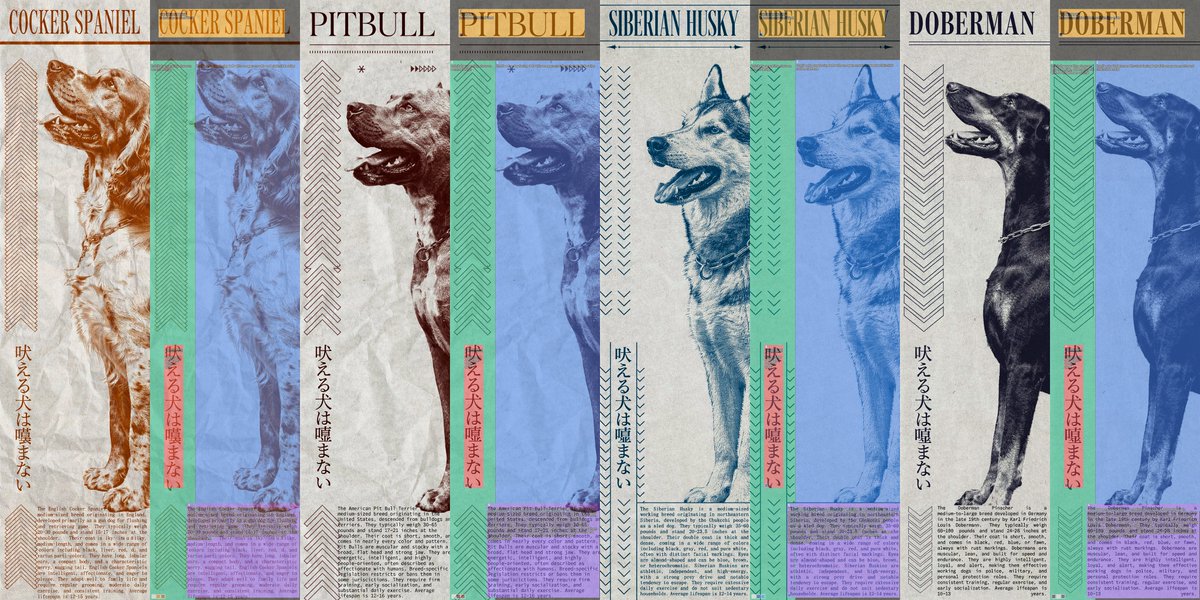
Controlling layouts using bounding boxes with Ideogram V4 opens a completely new paradigm for image generation.
→ Tweaked the bbox layouts and refined the prompt in ComfyUI using 'Ideogram 4 Prompt Builder' node
→ Brought the structured JSON prompt into Claude Code
→ ComfyCloud MCP to generate variations with new subjects, colors (hex values) and descriptions
→ Layout held to the exact pixel across all of them
Zoom in to check out the accuracy of the bboxes and text rendering (examples are one shot btw)
3
5
40
1,897
Jun 6
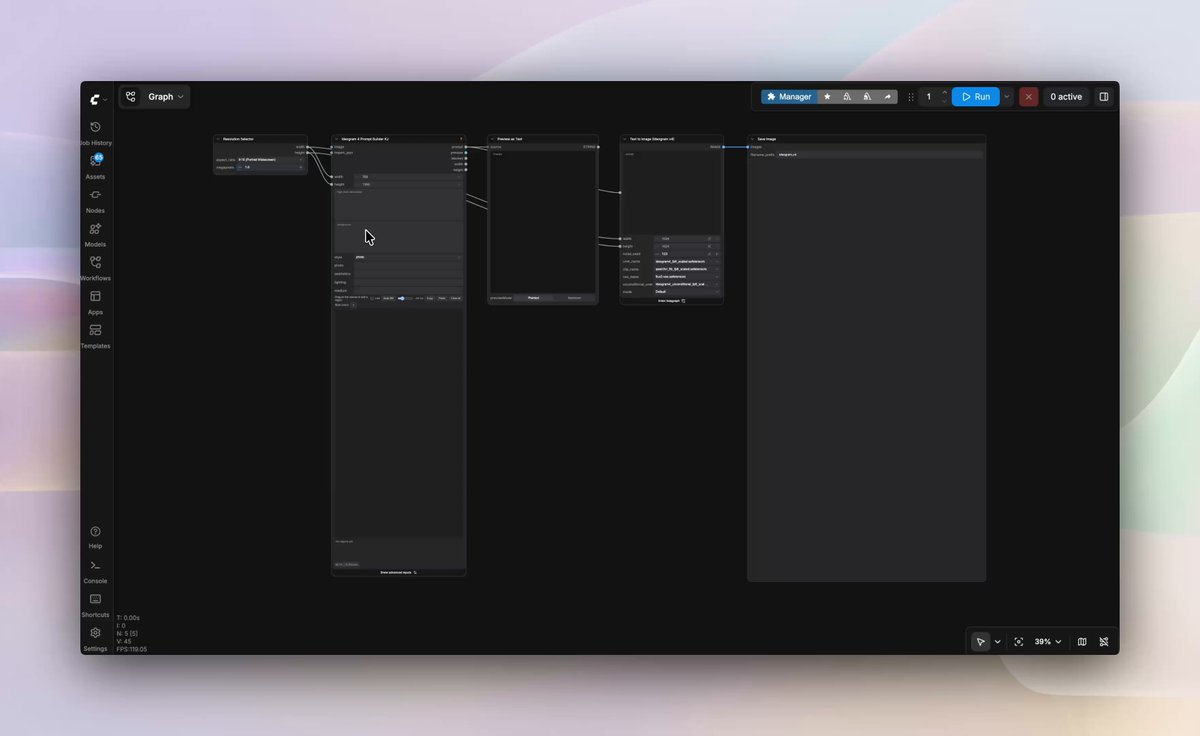
The best way to bring the composition from your head into an image → Ideogram V4 drawing bounding boxes in Comfy.
The control here is quite unique. The model uses structured JSON so drawing bounding boxes to get the exact placement works very well.
The model only needs 12 steps (turbo), so iterating with different seeds very impressive text rendering capability leads me to say this is a state of the art open source image model right now.
Using the 'Ideogram 4 Prompt Builder' node by Kijai.
10
38
318
23,767

The open source community has been delivering on LTX 2.3 LoRAs.
Fine tuning LTX 2.3 unlocks control that you can't get from closed models.
Here are 7 LoRAs that can save your footage.
There are too many incredible LoRAs to cover, so comment below your favorite that needs a showcase!
Links to all the workflows below 👇
18
59
620
228,114
May 26
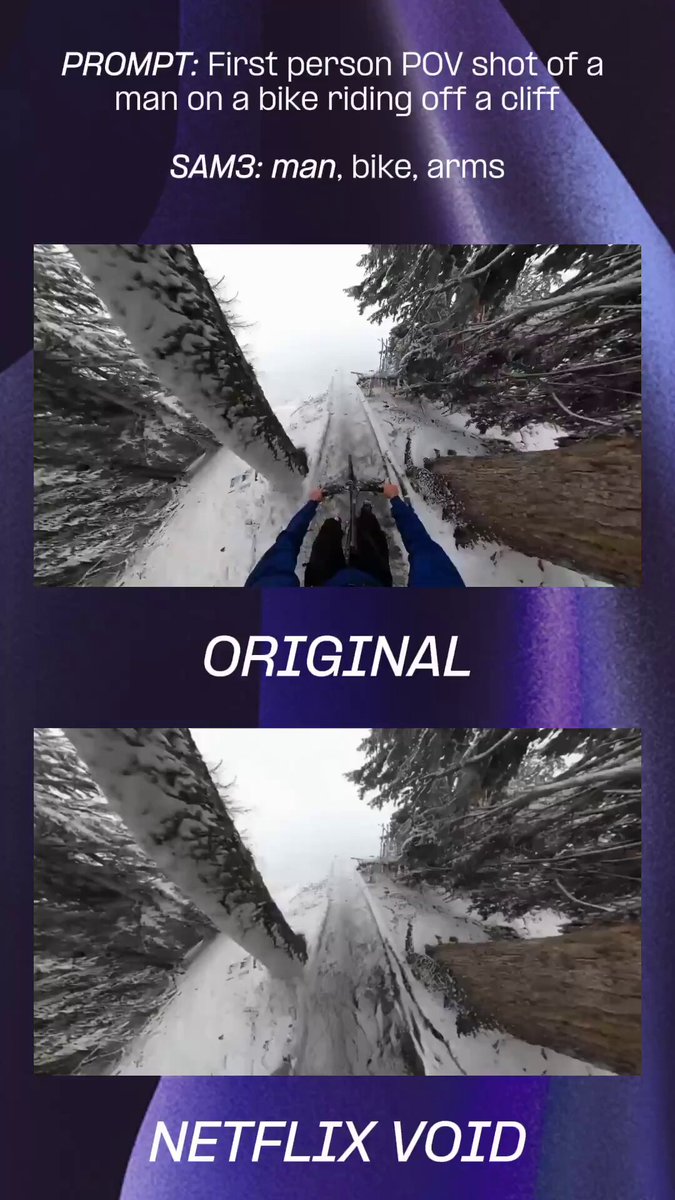
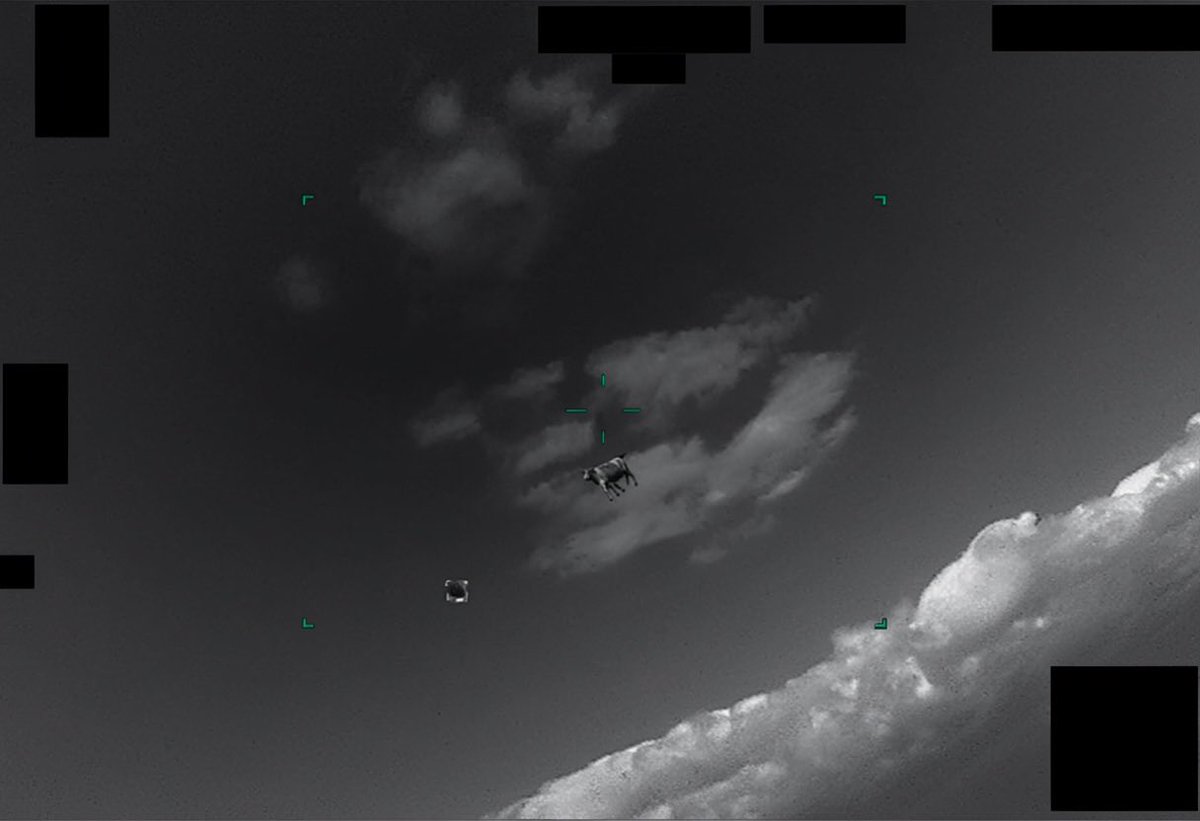
Testing VOID, Netflix's inpainting/object removal model.
For these POV shots, the real test was getting accurate masks with SAM3. With very simple prompts VOID handled the removal very well.
Using the default workflow on ComfyUI, 5 second video is ~110 seconds on an RTX PRO 6000.
1
8
1,278
May 22
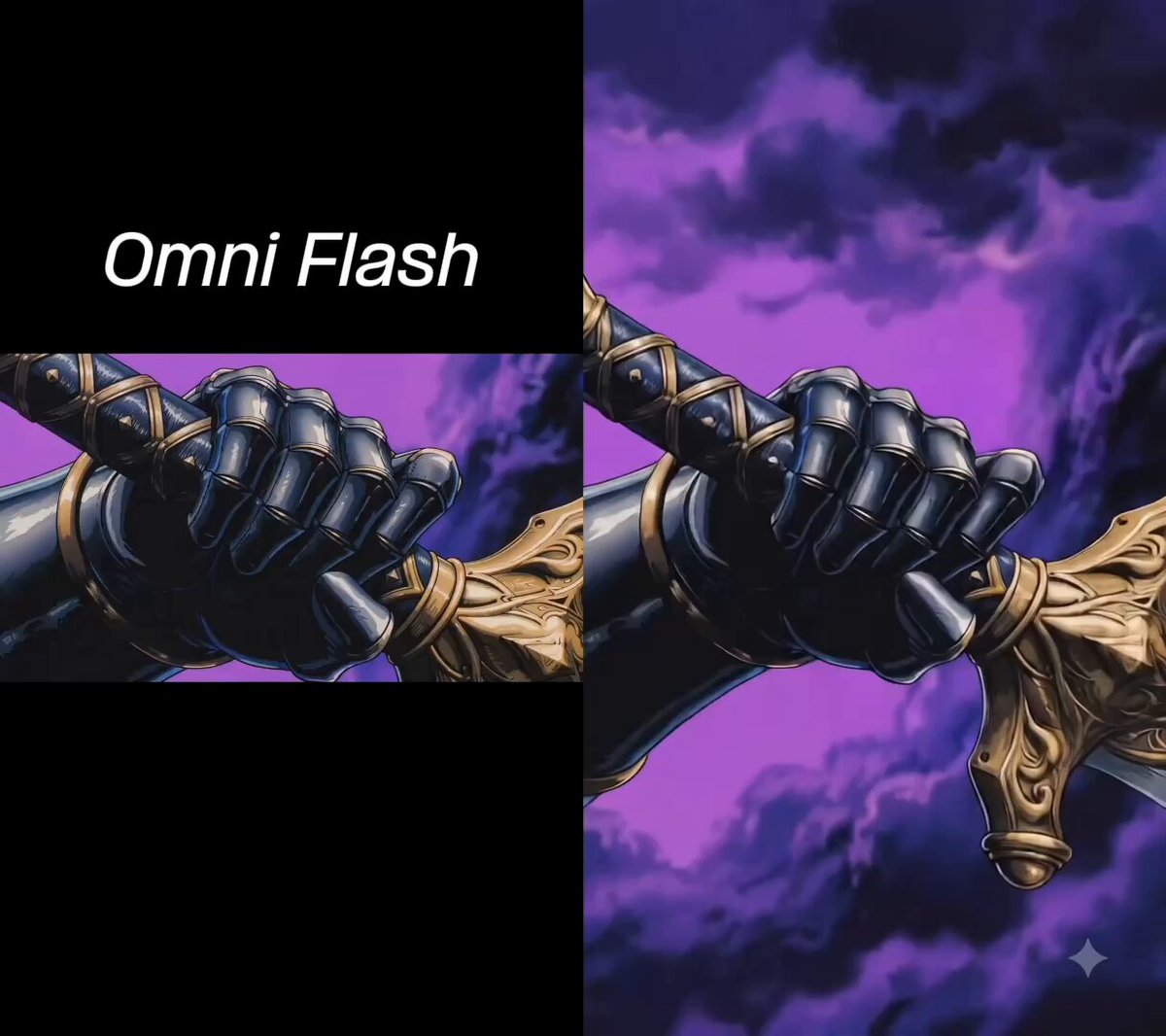
Comparison of Omni, Seedance 2 and LTX 2.3 at video outpainting.
Surprisingly, Omni failed at this task (I tried a variety of reference videos and prompts). Might work better with realism…
Unsurprisingly, Seedance 2.0 nailed it and LTX did incredibly well at a fraction the cost.
Formal challenge to get video outpainting to consistently work with Omni
6
2
42
3,180
May 19
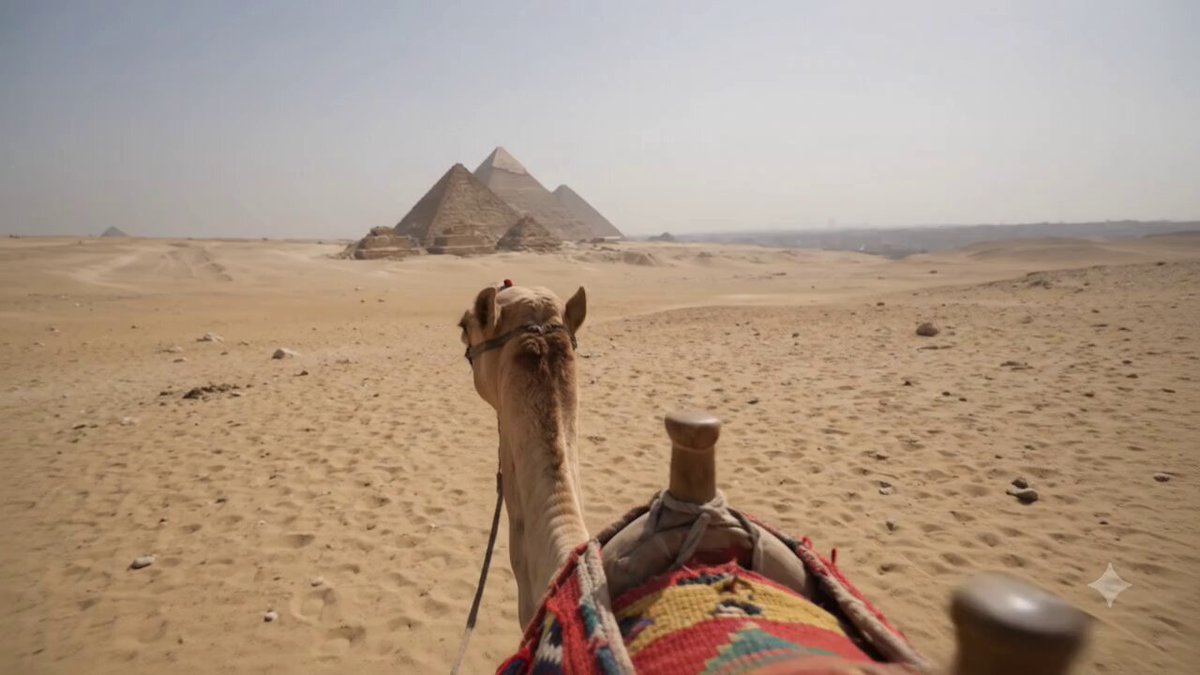
Search up "Pyramids of Egypt" and you'll see just how impressive the world knowledge is...
> a recording from a the back of a Camel in the outskirts of Cairo, a jerky zoom into something in the distance and then refocusing (with a bit of back and forth) (no timestamp or dialog)

Gemini Omni Flash:
> a recording from a capsule on the london eye, a jerky zoom into something in the distance and then refocusing (with a bit of back and forth) (no timestamp or dialog)
Note the world knowledge of London’s landscape, and the way the video is gently moving like the capsules do.
1
7
840
May 15
Wrapped this technique into a simple ComfyUI workflow.
Upload a video character image and watch the nodes work their magic.
You can also easily prompt for variation - in the vid below I prompted "extra emphasis on the rubberhose animated movement"
May 12

Below I will teach you how to reverse engineer any 15s video you see
You will need to tweak it a bit but I will explain in this thread exactly how to make these if you are ever curious
Thread below 👇
4
2
44
7,788
May 15
Check it out here!
And s/o @AIWarper for the method and system prompt.
links.comfy.org/4tEsBfg
7
526
May 13
Save your credits and use open source models when you can.
The new LTX 2.3 lipdub LoRA paired with Chatterbox TTS voice cloning model is the best workflow for lip syncing, change my mind.
19
26
346
39,146
May 13
Here’s the original to compare against (I also used a subtitle remover LoRA): x.com/charliebcurran/status/…
5
1,569
May 11
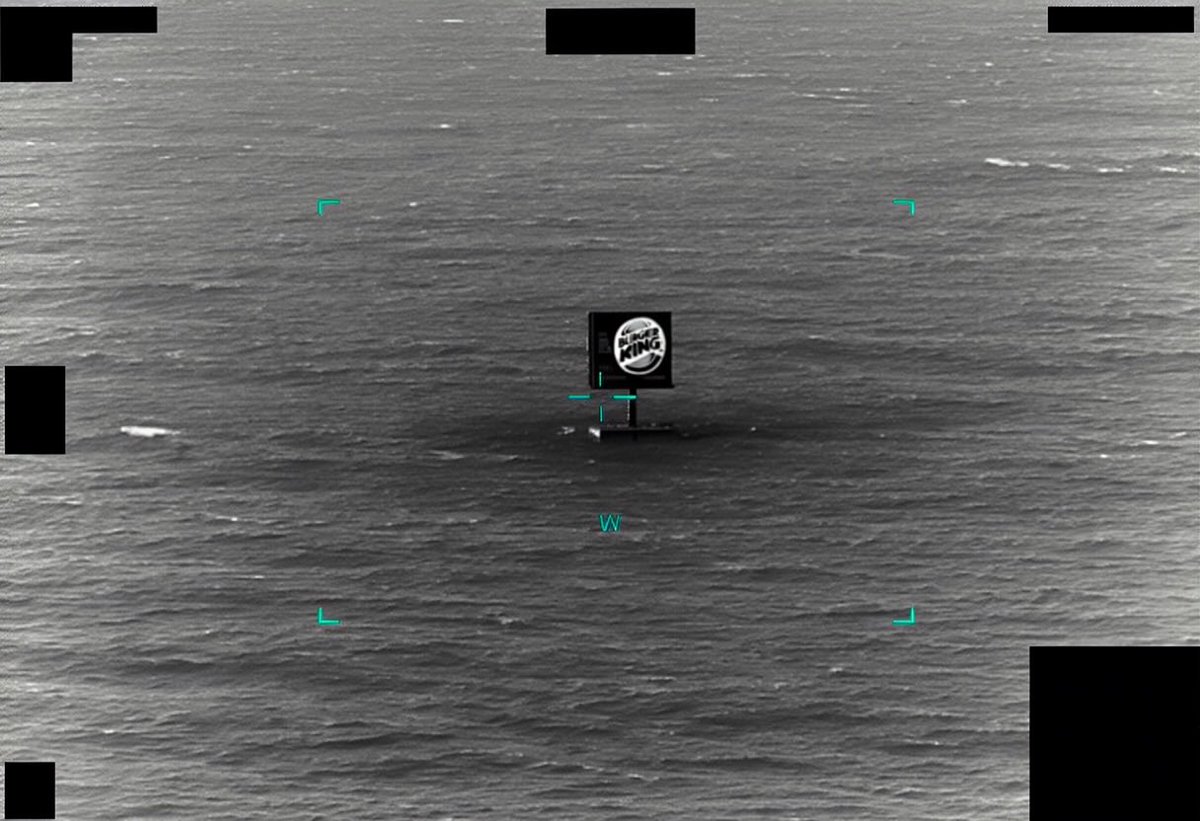
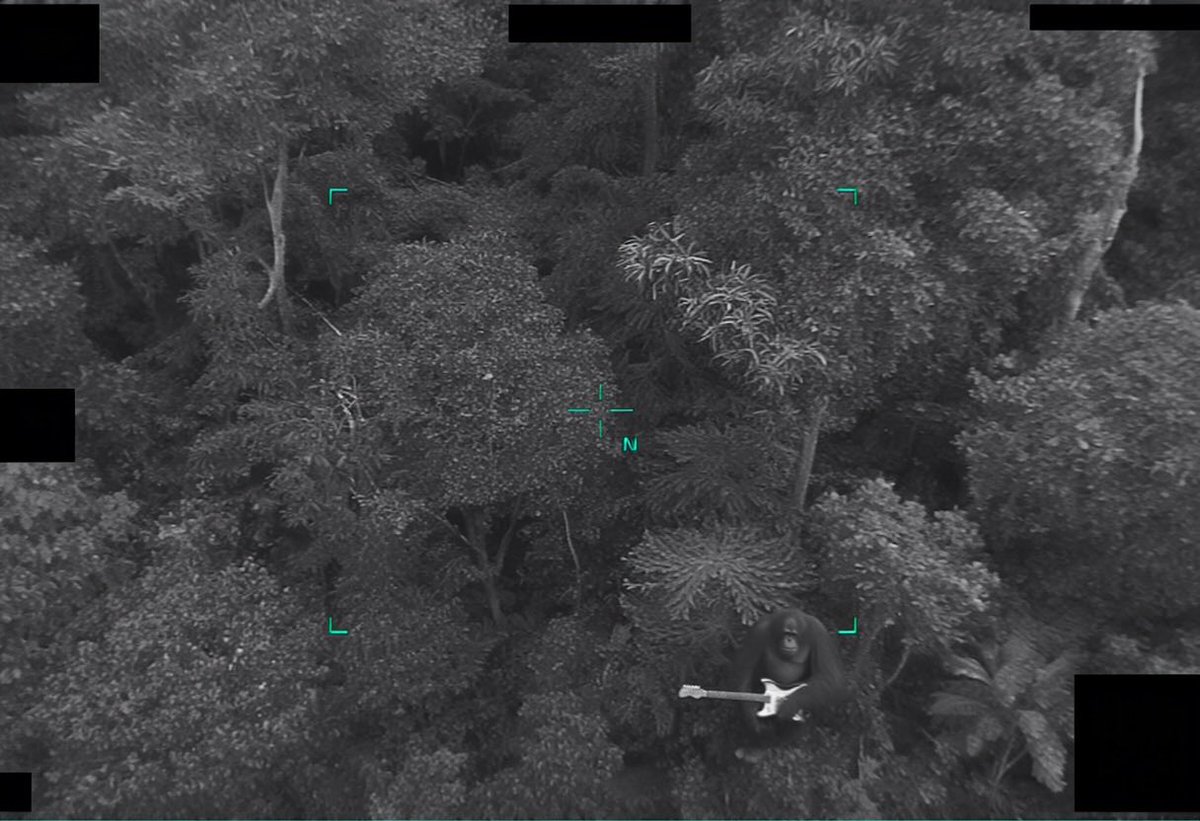
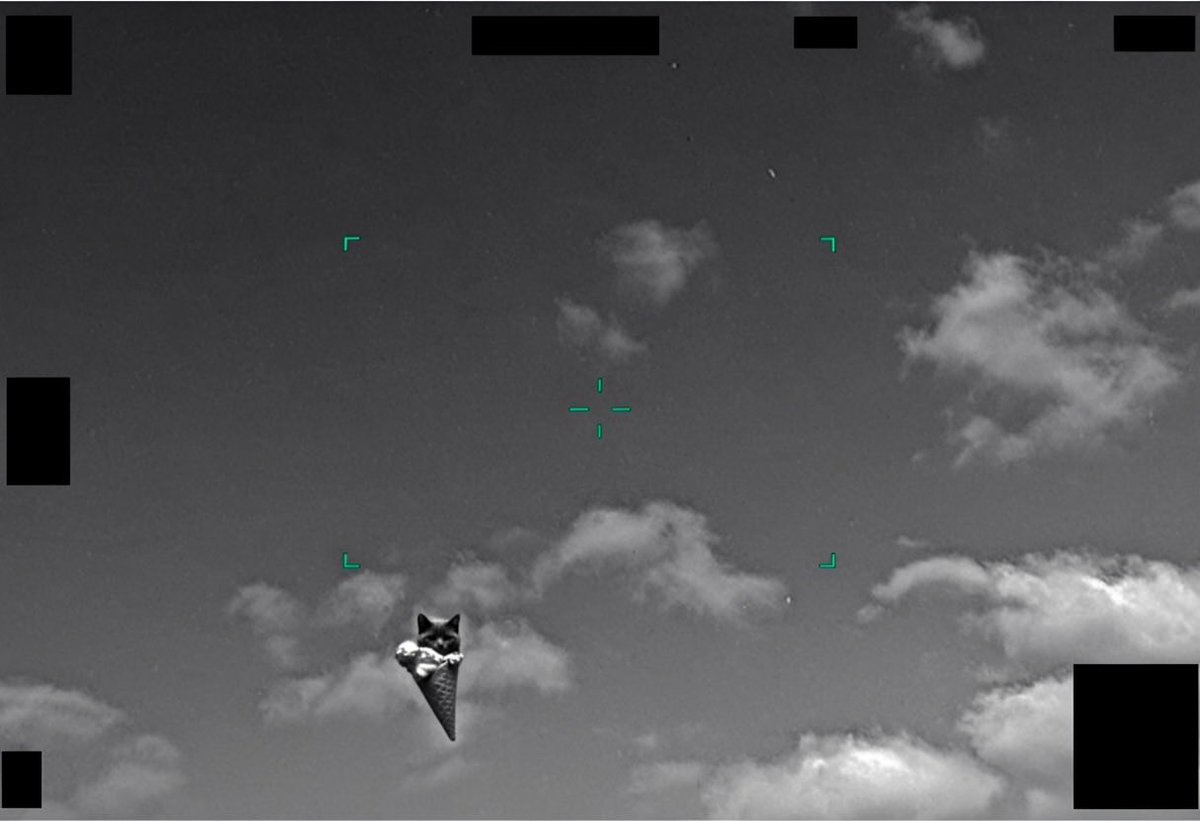
It’s honestly really hard to believe what they’ve been hiding from us.

1
2
13
1,800
May 8
Here's a SOTA Seedance 2.0 feature which I haven't seen anyone show off...
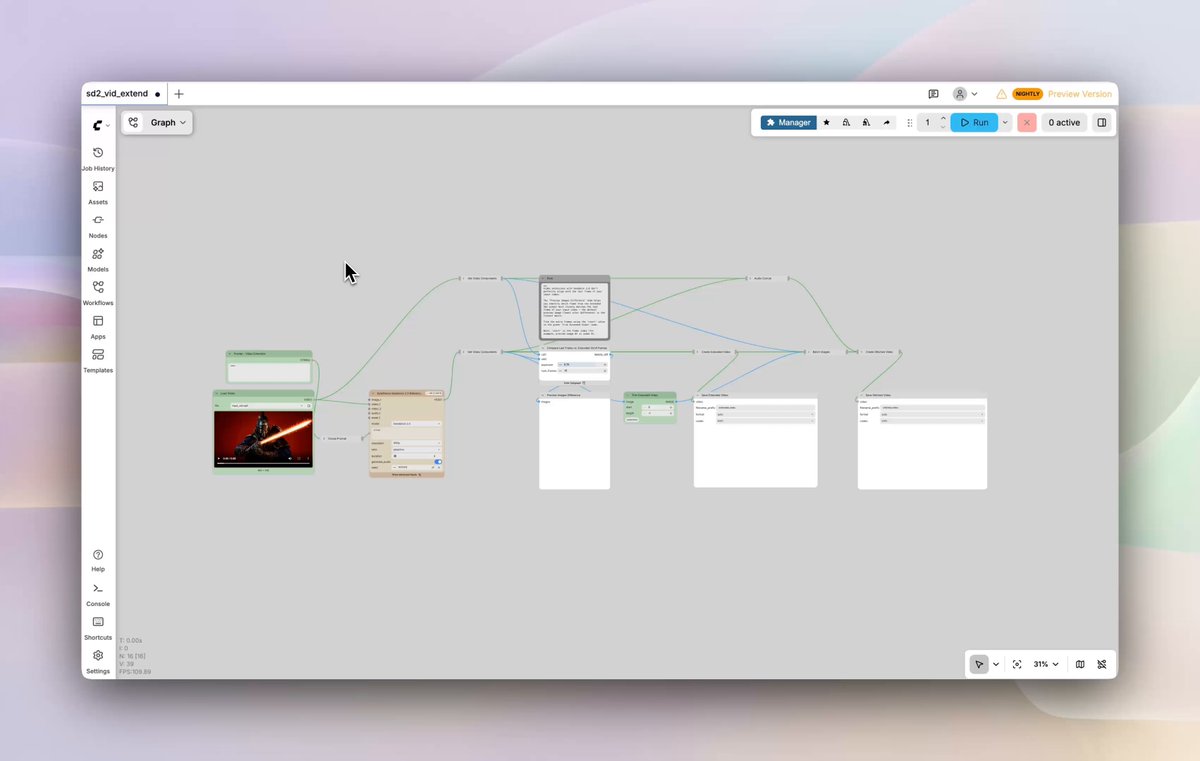
Seamlessly extend videos using this ComfyUI workflow
→ Upload driving video
→ Prompt the next shots camera movement and scene action
→ Select the frame that most closely matches driving videos end frame
→ Workflow stitches audio and video
Link to the workflow below!
4
5
54
6,480
Apr 29
Comfy gets more comfy.
More tools and agents LOADING.
Apr 29

ComfyUI is the most flexible, composable, and powerful open-source media generation tool with a massive ecosystem of workflows and custom nodes.
Your Hermes Agent can now install, launch, manage, and run sophisticated @ComfyUI workflows on demand.
9
855
Apr 29
Combine the right open source models with Seedance 2.0 and you can have so much control over your generations... the face accuracy and detail is insane
Here’s the process
→ extract video first frame gpt-images-2 to head swap
→ sapiens2 depthanything3 to create control reference videos
→ seedance 2.0 real human comfyui workflow (to bypass realistic human guardrails)
→ upload seedance gen into ltx2.3 HDR lora workflow
→ color grade the video in comfy or davinci resolve
will drop a guide with exact workflows if there's enough interest
10
11
114
9,968
Apr 24
As a member of the community, I remember seeing the previous fundraising announcement and having some skepticism.
Since joining Comfy earlier this year, it has become clear that the team is extremely committed to open source. The culture is deeply passionate and not one conversation is had without consideration for the community.
The most extensible, controllable and open AI creative tool will win.
We just raised $30M at a $500M valuation, bringing our total funding to $47M.
Led by @craft_ventures , with @PaceCap , @chemistry , TruArrow, and others.
But before anything else: this belongs to the community.
ComfyUI started as one developer and one open-source repo. No roadmap. No company. Just creators who wanted real control over how they built with AI.
That community is now:
→ 4 million users
→ 60,000 community-built nodes
→ 150,000 daily downloads
Every number traces back to people who built in the open, for anyone to use.
Here's where the funding goes:
→ Comfy Cloud: for teams and studios that need security and scale
→ Collaborative workflows: versioning and iteration built for how studios actually work
→ A better local experience: more seamless, more stable
→ Ecosystem reliability: making 60,000 community nodes more dependable
→ Day-one model support: every major release, compatible at launch
We are not building a walled garden.
We are building open infrastructure, built to last.
Thank you genuinely,
The ComfyUI Team
1
16
1,313