
The PDF Reader for Research available on Mac, iPad and iPhone. Turns your PDF annotations into powerful notes. mastodon.social/@highlights
Joined March 2013
- Tweets 456
- Following 50
- Followers 540
- Likes 74
48 Photos and videos
Pinned Tweet

10 Apr 2020
The new Highlights is here! Now available for iPhone, iPad and Mac: highlightsapp.net/blog/2020/…
Download and try it for free from the App Store: apps.apple.com/app/id1498912…
6
72
429
18 Sep 2024
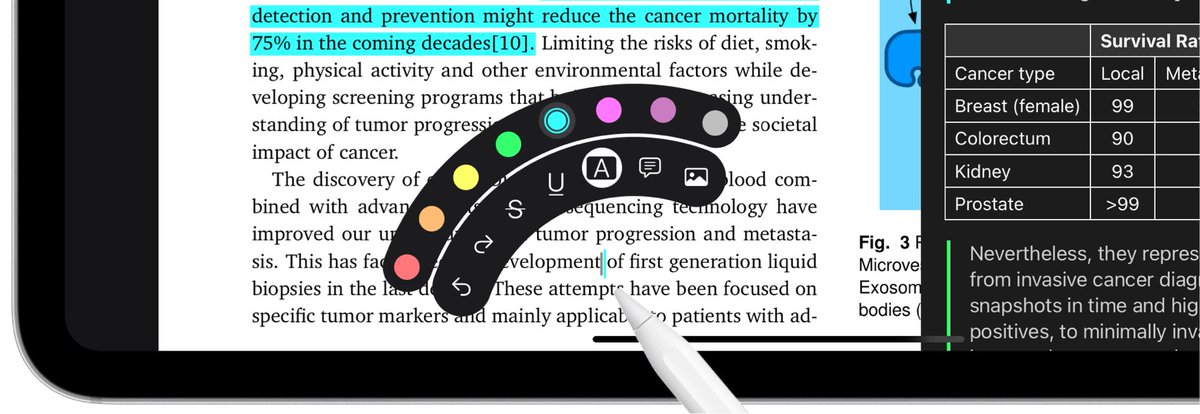
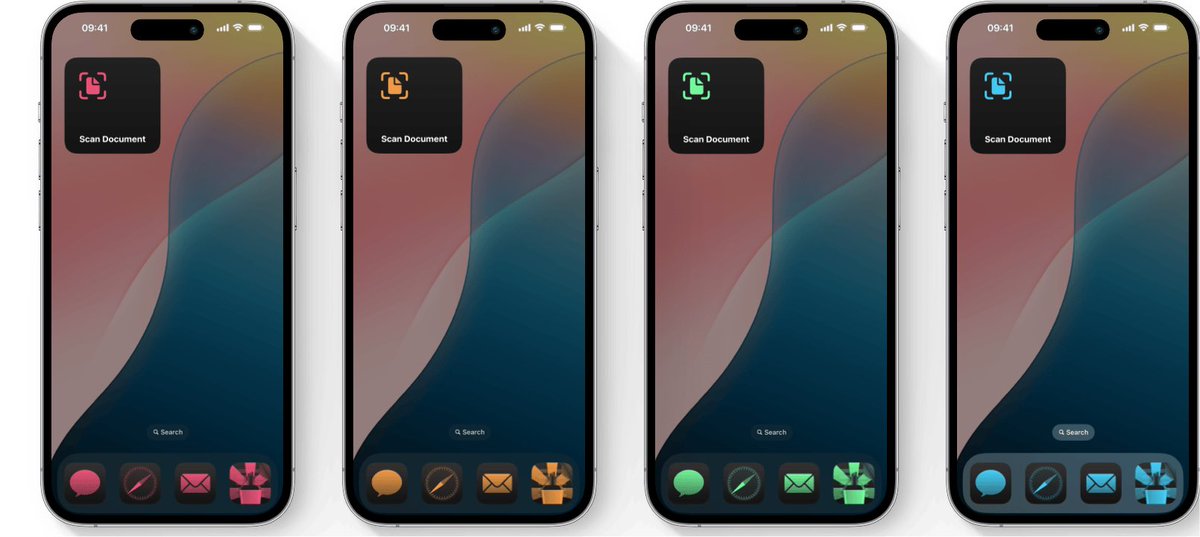
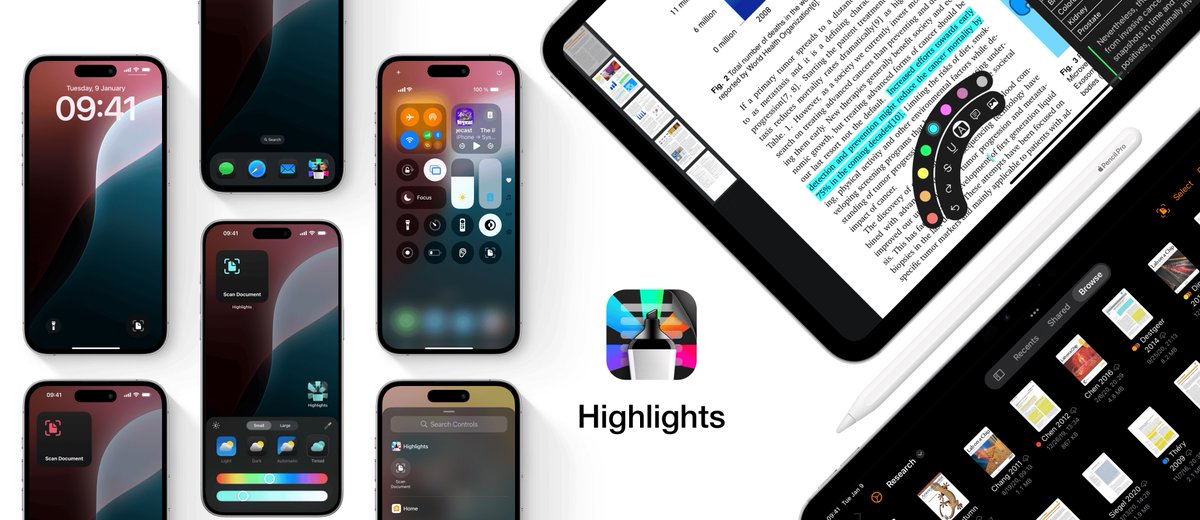
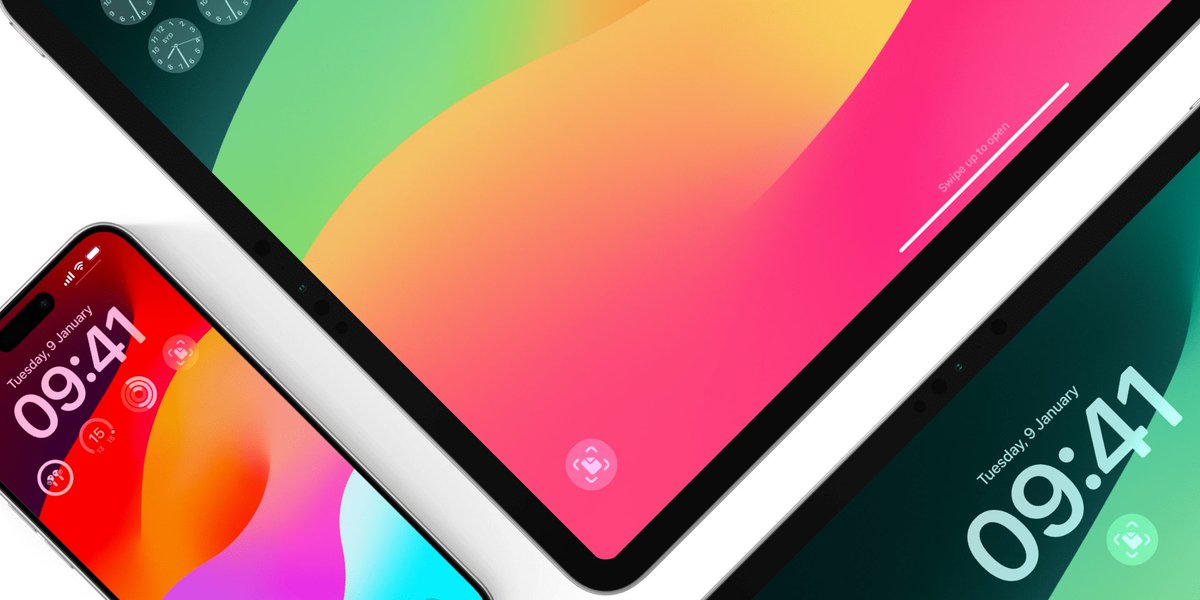
Highlights 2024.1 is out with support for dark and tinted app icons, Control Center widgets and Lock Screen controls on iOS and iPadOS 18✨
A whole new experience annotating with the Apple Pencil using hover previews and the new floating tool palette
1
1
1
356
18 Sep 2024
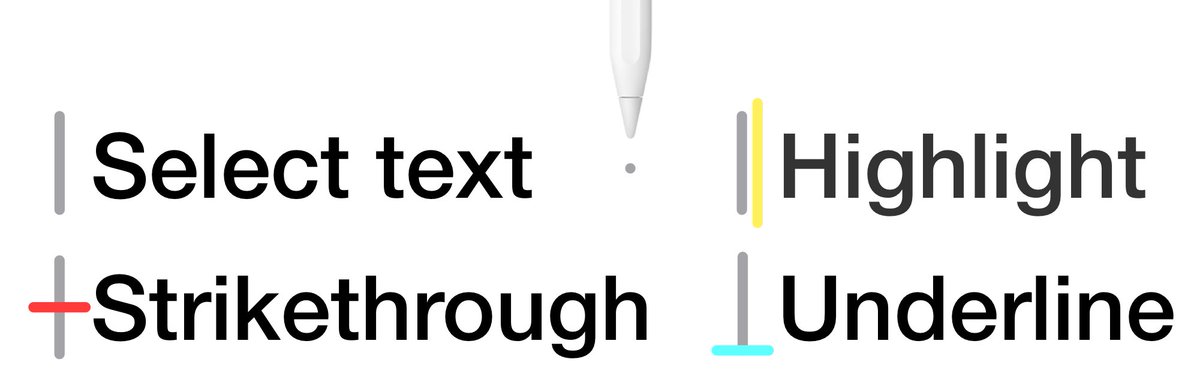
Squeeze the Apple Pencil Pro to quickly switch tools, colors or undo using the new floating tool palette. The tool palette is also available on the Apple Pencil (2nd gen.) through the double-tap gesture.
1
1
194
Highlights retweeted
18 Sep 2023
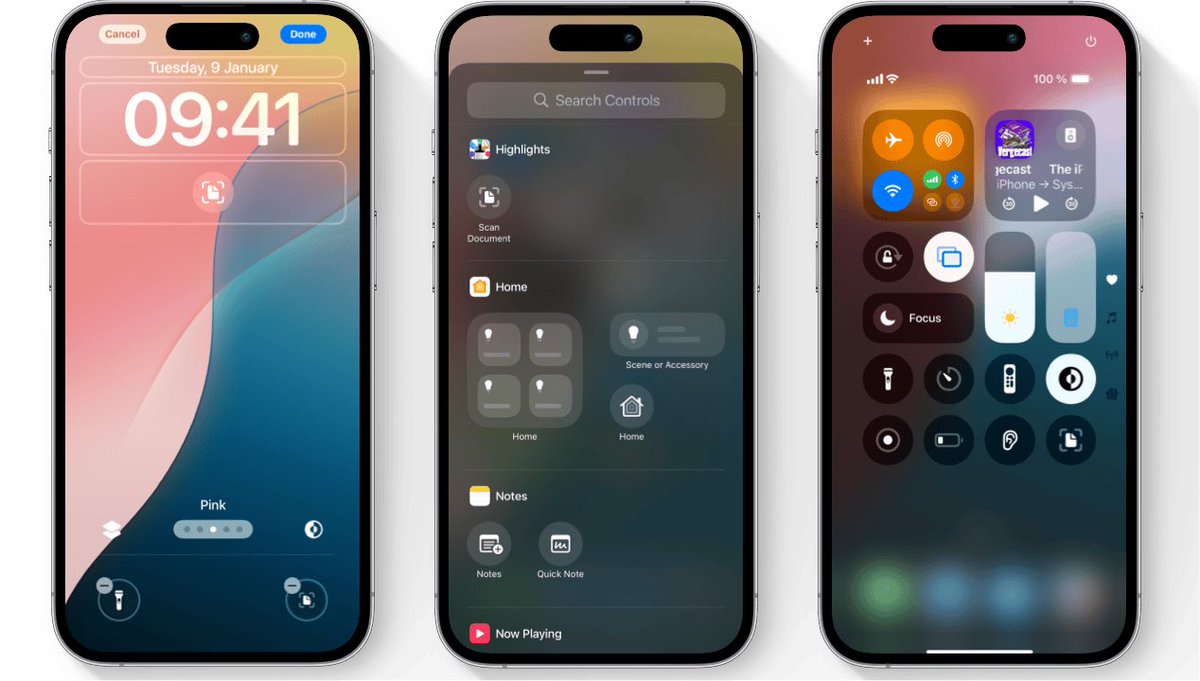
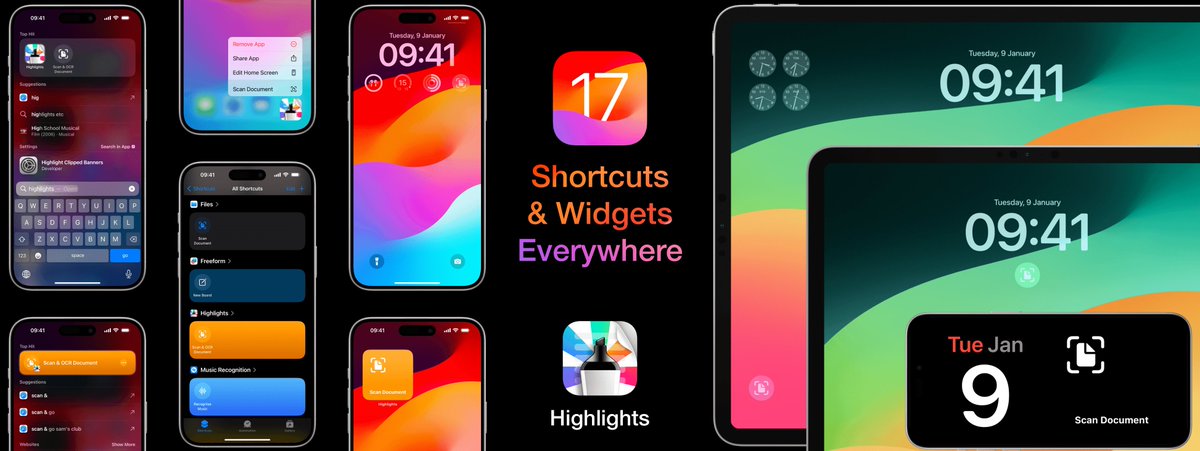
Highlights 2023.2 is out with support for widgets and shortcuts on iOS and iPadOS 17✨
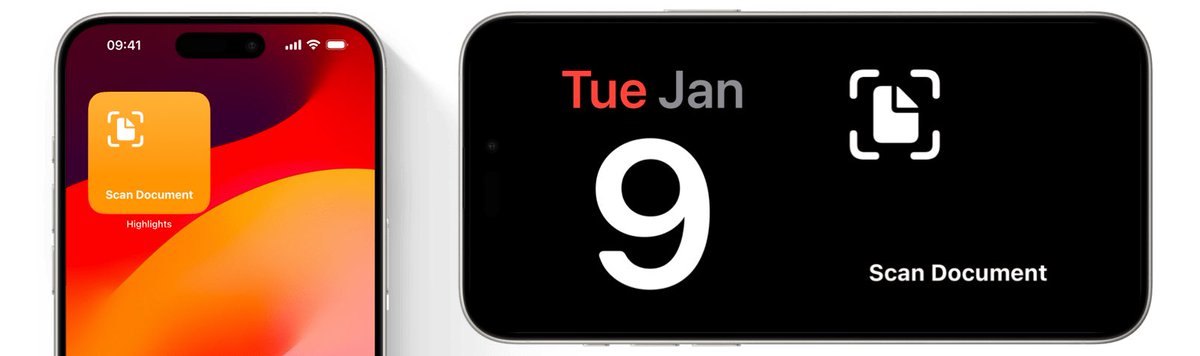
Quickly launch the document scanner from widgets on your Home Screen, Lock Screen and even StandBy. Or run the shortcut from the Shortcuts app, through Spotlight search or by asking Siri.
1
2
4
1,521
18 Sep 2023
Highlights 2023.2 is out with support for widgets and shortcuts on iOS and iPadOS 17✨
Quickly launch the document scanner from widgets on your Home Screen, Lock Screen and even StandBy. Or run the shortcut from the Shortcuts app, through Spotlight search or by asking Siri.
1
2
4
1,521
18 Sep 2023
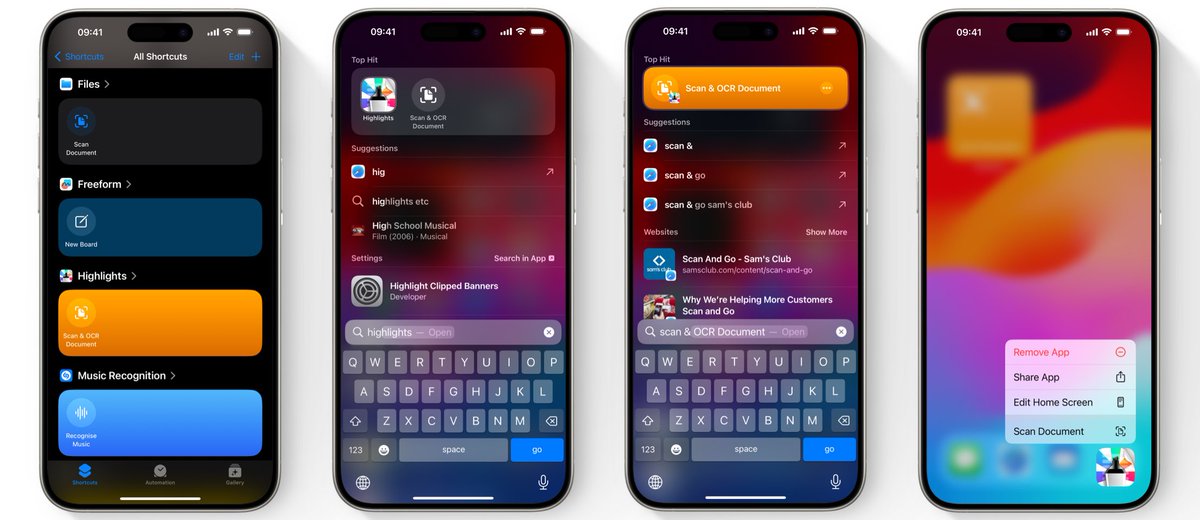
Run the ready-made Scan & OCR Document shortcut from the Shortcuts app, through Spotlight search or by long-pressing the Highlights app icon. Spotlight displays Shortcut actions along side the app in Top Hits, but also specific actions when you search for them.
1
274
18 Sep 2023
Siri can also open the document scanner and thanks to flexible on-device matching, you can now say “Scan using Highlights”, “Open Highlights scanner” or similar phrases and they will all work.
More info: highlightsapp.net/blog/2023/…
Download: apps.apple.com/app/id1498912…
233
12 Sep 2022
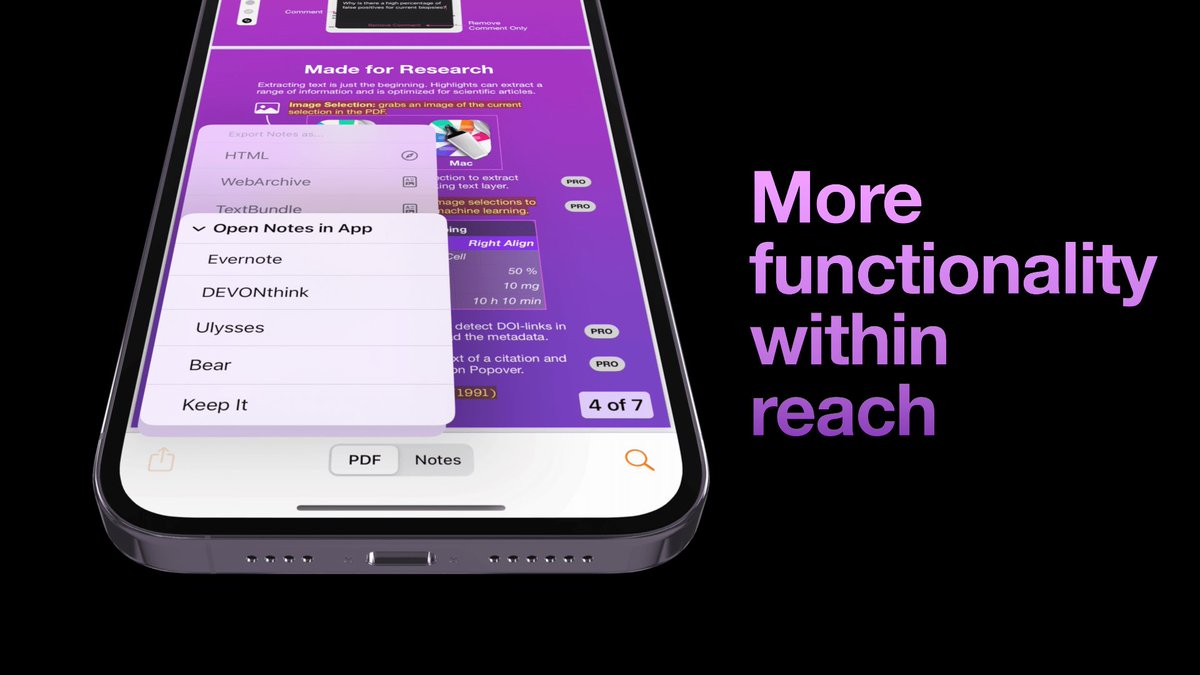
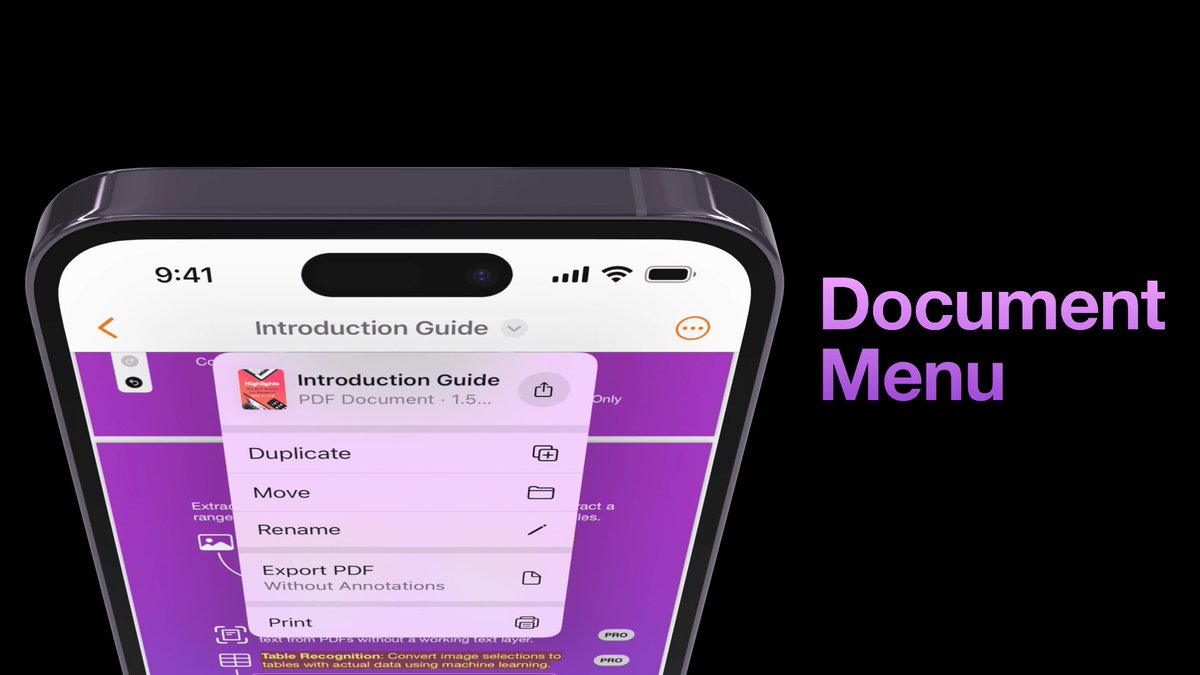
iOS 16 is out and Highlights has been updated with a new design to take advantage of the new features! The document title is now visible in the top toolbar and gives you easy access to file actions like duplicate, move and rename.
highlightsapp.net/blog/2022/…
ALT Top half of a purple iPhone 14 Pro Max showing Highlights app with a document menu open from the title in the navigation bar
3
1
4
12 Sep 2022
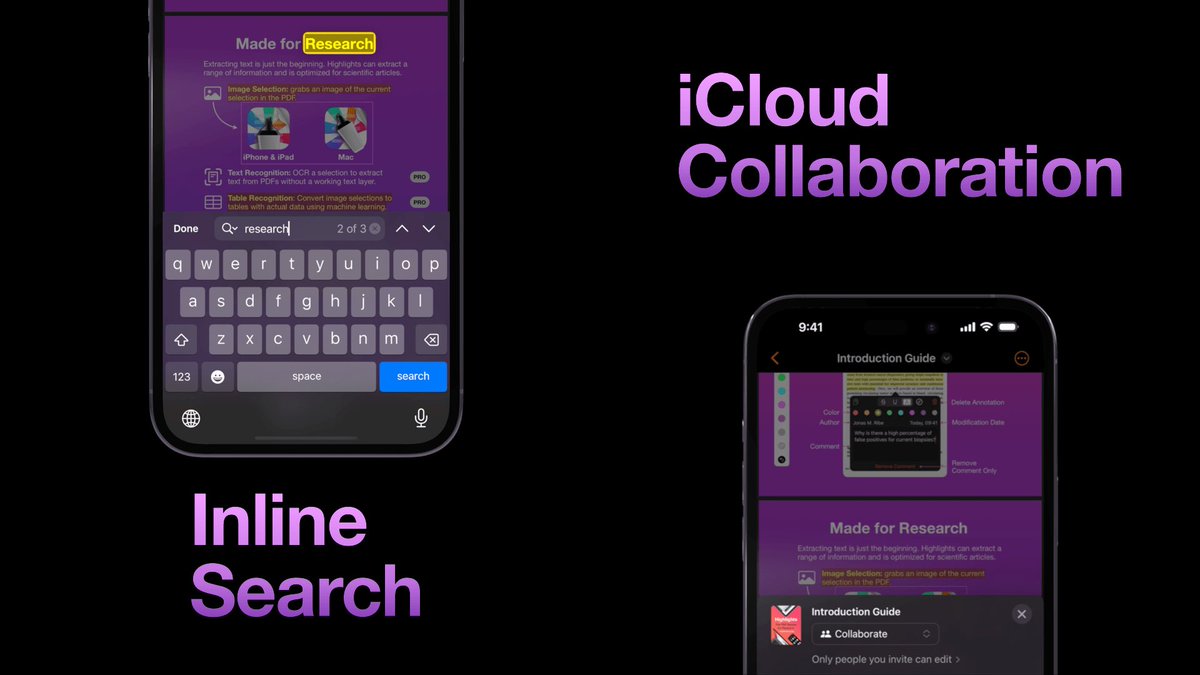
The new inline search is fast and makes it easy to jump between search results. You can also share iCloud links to documents for easy collaboration via Messages or Mail.
ALT Two iPhone 14 Pro Max screenshots of Highlights app showing inline search and iCloud link share sheet
1
12 Sep 2022
Download Highlights 2022.5 from the App Store to take advantage of these new features today and see highlightsapp.net/changelog/ for the full list of changes. Stay tuned for the iPadOS 16 release coming later this year!
1
23 Sep 2021
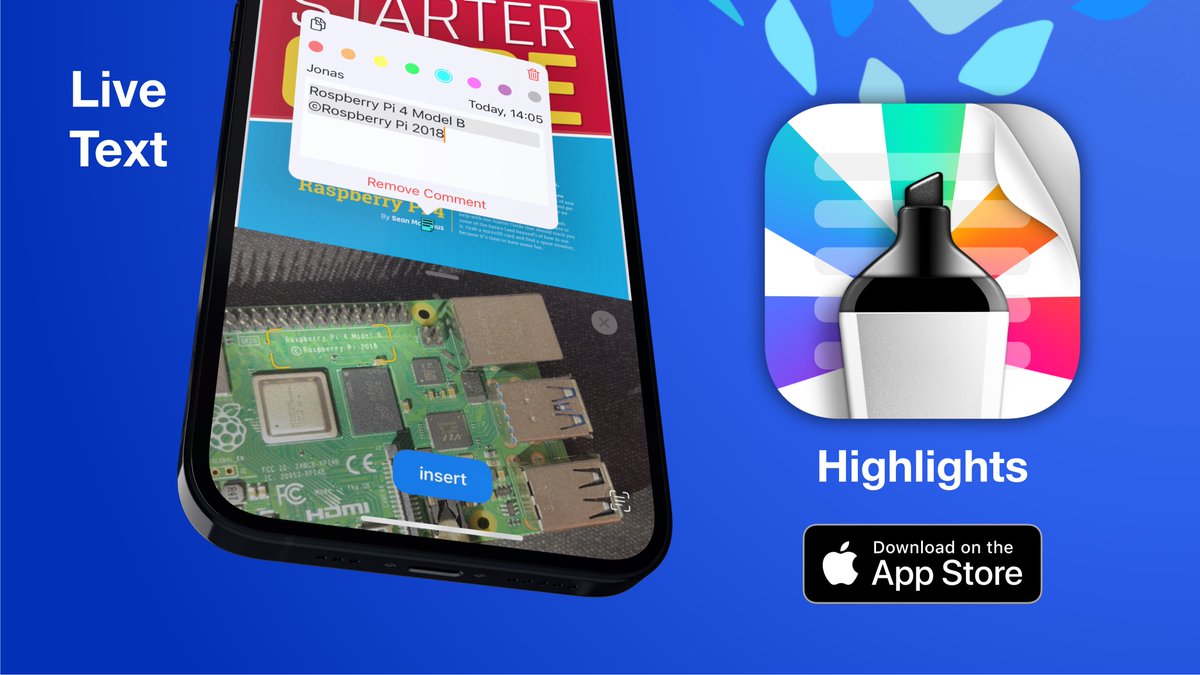
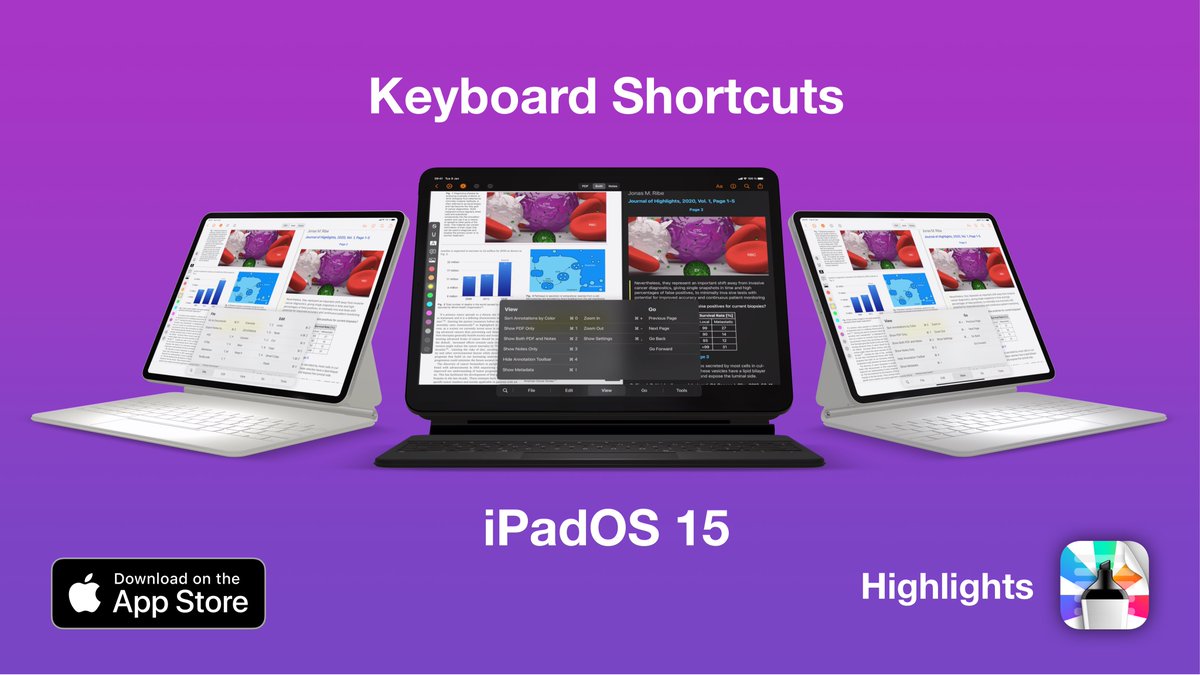
Highlights has been updated for iOS 15 with support for Quick Note and the new keyboard shortcuts menu on iPad, Live Text and a new search and document settings
experience on iPhone with flexible sheets✨
highlightsapp.net/blog/2021/…
3
1
4
23 Sep 2021
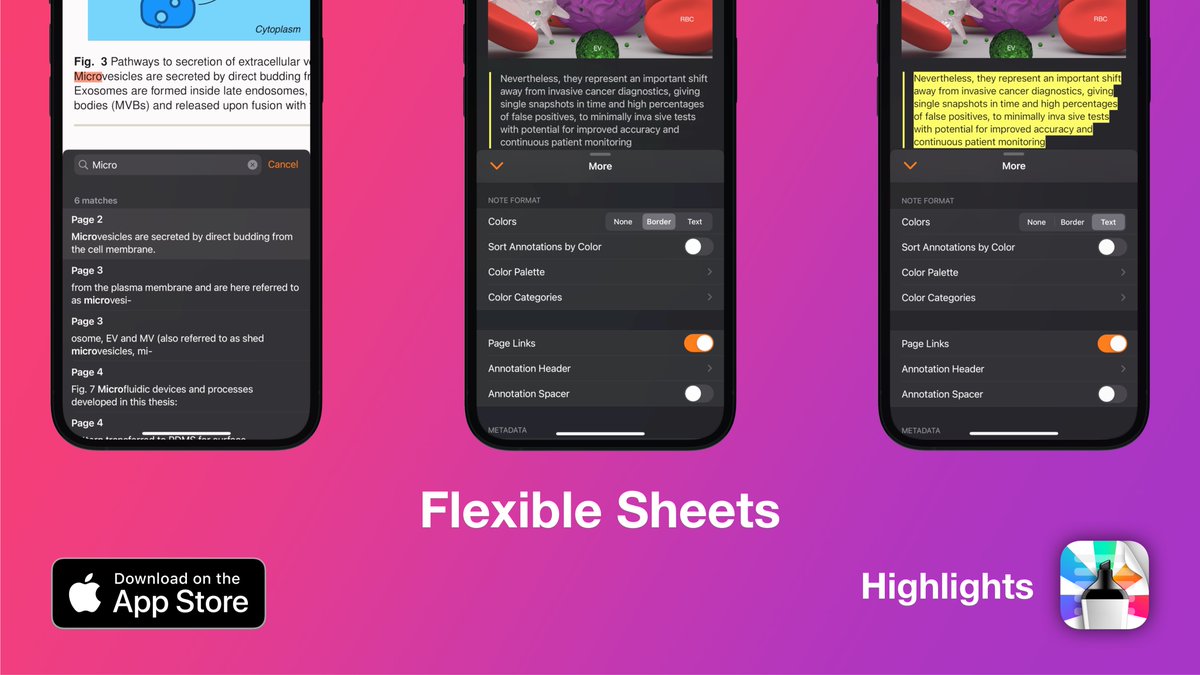
The new flexible sheets lets you interact with your documents and notes while browsing search results and changing document settings on your iPhone.
ALT Three iPhones showing the half-height sheets in Highlights for search and document settings
1
23 Sep 2021
To take advantage of the new features make sure that Highlights has been updated to the most recent release (2021.2.1): highlightsapp.net/changelog/