
Hyperaudio is all about the remix – making audio and video super accessible, searchable and shareable through timed transcripts, since 2011.
Joined November 2012
- Tweets 409
- Following 433
- Followers 400
- Likes 155
33 Photos and videos

Pinned Tweet

16 Nov 2023
Pleased to announce the release of Hyperaudio Lite 2.1.6 – now includes Spotify support for podcasts and other spoken word content.
github.com/hyperaudio/hypera…
Spotify example here: hyperaudio.github.io/hyperau…
1
2
5
335

Playing about with Gemini 1.5 – I fed it a video of a 20 minute presentation I gave a few years ago. youtube.com/watch?v=lCd8tnLv… and asked it a few questions (a thread):
Q1. What is this video about?
A1. The video is about the potential of hyperaudio, which is a technology...
1
1
5
367
I wrote a little bit about what I got up to in 2023 and what 2024 has in store...
maboa.it/2023-a-retrospectiv…
1
2
200
22 Nov 2023
Excited to announce that Hyperaudio Lite Editor now transcribes locally... using Whsper... within your browser (not Safari yet).
This means you can try it out without a @DeepgramAI token.
If you want faster transcription, more accurate text and timings, use the Deepgram option.
1
2
4
512
22 Nov 2023
It's open source and you can find it on GitHub github.com/hyperaudio/hypera…
Here's a direct link hyperaudio.github.io/hyperau…
1
1
84
16 Nov 2023
Pleased to announce the release of Hyperaudio Lite 2.1.6 – now includes Spotify support for podcasts and other spoken word content.
github.com/hyperaudio/hypera…
Spotify example here: hyperaudio.github.io/hyperau…
1
2
5
335
16 Nov 2023
Other players available include SoundCloud, YouTube, Vimeo and Video.js – more on their way!
2
2
75
13 Jul 2023
Media Accessibility is important, but what is it and what can you do about it? @maboa explains ...

Earlier I published a blog post on Media Accessibility maboa.it/media-accessibility…
Plus a new version of the Hyperaudio Lite Editor – a free tool to help you make media on the web more accessible hyperaudio.github.io/hyperau… that uses @DeepgramAI
Interested in people's thoughts...
77
11 May 2023
Imitation being the sincerest form of flattery! We were doing this 10 years ago @adobevideo !
textav.hyperaud.io/pad/
Not exactly "entirely new" then. 😂
10 May 2023

🚨 The latest #PremierePro update includes Text-Based editing, which is an entirely new way to edit. Now you can create a rough cut as easily as copy and paste. Learn more here and try it today:
adobe.ly/3BesA8V
1
1
2
287
Hyperaudio retweeted

27 Apr 2023
Imagine a platform that allowed conference organizers to preserve, promote, repurpose, and monetize their recorded content.
@hyperaudio for conference enables the opportunity to compensate content owners & incentivise the creation of new derivative forms of content.

1
4
13
3,382
24 Apr 2023
The latest version of the Hyperaudio Lite Editor now counts Whisper amongst it's models (courtesy of @DeepgramAI ).
Try it out here hyperaudio.github.io/hyperau…
The source code github.com/hyperaudio/hypera…
Whisper may hallucinate occasionally, but our editor make that easy to fix. Shhh.
1
2
4
163
17 Apr 2023
Great news! A new restyled version of the Hyperaudio Lite Editor is ready! Try it out here hyperaudio.github.io/hyperau…
Code as always available on GitHub github.com/hyperaudio/hypera…
DM us for a @DeepgramAI token :)
3
84
15 Apr 2023
Coming along nicely...
On the train to Milan. Working on a new experimental branch of the Hyperaudio Lite Editor. Trying out DaisyUI Tailwind.
Before and after...
You can grab an early version here.
github.com/hyperaudio/hypera…
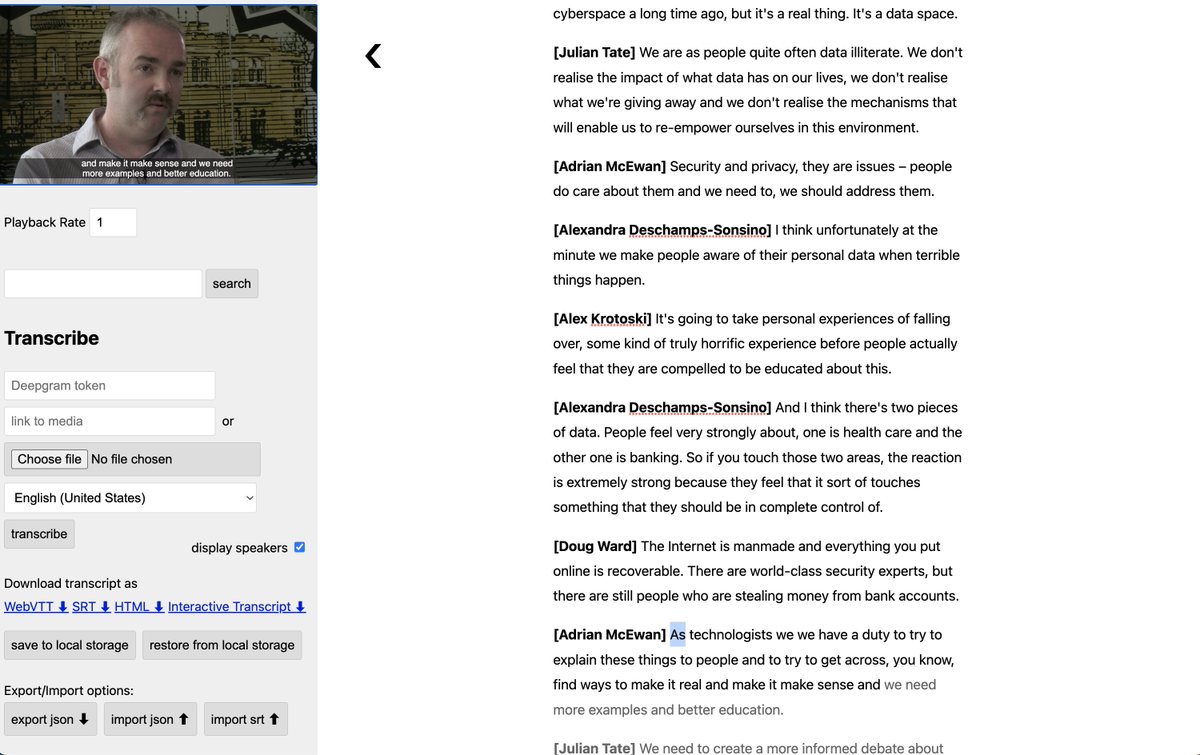
ALT A screenshot of the current Hyperaudio Lite Editor with basic styling and layout. The screen is split into two panels, on the left we have a series of controls and the video, on the right an interactive transcript.
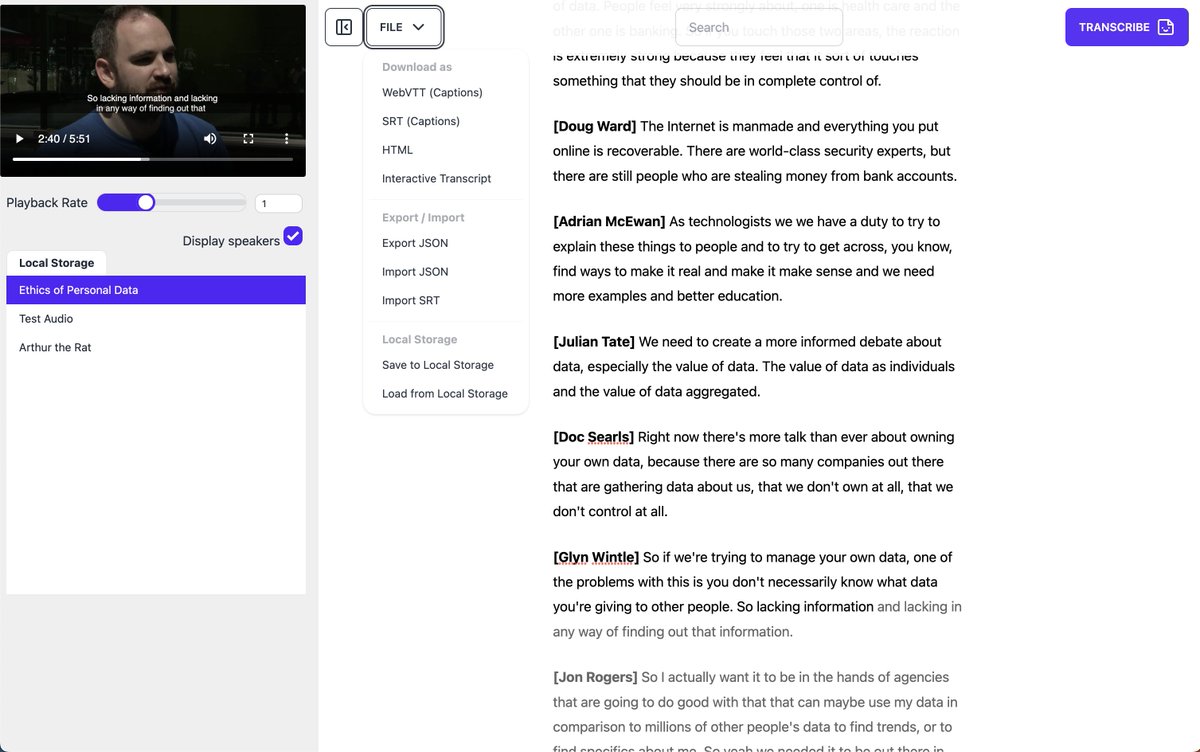
ALT A screenshot of the Hyperaudio Lite Editor with experimental styling and layout. The screen is split into two panels, on the left we have a list of files and the video, on the right an interactive transcript, with a dropdown menu for file export and saving on display.
2
84
23 Mar 2023
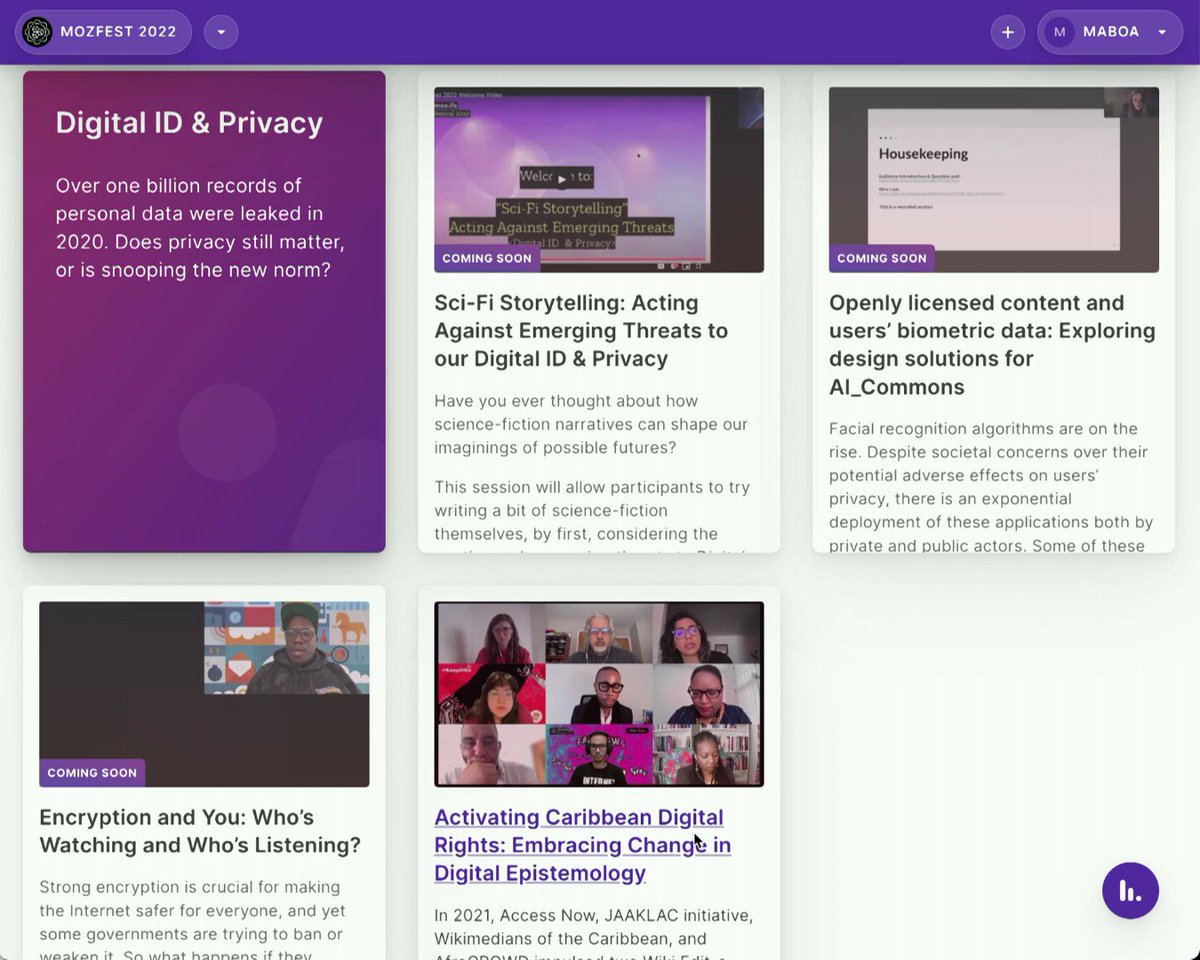
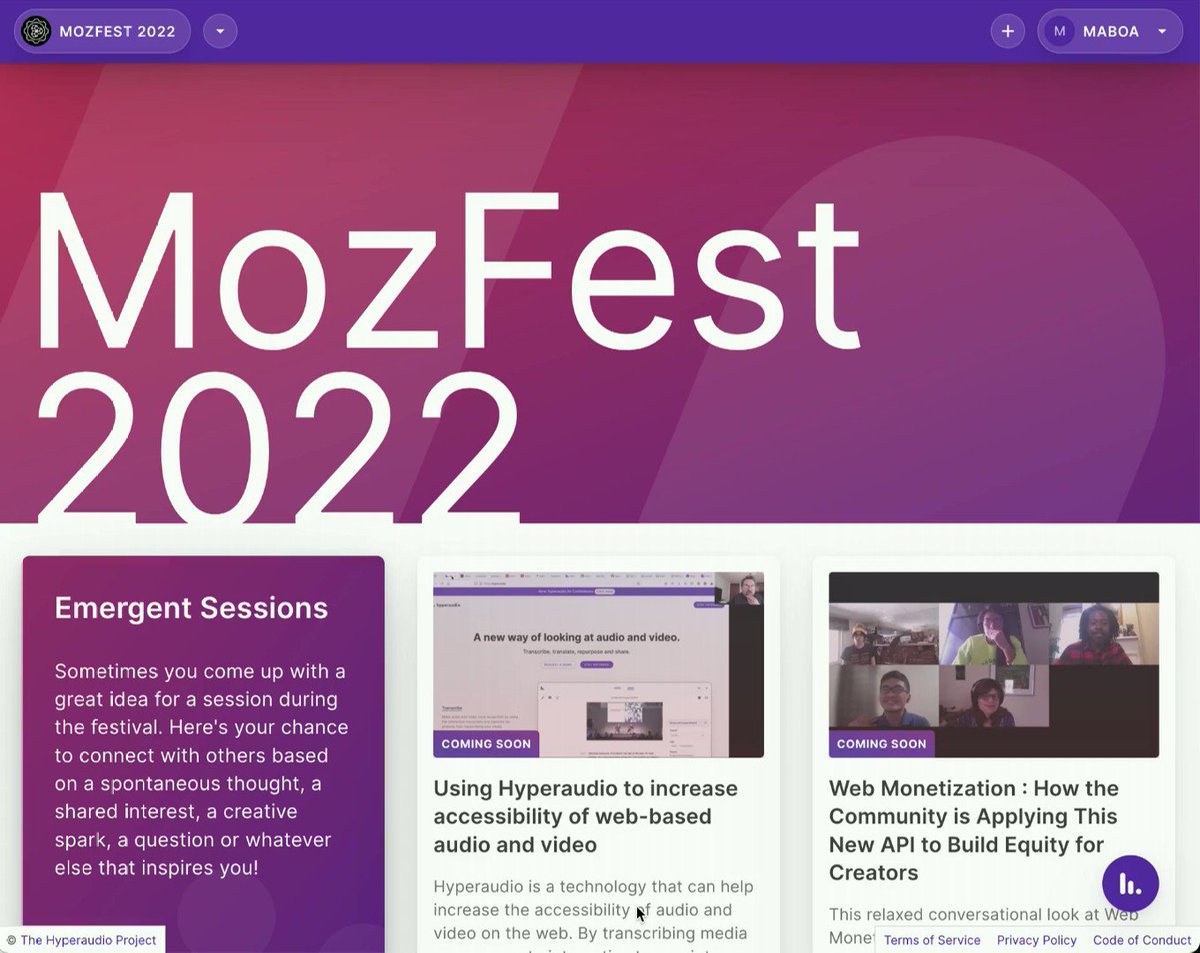
And here it is mozfest.hyper.audio/ 2023, starting to take shape. Expect #MozFest sessions with multilingual captions and transcripts to appear here over the coming days!
Thanks to @gridinoc, @piotrfonte and @maboa for working on this!
#MediaAccessibility
3
269
I sent out a newsletter yesterday using @tinyletter but the links within it were blocked by most browsers (for security reasons). I'm not quite sure why. Apologies to all that received that!
Anyway here's the web version (with direct links) tinyletter.com/maboa/letters…
1
127
23 Feb 2023
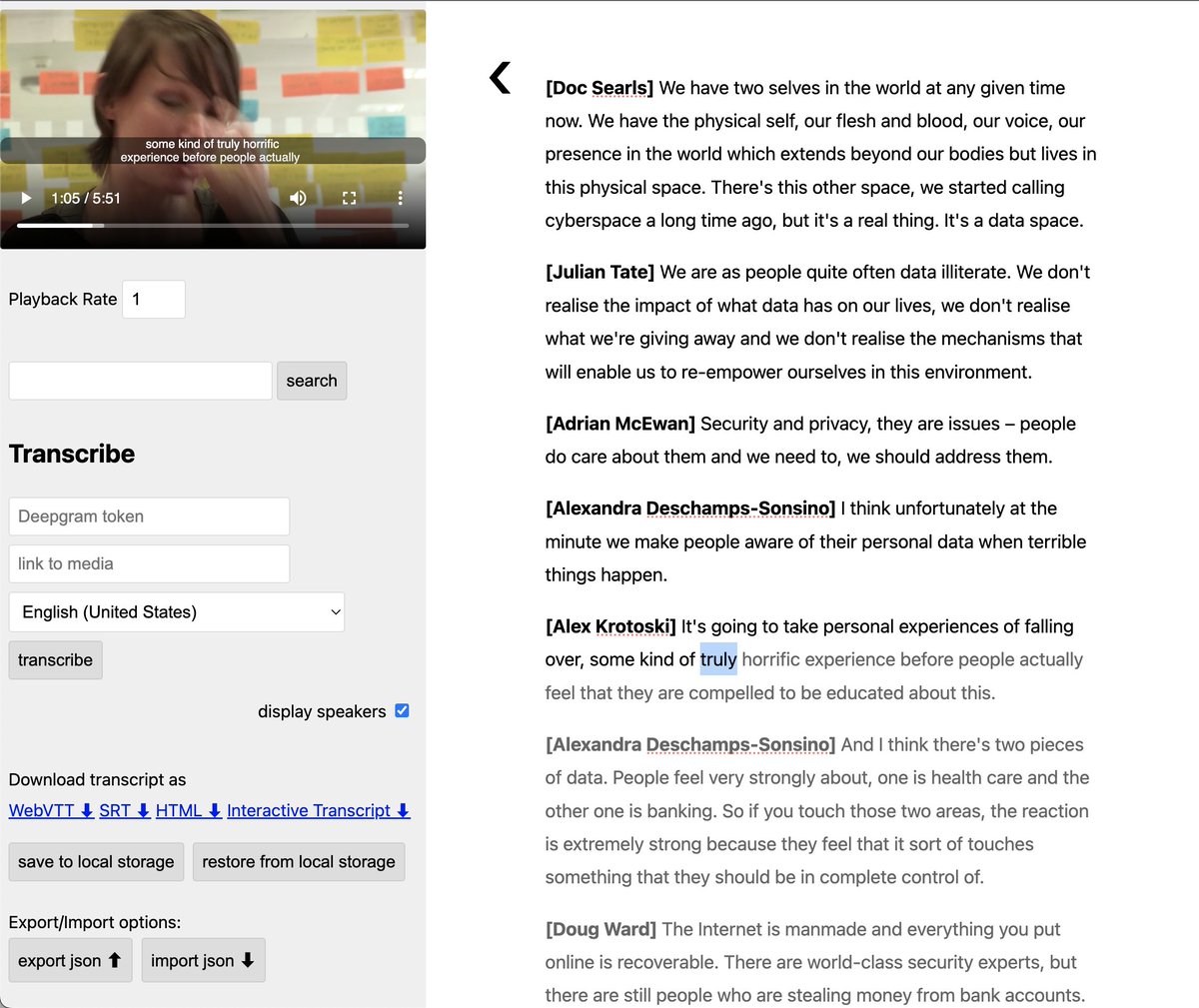
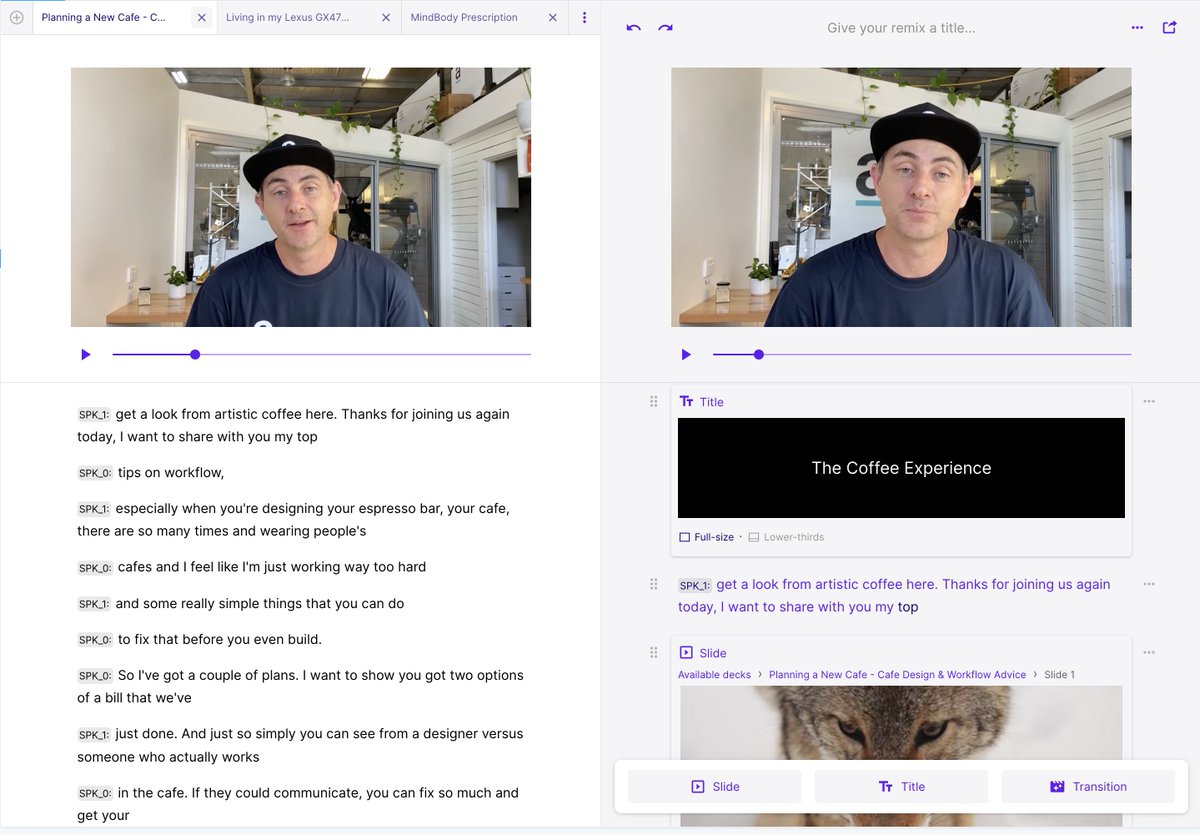
We're excited to announce a new version of the Hyperaudio Lite Editor – an open source, super lightweight editor for speech-to-text output.
This version includes diarization aka speaker id and works on both mobile and is a PWA (Progressive Web App).
👉hyperaudio.github.io/hyperau…
2
1
4
155
23 Feb 2023
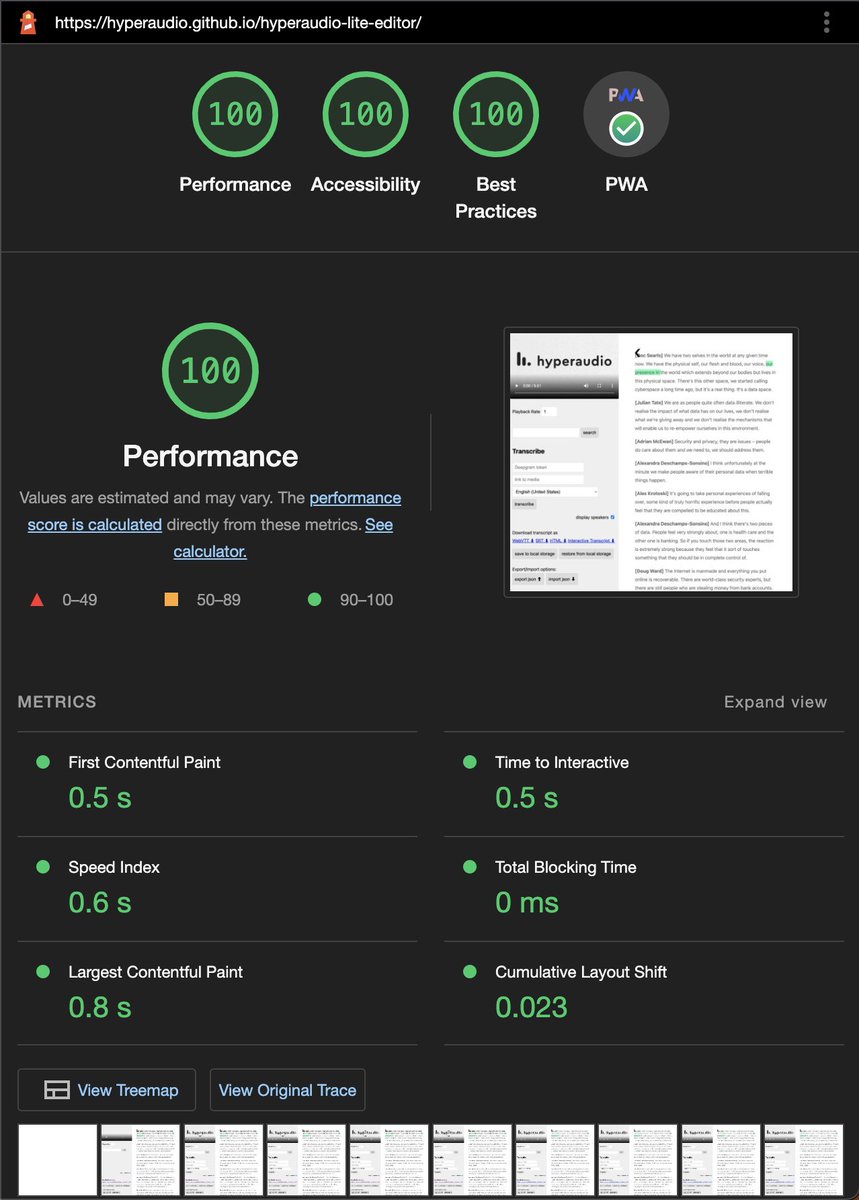
We're super happy with the scores we're getting on Chrome Lighthouse!
Currently we've integrated with @deepgram who we believe are giving away free credits. Grab your token from them or DM us.
And get right to work making your media accessible with transcripts and captions.
1
1
59
23 Feb 2023
Until we build it into our Wordpress Hyperaudio plugin itself, you can export transcripts in a compatible format, ready to paste into the Hyperaudio shortcode.
The beta version of our Wordpress plugin is available here lab.hyperaud.io/wordpress-pl…
Video... youtu.be/3Qpq8kj4PxM
1
33
24 Jan 2023
That's Hyperaudio Lite 2.1 in the can github.com/hyperaudio/hypera…, now making your audio and video even more accessible with interactive transcripts.
Plus you can now generate transcripts with our editor github.com/hyperaudio/hypera… which takes advantage of @DeepgramAI speech-to-text.
1
2
5
862
24 Jan 2023
Currently @DeepgramAI are giving out ~200 free hours of speech-to-text credit upon sign up console.deepgram.com/signup
1
1
72
24 Jan 2023
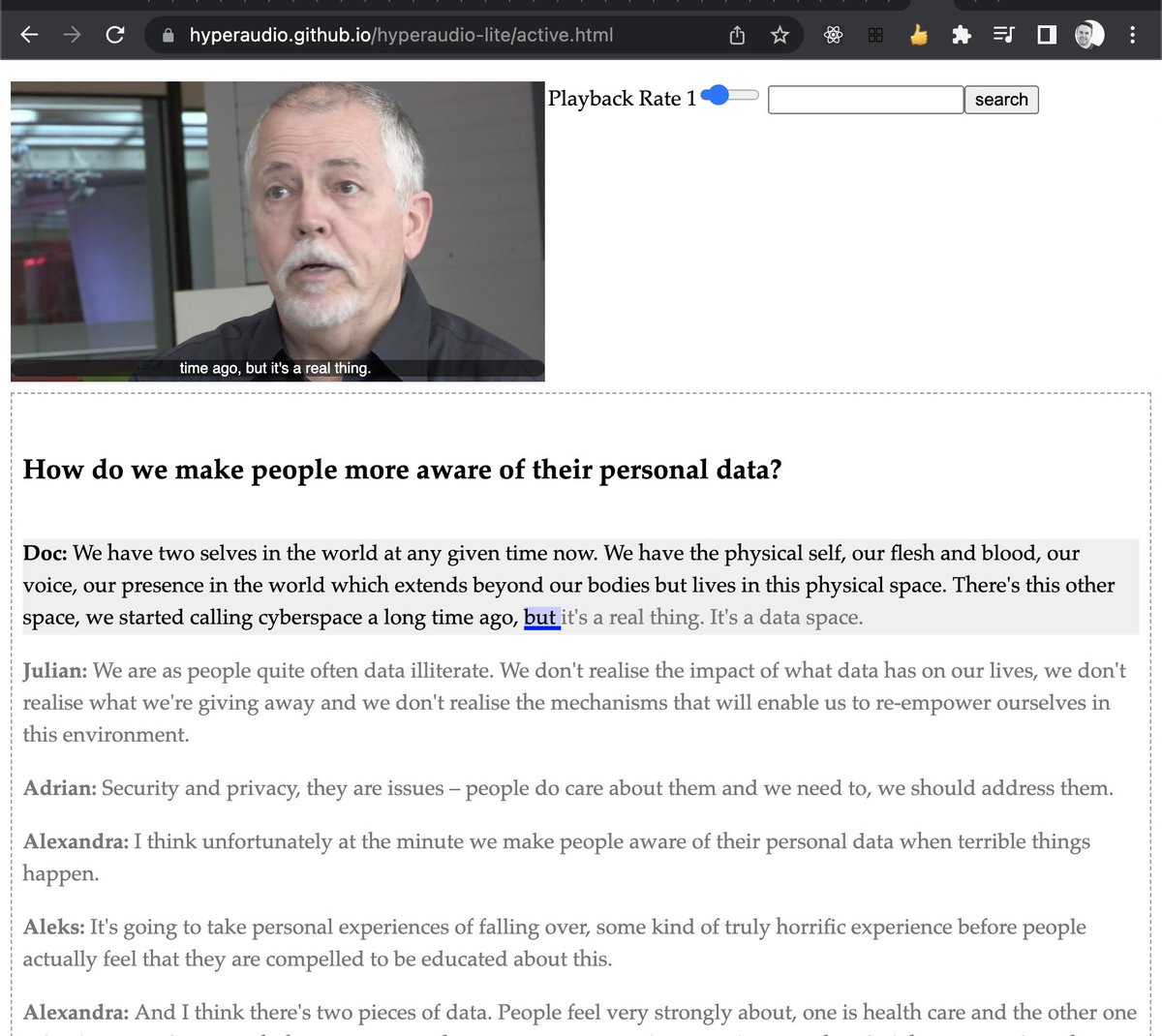
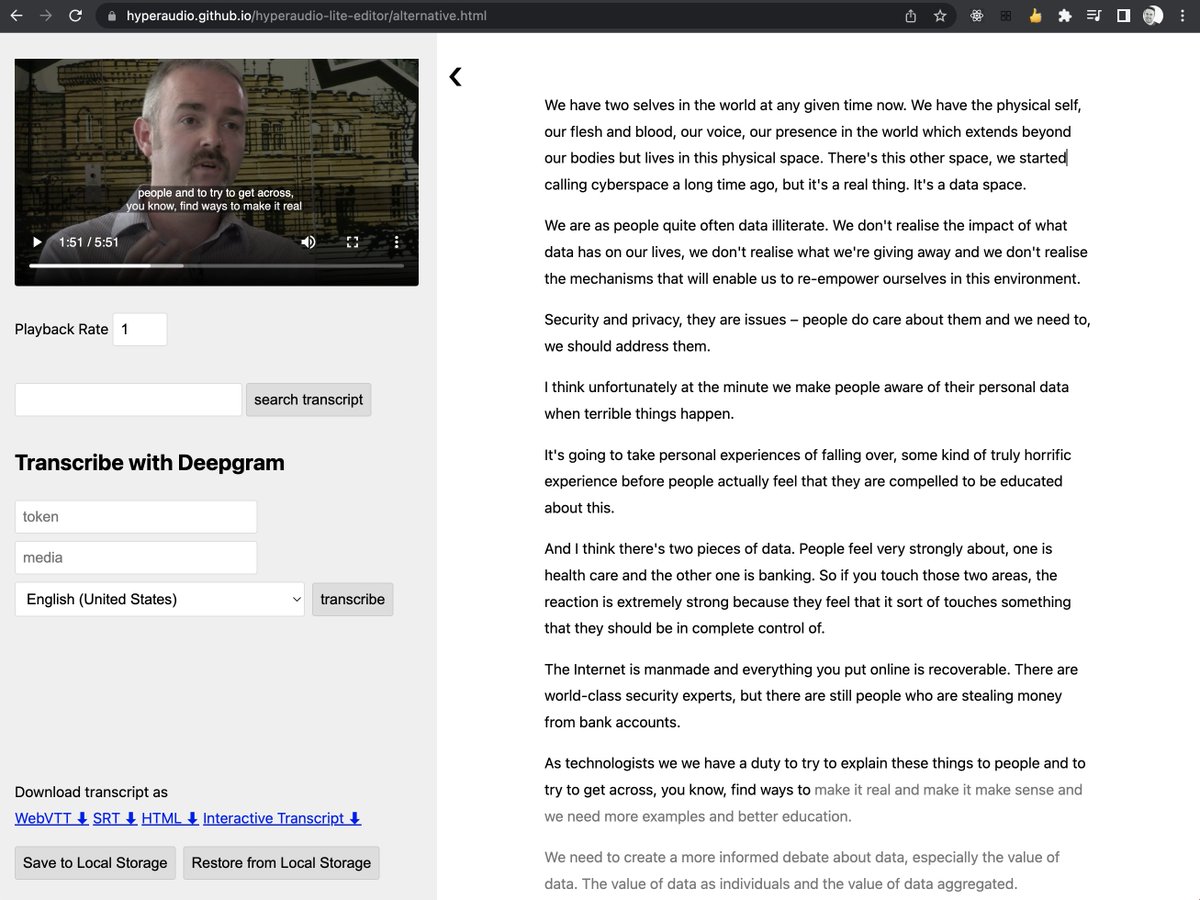
Active mode hyperaudio.github.io/hyperau…
... and the latest editor hyperaudio.github.io/hyperau…
Thanks to @maboa and @mscarselli for these latest versions.
66