
Joined November 2025
- Tweets 3,748
- Following 1,665
- Followers 4,993
- Likes 2,755
263 Photos and videos


Pinned Tweet

May 16
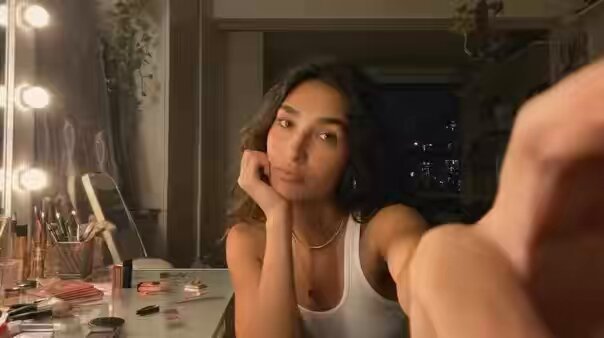
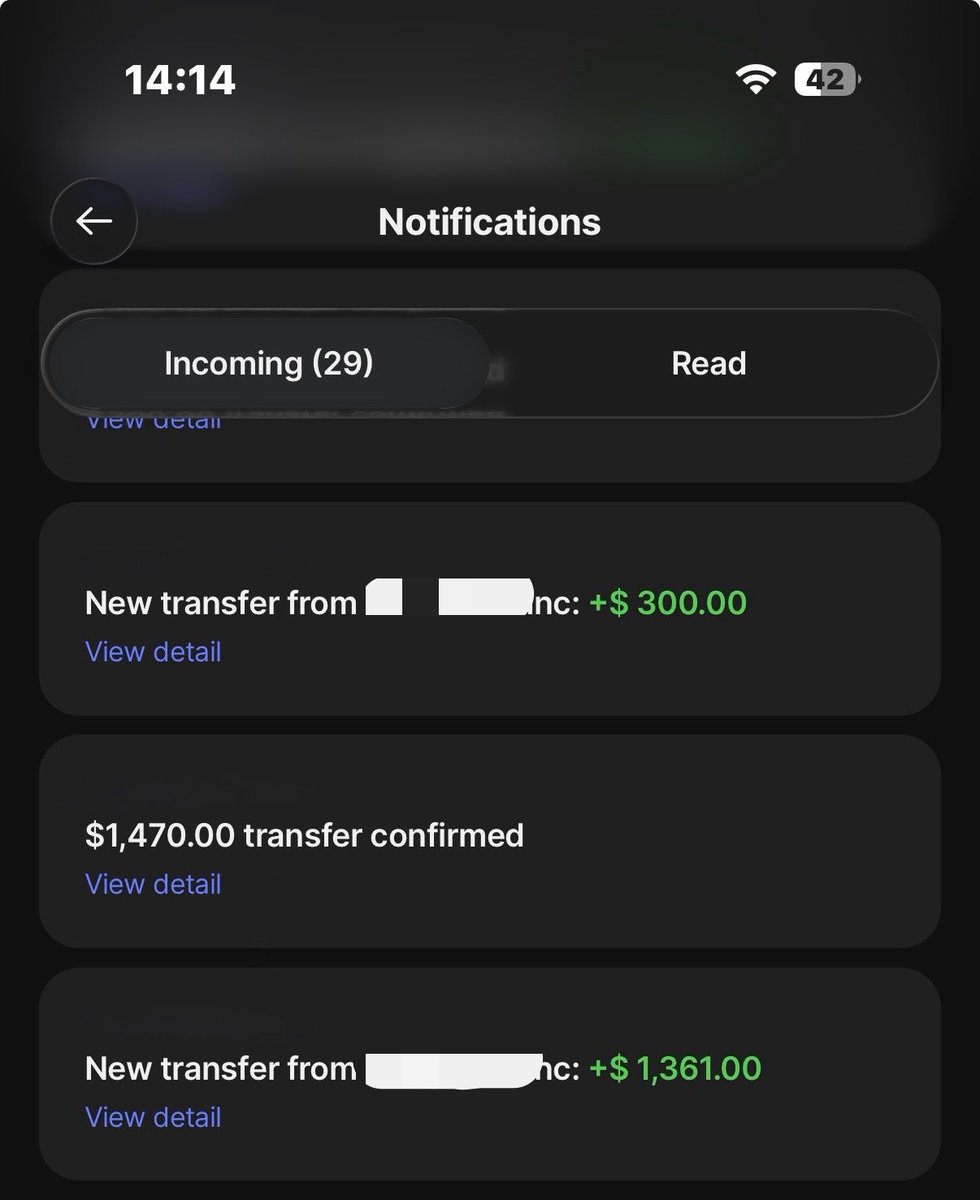
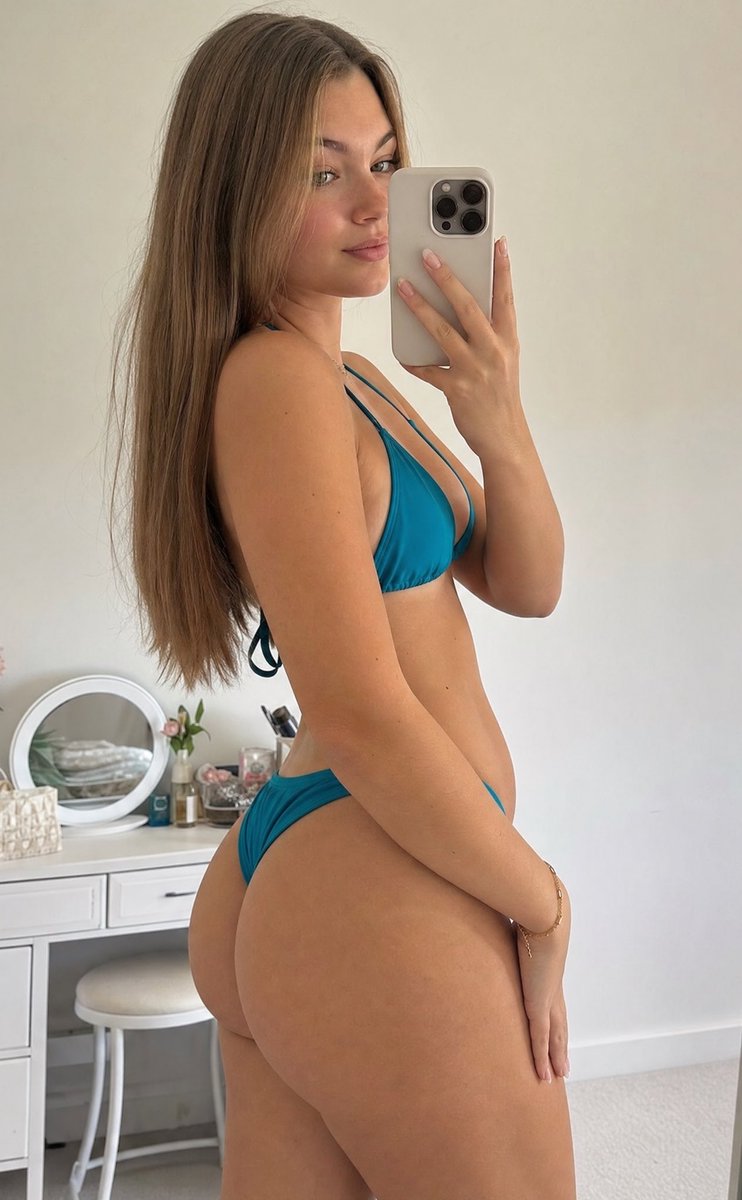
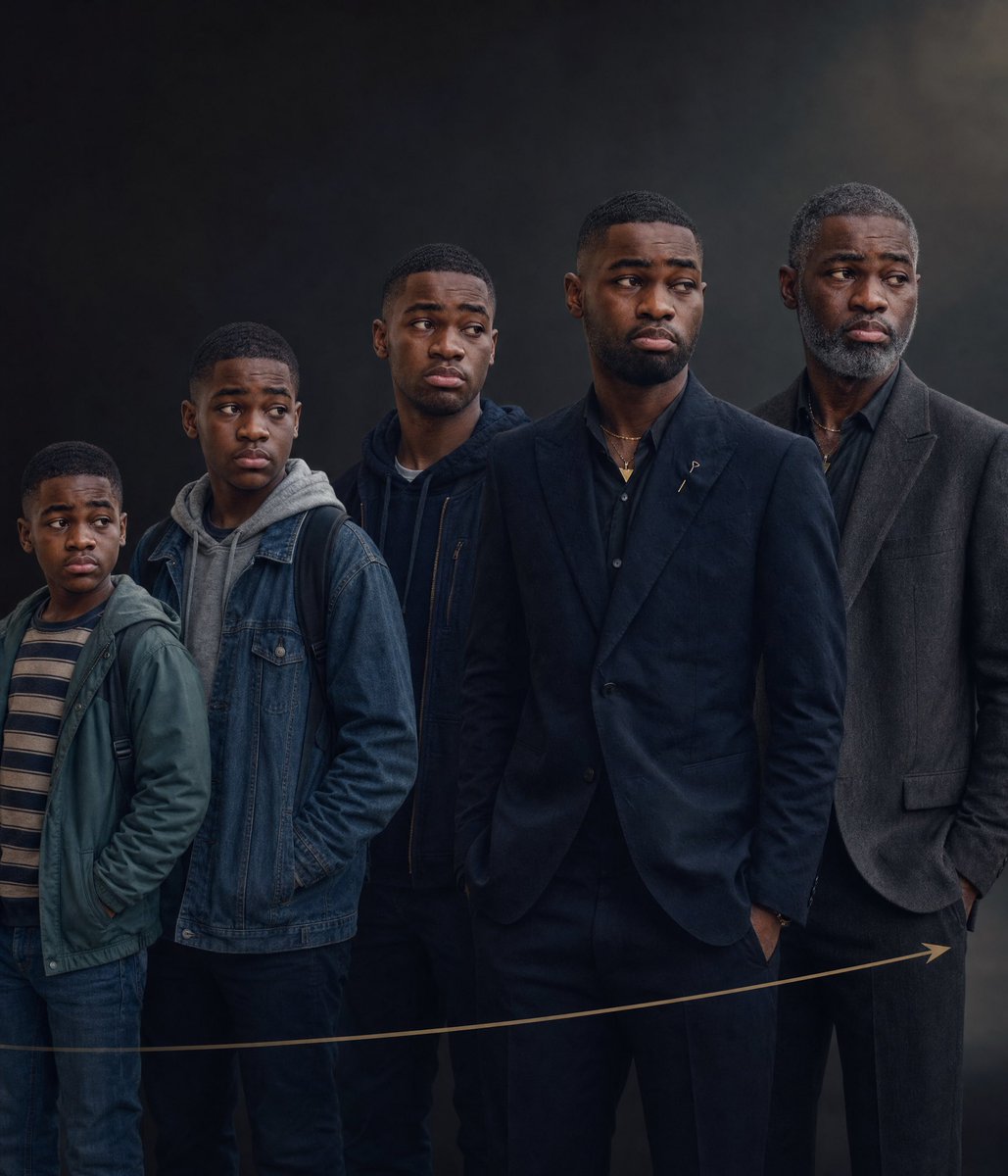
Learn how to create Ai models.
Realistically, you can make up to $5k - $100k doing this.
• Open a Higgsfield account.
• Generate an AI model.
• Start marketing.
• Start selling an online product.
• Or start uploading on Fanvue (18 ).
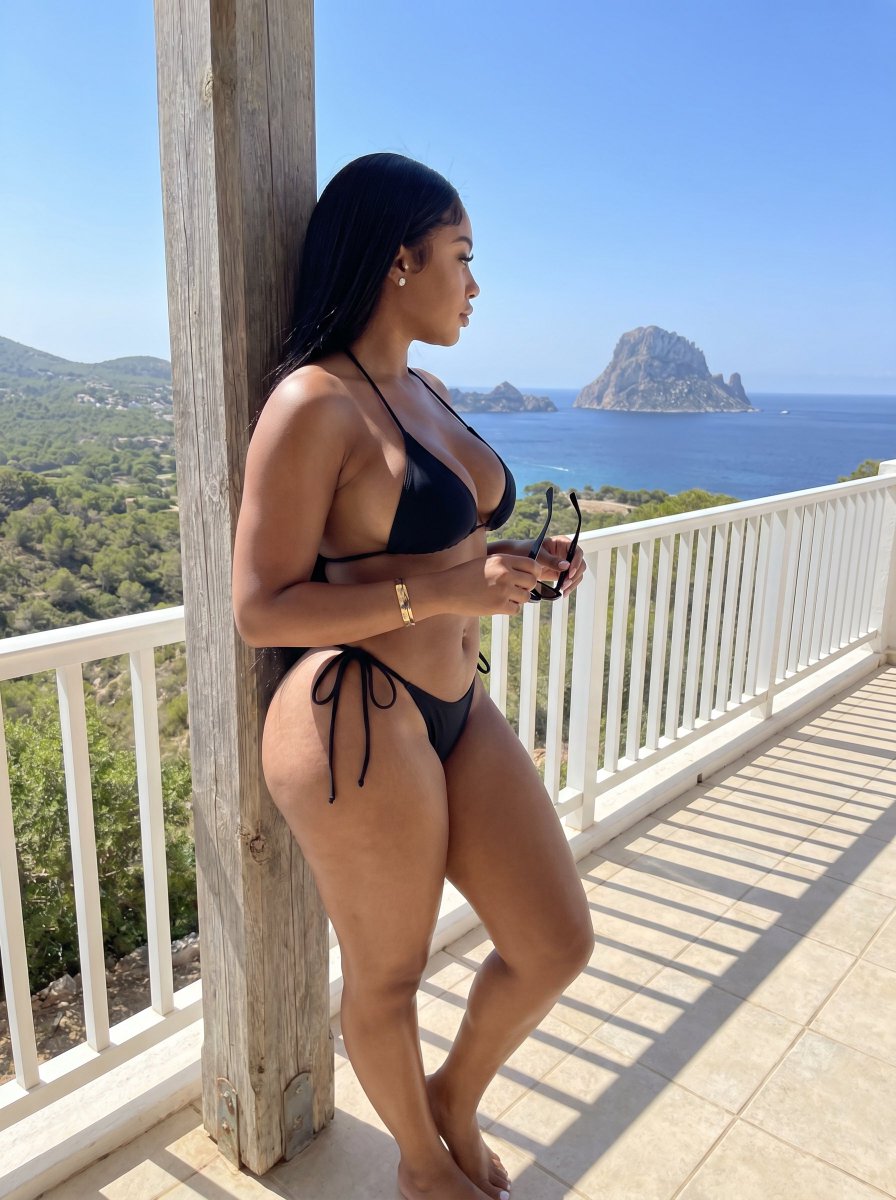
Here are samples of AI models I’ve specially created for some of my clients, and you can do it too.
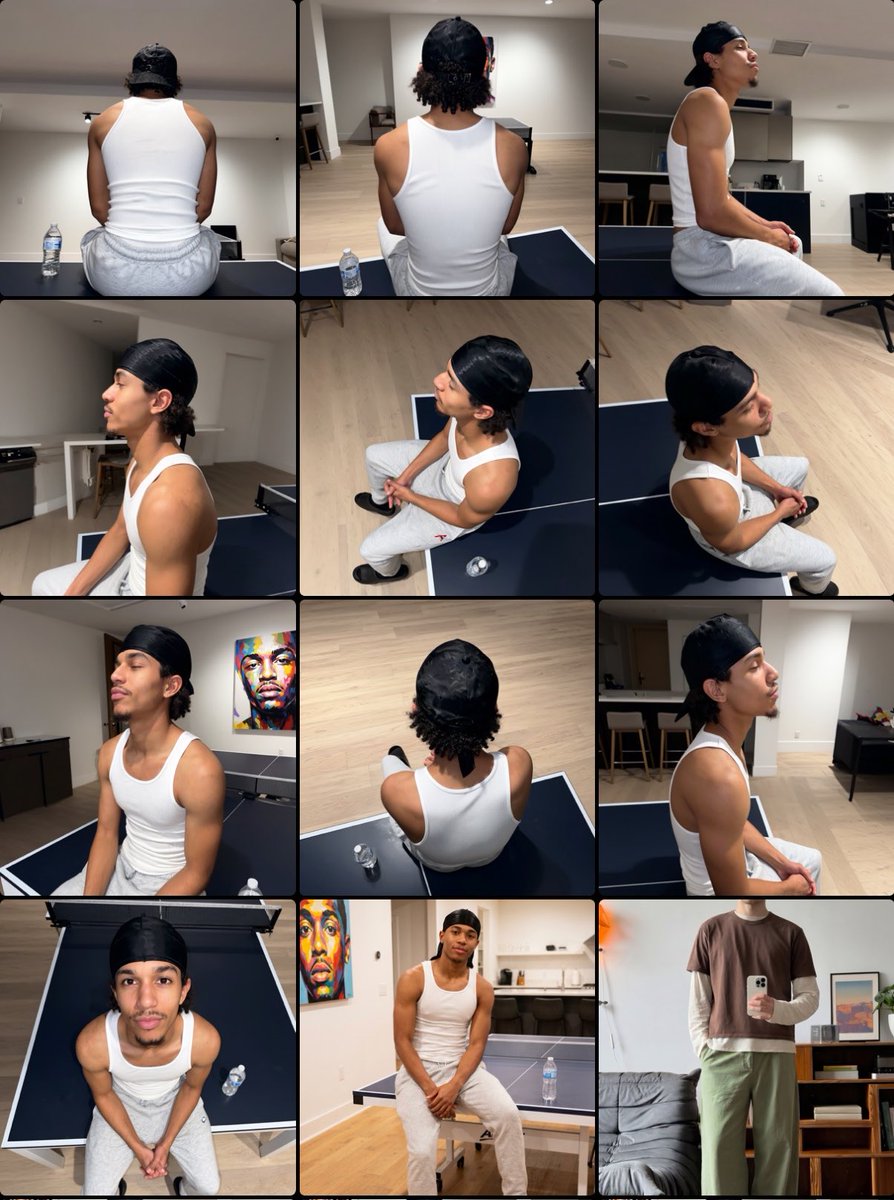
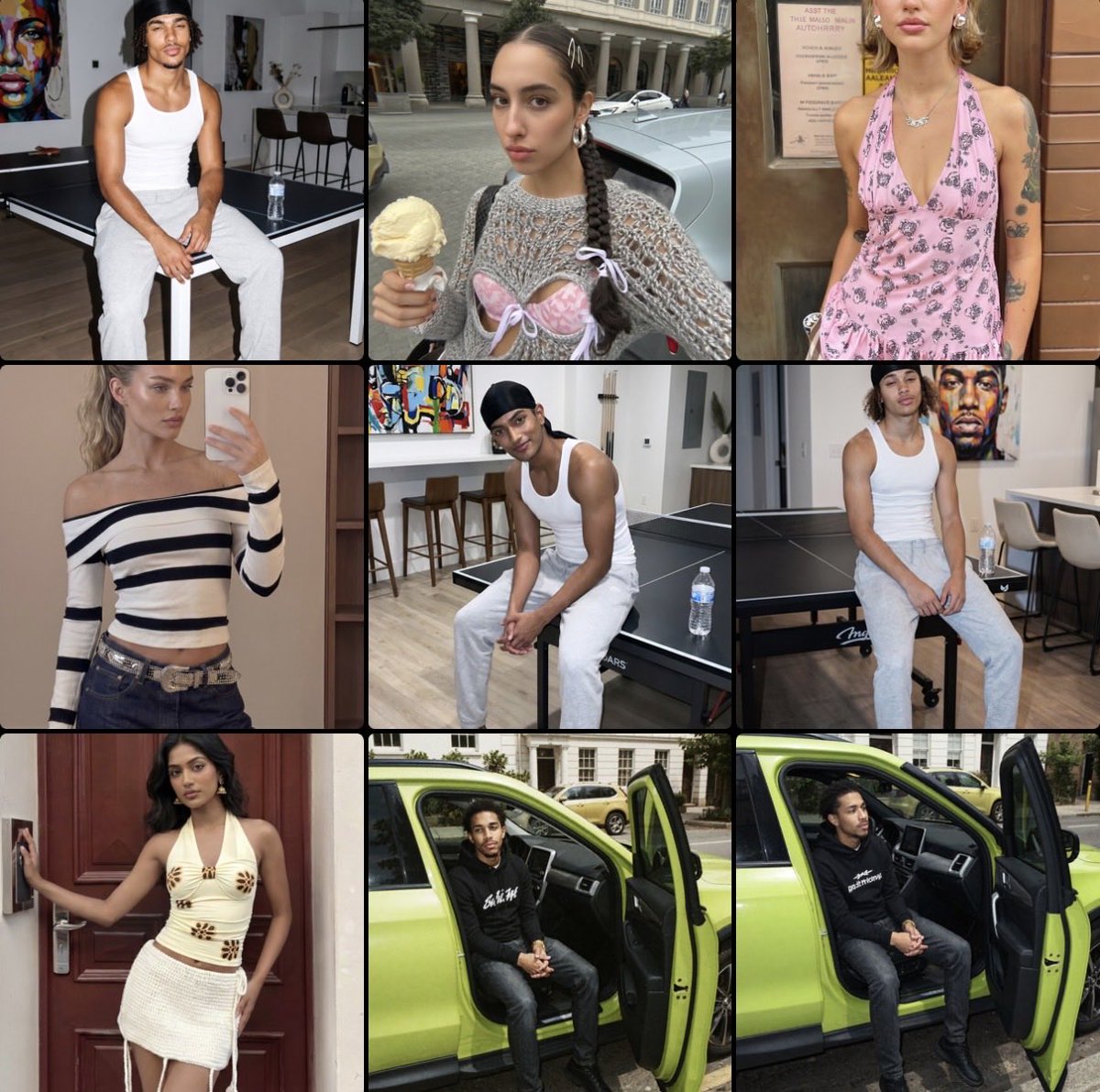
May 15

How are you guys actually using AI to make money?
24
31
354
123,538
Jun 15
Here’s how you can make money during the 2026 World Cup using AI
The earlier you start, the better you get
WORLD CUP CLAUDE:
9
8
45
1,595
Jun 14
This is Ai btw

7
1
13
929
Jun 13
THIS VIDEO WAS MADE WITH AI
Here’s how you can recreate this, using ChatGpt
For those curious about how;
copy and paste this prompt.
Step 1: The Base Image "Uploaded your image" Using ChatGpt
Prompt: A realistic live TV broadcast screenshot of a the person in the image i uploaded sitting in the stadium crowd at the FIFA World Cup 2026. wearing a white tank top with a subtle 'USA World Cup 2026' logo. Serious expression, looking slightly off-camera. In the top-left corner, there is a clean, sharp TV broadcast scoreboard overlay showing "USA 0 - 0 FRA" with a match timer. Blurred crowd background, DSLR sports broadcast style.
Step 2: The Animation (Kling AI) Upload the image to Kling AI's Image-to-Video tool.
Set "Motion Relevance" to 0.5 to keep the facial features and the scoreboard graphic stable.
Prompt: Live-action TV broadcast view. The digital scoreboard graphic in the top-left corner stays static and sharp. The foreground subject blinks naturally, breathes softly, and subtly shifts gaze. Background stadium crowd moves naturally drinking from cups and cheering. Subtle high-end broadcast handheld micro shake. Photorealistic, 30fps.
you can also create this using Grok or video generation model

6
23
120
13,468
Jun 12
People have asked How To create realistic AI Model so here’s a Simple Guide
This streamlined workflow balances hyper realistic character consistency, perfect lip syncing, and fast execution using Higgsfield and supporting AI tools.
Here’s a Step by Step AI UGC Workflow🧵:
Jun 12

I created this using AI and I will be teaching how you can create realistic AI models, make them consistent with realistic voice over and then monetize them.
5
12
107
7,994
Jun 12
Step 7. Matching Visual Energy to Vocal Energy
Because you are changing the voice after creating or during the video layout, the facial expressions need to match the vibe of the audio clip you ripped.
The Fix: If the TikTok girl speaks fast and energetically, ensure your Higgsfield video prompt includes motion cues like dynamic facial expressions, rapid head tilts, animated hand gestures. If her voice is calm and monotone, use subtle, relaxed micro-expressions
2
5
540
Jun 12
Step 8: Post Processing and Stitching
Combine your generated scenes into a final high-retention video.
Assembly: Drop your rendered Higgsfield clips into an editor like CapCut or Premiere Pro.
Audio Layering: Place the master voiceover track on the main timeline, then layer low volume, trending background music underneath it.
Pacing & Cutdowns: Trim any unnatural freezes or artifact transitions between scenes. Add dynamic auto captions to emphasize key hooks.
5
521
Jun 12
I created this using AI and I will be teaching how you can create realistic AI models, make them consistent with realistic voice over and then monetize them.
10
4
51
9,730
Jun 9
I made this ugc video using AI
I will be teaching how to create consistent AI models like this and make money off them.
8
2
46
943
Jun 9
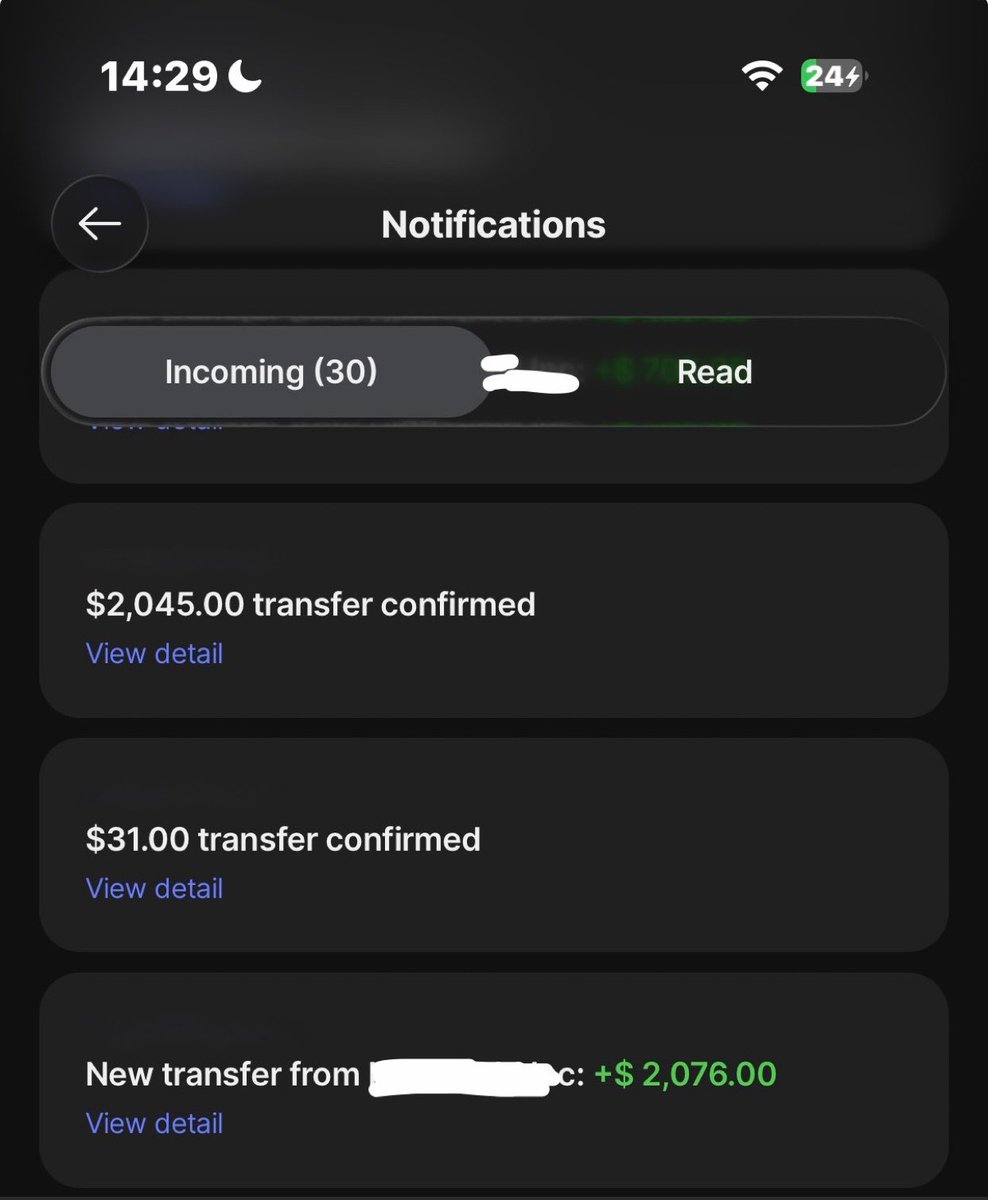
Made 2k dollars, God is good
May 26
Getting into Ai in 2026 is like buying bitcoin in 2016
53
6
209
18,179
Jun 7
FRAMEWORK 2: FANVUE
Fanvue has established itself as the absolute best platform for monetizing virtual creators because it actively embraces AI models and provides built in tools designed for this exact workflow.
By driving high volume social media traffic directly to a gated Fanvue profile, you build a compounding cash flow asset. Here is the complete playbook for launching and scaling a premium AI model on Fanvue.
STEP 1: Character Architecture (Building the Lore)
A flawless face will get you impressions, but a compelling backstory gets you subscribers. Before generating a single image for Fanvue, you need a rigid psychological and lifestyle JSON blueprint.
Define the persona's DNA:
The Niche: Are they a gym obsessed fitness creator, an indie gamer streaming from a neon lit setup, or a Gen-Z digital nomad living out of Airbnbs?
The Voice: How do they speak on X (Twitter)? Do they use casual, lower case Gen-Z formatting? Are they sarcastic? Flirty? Highly technical?
The Flaws: Perfect is boring and reads as "fake." Give the model a relatable quirk. Maybe they are obsessed with a niche anime, or are terrible at making coffee.
STEP 2: The Fanvue Content Engine (Static Motion)
Fanvue subscribers expect high tier content. You have the JSON DNA blueprint for 100% facial consistency in static photos, but to dominate Fanvue, the model must feel entirely alive through video.
The Hybrid Generation Workflow:
Static Lifestyle (The Feed): Use your JSON image workflow to generate 3-4 daily "casual" updates. Mirror selfies, coffee shop candid shots, and aesthetic lifestyle posts.
Motion Generation (The Trust Builder): Take your perfectly generated static Anchor Image and run it through advanced video models like Seedance or Higgsfield AI. This bridges the gap between "AI image" and "virtual influencer."
Audio Sync: Use voice cloning tools (like ElevenLabs) to give them a distinct voice, then sync that audio to your Seedance/Higgsfield generations for personalized Fanvue subscriber shoutouts or short vlogs.
STEP 3: Top of Funnel Traffic (The X to Fanvue Pipeline)
You need to command attention at scale and funnel it straight to your Fanvue paywall. X (Twitter) is currently the most aggressive and effective platform for scaling AI models because of the text and image reply culture.
The Traffic Strategy:
Viral Thread Formatting: Post highly aesthetic, engaging threads.
Example: "POV: we just moved to Lagos and this is the new studio setup." (Attach 4 hyper consistent, beautifully color graded photos).
Engagement Arbitrage: Reply to massive accounts in your model’s niche using high quality reaction photos of your AI model alongside witty text.
The Bio Funnel: Your X and TikTok bios must be ruthlessly optimized.
Format: "Digital Creator ⚡️ | Come see the exclusive behind the scenes 👇 [Fanvue Link]"
STEP 4: Maximizing the Fanvue Monetization Hub
Once the traffic hits Fanvue, you leverage the platform's specific feature set to extract maximum LTV (Lifetime Value) from each subscriber.
The Fanvue Revenue Stack:
Tier 1: The Monthly Subscription ($5 - $15/mo): This unlocks the main private feed. Post the highest-quality lifestyle photos, behind the scenes vlogs, and updates that are too exclusive for the public X timeline.
Tier 2: PPV (Pay Per View) Mass Messaging: Fanvue allows you to send locked messages to all your subscribers at once. Offer an exclusive photo set or a highly personalized video generation for an additional unlock fee ($10 - $50).
Tier 3: The AI Chat Integration (High Ticket): This is where Fanvue shines. You can plug a customized LLM fed entirely with your character's lore, tone, and personality JSON into Fanvue's messaging backend. Subscribers pay premium rates to text directly with the persona, generating automated, highly personalized interactions 24/7 without you having to manually type a single message.
STEP 6: Retention & Audience Control
Getting subscribers on Fanvue is top of funnel; keeping them month over month requires community management.
Content Consistency: The model cannot go dark. Batch generate your images and videos and schedule Fanvue posts 14 days in advance.
Interactive Polling: Use Fanvue's tools to ask the audience what the model should "do" next.
"Should I dye my hair black or keep it blonde for the winter?" Update your master JSON prompt based on the winning vote.
When the audience feels like they dictate the character's real time physical appearance and life choices, subscriber churn drops to near zero.
Jun 4
I generated these images using Ai
I will be teaching how to create consistent AI models like this and make money from them.
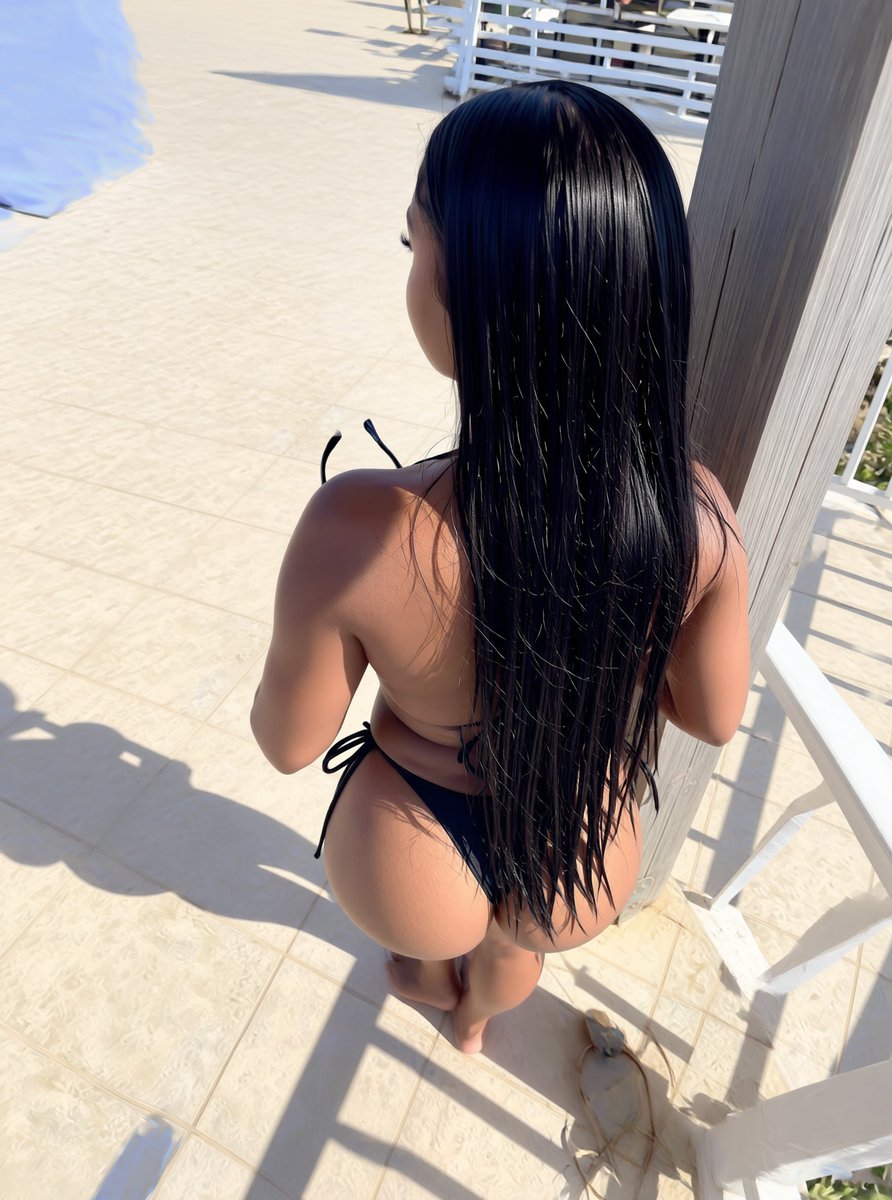

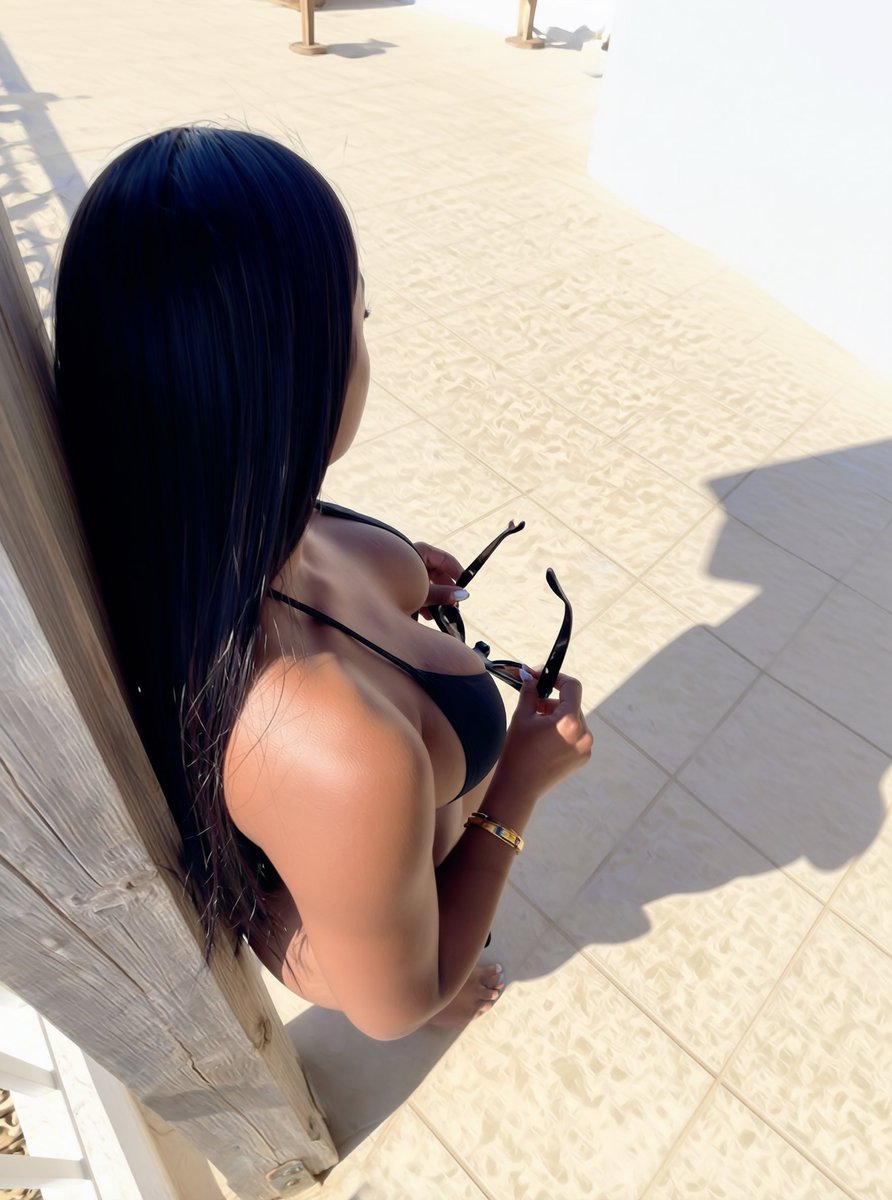
4
9
142
14,863
Jun 6
I have previously explained how to make your AI model character consistent. Here are 4 workflows on how to monetize them.
FRAMEWORK 1: THE VIRTUAL UGC AGENCY (B2B PRODUCT PLACEMENT)
The traditional B2B product photography and UGC model is broken. Brands spend thousands shipping products, paying creator day rates, and waiting weeks for edits.
As a Virtual UGC Agency, you eliminate the logistics. You take a digital product image and use your consistent AI models to generate hyper-realistic lifestyle photos in any environment.
Here is the exact step by step playbook to set up, operate, and scale this agency model.
STEP 1: The Pitch (Client Acquisition)
You are not selling "AI photos." You are selling speed, infinite scalability, and zero logistical friction. Target Shopify brands, Amazon FBA sellers, and Instagram boutiques.
The Cold DM / Email Script:
"Hey [Name], your current product shots look great, but I noticed you aren't running many lifestyle/UGC creatives on your ads.I run a virtual model agency. You don't need to ship me any products. Send me a clear PNG of [specific product], tell me the aesthetic you want, and I will generate 5 hyper-realistic lifestyle photos of our models using it within 24 hours.I'll do the first batch for free to prove the tech. Are you open to this?"
Why this works: It removes all risk. They don't ship anything, they don't pay upfront, and the turnaround time is impossible for traditional agencies to beat.
STEP 2: The Asset Collection (The Input)
Once a brand says yes, you need specific inputs to make the JSON prompting work flawlessly.
Send them this checklist:
~ Product Images: 3 to 4 high-resolution photos of the product on a blank/white background with good lighting.
~ Brand Aesthetic: 1 to 2 Pinterest mood board images showing the vibe they want (you will use these for ChatGPT to extract the JSON color grading).
~ Target Demographic: Age, style, and vibe of the model they want representing their brand.
STEP 3: The Generation Workflow (The Execution)
This is where your technical AI skills come in.
~ Prep the Model: Select the appropriate "Anchor Image" (the ID Card) of the virtual model that fits their target demographic.
~ Extract the DNA: Upload the client's Pinterest mood board photo into ChatGPT and extract the exact JSON style blueprint (lighting, hex codes, camera angles).
~ The Render: Go into your image generator (e.g., Midjourney with --cref, or Nano Banana Pro).
Prompt formula: [JSON Blueprint Data] [Scene Description] [Product Image Attachment] [Face Anchor Attachment]
~ Quality Control: Generate 15–20 variations. You are looking for perfect product blending, correct lighting shadows on the product, and 100% facial consistency. Pick the top 5.
STEP 4: Pricing, Delivery & The Upsell
Deliver the photos in a clean Google Drive folder. Because your margins are nearly 100% (minus software subscriptions), your pricing can aggressively undercut traditional agencies while maintaining a massive hourly rate.
The Pricing Tiers:
~ The Test Batch (Hook): $50 for 3 lifestyle images.
~ The Campaign Package: $250 for 15 images across 3 different environments (e.g., coffee shop, urban street, clean studio).
~ The Retainer (The Goal): $800/month. The brand gets 40 new lifestyle images a month using a dedicated, exclusive virtual model that becomes the recognizable "face" of their brand.
Scaling Secret: Video Upsells
Once you deliver static images and the client loves them, hit them with the video upsell.
Take the static images, run the product through an AI video generator (like Luma Dream Machine, Kling, or Runway Gen 3), and use AI voice tools (ElevenLabs) avatar syncing to make the static model speak. You just turned a $250 photo package into a $1,000 short form video ad package without leaving your desk.
I will provide the other Frameworks later today.
Jun 4
I generated these images using Ai
I will be teaching how to create consistent AI models like this and make money from them.
7
18
145
13,766
Jun 5
HOW TO KEEP YOUR AI MODEL CONSISTENT 100% (THAT ACTUALLY LOOKS REAL):
most ai models look totally fake because their face changes slightly in every single post. here is the exact workflow to lock in one specific face so you can build a highly consistent creator library.
go on pinterest or instagram and find a reference photo of the exact aesthetic and facial structure you want
upload that photo into chatgpt and ask for this:
"analyze this face and photo style. give me a highly detailed json prompt that breaks down the exact facial features, skin texture, hair type, eye shape, and the color grading."
we use chatgpt because it catches the micro-details (like lighting and skin pores) that make a face actually look human.
take the json prompt chatgpt gives you and paste it into your image generator (like midjourney, higgsfield, or seedance)
generate your first batch of photos until you get the absolute perfect face
save that perfect photo to your camera roll. this is now your "master reference"
for all your future generations, just attach that master photo as your character reference "master reference" along with your new prompt for whatever outfit or location you want (e.g "sitting in a coffee shop" or "wearing a red hoodie").
now you have a fully consistent ai model locked in.
you can put them in coffee shops, taking mirror selfies, or holding products, and their face will look exactly the same across multiple photos.
this is how you build an automated faceless brand or ai influencer page from scratch.
takes 10 minutes to lock in the face, then you can generate unlimited content.
Jun 4
I generated these images using Ai
I will be teaching how to create consistent AI models like this and make money from them.
18
114
1,035
88,879
Jun 5
Kindly Deactivate 🙏

Done, prove it in a live video
11
16
314
85,674