
Mexicano. Software ▲ @Vercel
Joined June 2011
- Tweets 2,272
- Following 709
- Followers 5,843
- Likes 15,115
286 Photos and videos




Apr 14
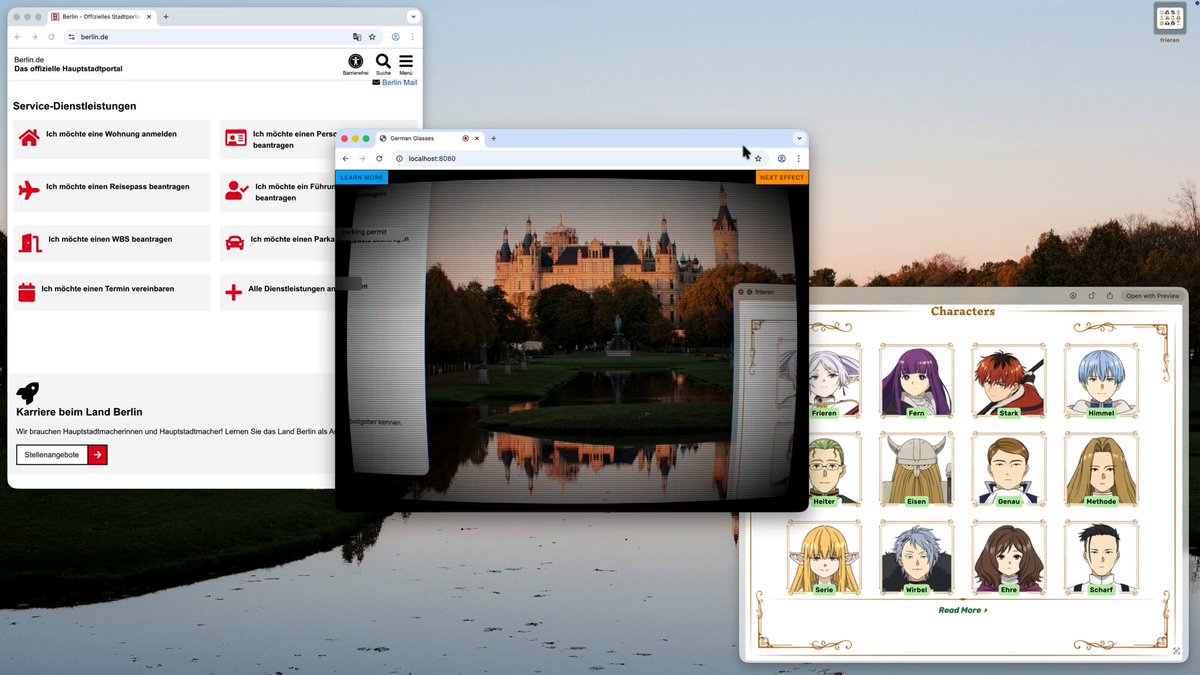
Scope creep on the background-transparent proof of concept: German Glasses.
Put the window on top of German text and it overlays a mostly-working English translation.
PaddleOCR Chrome Translator API, all client side and free. The web is incredible.
1
3
90
8,828
Apr 11
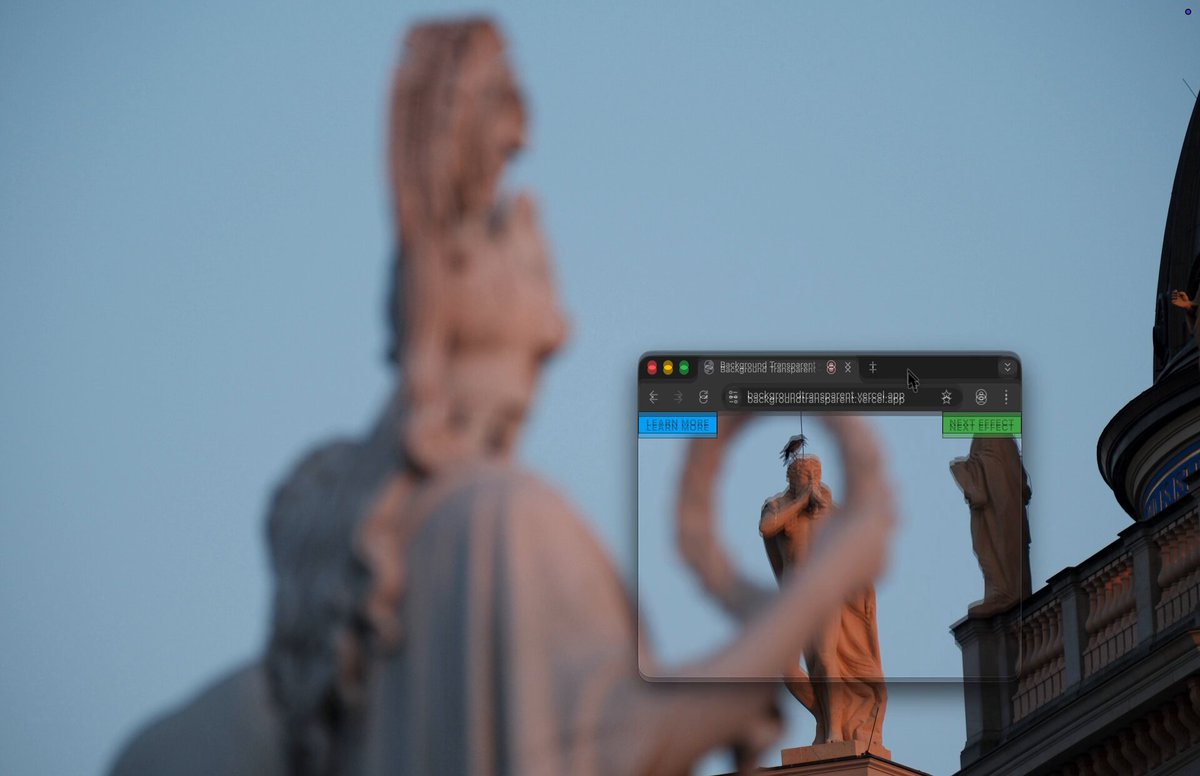
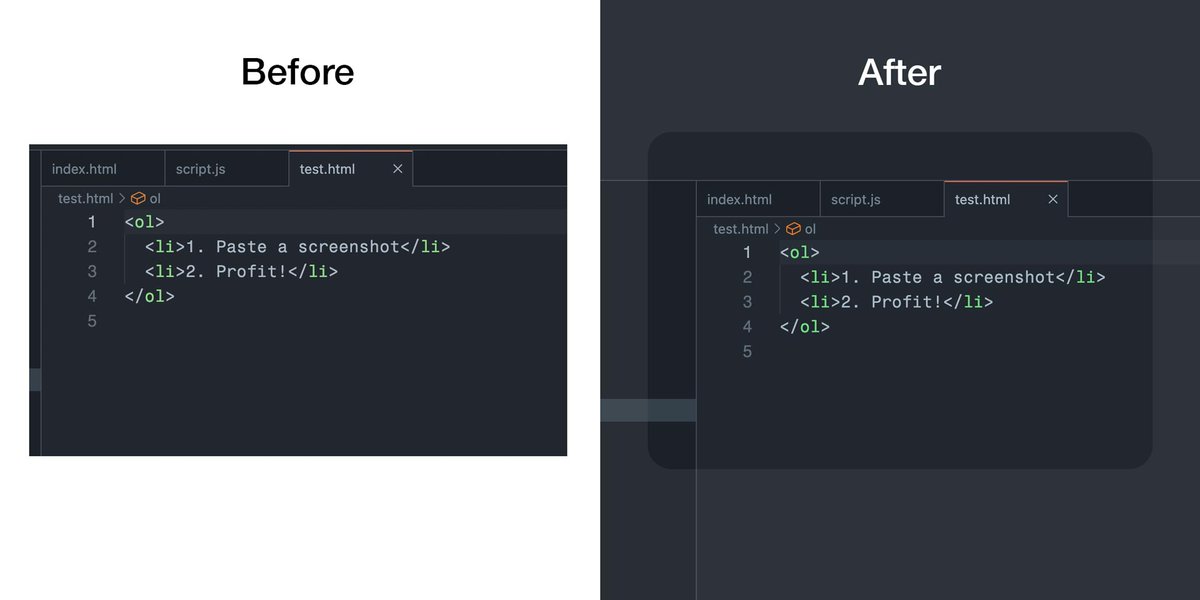
Me: "I want body { background: transparent }"
The web platform: "no"
Me: screen captures own display, injects fiducial markers, tracks viewport position, composites background buffer
34
53
1,532
196,347
Apr 11
Try it yourself: backgroundtransparent.vercel… (you need to share the full screen the browser window is on)
Inspired by @mausmoto's ShaderGlass, I wanted something like that for the web!
Liquid Diamond is by @shuding of course, who got me into shaders recently.
1
3
68
6,483
Apr 4
I'm very excited that @shuding is sharing this now.

There’s an idea that I’ve been casually working on for quite a while: bringing shaders to React.
Here’s my first demo:
1
14
3,022
Feb 1
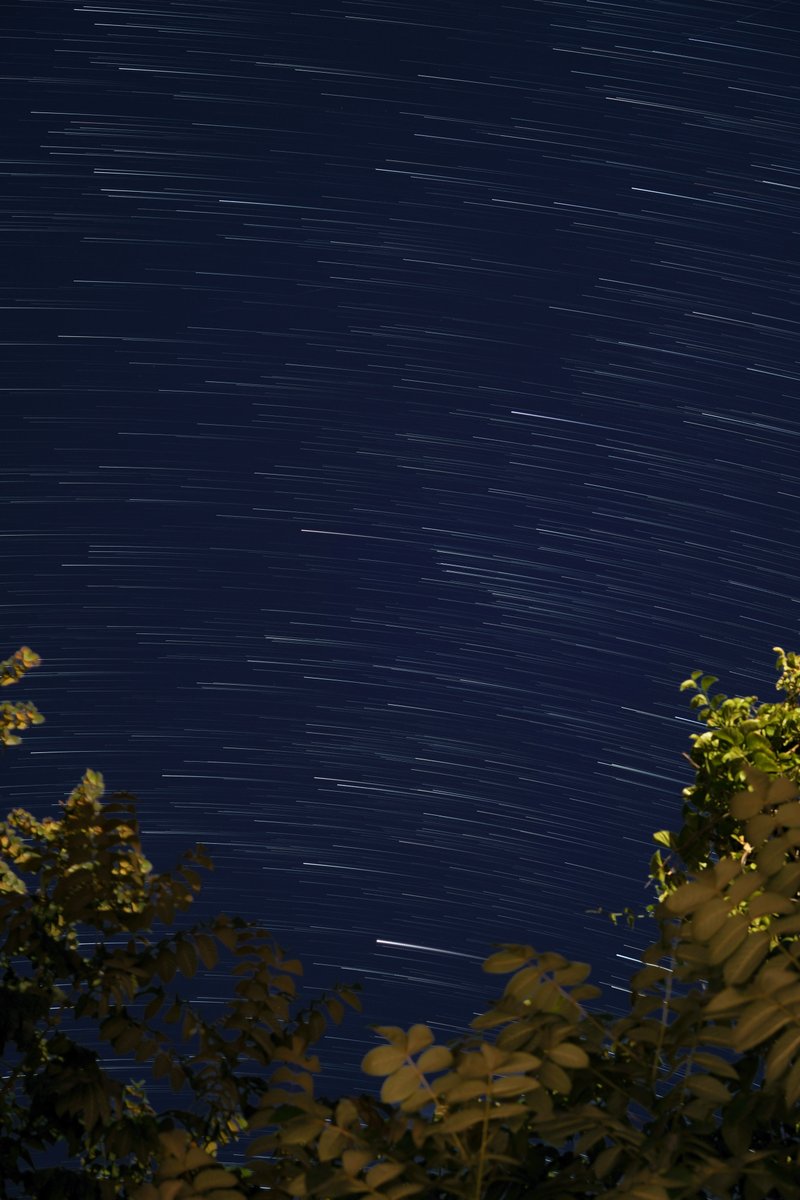
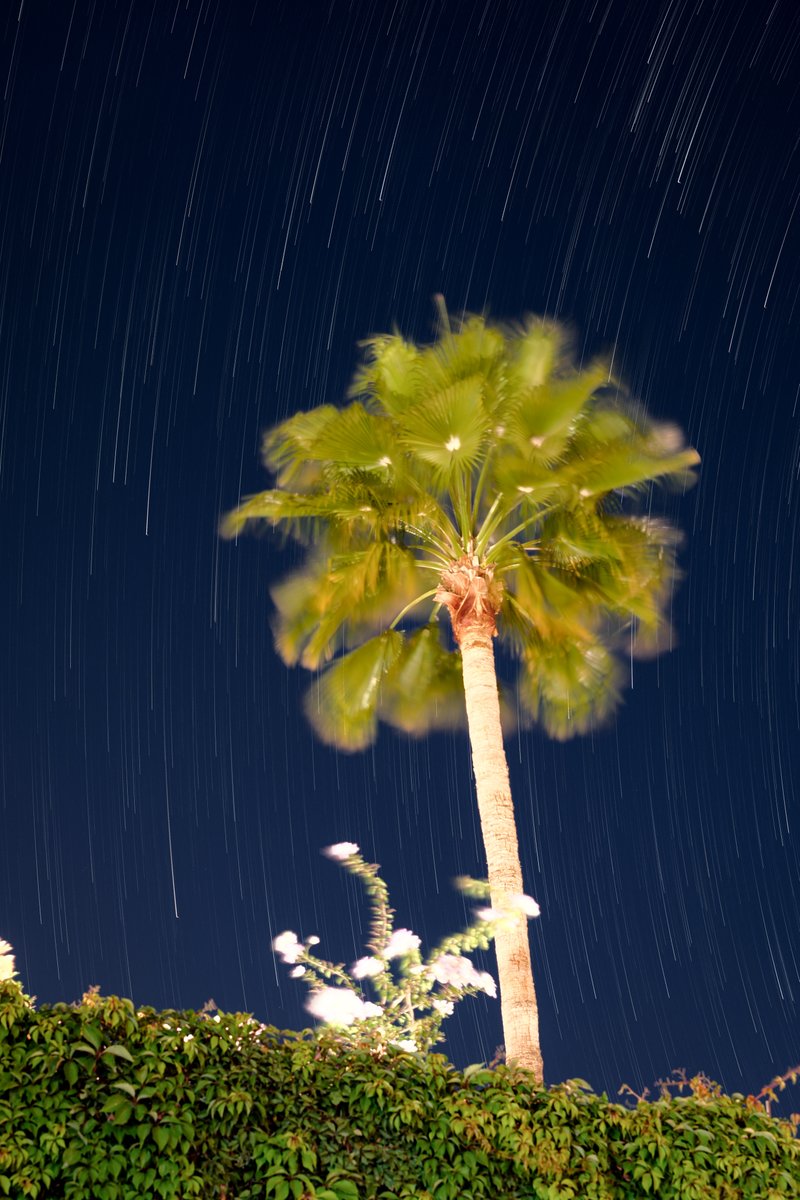
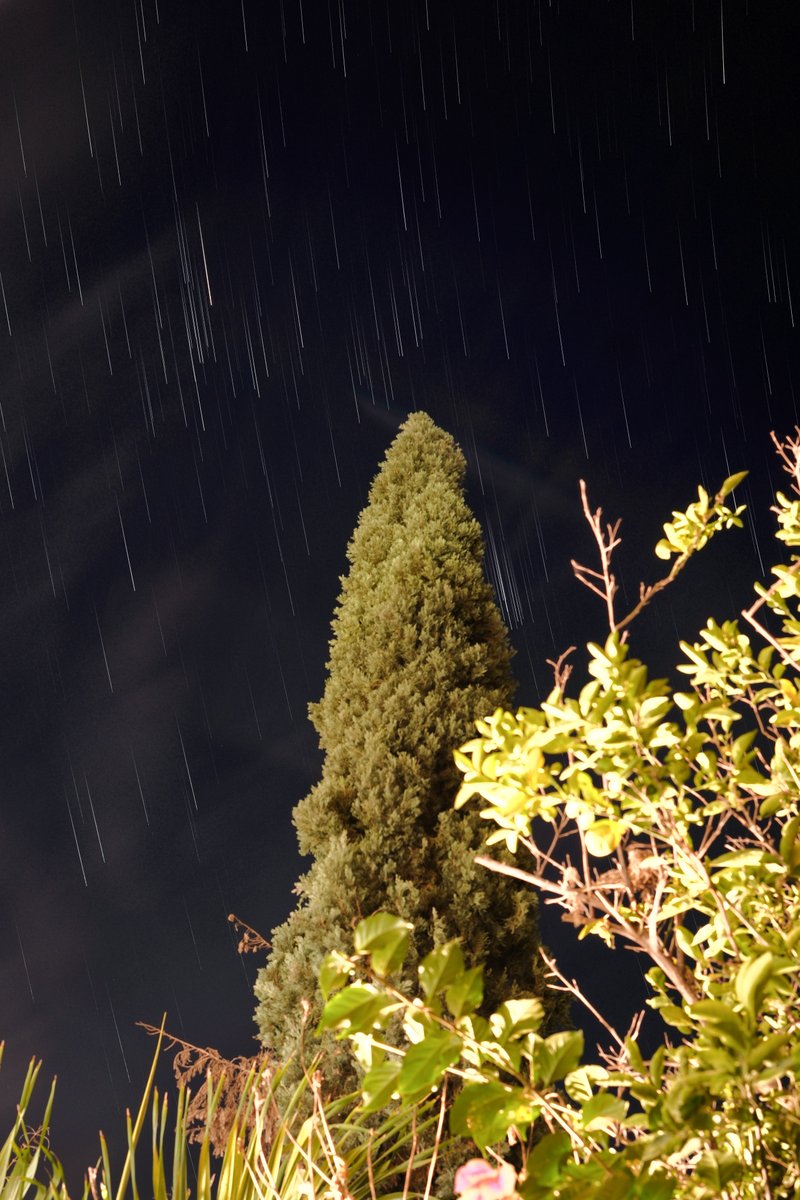
I've been enjoying making star trail photos. I built a small tool to help combine the images with configurable fading tails. github.com/javierbyte/star-t…
4
678
Javier Bórquez retweeted

26 Nov 2025
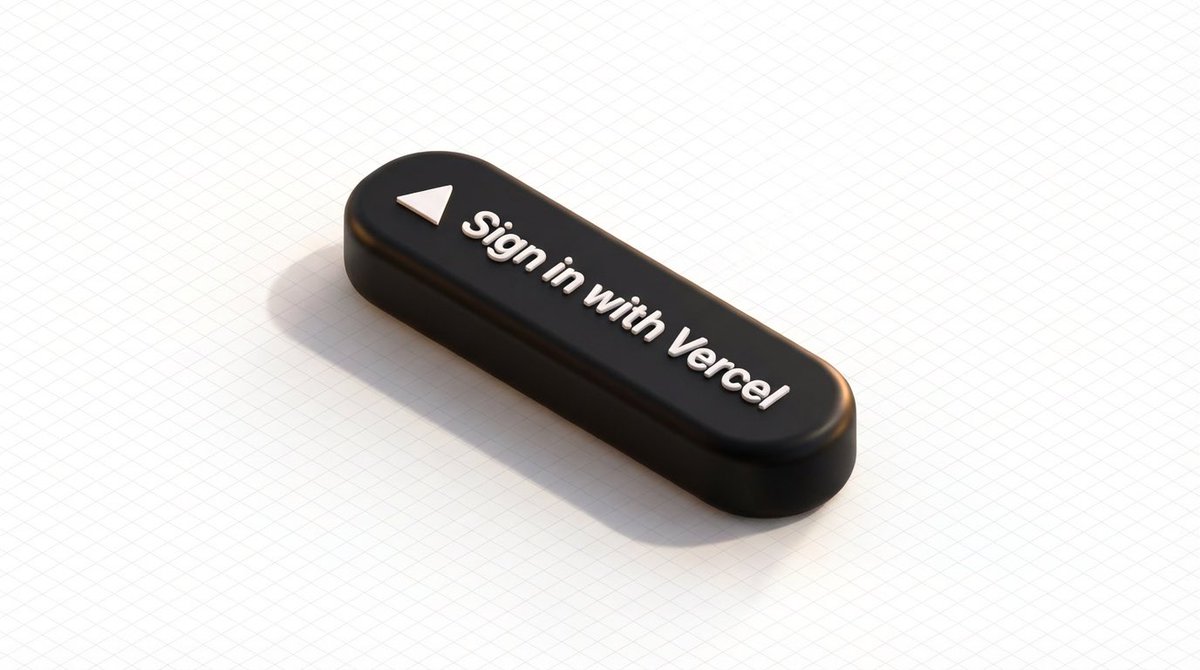
This unlocks a lot. Faster onboarding for developer products. Delightful Marketplace integrations. Letting users own and pay for resources.
Try v0nanobananapro.vercel.app (which I used to generate this image). Sign in with Vercel and AI tokens will flow from your account!
26 Nov 2025

Sign in with Vercel is now generally available.
Add Vercel as a sign-in method to your apps with OAuth OpenID.
Try the example app and start building.
vercel.com/changelog/sign-in…
11
17
350
103,567


26 Mar 2025
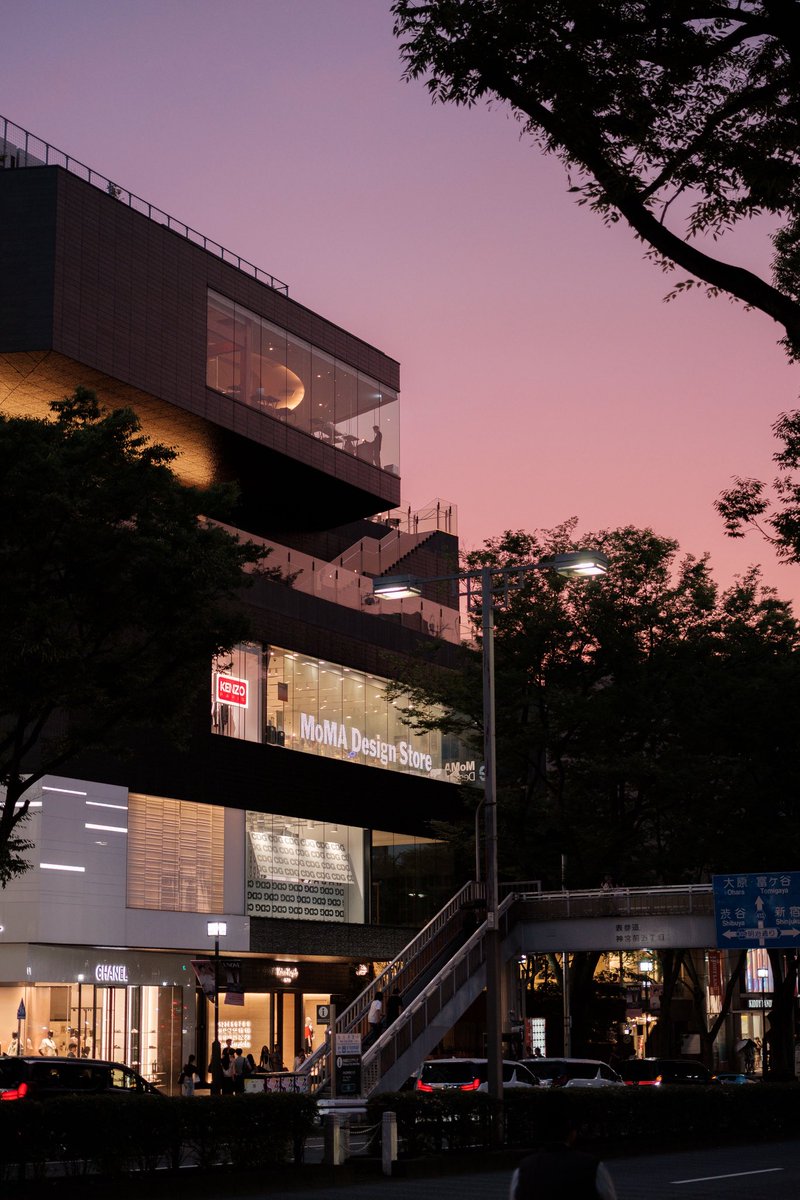
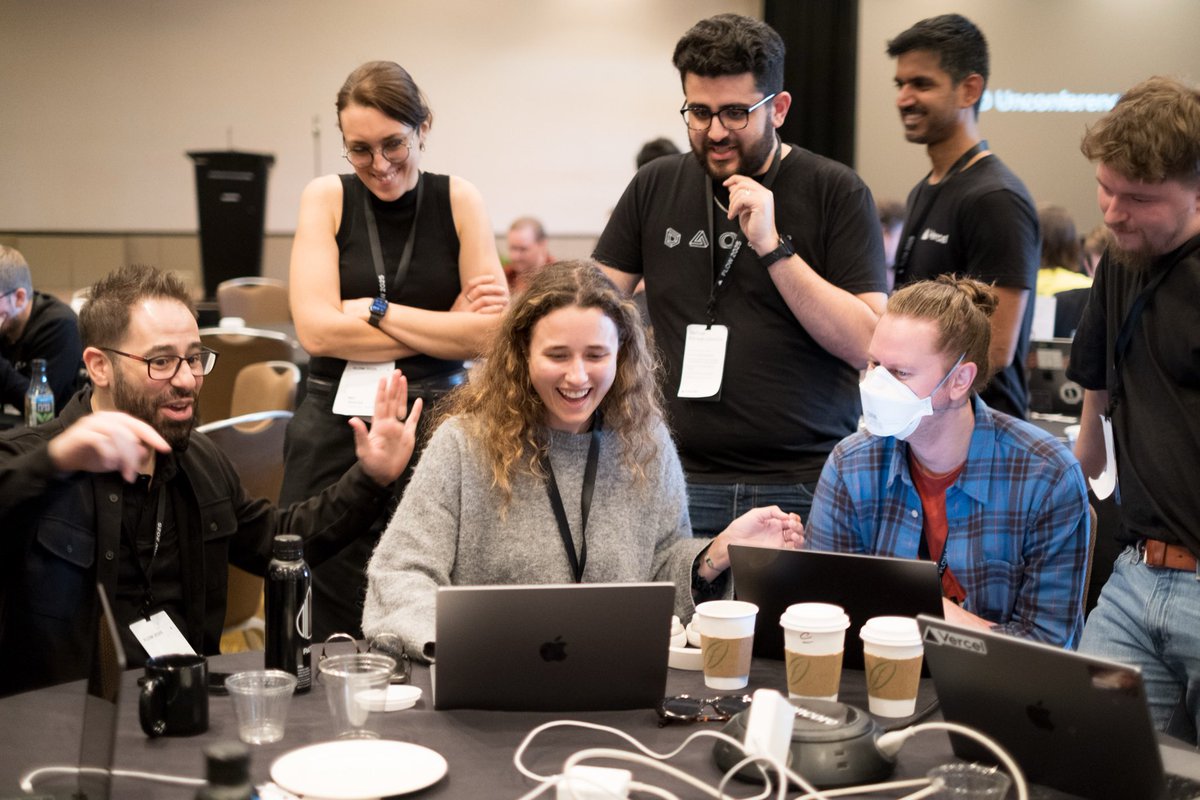
We won the Vercel hackathon! And, as usual, I'm the one behind the camera 📸

3
39
3,480
5 Feb 2025
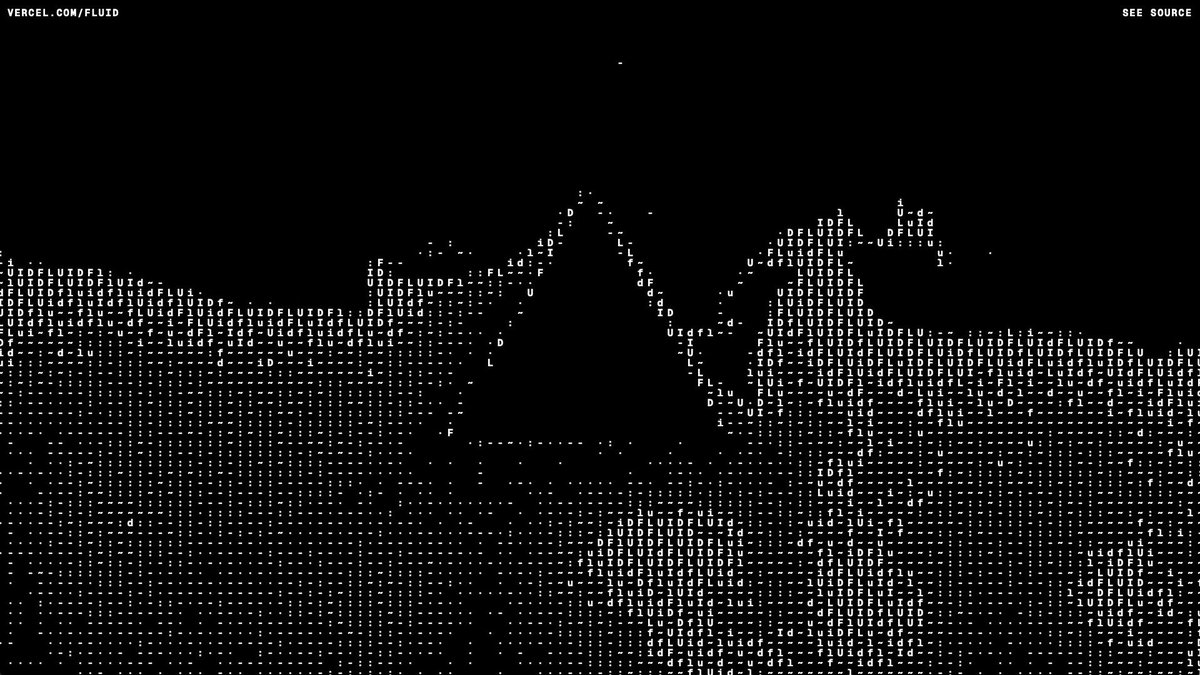
Playing with fluid simulations and ASCII rendering:
fluid-triangle.vercel.app
Inspired by the recent Vercel ship:
vercel.com/fluid
11
31
404
31,455
29 Jan 2025
29 Jan 2025

Tune in Feb 4 for updates on our compute services
vercel.com/go/compute-update…
1
2
30
5,265
21 Jul 2024
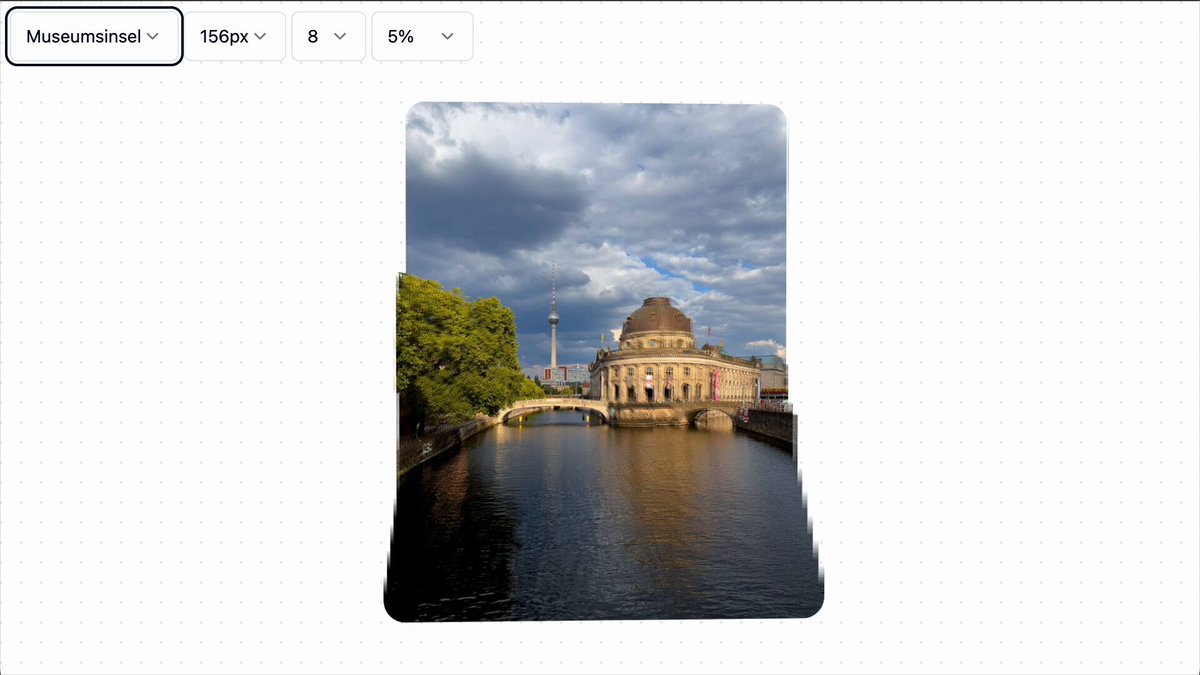
Rendering depth maps with multiple layers of CSS masks.
depth-mask.vercel.app/
9
85
1,093
79,178
21 Jul 2024
Inspired by this exploration x.com/raunofreiberg/status/1… by @raunofreiberg
I used Depth Anything V2 to create depth maps of my photos depth-anything-v2.github.io/
I wanted to use CSS filters to a single depth map, but instead end up slicing it with canvas in the client. Other than that, the technique is the same as my depth of field demo and the original frosted glass demo by @shuding.
Code is here github.com/javierbyte/depth-… that is now a turborepo with both demos.

3
29
3,770
11 Apr 2024
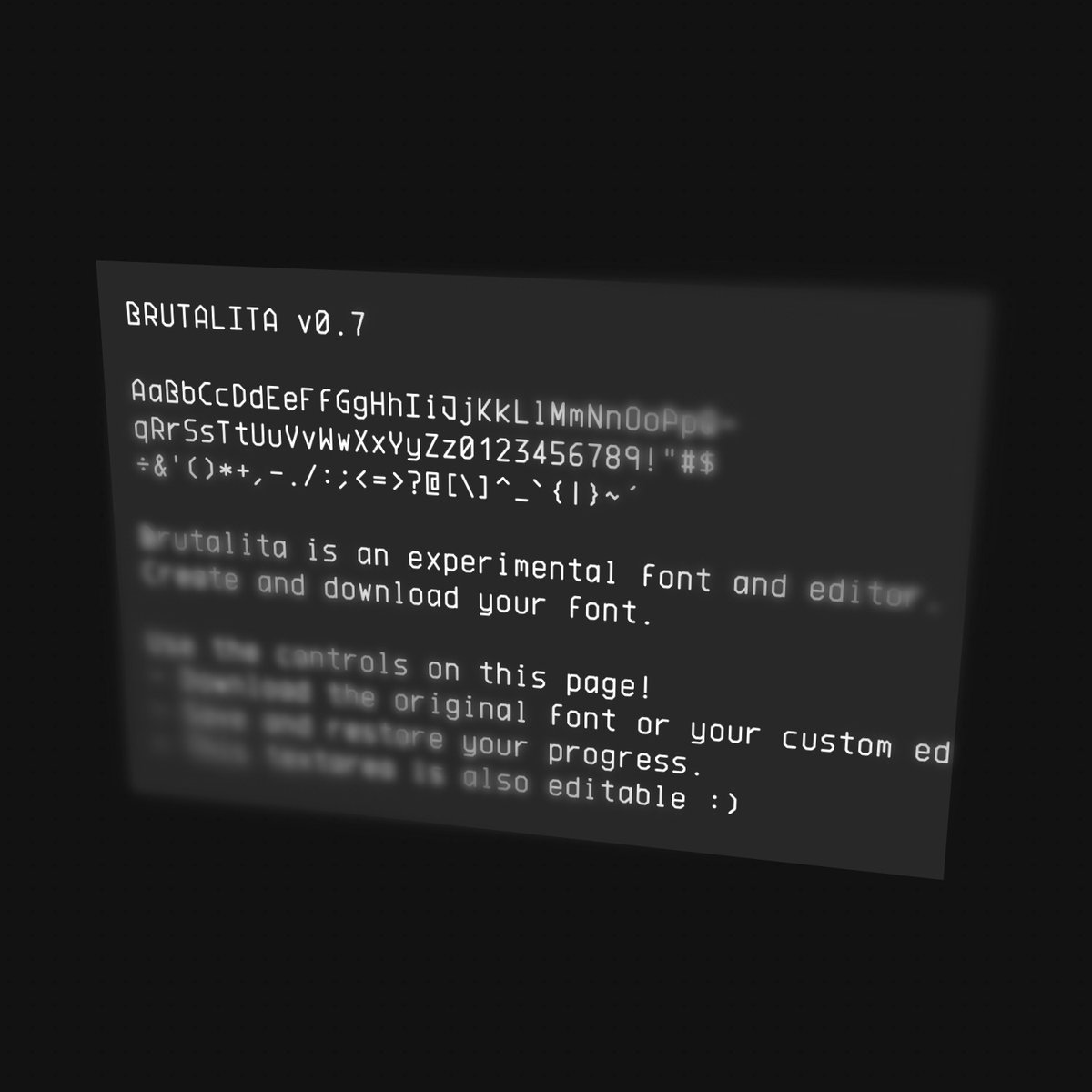
Video of it in action.
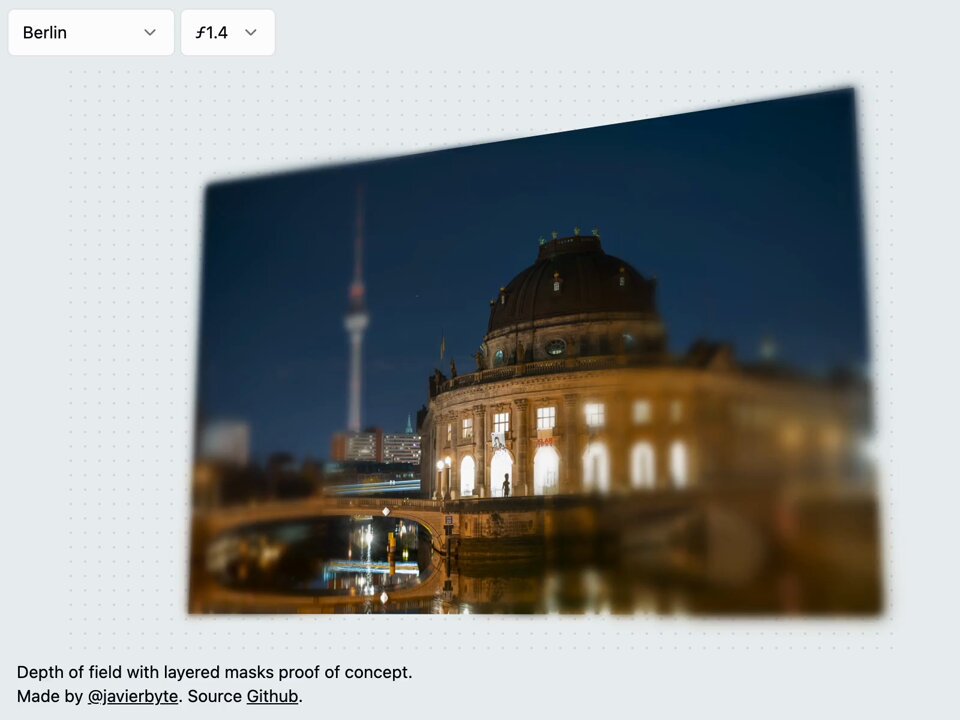
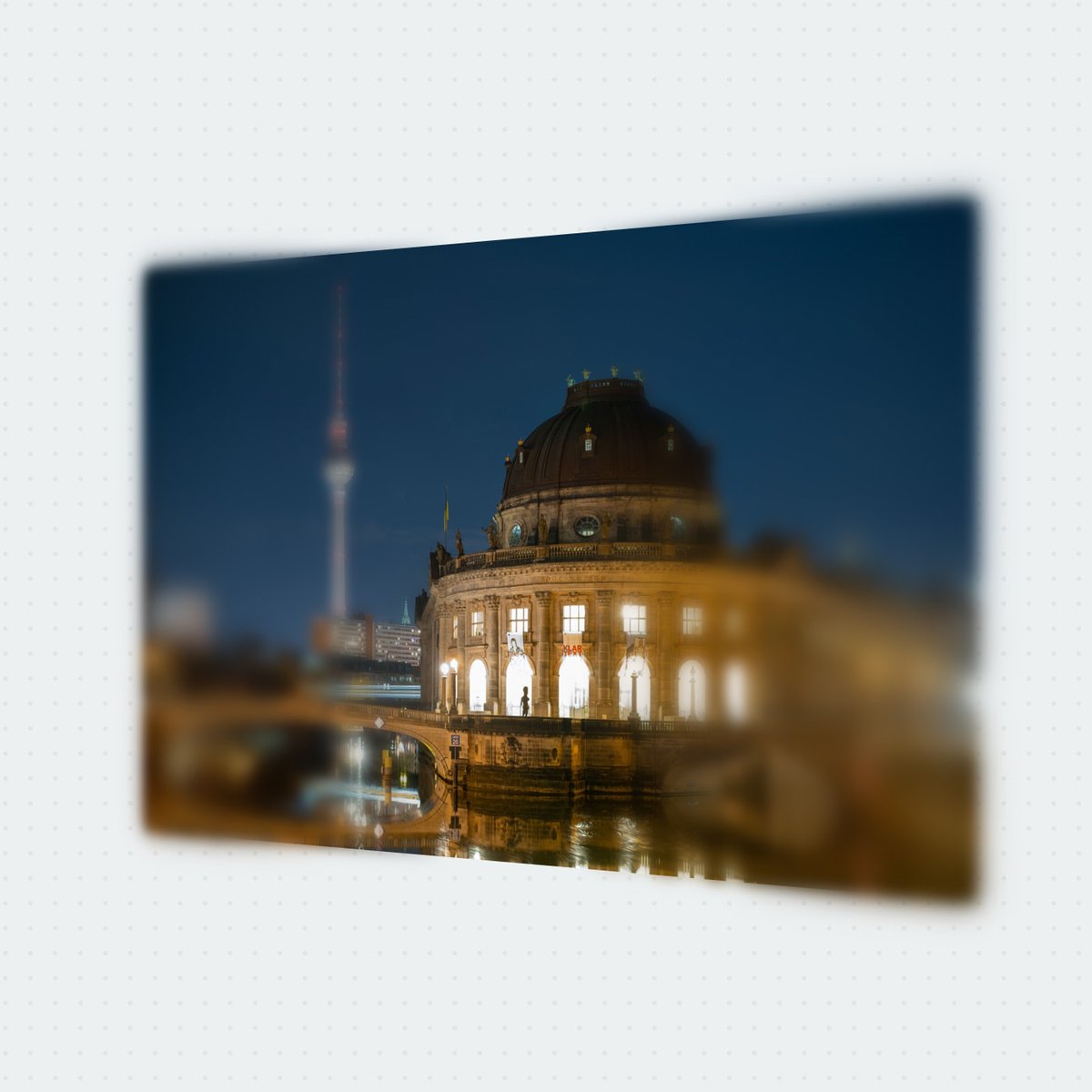
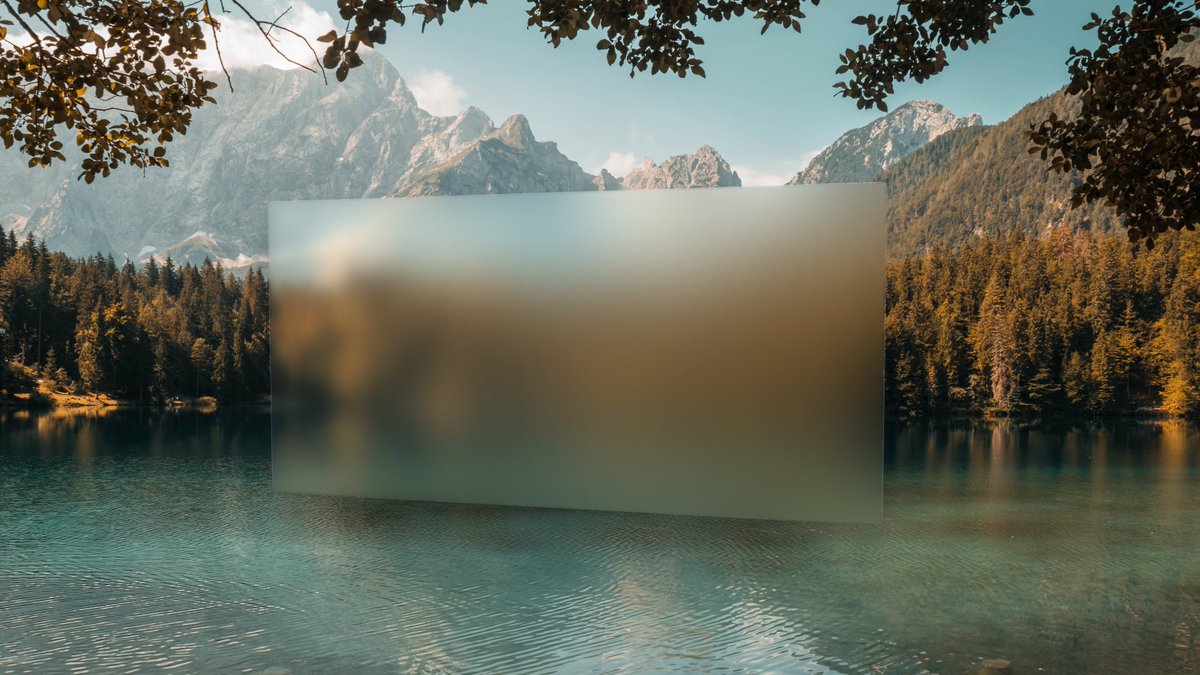
I think three layers are enough for the effect to be convincing. I had to do some tricks to minimize the usual issues of this approach: the blurred layer leaking behind the in-focus area and the focused layer creating weird sharp edges. I'll expand more if there is interest; the repo is linked in the demo.
8
1,121
Javier Bórquez retweeted

8 Apr 2024
Para aquellos que hablan castellano y me conocen como "duopixel", he retomado la publicación de mi blog en duopixel.com
4
1
4
2,839
7 Apr 2024
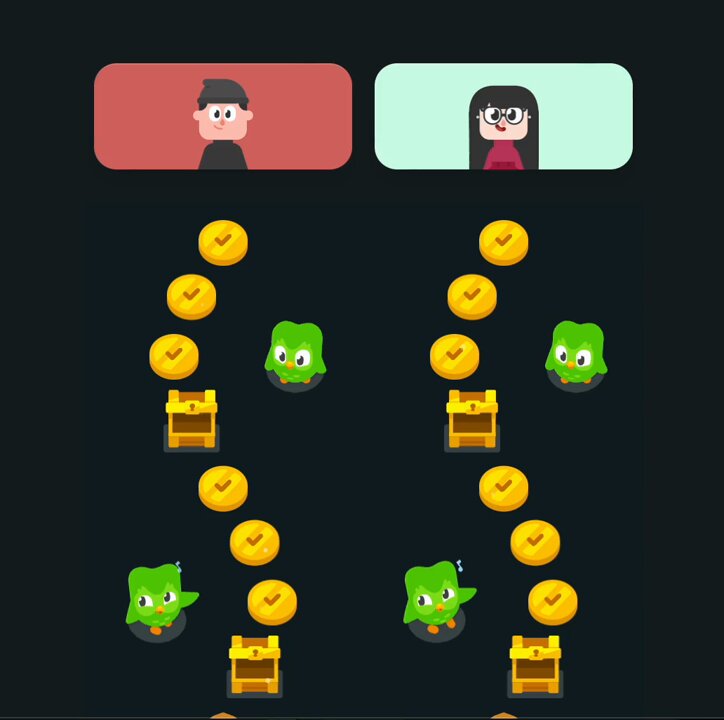
Prototyping something to share Duolingo progress with friends.
This one uses a local Puppeteer to screenshot the learning path and upload the blob, no need to rebuild the path UI (for now).
1
11
1,193
11 Mar 2024
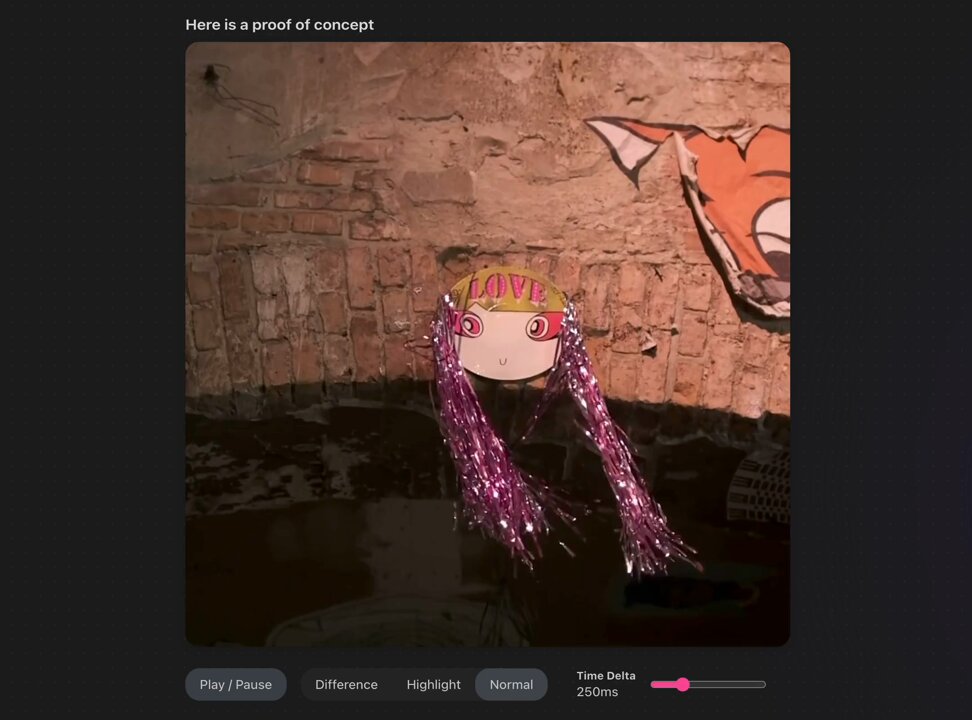
New blog post: extracting motion from videos using CSS javier.xyz/blog/motion-extra…
The trick is simple: play two videos on top of each other, with one playing slightly ahead. Then, apply `mix-blend-mode: difference` to the video on top.
2
3
21
1,472
3 Dec 2023
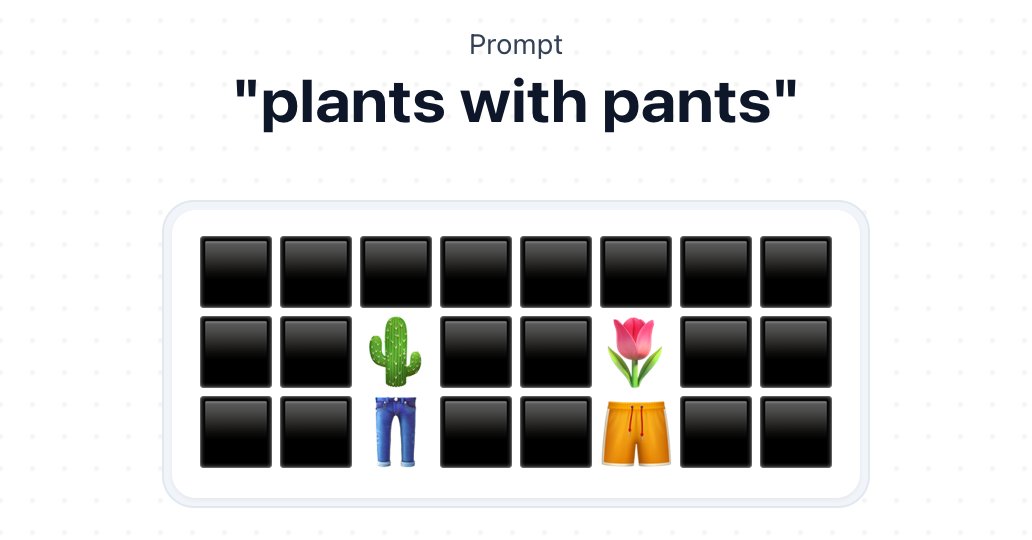
Streaming emojis is interesting because you get to glimpse some of their components.
I also like how easy it is to visualize this with Javascript:
[..."👩🏭"] // ['👩', '', '🏭']
1
1
14
1,291