
Fabulous creative soul who loves to have a laugh with friends
Joined March 2009
- Tweets 552
- Following 391
- Followers 601
- Likes 266
44 Photos and videos
Jenny Jongste retweeted

7 May 2021
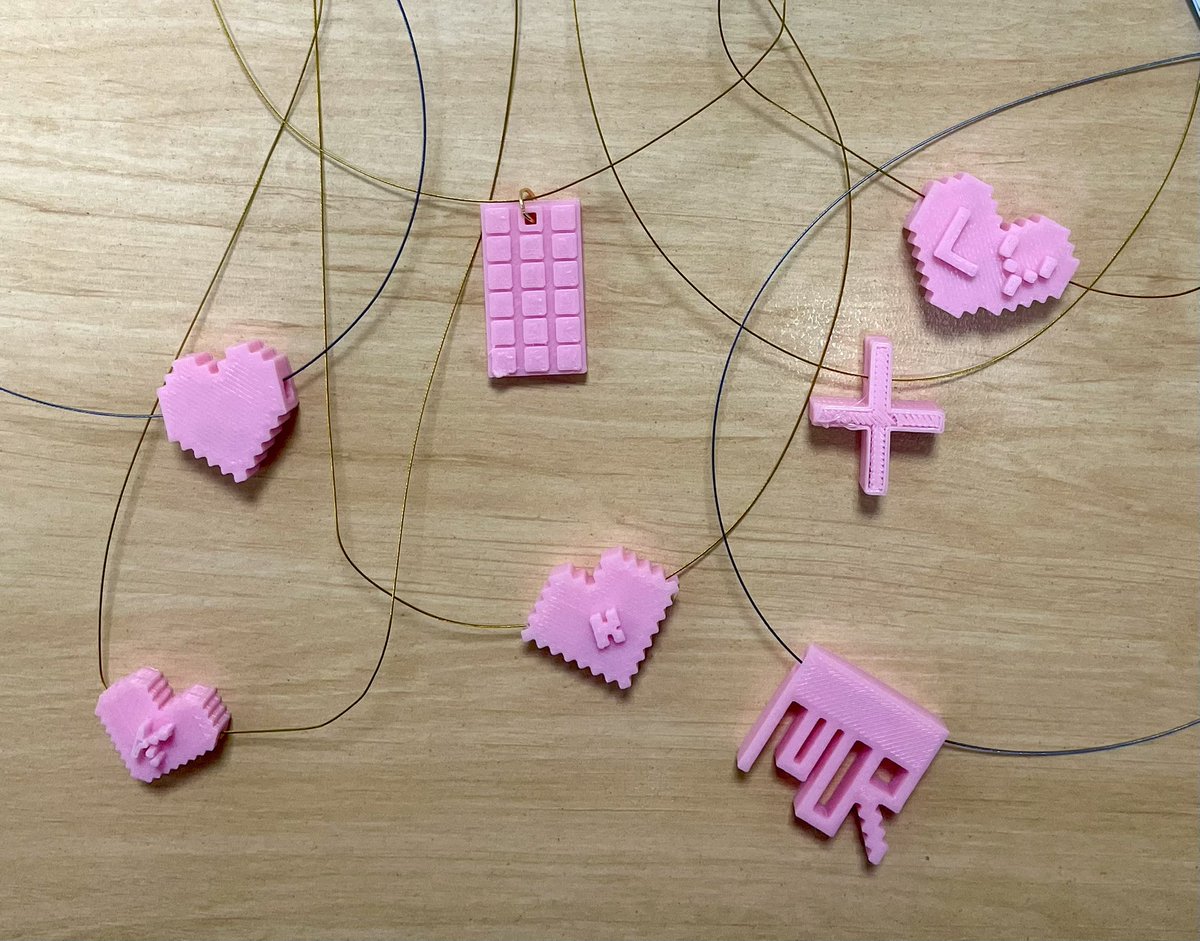
Some special mums will be sporting some new, flashy jewellery on Sunday! The Year 5s used @MakersEmpire to design a charm to put on a necklace for their mum. They then used the 3D printer to bring their design to life! #ModernDayMacaroniNecklace #DesignThinking #ExpectGreatThings
6
16

9 Mar 2020
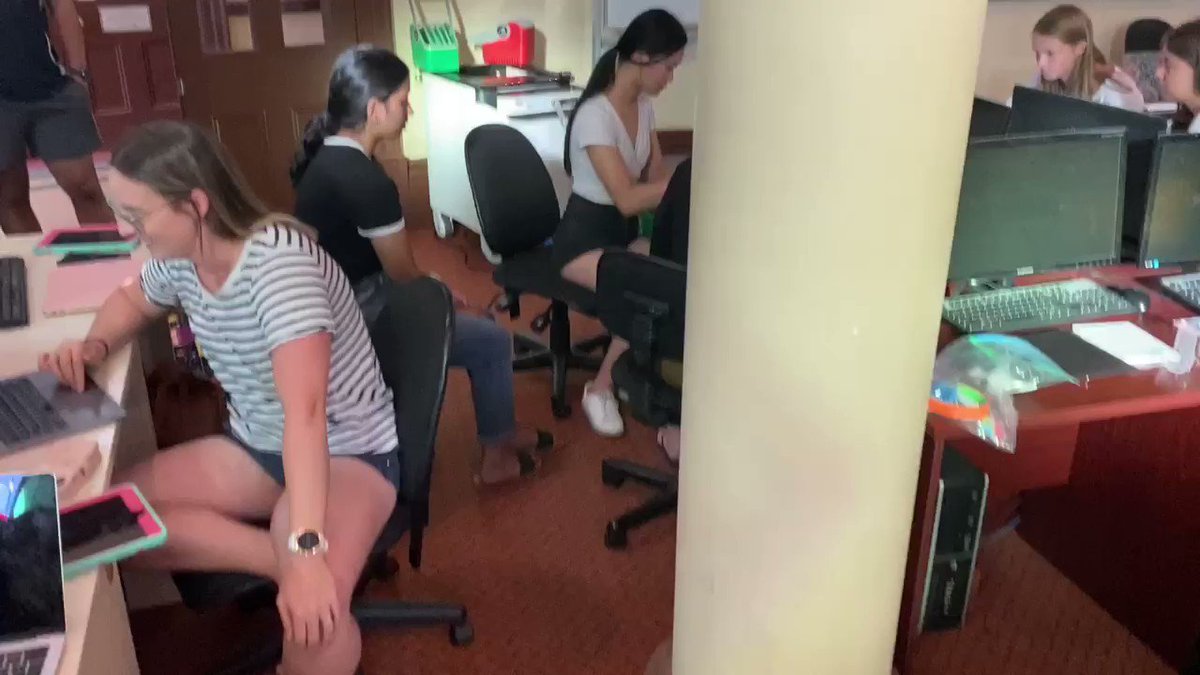
Love when we are doing presentations in a standard unit like maths and the students ask to use the iPads because they planned for a digital workflow. #jobwelldone #techintegration #appleedu #preserviceteachers
8
21 Feb 2020
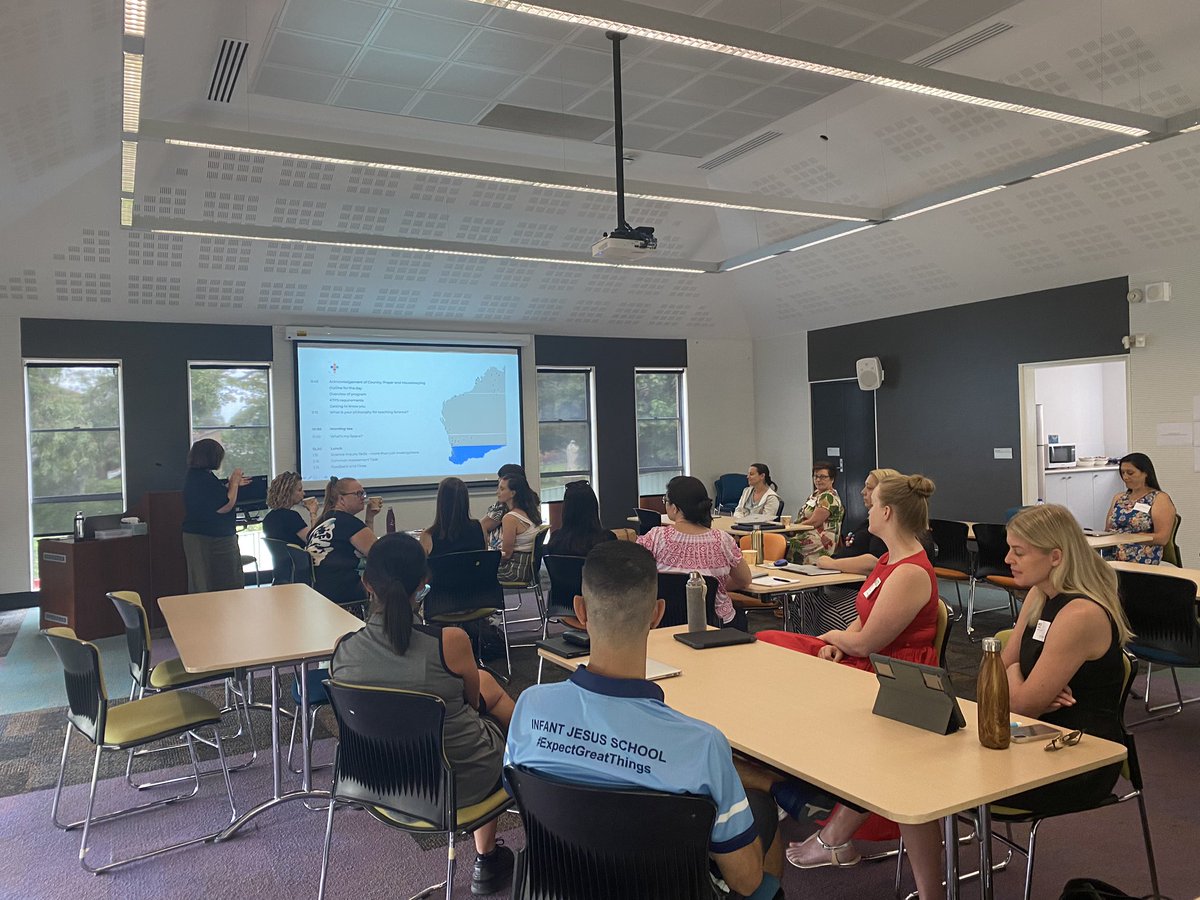
Woohoo and we begin our Key Teacher science adventure for 2020. #cewa #ktps #scienceteaching with @Shell_Lloyd70
1
1
12
19 Feb 2020
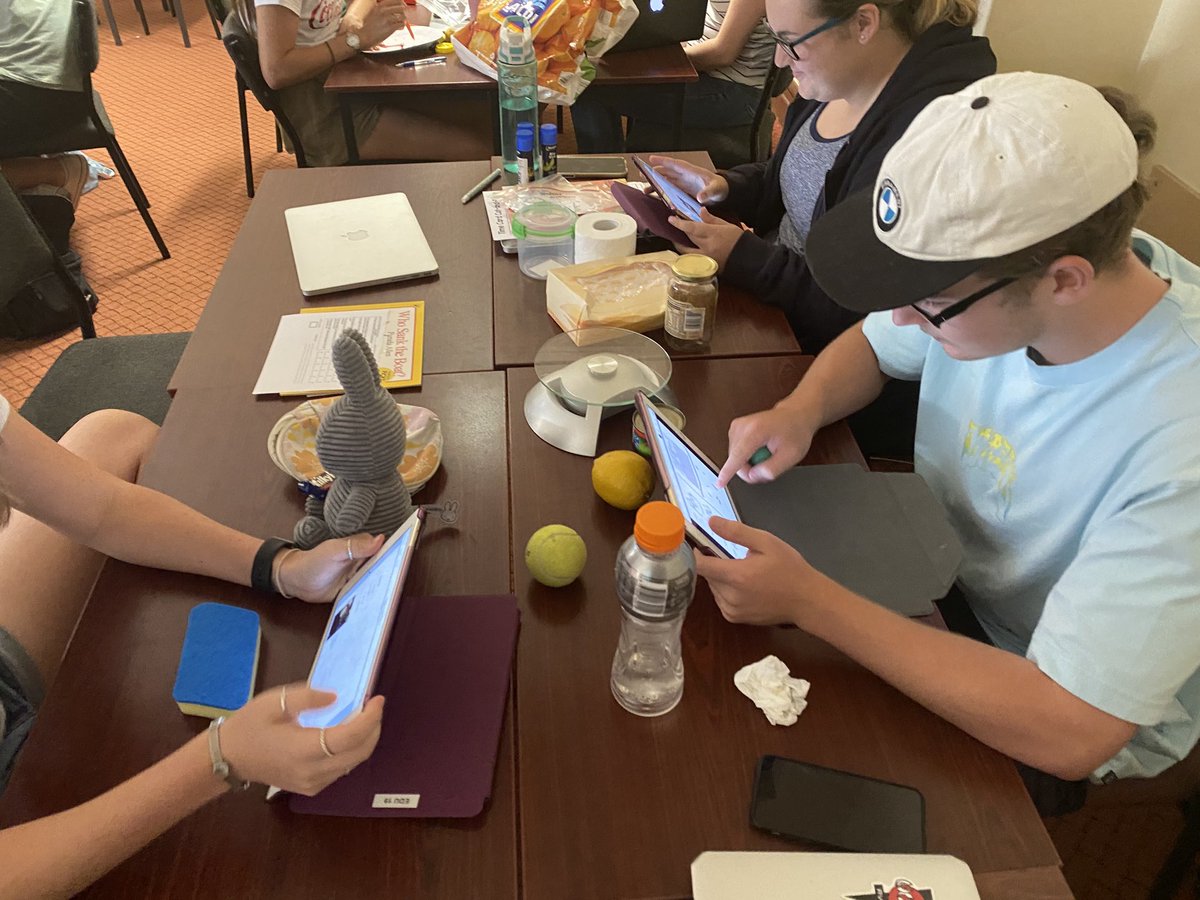
Had a great afternoon with our preservice teachers exploring and working out how to plan to use digital technologies tools. We have to remember that our young teachers haven’t ever learned coding so we can all learn with each other. Laughter learning 😀
6
13 Feb 2020
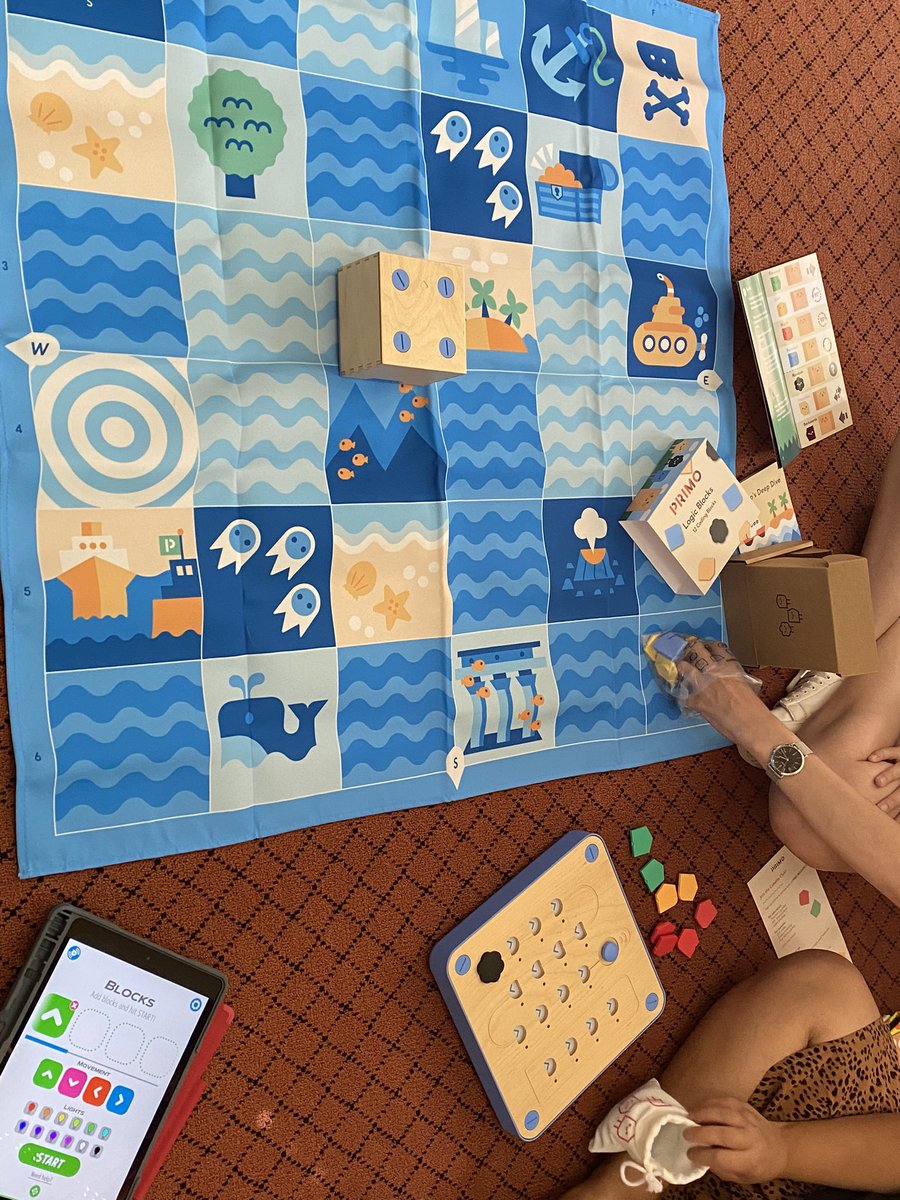
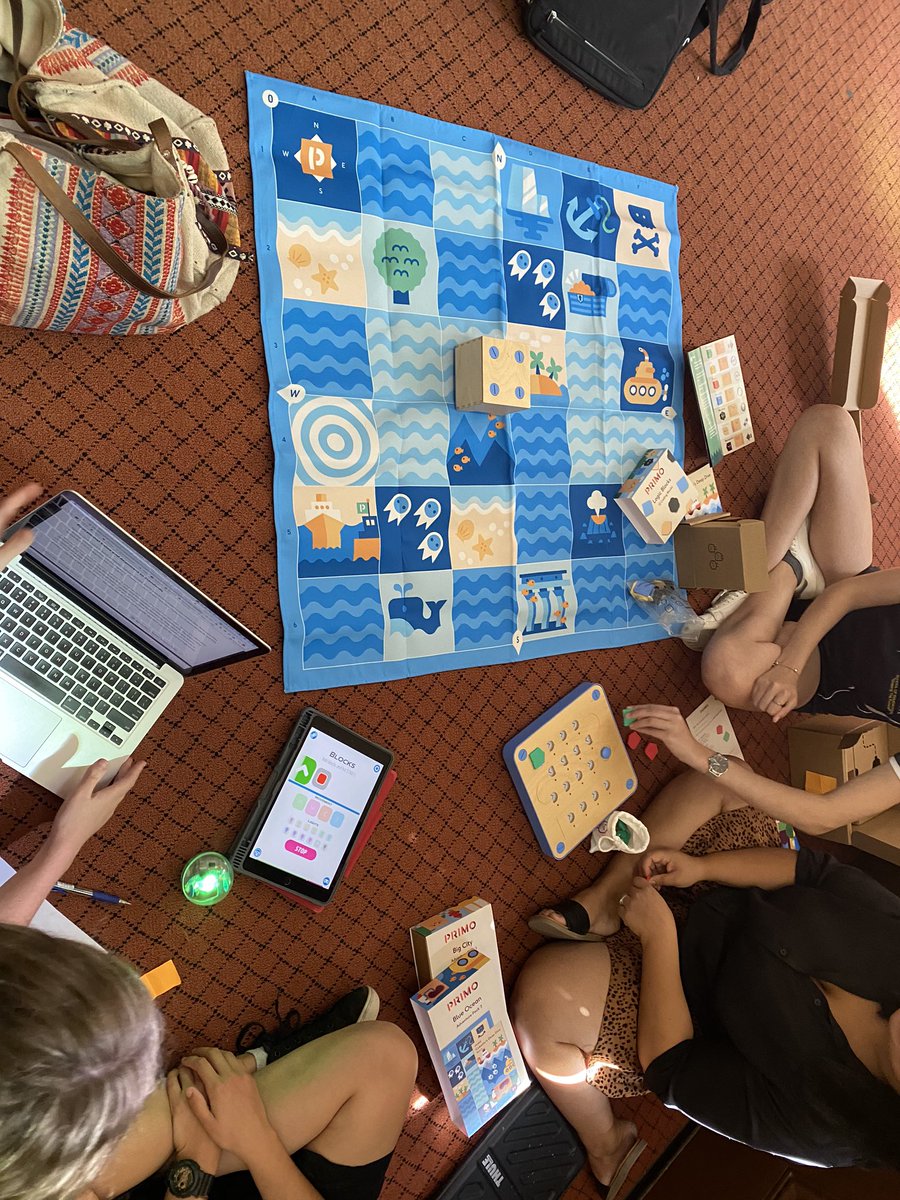
Found an amazing resource to do coding with young students. We have introduced Cubetto. Perfect blend of physical and digital for very young learners. Preservice teachers loved it! Thanks @primotoys
1
10
12 Feb 2020
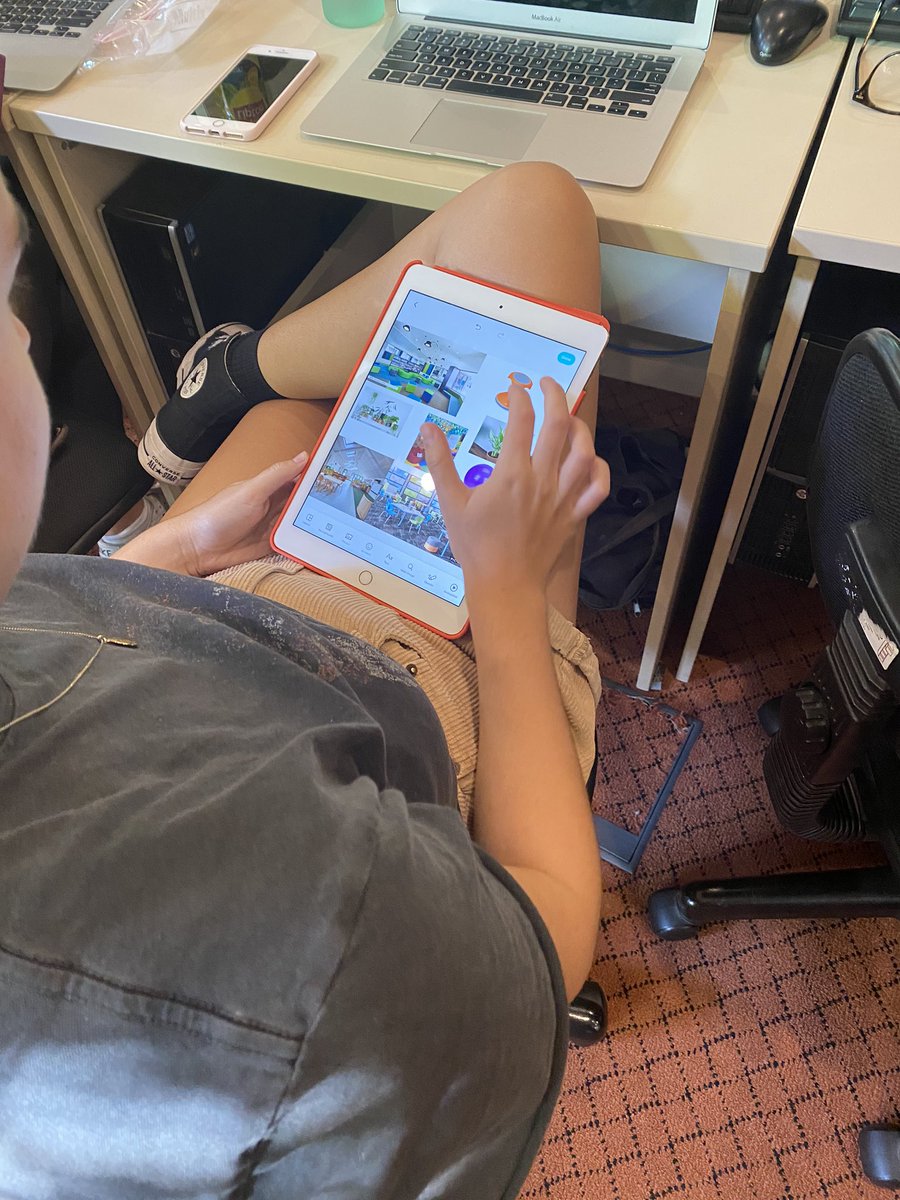
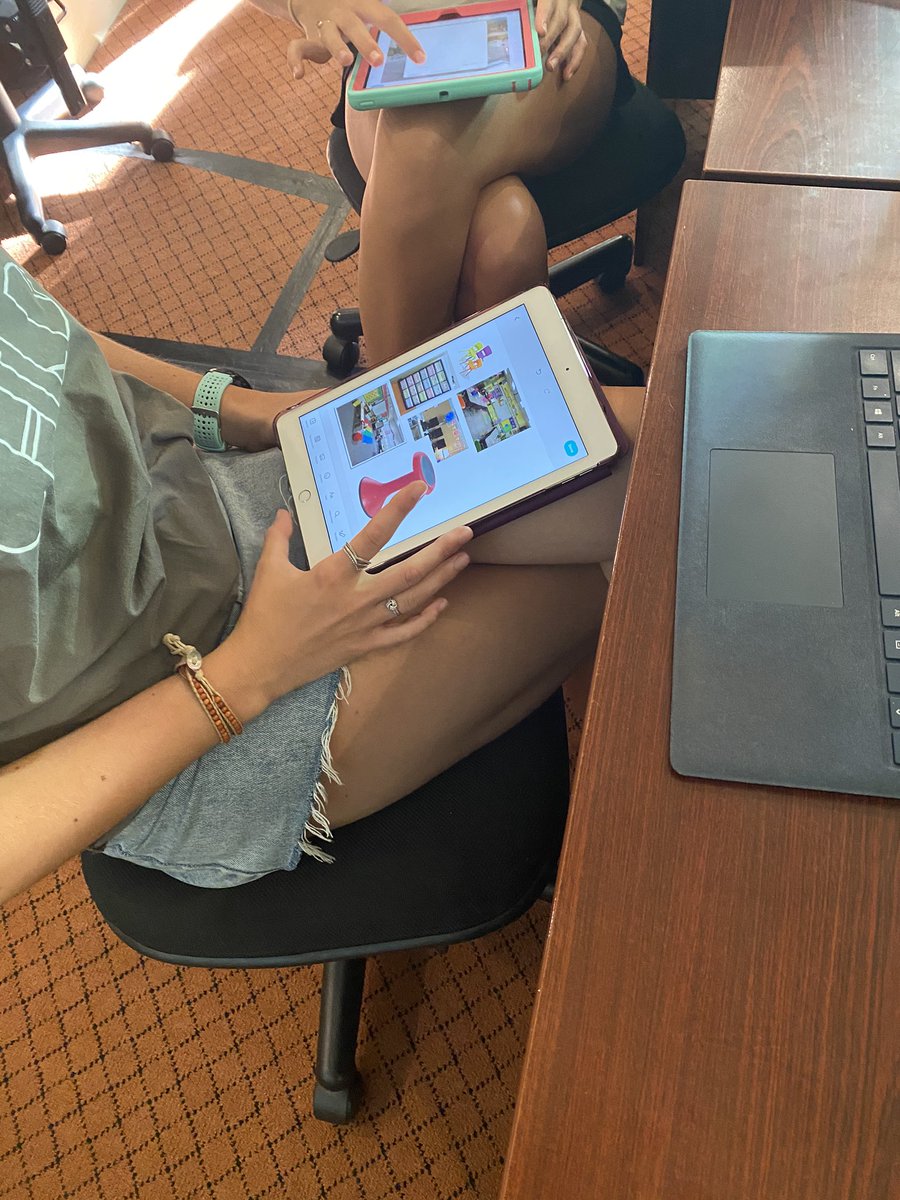
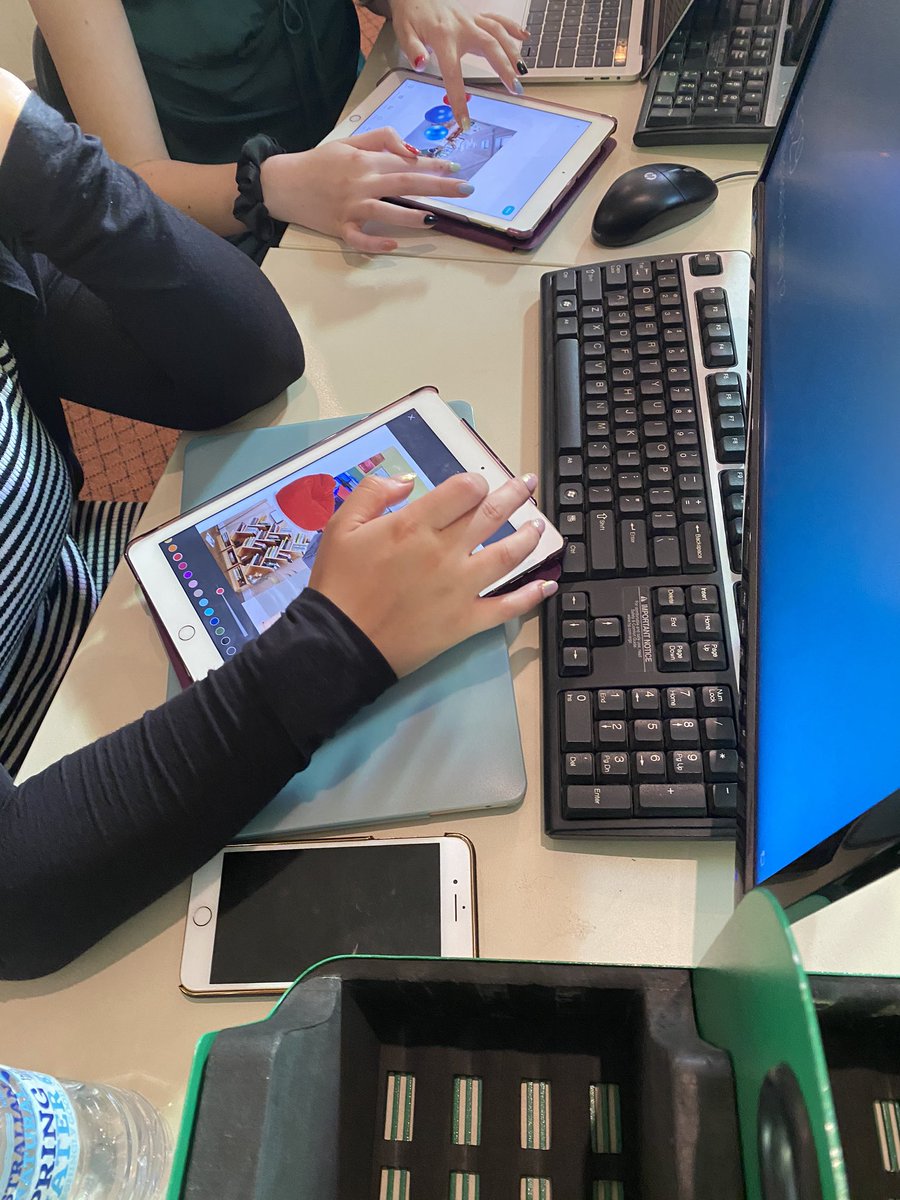
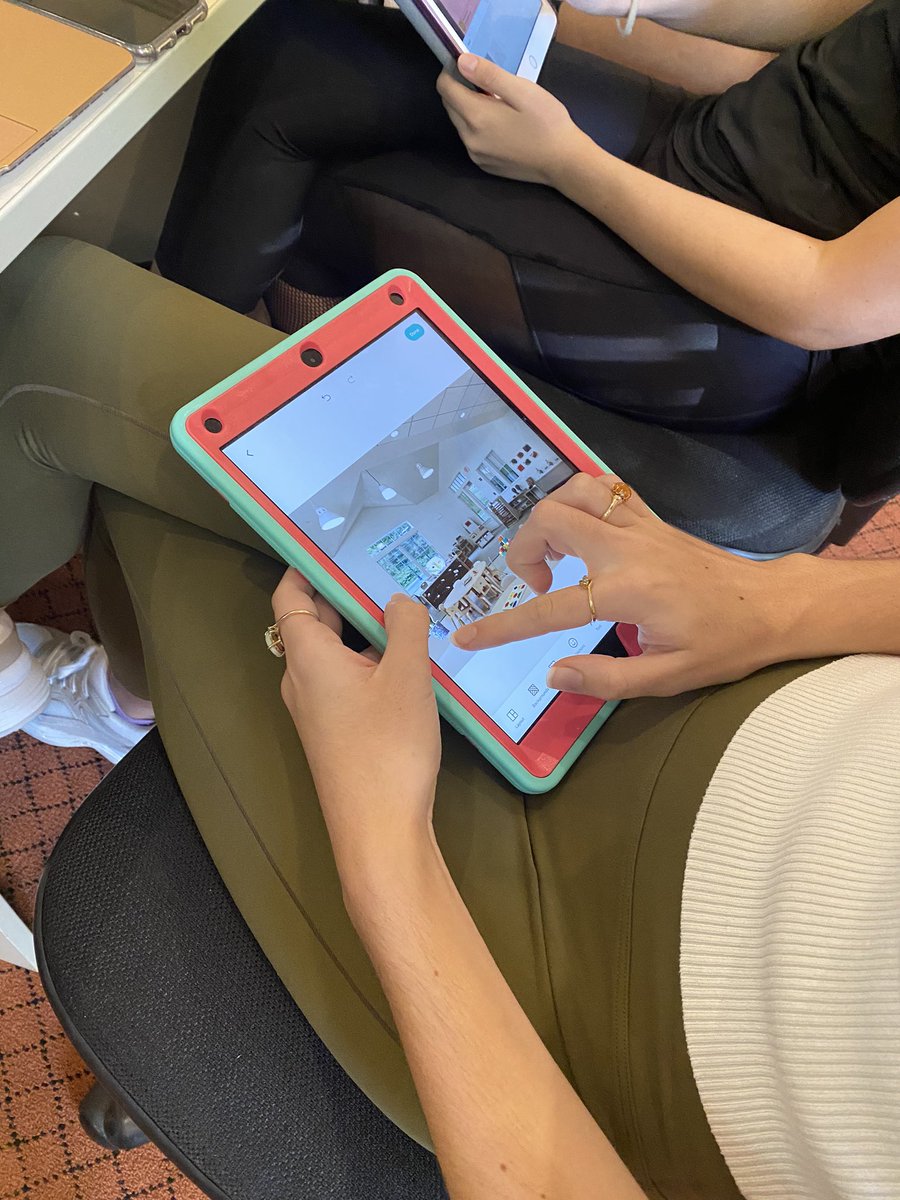
Spent the afternoon guiding preservice teachers through a process of reviewing and critiquing contemporary classrooms and then using @PicCollage to design their ultimate classroom. Great ideas and discussions around spaces, pedagogy and technology.
1
10
11 Feb 2020
Excellent new resource for parents and educators. Sensible advice and easy to follow suggestions. Help parents navigate online worlds safely. Online safety for under 5s booklet | eSafety Commissioner esafety.gov.au/parents/child…
2
Jenny Jongste retweeted

30 Jan 2020
🎞💡Did you know you can use @Procreate to give yourself super powers in your #iPad video projects? #Rotoscoping the animations is a little time consuming but has a pretty cool final effect. Check it out!🚀
#EveryoneCanCreate #ade2019 #AppleEDUchat @AppleEDU
1
12
62
30 Jan 2020
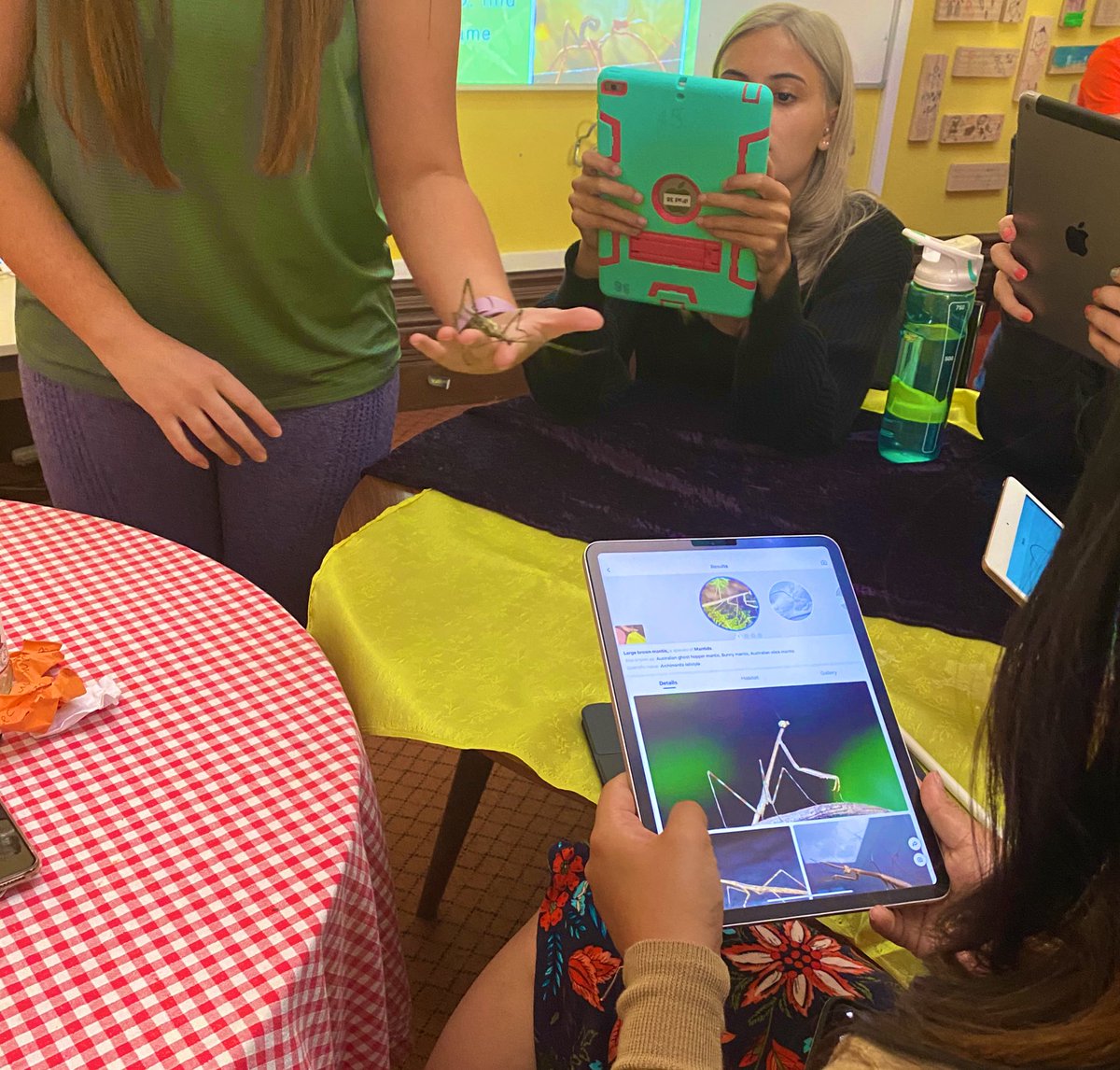
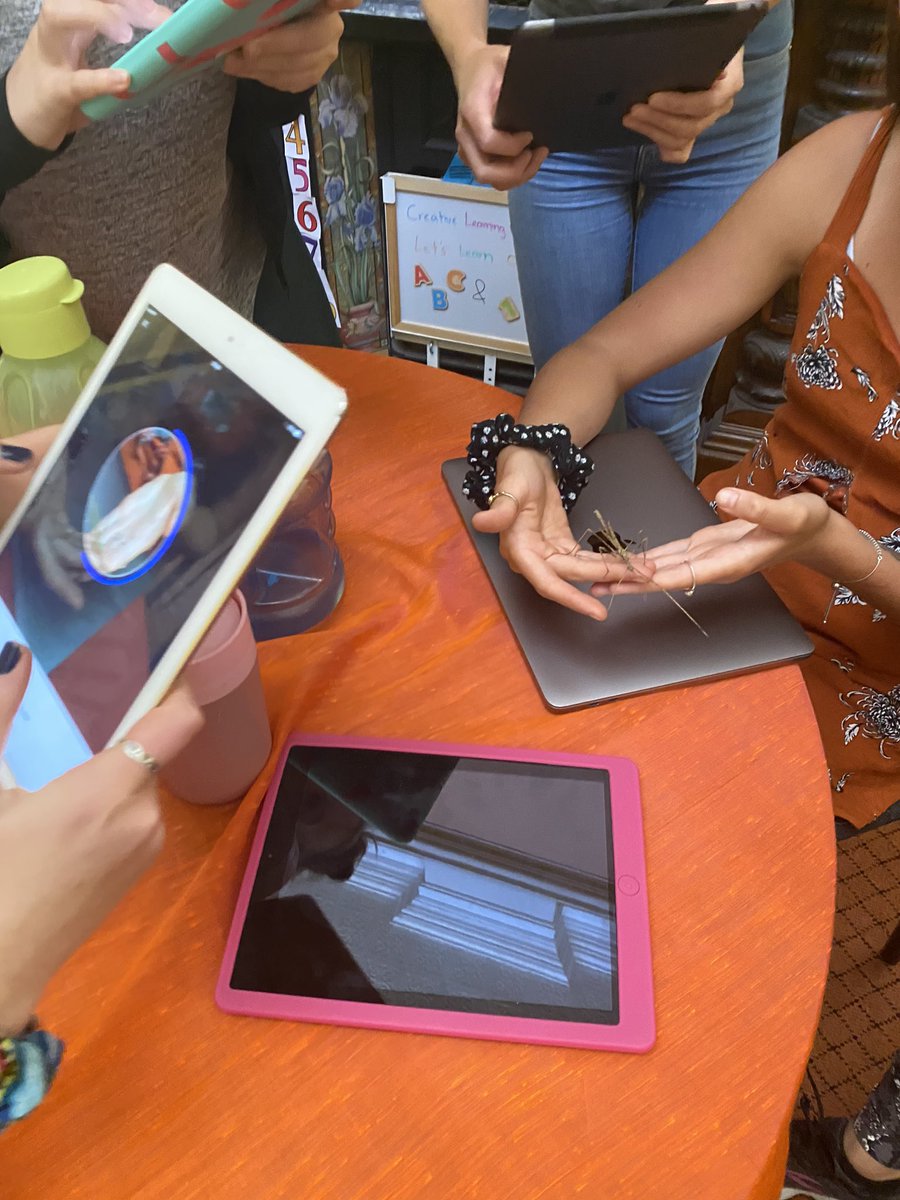
Love connecting physical and digital - leaf insects scanned using Picture Insect app to find out name, habitate and facts about our animals. #stickinsects #UNDAfreo
2
Jenny Jongste retweeted

28 Aug 2019
2
6
28 Aug 2019
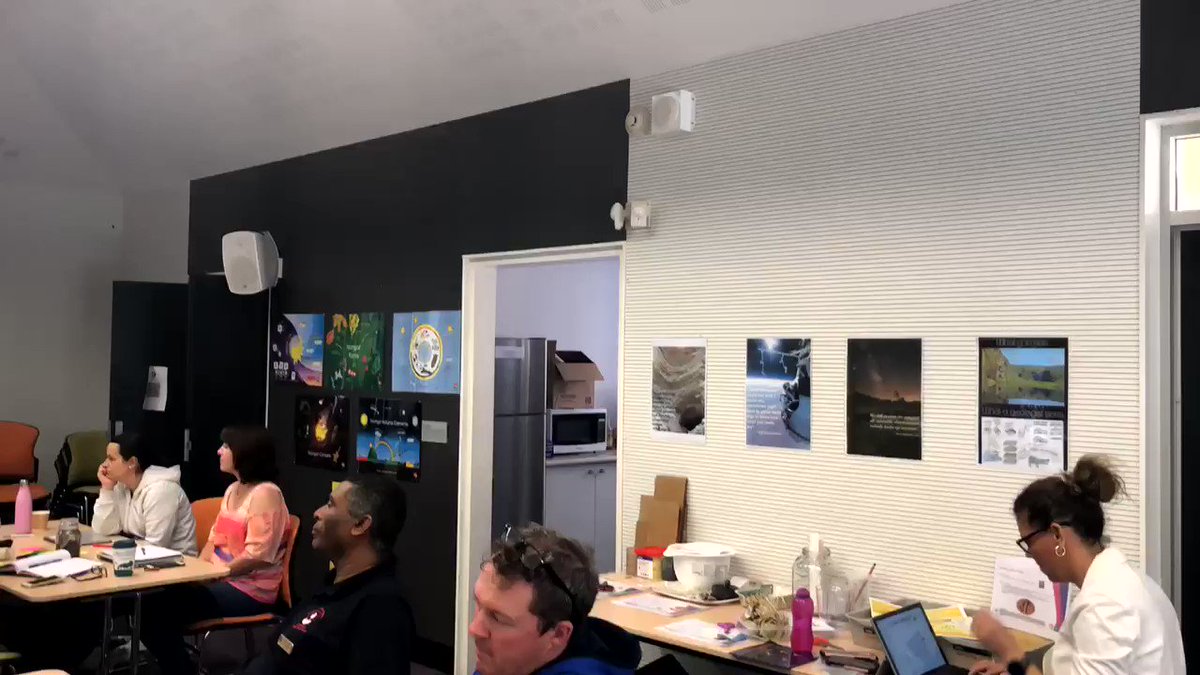
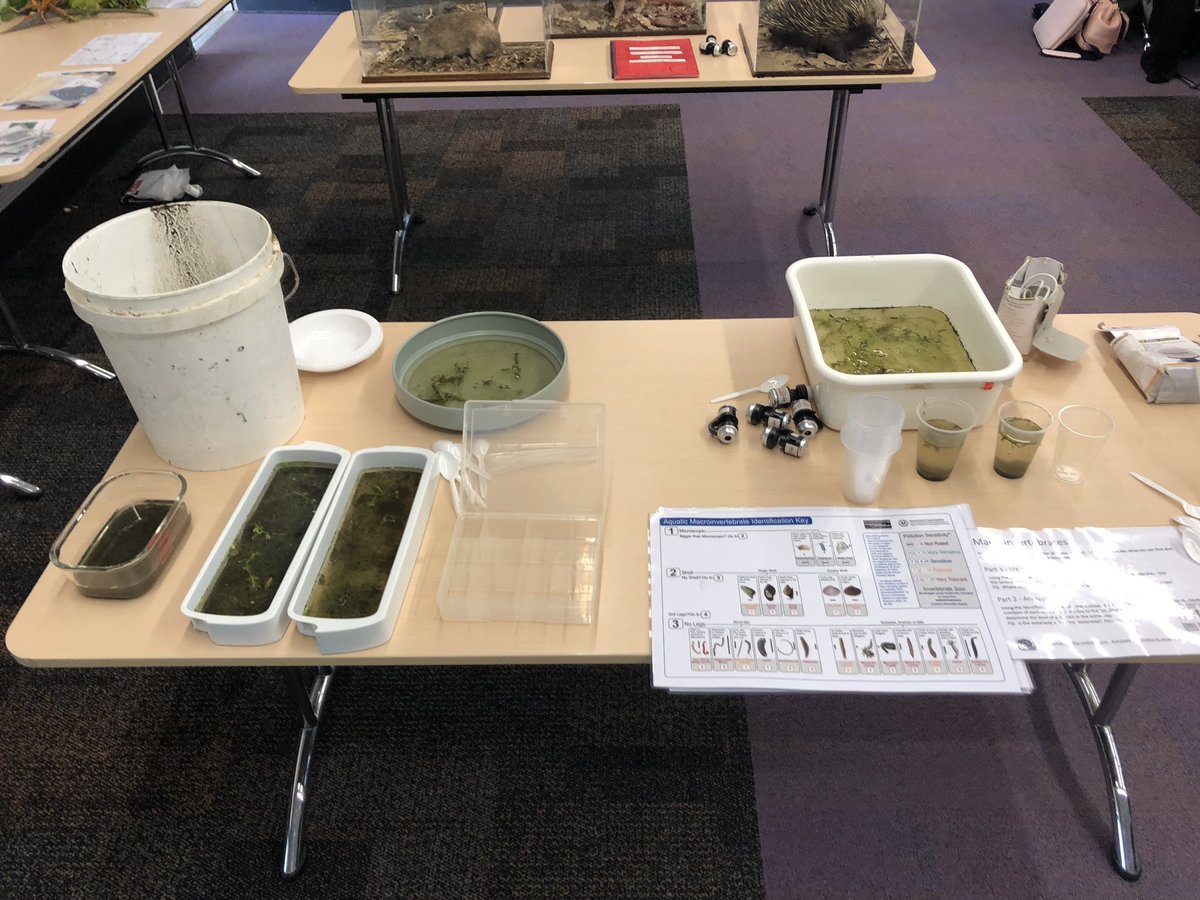
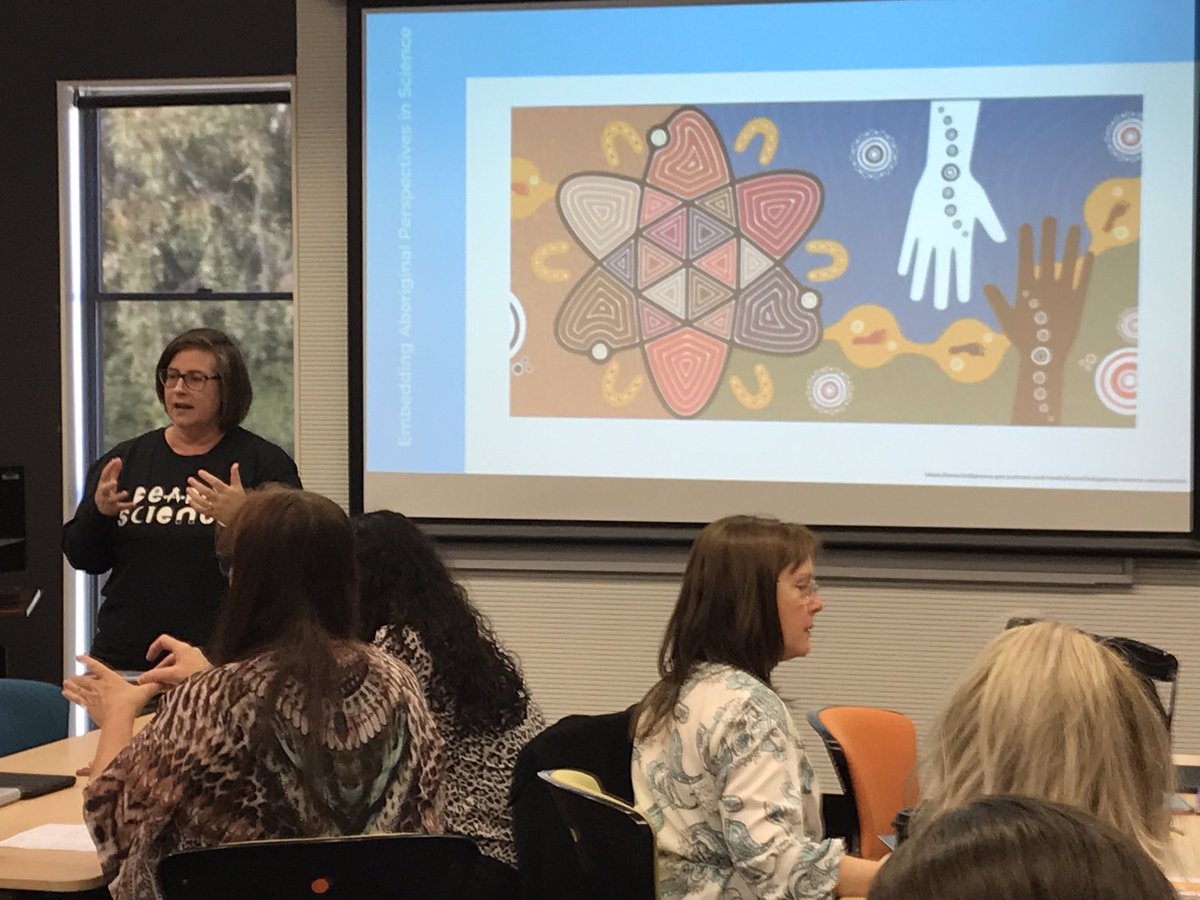
Loving the morning set up for the KTscience day in Perth. Thanks to @Shell_Lloyd70 and @AETCEWA5 @AETCEWA81 for the amazing set up today. People are loving the discussions.
5
26 Jul 2019
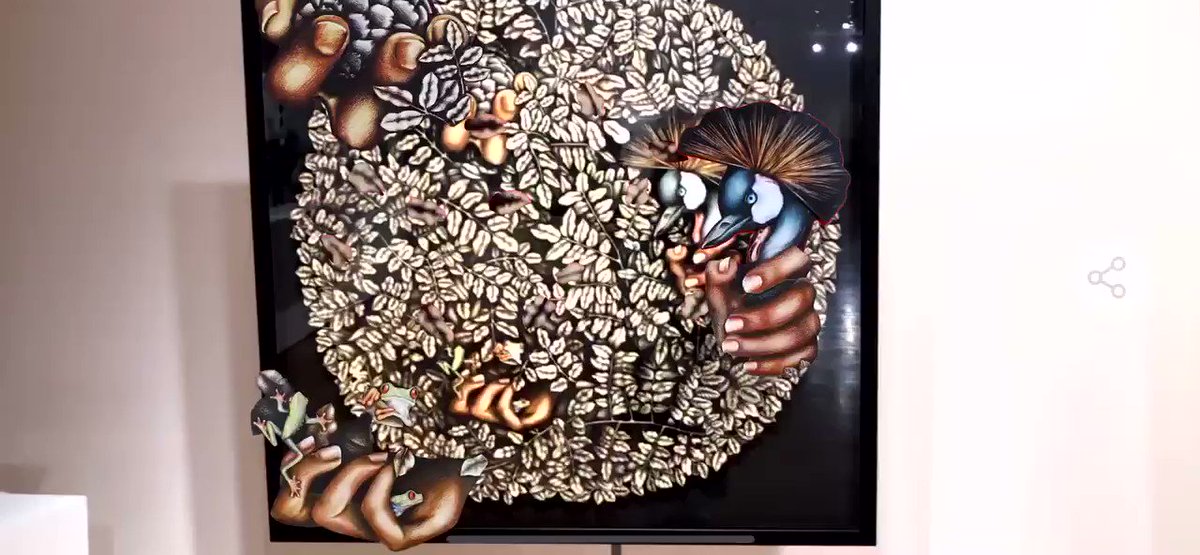
Went to a student art exhibition in Singapore last night. They used the @ArtiviveApp to create layers and interactivity. Amazing way to showcase the art.
1
6
15 Jul 2019
Thanks to @sparvell for an interesting lecture this evening on the impact of AI on education. Great reminder about all the accessibility features in devices and how we can use them with students.
5
Jenny Jongste retweeted

26 Jun 2019
Two more amazing additions to the Content Coalition (Mathematics)! Explore the multi-touch books created by @StHelenasCPS educators @mferrinda and Benjamin Saulsman for Year 6 Maths @CatholicEdWA @CathDigLearn
books.apple.com/au/book/chan…
books.apple.com/au/book/find…
6
16
Jenny Jongste retweeted
21 Jun 2019
Looking for an amazing example of how to teach Data Representation and Interpretation to Year 7 students? Check out this course created by outstanding #maths educator @platta4 from @CorpusCCC - part of the @CatholicEdWA Content Coalition. @AppleEDU itunes.apple.com/us/course/i…
11
16
Jenny Jongste retweeted
17 Jun 2019
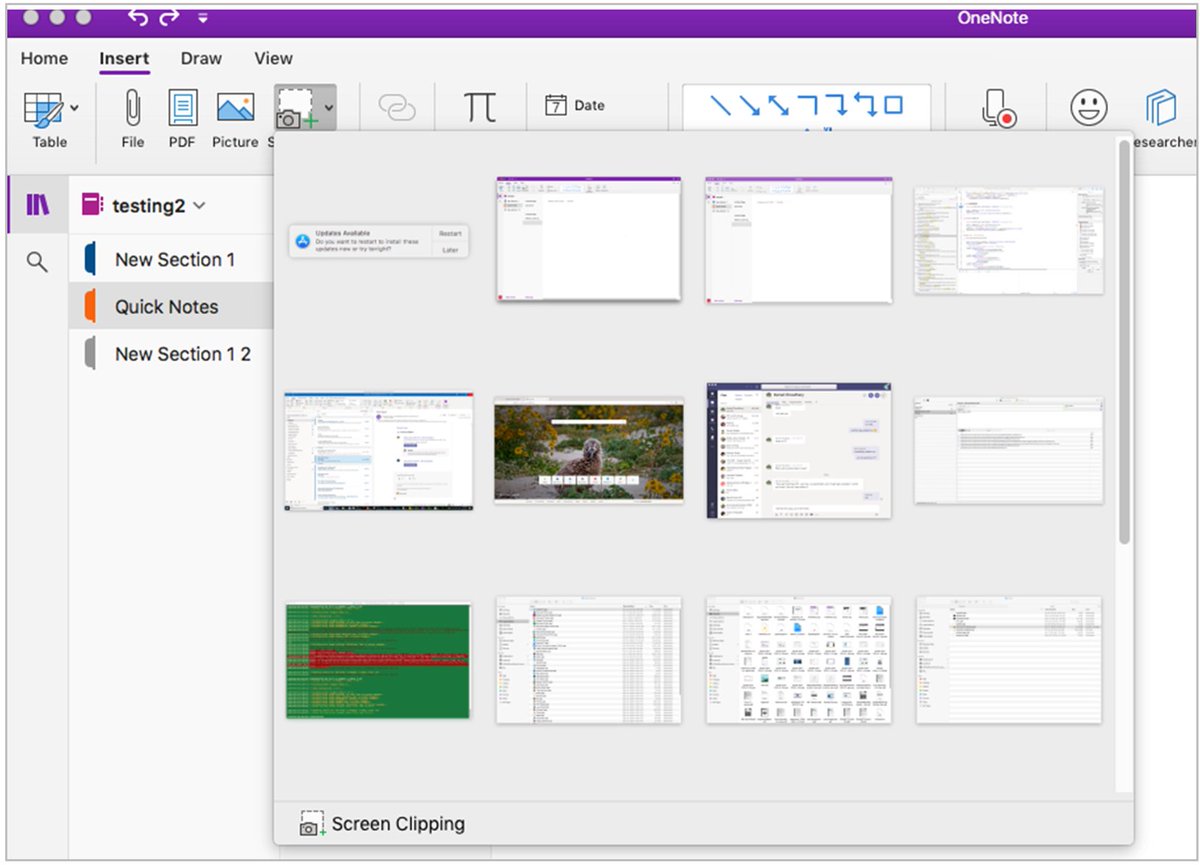
Amazing updates on the way for #OneNote. @CatholicEdWA educators- check them out! @CathDigLearn
17 Jun 2019

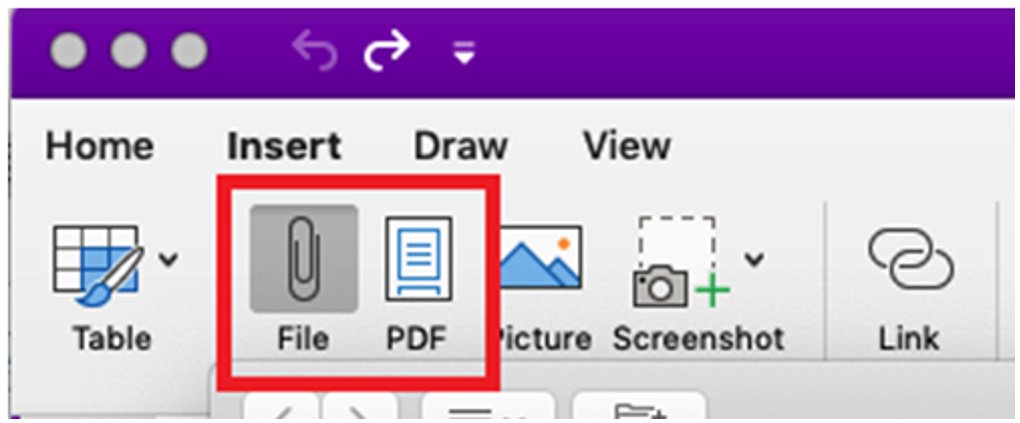
NEW! Lots of Mac and iPad updates for #OneNote! Includes:
• Class Notebook Toolbar updates
• Dark Mode
• Print Word/Excel/PPT to the page
• Insert Screen Clipping
• Set Picture to Background on iPad
Blog 👉 aka.ms/OneNoteJune2019
#ISTE19 #edtech #MIEExpert #MicrosoftEDU
5
4
Jenny Jongste retweeted

19 Jun 2019
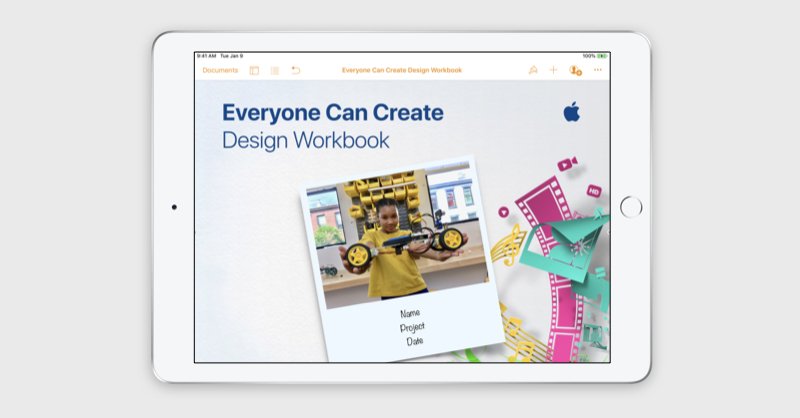
The #EveryoneCanCreate Design Workbook is an interactive #Pages document that students can use for any project, individually or in groups. Show learners how to draft plans, write creative briefs, and scaffold their ideas to new levels! apple.co/2WOXLkx #EdTech #iPadEd
2
94
162
20 Jun 2019
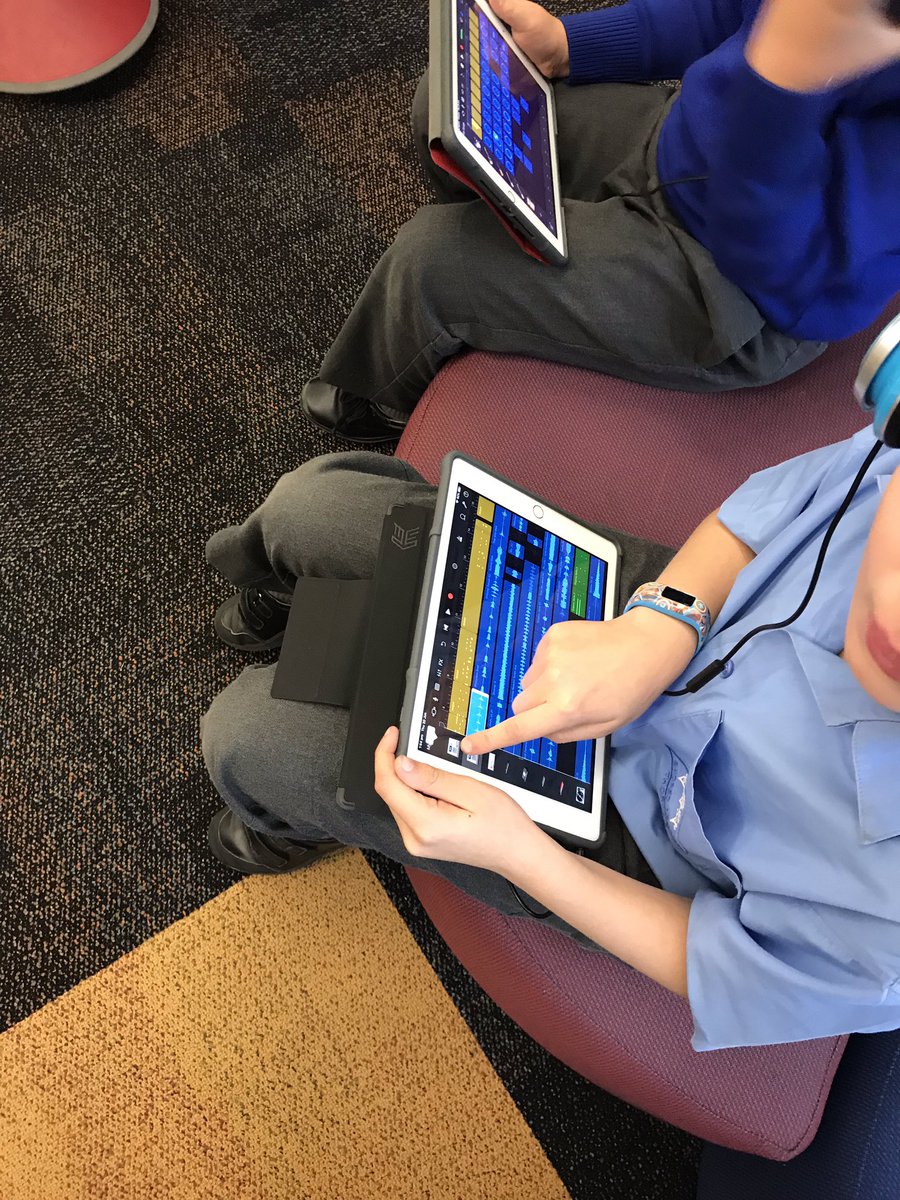
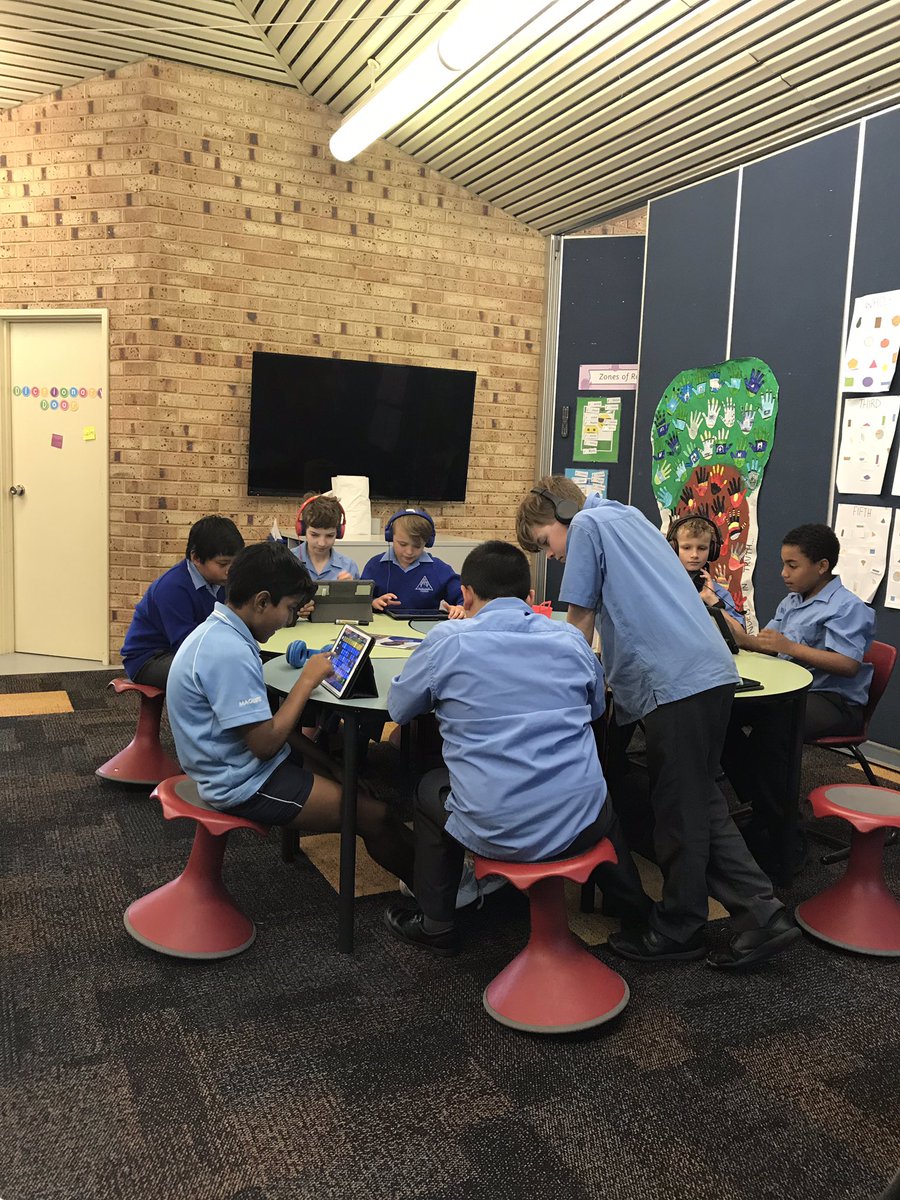
Year 4s are exploring Garage Band. They are building a rap song to ‘outrap’ the assistant principal. Strong motivation to nail it. Amazing ontask behaviour from the boys! #everyonecancreate #AppleEdu
2
5
Jenny Jongste retweeted

13 Jun 2019
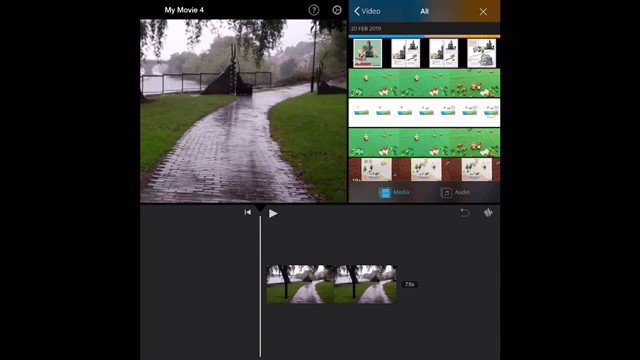
5 steps to using #iMovie green screen. 1. Draw something in #keynote connected to video layer 2. Add actions 3. Change to green background 4. Export as Movie 5. Add to video as Green Screen.....Watch process below. @AppleEDU #EveryoneCanCreate
16
98
278
13 Jun 2019
So excited that I can now do green screen effects just using iMovie on my iPad - one of the new features included on the latest iMovie for iPad update. #EveryoneCanCreate #ipad #appleedu #imovie
3
5
31