
Joined May 2017
- Tweets 1,992
- Following 268
- Followers 463
- Likes 1,644
708 Photos and videos
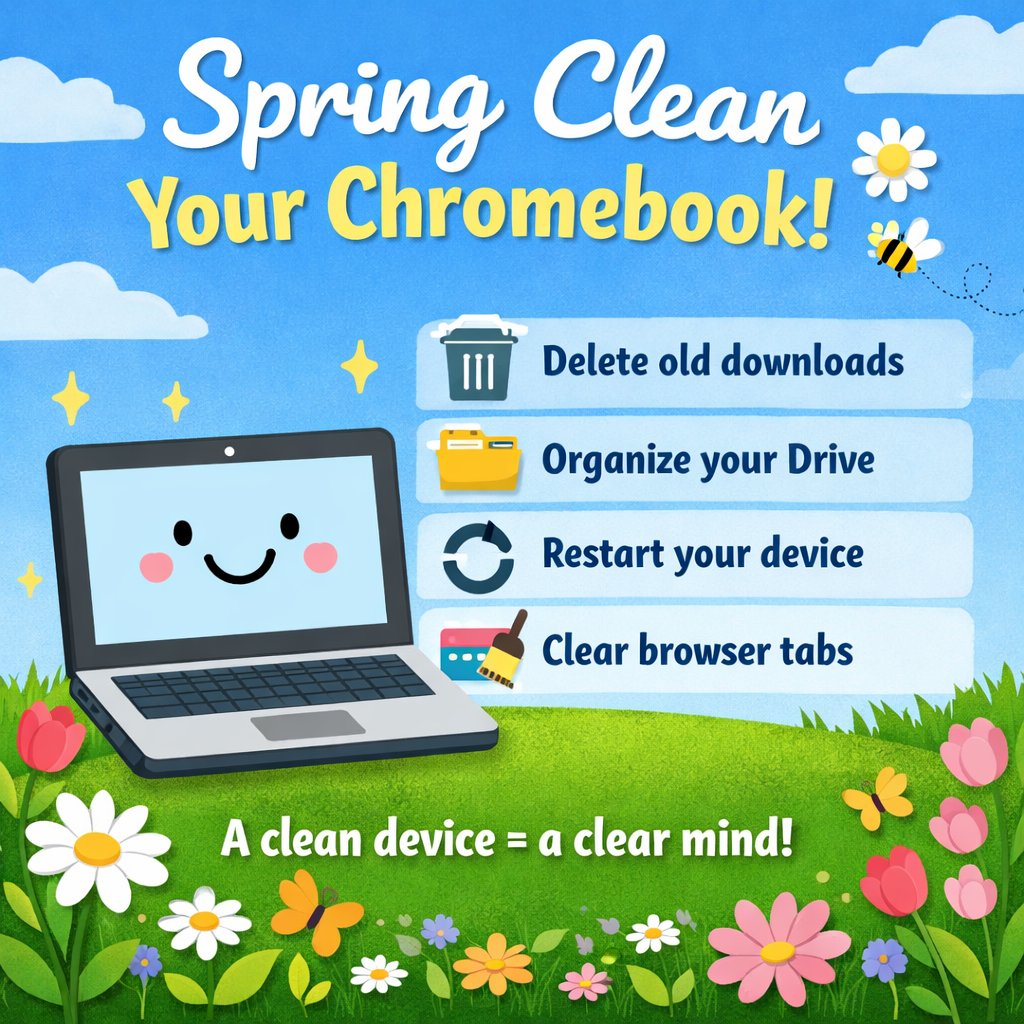


🌼 Spring Clean Your Chromebook!
Students, try this today:
🧹 Delete old downloads
🗂️ Organize your Drive
🔄 Restart your device
🧠 Clear your browser tabs
A clean device = a clear mind.
3
2
147
Happy St. Patrick’s Day @katyisd ! 🍀
May your Wi-Fi be strong, your tabs be few, and your battery last all day! 🔋💻 Here’s to smart tech habits and a little extra luck in learning! 🌈✨
1
2
47
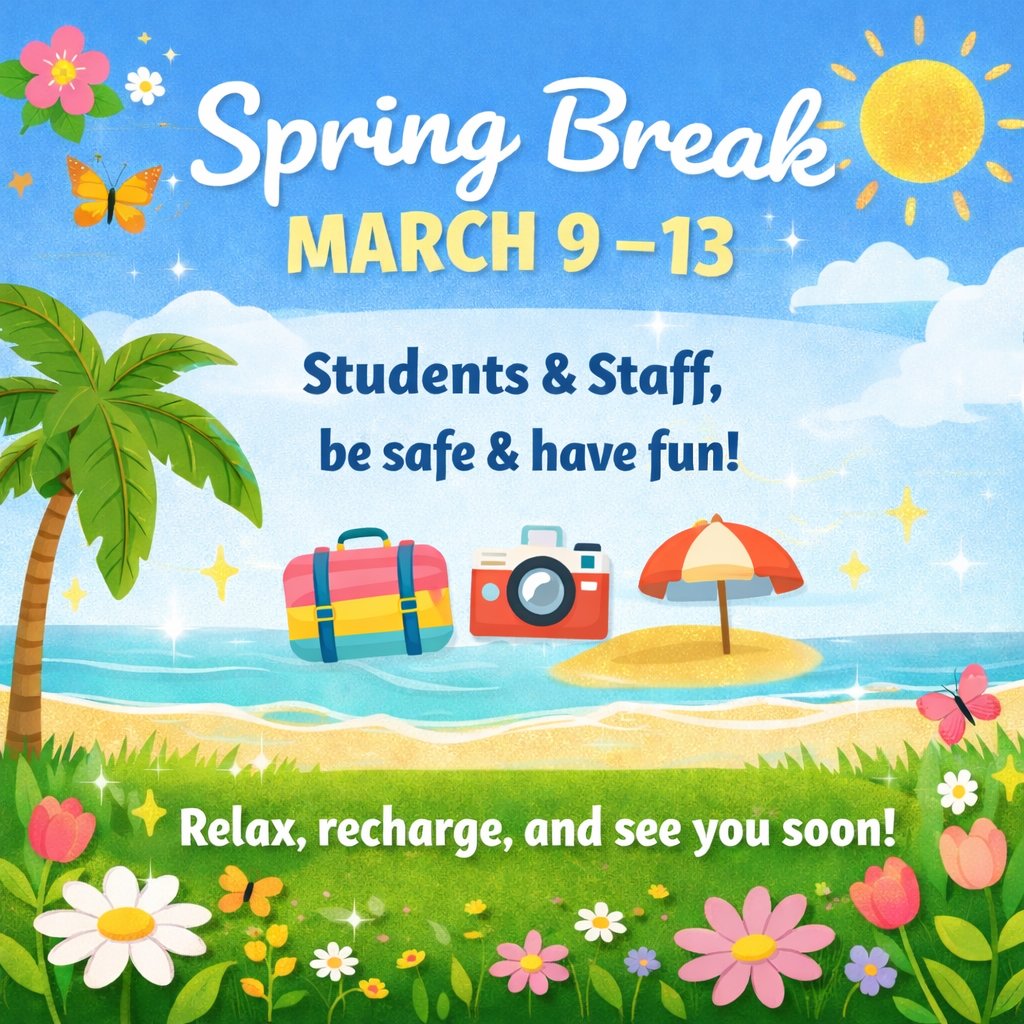
🌸 Spring Break is March 9–13! 🌴☀️
We hope our amazing @katyisd staff and students take time to rest, recharge, and have some FUN!
Travel safe, unplug when you can, and come back refreshed for the final stretch 💻✨
You’ve earned it! 💛
1
45
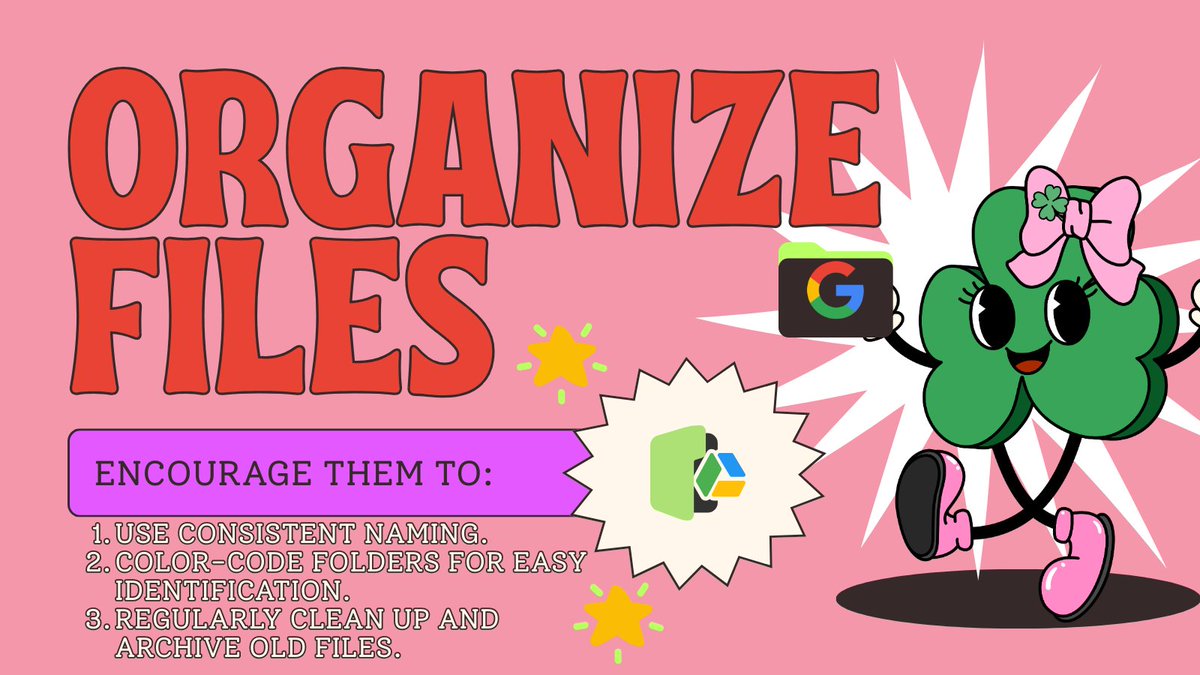
🗂️Help students stay organized by creating Google Drive folders for each subject/class period! bit.ly/4n6ndht Thx @jayfaye281
Encourage them to:
1️⃣ Use consistent naming.
2️⃣ Color-code folders for easy identification.
3️⃣ Regularly clean up and archive old files.
2
3
111
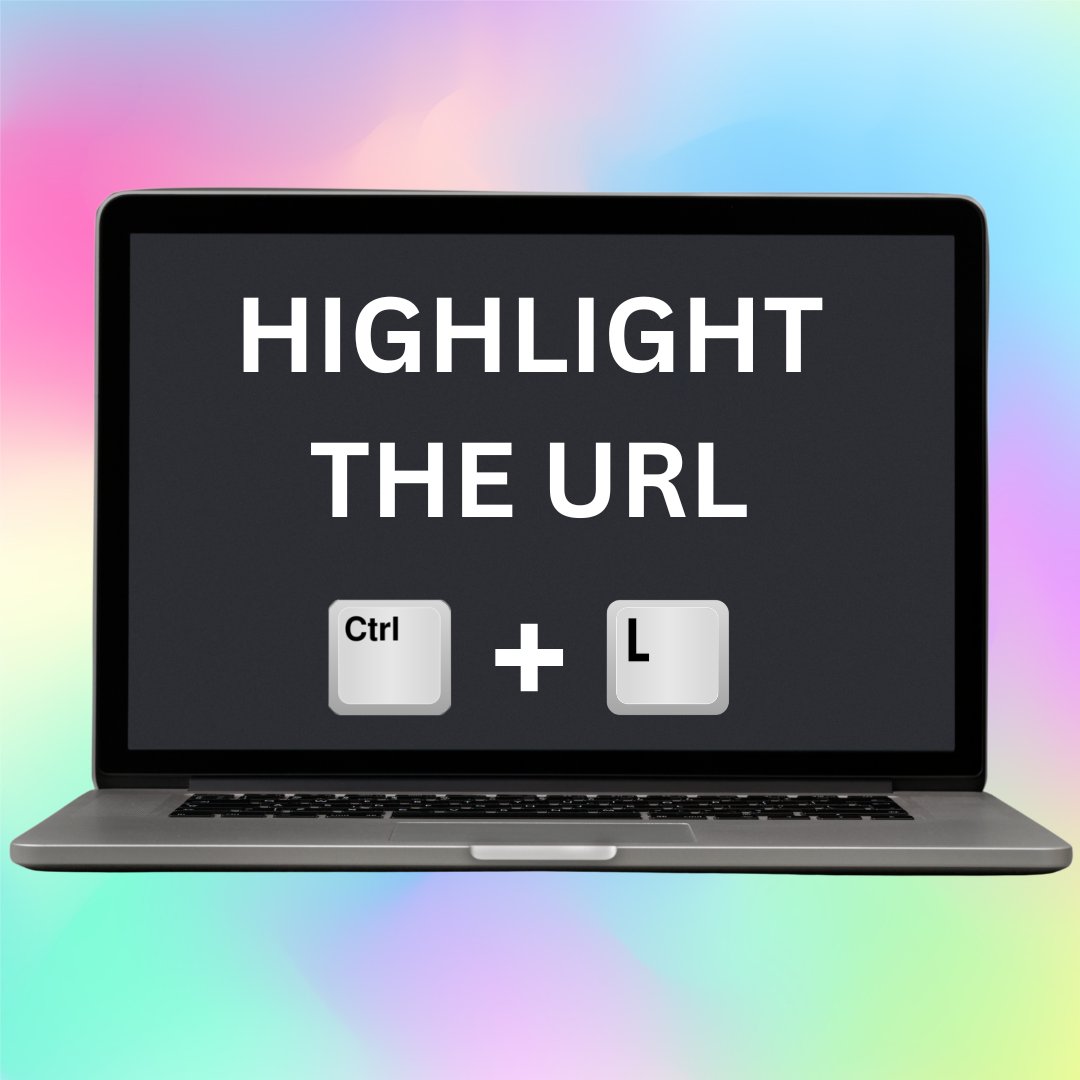
Use Ctrl L to highlight the url in a Chrome browser. 🚀
4
3
106
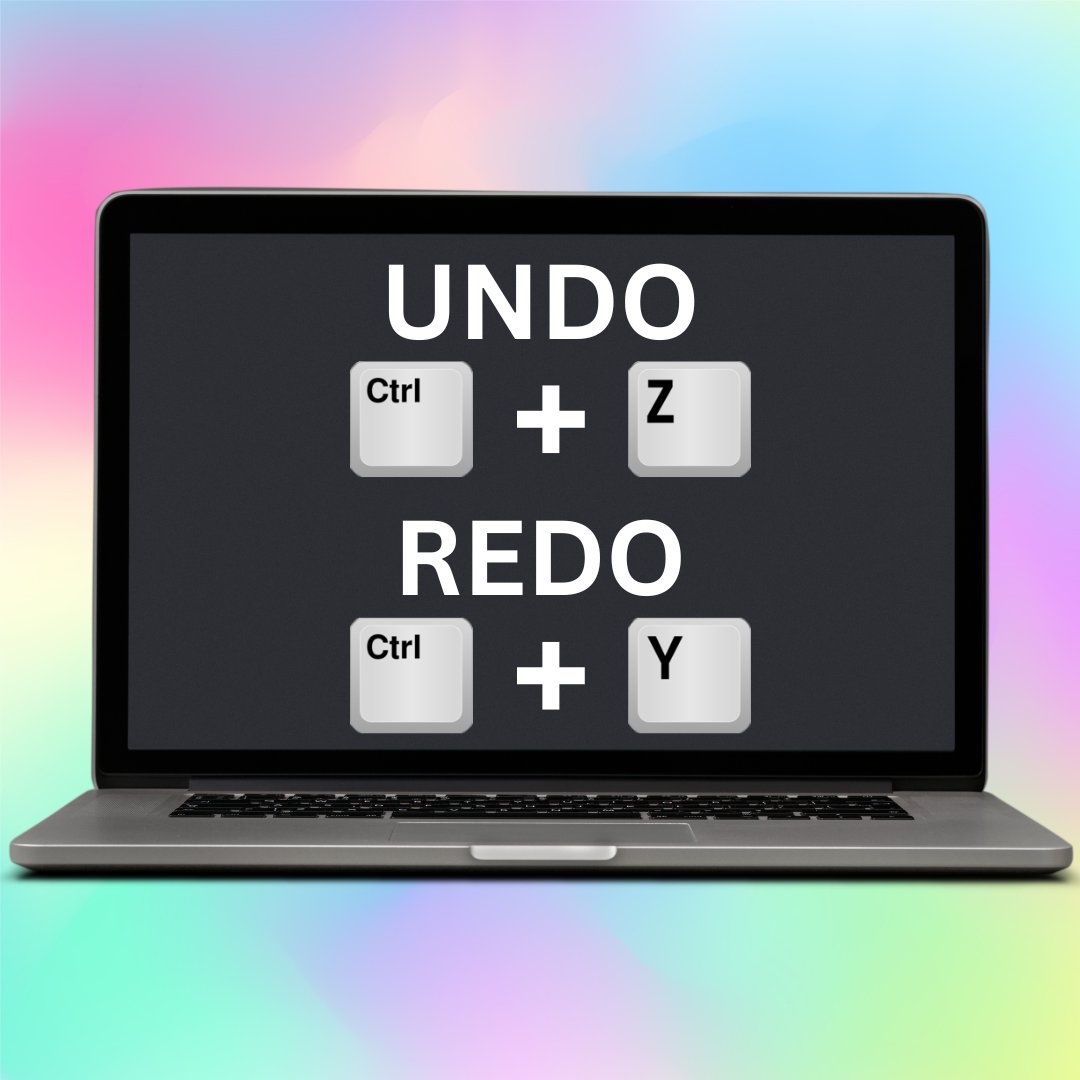
Use Ctrl Z to Undo and action and Ctrl Y to redo an action. 🚀
2
63
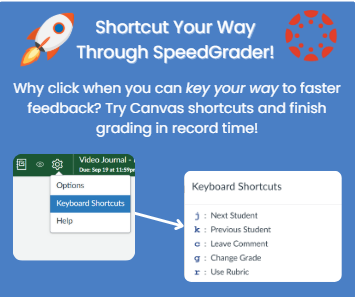
Use these super easy keyboard shortcuts in @Canvas_by_Inst SpeedGrader:
J- Next student
K- Previous student
C- Comment
G- Change Grade
R- Use Rubric
1
78
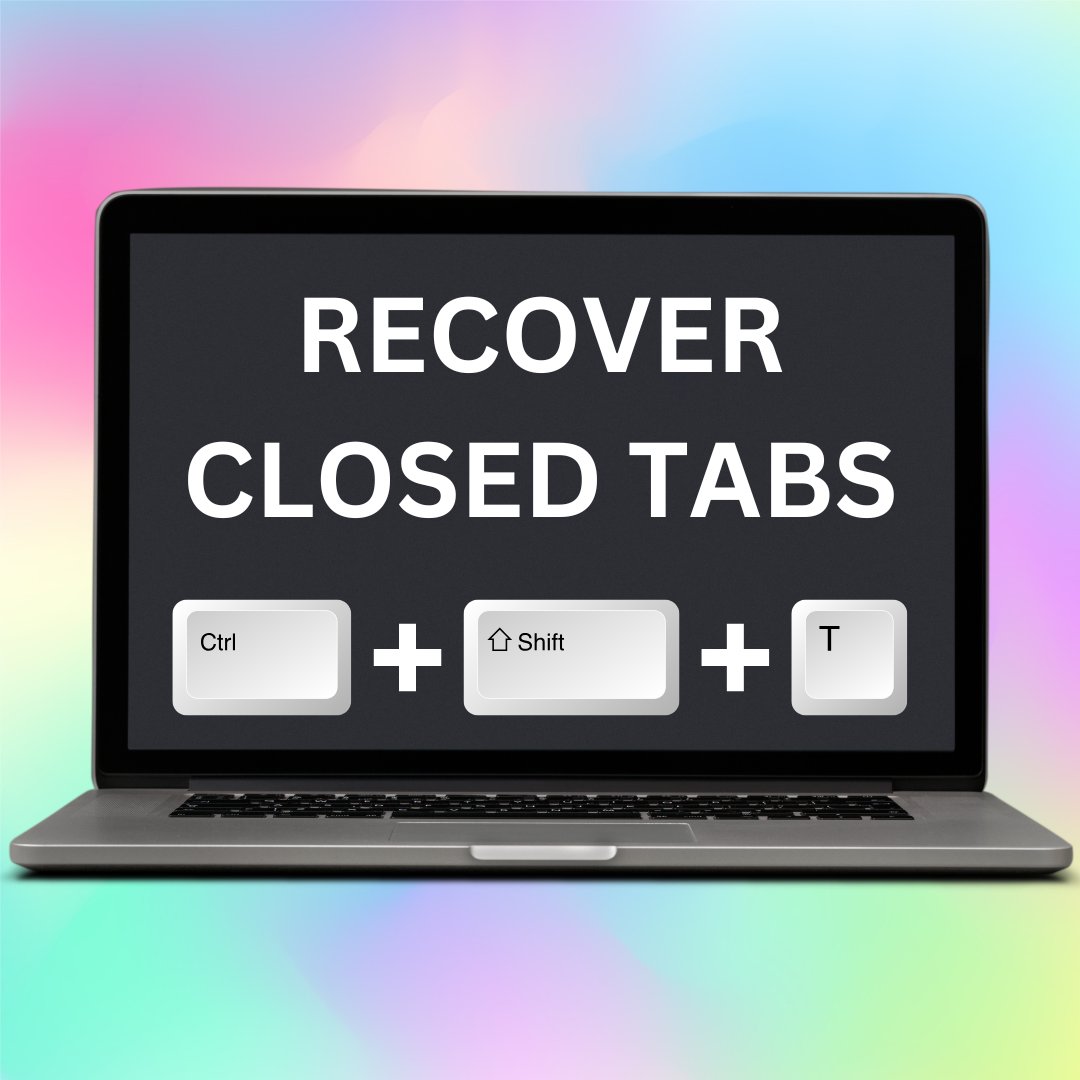
Ever accidentally closed a Chrome tab or wished you could see what a student just closed? 🙄 Use Ctrl Shift T to bring back closed tabs. 🚀 #TeachingWithTech
2
1
68
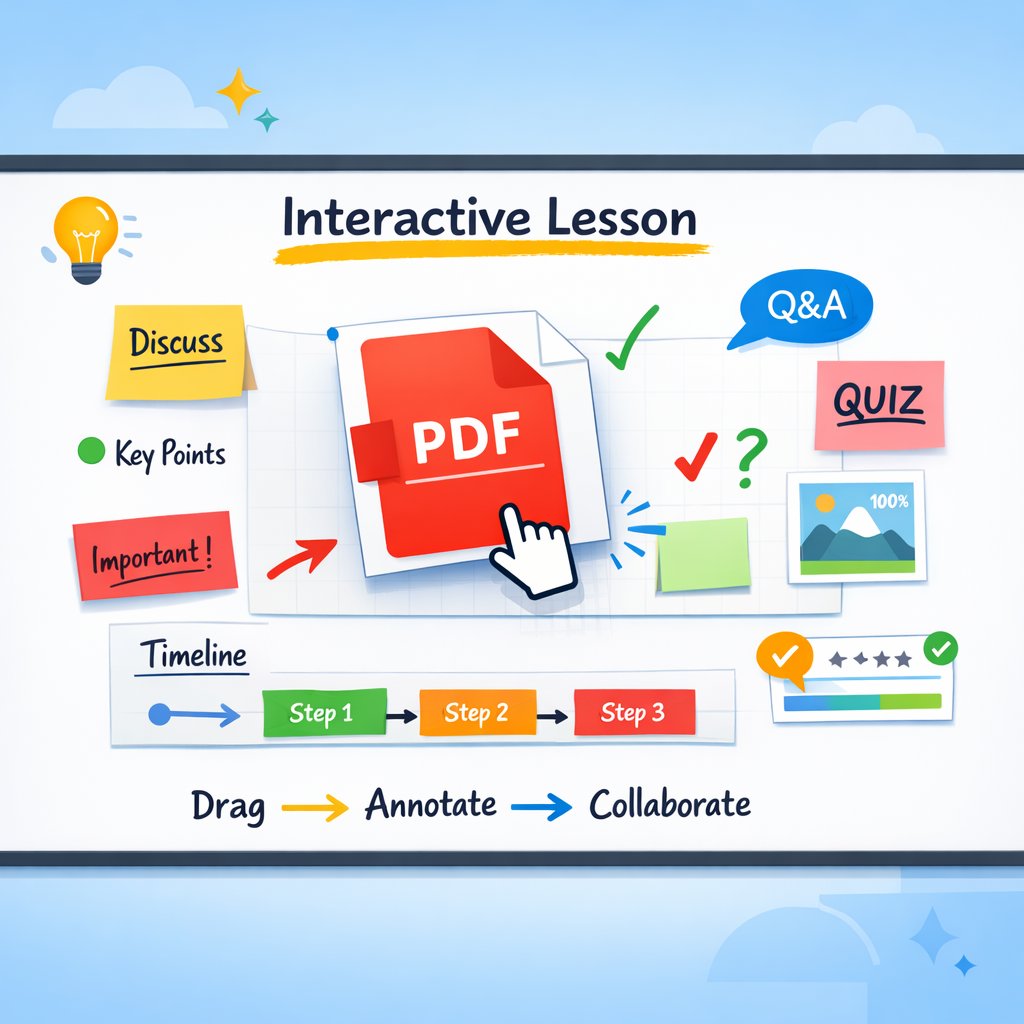
✨ Just discovered how easy it is to drop a PDF straight into a @CanvaEdu Whiteboard = instant interactive lesson! 💡
Drag ➜ place ➜ annotate ➜ collaborate.
Perfect for breaking down content, adding visuals, and engaging students in real time.
2
2
85
🔐 Chromebook Safety Tips:
💻Keep your passwords private.
💻Use a strong password that’s hard to guess.
💻Only use your school‑approved apps and extensions.
💻 Don’t type your password on sites or links you don’t recognize.
1
1
51
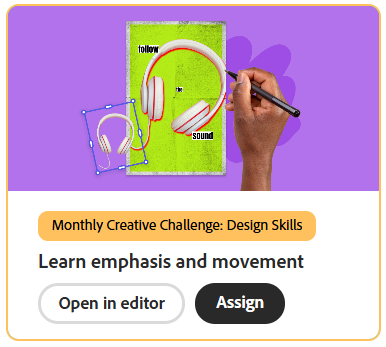
This month, we’re diving into an exciting Creative Challenge on @AdobeExpress! Your mission? Design a captivating poster that effectively conveys one powerful idea through stunning visual elements. Get ready to unleash your creativity!
2
1
78
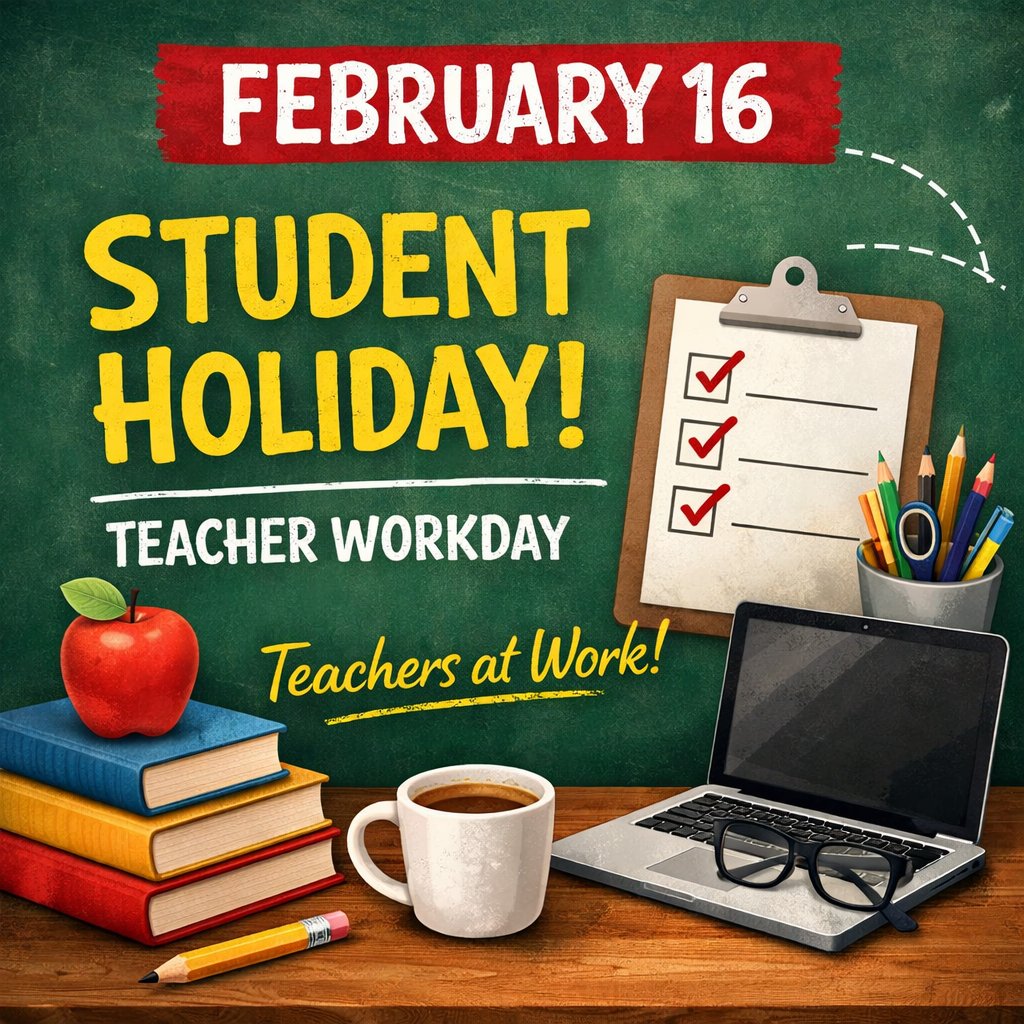
Students are off, but teachers are still logged in! 💻☕
📅 Feb 16 = Teacher Workday
Planning lessons, learning new tech, and prepping for what’s next 🚀
47
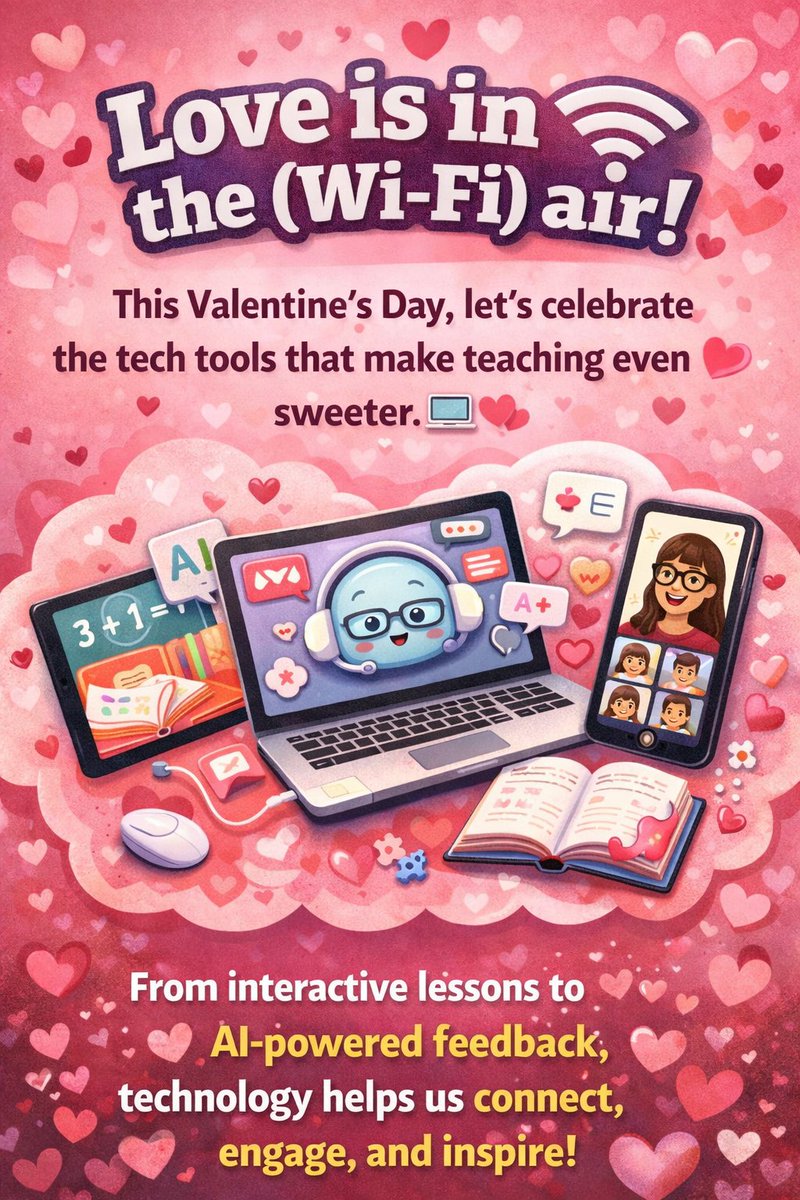
💖 Love is in the (Wi-Fi) air! This Valentine’s Day, let’s celebrate the tech tools that make teaching even sweeter. 💻💕 From interactive lessons to AI-powered feedback, technology helps us connect, engage, and inspire!
1
39
KISD Secondary Tech retweeted

Feb 11
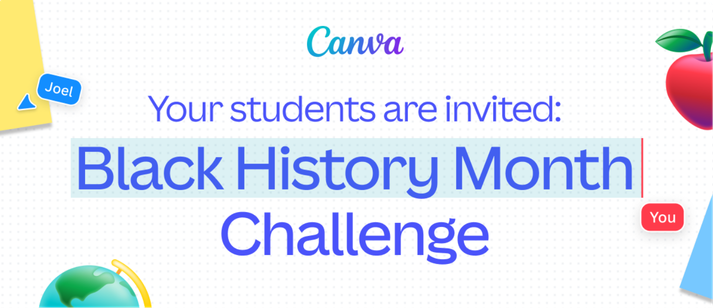
Join the Canva Student Design Challenge to commemorate 100 years of Black history celebrations!
Winners will score a special Canva swag pack and have their work showcased for the world to see.
Learn more & enter here:
bit.ly/4bTwqIh
6
20
1,072
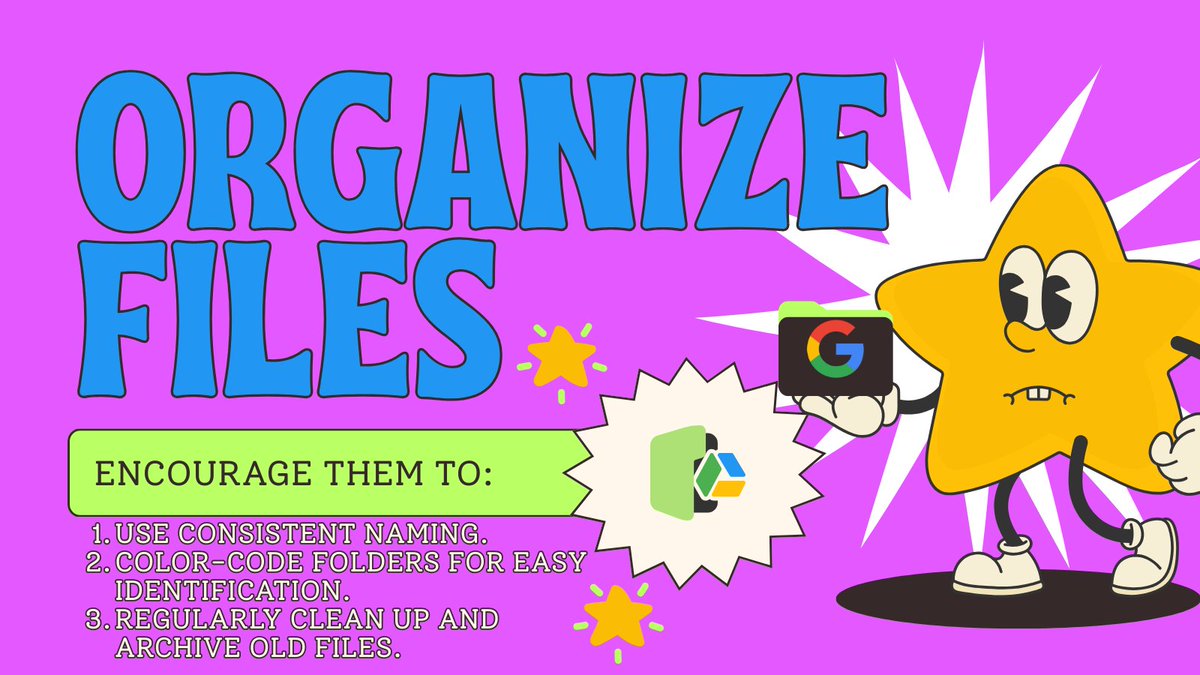
🗂️Help students stay organized by creating Google Drive folders for each subject/class period! bit.ly/4n6ndht
Encourage them to:
1️⃣ Use consistent naming.
2️⃣ Color-code folders for easy identification.
3️⃣ Regularly clean up and archive old files.
2
2
74
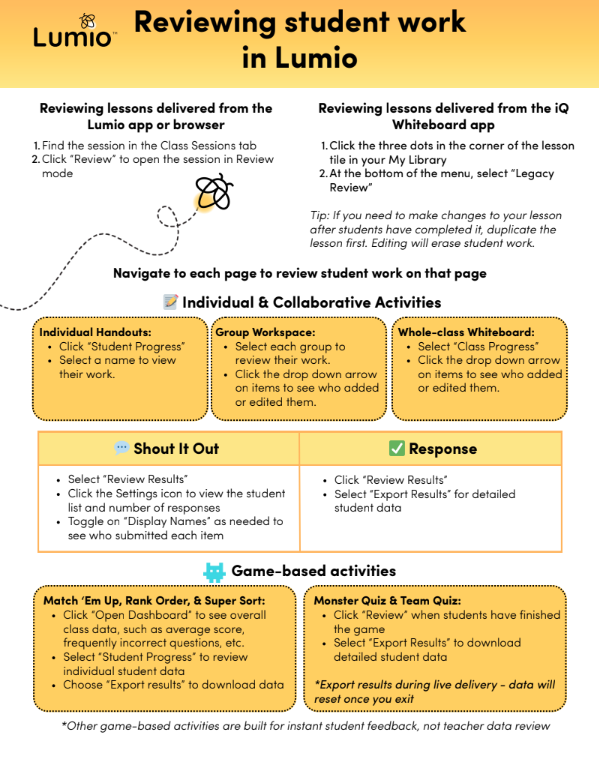
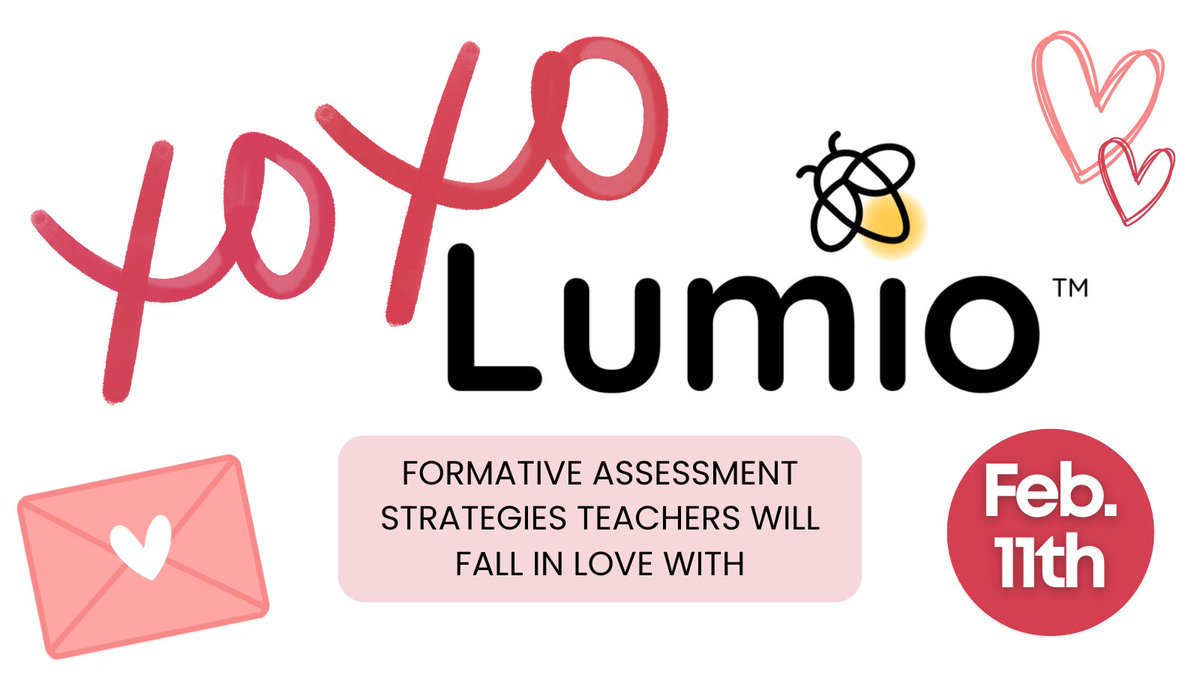
💖💻✨ XOXO Lumio: Formative Assessment strategies teachers will fall in love with!
Join us LIVE with Lumio to explore powerful formative assessment strategies that drive engagement and real-time feedback.
🔗 Register now: app.smore.com/n/b7x3e
1
2
2
57
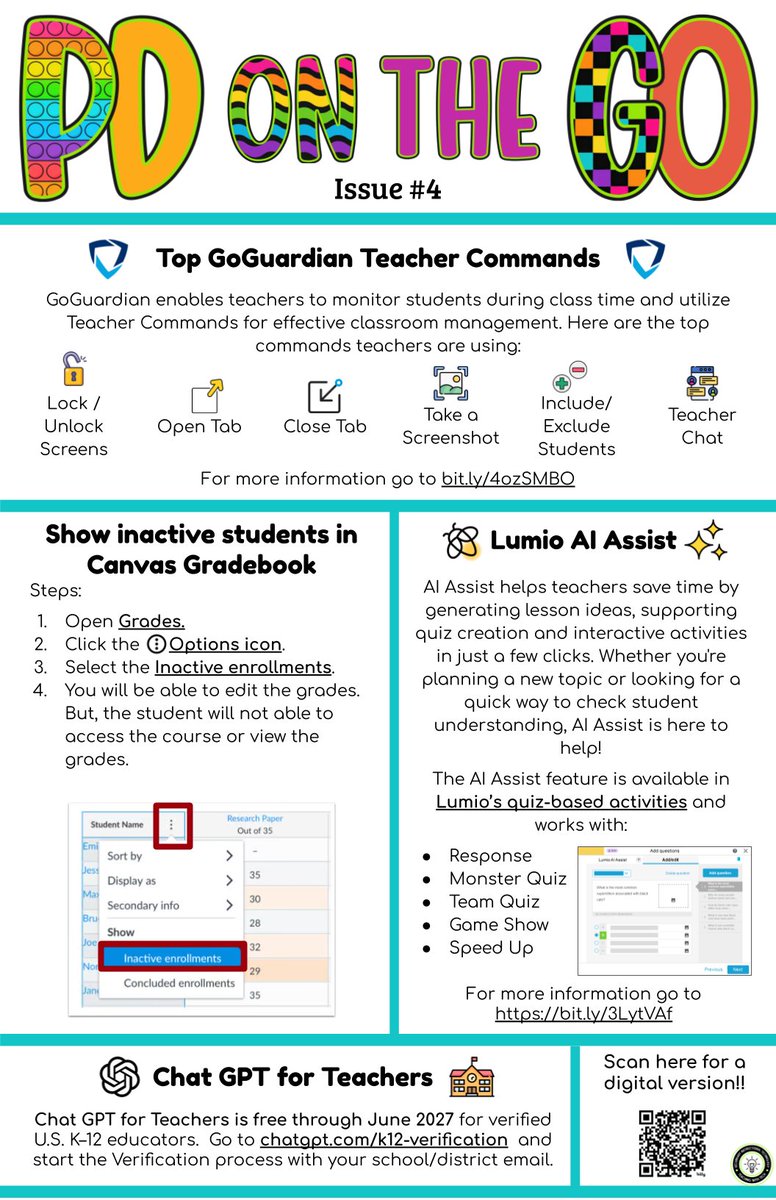
🚀 PD on the GO – Issue #4 is here!
Explore top GoGuardian teacher commands, Canvas gradebook tips, Lumio AI Assist, and ChatGPT for educators—all in one quick read.
1
2
78
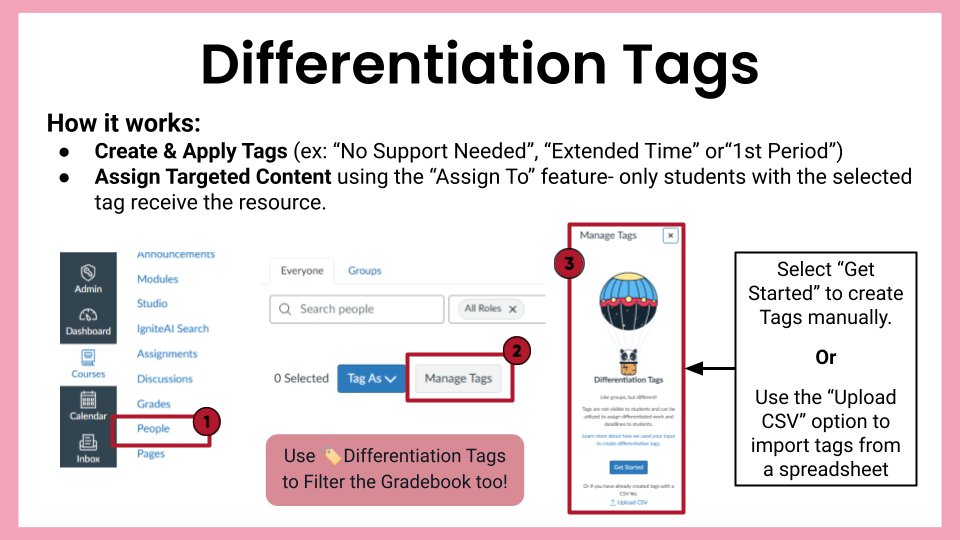
🏈 Super Bowl Tech Tip:
Don’t fumble your work!
Press Ctrl Shift T to reopen a tab you accidentally closed—instant replay for your Chromebook.

4
3
121