Joined February 2023
- Tweets 13,249
- Following 630
- Followers 6,902
- Likes 64,203
1,581 Photos and videos






高高度墜落/kkdfall retweeted

Jun 13
再三申し訳ございません。誤字がありましたので再ポスト致しました。「挑戦」が「調整」になっておりました。大変申し訳ございません。
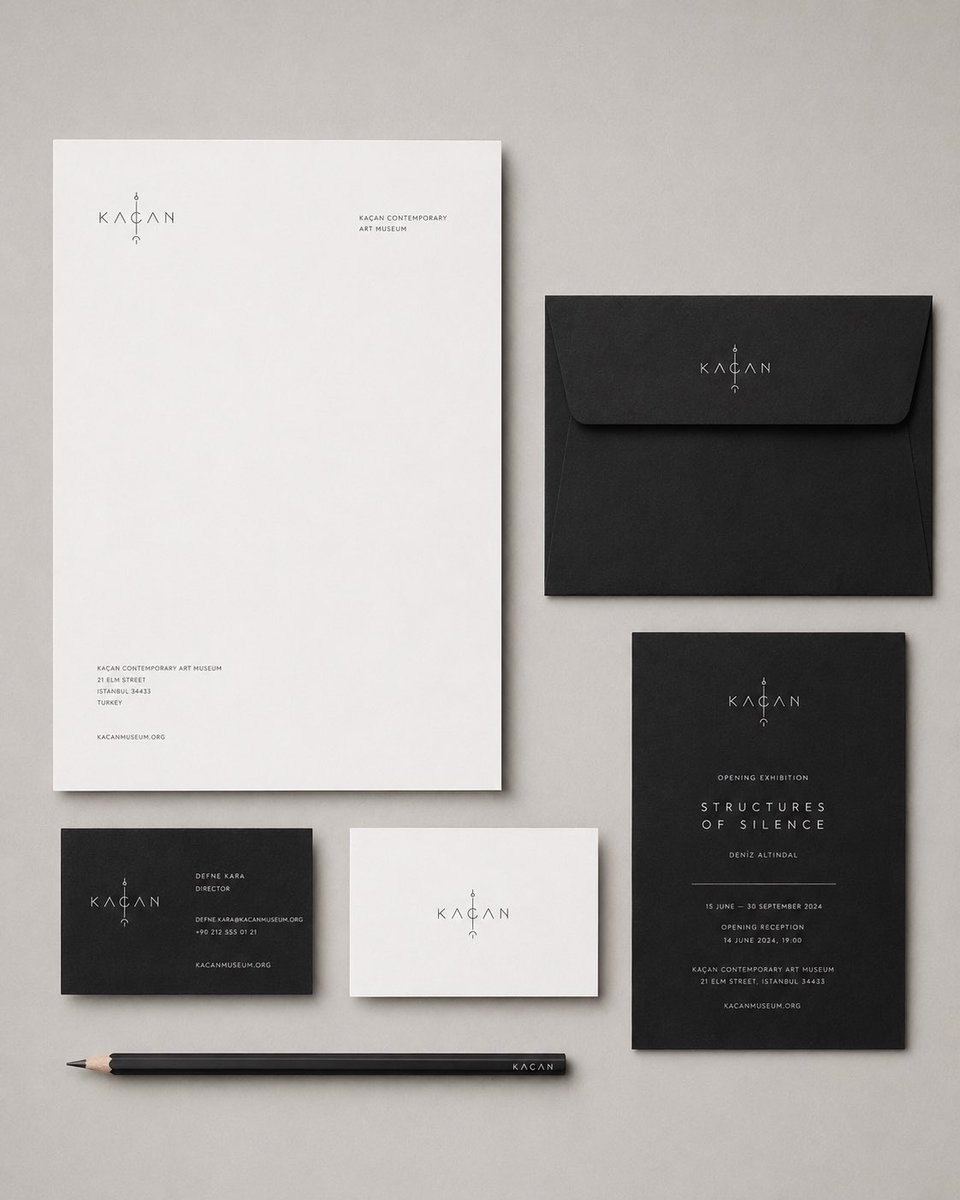
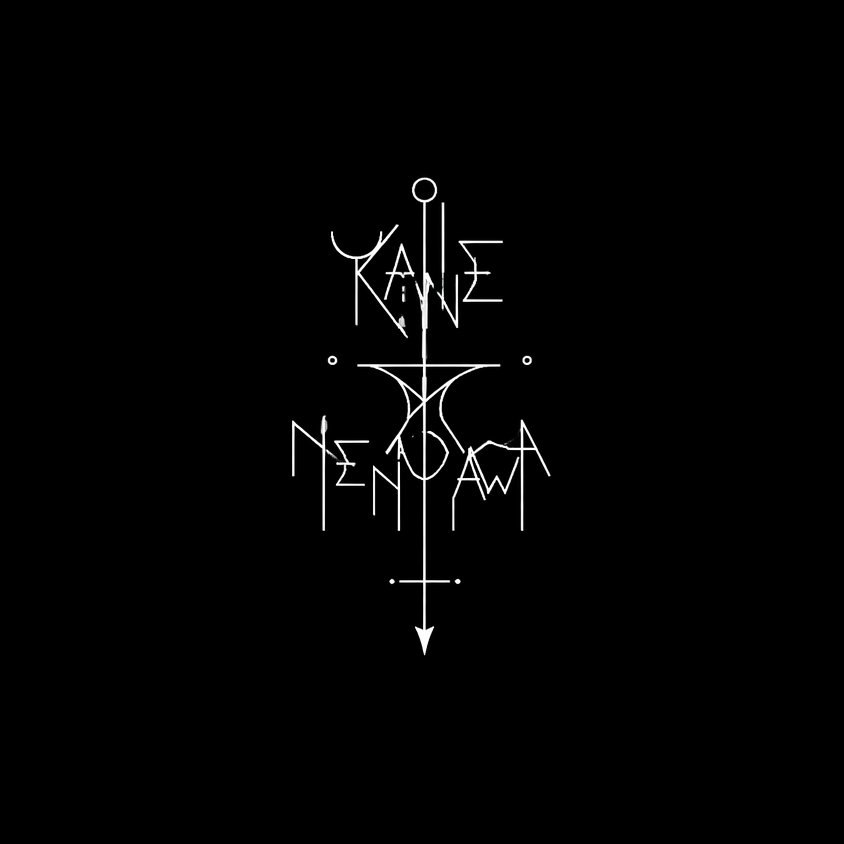
輪廻さんのプロンプト挑戦させていただきました!
めちゃめちゃオシャレなロゴが出来てすごいっ(語彙)🤩✨✨
素敵なプロンプト共有ありがとうございます!
Jun 11

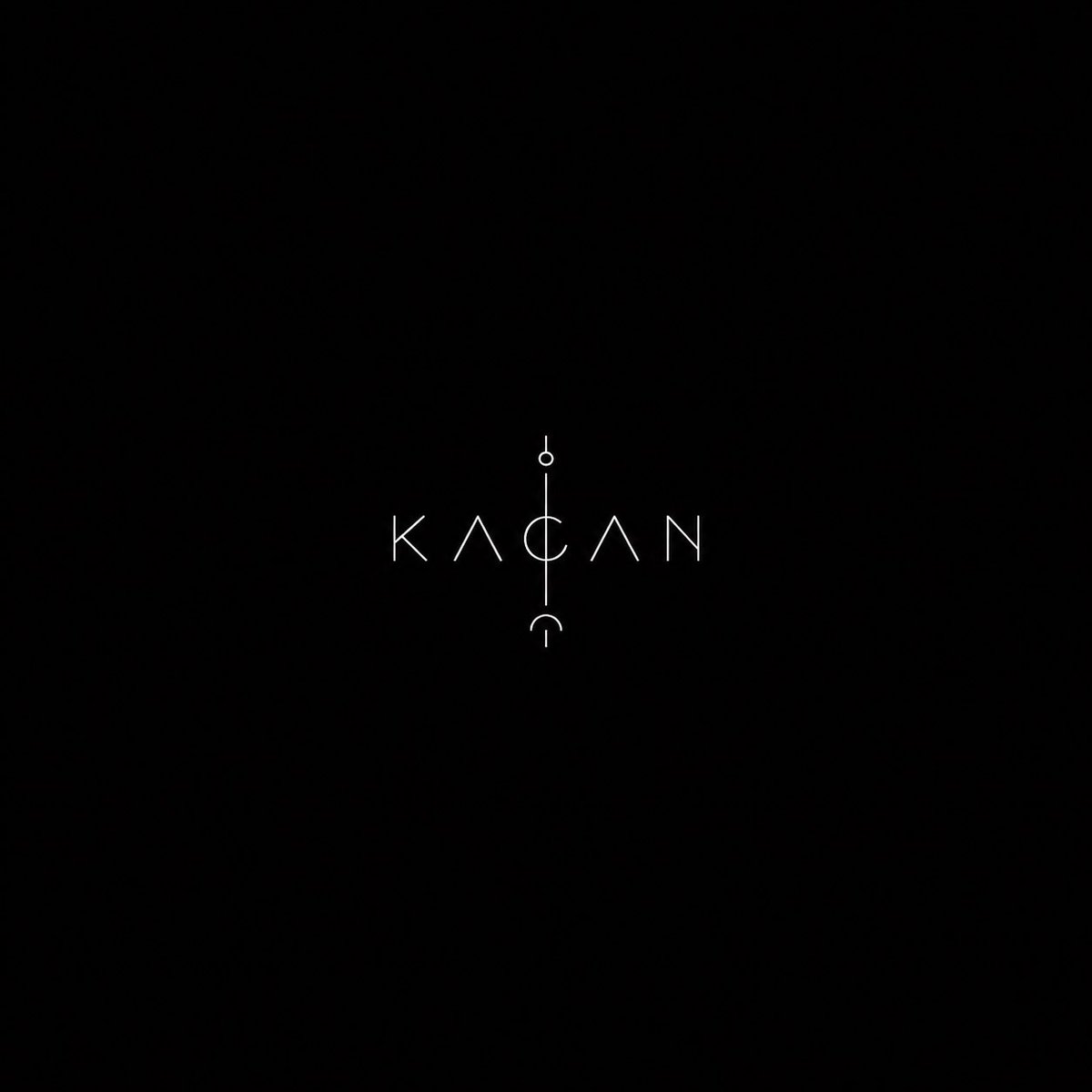
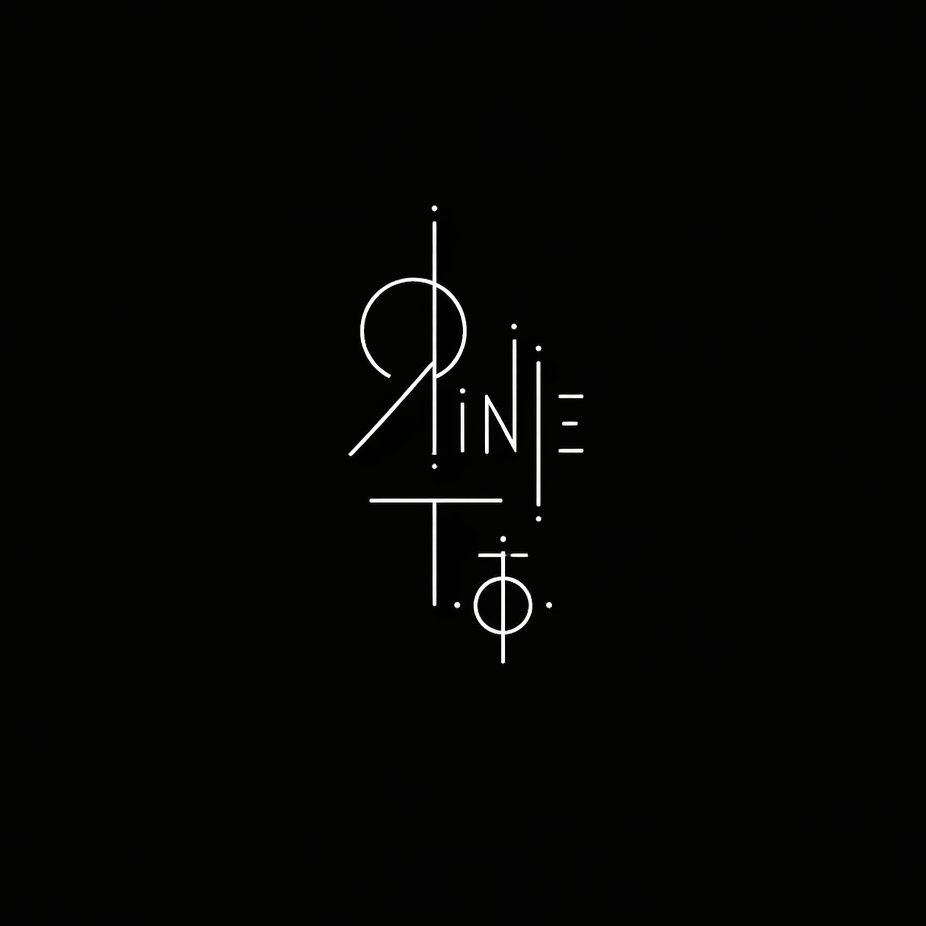
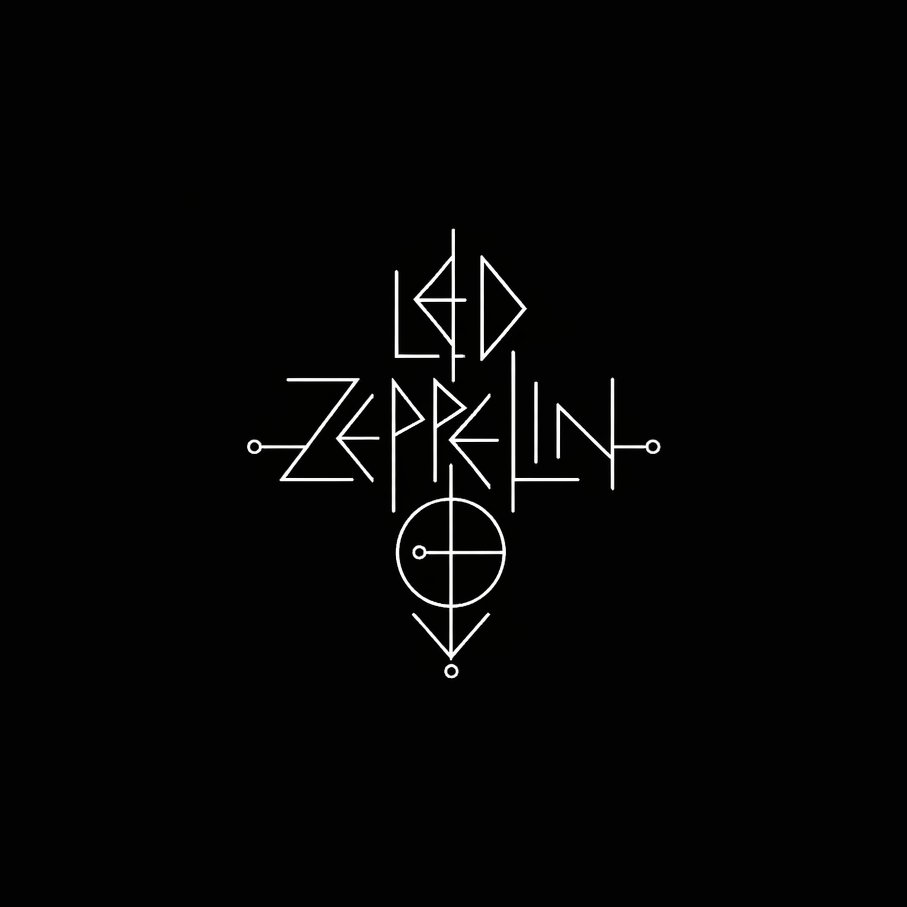
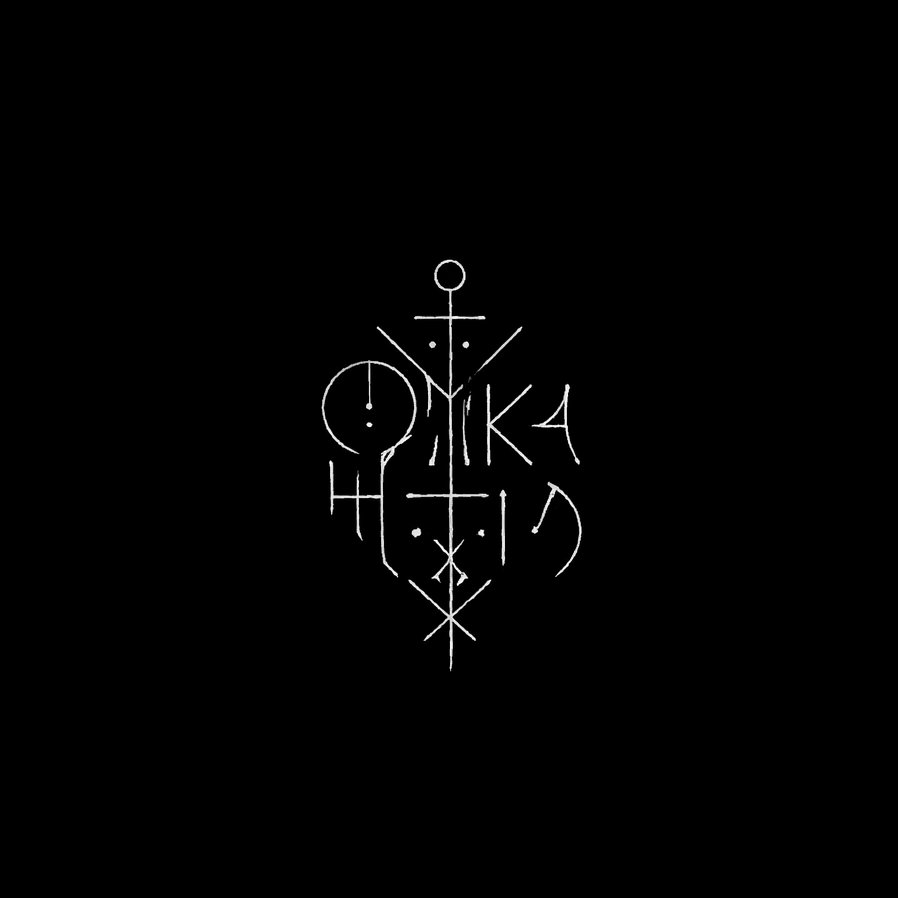
古代文字風のモダンなアーティストロゴ。
GPT Image2で作成。
動画用にロゴ作成をしていたところ、めちゃくちゃかっこいいのができたので、プロンプト公開します✨
みなさんもぜひ使ってみてください🔥
※日本語名義の方はローマ字表記で入力推奨
※プロンプトをご利用の際は、ポストにリプライか引用をお願いいたします🙏
---
サンプルのロゴ名(順番に)
輪廻タヲ
Led Zeppelin
お腹減った
金、ネんだわ
英語で書いたら、全部かっこよくなりました👍
---
【プロンプト】
A logo design for "【ここにアーティスト名(英語)】" centered on a completely black background. The logo is small, isolated, and surrounded by vast darkness. It is rendered exclusively in thin white lines on pure black — no fills, no gradients, no color. The design exists somewhere between a written character and a drawn symbol — it reads as both text and image simultaneously, resisting easy interpretation. The letterforms of the name are abstracted to the point of ambiguity: faint traces of the original letters remain embedded in the design, but they have dissolved into something closer to a ritual mark, a glyph, or a sigil. The lines are precise and unhurried — not chaotic, but deeply unsettling in their stillness. The overall feeling is of something that should not be looked at for too long. Minimalist avant-garde art. The logo occupies no more than 15% of the total frame. The rest is absolute darkness.
3
10
382





高高度墜落/kkdfall retweeted

Jun 13
/ / / /
Phase Collapse Monument
/ / / /
Google AI Studioで作成した 物理衝突・重力・グリッチ・記憶履歴をもとに音と映像が相互生成される実験的オーディオビジュアル・アプリ。
---Ver0.02
変更点:
音源をアップロードし素材として使用可能に
音源を分析し各種パラメーターへ反映
Bloomを低減
Mar 21

/ / / /
Phase Collapse Monument
/ / / /
Google AI Studioで作成した
物理衝突・重力・記憶履歴をもとに音と映像が相互生成される実験的オーディオビジュアル・アプリ。
---Ver0.01
3
10
58
3,778
高高度墜落/kkdfall retweeted

Jun 12
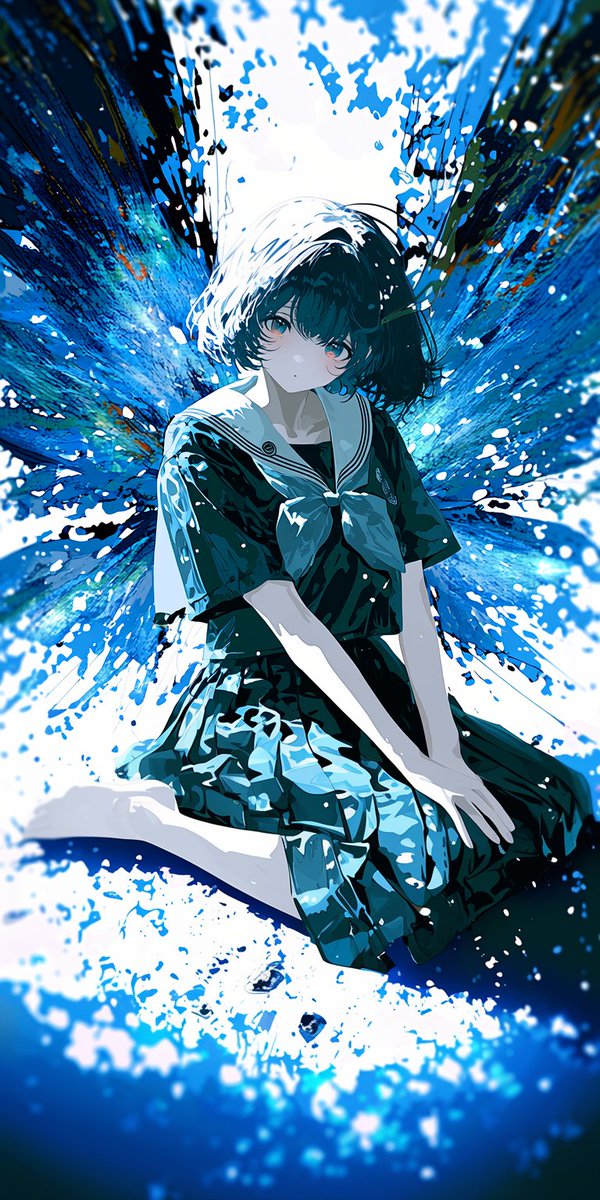
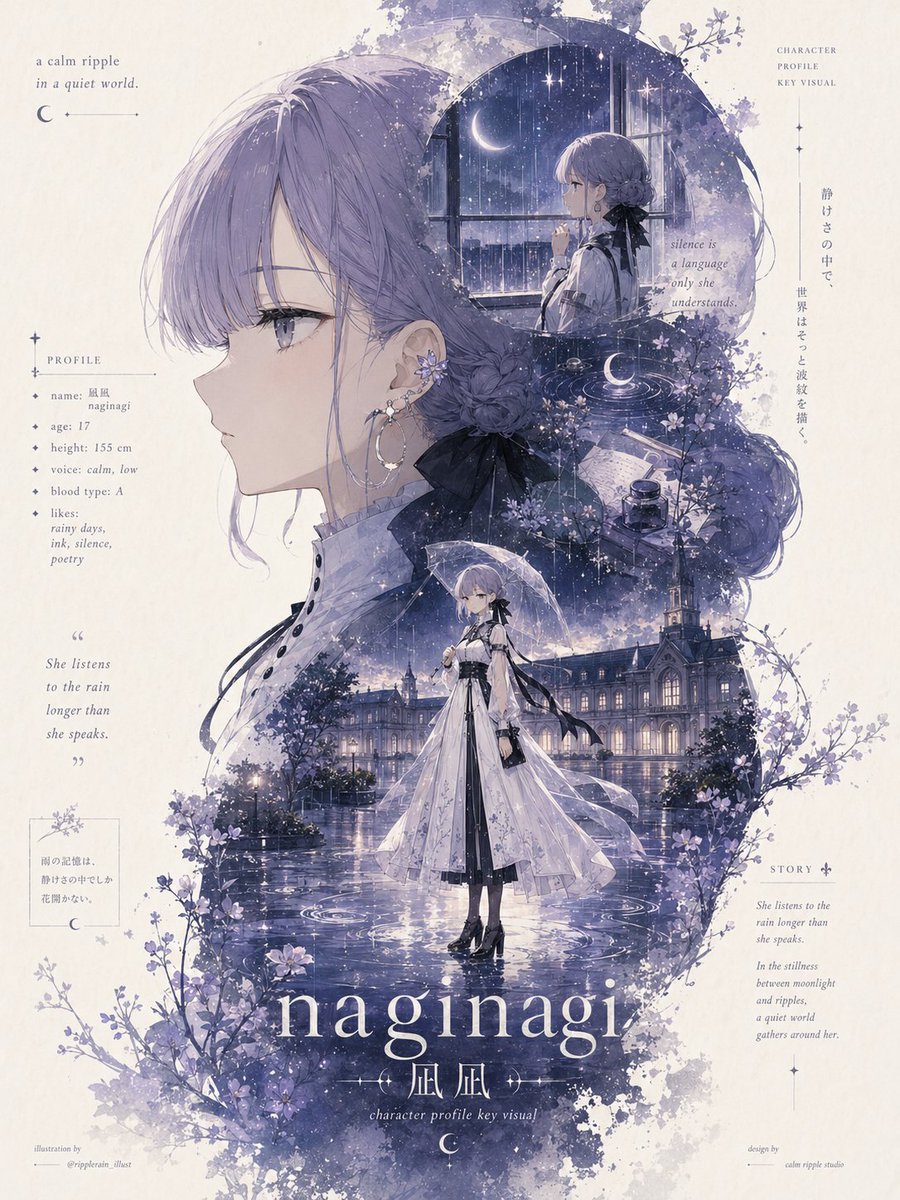
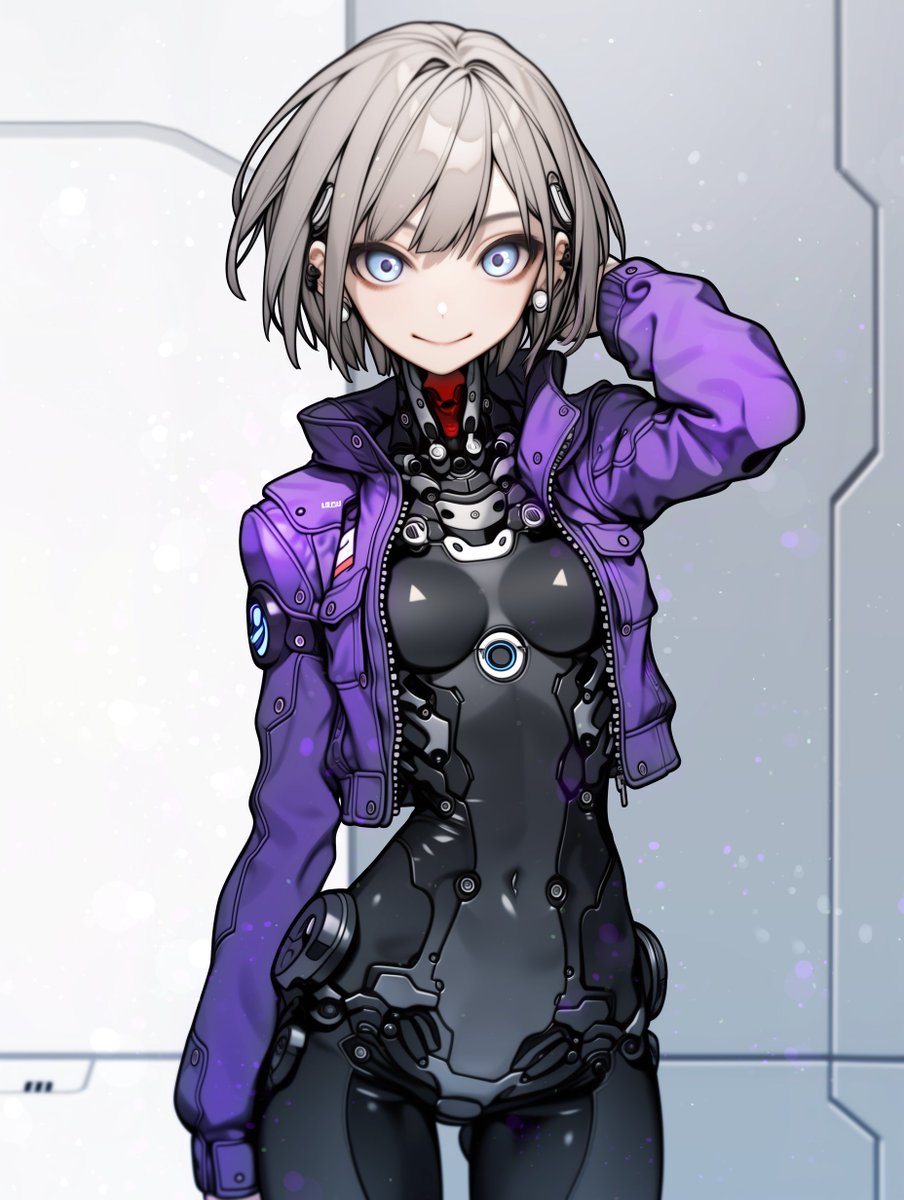
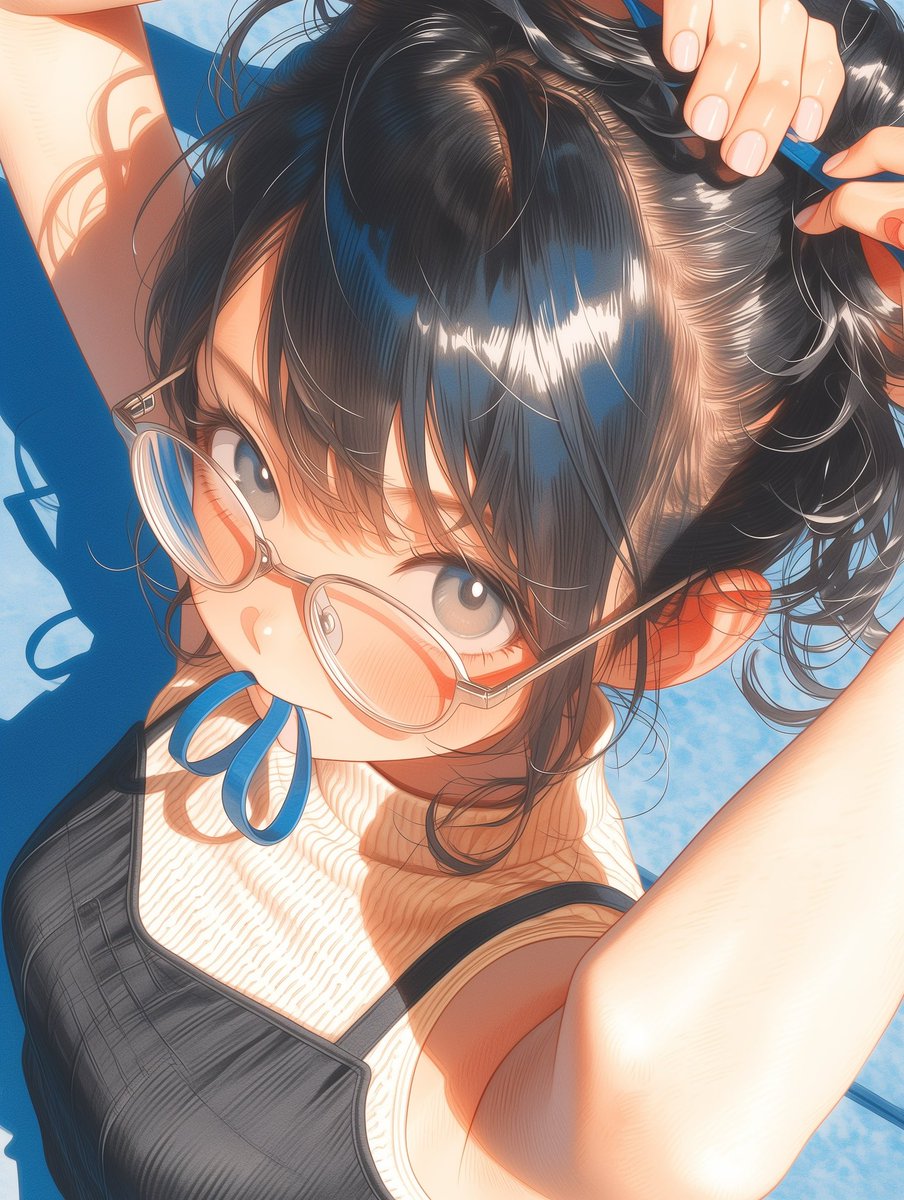
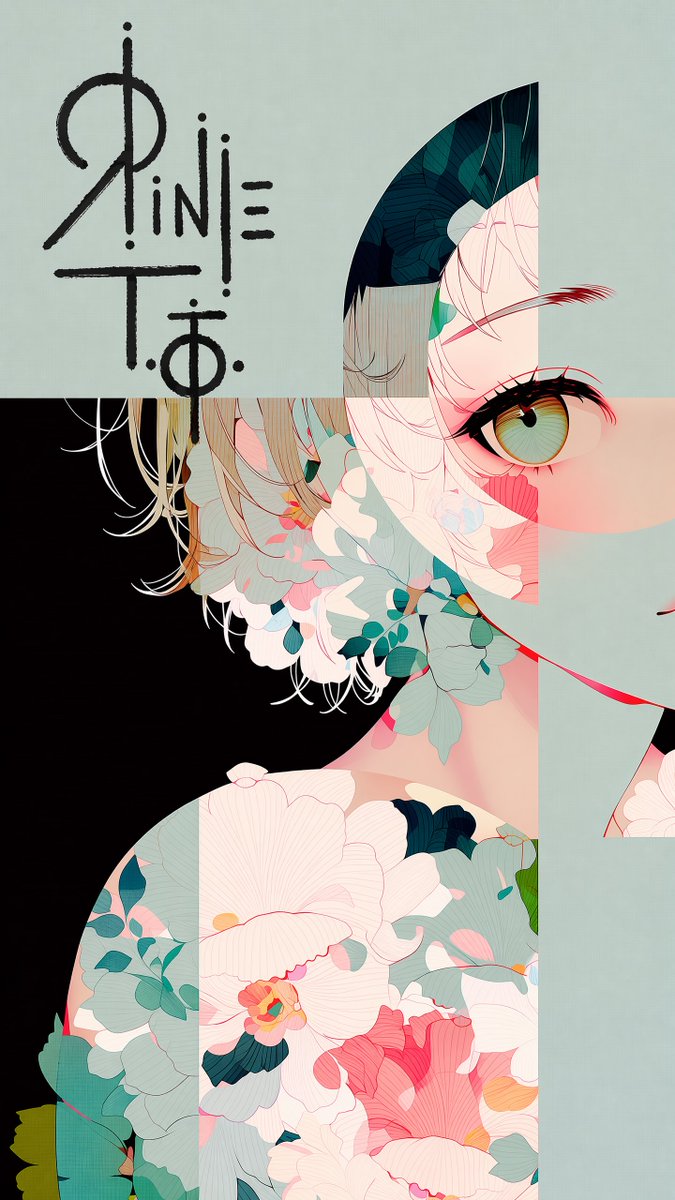
作成したロゴをイラストに埋め込むプロンプト。
GPT Image2で作成。
引用のロゴをイラストに埋め込みました。
場所指定を書いた方が精度が上がります✨
マーカーで直接サインしたような仕上がりに✍️
みなさんもぜひ使ってみてください🔥
x.com/TaoRInne/status/206503…
---
【使い方】
①イラスト画像(1枚目)
②ロゴ画像(2枚目)
の順で添付してプロンプトを送る
※配置場所は毎回指定が必要です
---
【プロンプト】
The first image is an illustration. The second image contains a logo design on a black background.
Place the logo in the largest open, uncluttered area of the illustration — the zone with the fewest lines, shapes, and visual elements. [※ここに配置場所を一言追記]
Reproduce the exact logo design from the second image. Render it bold and large, with rough hand-drawn strokes — as if signed directly onto the surface with a thick marker. Allow it to overflow slightly beyond the open area into adjacent illustrated content.
Color rule: The logo color must always contrast against the background directly beneath it. Use dark lines over light backgrounds, light lines over dark backgrounds. Shift color mid-stroke if the logo crosses multiple background tones. Never let the logo blend into the surrounding color.
Do not alter the illustration in any other way. Preserve all original colors, lines, and composition exactly.
Jun 11
古代文字風のモダンなアーティストロゴ。
GPT Image2で作成。
動画用にロゴ作成をしていたところ、めちゃくちゃかっこいいのができたので、プロンプト公開します✨
みなさんもぜひ使ってみてください🔥
※日本語名義の方はローマ字表記で入力推奨
※プロンプトをご利用の際は、ポストにリプライか引用をお願いいたします🙏
---
サンプルのロゴ名(順番に)
輪廻タヲ
Led Zeppelin
お腹減った
金、ネんだわ
英語で書いたら、全部かっこよくなりました👍
---
【プロンプト】
A logo design for "【ここにアーティスト名(英語)】" centered on a completely black background. The logo is small, isolated, and surrounded by vast darkness. It is rendered exclusively in thin white lines on pure black — no fills, no gradients, no color. The design exists somewhere between a written character and a drawn symbol — it reads as both text and image simultaneously, resisting easy interpretation. The letterforms of the name are abstracted to the point of ambiguity: faint traces of the original letters remain embedded in the design, but they have dissolved into something closer to a ritual mark, a glyph, or a sigil. The lines are precise and unhurried — not chaotic, but deeply unsettling in their stillness. The overall feeling is of something that should not be looked at for too long. Minimalist avant-garde art. The logo occupies no more than 15% of the total frame. The rest is absolute darkness.
2
7
73
3,301
高高度墜落/kkdfall retweeted
Jun 12
最高では…?!みんなやろうっっ
Jun 12
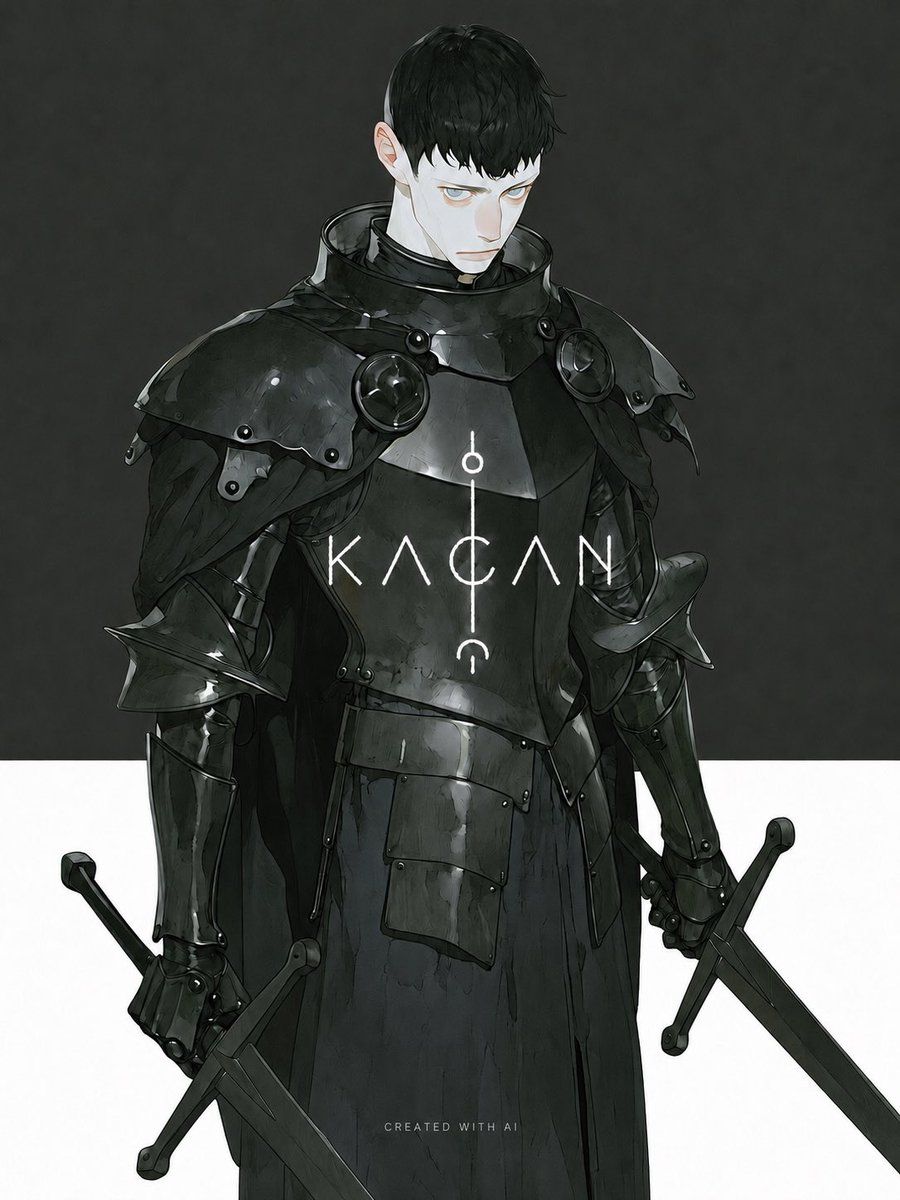
作成したロゴをイラストに埋め込むプロンプト。
GPT Image2で作成。
引用のロゴをイラストに埋め込みました。
場所指定を書いた方が精度が上がります✨
マーカーで直接サインしたような仕上がりに✍️
みなさんもぜひ使ってみてください🔥
x.com/TaoRInne/status/206503…
---
【使い方】
①イラスト画像(1枚目)
②ロゴ画像(2枚目)
の順で添付してプロンプトを送る
※配置場所は毎回指定が必要です
---
【プロンプト】
The first image is an illustration. The second image contains a logo design on a black background.
Place the logo in the largest open, uncluttered area of the illustration — the zone with the fewest lines, shapes, and visual elements. [※ここに配置場所を一言追記]
Reproduce the exact logo design from the second image. Render it bold and large, with rough hand-drawn strokes — as if signed directly onto the surface with a thick marker. Allow it to overflow slightly beyond the open area into adjacent illustrated content.
Color rule: The logo color must always contrast against the background directly beneath it. Use dark lines over light backgrounds, light lines over dark backgrounds. Shift color mid-stroke if the logo crosses multiple background tones. Never let the logo blend into the surrounding color.
Do not alter the illustration in any other way. Preserve all original colors, lines, and composition exactly.
4
20
400
高高度墜落/kkdfall retweeted

Jun 12
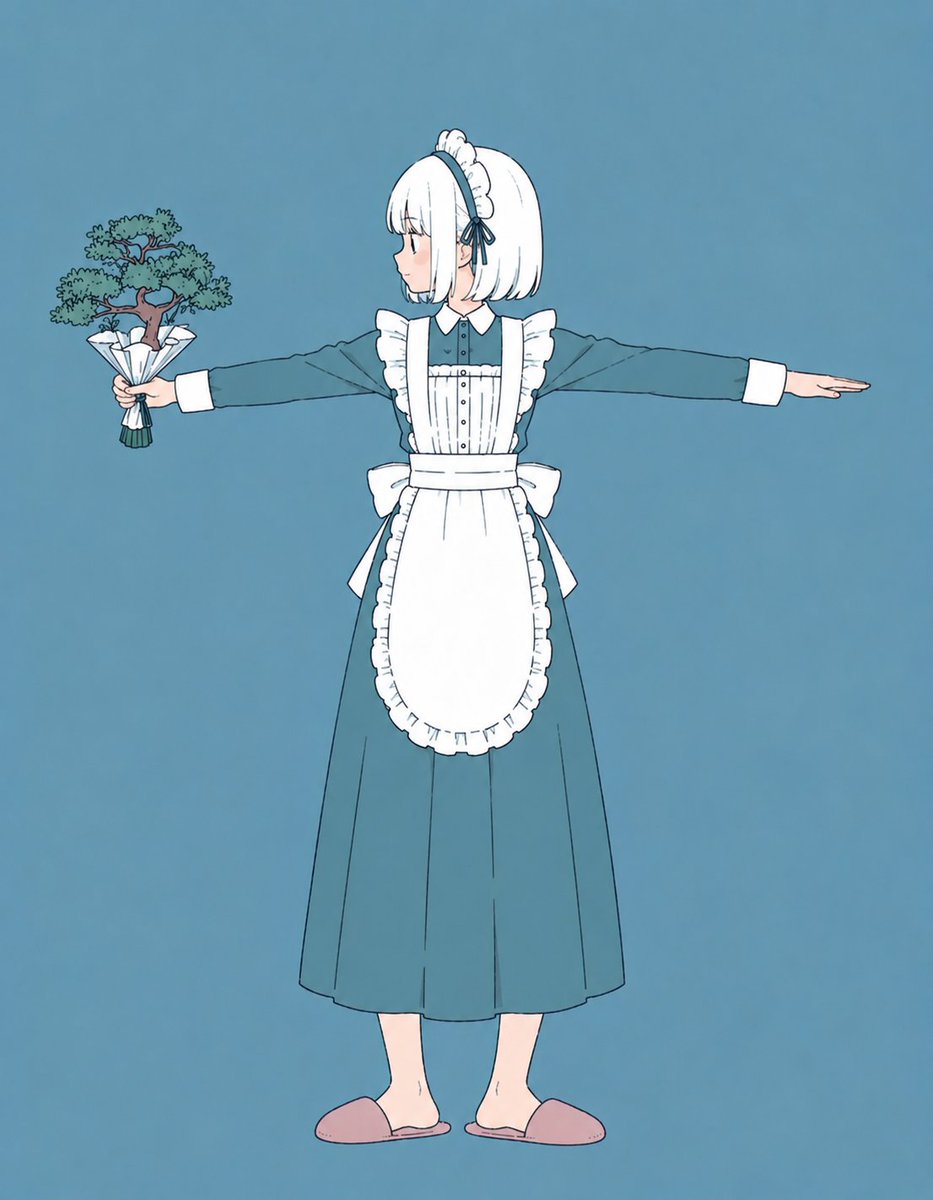
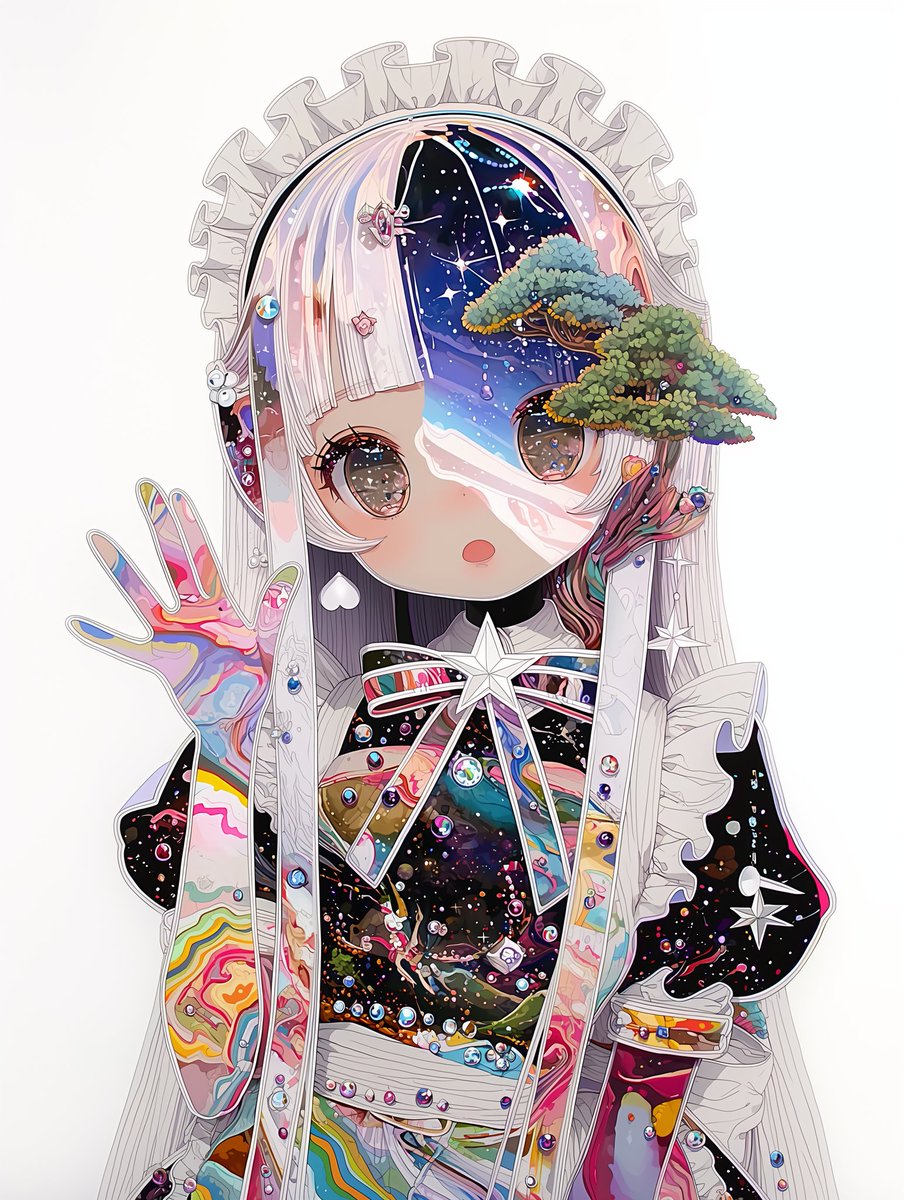
私をなんの人で〜というのが流行ってまして、まぁ聞くまでも無いのですが🌳
他の要素で何かあれば是非🌳
#bonsAI倶楽部
4
6
66
1,562