
3rd grade math and science teacher
Joined August 2013
- Tweets 1,630
- Following 531
- Followers 449
- Likes 4,012
707 Photos and videos

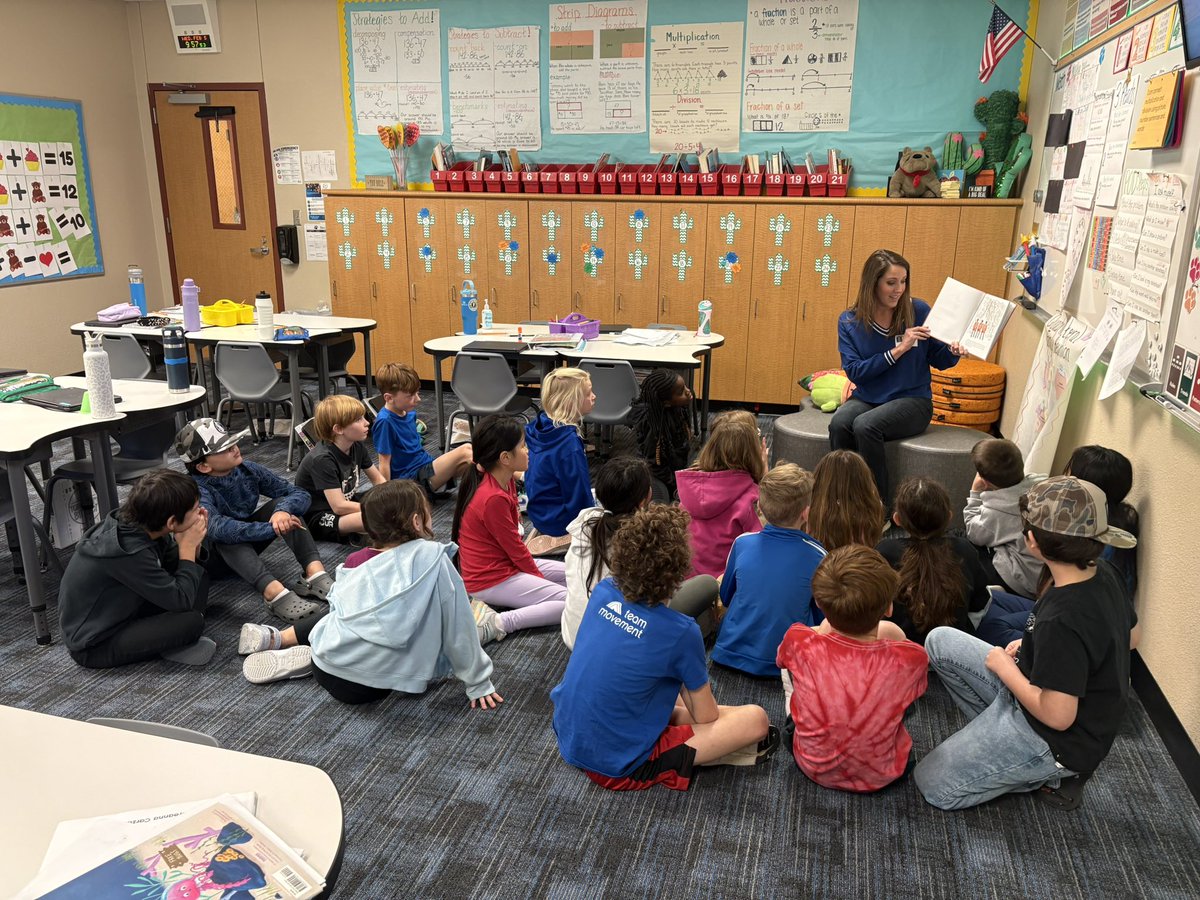
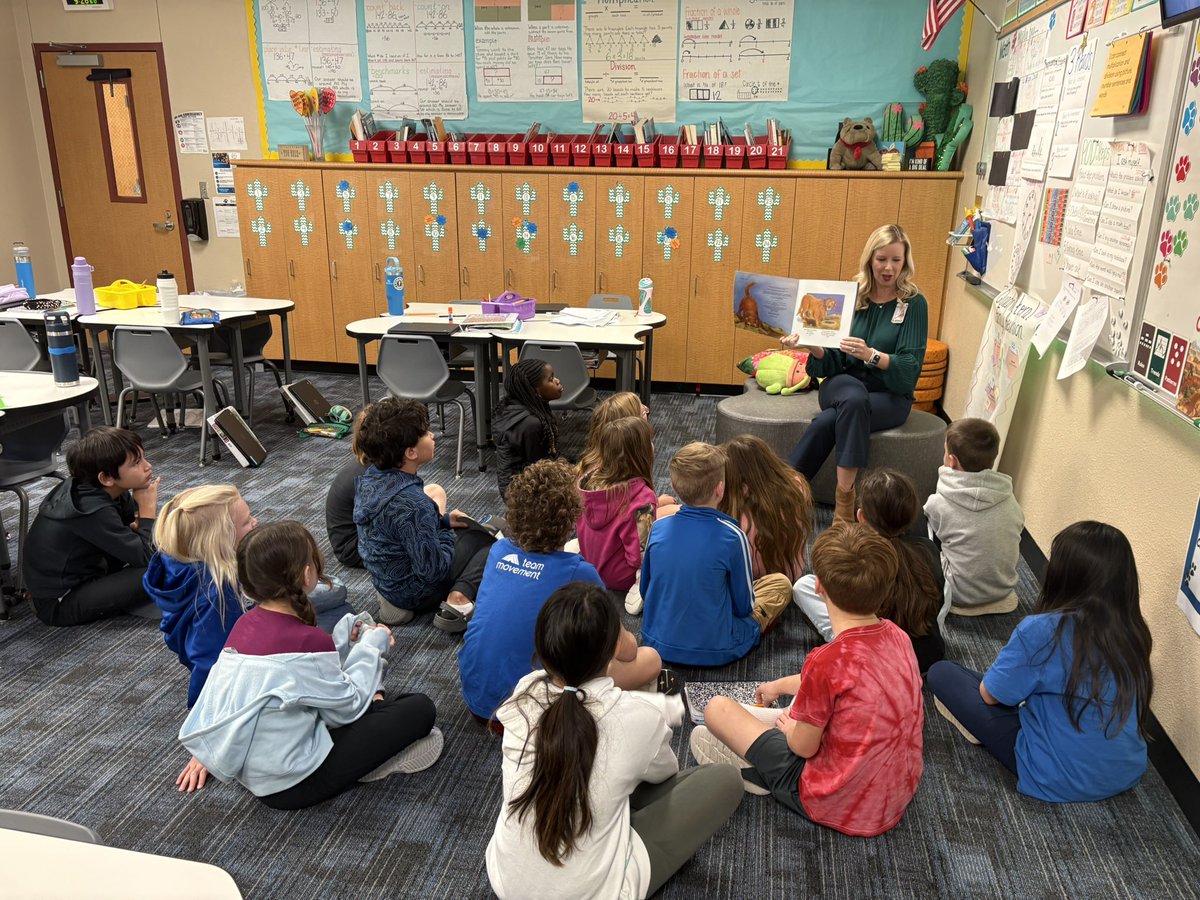



22 Oct 2025
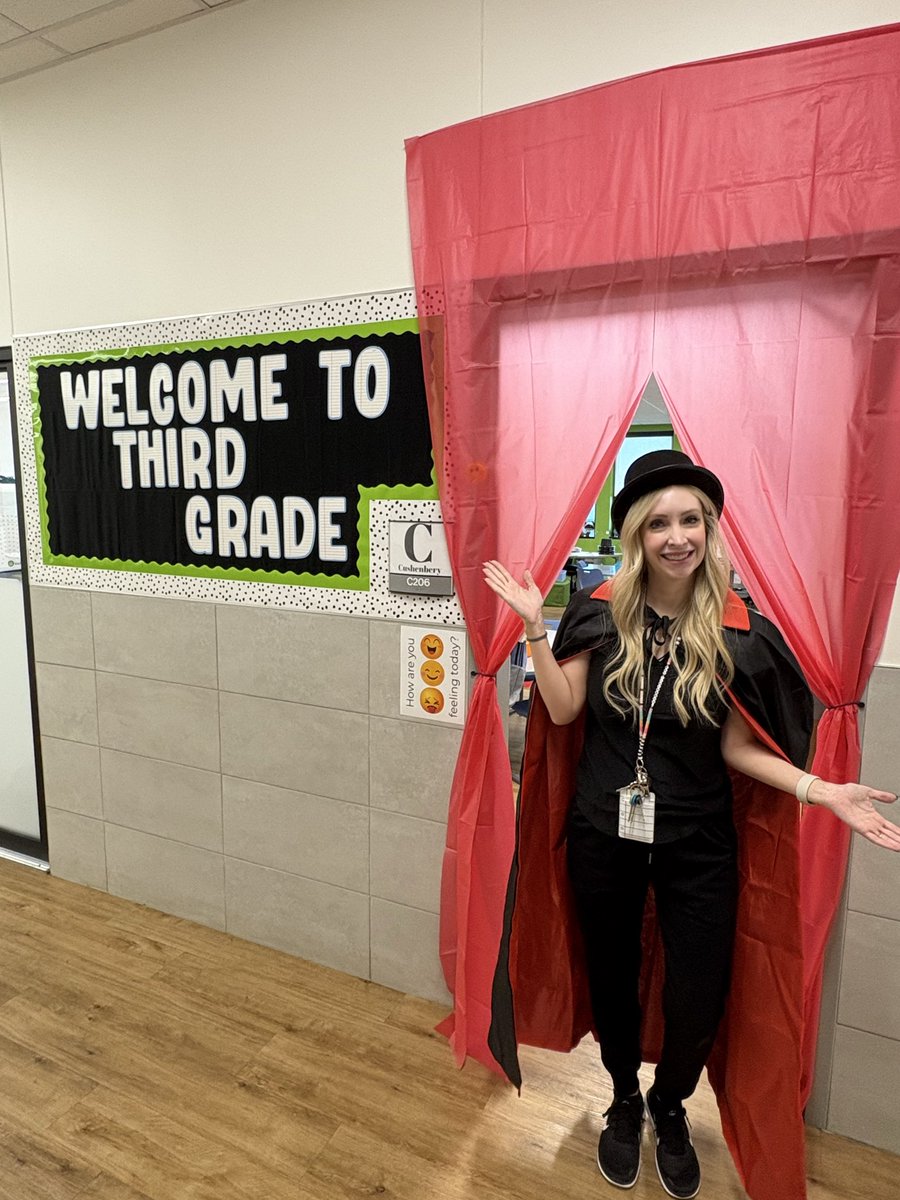
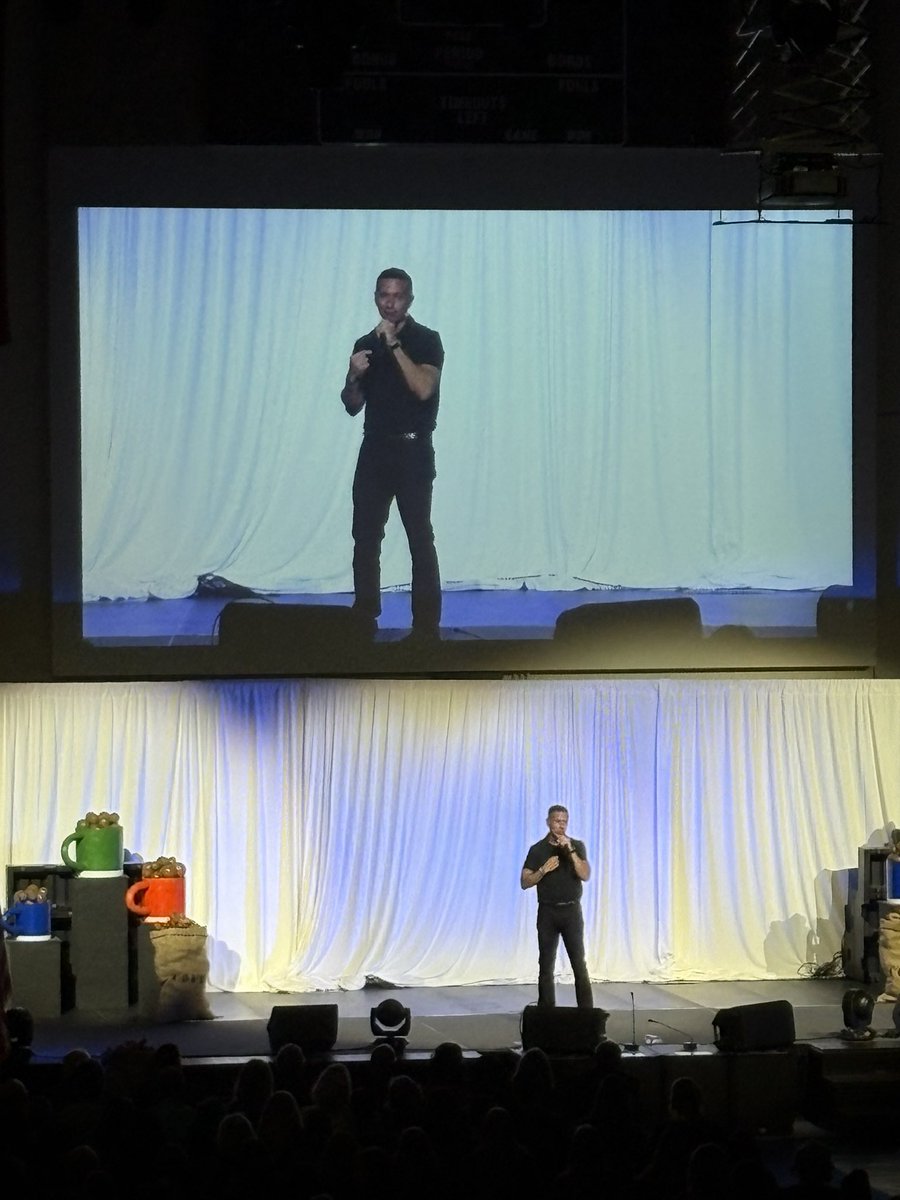
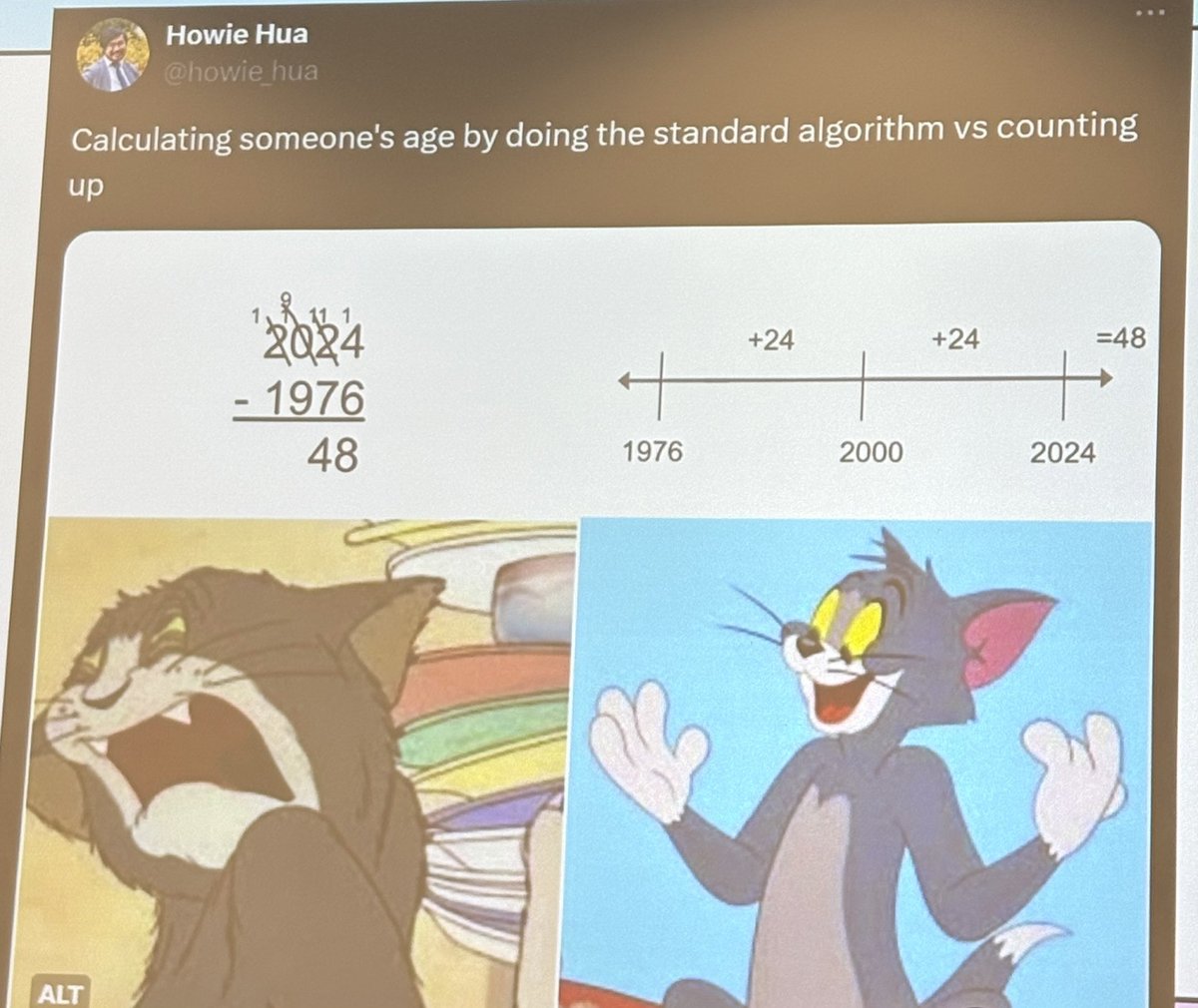
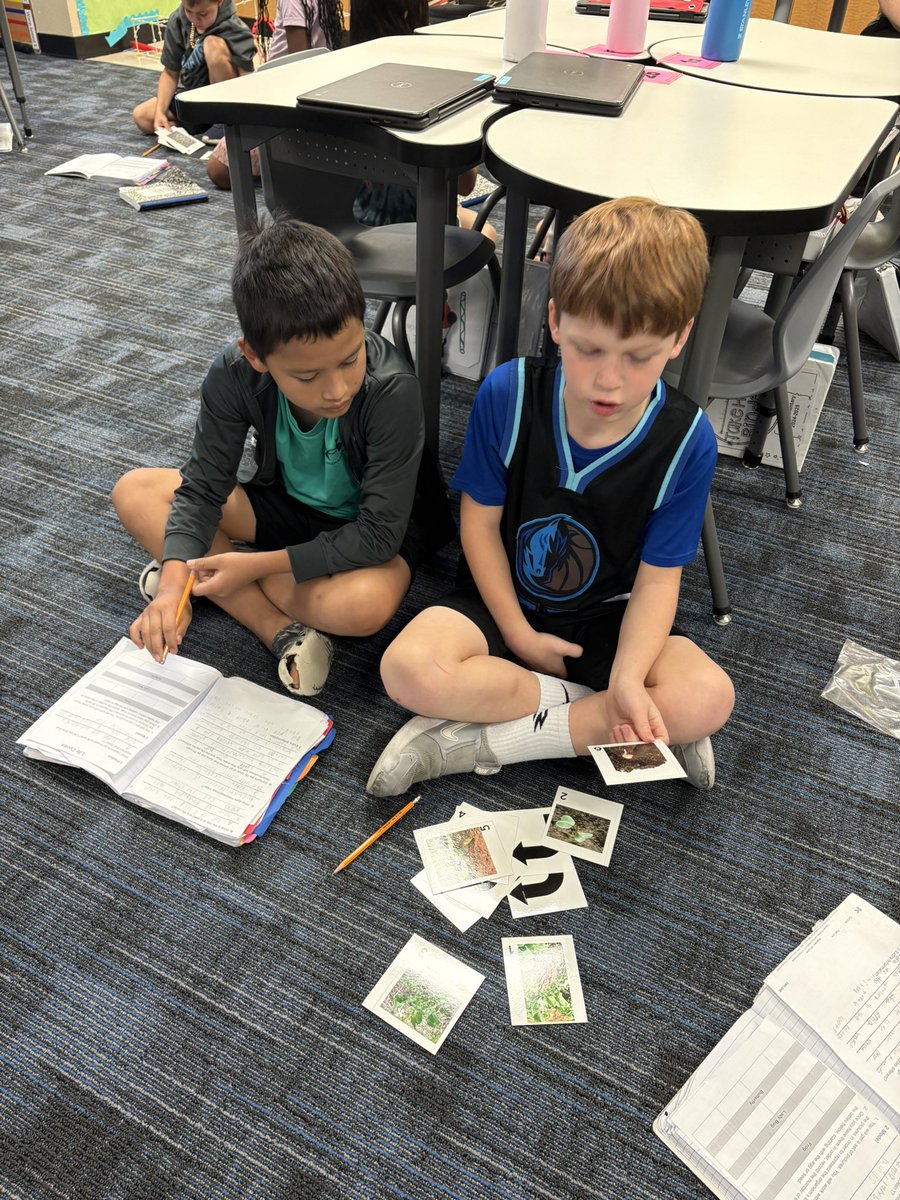
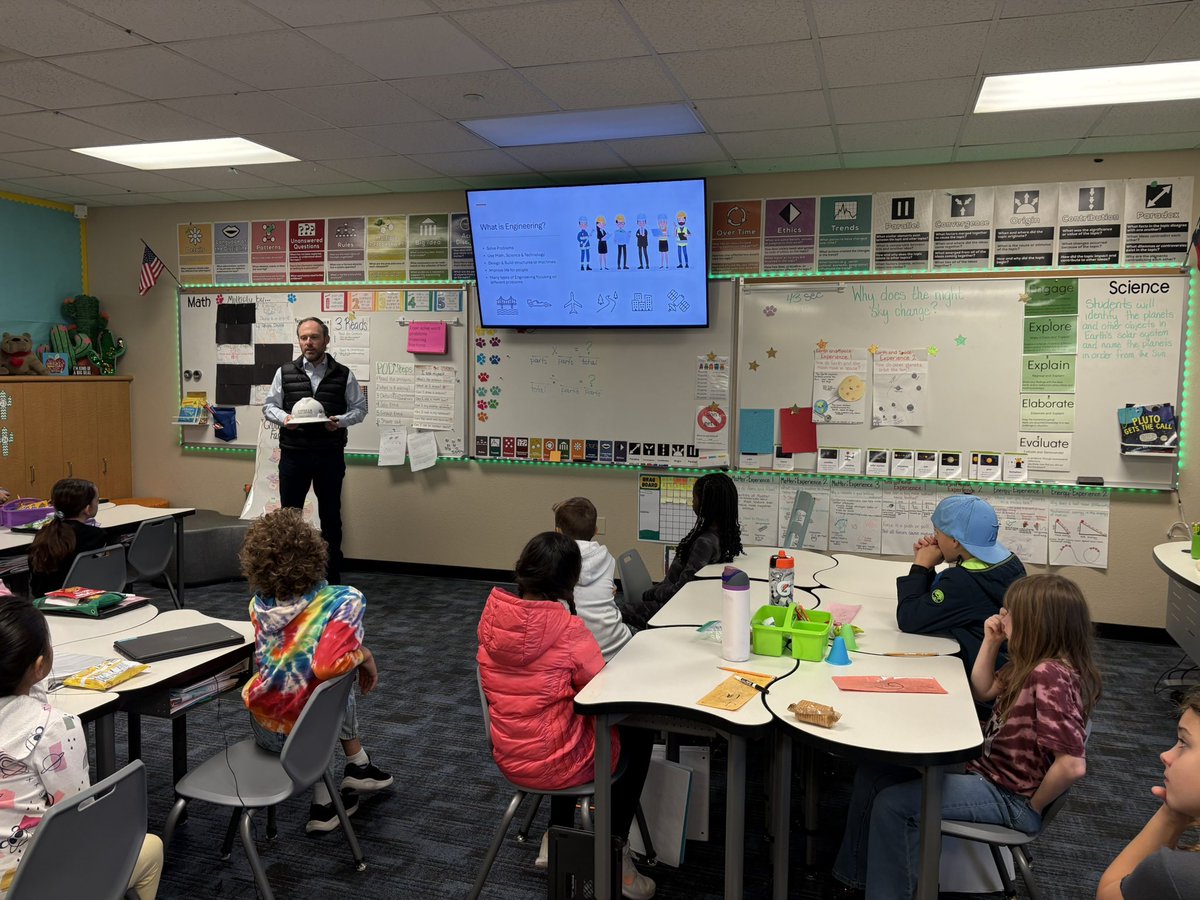
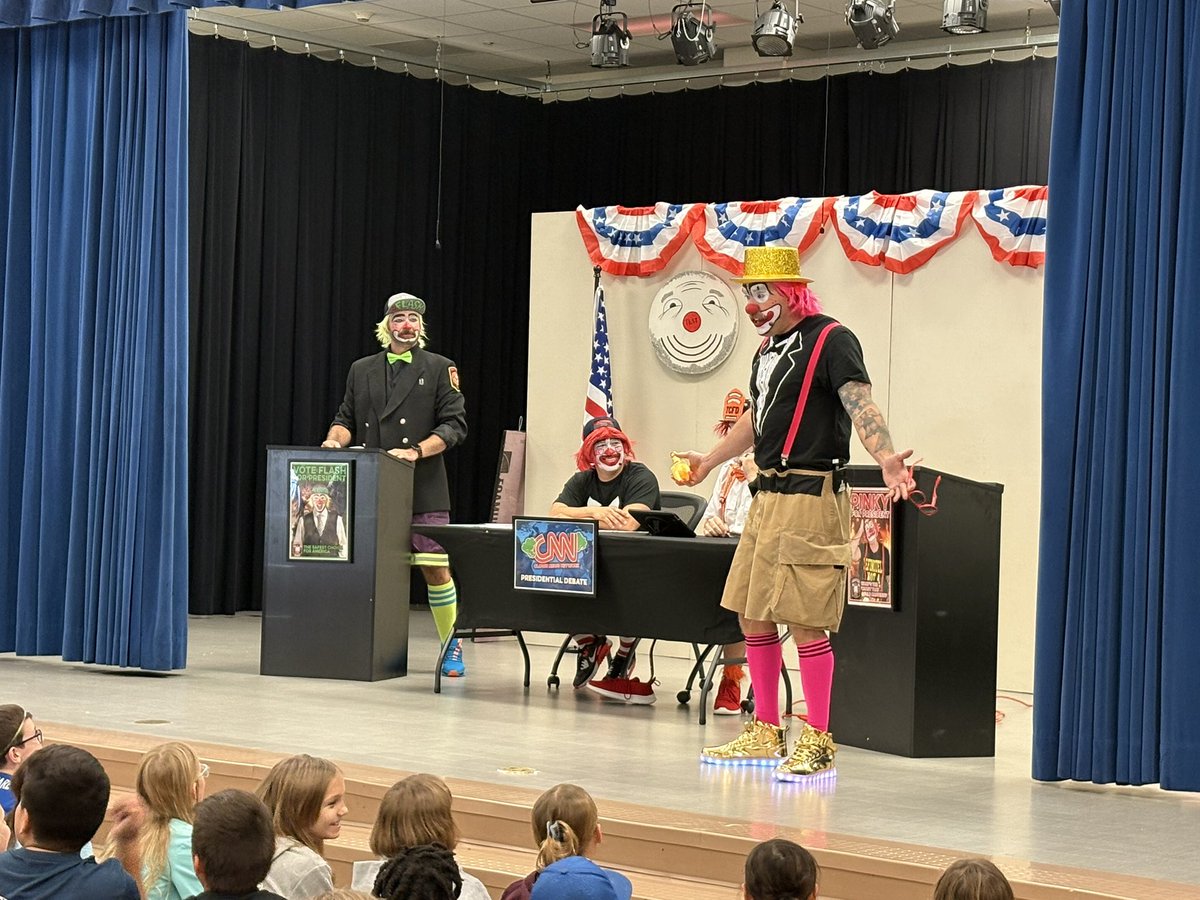
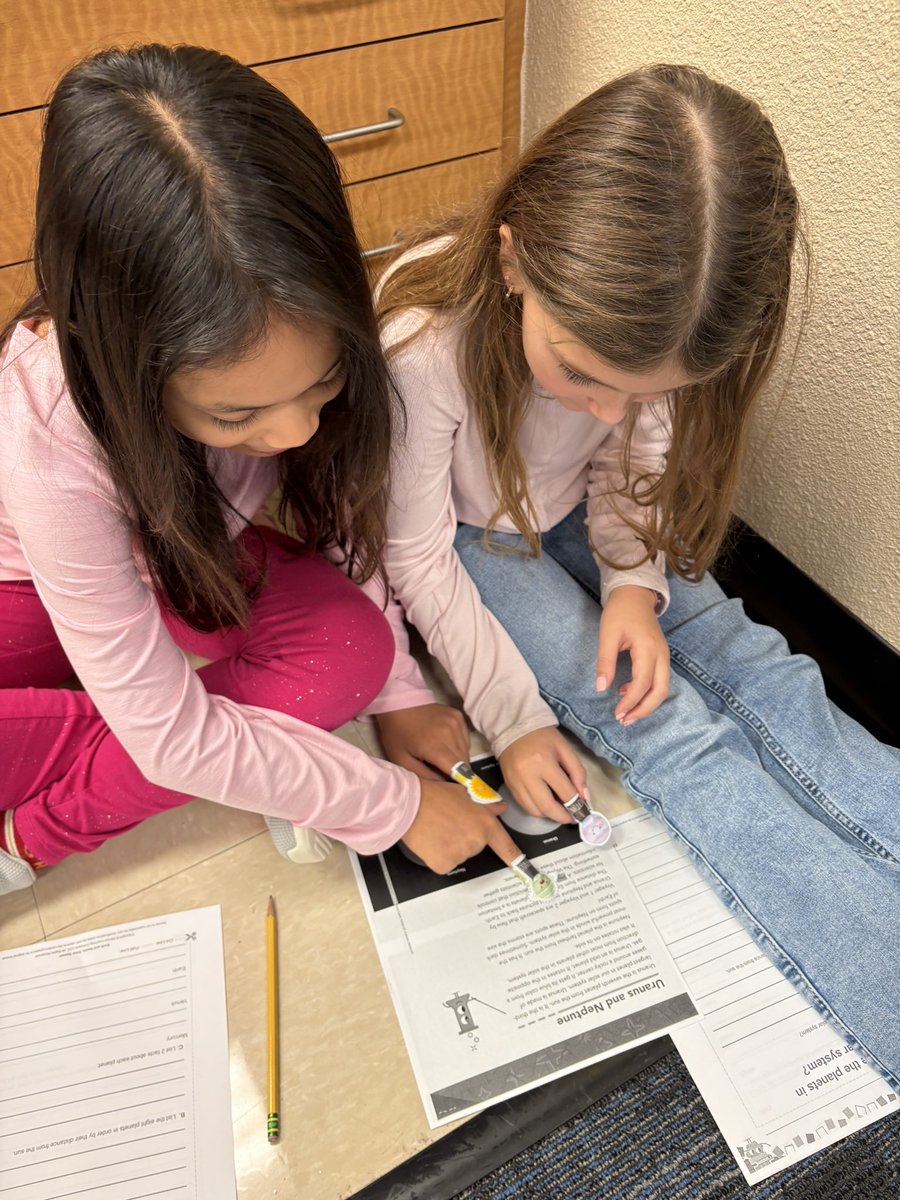
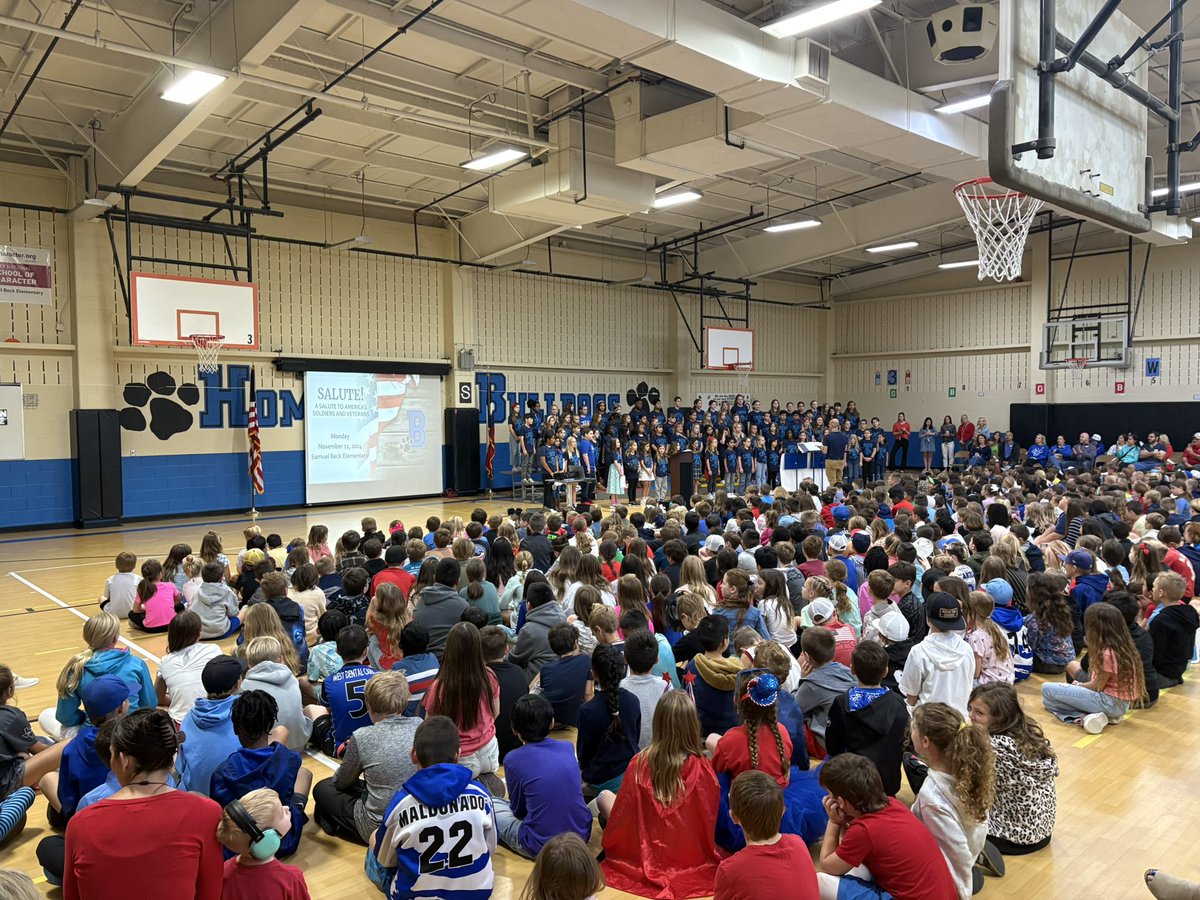
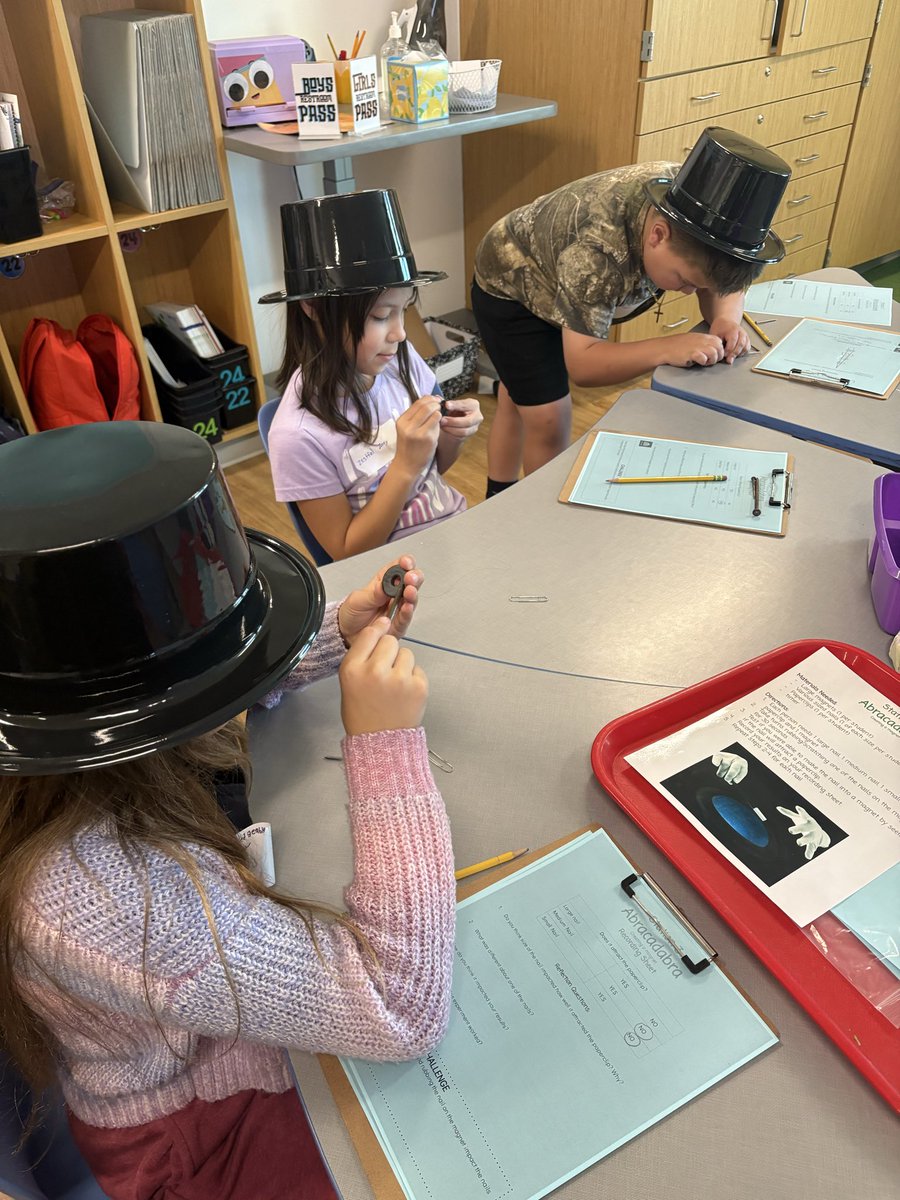
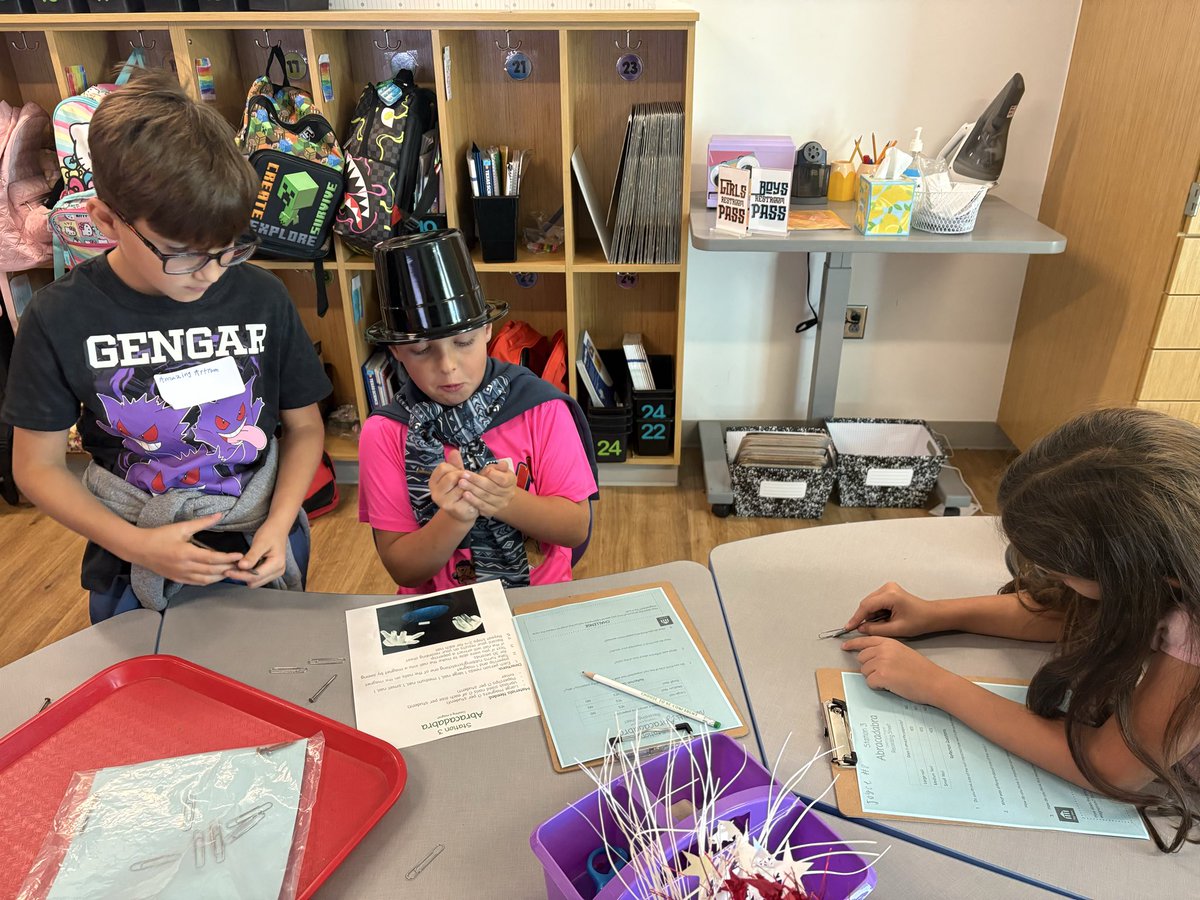
First room transformation for the year went great! It’s always fun to do magic tricks with magnets! @BirdvilleISD

21
16 May 2025
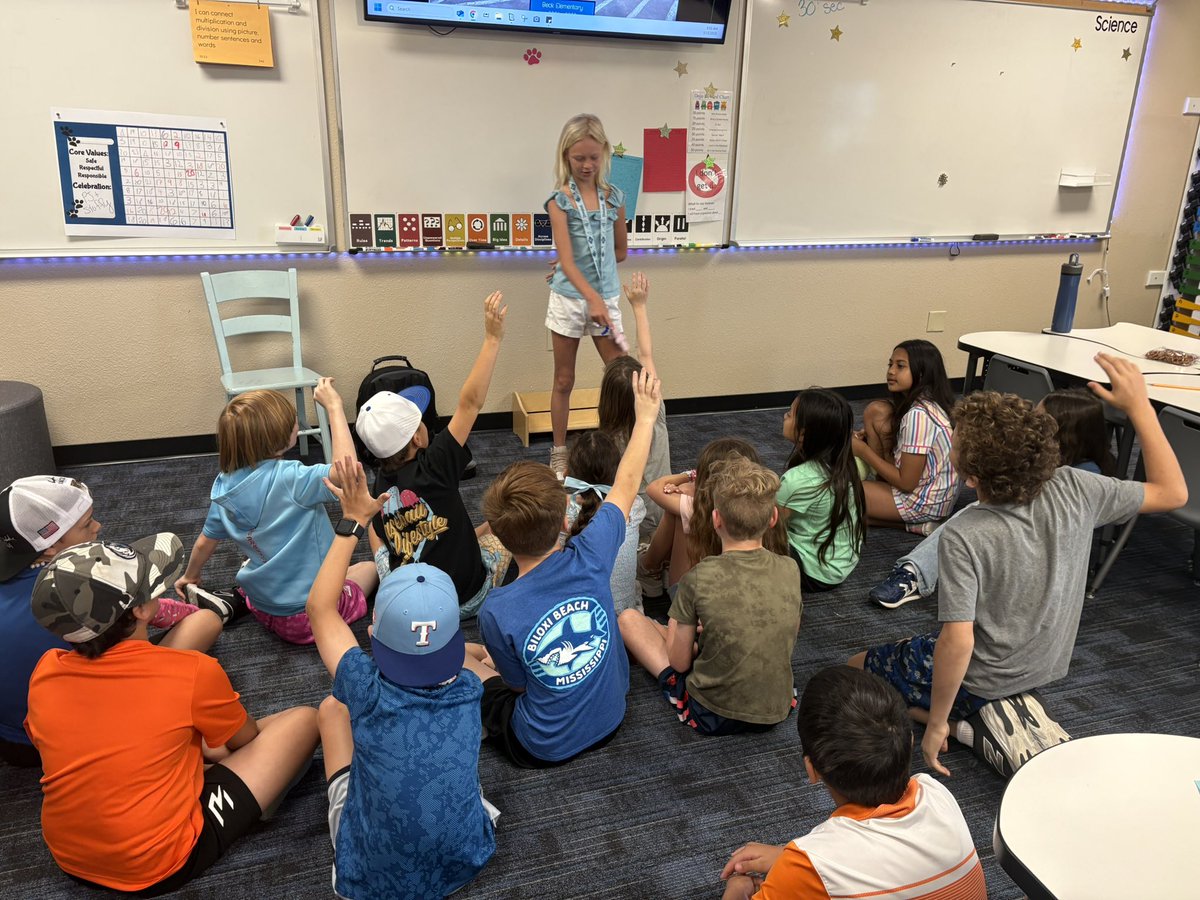
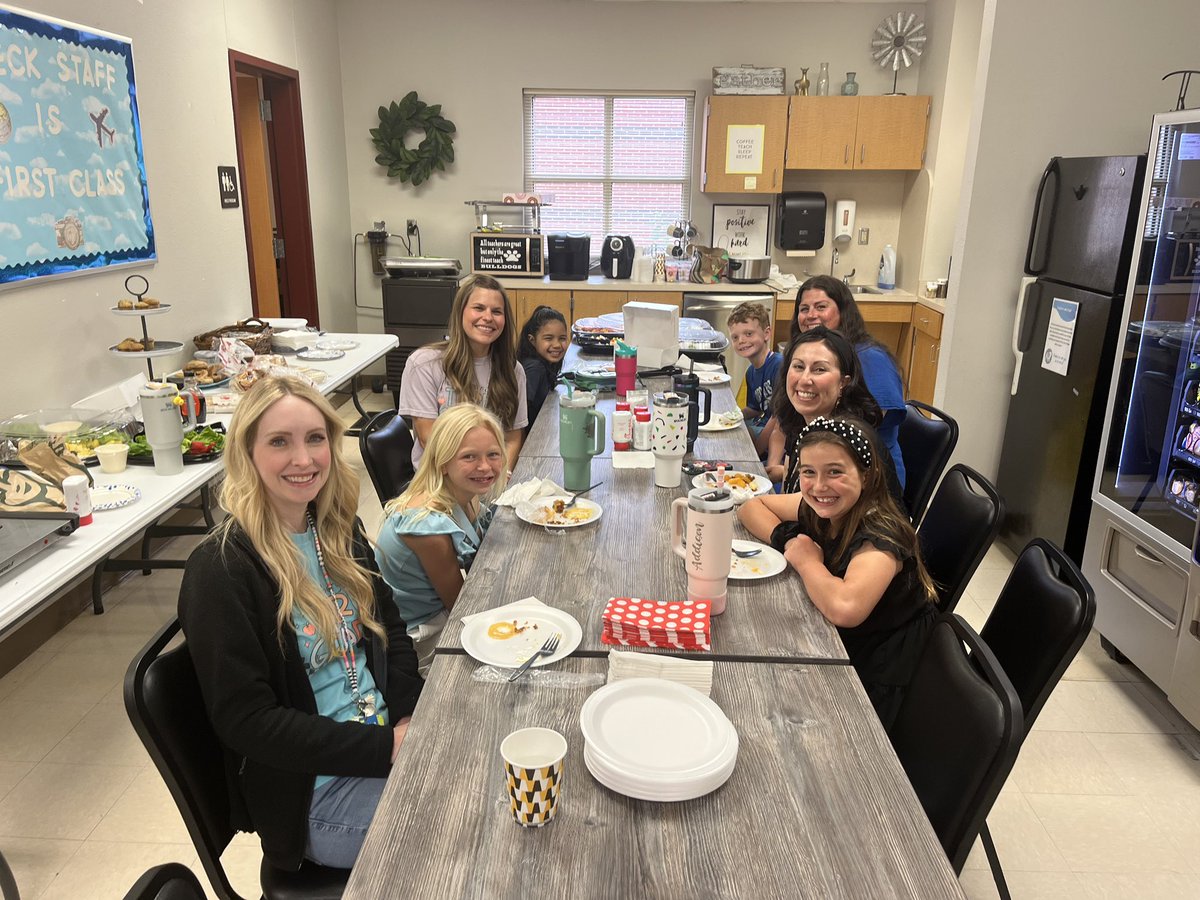
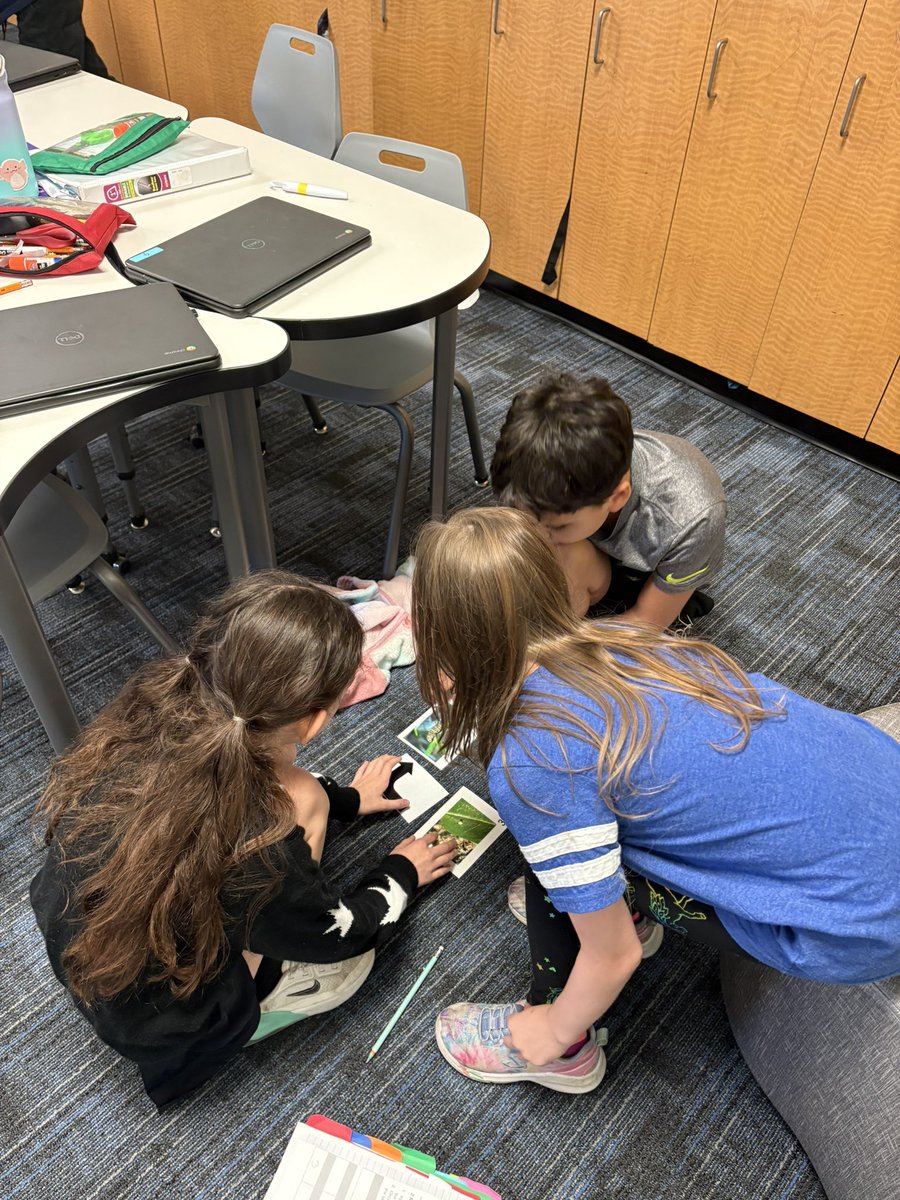
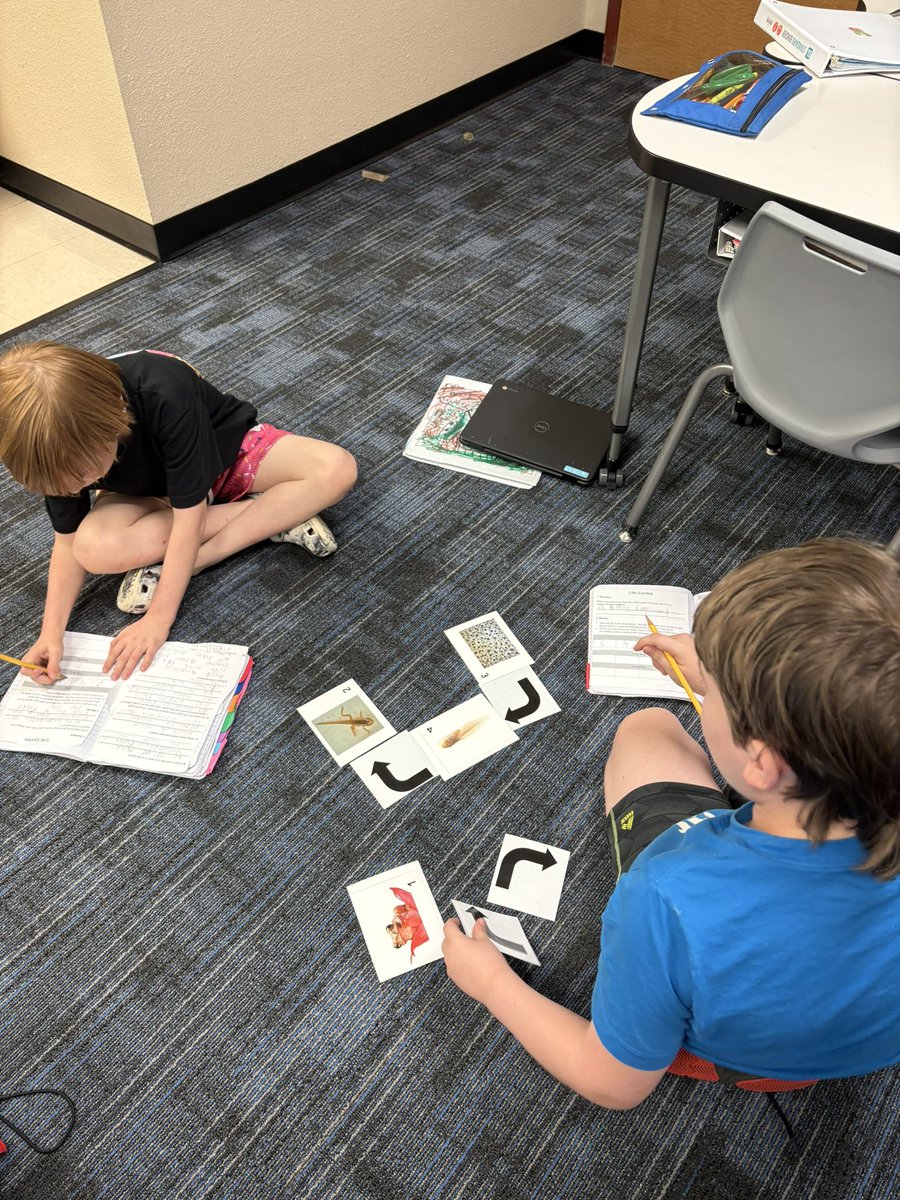
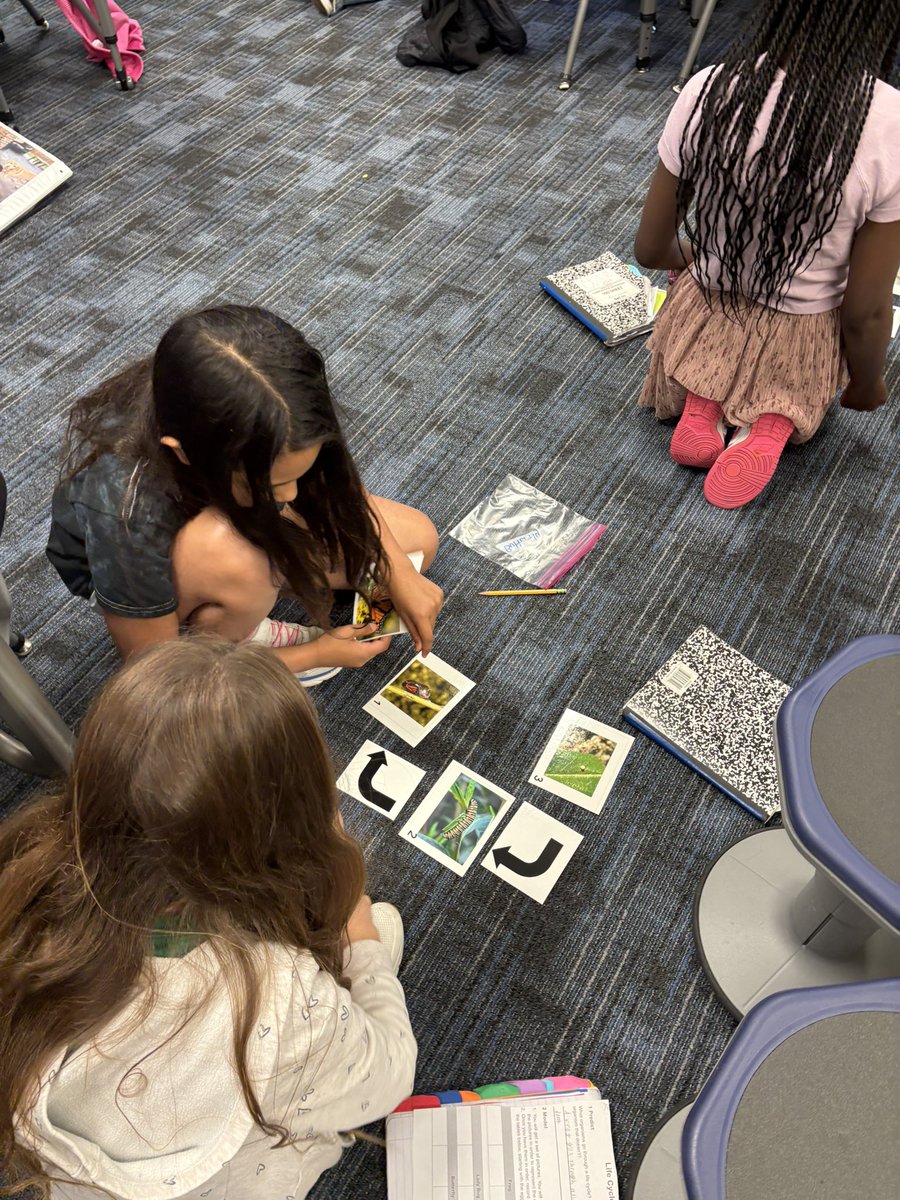
Kids Take Over was a huge success! My student teacher did a great job and said it solidified her want to be a teacher! @BeckElem
4
93
Kelley Cushenbery retweeted

7 Apr 2025
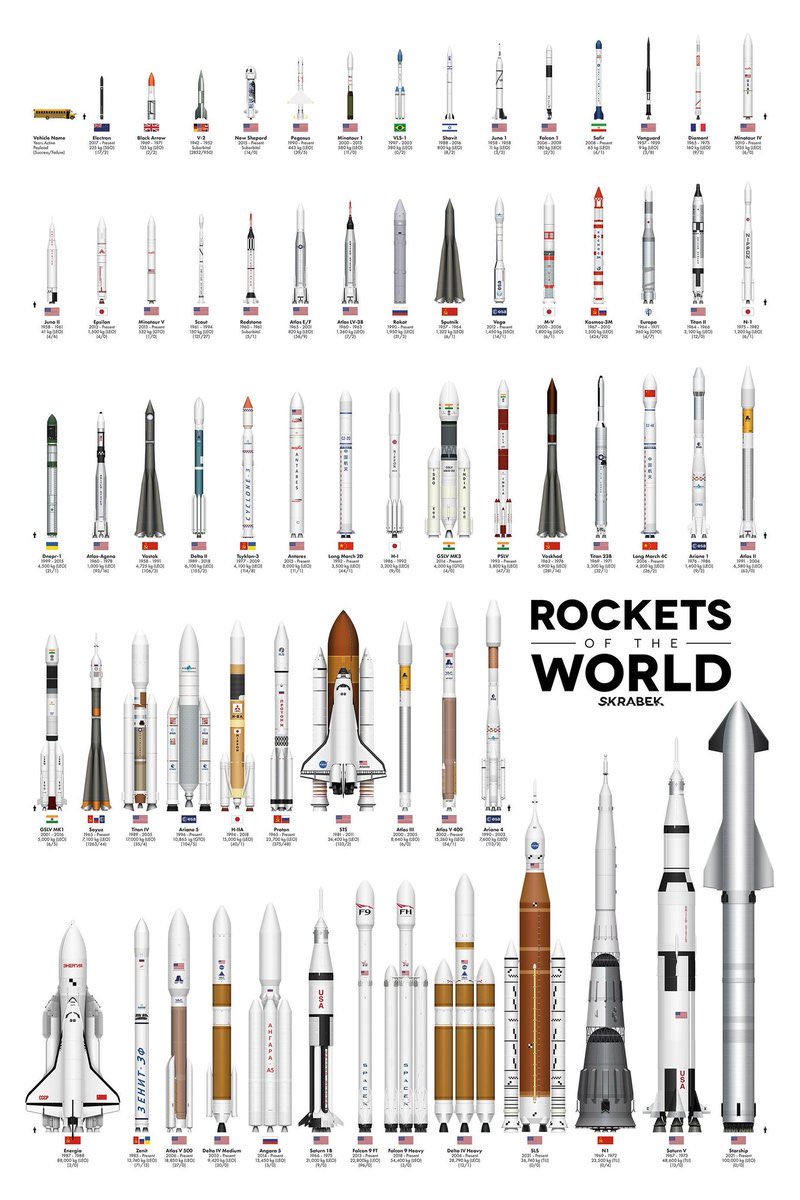
The time a spacecraft takes to reach each planet from earth
x.com/DamnThatsInter/status/…
336
2,103
10,897
5,290,497
Kelley Cushenbery retweeted

12 Mar 2025
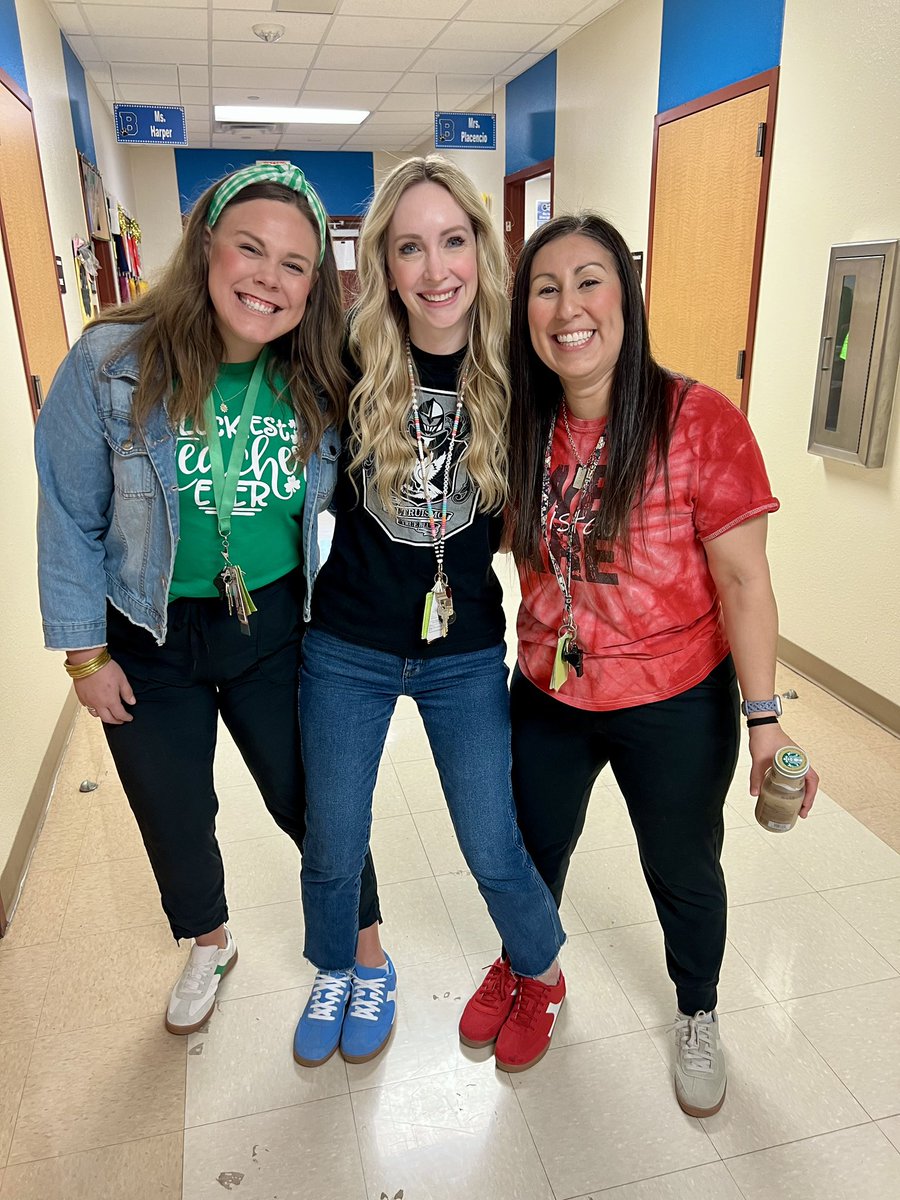
🤫 Underground Spirit Week! 🤫
1
4
114
5 Feb 2025
We loved having Mrs. Bardo come in and share Stone Soup with our class for Northwest Reads! @BeckElem
3
73
5 Feb 2025
A HUGE thank you to @MrsDixonGT for coming and reading to my class for Northwest Reads! @BeckElem
2
62

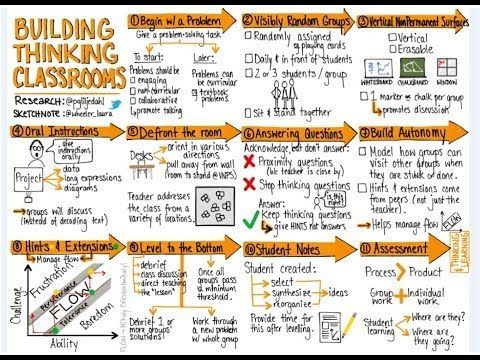
Looking to transform your classroom into a hub for critical thinking and problem-solving? 💡 Check out these key strategies for Building Thinking Classrooms! Which of these practices will you try first?
🛠🧠 Building Thinking Questions 🧠🛠
📸@wheeler_laura
#educhat #educoach #teaching
2
62
162
17,062
9 Dec 2024
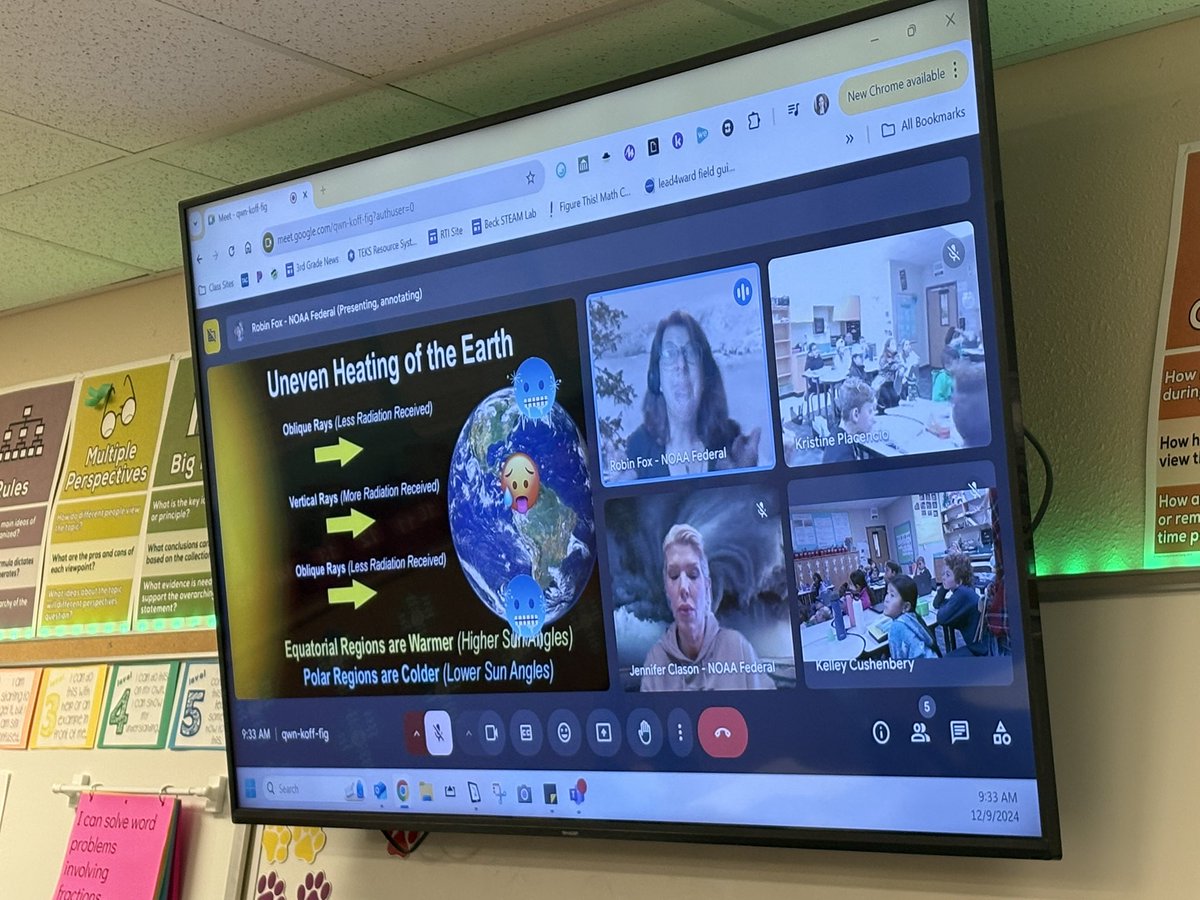
HUGE thank you to Robin Fox and Jennifer Clason at the @NationalWeathe for speaking to our classes about weather basics! @BeckElem @MrsWalker3rd
7
98
6 Dec 2024
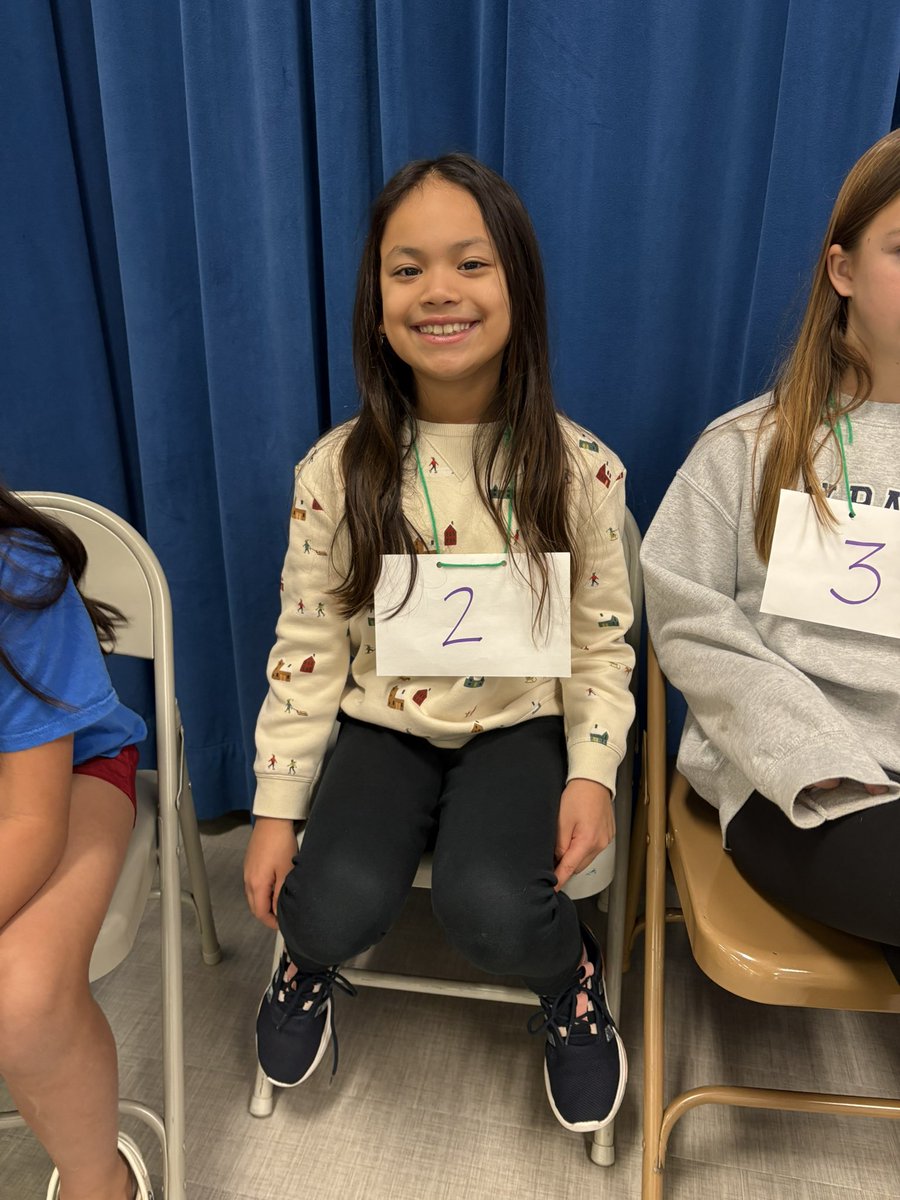
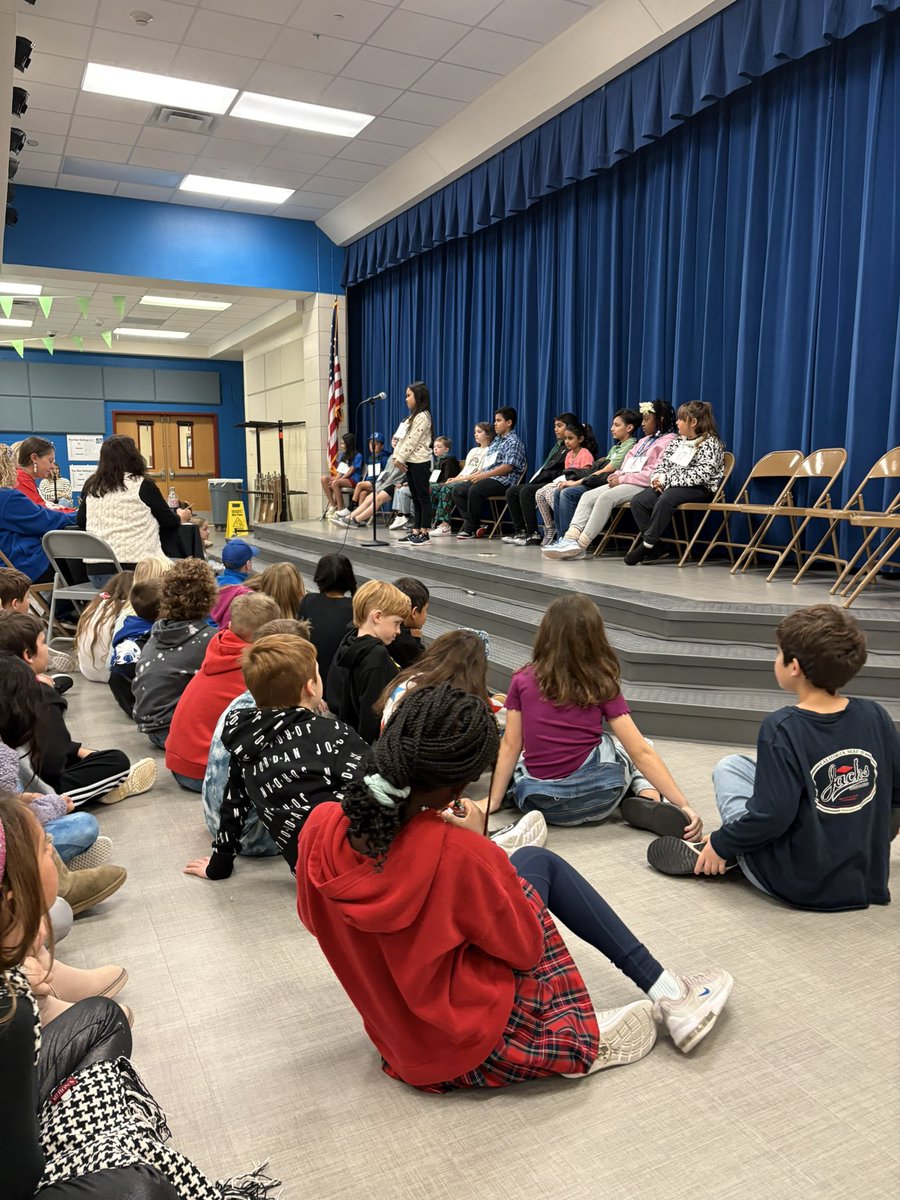
So proud of our Spelling Bee contestant! We’re proud of all your hard work! @BeckElem
3
73
Kelley Cushenbery retweeted

1 Dec 2024
Did you know you can create a spinning wheel in @CanvaEDU!🤯
1. Go to ‘apps’
2. Select ‘Lucky Wheel’
3. Choose wheel color
4. Paste items
5. Generate wheel
6. Go to present and spin!!
#MLmagical #DragonSmart #CanvaEDU
2
25
82
5,269
21 Nov 2024
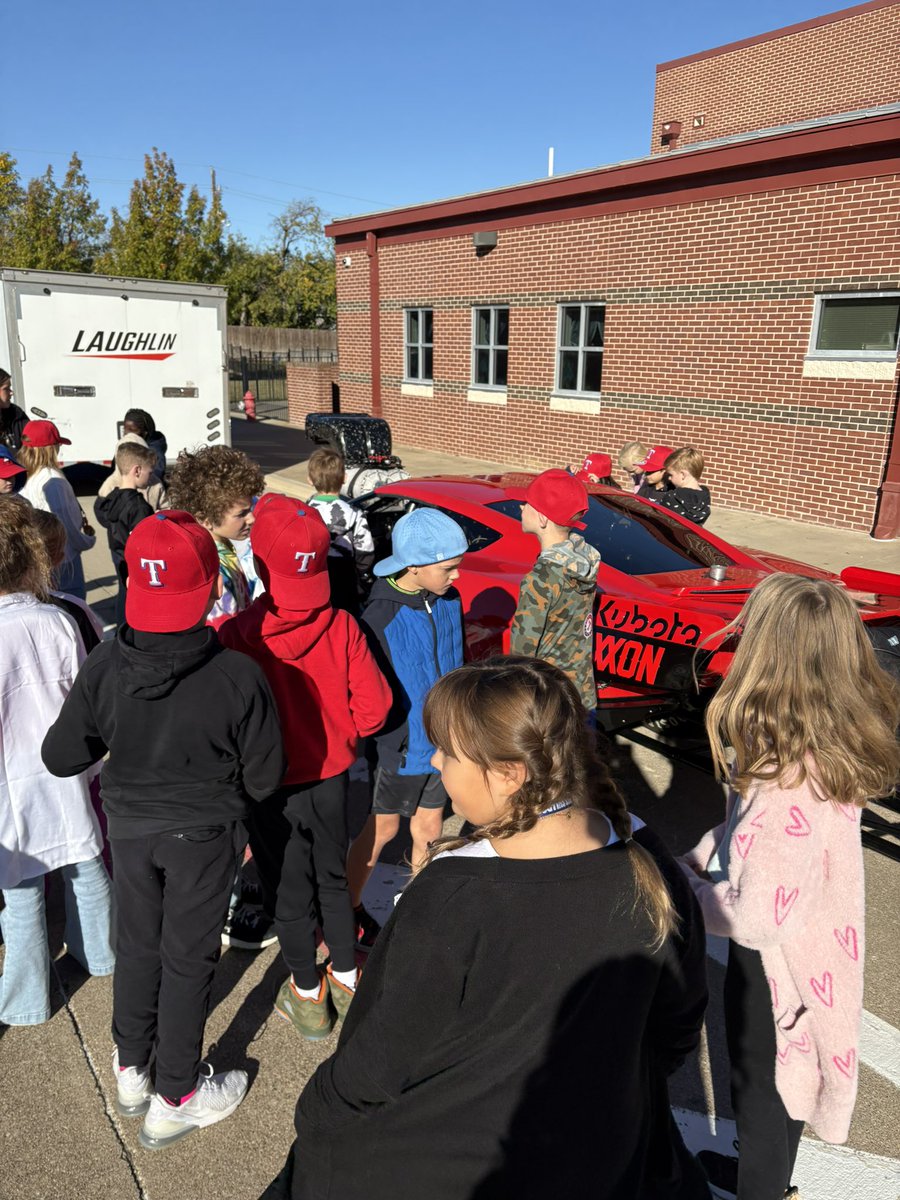
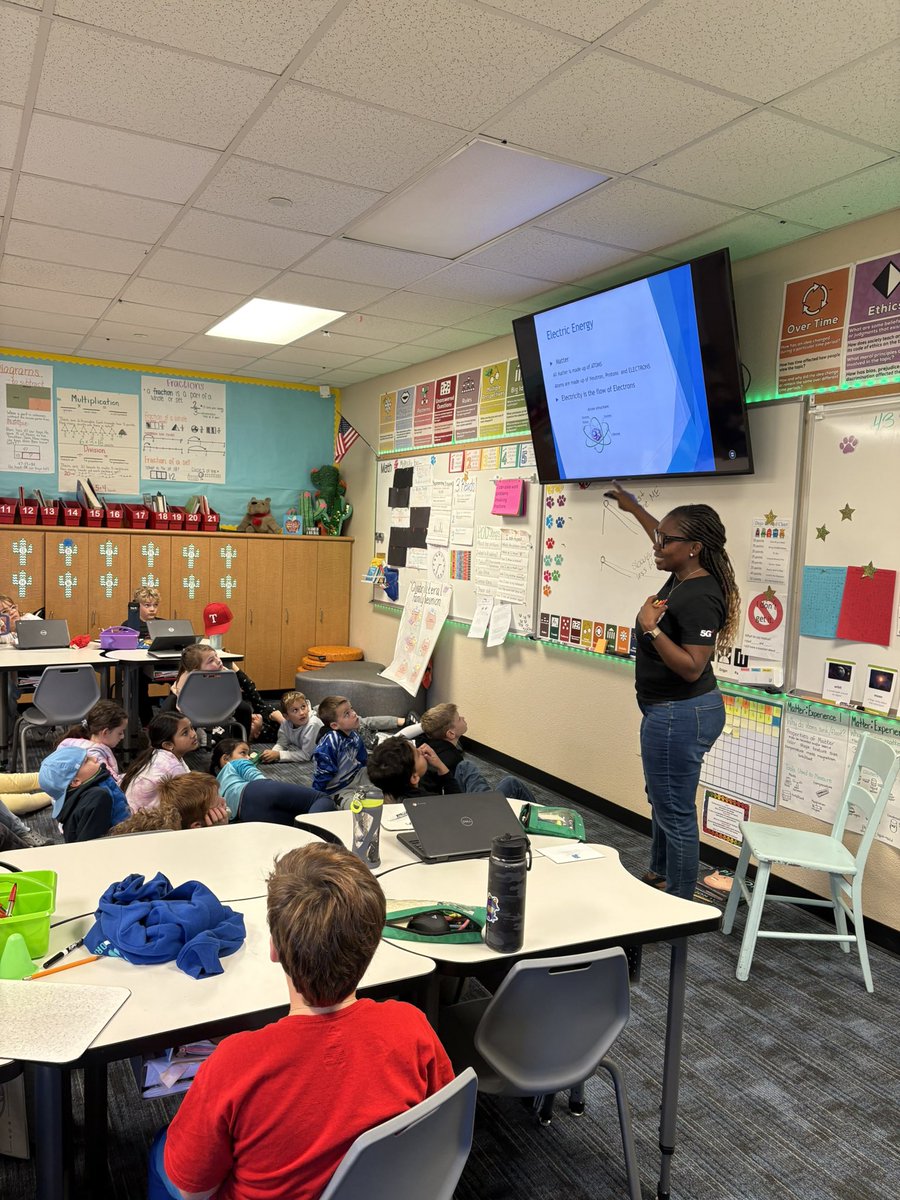
We had a great career day today! Thank you to Mr. Bardo and Mrs. Kumolu for sharing their love of engineering with us! @BeckElem
3
79

19 Nov 2024
A big thank you to the Trophy Club Fire Department for the hilarious and engaging clown show teaching us all about fire safety! @BeckElem
6
82
Kelley Cushenbery retweeted

18 Nov 2024
Set up a picture in picture effect in a Canva video project. You can layer a smaller video or image over the main one, which works great for tutorials, reactions, or presentations. Simple and effective! #Canva #EdTech
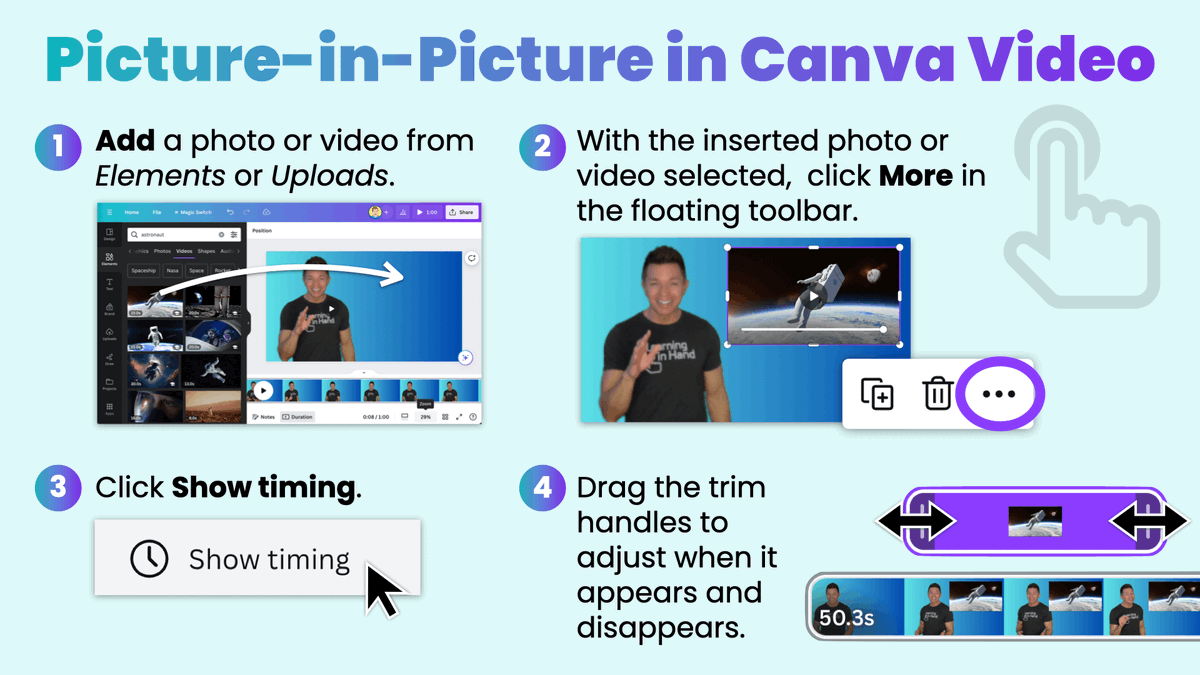
ALT A screenshot showing how to add a picture-in-picture effect to a video in Canva. The steps are numbered and include: adding a photo or video, selecting the video, clicking the 'More' button, clicking 'Show timing,' and dragging the trim handles to adjust the timing of the picture-in-picture effect.
1
32
109
6,728
11 Nov 2024
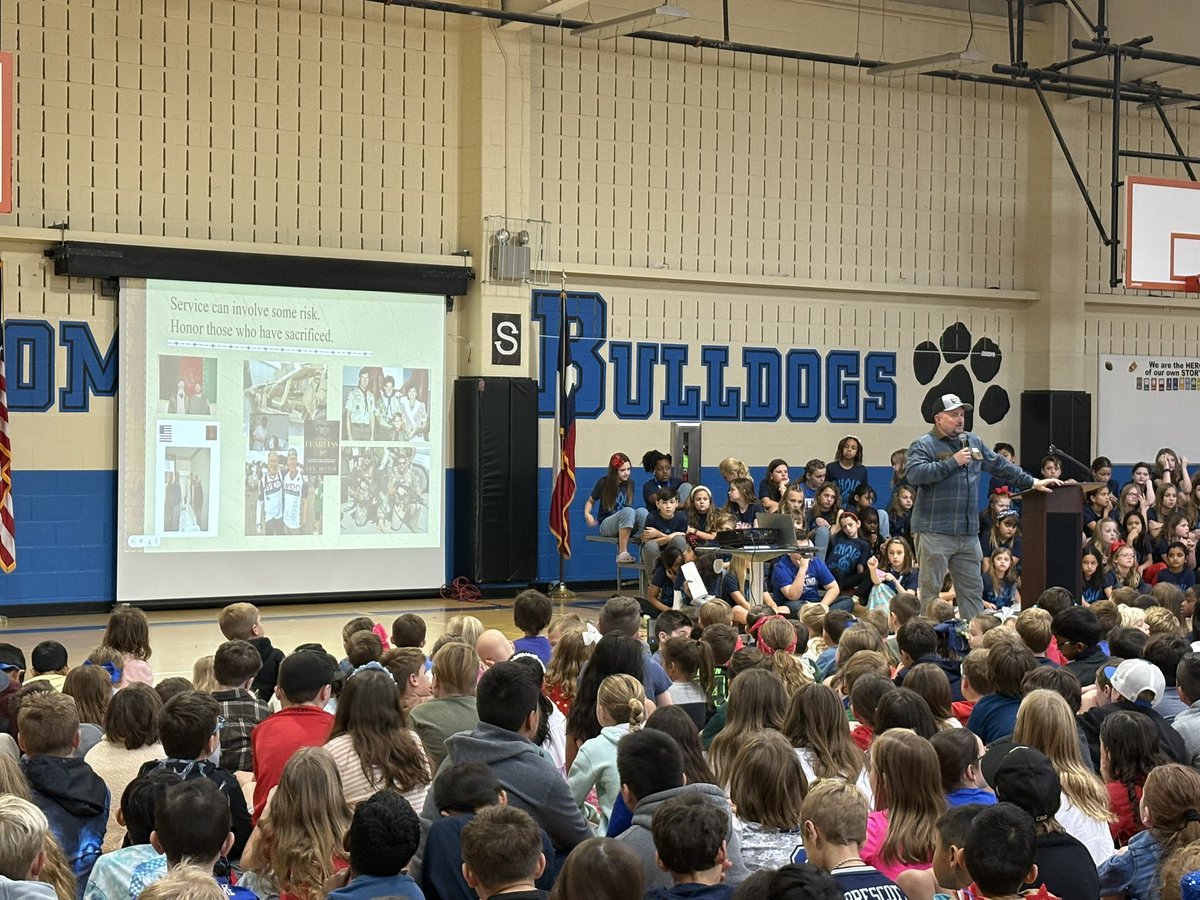
Happy Veterans Day! Thank you, Mr. Bauer for sharing your experience with us! @BeckElem 🇺🇸
2
53
7 Nov 2024
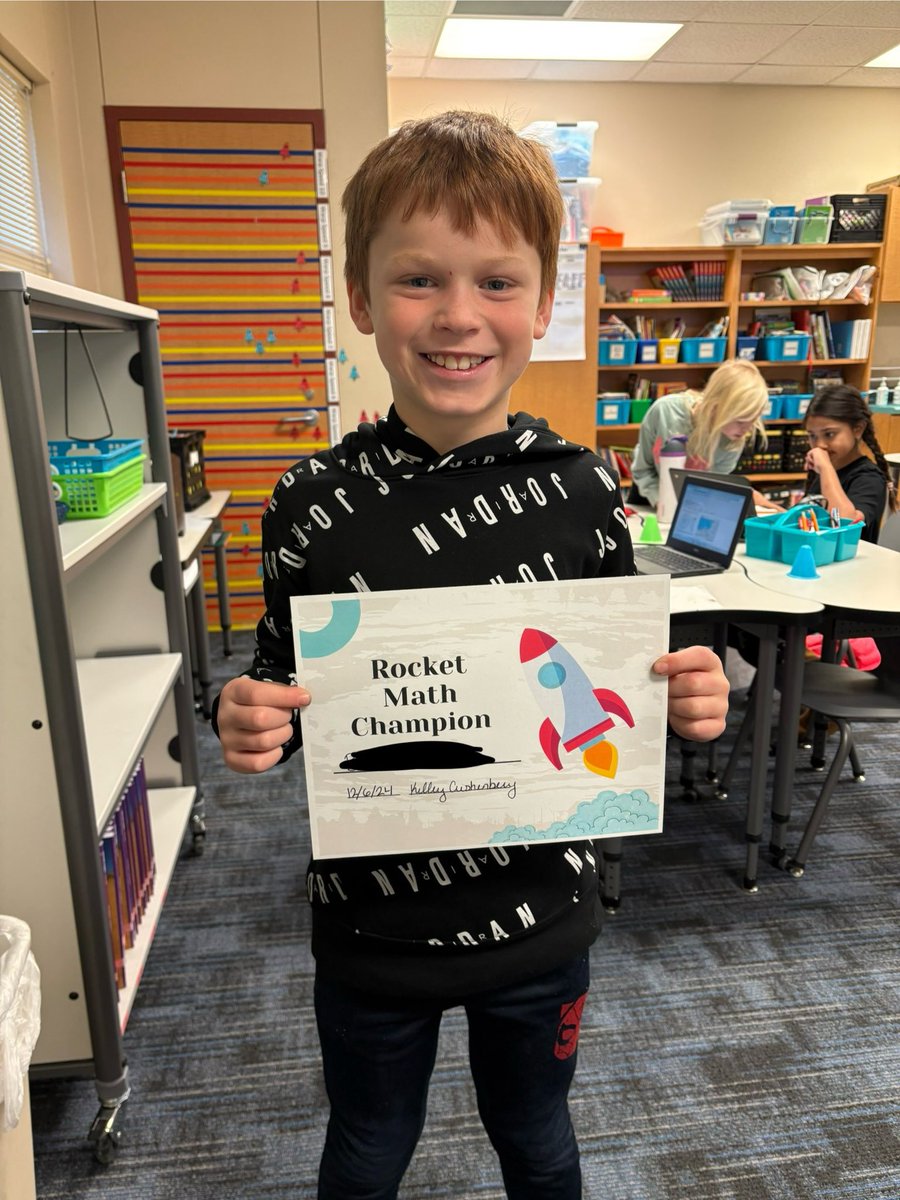
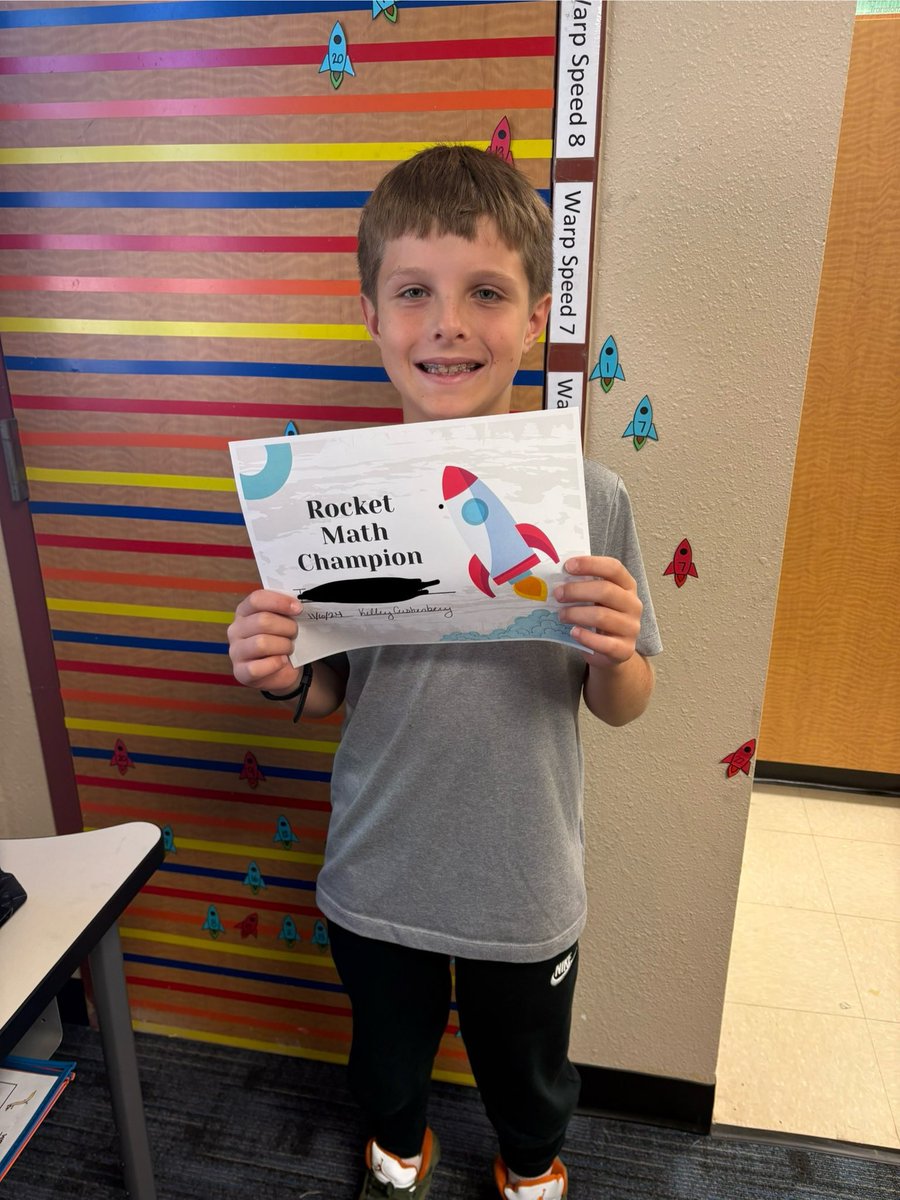
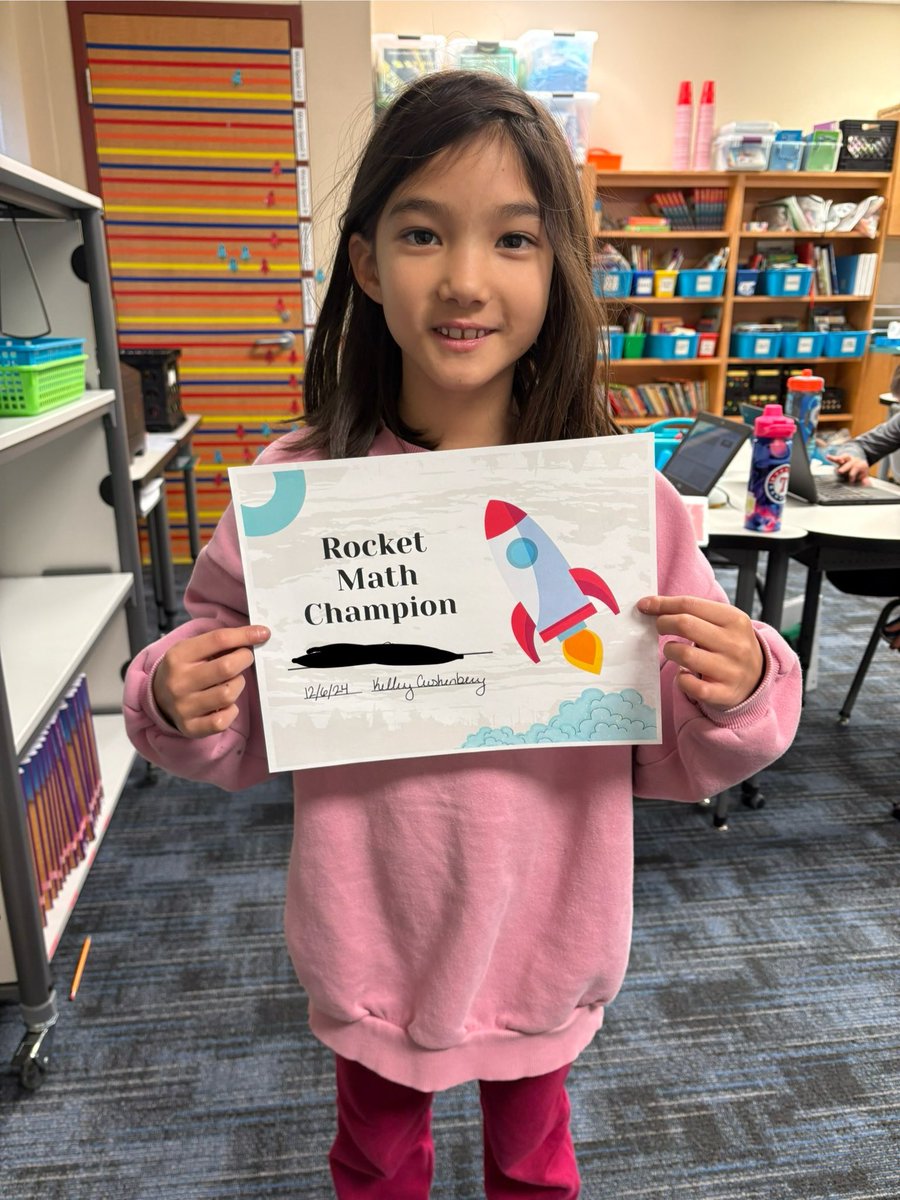
We’ve had our first Rocket Math Champion, and fastest we’ve ever had! Way to go! 🚀 @BeckElem @BrytneiRocha3
1
3
85