
Lazesoft new products, special offers, news & events, Q&A, all here in one place!
Joined May 2011
- Tweets 173
- Following 458
- Followers 228
- Likes 1
35 Photos and videos
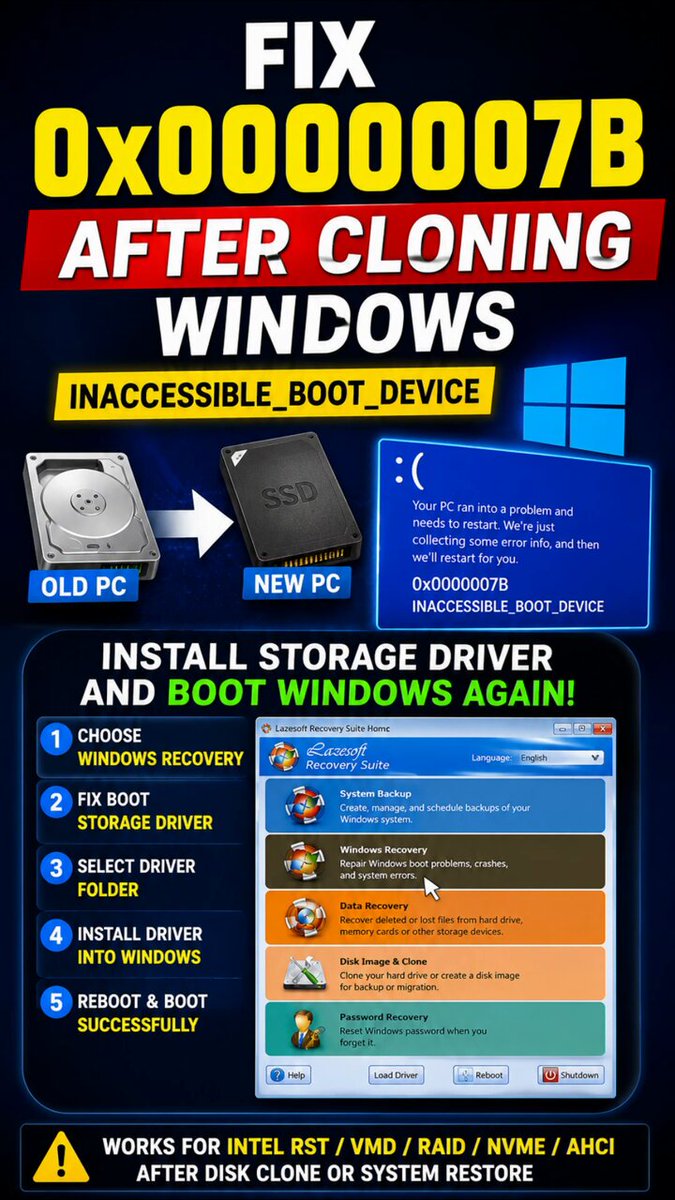
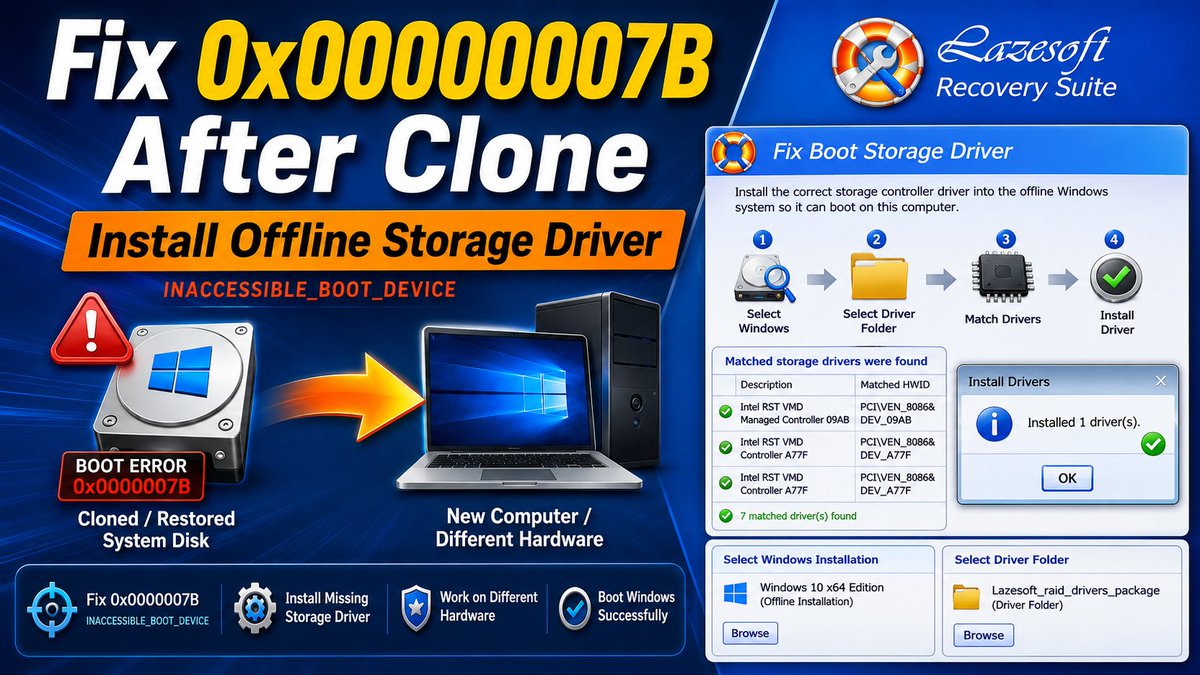
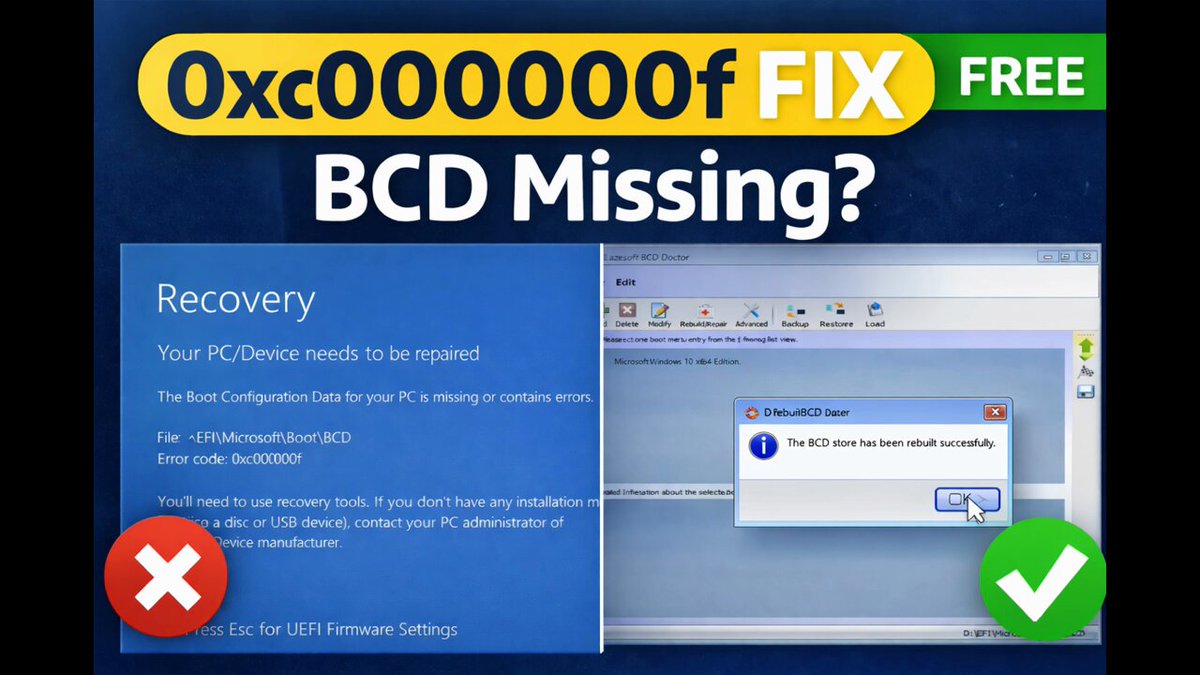

Cloned Windows won’t boot?
0x0000007B / INACCESSIBLE_BOOT_DEVICE may mean the new PC needs a storage driver.
Use the WinPE/storage driver package for the NEW target computer, then install it with Lazesoft Fix Boot Storage Driver.
#BootRepair #WindowsRecovery #Lazesoft
22
Windows 0x0000007B / INACCESSIBLE_BOOT_DEVICE after disk clone or system restore?
It’s often caused by a storage controller mismatch or missing driver:
Install the correct offline storage driver to fix boot access.
#WindowsRecovery #DiskClone #0x0000007B #PCRepair
17
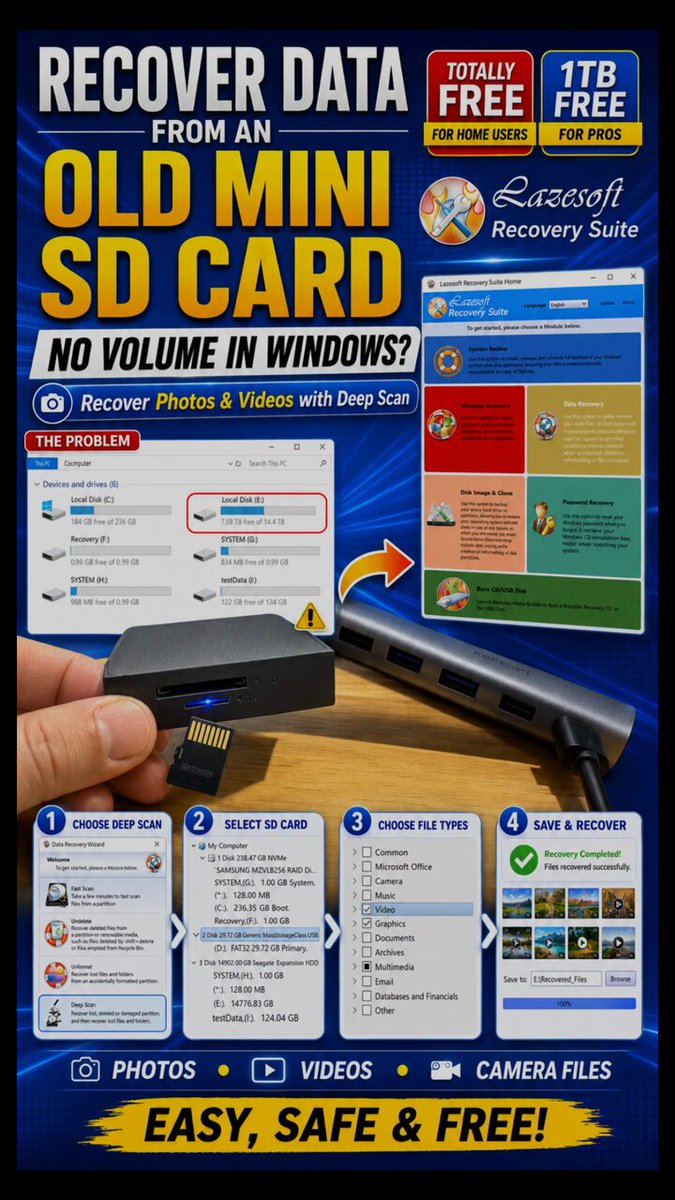
SD card not showing in Windows?
Before formatting, try recovery first.
This short video shows how to recover photos & videos from an old mini SD card with Lazesoft Deep Scan.
Free for home users.
1TB free for pros.
lazesoft.com/download.html
#SDCardRecovery #PhotoRecovery
48
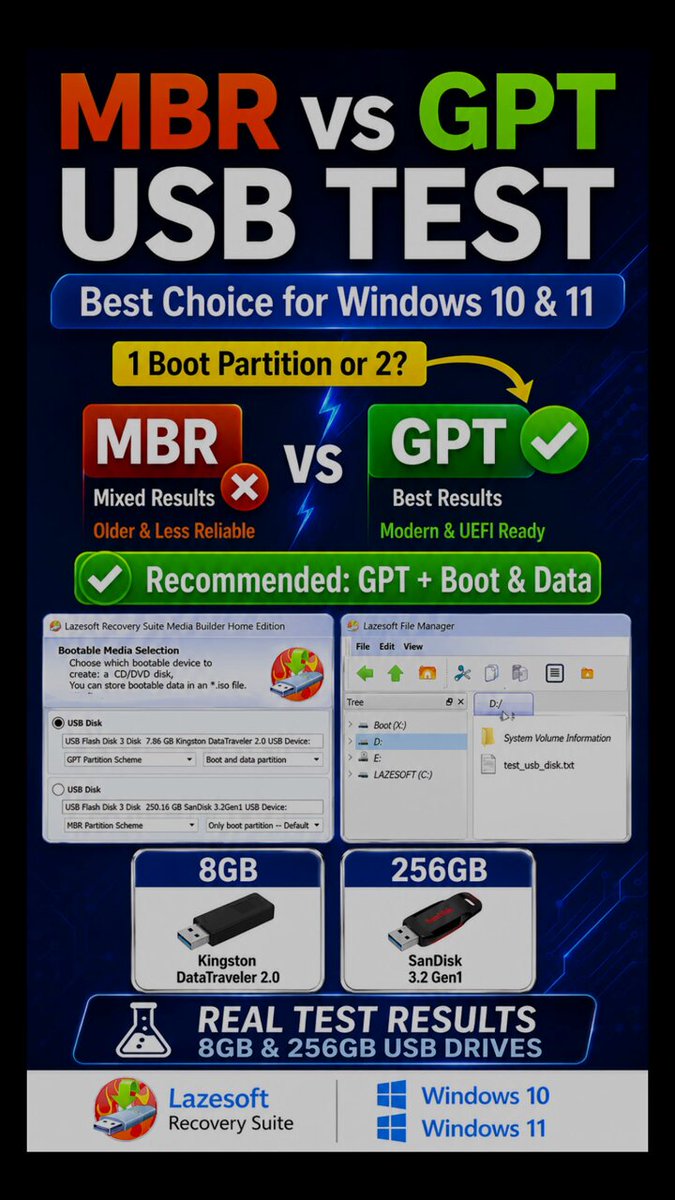
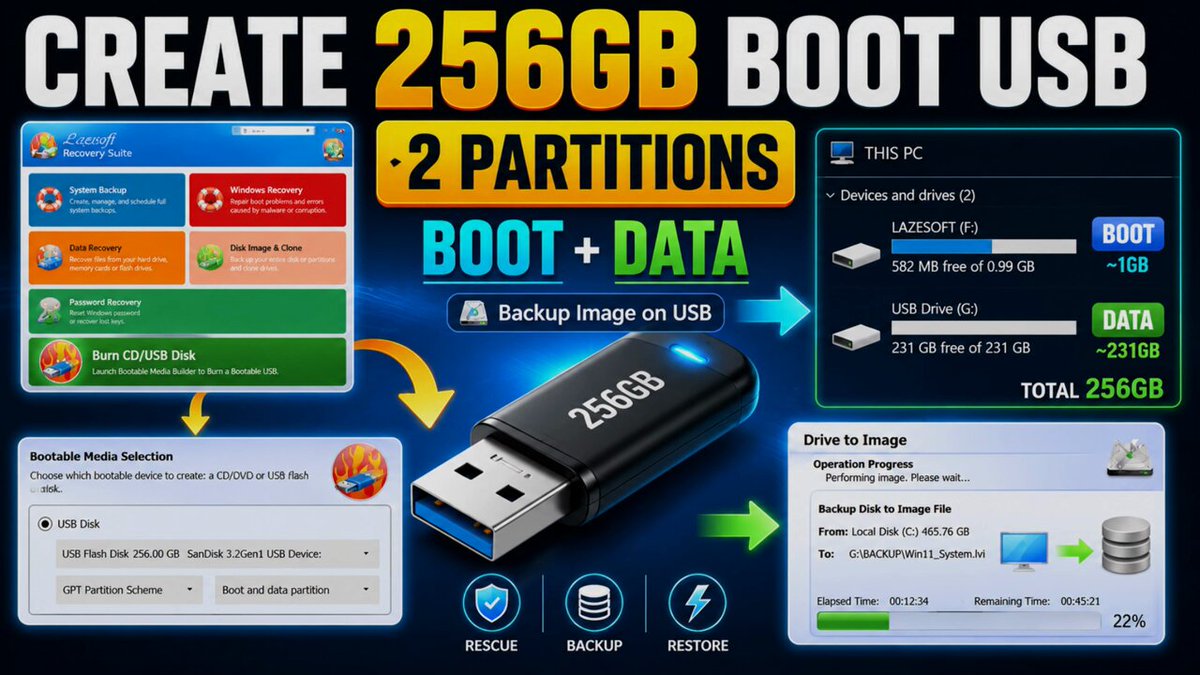
Best USB boot disk format for Windows 10/11?
We tested MBR and GPT USB boot disk layouts on Windows 10.
For the 8GB USB drive, both GPT options worked.
But MBR had mixed results.
#Windows11 #Windows10 #BootableUSB #GPT
57
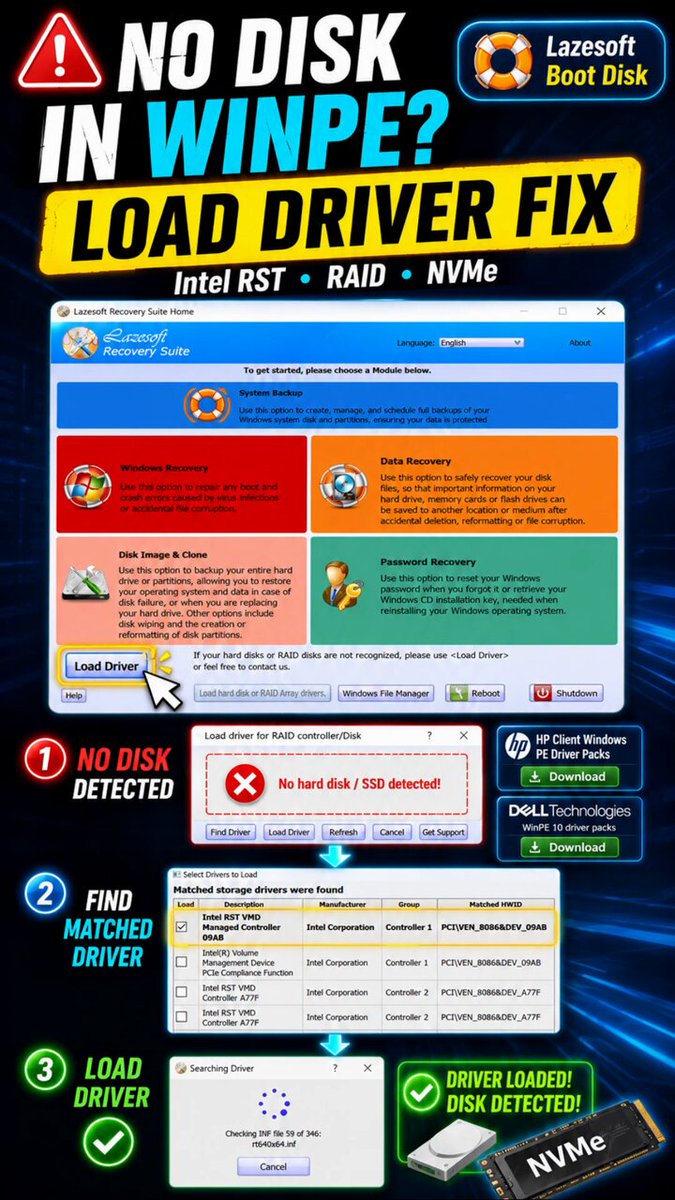
WinPE boot disk cannot see your hard drive?
The most common reason is a missing storage controller driver.
✅ Build boot USB
✅Add driver pack
✅Load matching storage driver
✅Detect your missing disk
Free for home users.
#WinPE #WindowsRecovery #Lazesoft #HardDiskNotDetected
1
65
Google search, "Dell WinPE 10 drive pack" or "HP WinPE drive pack" to download the drive pack. 📷 Download Lazesoft Recovery Suite Home Edition (FREE): lazesoft.com/lazesoft-recove…
82
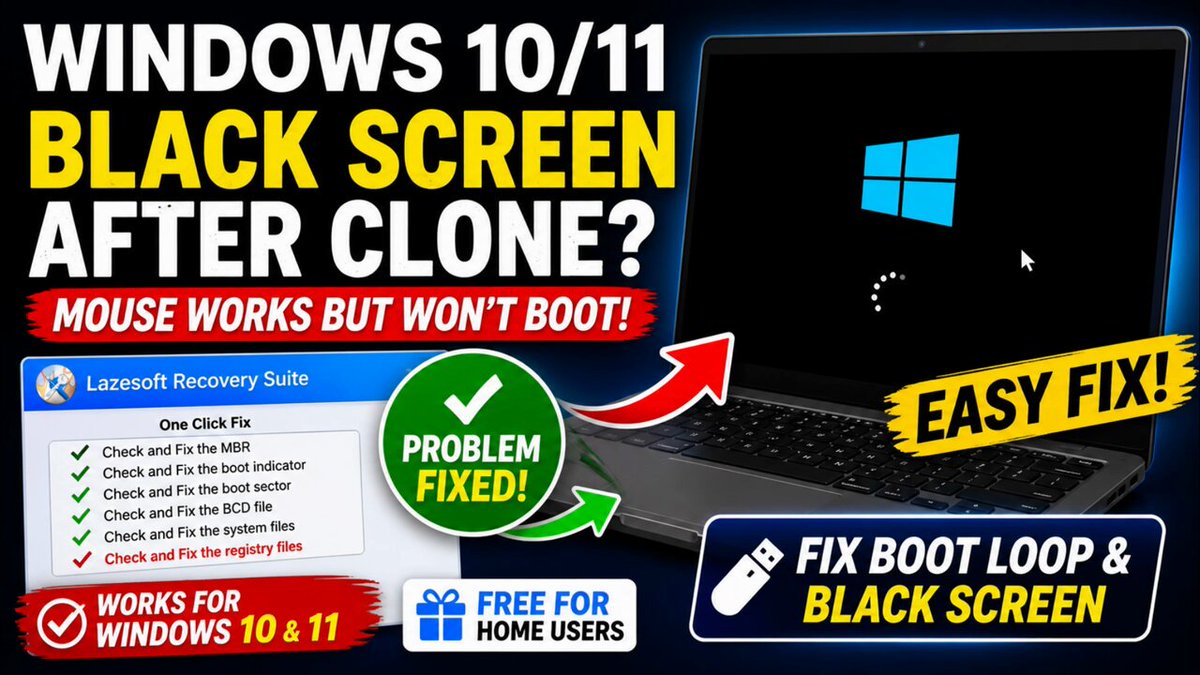
Fix Windows 10/11 Black Screen After Clone or Restore
lazesoft.com/windows-recover…
28
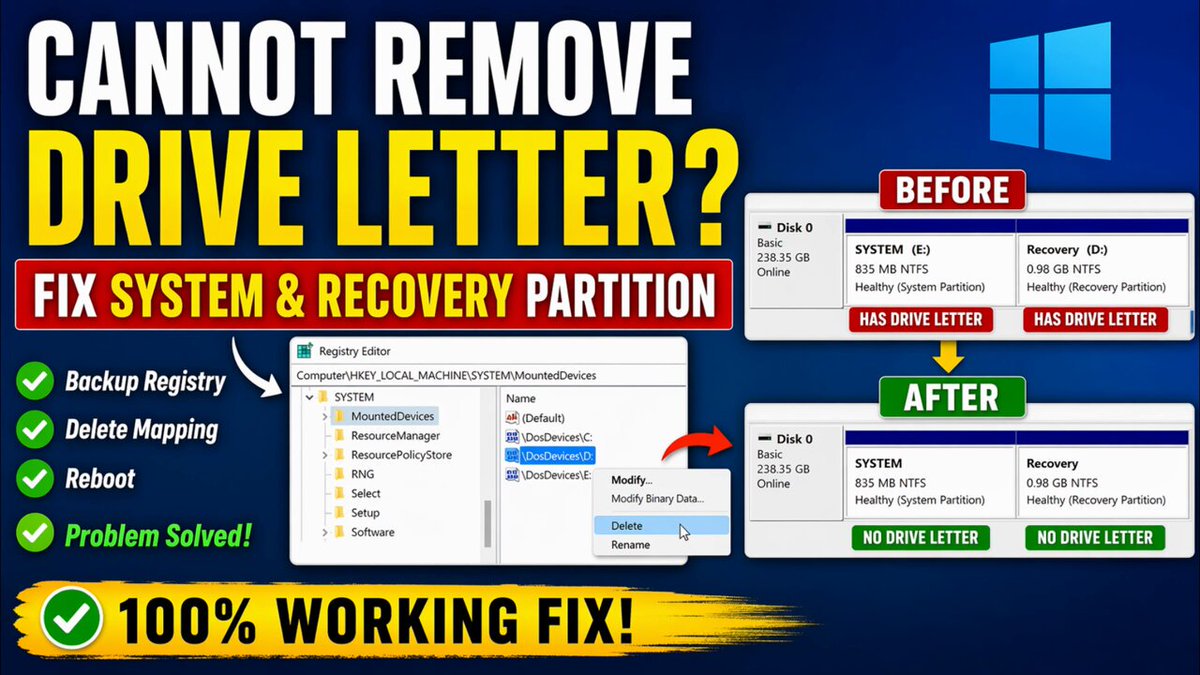
Fix: Cannot Remove Drive Letter from Recovery or System Partition (Windows 10/11) lazesoft.com/windows-recover…
10
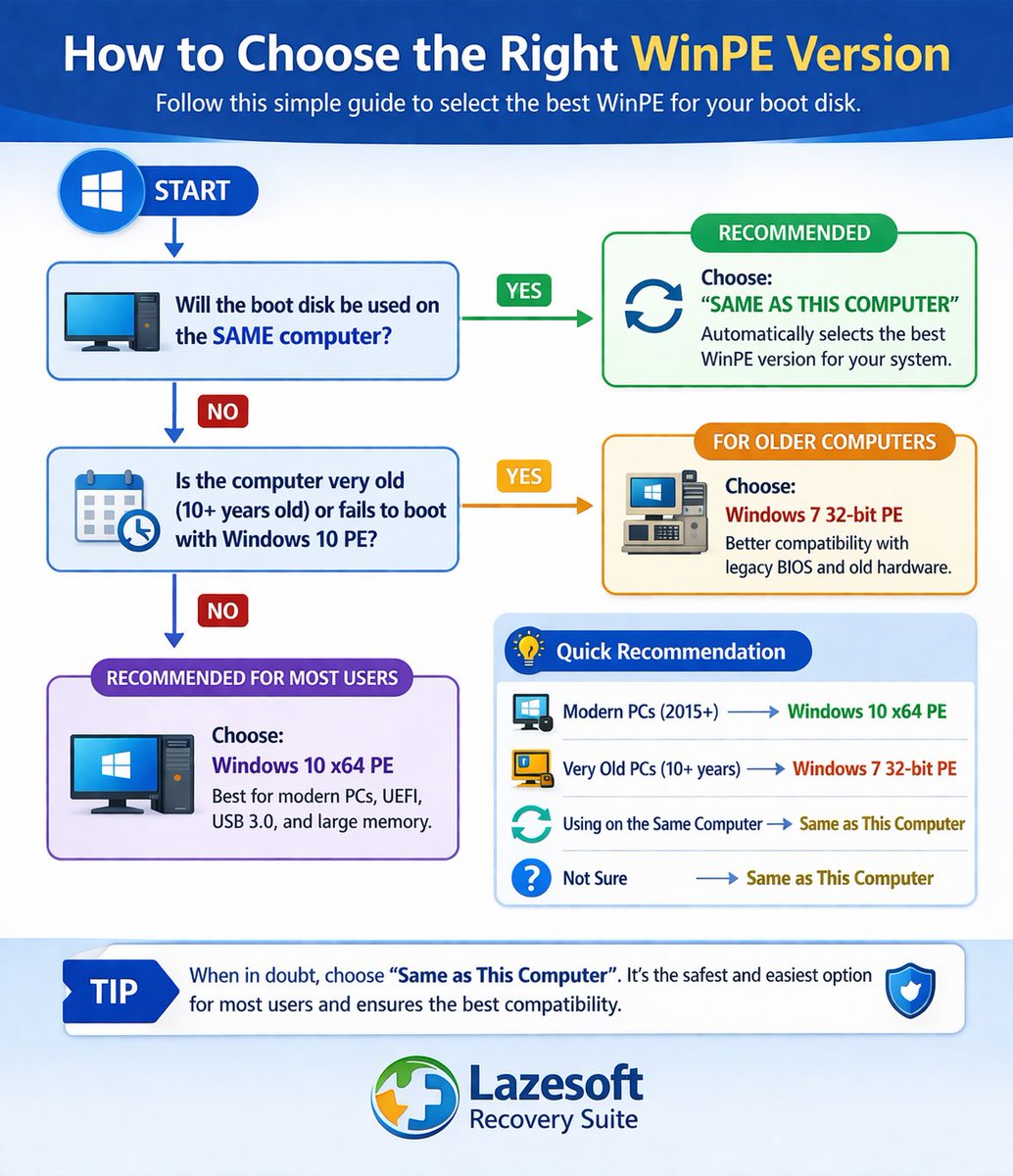
How to Choose the Correct Windows PE Version for Your Boot USB (WinPE Guide)
lazesoft.com/blog/choose-win…
8
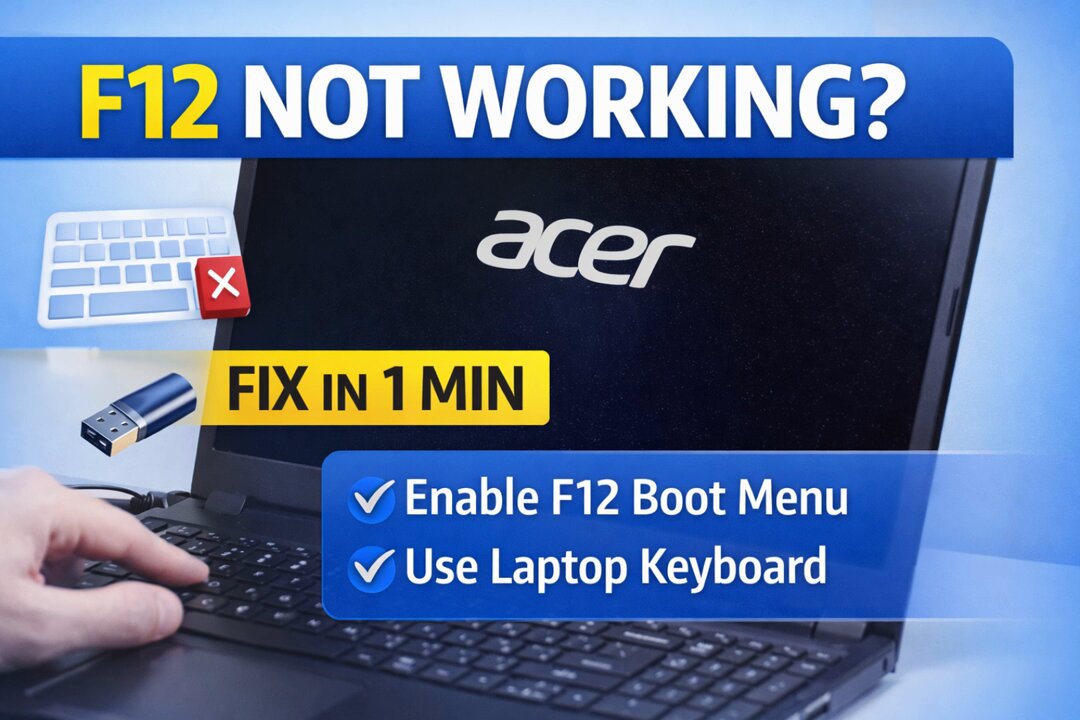
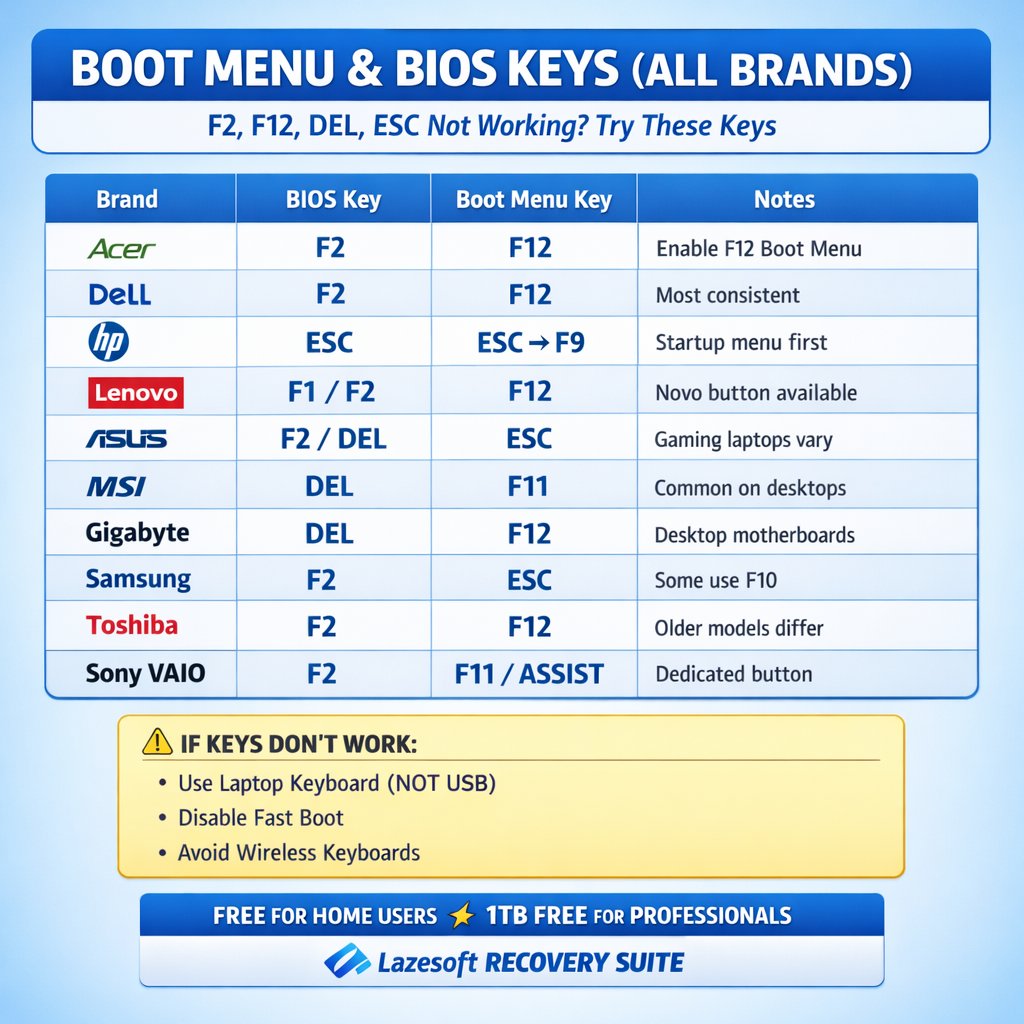
Boot Key Not Working? Fix F2, F12, DEL, ESC Not Entering BIOS: lazesoft.com/windows-recover…
45
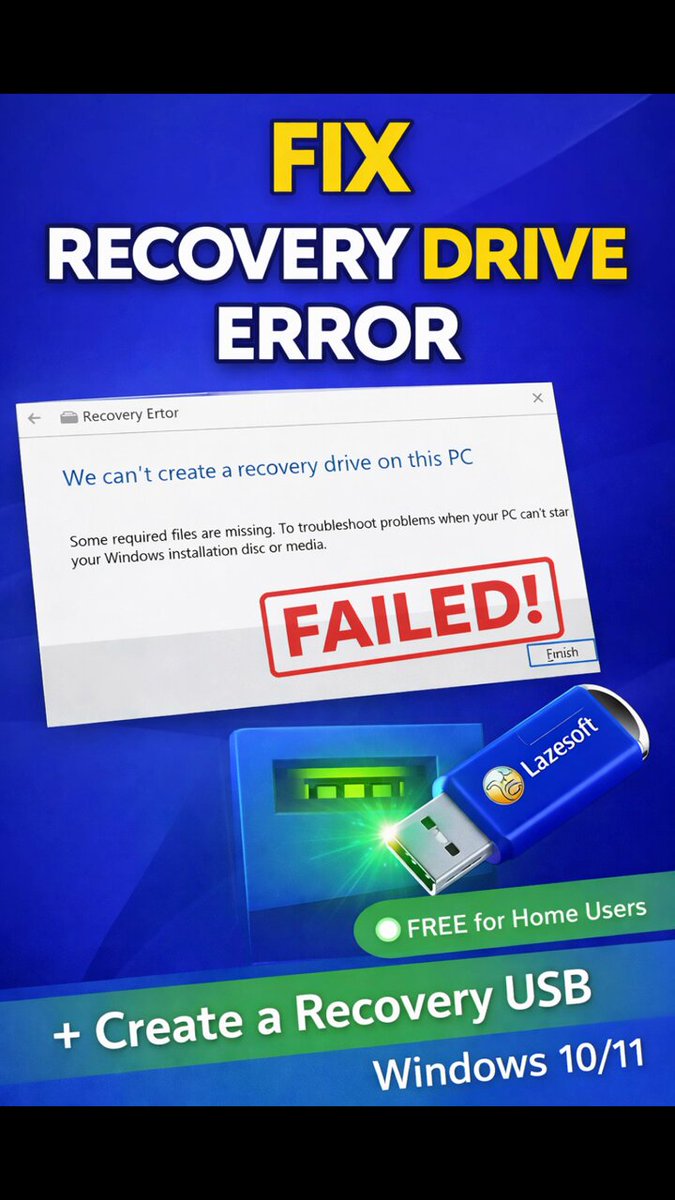
💡 If Windows can't create a recovery drive, your system may NOT be recoverable when it crashes.
Quick fix:
✔ Restore Winre.wim
Better solution:
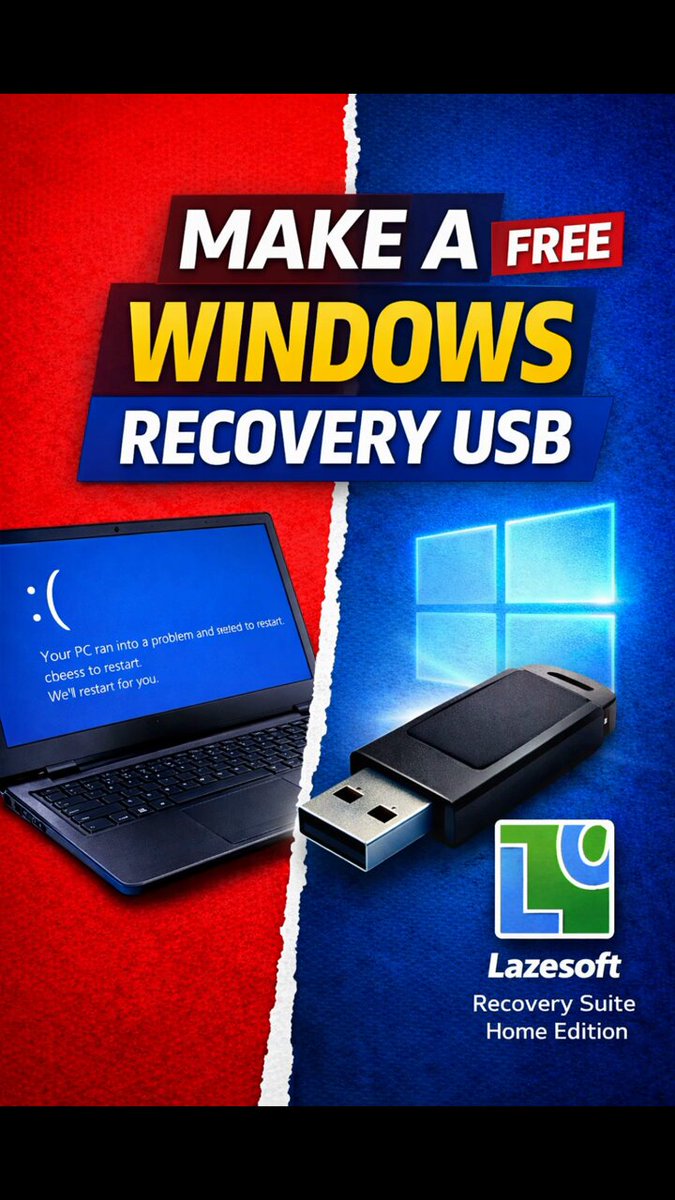
👉 Create a recovery USB with Lazesoft (works even if Windows is broken)
Download: lazesoft.com/lazesoft-recove…
What is this?
132