
558 Photos and videos




Luke retweeted

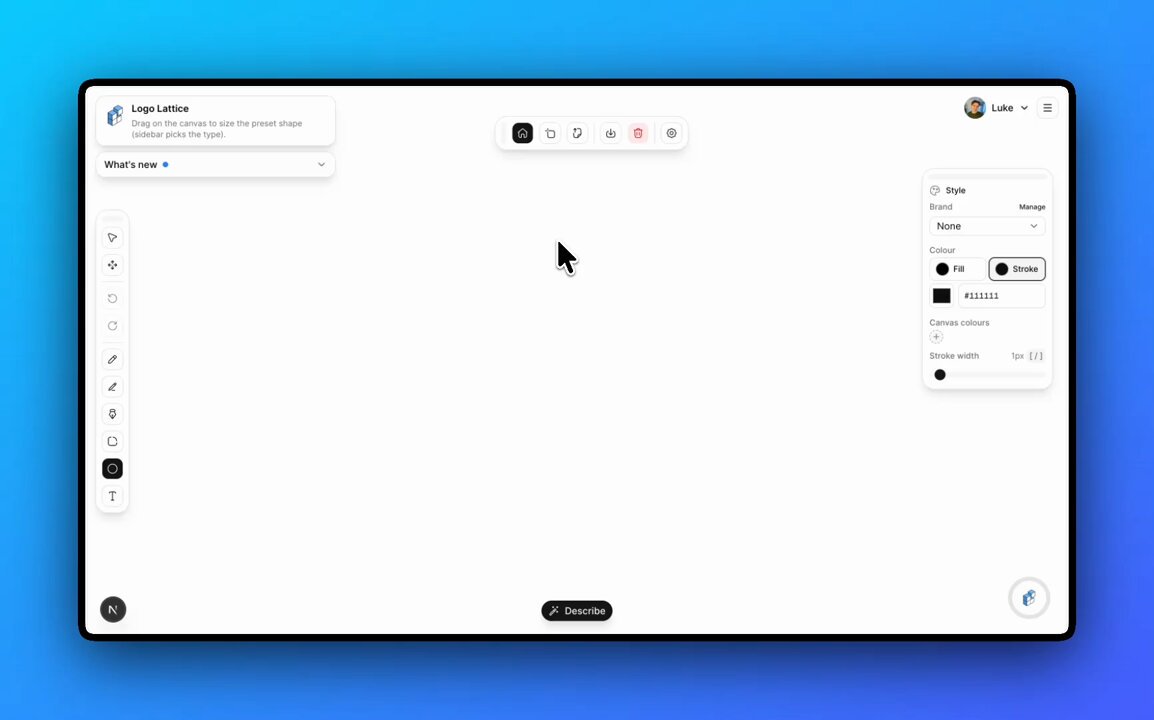
Quick question for indie builders:
When you need a logo, what stops you from making it yourself?
Is it the tools being too complex? Not knowing where to start? Or something else?
6
1
6
207
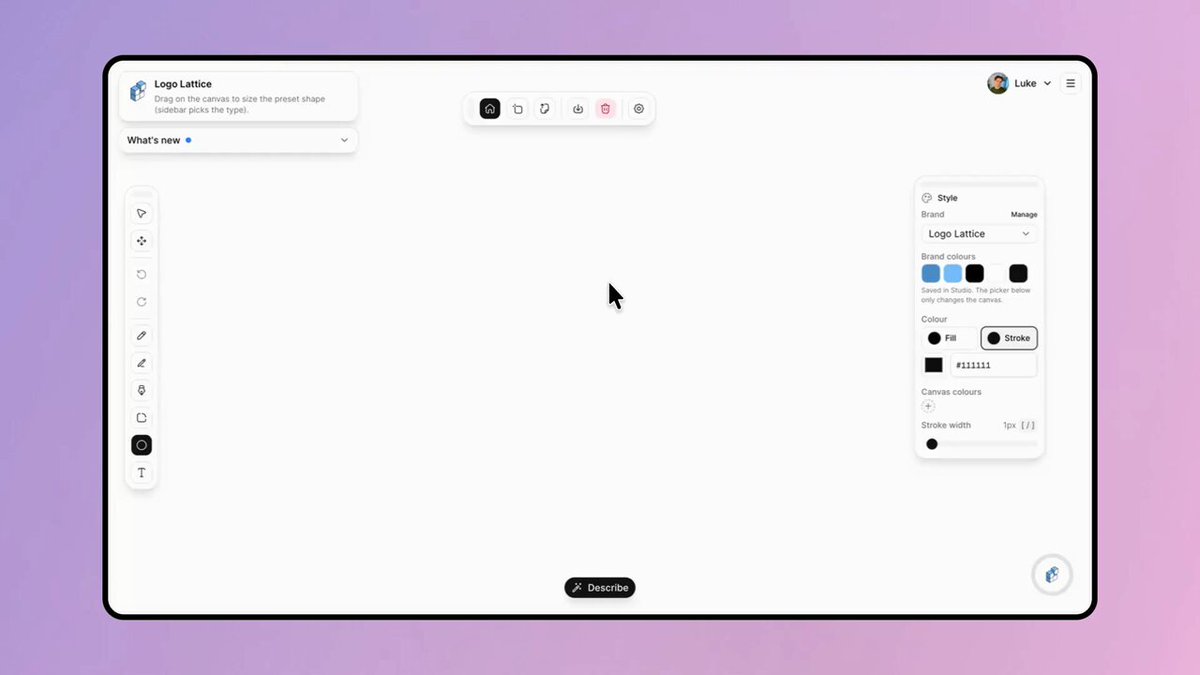
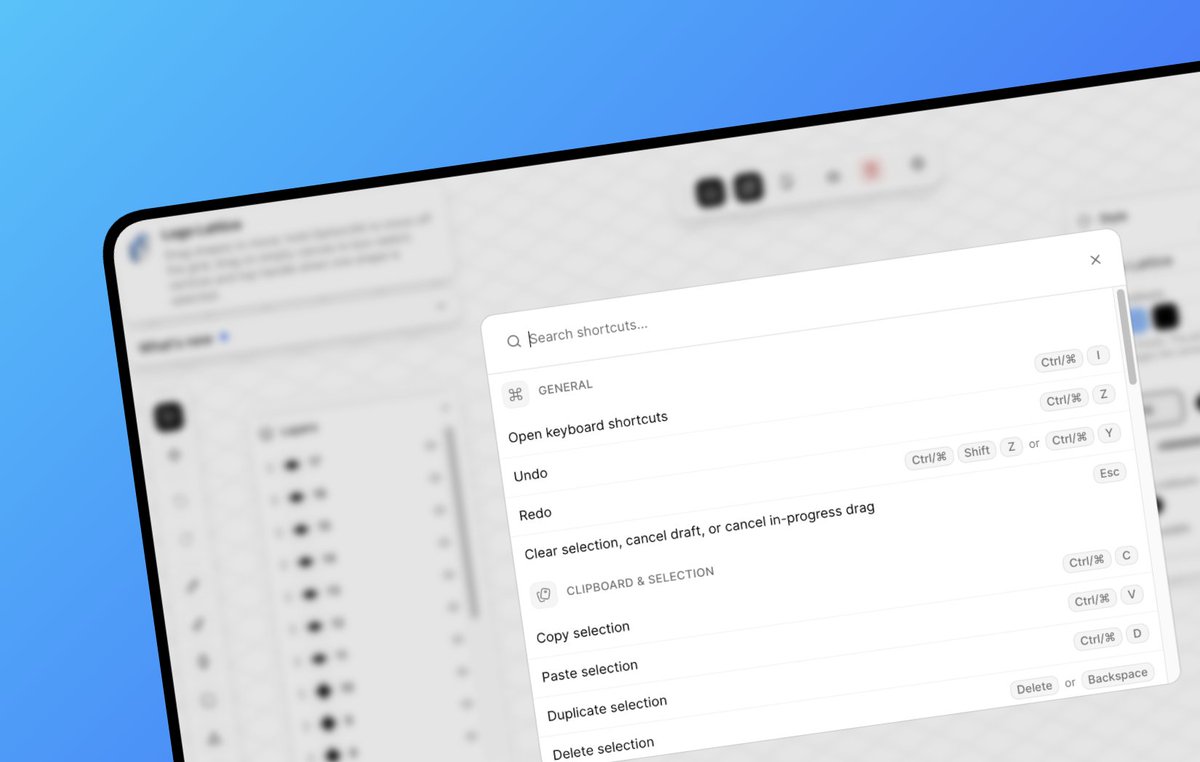
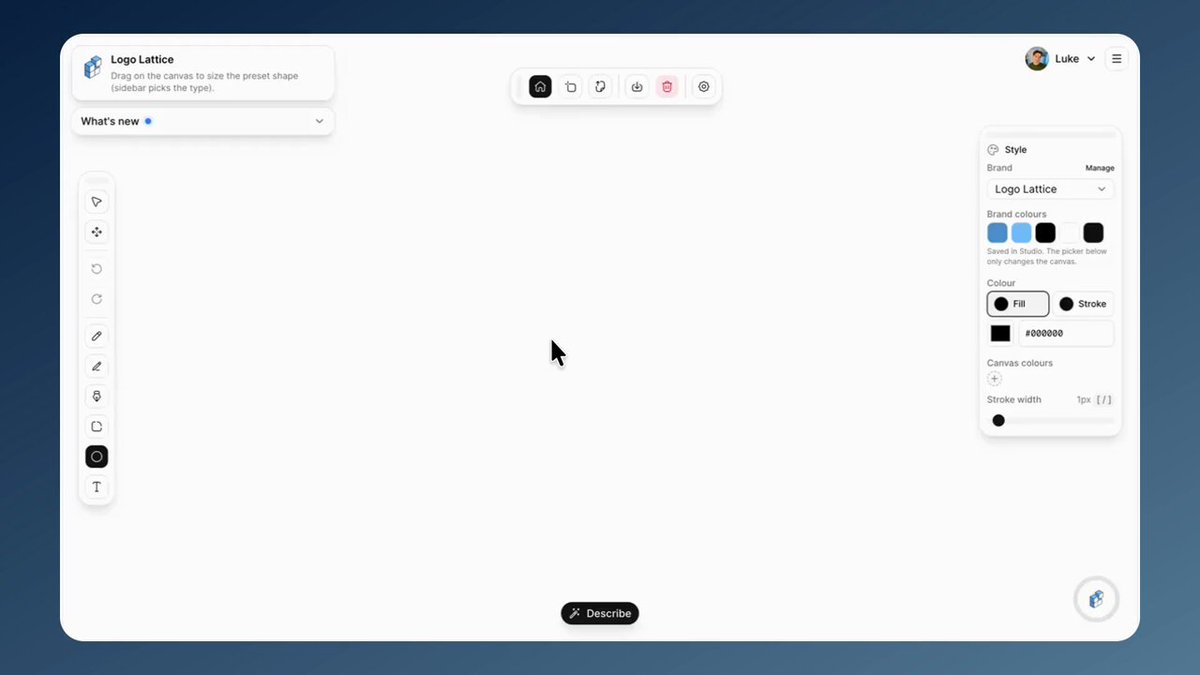
Curious about Logo Lattice? You can check out the full build here logolattice.com
29
Curious about Logo Lattice? You can check out the full build here logolattice.com
23
The best feature requests are specific
Someone said: "Drawing pixels on a trackpad is hard. I wish I could fill a single square with one click."
So we shipped Fill to Logo Lattice
Grid on → Press F → click a grid cell → instant fill.
Or drag to paint multiple cells at once.
Taking feedback seriously is the easiest way to make a product better 🎨
9
1
43
4,812
Curious about Logo Lattice? You can check out the full build here logolattice.com
62
Curious about Logo Lattice? You can check out the full build here logolattice.com
74
Precision upgrades just landed in Logo Lattice 🔍
→ Zoom up to 100x for pixel-level edits
→ Pixel grid appears at high zoom
→ Freehand strokes smooth cleaner
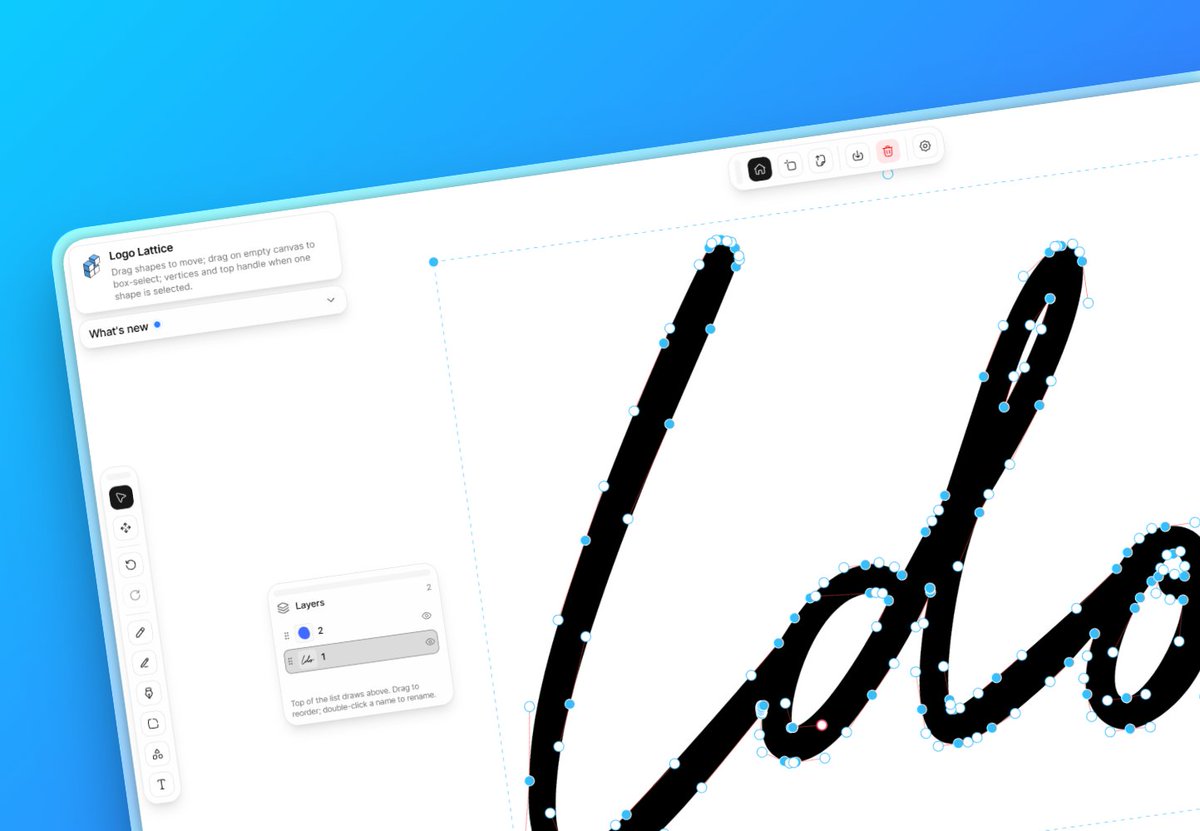
→ Reshape imported SVG paths point by point
Tiny details matter. Pixel-perfect just got way easier
11
2
33
1,482
Curious about Logo Lattice? You can check out the full build here logolattice.com
1
55
Sometimes you build something and immediately know it's too complex
The goal: import an SVG, expose its paths and edit them without converting everything into simplified shapes
Technically it works. You can manipulate paths and adjust controls whilst preserving the underlying structure
But honestly, it's still too complex
I'm going back to the drawing board to rethink how this should actually work ✏️
4
16
274
Curious about Logo Lattice? You can check out the full build here logolattice.com
64
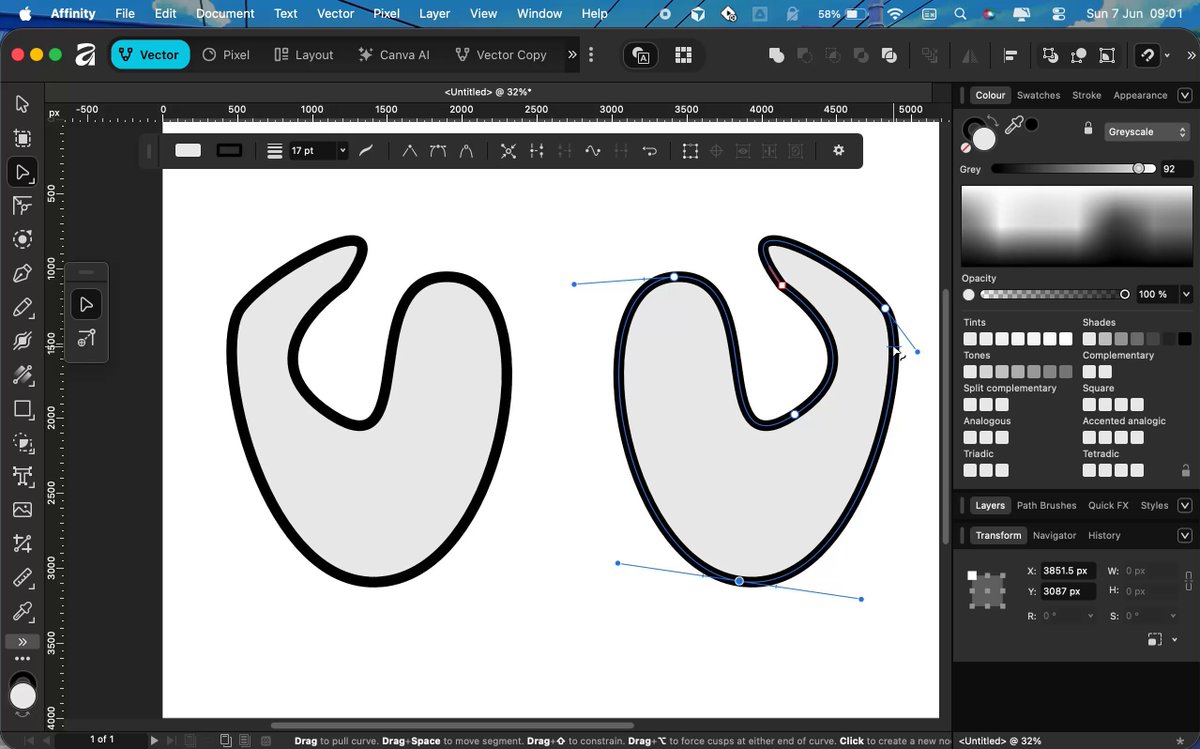
Bezier curves are now live in Logo Lattice ✒️
This is the foundation of real vector graphics.
Professional design tools use Bezier curves and methods like de Casteljau's algorithm to draw smooth, scalable paths.
Now Logo Lattice does too.
Before: geometric shapes, locked to the grid
After: organic marks, custom paths, full control over curves
You can finally shape logos the way real vector editors work
14
3
24
7,816
Bezier curves are now live in Logo Lattice ✒️
This is the foundation of real vector graphics.
Professional design tools use Bezier curves and methods like de Casteljau's algorithm to draw smooth, scalable paths.
Now Logo Lattice does too.
Before: geometric shapes, locked to the grid
After: organic marks, custom paths, full control over curves
You can finally shape logos the way real vector editors work
14
3
24
7,816
Give them a go for yourself. Load logolattice.com and hit P on your keyboard 😃
2
81
Building a Bezier curve tool for Logo Lattice ⚡️
This is a pretty big unlock.
Up to now, the editor has been strongest for geometric logos.
Bezier curves mean smoother shapes, organic marks, custom paths, and way more flexibility when refining.
Less fighting the grid.
More shaping ideas.
Logo Lattice is becoming a real vector editor.
10
42
2,593
Curious about Logo Lattice? You can check out the full build here logolattice.com
61
Shipped a bunch of UI improvements to Logo Lattice this week ✏
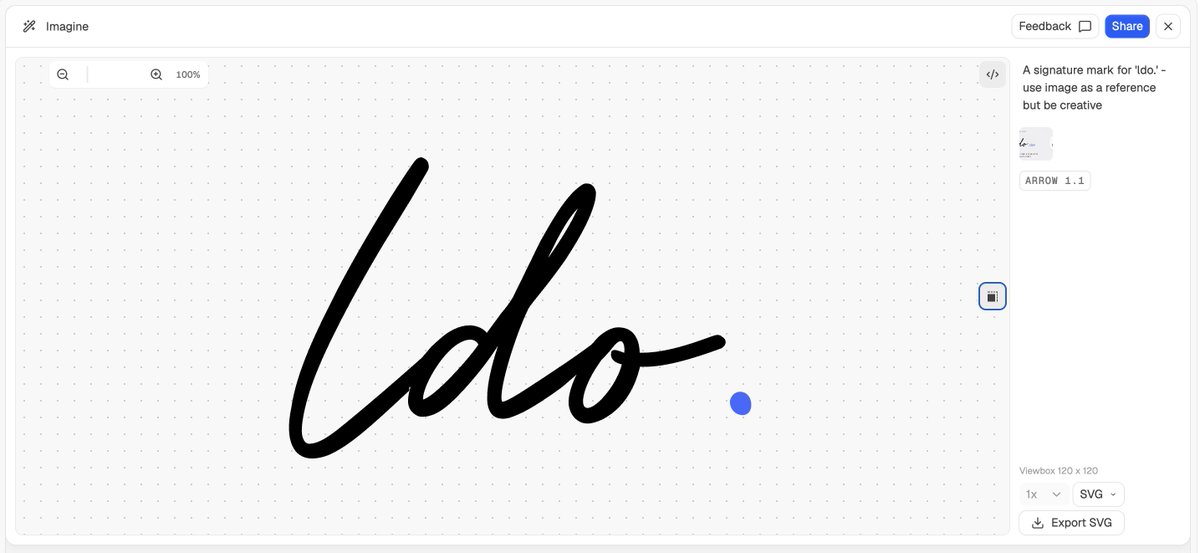
Biggest one: Describe now generates editable vector paths by default. Better for curves, organic marks, and actually refining ideas. No more fighting broken outputs or rigid geometry
Also:
→ Simpler grid controls (Show/Hide grid in one place)
→ Mobile zoom buttons (easier editing on phone)
→ New tutorials (quick circle logo or classic cube)
→ Ring shape preset (crescents, badges, circular marks)
→ Smoother editing (rotation, resizing, corner rounding)
The direction is getting clearer:
Use the lattice when you want precision
Use editable SVG paths when you want flexibility
AI should give you a starting point you can edit, not a dead-end PNG
6
1
26
1,243
Curious about Logo Lattice? You can check out the full build here logolattice.com
53