
Finest Mac Utilities
Joined December 2008
- Tweets 2,859
- Following 3
- Followers 1,932
- Likes 431
187 Photos and videos



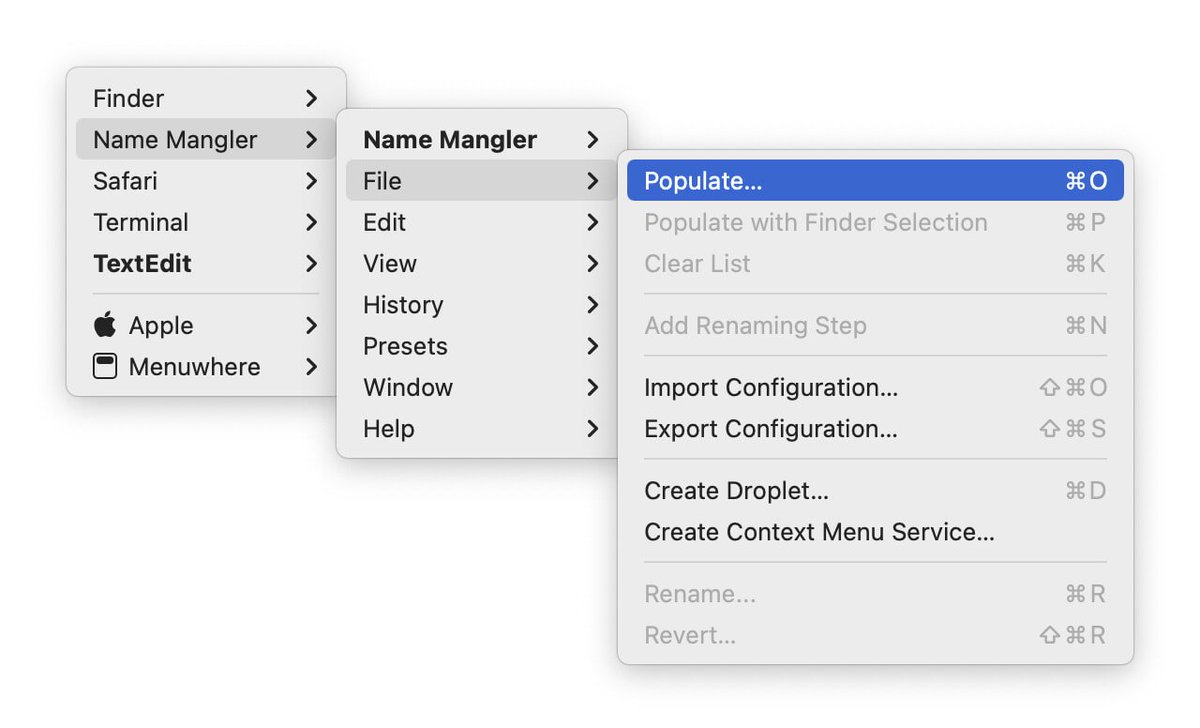

19 Dec 2025
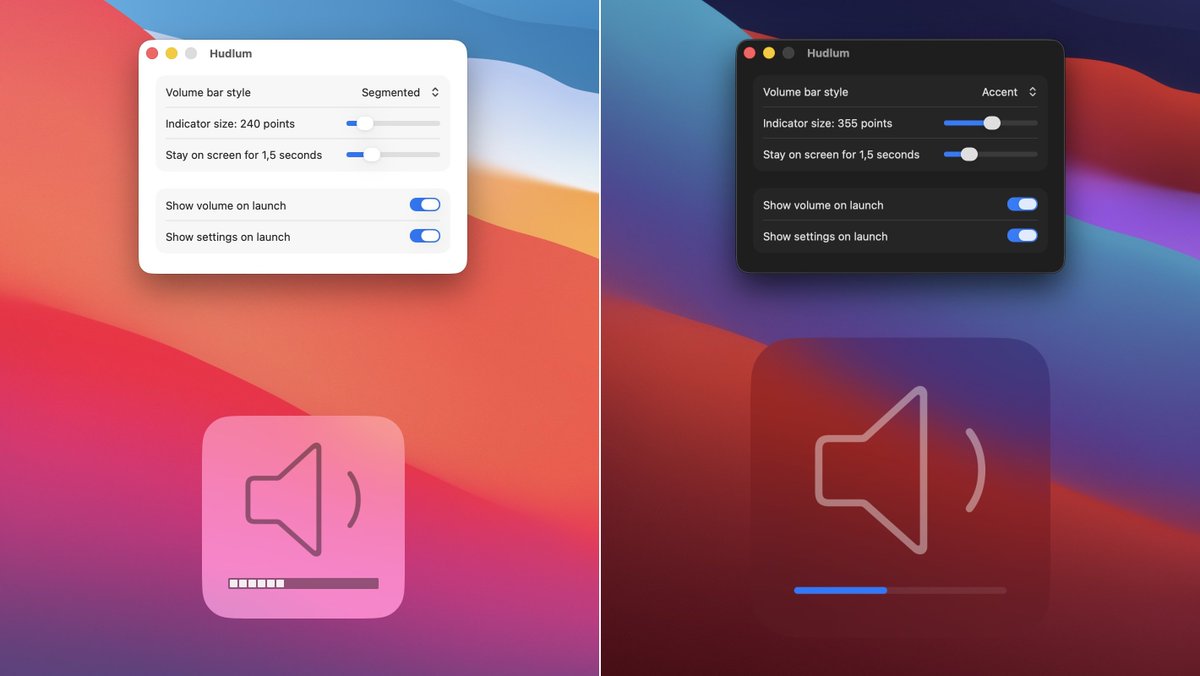
Do you miss the old-style macOS volume changing indicator, located at lower-center on your display? So do we, so we added it back. Introducing Hudlum.
Choose between two line styles and a number of sizes for the indicator. Then just change your volume…
manytricks.com/hudlum/
ALT Hudlum adds a volume-changing indicator right where you expect to see it.
1
160
29 Aug 2025
Moom 4.3 is out with some new features, bug fixes, and workarounds for a number of apps.
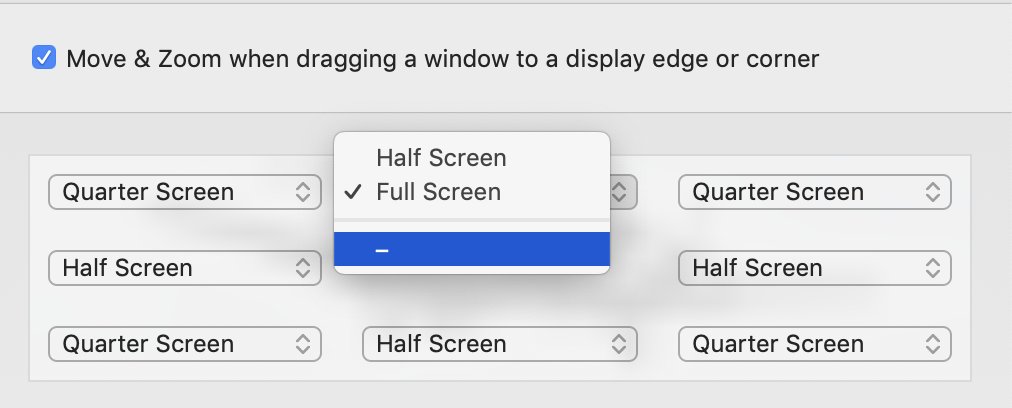
One new feature: Use the Move to Edge or Corner action to either move to an edge without centering (the old behavior) or move to an edge while centering.
manytricks.com/blog/?p=6589
1
245
25 Jul 2025
Considering Moom? It's on sale as part of a bundle through August 7th…
unclutterapp.com/bundle/?cou…
1
3
252
13 May 2025
Moom 4.2 adds app launching to saved layouts. Combine that with macOS' ability to restore windows, and it's one click from a blank screen to organized windows in multiple apps.
There are some other nice changes, too…
manytricks.com/blog/?p=6574
5
478
12 Feb 2025
We released updates to Desktop Curtain and Time Sink today–the first updates in many years. Not because they were abandoned, but because they just kept on working.
Biggest news is rewritten in-app help, now online as well.
manytricks.com/blog/?p=6545
1
208
13 Nov 2024
If you use our Witch window switching app and Chrome, there are two issues with recent Chrome releases: Tabs are only listed when Chrome is in the foreground, and if you use custom-named windows, those names won’t show in the switcher.
More details here: manytricks.com/blog/?p=6520
1
282
6 Nov 2024
Our customers can now receive new license file download links any time they wish—before, all such requests had to be manually processed. But no more.
manytricks.com/licenselookup…
A bit more detail on what's going on behind the scenes is here:
manytricks.com/blog/?p=6514
1
2
378
5 Nov 2024
Moom 4.1.3 is out with a number of small bug fixes and one improved dialog. Update in app or by downloading a fresh copy of the app from our site.
manytricks.com/blog/?p=6507
2
293
1 Oct 2024
Brett Terpstra is giving away 10 copies of Moom 4—register before the Friday deadline for a chance to win!
brettterpstra.com/2024/09/30…
2
311
16 Sep 2024
Moom 4.1.1 is out and it's “Sequoia aware,” and will disable macOS’ related built-in snap features when the corresponding Moom feature is active. We also improved a bunch of other little things…
manytricks.com/blog/?p=6487
1
3
457
3 Sep 2024
The Moom 4 launch sale ends at 11:59:59pm east coast USA time on Wed, Sept 4th. If you’ve been on the fence about upgrading (or purchasing), now’s the time to act. Normal pricing is $8 for upgrades ($6 on sale), and $15 for the full app ($10 on sale).
manytricks.com/moom
1
4
408
29 Aug 2024
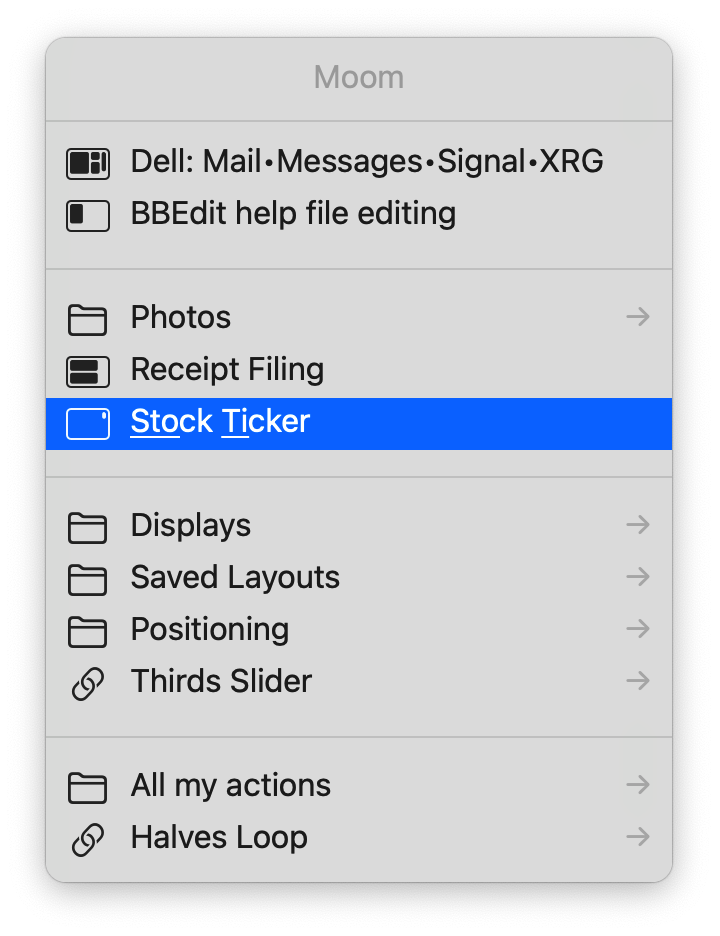
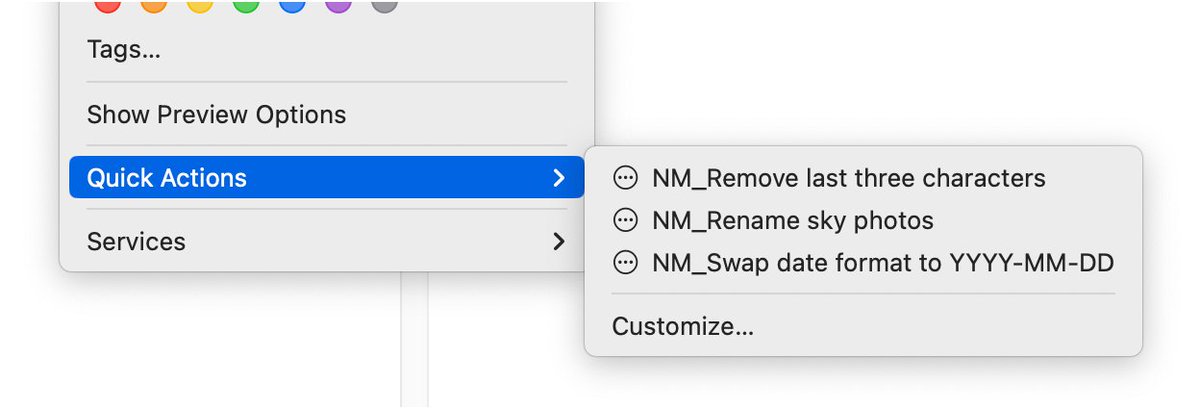
Keyboard aficionados: Learn how to access Moom’s custom actions via a pop-up window. You can get to all of you custom actions via a built-in feature, or access saved layouts using Alfred, Keyboard Maestro, or macOS Shortcuts.
manytricks.com/blog/?p=6456
ALT Moom's built-in all-actions pop-up window.
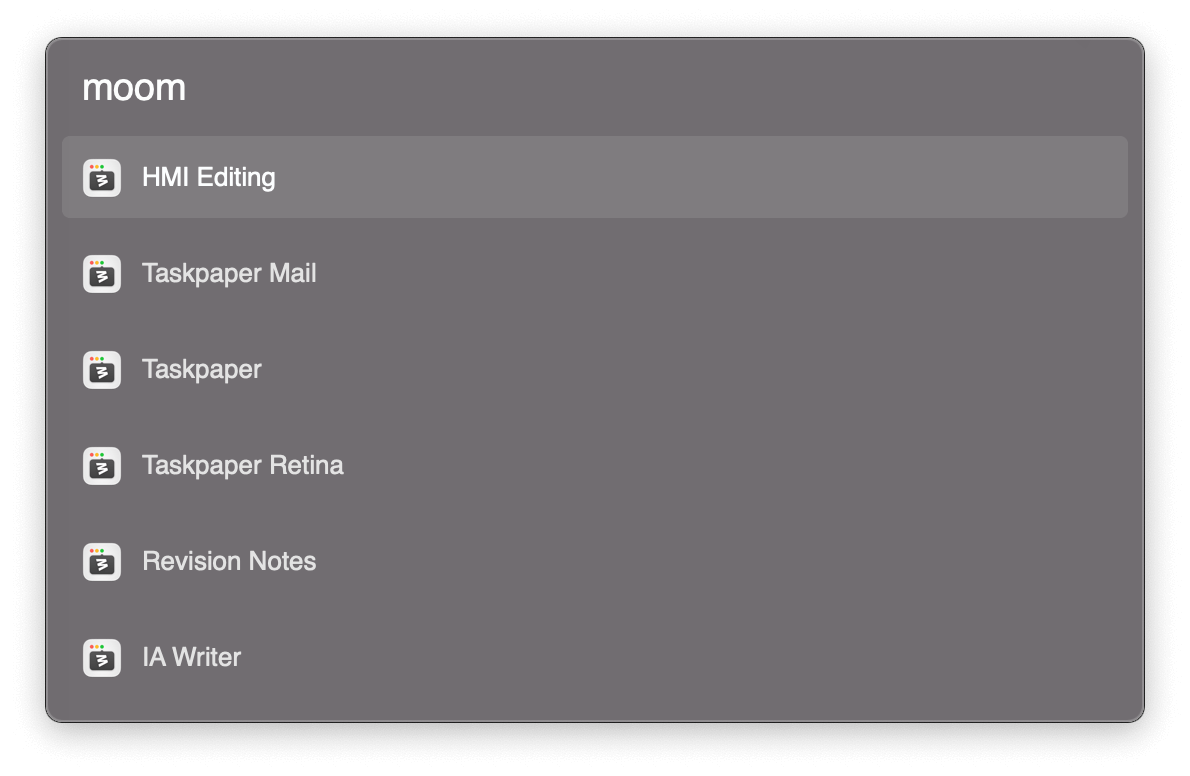
ALT An Alfred workflow to access Moom's saved layouts.
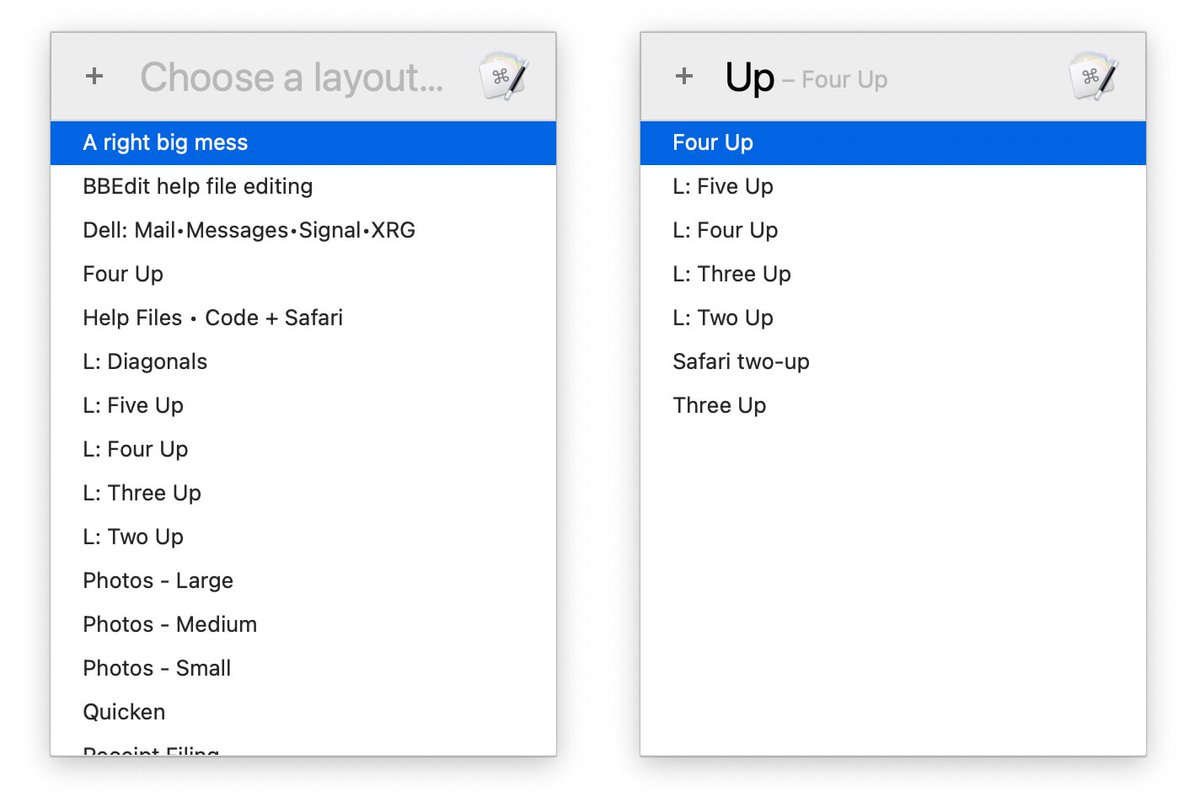
ALT A Keyboard Maestro macro to select Moom's saved layouts.
2
432
28 Aug 2024
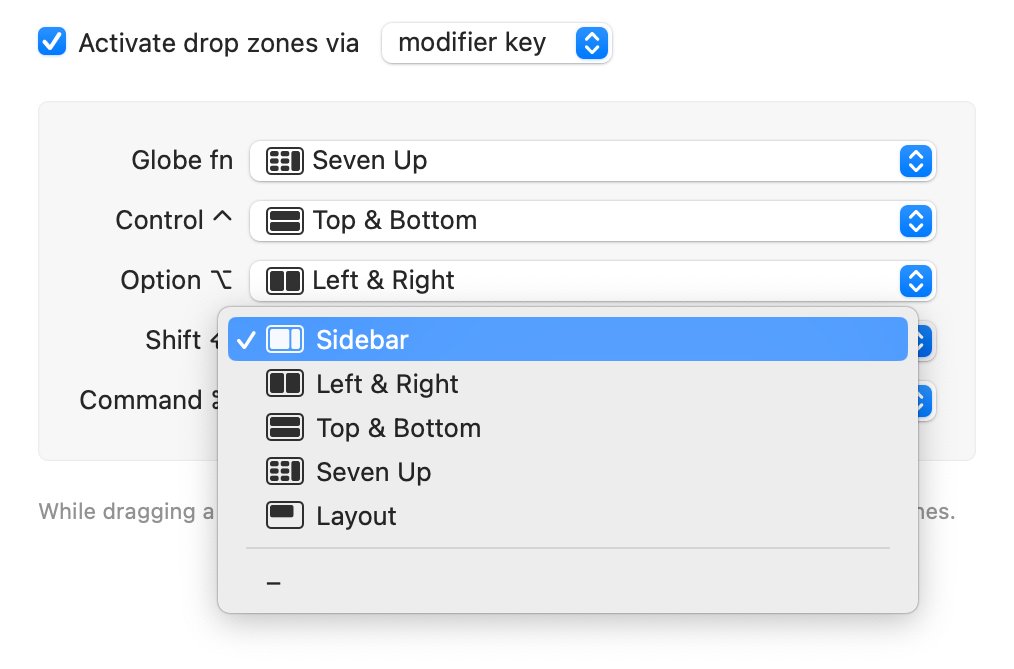
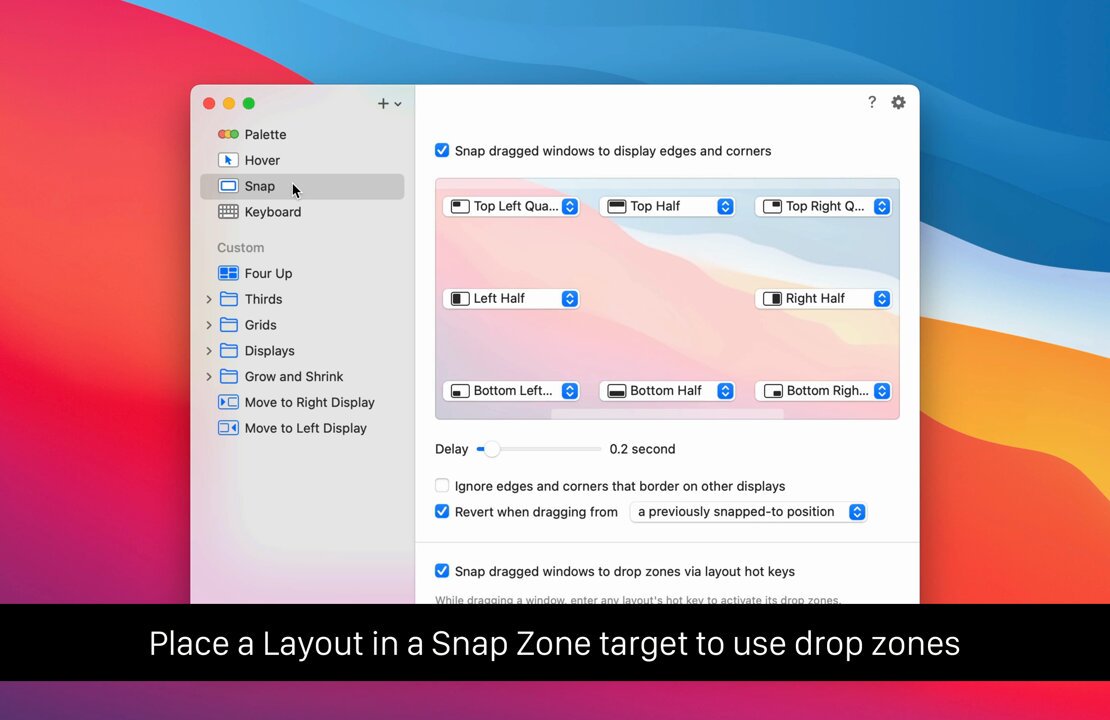
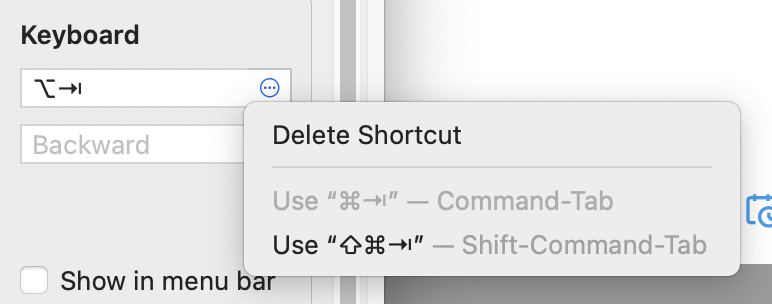
Moom 4.1 is out, with two oft-requested new features: Your assigned keyboard shortcuts now show up in Settings’ sidebar, and drop zones can be activated by dragging a window while holding down a modifier key.
We also squashed a few bugs.
manytricks.com/blog/?p=6448
ALT Drop zones via modifier key drags.
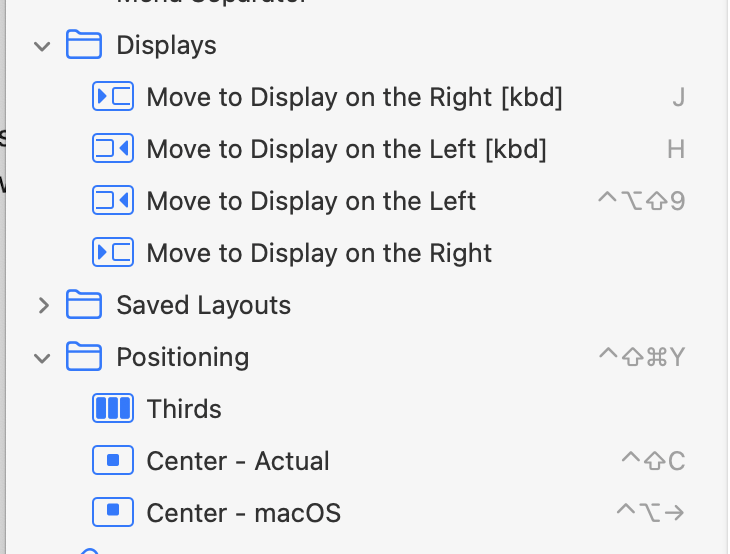
ALT No longer in hiding, you can easily see your assigned keyboard shortcuts.
1
6
334
23 Aug 2024
Moom 4.0.1 is out, with three minor fixes. Update in-app or by downloading a new copy from Moom's web page (you won't lose your settings).
manytricks.com/blog/?p=6440
2
206
21 Aug 2024
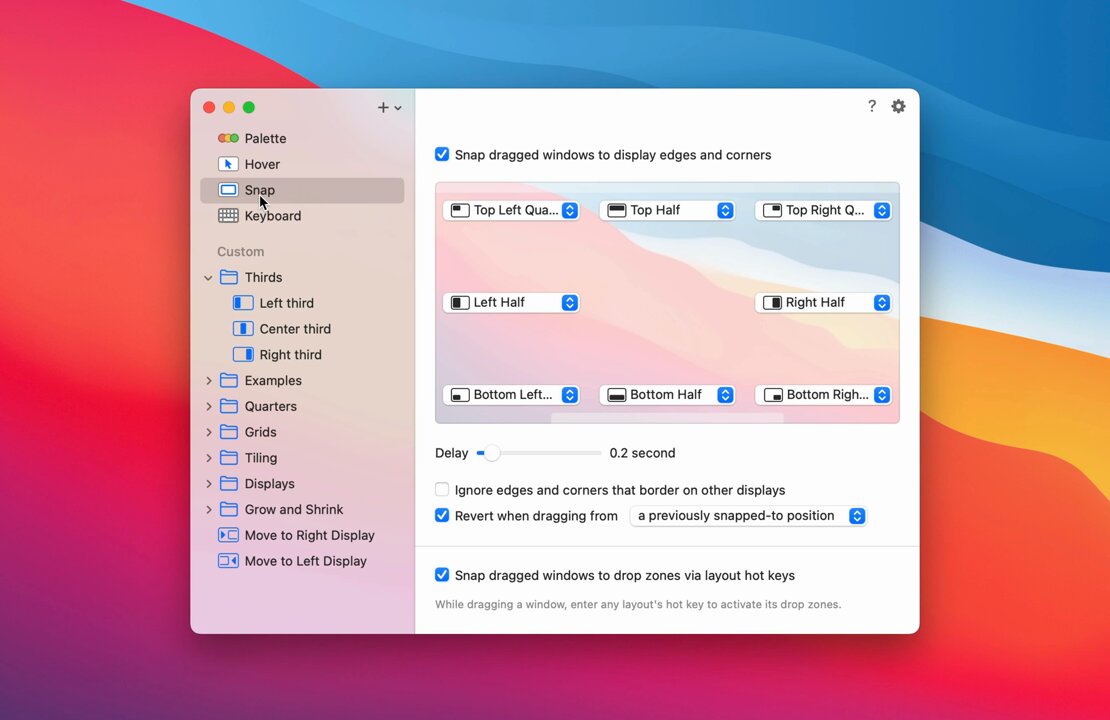
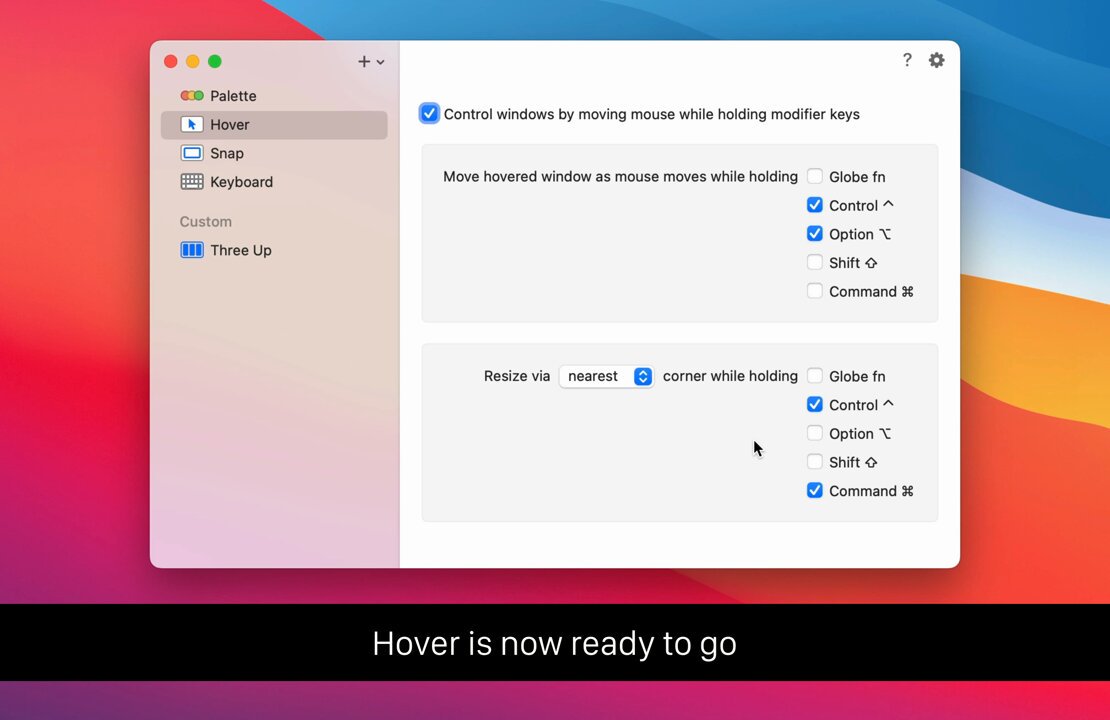
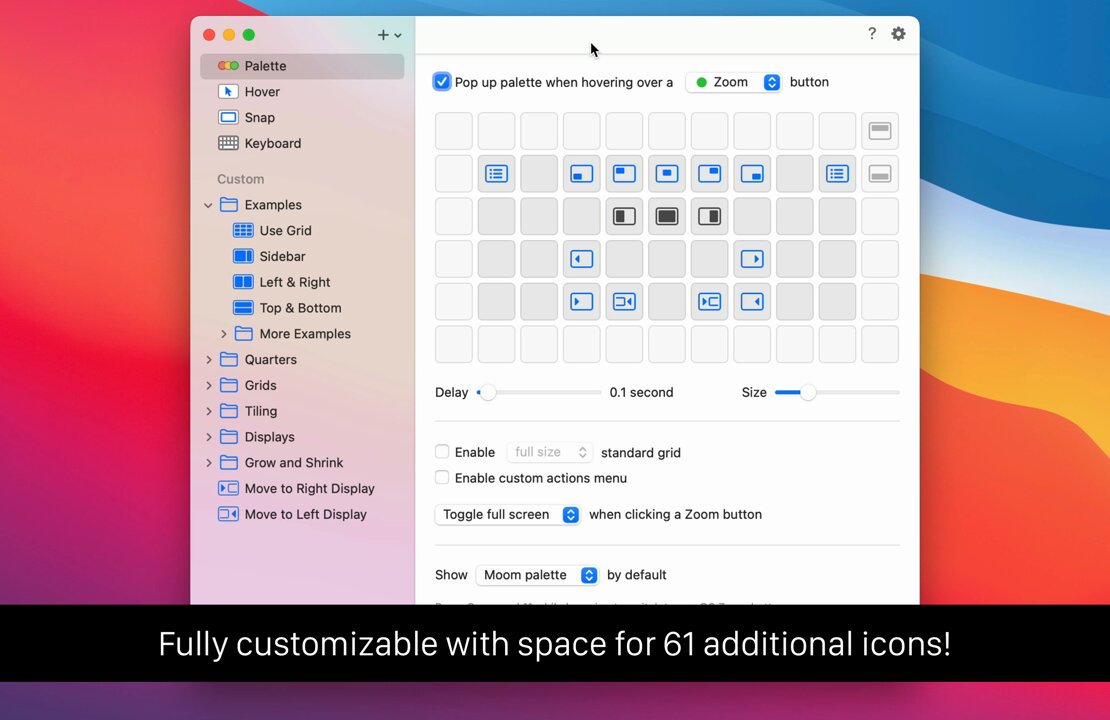
Today: Moom 4 is out!
In addition to what you've seen here the last few days, layouts can be applied to any open windows, you can navigate all custom actions via an onscreen menu, new help (which is online, too!), and oh so much more.
manytricks.com/blog/?p=6385
2
7
537
20 Aug 2024
1 day…
If you like what you’ve seen these last few days, you’re going to love what you’ll be able to see for yourself tomorrow!
1
333
17 Aug 2024
We rarely ever post here, but for the next few days, that'll change…as you'll see very shortly.
1
2
306