Joined May 2019
- Tweets 6,699
- Following 659
- Followers 137,650
- Likes 8,387
Photos and videos
Pinned Tweet

19 Feb 2024
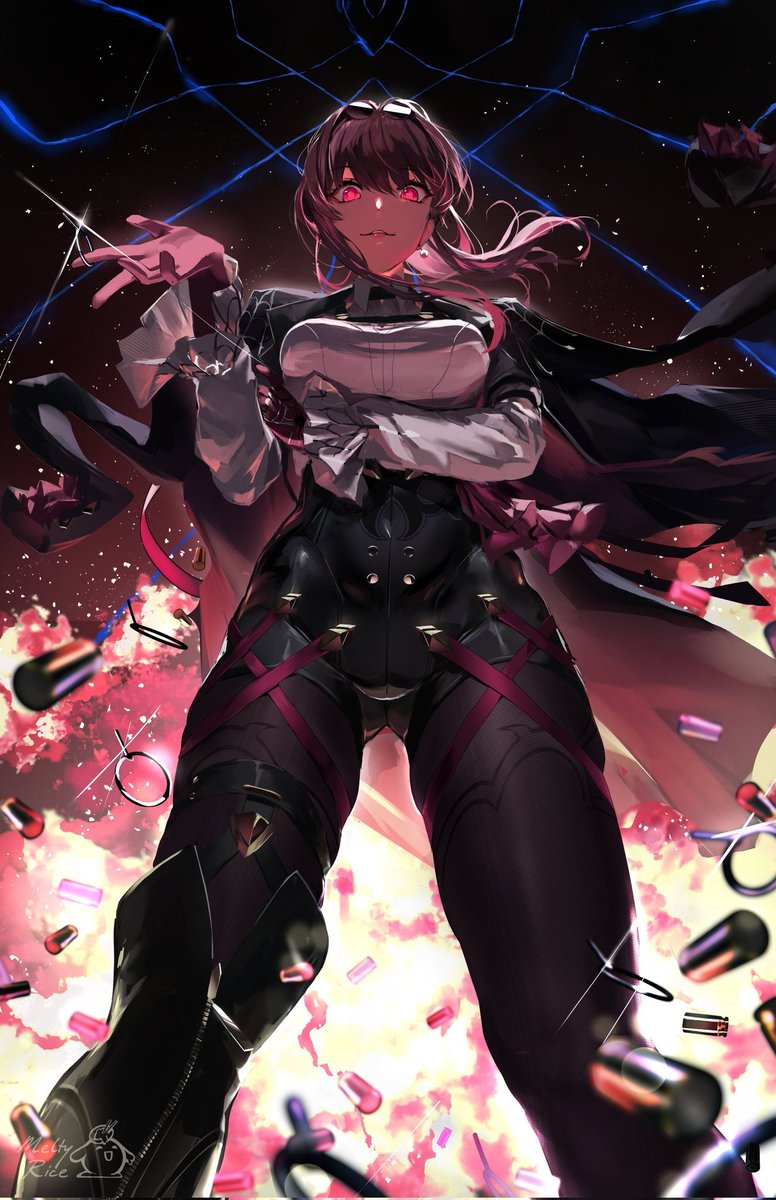
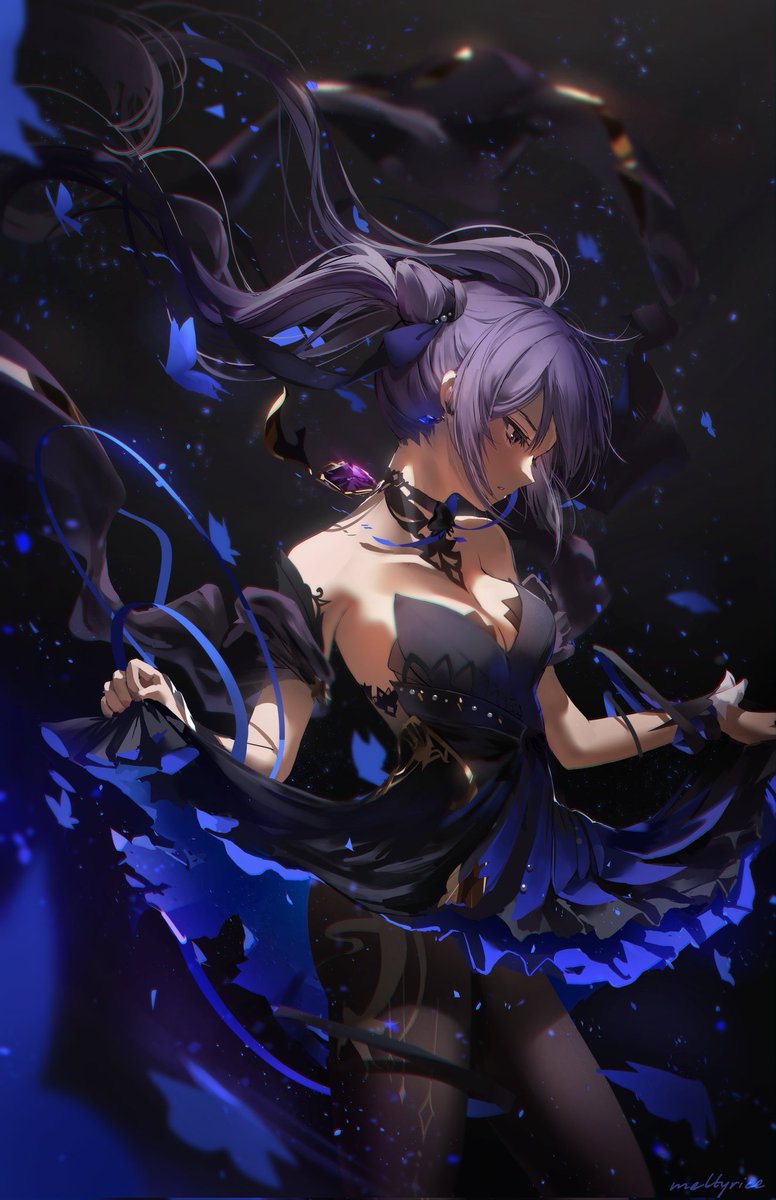
I'm a self-taught anime illustrator and streamer. Growing up, I used a lot of online references and resources that helped me improve.
To return the favor, I will be making a thread of my favorite resources, tips, and tricks! This will be updated over time. Hopes this helps ❤️
104
6,335
47,800
2,041,870
frieren plushie preorders open! check bio. btw she squeaks

20
564
9,542
109,249
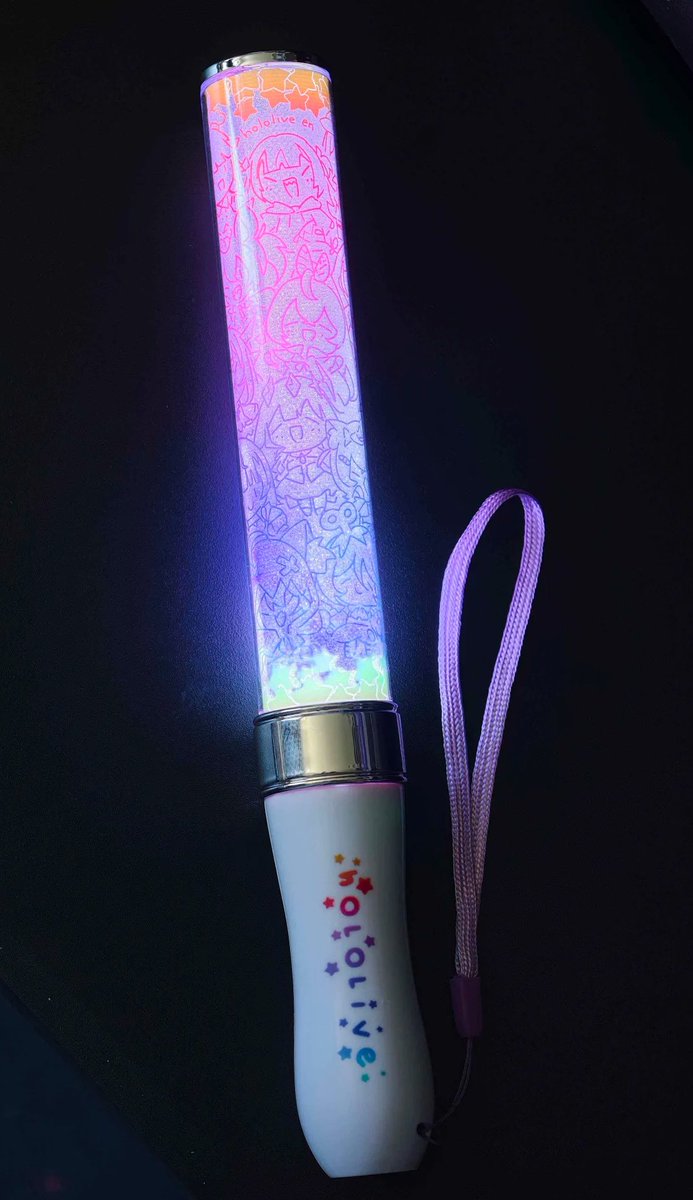
Jun 12
they include all the girls from holoen 😄this is my first time making lightsticks for a prize so i hope you guys like it!
1
31
3,011
Jun 12
forgot to mention each prize also comes with a fanny pack and a set of postcards 🫡
22
2,633
Jun 12
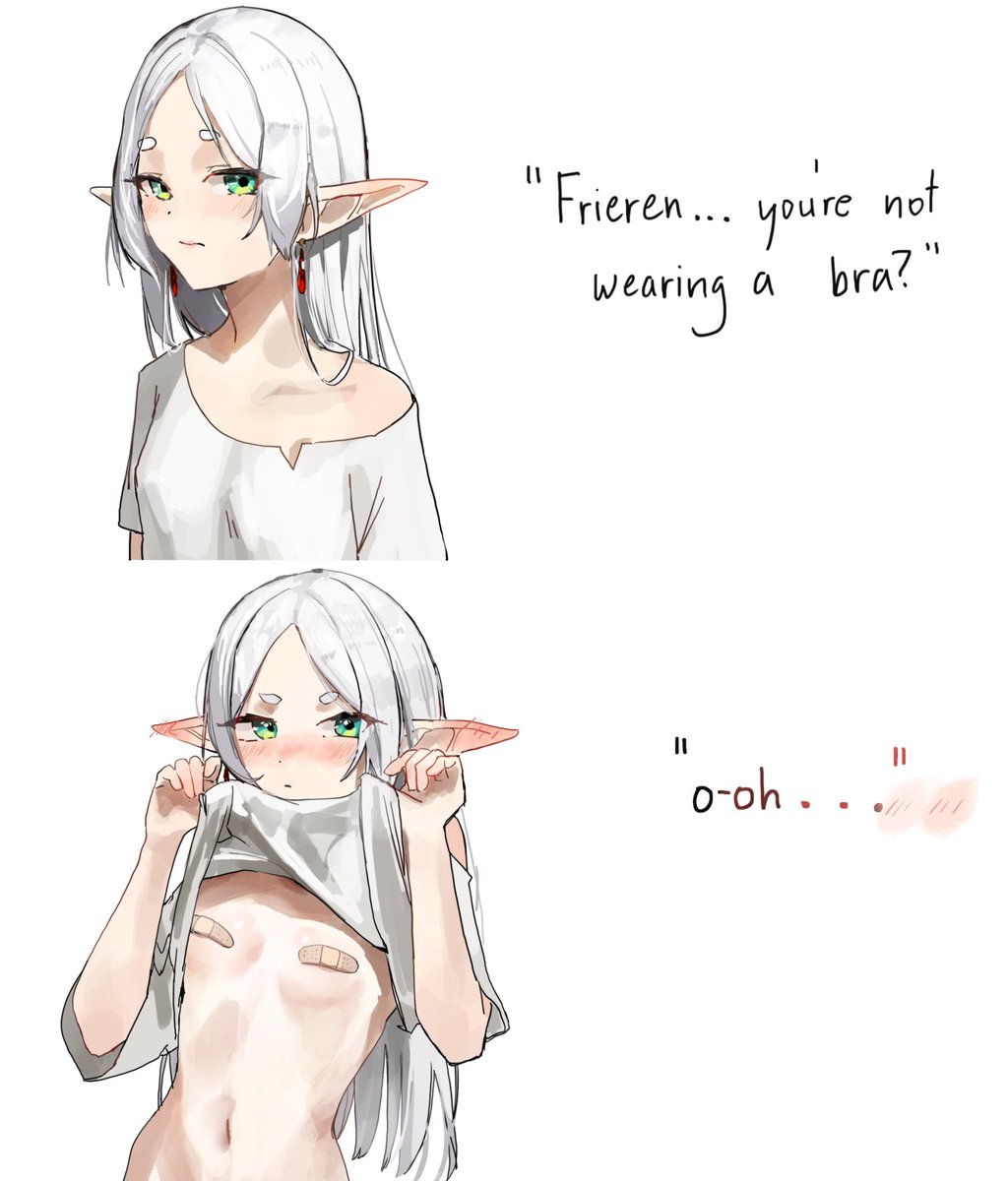
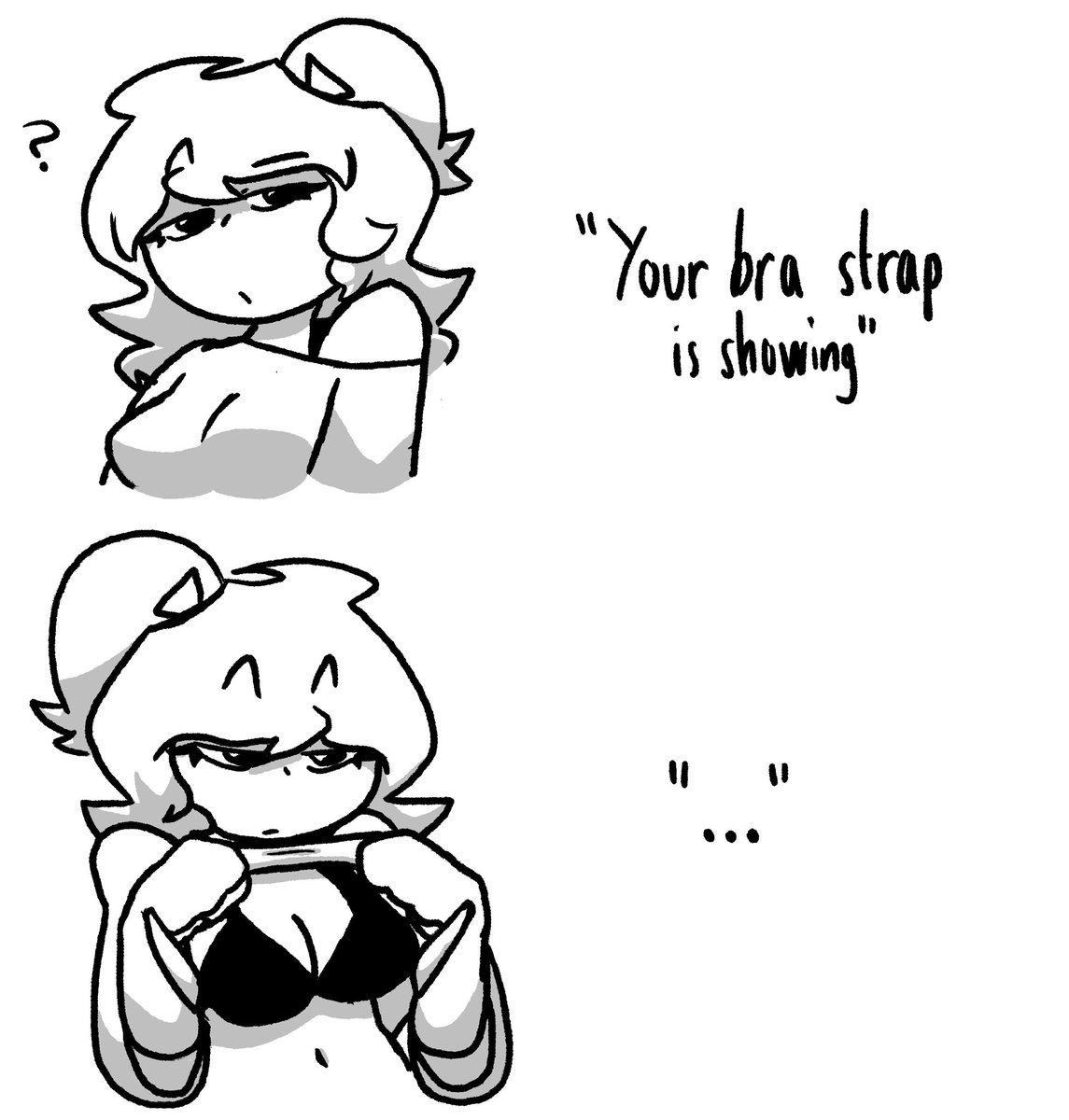
frieren bra

3
88
2,215
19,019

Jun 9
brushbuddy neck pillow preorders now open, check bio

16
536
7,240
94,994
Jun 5
witch hat brushbuddy neck pillow preview

52
2,360
23,945
258,226
Jun 5
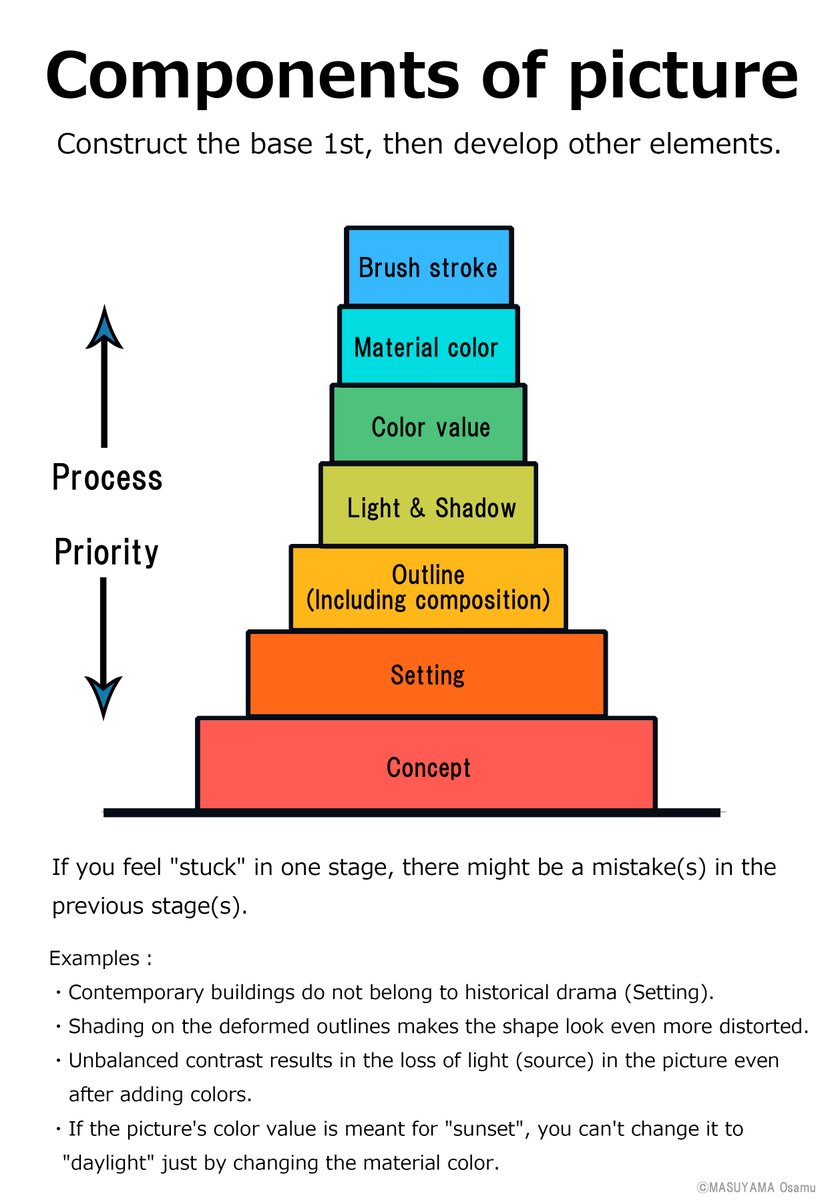
I cross my eyes to review my compositions. its a body-implemented gaussian blur to see major shapes and colors.

3
61
5,926
19 Feb 2024
I'm a self-taught anime illustrator and streamer. Growing up, I used a lot of online references and resources that helped me improve.
To return the favor, I will be making a thread of my favorite resources, tips, and tricks! This will be updated over time. Hopes this helps ❤️
104
6,335
47,800
2,041,870
17 Nov 2025

1
2
30
6,996
May 30
May 30
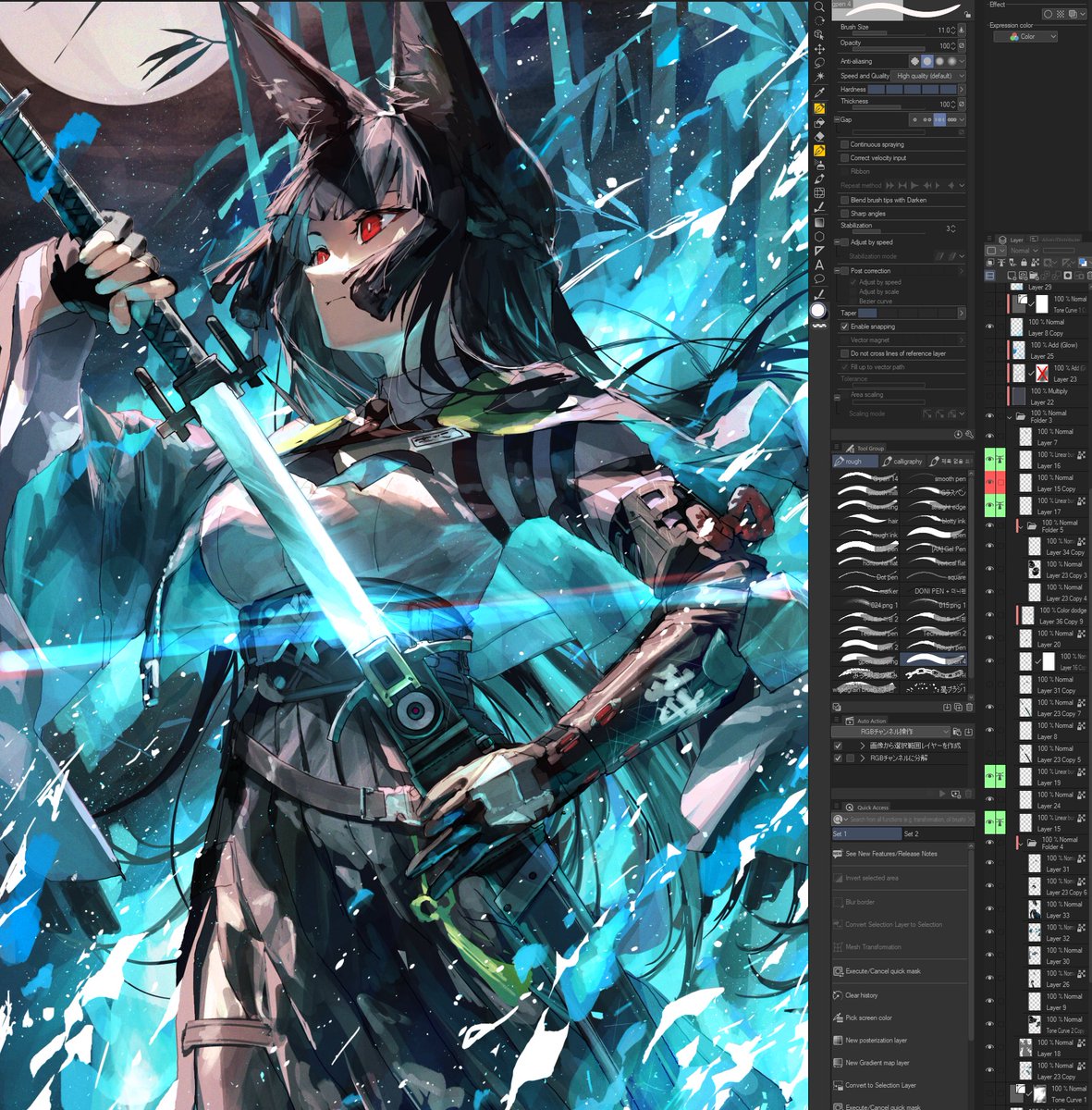
I’m a self-taught artist and here’s 100 digital art tips/shortcuts for I wish I knew! 🧵
Let me know your favorite shortcuts too :). I will also answer questions and do tutorials on request.
2
18
2,960
May 30
I’m a self-taught artist and here’s 100 digital art tips/shortcuts for I wish I knew! 🧵
Let me know your favorite shortcuts too :). I will also answer questions and do tutorials on request.
33
459
6,665
123,339
May 30
61. Rulers can “show in all layers”, right click ruler to get this option
62. Symmetry ruler for mirrored lines, parallel for parallel lines
63. Try Special rulers for radial lines concentric circles
64. Color code layers for layer management
65. Too many layers to view? -> Layer splitview
66. For darker UI: Preferences -> Interface -> adjust density
67. To lock UI: Window-> Palette dock-> Fix Width
68. To toggle hide UI-> Tab
69. Duplicate folder/layers before merging so you can do edits
70. Set keybind for locking/unlocking transparent pixels for quick edits
71. Alt L. Click eyeball icon to visually isolate layer
72. Pureref (Free software) to display refs on the side
73. To change linework width: Filter->Correction-> Adjust line width
74. Can correct specific parts using “Correct Line” brush
75. Make pen pressure curve into logarithmic curve, less force used for bigger lines
76. Hair linework: white pen-> layer properties -> black border effect, then Edit -> Convert Brightness to Opacity.
77. Brighten whites and darken blacks by using Edit->tonal correction->level correction
78. Any tonal correction can be done as a separate layer in Layer->New Correction Layer
79. Apply colors to grayscale: Edit-> Tonal Correction-> Gradient Mapping
80. Undock Color Wheel window to be close to your hand
1
2
36
7,535
May 30
81. To always view whole canvas: Window-> Canvas -> New Window
82. Make “Quick Access” window to shortcut your favorite functions
83. Quick Access also has search bar for functions
84. Can make group of actions into one by making an “Auto-Action”
85. File -> shortcut settings to make any action into a keybind
86. File -> Modifier Key Settings to add Ctrl, Shift, etc.
87. Can make keybinds with unique combination of keystrokes
88. Can bind keybinds to Virtual streamdeck (Free, more slots if paid)
89. Downloaded CSP materials can be favorited for easy access
90. Make image into brush tip: Edit-> Register Material -> Image->check use for brush tip shape
91. Make the tip into a stamp by: Pen setting-> Stroke-> Ribbon
92. Making shapes with a patterned line: polygon-> settings -> brush shape
93. When making new layer mode, adjust layer opacity to test intensity
94. Can quickly go through layer modes by scrolling mouse wheel on layer mode
95. Can also be used for scrolling through text fonts
96. Chromatic aberration: Filter -> Effect -> Chromatic Aberration
97. Noise: Filter->Render->Perlin Noise, Scale 3; Layer mode set to Overlay, 30% Opacity
98. My fav. Blur is Lens Blur, allows for highlight intensity
99. To darken darks: dark grey/black on Airbrush on Overlay blending mode
100. Overall brightening: any color (except black) on Airbrush on Add glow/color dodge
3
43
6,611
May 29
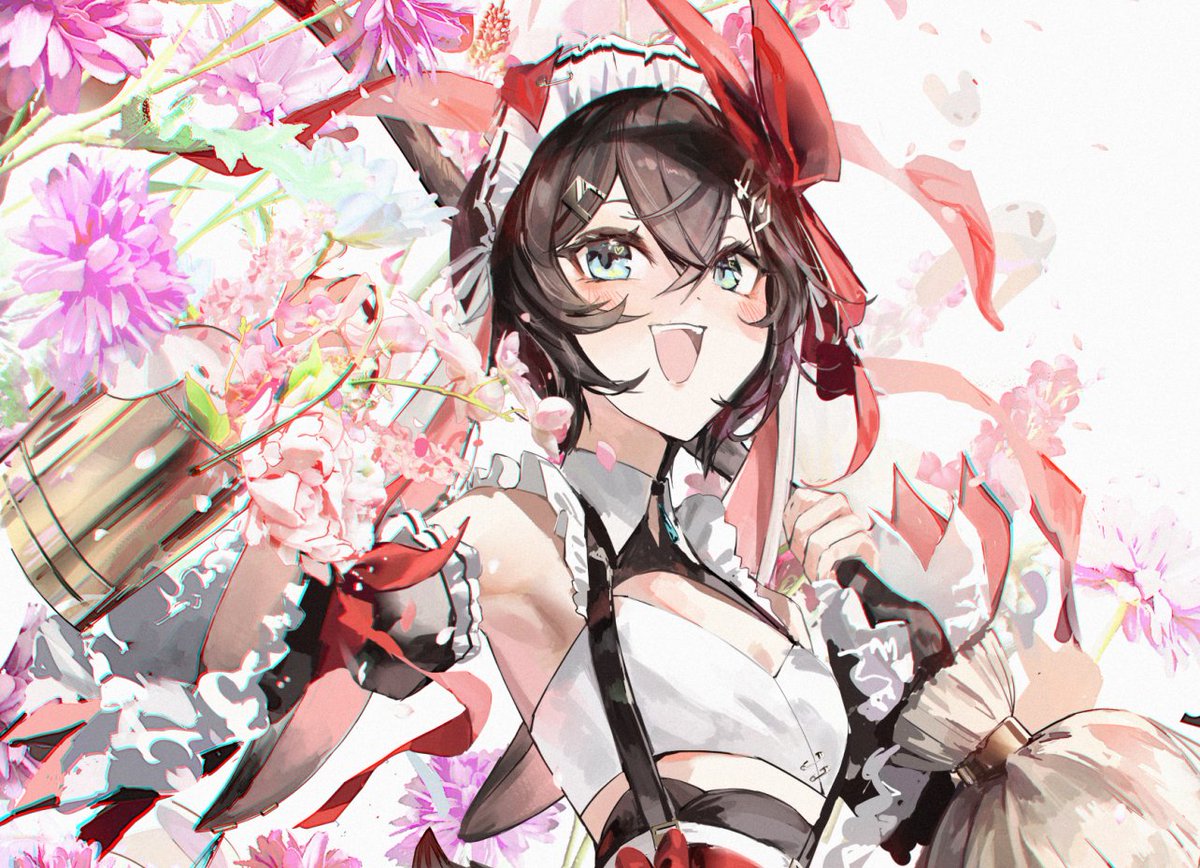
it's my birthday and 1st vtuber anniversary!
thank you everyone for your support and love through my career! i will keep drawing for me and for you 💕
and if you have time, please stop by twitch.tv/meltyrice/ 🥰
35
44
619
28,205