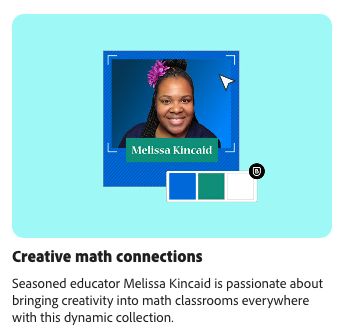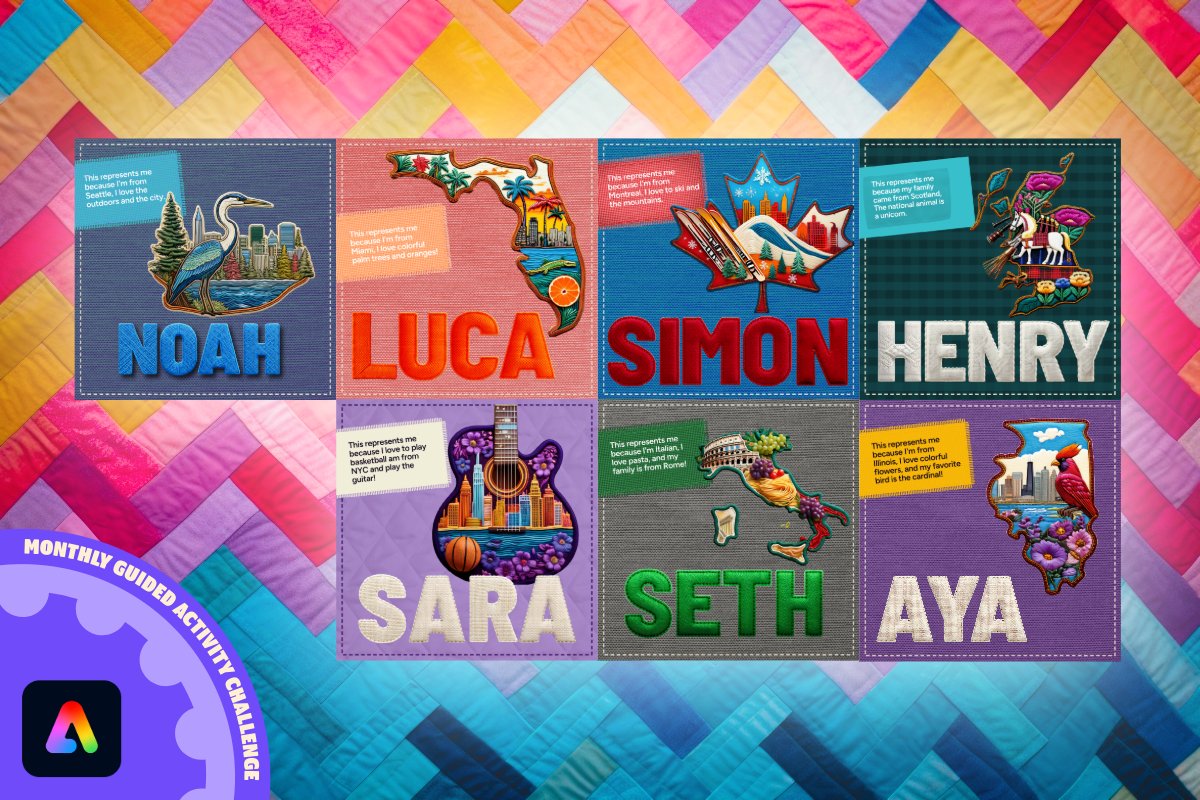
Have you seen the all-new Educator Collection from @QueenMel99 inside @AdobeExpress for Education?!
Creative Math Connections and TONS of ready-to-use ideas at your fingertips...
Find these more in the Learn Tab ♥️
🔗 adobe.ly/edulearntab#AdobeEduCreative
ALT Photo of Melissa Kincaid over a blue colorful background with text that reads Creative Math Connections - Seasoned educator Melissa Kincaid is passionate about bringing creativity into math classrooms everywhere with this dynamic collection.
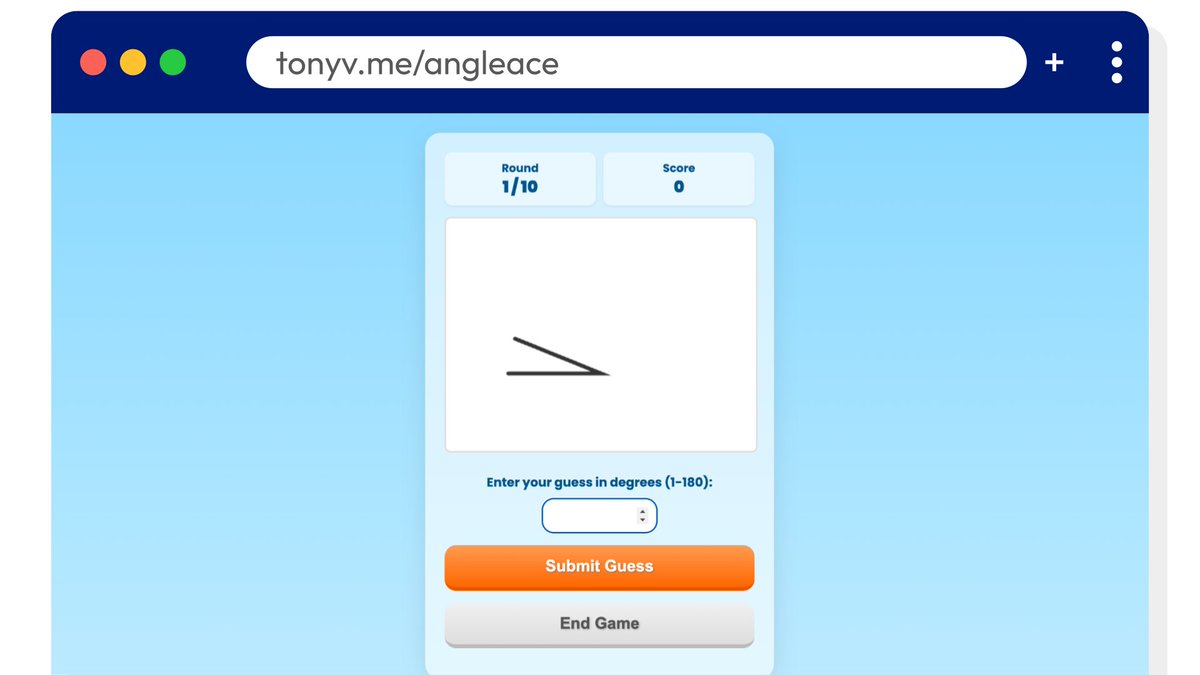
Angle Ace is a quick, brain-boosting geometry game where players test their angle estimation skills. It has 1 player and 2 player modes. I coded it with Gemini. 😊 #VibeCodingtonyv.me/angleace
ALT Screenshot of 1 player guess mode in Angle Ace
We’ve just launched the Adobe for Education Community Hub → edu.adobe.com 🎉
✔ Stay up to date with the latest news ✔ Join live sessions & forums with peers ✔ Boost your @AdobeExpress skills ✔ Find clear pathways to grow as an Adobe Creative Educator Innovator
This is your new home for connection, creativity, and professional growth. 👉🏾 Visit edu.adobe.com today and be part of the movement! ✌🏾
#AdobeEdu#AdobeExpress#AdobeForEdu#AdobeEduCreative#EdTech#TeacherLife
Padlet TA now makes interactive activities like sorting and sequencing, plus printables like coloring sheets. Try them out at ta.padlet.com or browse our library of examples at teach.link/ta-examples.
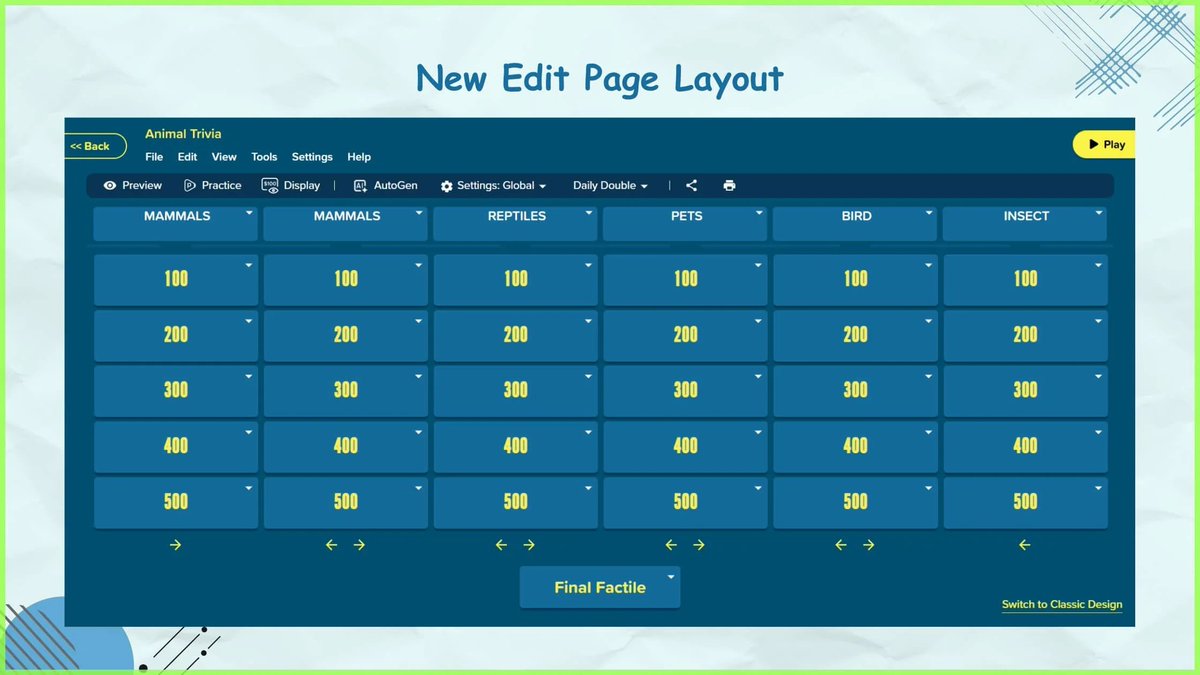
If you’ve played classroom buzz-in games, you know one team can dominate. Factile’s new Buzz-In Sequence Randomizer lets teachers shuffle the order of who buzzed in, giving every student a fair chance to shine.
playfactile.com/#Sponsored#EdTech#Teaching
ALT Screenshot of the new edit page layout
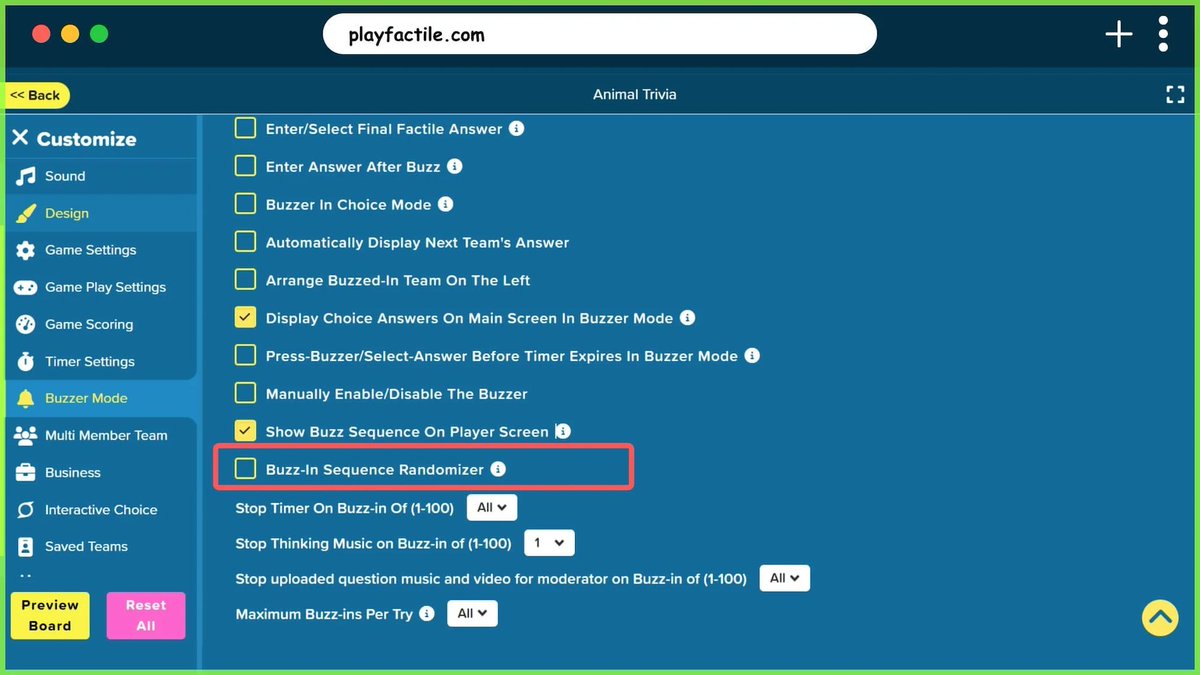
ALT Screenshot of the new Buzz-In Sequence Randomizer option on the settings page
Magic features in Canva Sheets that every busy teacher needs! 📊
These handy tools assist busy teachers in tracking progress, identifying trends, and saving time, allowing you to concentrate on teaching instead of formulas.
Learn how in our latest guide: bit.ly/46JlRTZ
It seems everyone is talking about AI—but what’s it all about? The new #BeInternetAwesome AI Literacy Guide is packed with lessons to help students (and you!) understand how AI works, and how to use it safely. Download the full guide here: goo.gle/4gqvj2P
ALT A graphic with text that says, "Check out the new AI Literacy Guide" and the Be Internet Awesome logo in the bottom left corner.
New @CanvaEdu Resource!
Let’s get to know the actions button and all the new Canva Sheets features that will lighten your workload and help you work smarter in the classroom.
Explore the Resource: bit.ly/4paP1n9
Want to be the first to know about everything @waygroundai this school year? 🎒✨
Our new updates page has you covered! Once an update is finalized, it lands here—ready for you to explore. Bookmark it and stay in the loop! 👀
🔗 updates.wayground.com/#teachertwitter#edtech
Tired of spending class time helping students create accounts?😩
✨#Edpuzzle has your back! Just toggle on Open Classes when you create your course, and students can join with a simple code - no sign-up required!✨
Pro tip: Let Edpuzzle auto-generate nicknames to make it even smoother! 💪
#EdpuzzleBTS#Teachersof𝕏