
4,433 Photos and videos







This is a fresh start.
˗ˏˋ mymind.com ˎˊ˗
31
117
1,294
369,450


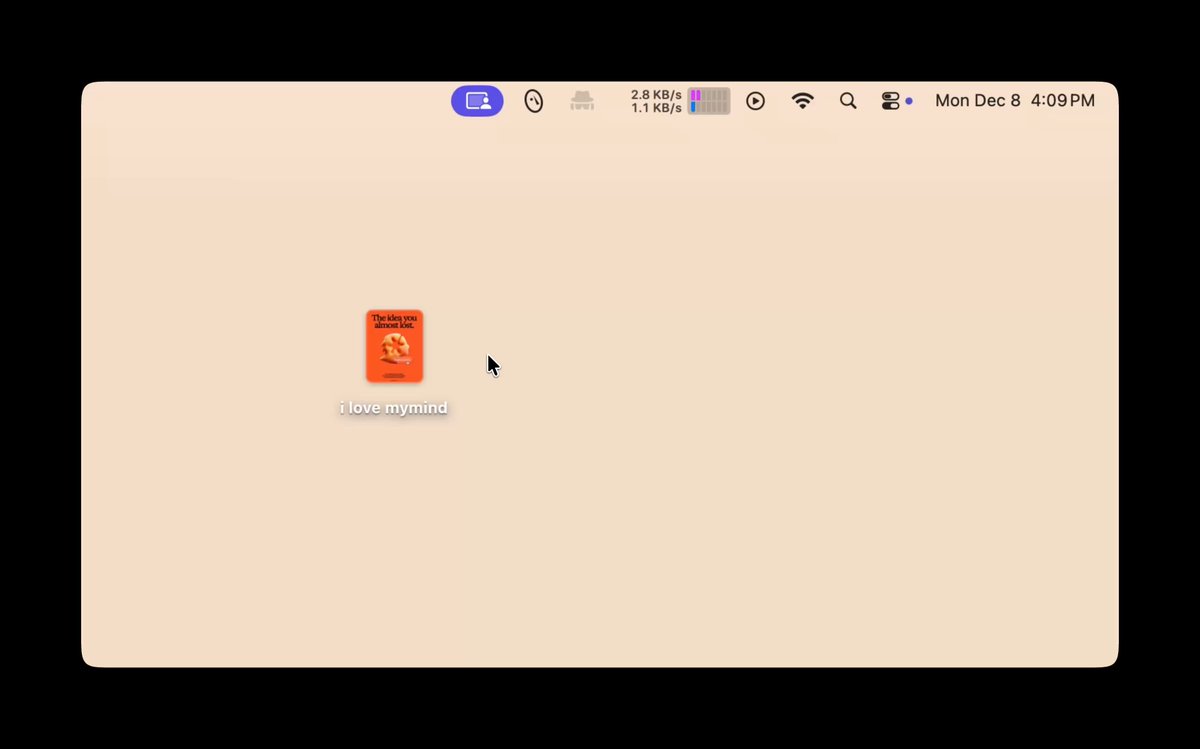
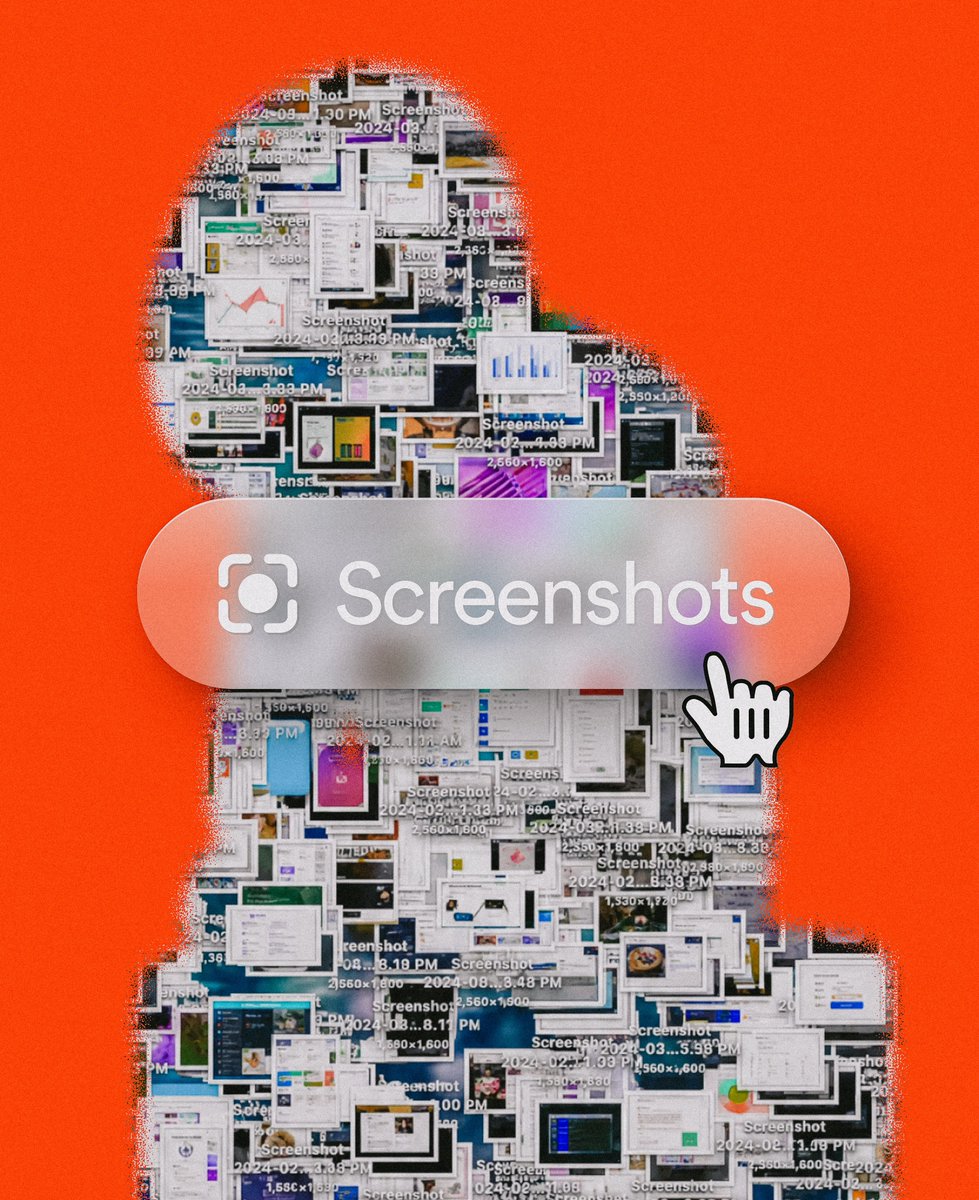
In case you didn't know: If you have the mymind MacOS app installed, you can simply drag & drop a screenshot straight onto the little toolbar icon in the top to save it to your mind.
You can tell, we had some fun doing the little uploading animation if you look closely.
And even better: You know when you take a screenshot on MacOS, before its saved to your desktop and its floating in the bottom right corner? You can just grab it from there too, and drag it up onto the mymind icon.
Possibly the best way to save screenshots to mymind without needing an extra shortcut or screenshot tool from us directly. Just use what MacOS already supports.
We hope you like it!
2
21
1,501
Is the internet making you less interesting?
api.omarshehata.me/substack-…
6
1,020
A "little" new feature you may have noticed.
mymind now automatically classifies screenshots. It's a new "card type" that is automatically added similar to Articles, Notes, Websites etc. Just type in "screenshots" and press enter in the search field.
Screenshots are of course analyzed and enriched with additional meta data (for example, what is shown on the screenshot, objects, colors etc.) they're treated the same way as images in that regard so you can more easily group or recall them.
Screenshots are also subject to OCR, aka Optical Character Recognition, meaning your mind indexes text on images so you can search for it too.
All of this already worked before, the main difference is that Screenshots are now a separate type from just "Images" so you can do more helpful deep searches.
Screenshot classification is still in beta, and you can imagine this is just the first step of making this more magical. More on that soon!
PS: I recommend you only put your most precious and important screenshots into your mind, I usually do it as a take a screenshot and know its important, I immediately drag it into mymind. I try to avoid trashing it, because that will eventually haunt me later. Don't treat it as a basic screenshot backup tool since thats not what we built it for (:
12
1,368
mymind retweeted

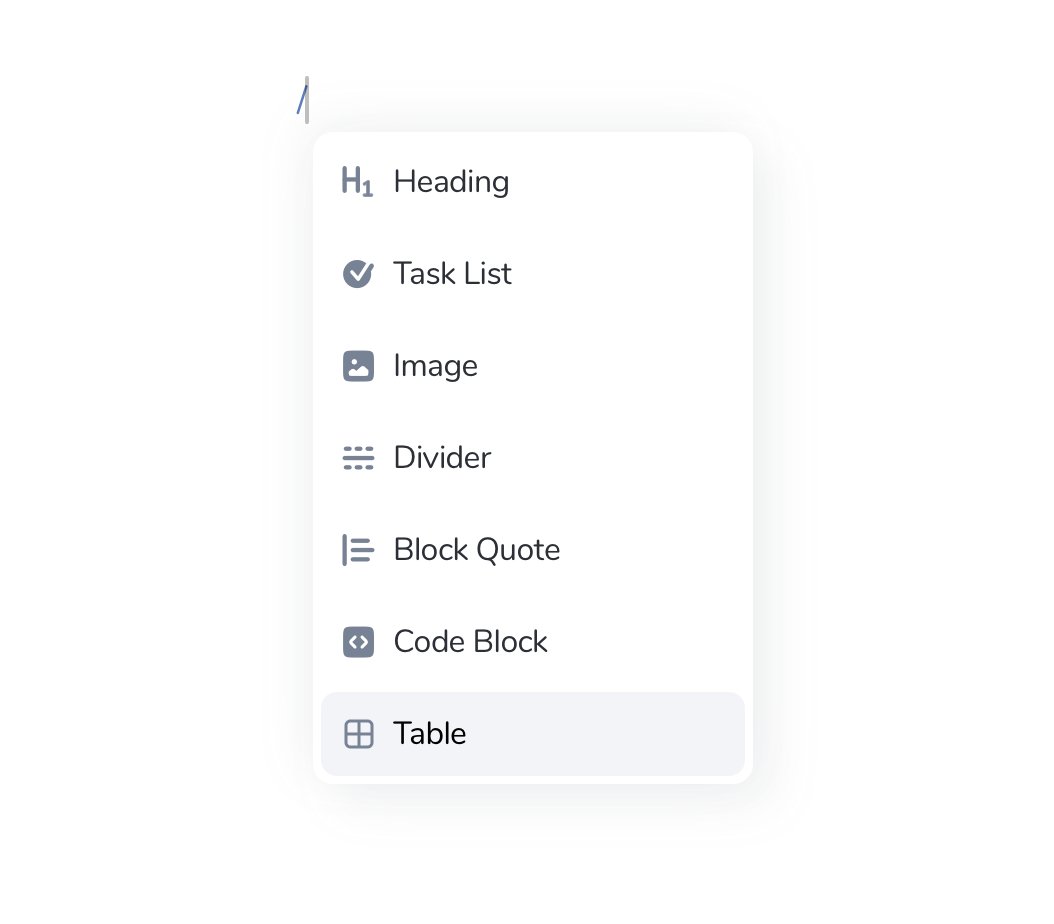
This interaction from @mymind really blows my mind. 😮 No pun intended.
3
2
35
7,862
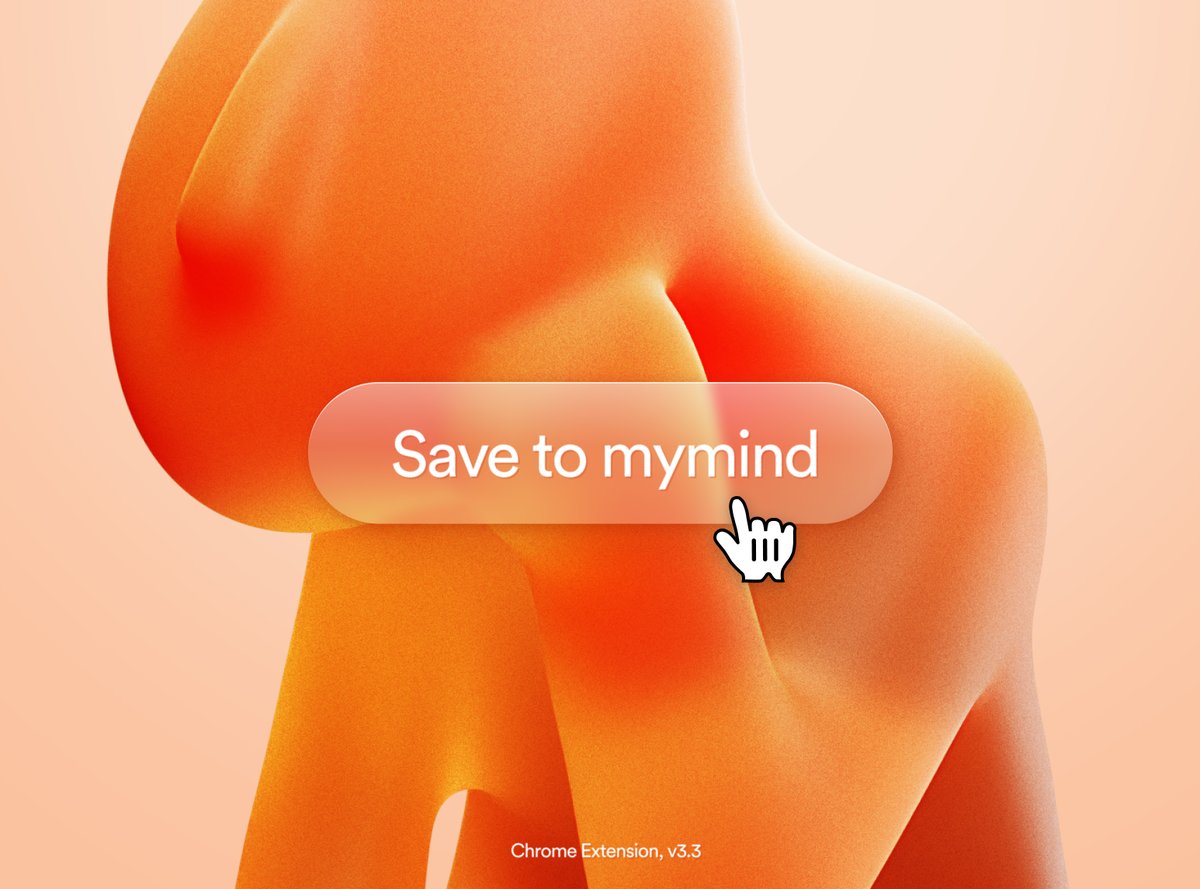
The new Chrome Extension update v3.3 is now LIVE for everyone.
WHAT'S NEW?
— More reliable magic classifications across a wider range of websites.
— Improved social integrations
— Added a Command Shift S shortcut to save the current page directly to mymind
— Added Omnibox search support: Type MM into the browsers omnibox, press [SPACE], enter your query, then press [RETURN ] into the search bar
— General code quality improvements
PS: This update affects everyone on a Chromium based browser, aka Brave, Microsoft Edge etc. We will ship these updates to Safari next, as part of a MacOS update.



2
1
48
2,640