
41 Photos and videos

Pinned Tweet

19 Aug 2019
Update!! Our team has rebuilt the #ChromebookInventory add-on!!
The add-on was originally sunset on July 15th, but our great developers have restored it, making it available to everyone for free!
#Chromebooks #GoogleEDU
bit.ly/33Eezzd
1
4
New Visions Cloudlab retweeted

6 Nov 2019
Mrs. Kuebler & I use FormRanger/Google Sheet formulas for @lchs_peer Wellness Wednesday sign up. These two tools partner well for the session title to "disappear" from the form once capacity is reached! @LCHS1954 @APKP_LCHS @LCPSEdTech @DoreneKuebler @GoogleEdu
2
5
New Visions Cloudlab retweeted

9 Nov 2019
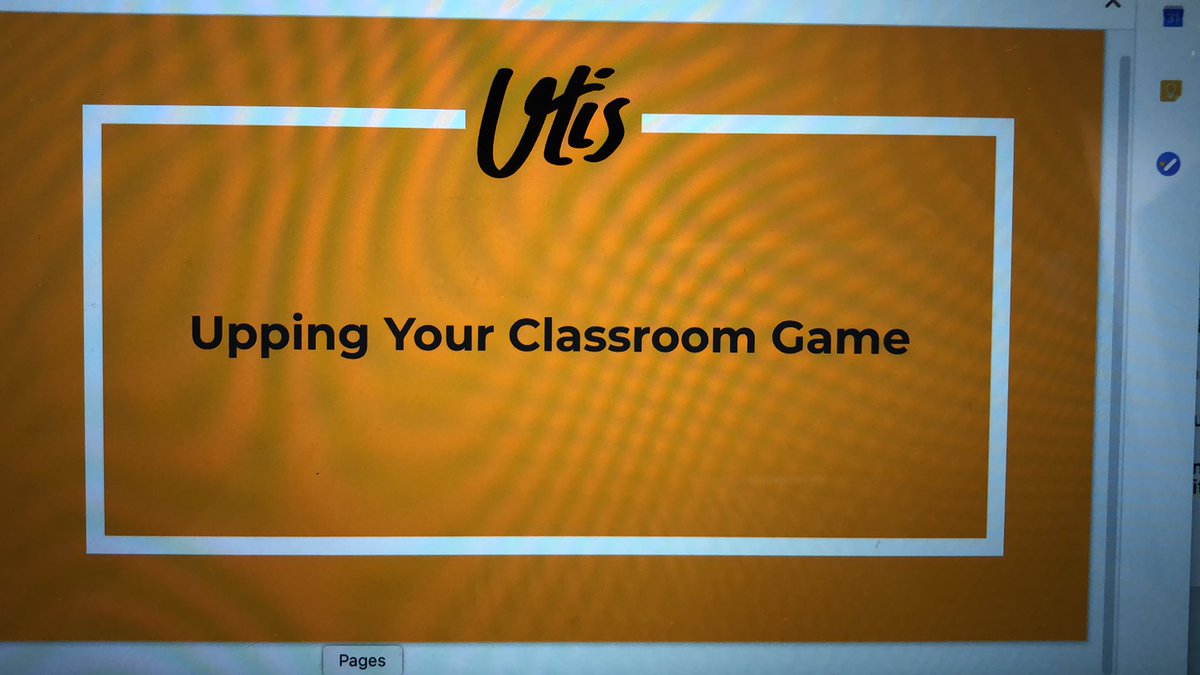
Hyperdocs and Doctopus/Goobric are gamechanging tools for teachers #utis2019 #menntaspjall @jlubinsky
1
9
New Visions Cloudlab retweeted

8 Nov 2019
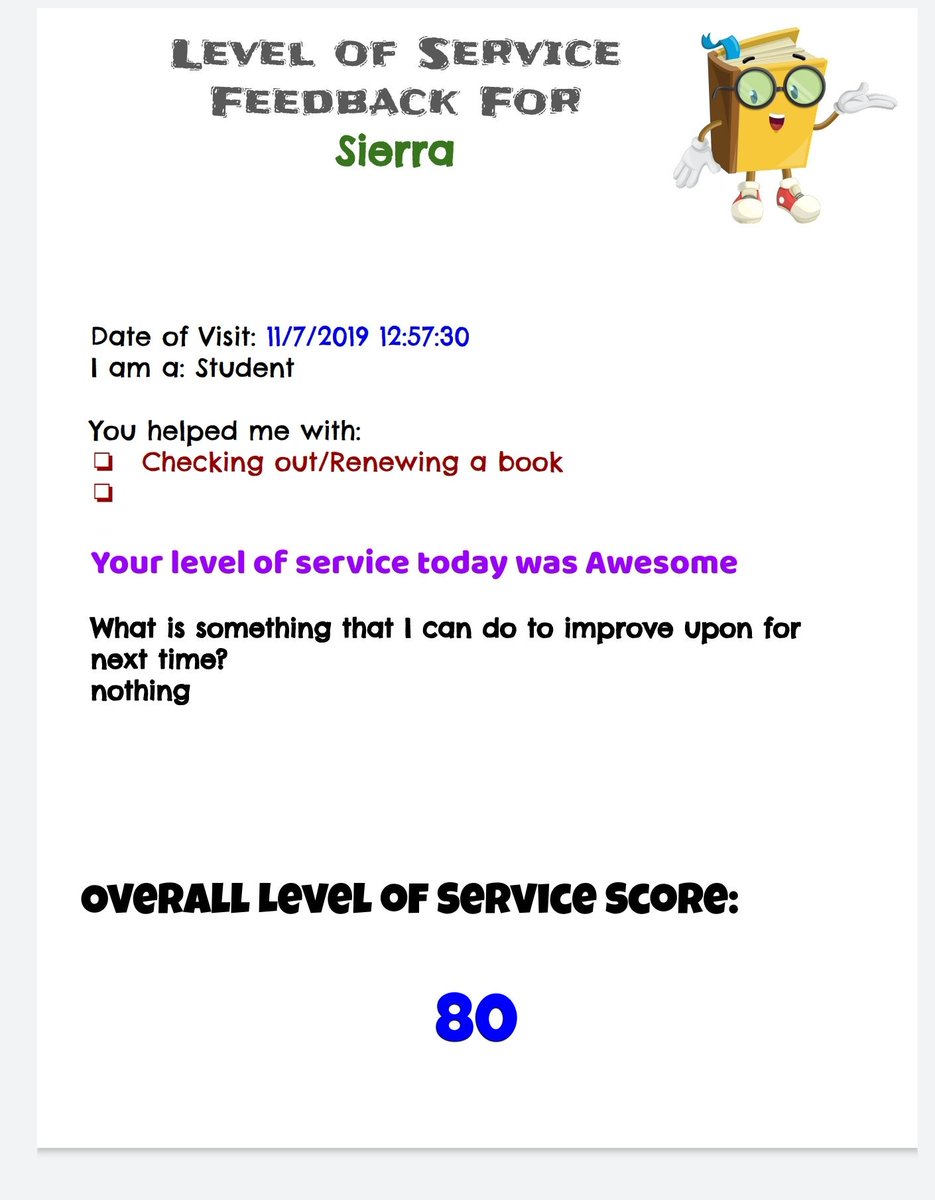
Let me say it again...I ♥️ #Autocrat by @nvCloudlab I created a level of service survey using @googlesheets formulas and then sends my Media Ss feedback doc with a customer service score. #reallifeapplication
1
5
New Visions Cloudlab retweeted

11 Nov 2019
1
2
6
New Visions Cloudlab retweeted

10 Oct 2019
@GuidingReaders You must check out the #DocAppender @google #addon! This could be a game-changer for conferring with readers and sharing goals among multiple teachers. #edtechteamonline
1
2
New Visions Cloudlab retweeted

24 Oct 2019
I've been wanting to do this for quite some time, but didn't have a class. Thanks for the tutorial @VirtualGiff! How to use Autocrat & DocAppender to Track Learning Skills youtu.be/CZKwmAcRf_E
1
1
9
New Visions Cloudlab retweeted

17 Sep 2019
Yay!!! The power duo of #forms and #docAppender is a game changer! Takes all your observations and conversations and puts them into a Google Doc for each student! Much easier for reporting time! You go girl! #ocsbLT
1
2
6
New Visions Cloudlab retweeted

12 Sep 2019
Just discovered the magic of #Doctopus and #Goobric and grading narratives on Google Classroom will never be the same! I especially love how Doctopus asks to “ingest” your assignments! 📝 🐙 #EdTech #GoogleEdu #ELATech
1
1
7
New Visions Cloudlab retweeted

5 Aug 2019
I just use a Google Form with all my students names in a drop down and then filter the sheet so each student has their own tab/sheet...then AutoCrat it into a doc....i hsve seen others use docAppender as well
4 Aug 2019

How to Digitize Your Anecdotal Notes Using Google Drive #edtech #GoogleEDU #edtechteam thetechieteacher.net/2019/08…
1
3
New Visions Cloudlab retweeted
3 Aug 2019
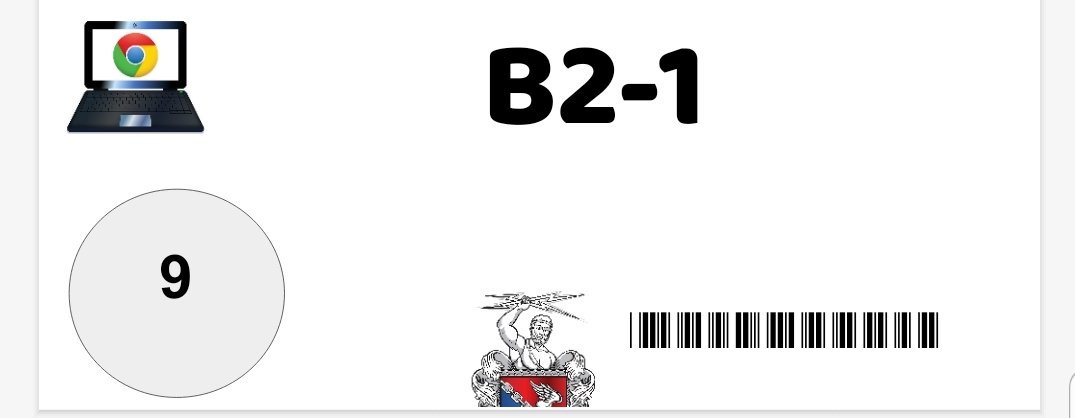
Can I just say how much I ♥️ autocrat #googlesheets add-on, thanks @nvCloudlab libra barcode font in Docs/Slides! And it's free! No need to pay $150 for a MS Word barcode font or mail merge program! #chromebooks #GoogleEdu @googledrive @googledocs #googleET
1
4
New Visions Cloudlab retweeted

14 Aug 2019
#autocrat, from @nvCloudlab is my favorite email merge tool out there and here is a tutorial from the best tutorial maker in the biz! #gsuiteedu #googleedu #gttribe
x.com/ericcurts/status/11562…
30 Jul 2019

Google Sheets Mail Merge: Using AutoCrat Version 3.0 Tutorial Video controlaltachieve.com/2016/0…
#edtech
1
3
4
New Visions Cloudlab retweeted

23 Jul 2019
The #poweroftwitter connected me with @VirtualGiff on GH yesterday as I was unfamiliar with DocAppender for Google Sheets. She heard of my challenge on #houseofedtech and reached out. Twitter connections are a way to bridge the distance gap. Thanks so much Jen. Hi @KimPollishuke
1
1
2
New Visions Cloudlab retweeted

20 Jul 2019
You can merge Forms and Docs using DocAppender to keep data. It gives you a drop down to pick whatever info you need to select from. It’s changed my data-keeping!
1
1
2
New Visions Cloudlab retweeted

9 Jul 2019
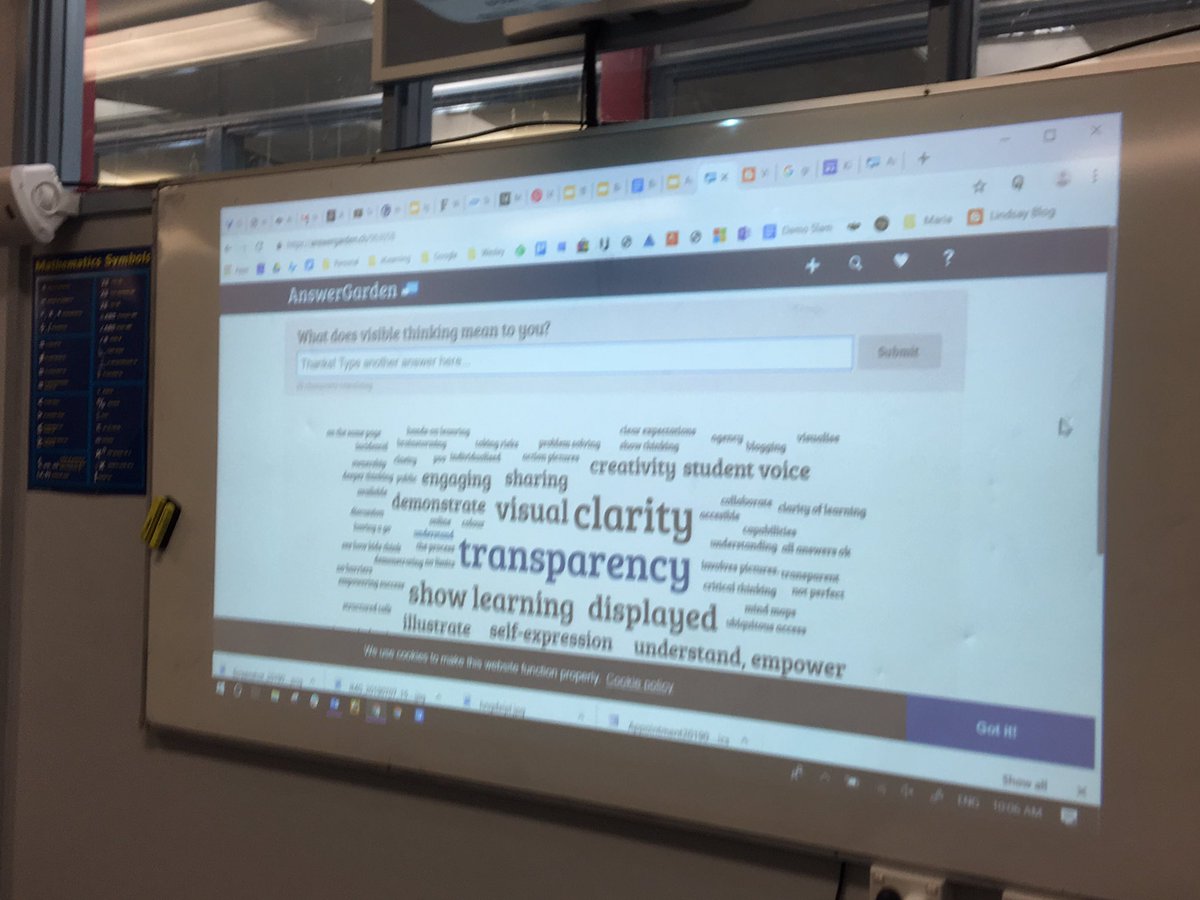
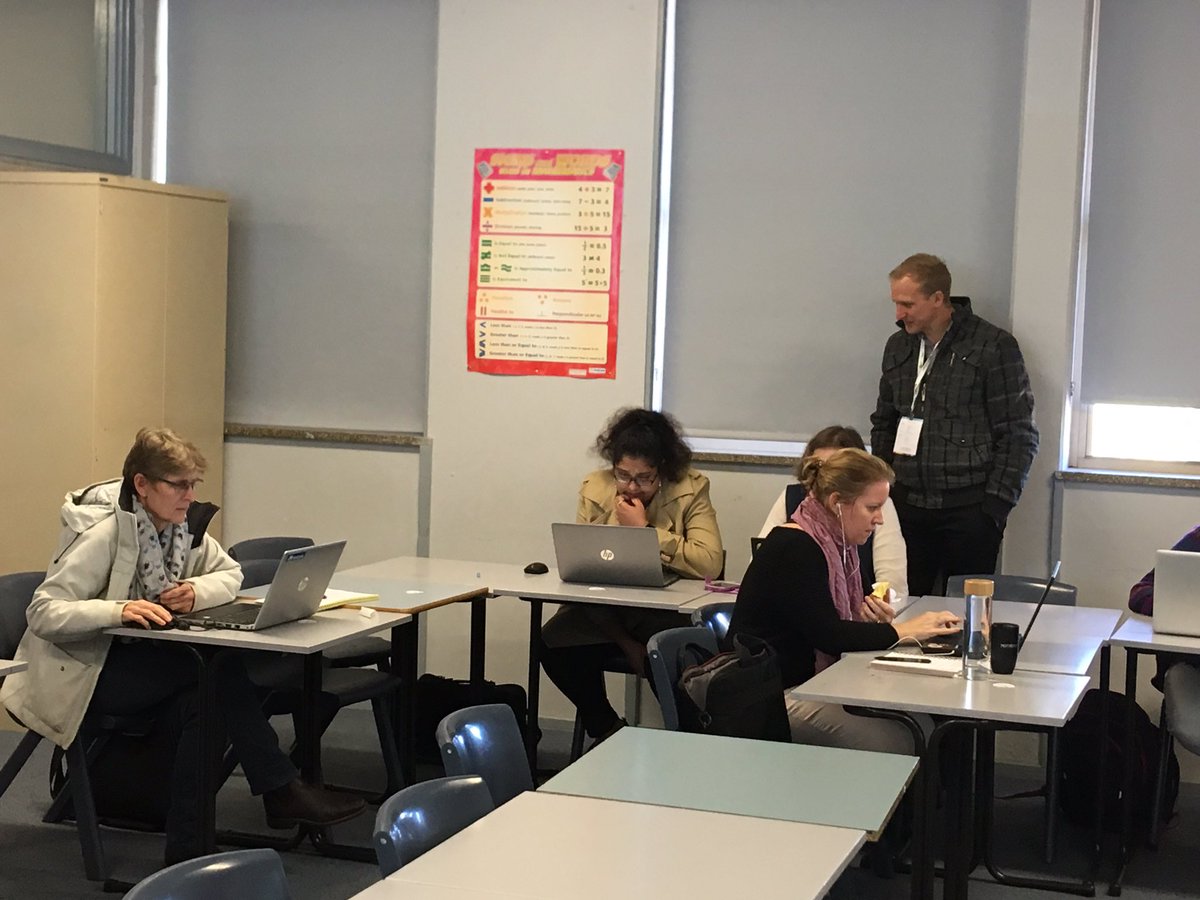
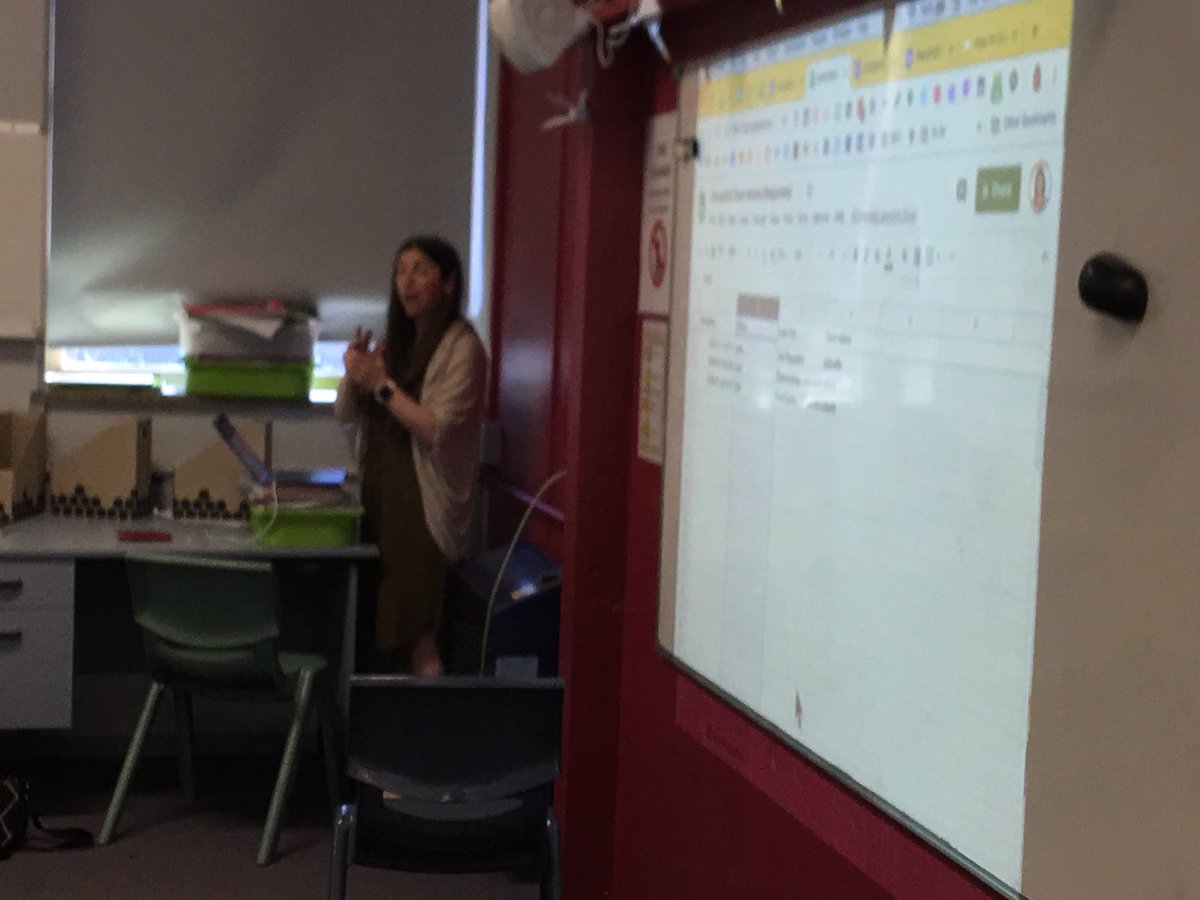
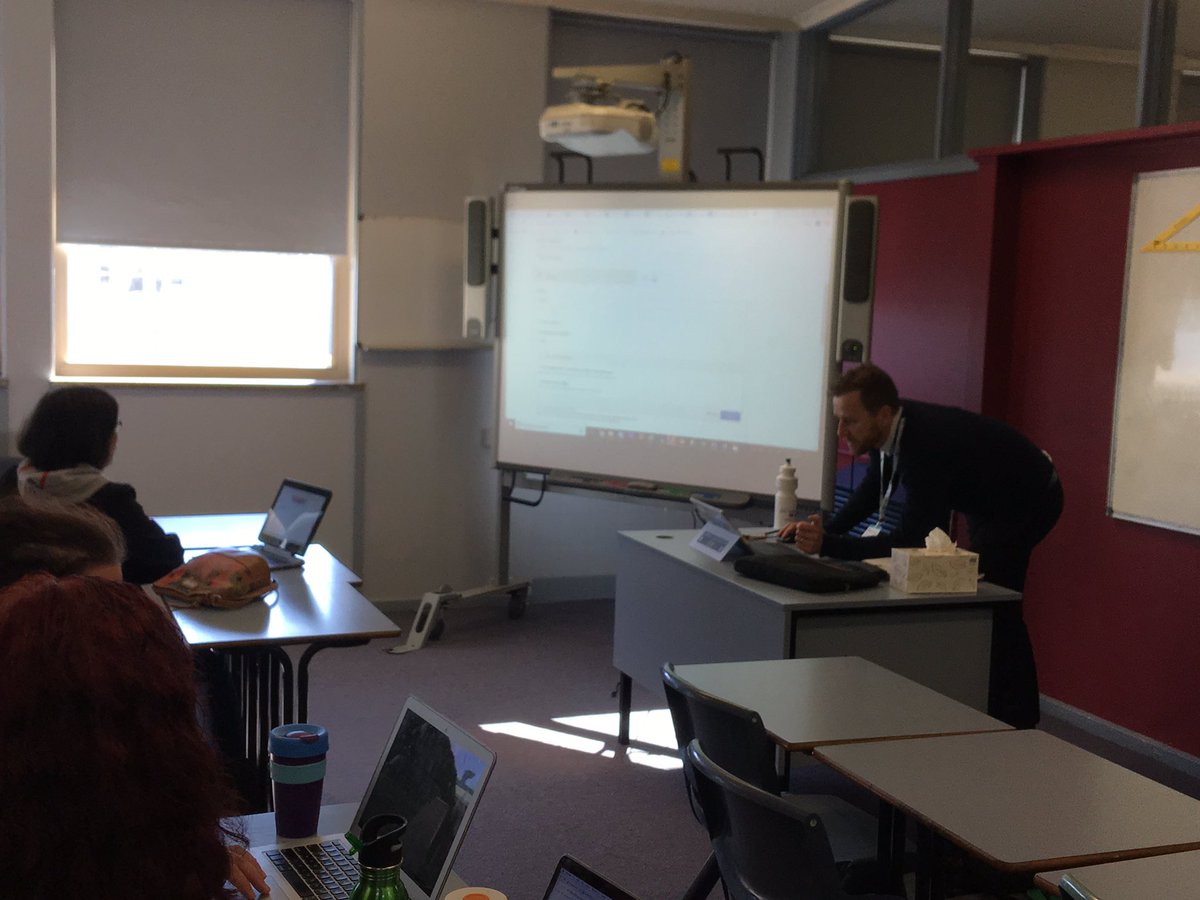
Making thinking visible with word clouds #answergarden @kehall16 @lorindaorg, creating flipped videos with @edpuzzle @DanJacksonFTK , getting geeky with #docappender @KimPollishuke and creating interactive content in sites with @H5PTechnology @jeffjohnsondet #EdTechTeam
2
11
New Visions Cloudlab retweeted

13 Jul 2019
I like using Goobric. It allows self and peer evaluation.
11 Jul 2019

YES YES YES
STUDENTS SHOULD SELF EVALUATE on the rubric before you evaluate them on the rubric.
(I already sent that feedback to the #googleClassroom team but if you would also... it would help)
1
3
New Visions Cloudlab retweeted

13 Jul 2019
Using #DocAppender and #Doctopus again to add to ongoing feedback. Will make Ss leave a comment/question this time, as some are repeating errors from previous one.
Some tweaks: using desktop (easier vs iPad), made Forms fields compulsory (so won't accidentally miss out on any)
1
3
New Visions Cloudlab retweeted

26 Jun 2019
.@NewVisionsNYC are the gold 🏅standard💡for this type of work!! @VictoriaCurry77
cloudlab.newvisions.org/shee…
2
1
5