
Joined December 2006
- Tweets 21,114
- Following 201
- Followers 312
- Likes 10,842
712 Photos and videos




9 Oct 2024
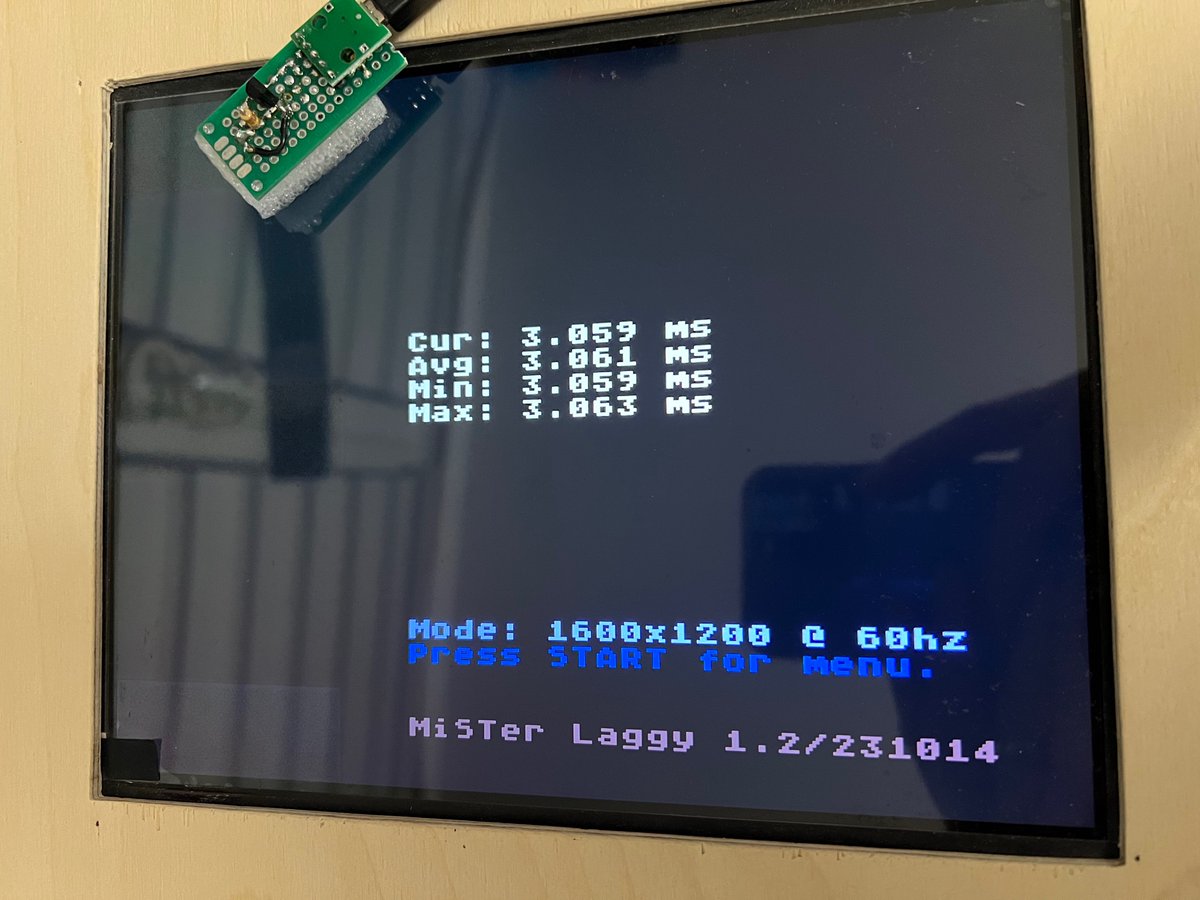
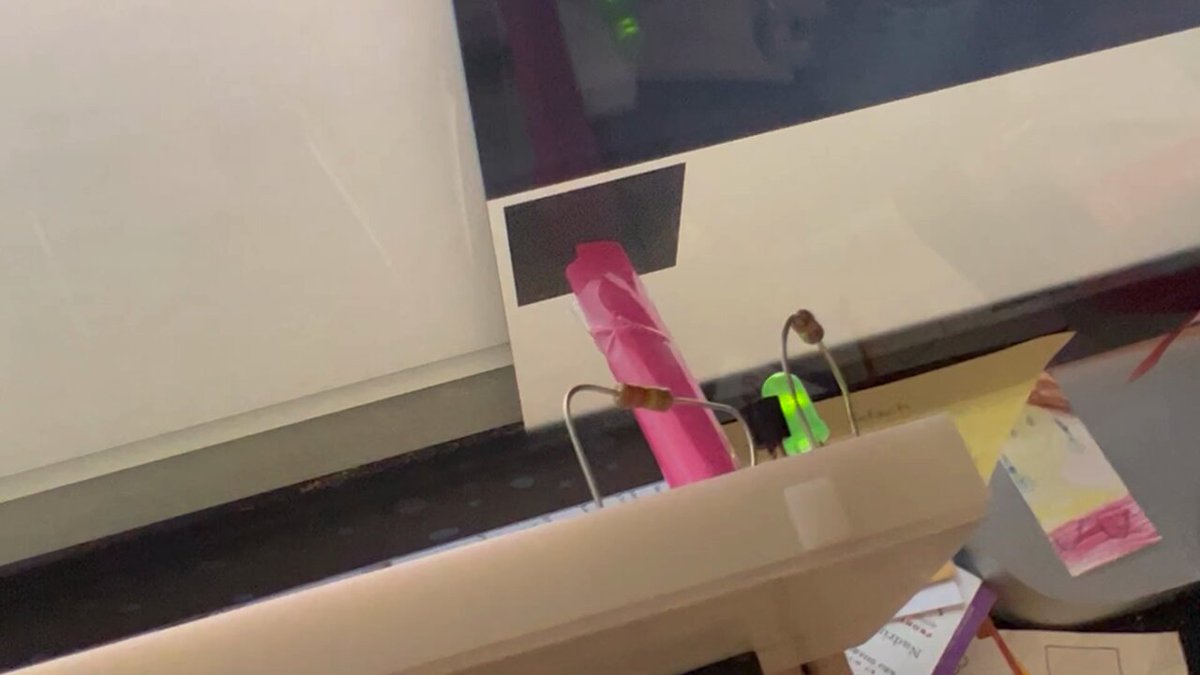
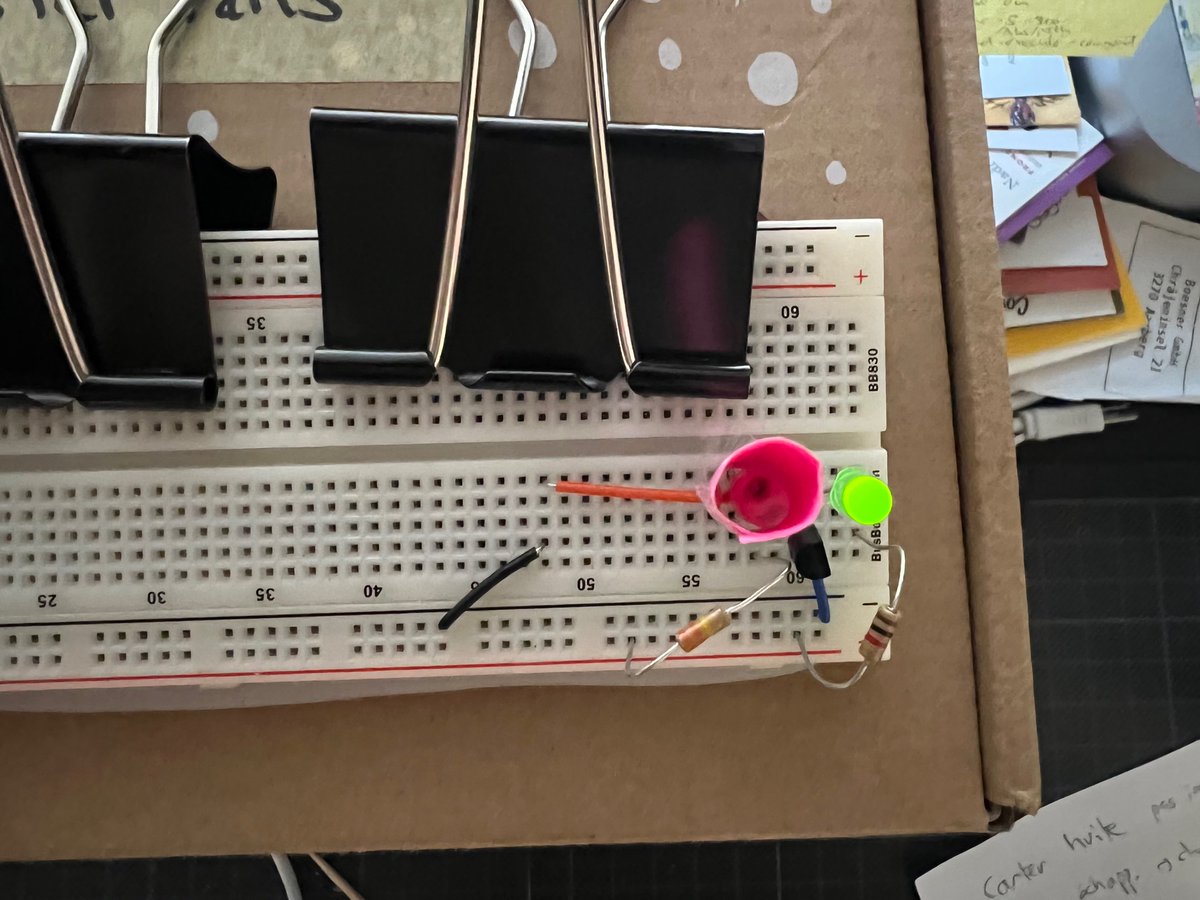
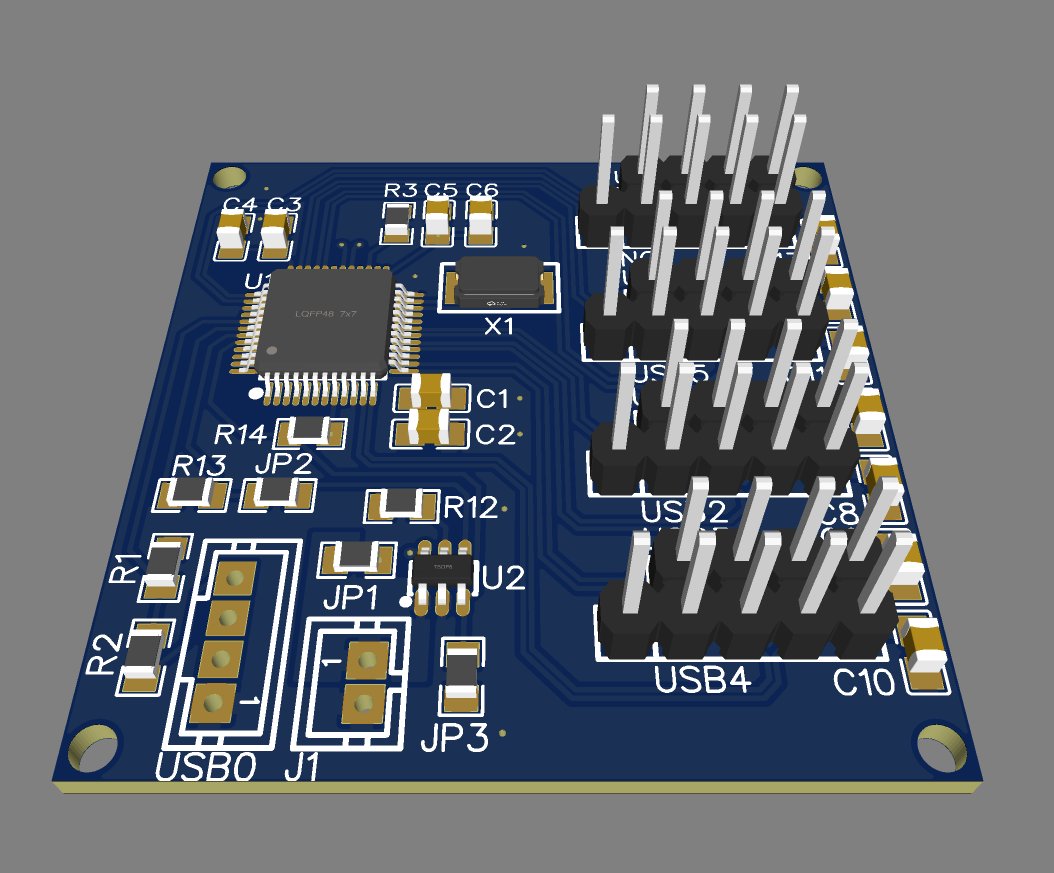
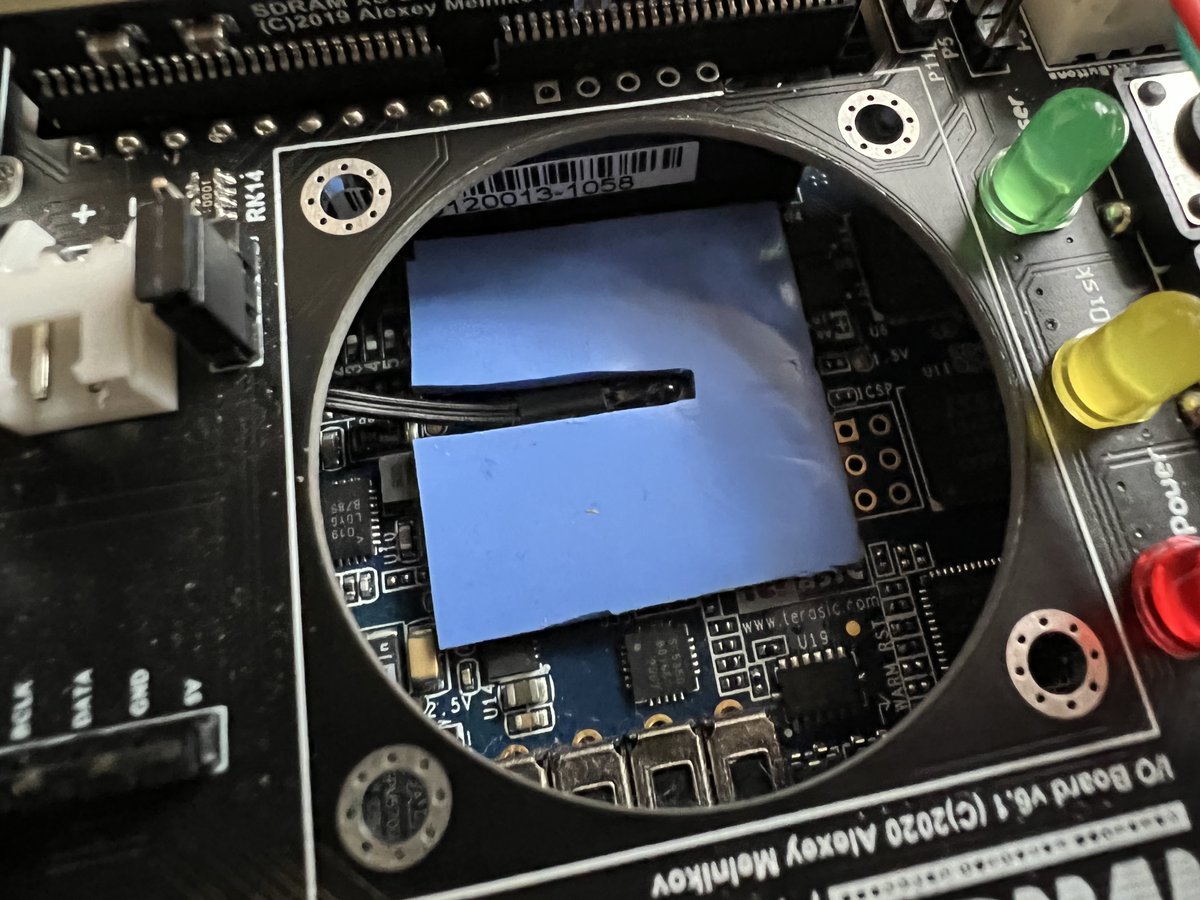
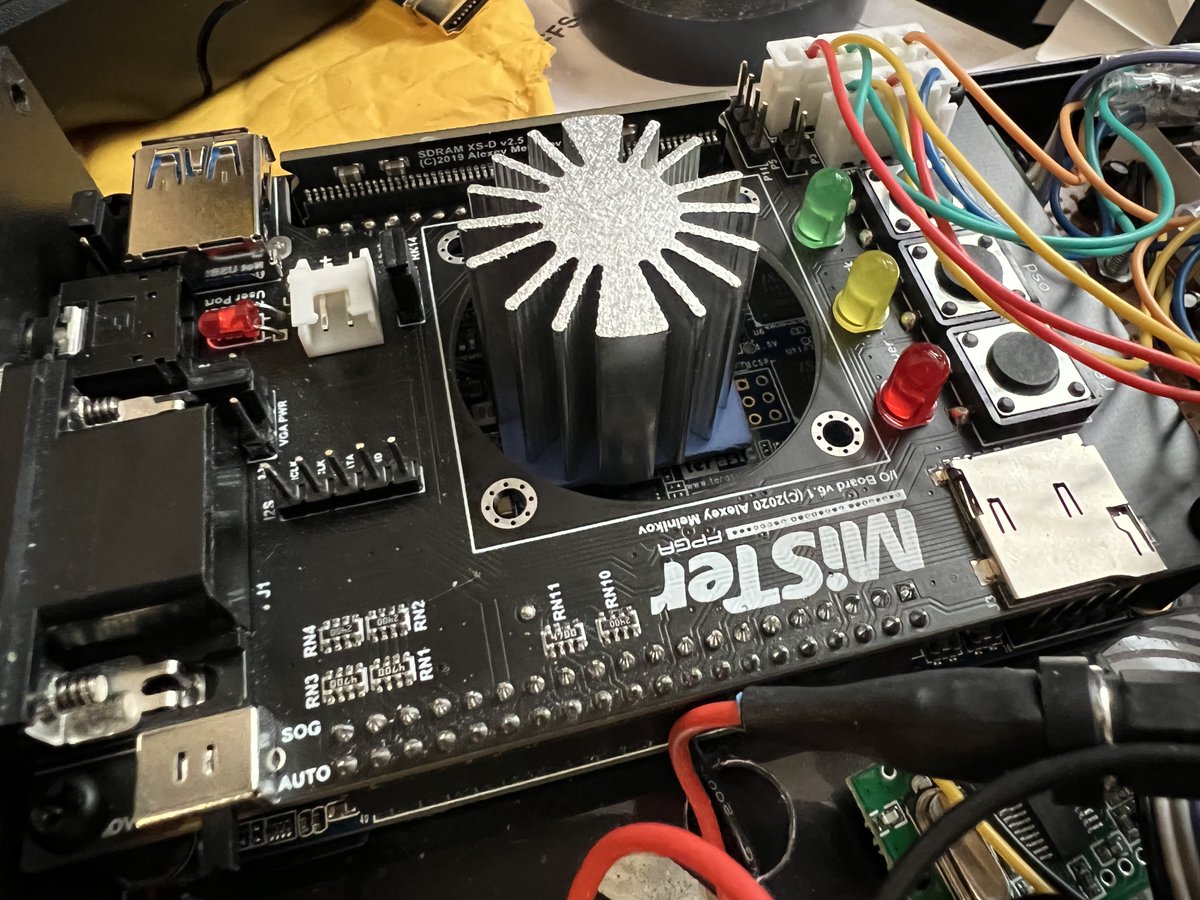
Does anybody know if it’s possible to detect, from the Linux side of the #MiSTerFPGA, if the User or OSD button is pressed, from /dev/, sharedmem, or something?
1
119
12 Jun 2024
It’s a long shot, but does anybody know why I can’t get disk temperature reported via #SNMP on my #Synology? I’m using SNMP v3 with auth and privacy, and I have the Synology MIB files, which contain a field diskTemp. #Monitoring
77
8 Jun 2024
1
69
Ölbaum retweeted

11 May 2024
One and two player Puzzle Bobble/Bust-A-Move with some PVC pipe and an optical mouse.
#PuzzleBobble #retrogaming

17
500
1,498
148,219
8 May 2024
So it turns out that the ability to have different wallpapers per ini file is documented, albeit outdated. But since #GitHub prevents search engines from indexing wikis, and the #MiSTerFPGA Bible is a 5-year-old snapshot of the wiki, we’re out of luck.
github.com/MiSTer-devel/Wiki…
3
191
8 May 2024
@marcusjordan Do you think we could work together to make boogermann.github.io/Bible_M… update automatically as the Wiki is updated? Since it’s favoured by search engines, it would be really cool.
36
7 May 2024
TIL I learned (by reading the source code) that you can change the #MiSTerFPGA wallpaper according to which of the four alternative .ini files is loaded. >>
2
3
150
7 May 2024
If your .ini files are called
MiSTer.ini
MiSTer_foo.ini
MiSTer_bar.ini
MiSTer_baz.ini
you create folders
wallpapers
wallpapers_foo
wallpapers_bar
wallpapers_baz
in the root of the SD card, and a random file from the folder matching the currently selected .ini will be used.
1
1
115
7 May 2024
The “funny” part is that, knowing it exists, I tried to search for the corresponding documentation, and I found nothing.
I was actually reading the code because I wanted to see if I could implement it.
#MiSTerFPGA
97
7 May 2024
2. Setting the wallpaper from the .ini file, so I can have wallpapers that show me which .ini is currently active;
3. A way to get the properties of the monitor connected via HDMI, so I can have a startup script that changes some settings accordingly.
>>
1
98
7 May 2024
The MiSTer already supports EDID detection, but I couldn’t find a way to get the data from a script.
1
86
7 May 2024
Reading the MiSTer code, it looks like I can already switch the wallpaper based on the selected .ini file, by having a folder /media/fat/wallpapers_foo that matches the corresponding ini file MiSTer_foo.ini.
github.com/MiSTer-devel/Main…
1
86
7 May 2024
Three things I would find useful on the #MiSTerFPGA:
1. Booting into “safe mode” by holding a button at startup, that sets all settings to the most likely to work: vsync_adjust=0, dvi_mode=1, video_mode set by querying the display;
>>
1
2
524
Ölbaum retweeted

3 May 2024
The Secret History of Mac Gaming: Expanded Edition
Celebrate the history of gaming on the Apple Mac with this beautiful 480-page hardback book, featuring more than 250 Mac titles, including classics like Spectre, Myst, Sim City, Cosmic Osmo, Shadowgate, Balance of Power and Halo.
We’re celebrating 40 years of the Mac and have knocked £5.00 off: bitmapbooks.com/collections/…
#bitmapbooks #book #retrogaming #retrogames #gaming #art #reading #foryou #mac #apple #bookstagram #booktok #fyp @MossRC
3
12
39
3,930
Ölbaum retweeted
19 Jan 2024
I have released my arduino-util tool. Build your Arduino projects with a Makefile and pinned, local libraries, and automatically detect which port your Arduino is found at. I hope someone finds it useful.
github.com/oscherler/arduino…
#Arduino #Makefile #GoLang #Dev
1
2
3
963
19 Jan 2024
I have released my arduino-util tool. Build your Arduino projects with a Makefile and pinned, local libraries, and automatically detect which port your Arduino is found at. I hope someone finds it useful.
github.com/oscherler/arduino…
#Arduino #Makefile #GoLang #Dev
1
2
3
963
19 Jan 2024
I wrote it in Bash, then I learned Go, and rewrote it in Go, all in a little over a day.
Then I forgot to comment the code. Sorry about that, I’ll fix it later.
1
47
10 Jan 2024
. @schurt3r Vous ne vous payez pas un tout petit peu notre tête, par hasard ?
ALT Titre de Watson : Les espions suisses nous surveillent sur Internet.
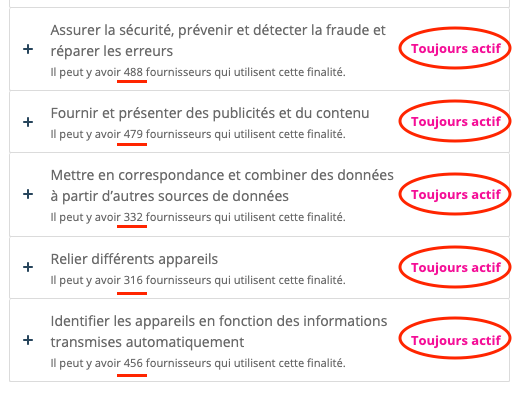
ALT Consentement cookies de Watson : cookies toujours actifs dans 5 catégories, avec plusieurs centaines de fournisseurs à chaque fois (détecter la fraude : 488, présenter de la publicité : 479, combiner des sources de données : 332, reliers des appareils : 316, identifier les appareils : 456.)
40
19 Dec 2023
I’m going through the latest #MiSTerFPGA ini file and documentation, and a lot has been done to make it even easier to have custom settings however you might need. There are sections for the menu core, for arcade and vertical arcade cores, and even for specific video modes.
1
1
527
19 Dec 2023
The only thing I might want to have more is a way to detect the display currently connected, and apply certain settings accordingly. This way, I could set a custom resolution and vsync_adjust=2 for my iPad screen, and vsync_adjust=0 for my TV. #MiSterFPGA
136