
Joined November 2023
- Tweets 28
- Following 3
- Followers 65
- Likes 1
10 Photos and videos

Mar 11
New versions of Pinning for both macOS and iOS is live on App Store. You can now manage tags via context menu. We also fix a lot of minor UI issues on macOS Tahoe.
The Mac app should feel better than ever! Update the app at App Store now: apps.apple.com/us/app/pinnin…
1
81
7 May 2025
A new version of Pinning for macOS is live on the Mac App Store.
Due to our mistakes, the menu bar app that should have been in the app two months ago was not included in the production build.
Now it’s finally here, a great addition to the app.
2
1
216
7 May 2025
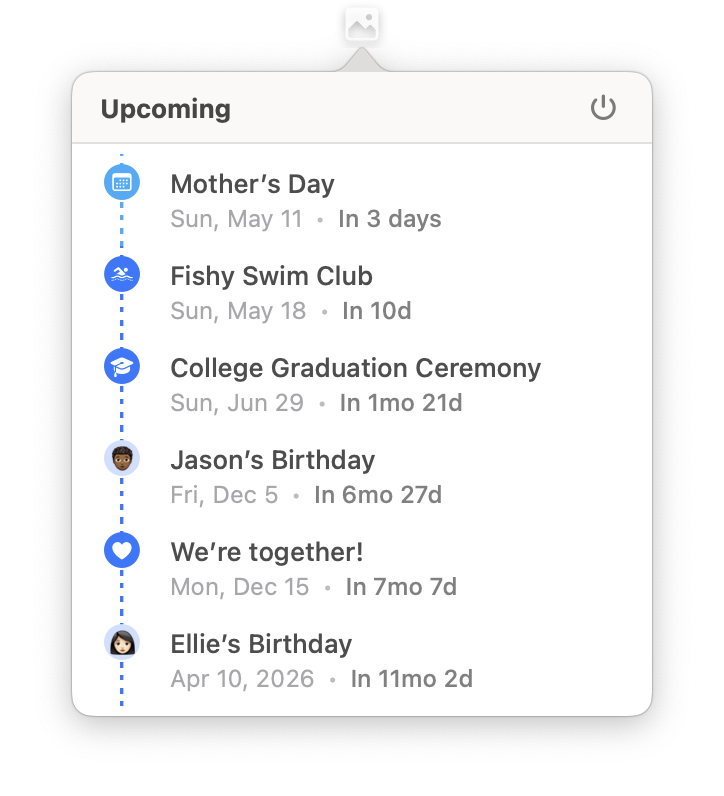
A little tip for the menu bar app.
You can click the event in menu bar app to show in Pinning. You can also ⌘-click the event to show in either the Calendar app or or the Reminders app.
1
145
15 Apr 2025
A new version of Pinning for macOS is live on the App Store with new feature custom icons for notebooks and events.
Style your notebooks and events with a personal touch.
We also make an extra effort to support SVG so that you can use the enormous icon sets on the Internet.
132
26 Mar 2025
With the new version released, Pinning now supports French, German, Spanish, Portuguese, Korean and Japanese.
These localizations are not perfect. If you spot any errors in your language, please report to us hi@pinning.app.
118
25 Feb 2025
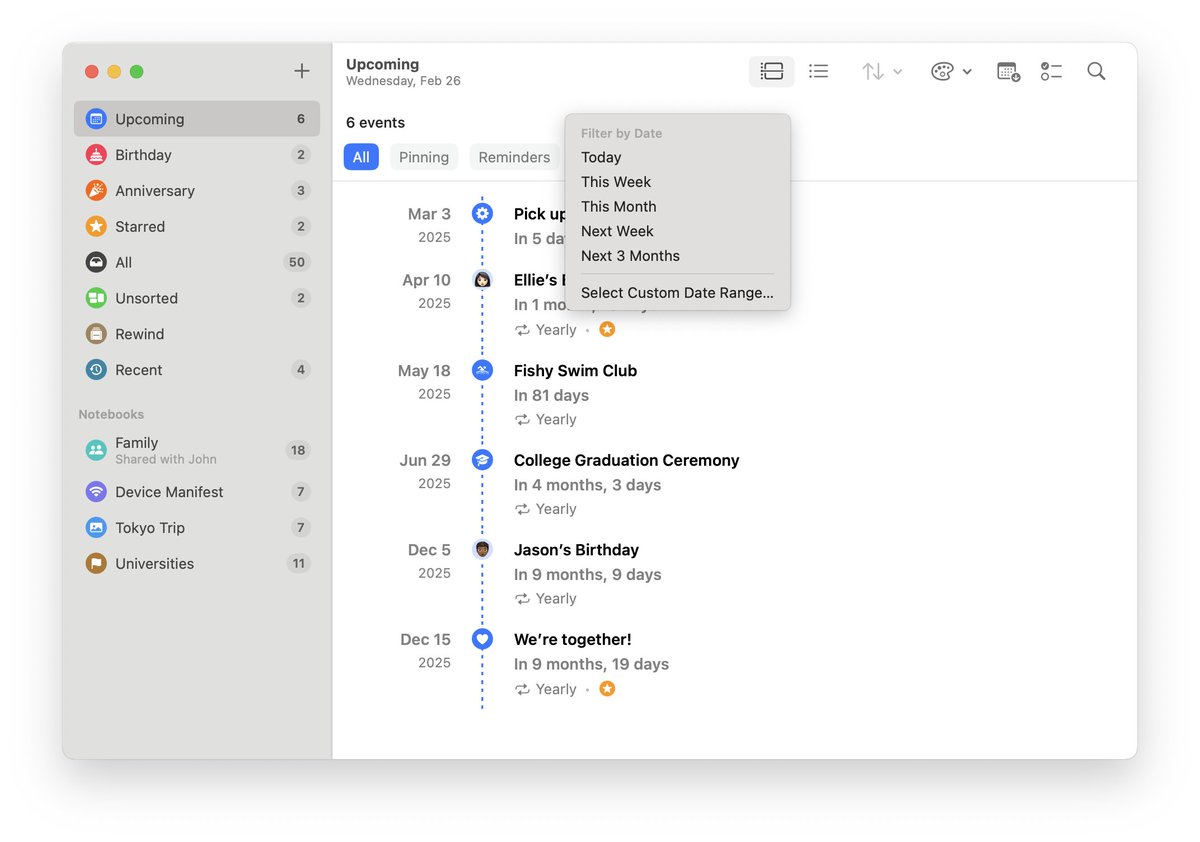
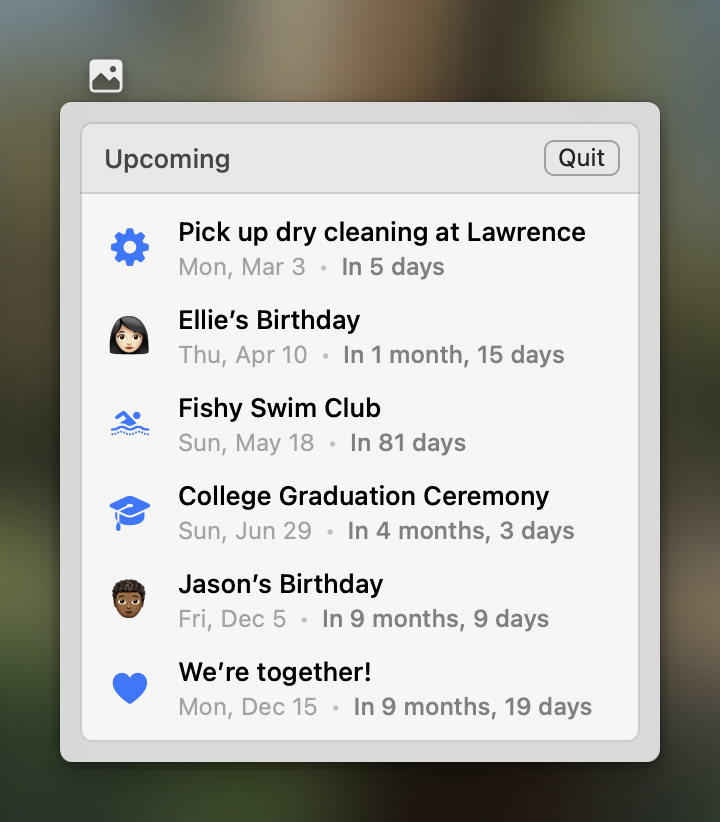
A new version of Pinning for macOS is live on Mac App Store with new features like menu bar icon, managing shared notebooks and filtering events by date.
2
154
17 Feb 2025
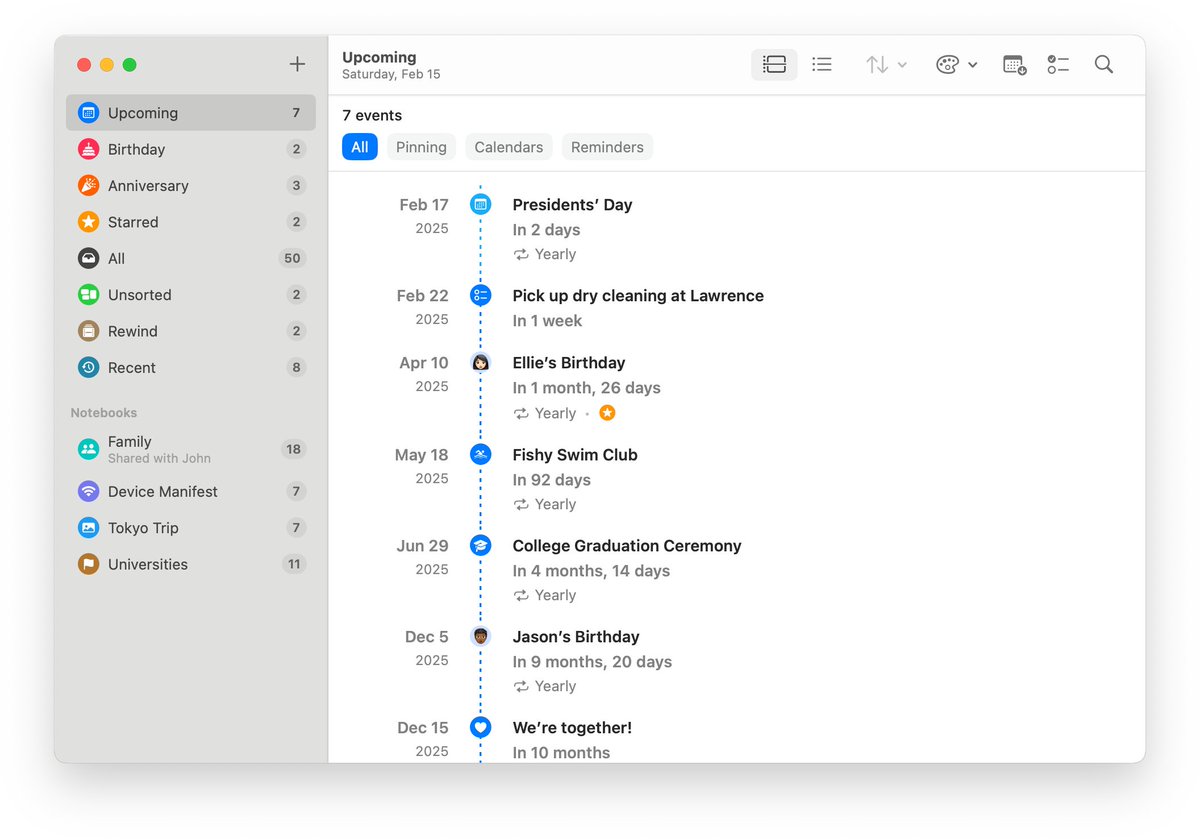
After four rejections from app review over two days, Pinning for macOS is finally live on the Mac App Store.
Also, we will increase the price of the lifetime plan before long. Now it’s a great time to get on board if you haven’t already.
1
1
6
898
17 Feb 2025
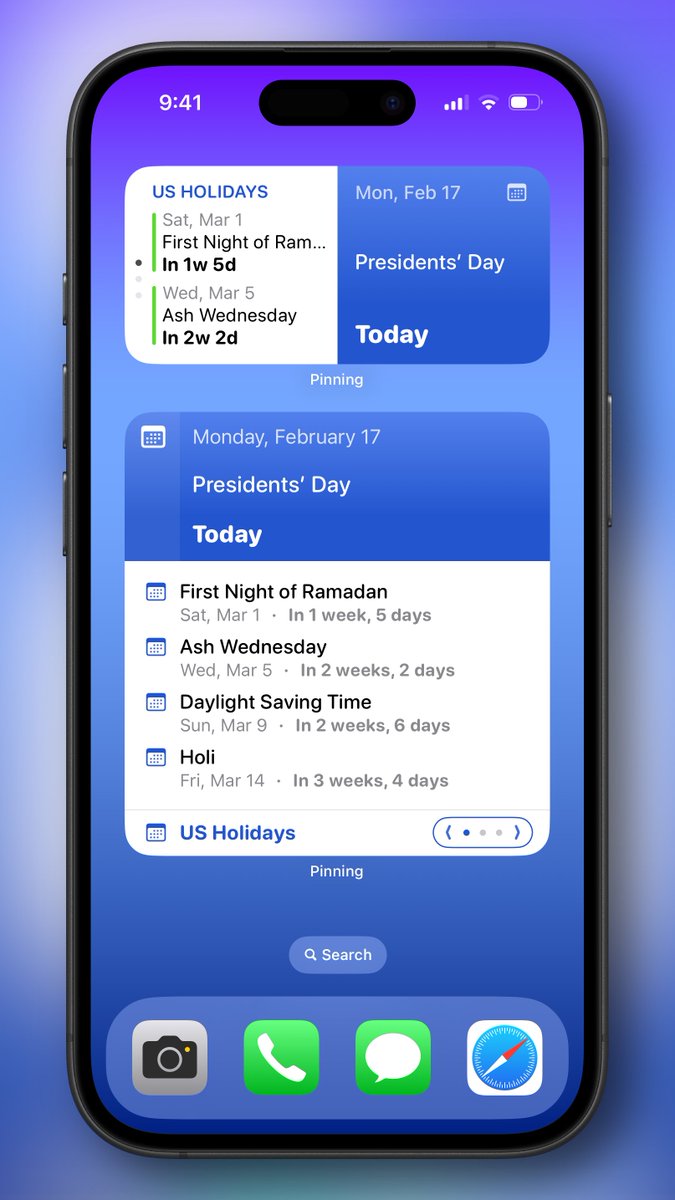
With the latest version of Pinning, you can now set calendar or reminder list as the source of the widgets.
It’s could be useful for someone to view upcoming calendar events separately. We hope you enjoy it.
ALT A screenshot of iPhone with Pinning widgets showing in the home screen. The source of the widgets is set to US Holiday.
1
91
6 Feb 2025
Hi everyone! We’ve been working on Pinning for macOS for a while, which it’s a native app built with AppKit and SwiftUI.
While the app is still in early stage, we would love to invite you for TestFlight so that you can help decide what features should be included in 1.0.
1
122
6 Feb 2025
The app is not properly tested. So it would help us a lot if you can report the bugs you find to us via email hi@pinning.app.
The link is here: testflight.apple.com/join/WP…
1
649
12 Jan 2025
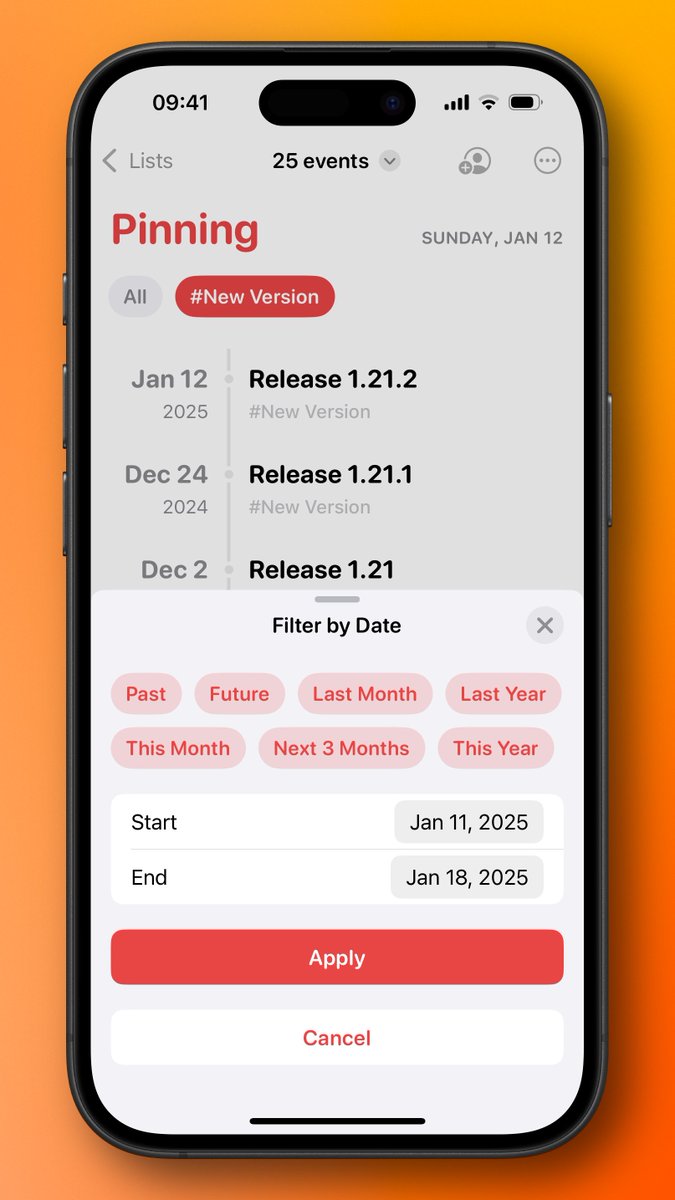
A new version of Pinning is released with new date range presets (Past and Future) for notebooks and improvement for shortcuts.
It’s a small update. But some of you will enjoy this because these improvements came from our users directly.
1
3
97
1 Dec 2024
Pinning is versatile.
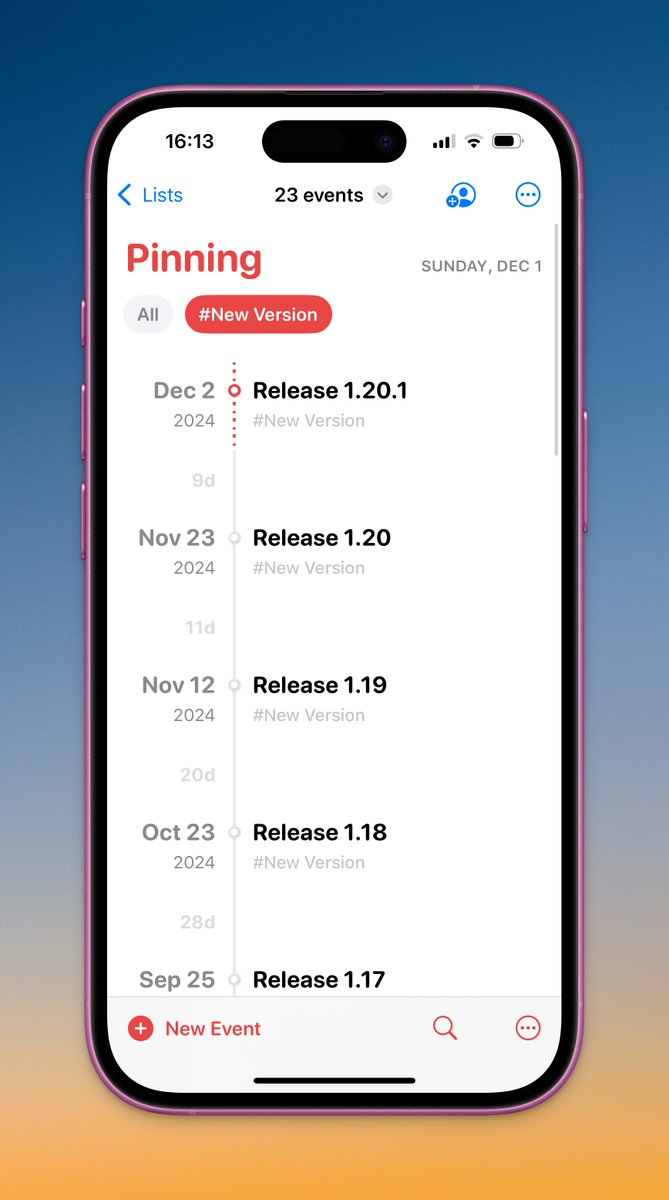
One of the things you can do with Pinning is to track project milestones.
For example, the milestones of Pinning are kept in a notebook in Pinning. With tags and event intervals, you get the development pace of Pinning at a glance.
1
116
1 Dec 2024
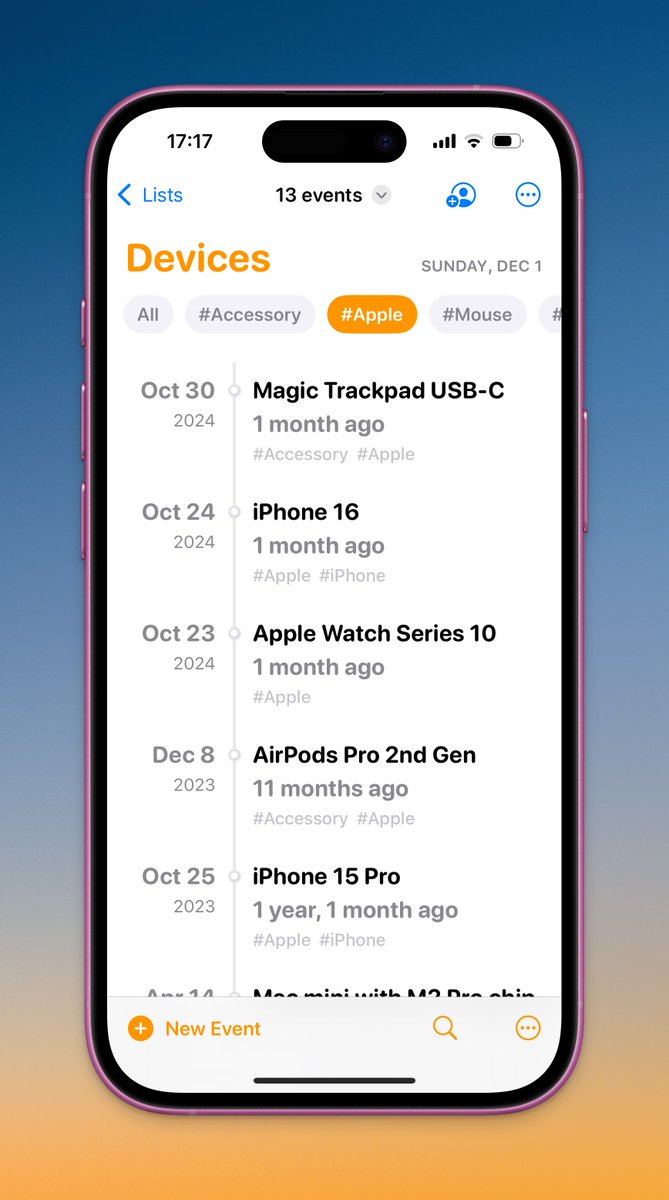
Keeping the manifest of your digital devices in Pinning is also a good idea.
You can easily see how old your devices are.
78
28 Nov 2024
The lifetime plans of Pinning are now 30% off for the week of Black Friday ($29.99 → $20.99).
Grab it now:
apps.apple.com/app/id6472634…
1,324
17 May 2024
Hi everyone! Pinning has launched on ProductHunt. Please consider voting for it if you find it helpful.
producthunt.com/posts/pinnin…
1
2
1,084
15 May 2024
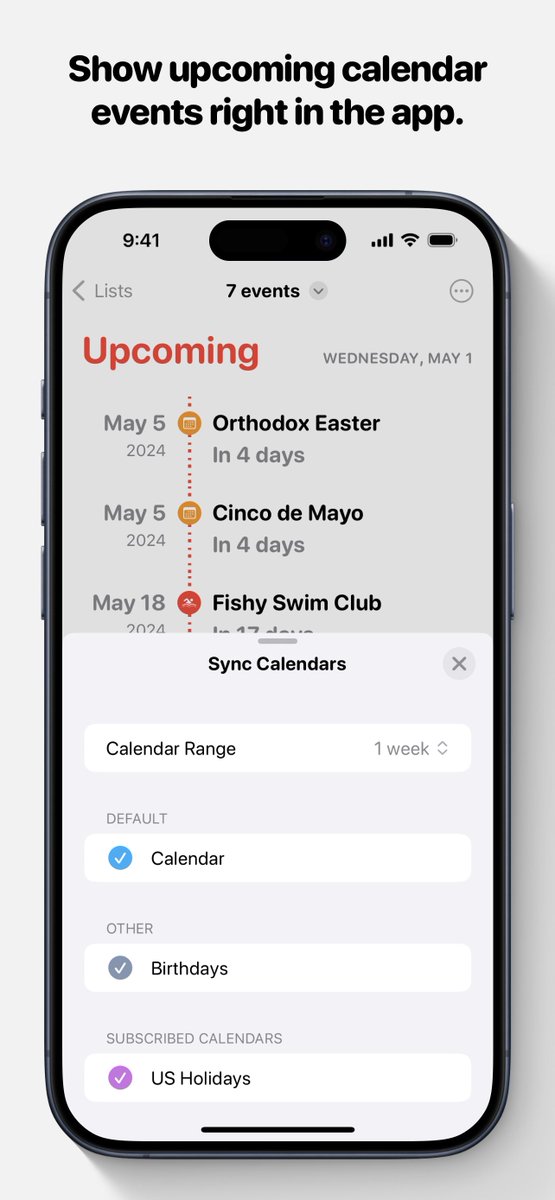
Version 1.7 is live on the App Store with calendar integration to countdown events in your calendars.
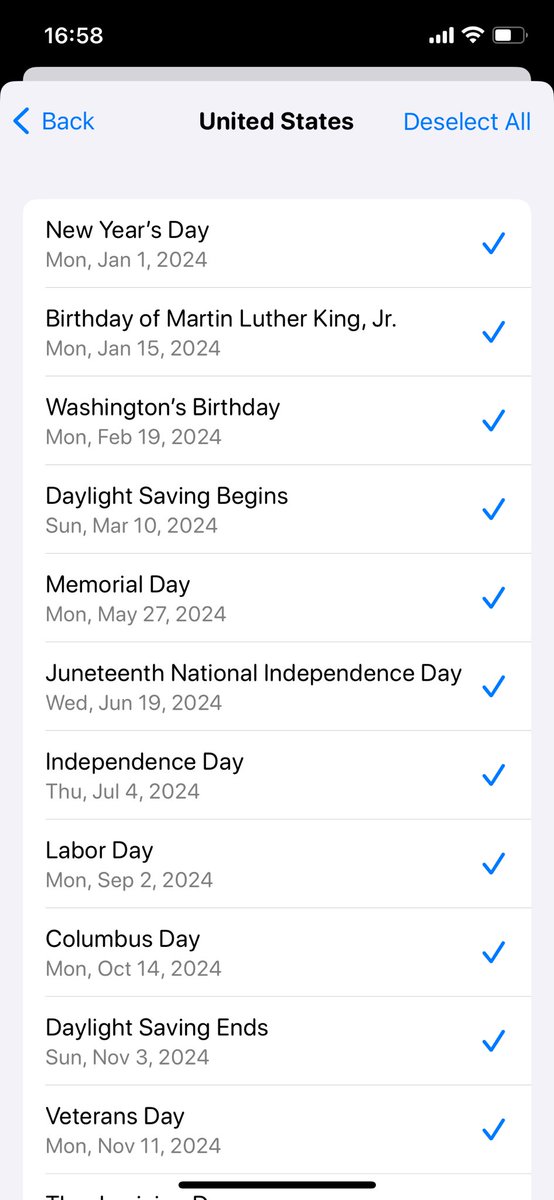
You can now keep track of public holidays automatically via subscribed calendar.
It’s really a great feature. Go check it out!
2
268
19 Apr 2024
A new version of Pinning is live on the App Store.
You can now create advanced yearly and monthly repeated events just like Apple’s Calendar app.
To save you some time, you can even import public holidays directly in Settings.
142
11 Mar 2024
Version 1.1 is live on App Store with new features like importing birthdays (About → Onboarding) and creating events from calendars.
Getting started with Pinning is easier than ever.
1
257
9 Mar 2024
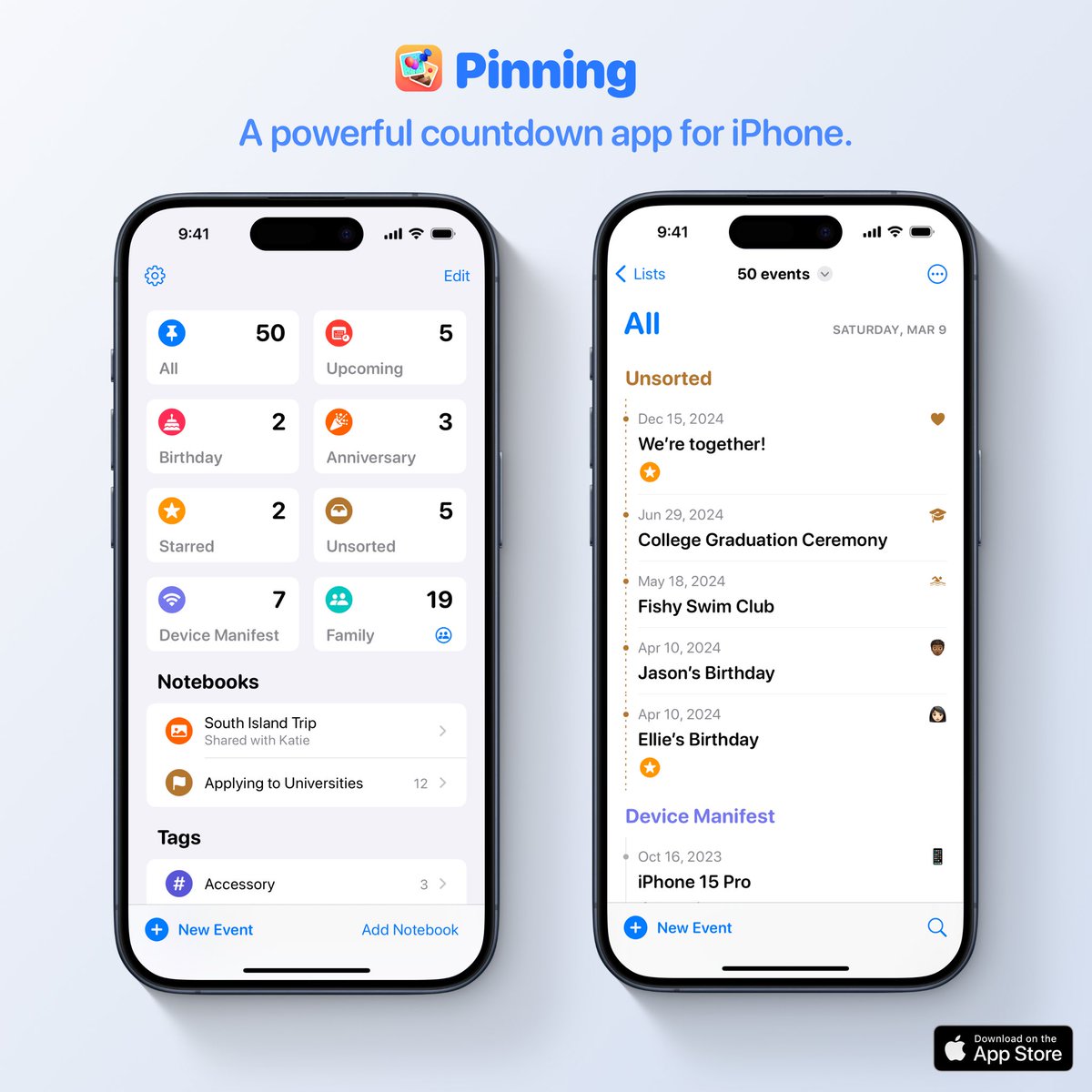
Pinning is a powerful countdown app for iPhone.
Besides keeping track of birthdays and anniversaries, you can create meaningful events and organize them with notebooks. Thus Pinning is also a simpler journal app.
Check it out at App Store: apps.apple.com/us/app/pinnin…
2
4
2,856