- Tweets 75
- Following 140
- Followers 327
- Likes 301
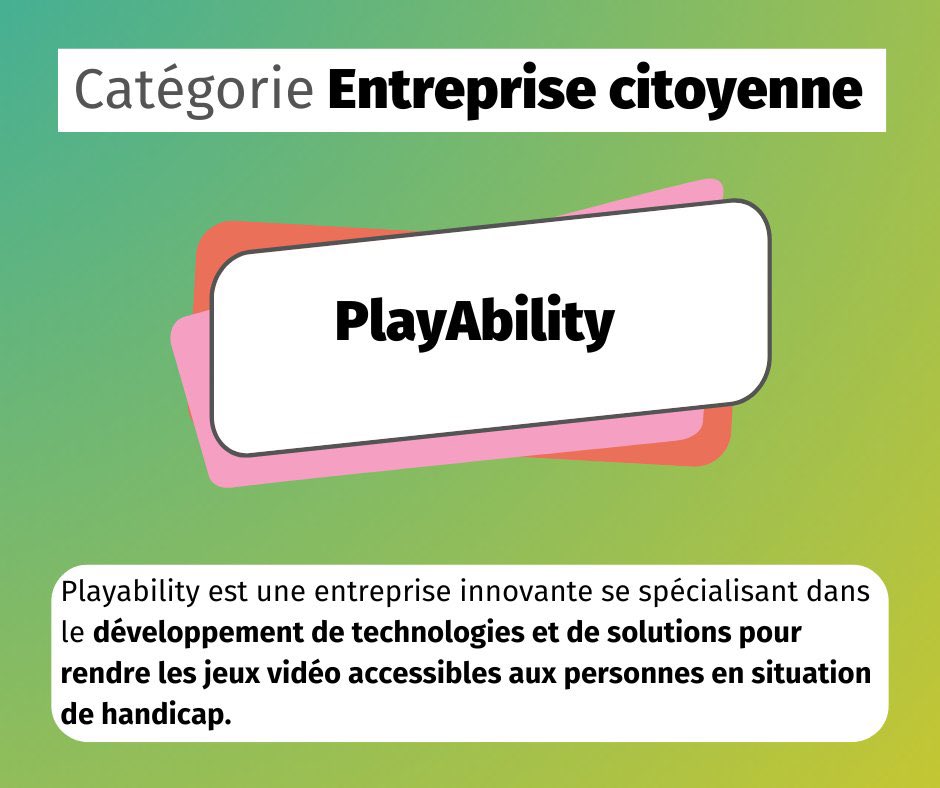


ALT Vertical tech-style graphic in blue and purple with glowing waves and pixel details in the background. Top left shows a “ForAllWe.com” badge. Center features the PlayAbility icon (half controller, half smiling face) and the “PlayAbility” wordmark. Bottom right reads “by ForAllWe,” and the lower section includes the headline in Italian and English: “PLAYABILITY: IL SOFTWARE CHE RENDE IL GAMING ACCESSIBILE / PLAYABILITY: THE SOFTWARE THAT MAKES GAMING ACCESSIBLE.” Grafica verticale in stile tech blu e viola con onde luminose e pixel sullo sfondo. In alto a sinistra c’è il badge “ForAllWe.com”. Al centro compaiono l’icona di PlayAbility (mezzo controller e mezzo volto sorridente) e la scritta “PlayAbility”. In basso a destra “by ForAllWe” e, nella parte inferiore, il titolo in italiano e inglese: “PLAYABILITY: IL SOFTWARE CHE RENDE IL GAMING ACCESSIBILE / PLAYABILITY: THE SOFTWARE THAT MAKES GAMING ACCESSIBLE”.
ALT Vertical tech-style graphic in blue and purple with glowing waves and pixel details in the background. Top left shows a “ForAllWe.com” badge. Center features the PlayAbility icon (half controller, half smiling face) and the “PlayAbility” wordmark. Bottom right reads “by ForAllWe,” and the lower section includes the headline in Italian and English: “PLAYABILITY: IL SOFTWARE CHE RENDE IL GAMING ACCESSIBILE / PLAYABILITY: THE SOFTWARE THAT MAKES GAMING ACCESSIBLE.” Grafica verticale in stile tech blu e viola con onde luminose e pixel sullo sfondo. In alto a sinistra c’è il badge “ForAllWe.com”. Al centro compaiono l’icona di PlayAbility (mezzo controller e mezzo volto sorridente) e la scritta “PlayAbility”. In basso a destra “by ForAllWe” e, nella parte inferiore, il titolo in italiano e inglese: “PLAYABILITY: IL SOFTWARE CHE RENDE IL GAMING ACCESSIBILE / PLAYABILITY: THE SOFTWARE THAT MAKES GAMING ACCESSIBLE”.