
Joined June 2020
- Tweets 927
- Following 77
- Followers 5,024
- Likes 557
511 Photos and videos

Pinned Tweet

27 Jun 2025
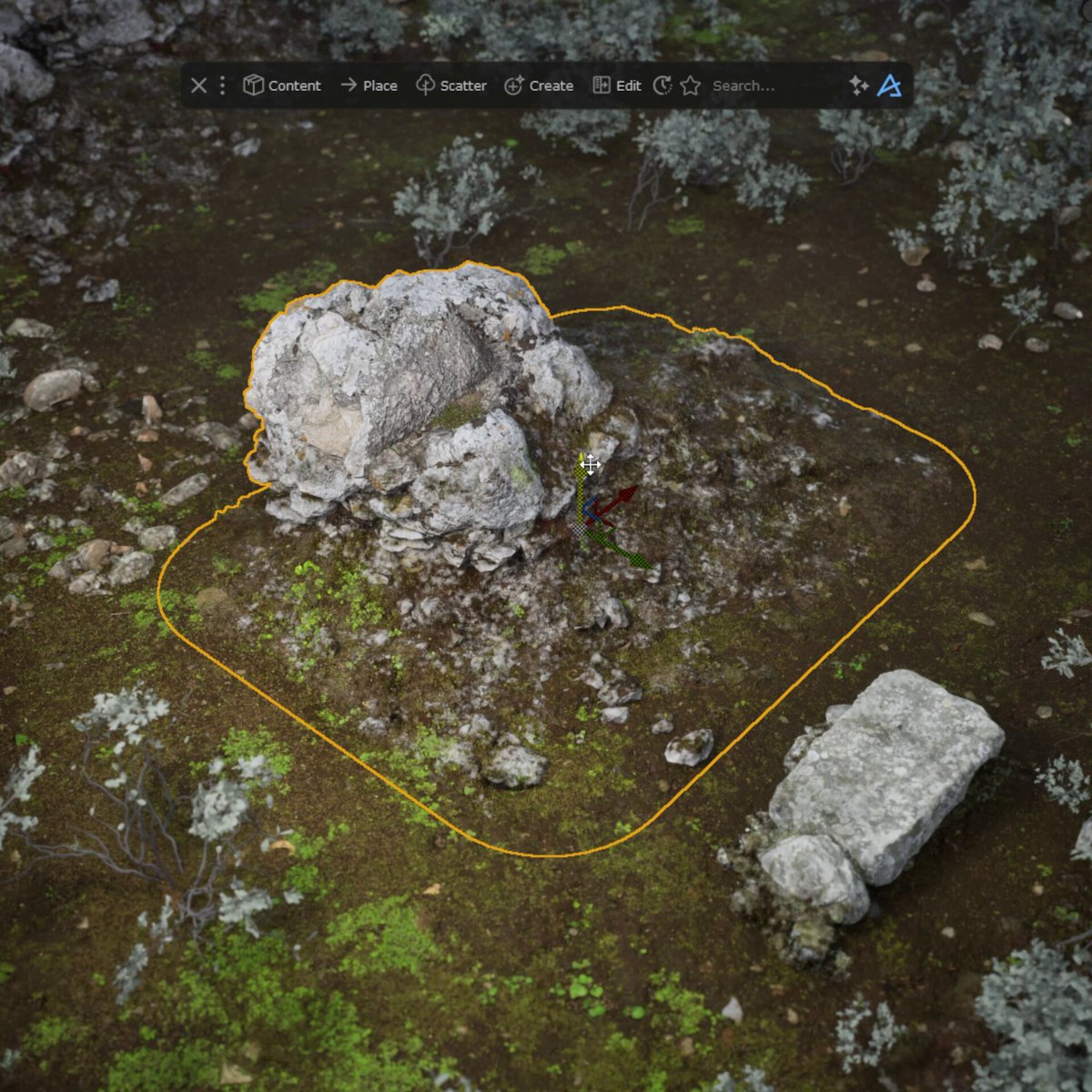
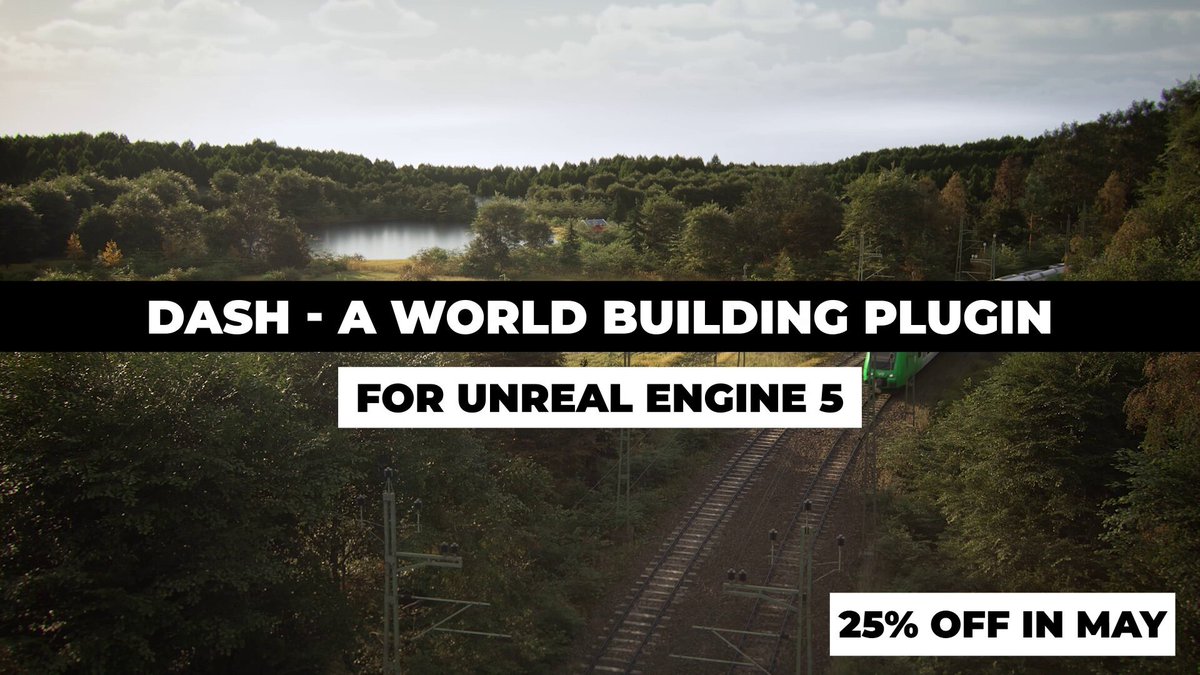
If you are creating environments in @UnrealEngine, you will love the Dash plugin. It contains all the world-building tools and features you could have ever wished for.
1
24
205
10,005
Jun 12
Previously, we have shown how easy it is to draw curve-based and surface-based procedural setups with Dash, and how easy this makes world-building in @unrealengine.
But, if you don't find a preset you like amongst our built-in presets, you can of course also create your own from scratch, and you don't need extensive expertise or knowledge about node graphs, etc.
Just create a setup you like with X amount of Dash tools, connect them together in a Compound Tool, and then save the full setup as a preset.
16
1,606
Jun 10
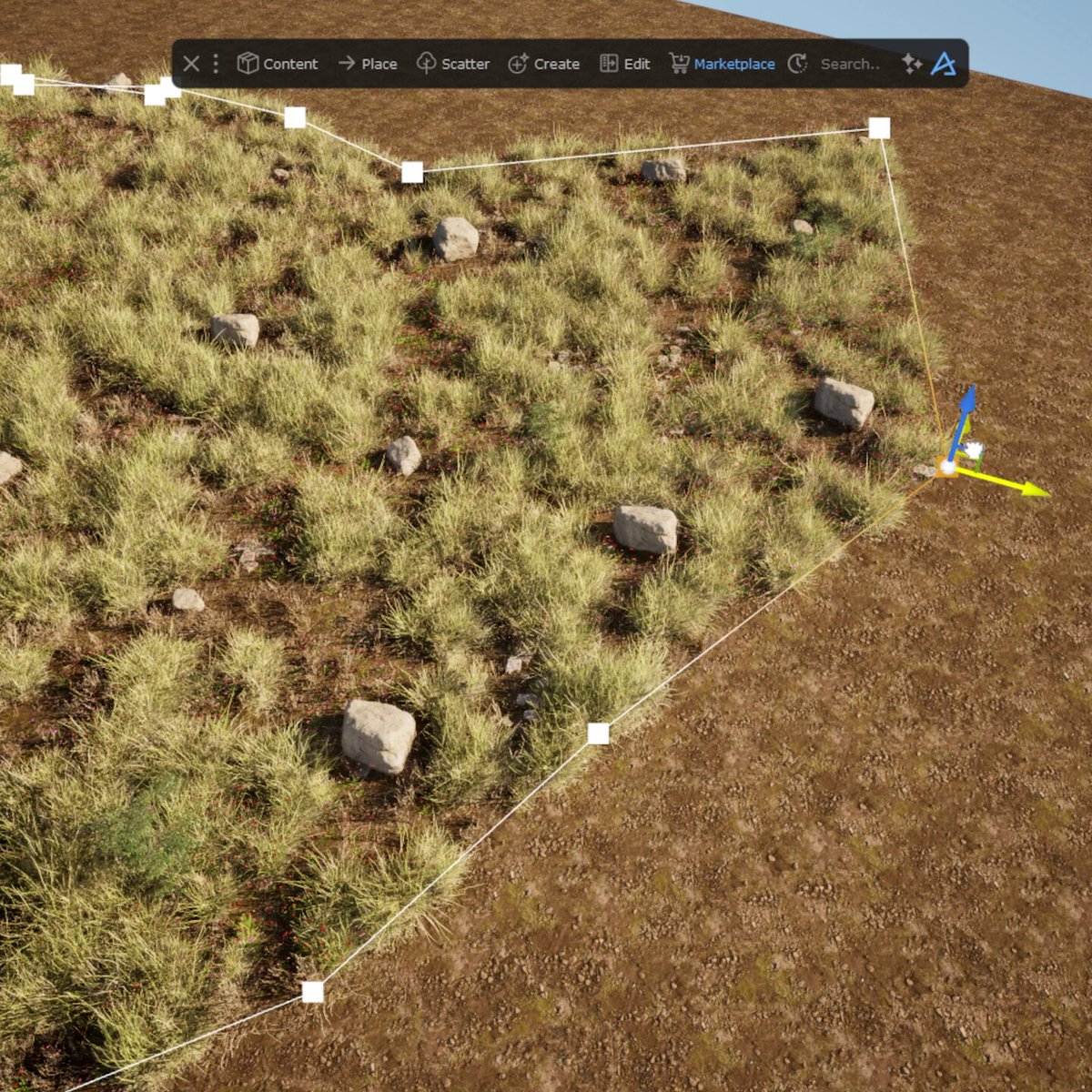
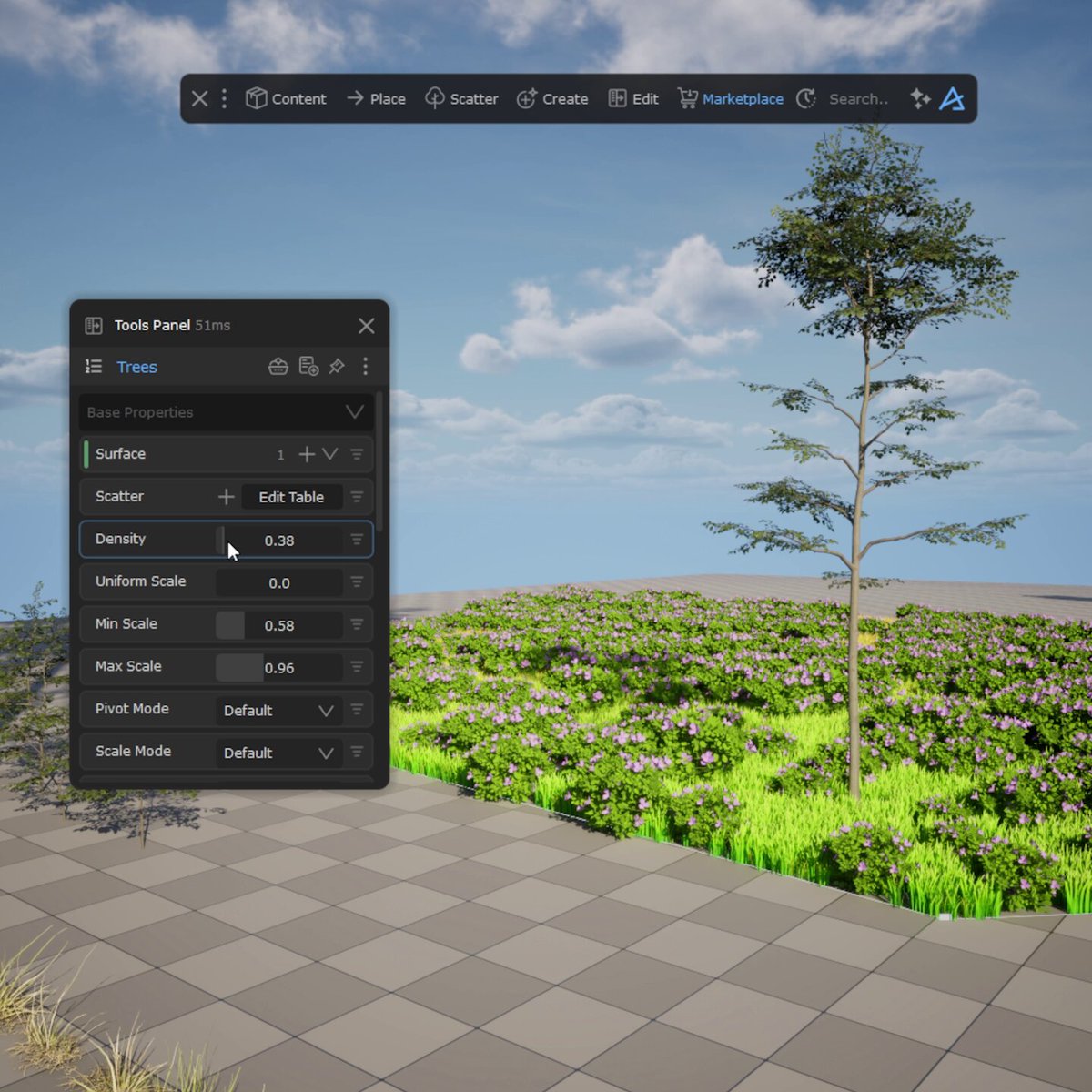
In a previous video, we showed the ability to draw curve-based procedural setups in @unrealengine. But you can also draw surface-based procedural setups, like this forest.
It's dead simple: find a preset you like in the Preset Library, draw the area where you want it to spawn, and then tweak it freely.
And if you aren't a fan of the meshes in the built-in presets, you can replace the meshes with your own.
In the third and final video in this mini-series, you will see how easily it is to create your own drawable procedural setups in UE5.
1
27
930
Jun 8
With Dash 1.11, we made it even easier to create environments in @unrealengine.
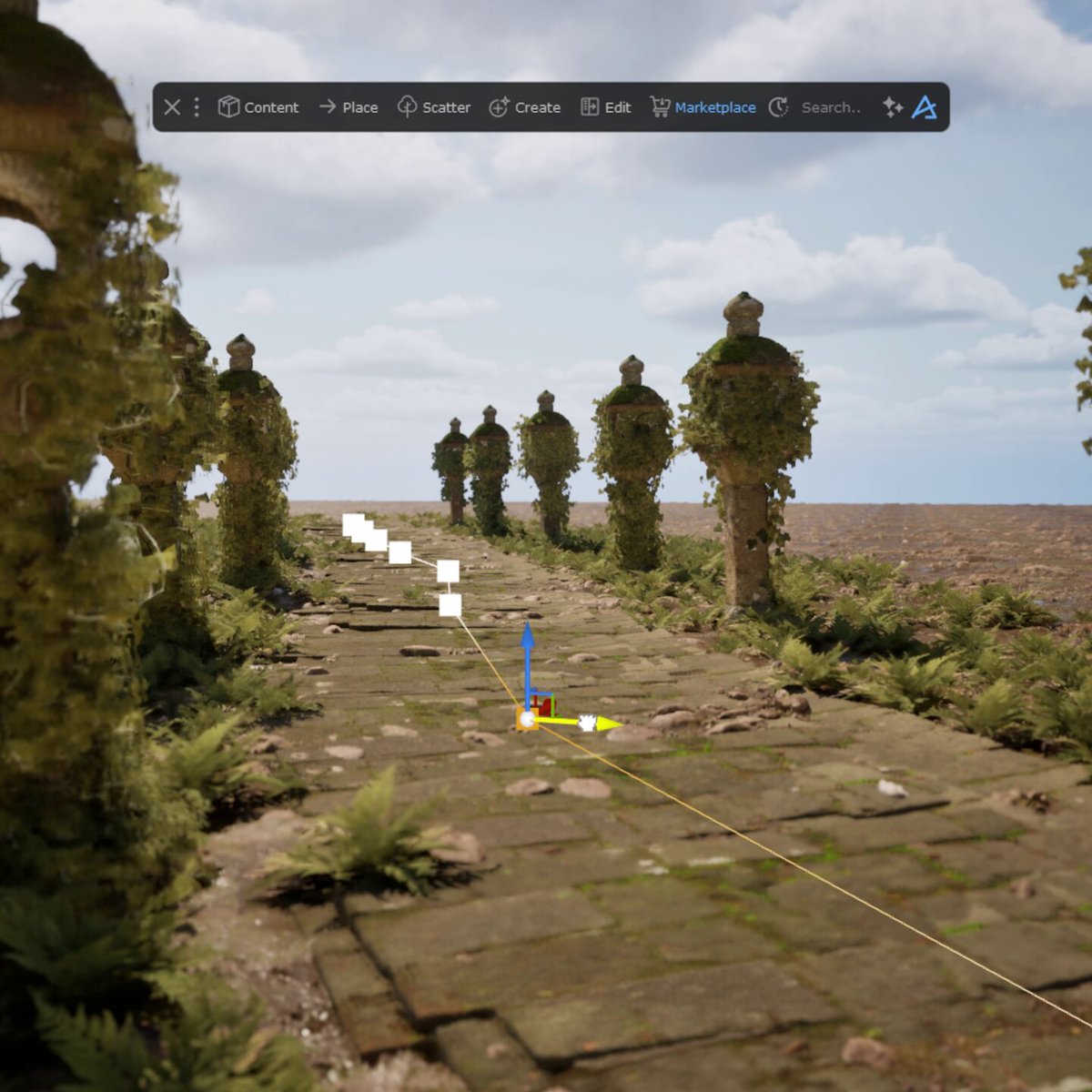
With this release, we expanded on our preset system from Dash 1.10 by introducing the ability to draw procedural setups directly in the UE5 viewport.
This means that you can take any curve-based preset and simply draw it anywhere you want in your level. Once you are happy with your curve or curves, you will see the preset spawn, and then you can tweak it freely.
Stay tuned for parts 2 and 3, where we show other types of drawable presets and how to create them yourself.
2
10
82
5,209
Jun 3
If you need some great material blending tools for UE5, you might want to try the Dash plugin.
We got both a Blend Material Tool and RVT blending features, and of course, they can be used nicely together.
1
19
830
Jun 1
Have you checked the Dash 1.11 release video yet?
It includes some great new improvements to UE5 world building and asset management.
Check it out here --> youtu.be/bmxYrlidcCM
2
421
May 27
If you’ve been looking for a powerful set of tools for @UnrealEngine, Dash is built for you.
Dash comes with a large library of tools and workflow features for all kinds of UE5 projects, from games and cinematics to archviz, automotive showcases, and large-scale environments.
And until May 31st, you can get a perpetual Dash license for 25% off.
Included in Dash:
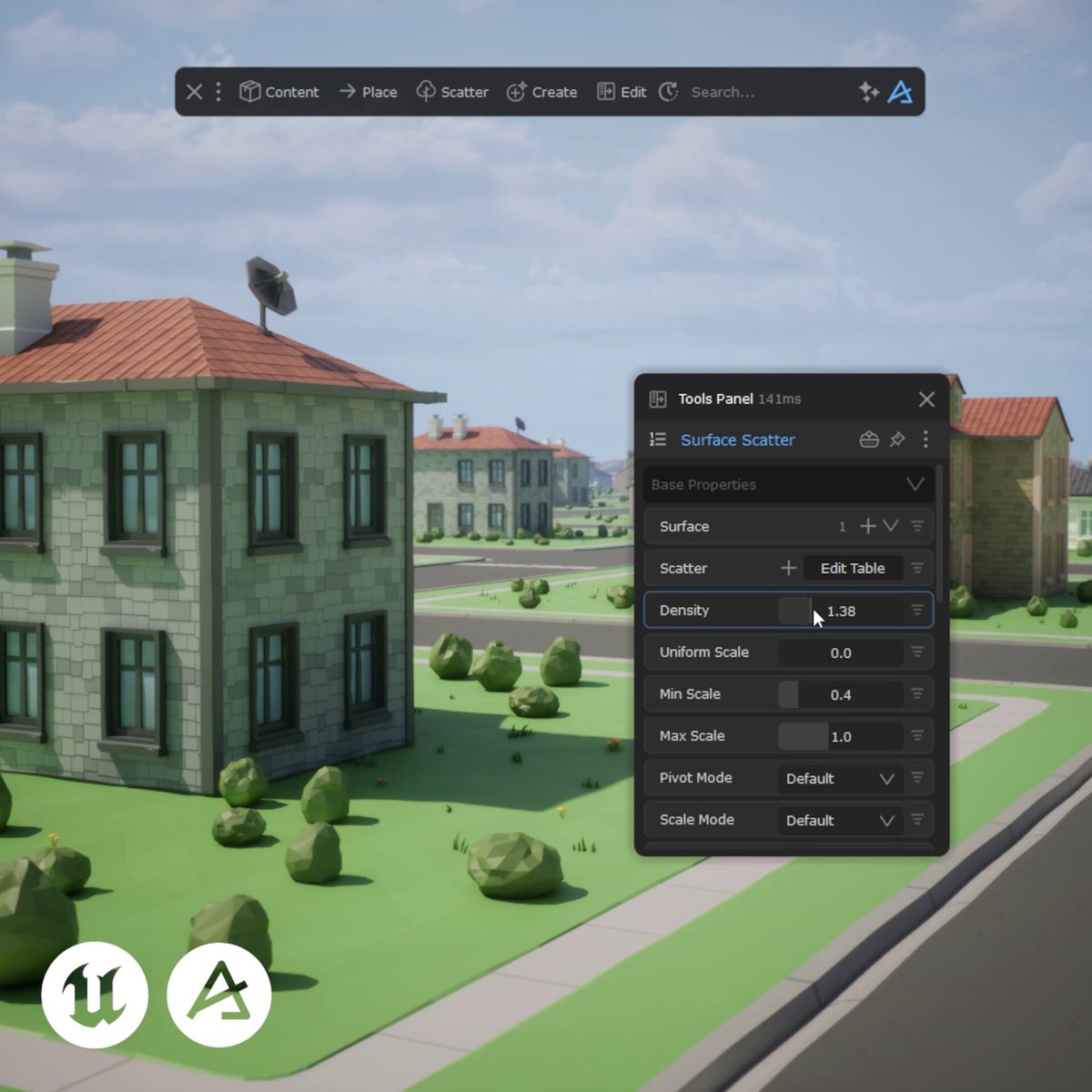
• Intuitive procedural scattering
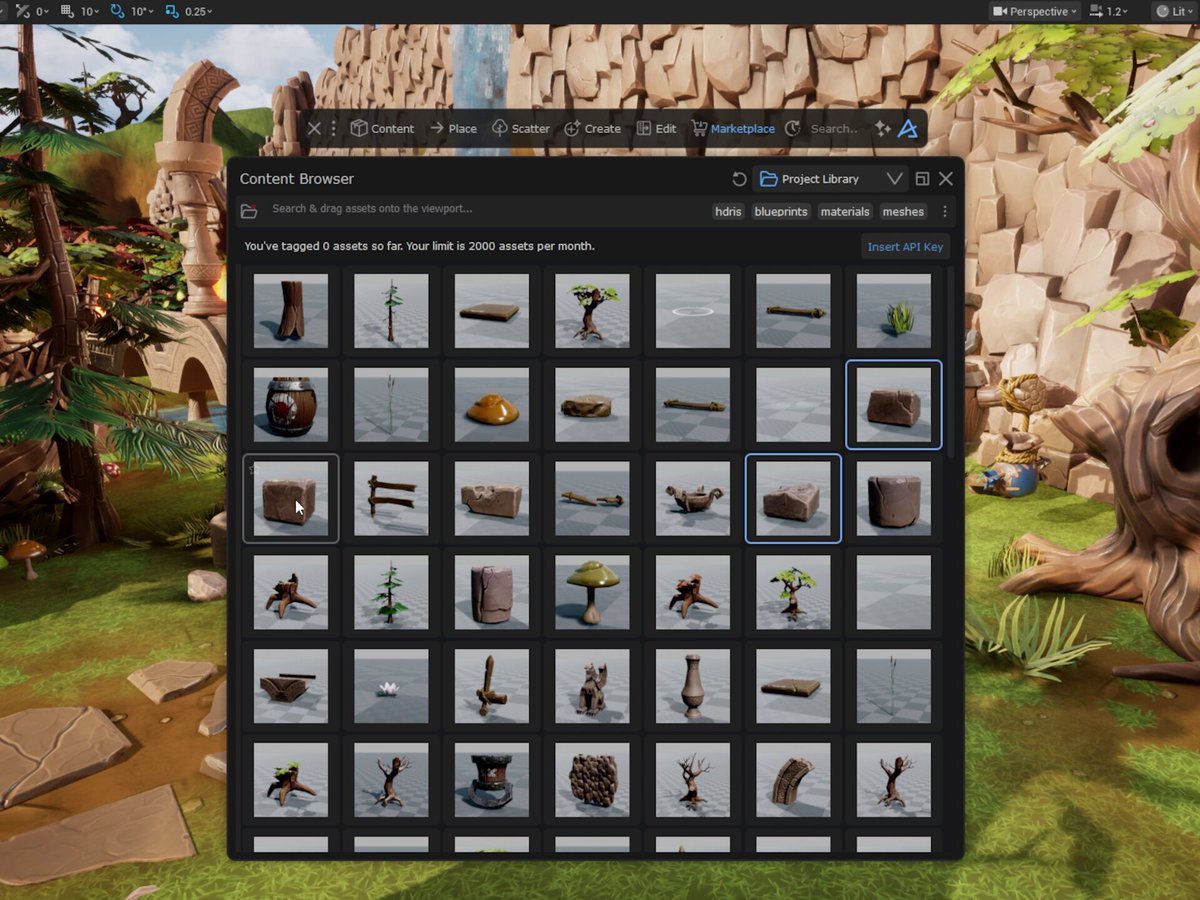
• Unified content browser
• Custom procedural meshes
• Integrated physics tools
• Easy material and atmosphere tools
• Tons of workflow enhancement features
Whether you’re working solo or inside a studio, Dash gives you faster ways to build, dress, manage, and polish your Unreal Engine worlds.
There are easily 5 features in Dash you’re going to love.
2
2
19
1,018
May 25
Dash 1.11 is here, bringing a major upgrade to procedural worldbuilding in @UnrealEngine 🎉
You can now draw complete procedural setups directly in the viewport with full control over shape and scale.
Roads, bridges, cliffs, forests, pathways, and more can now be created interactively in seconds.
Dash 1.11 also adds:
• 18 new built-in presets
• Instant access to your own project assets
• New Content Browser filters
• Various fixes and workflow improvements
The full release video is available on the Polygonflow Dash YouTube channel. 🔥
1
1
32
2,153
May 22
Large open worlds, stylized environments, fast prototypes, modular level design, Dash is built to support all kinds of UE5 workflows.
This procedural town is just one example of how the tools can be used, but Dash is just as effective in larger productions and complex pipelines.
Dash has something for everyone, from individual creators to full teams.
2
4
49
2,619
May 19
Two of the tools available in the Dash plugin library are our Fog Card and our Volumetric Fog.
Here you can see an example of how these can be used to improve the look of this Unreal Engine environment.
If you are curious about what other tools are available in our UE5 plugin, let us know. We are happy to showcase what's possible with Dash! 👏
4
11
499
May 11
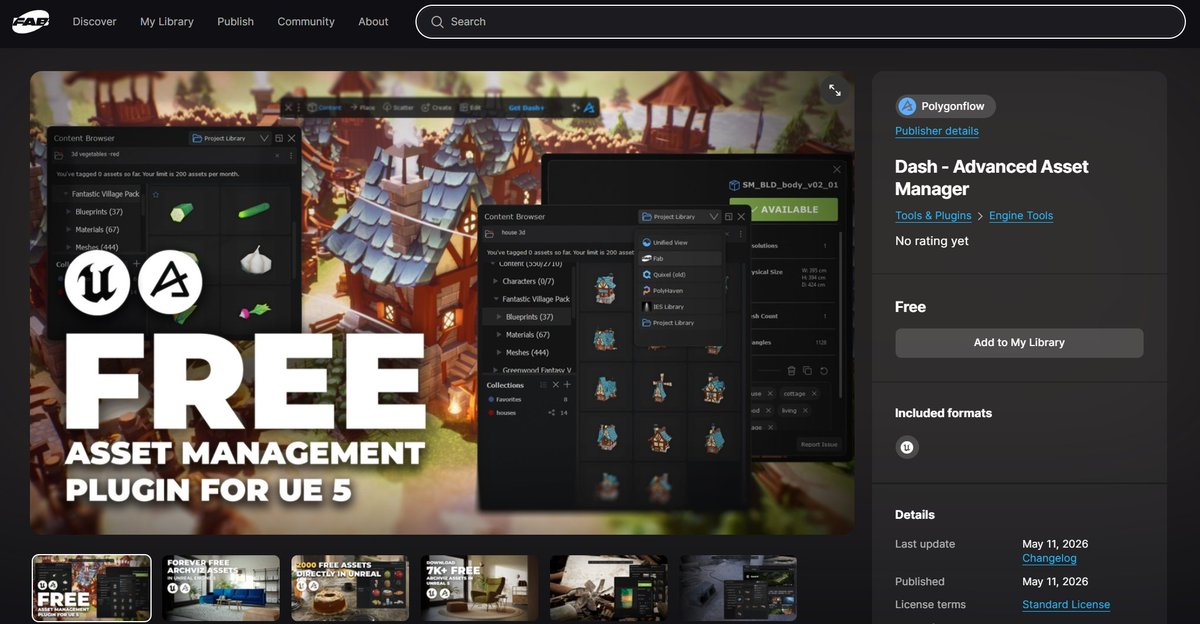
The Dash Content Browser is now available for free on FAB.
A modern asset browser built for fast asset workflows in @UnrealEngine.
• Thousands of free, high-end PBR assets
• Drag & drop local UE5 assets between projects
• Optional AI search tags
• Smart Collections for teams and individuals
Get it now on FAB and let us know if you have any feedback 🙏
fab.com/listings/865301e9-2d…
6
16
146
8,927
May 18
Update V3: The previous start-up issue with the Dash Content Browser on FAB has now been solved properly. So update the plugin or re-download it, and it should work just fine!
If anyone runs into any issues, let us know! 👏
122
May 15
If you haven't seen the latest Dash environment breakdown on YouTube, you should really check it out.
Tamas Nagy goes through how he created this archviz environment and what procedural tools were used in the process.
2
27
1,409
May 12
Small update: It's temporarily unlisted as we fix a bug, it will be up again soon ✅✅
1
4
518
May 13
Update V2: We haven't been able to solve it properly yet, together with FAB, but the plugin page is now live again, and here is a link that guides you on a workaround to make it work. docs.polygonflow.io/advanced…
So sorry for the trouble. We hope to have it properly solved soon!
219
May 7
We created a cinematic archviz environment in UE5 using Dash as part of the new Re: Novation Challenge from @3dmodels_team.
This video is both an environment breakdown and a look into our workflow for building architectural visualization scenes quickly with UE5 & Dash.
Watch the full video here: youtu.be/HL8NDvv1G44
3
10
757
May 6
If your workflow depends on references, moodboards, screenshots, videos, PDFs, or social clips, FrameRef is something you should check out.
It’s our standalone reference tool for artists and creators who need more than static image boards.
Collect, organize, compare, and transform references in one place, whether you're working in Unreal Engine, Blender, or any other visual production pipeline.
We’re continuously improving FrameRef with new features and workflow upgrades, and we’d love more people to test it and share feedback with us.
May 1

Most reference boards are just images.
FrameRef lets you build richer boards, combine images, videos, GIFs, and PDFs in one place, and arrange everything the way your project needs.
Try FrameRef free for 30 days and let us know what you think 👋
1
1
7
681
May 5
Still placing assets by hand?
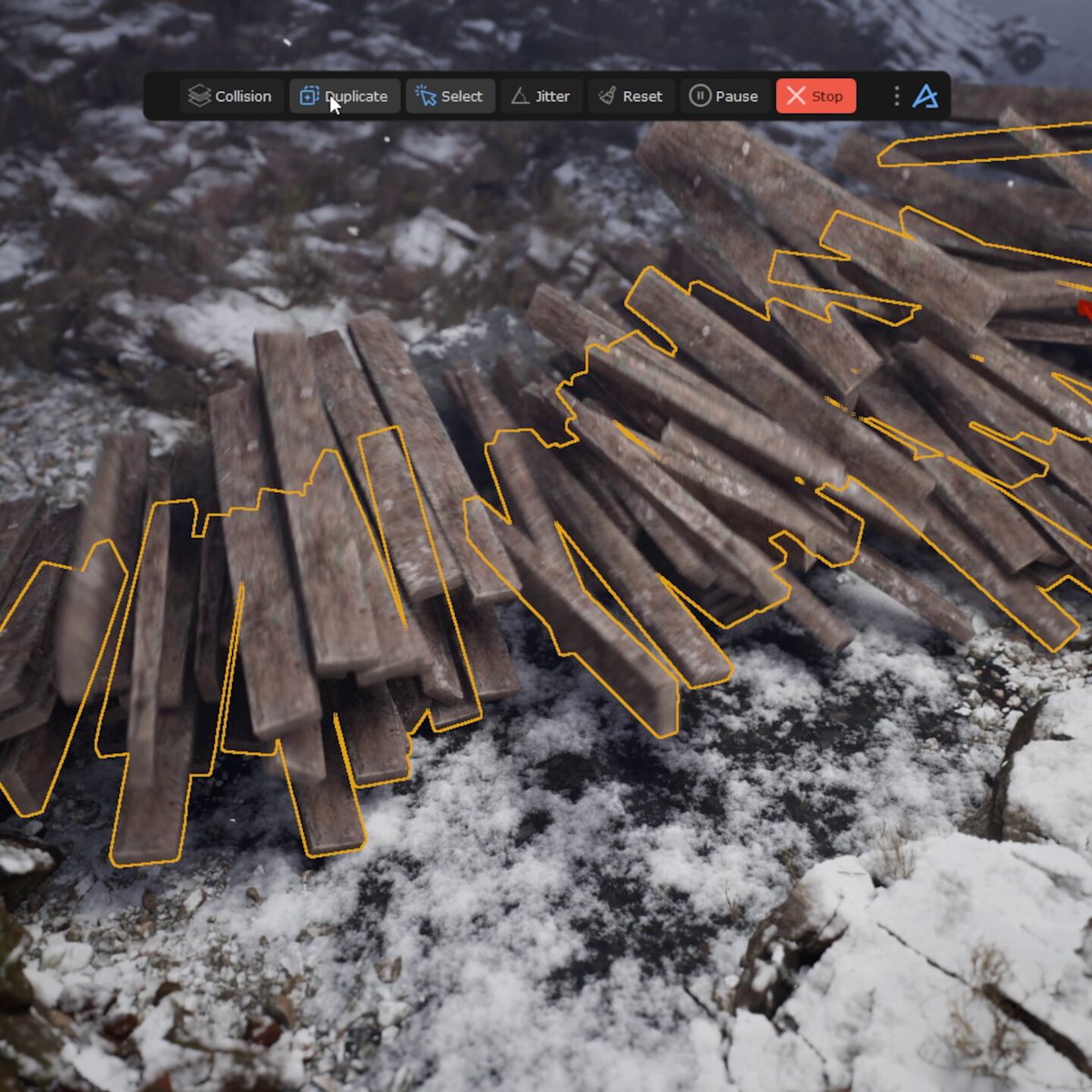
Physics Drop and Physics Paint are UE5 tools in Dash built for fast, natural placement.
Scatter, drop, and paint directly in the viewport.
Let gravity, collisions, and motion do the heavy lifting.
Get believable results, without manual tweaking.
1
10
149
10,172
May 1
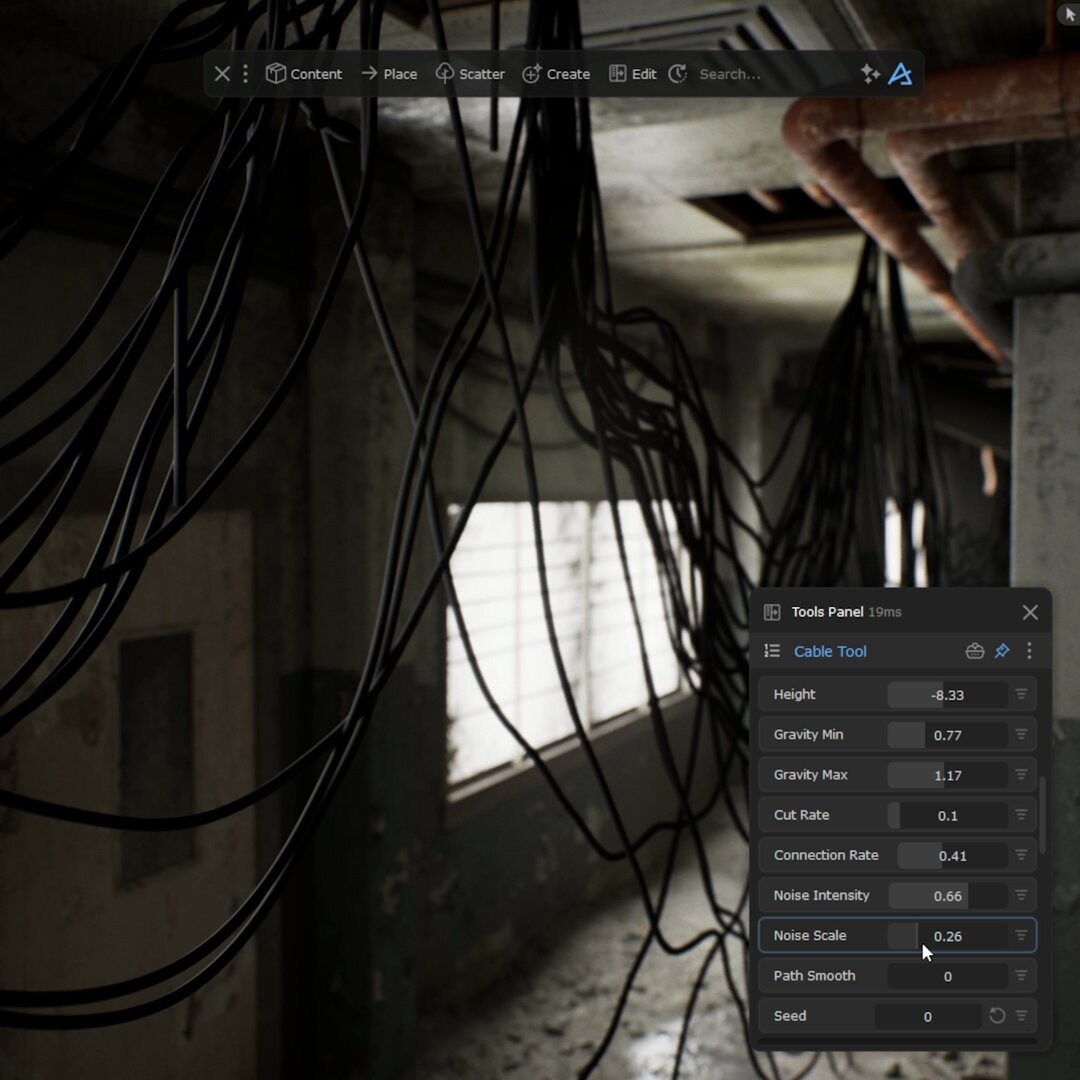
Another part of the Dash plugin for UE5 is procedural meshes. Two examples are our Cable Tool and Quick Pipe, which you can use in environments like this to quickly add cables and pipes.
As usual, you have full control over all available parameters to get the perfect result for your specific use case.
1
35
376
20,084
Apr 27
Dash is often seen as just a scatter tool for UE5. That is only scratching the surface.
Dash is a full environment toolkit. Scatter is just one piece. You also get materials, atmosphere, procedural meshes, physics, asset management, and workflow tools built to speed everything up.
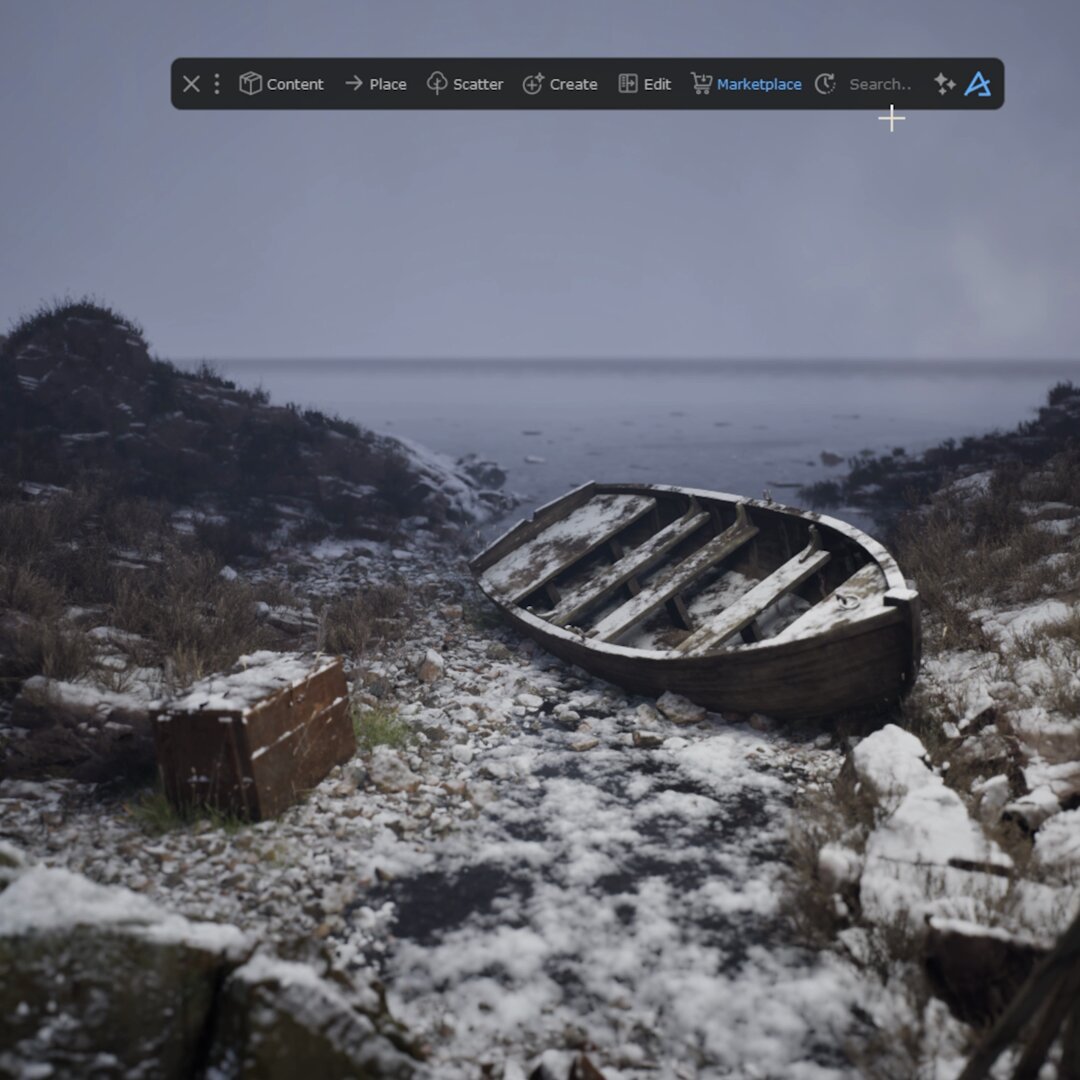
This scene was a quick setup to show the snow system that comes built into every Dash-supported asset library.
9
50
2,247
Apr 23
Setting up RVT texture blending in @UnrealEngine can get complicated fast. So we made it simple.
Dash includes an easy blending workflow that works across all supported libraries, including Megascans. A few clicks and you are ready to tweak and customize.
1
20
219
10,881