
Raising unbreakable kids. Guiding men to strength & authentic love. Crypto fuels wealth & freedom. AI for truth.
Joined January 2020
- Tweets 5,100
- Following 243
- Followers 266
- Likes 1,983
640 Photos and videos







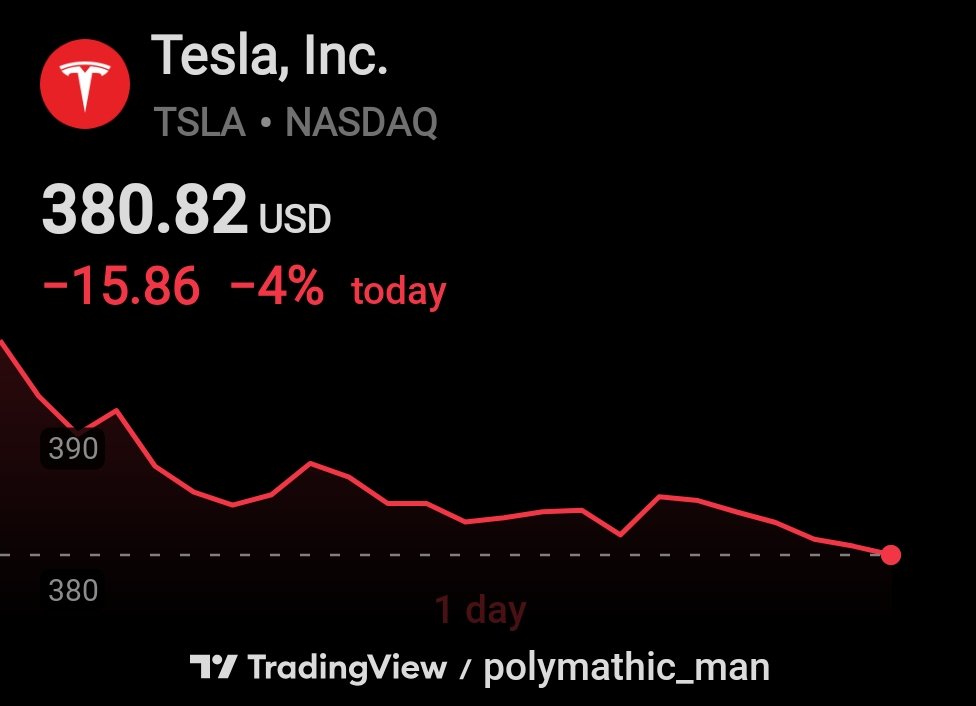

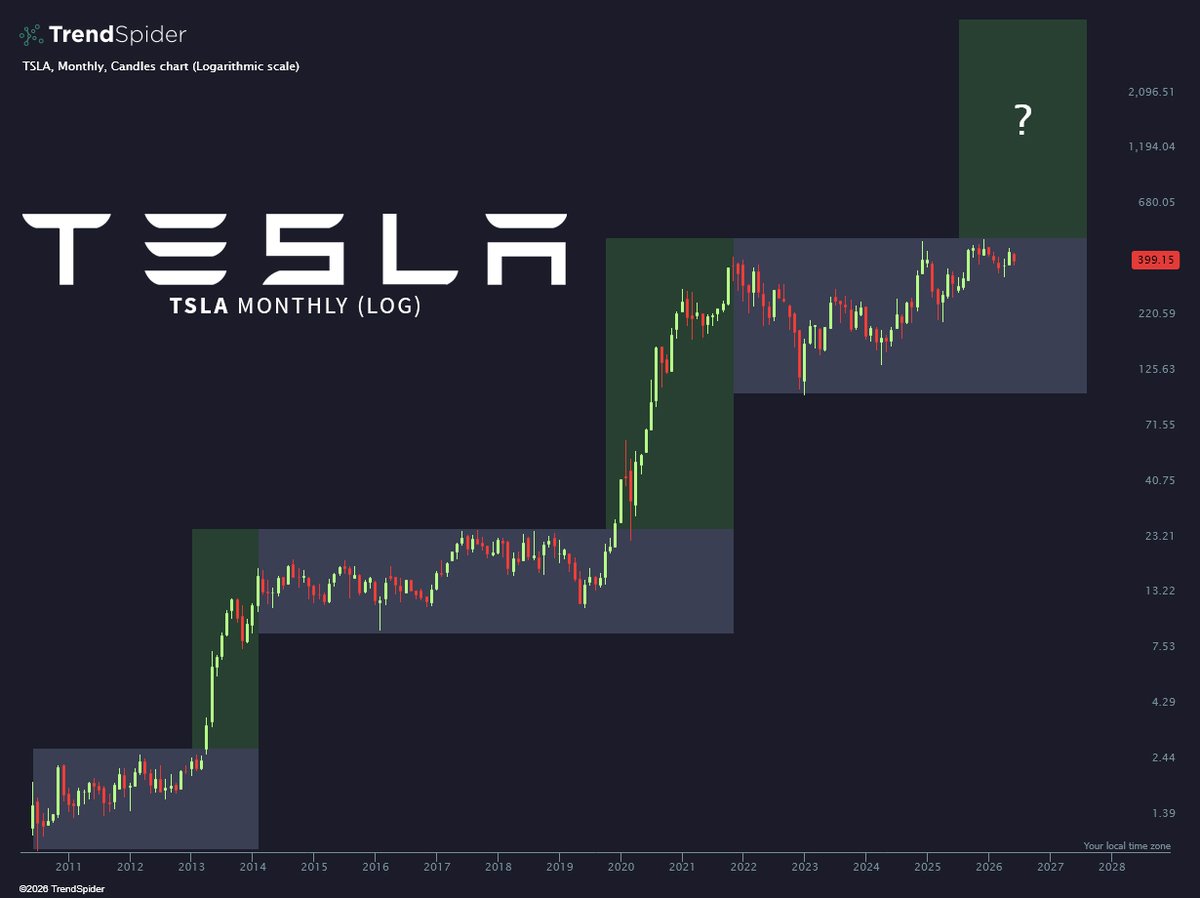
Can i join in the call
Jun 11

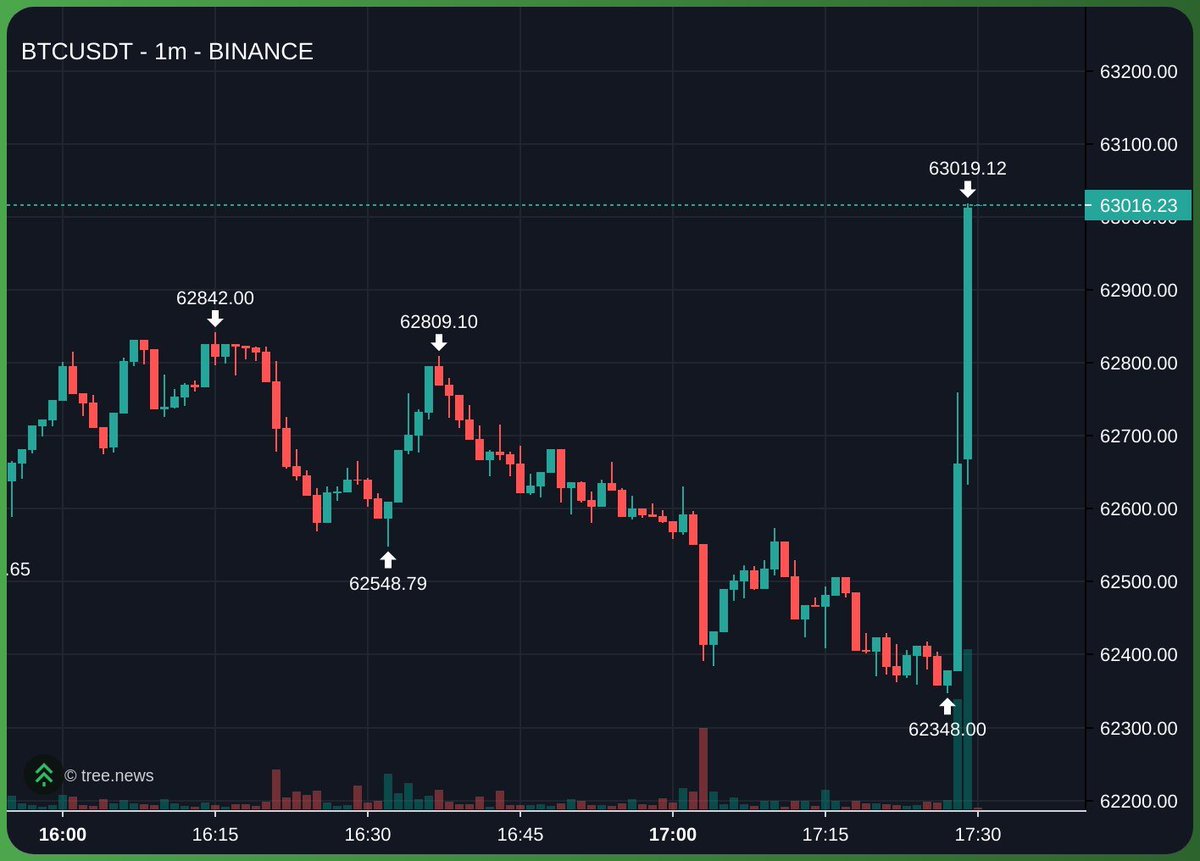
Elon: I've got a fucking IPO tomorrow bro. Cut this war shit out. We've got midterms in a few months
Trump: alright bet

47
After all the hedonistic looksmaxxing, his balls finally got removed.
Remember guys, being in love > to be loved.
1
1
5,484
Jun 5

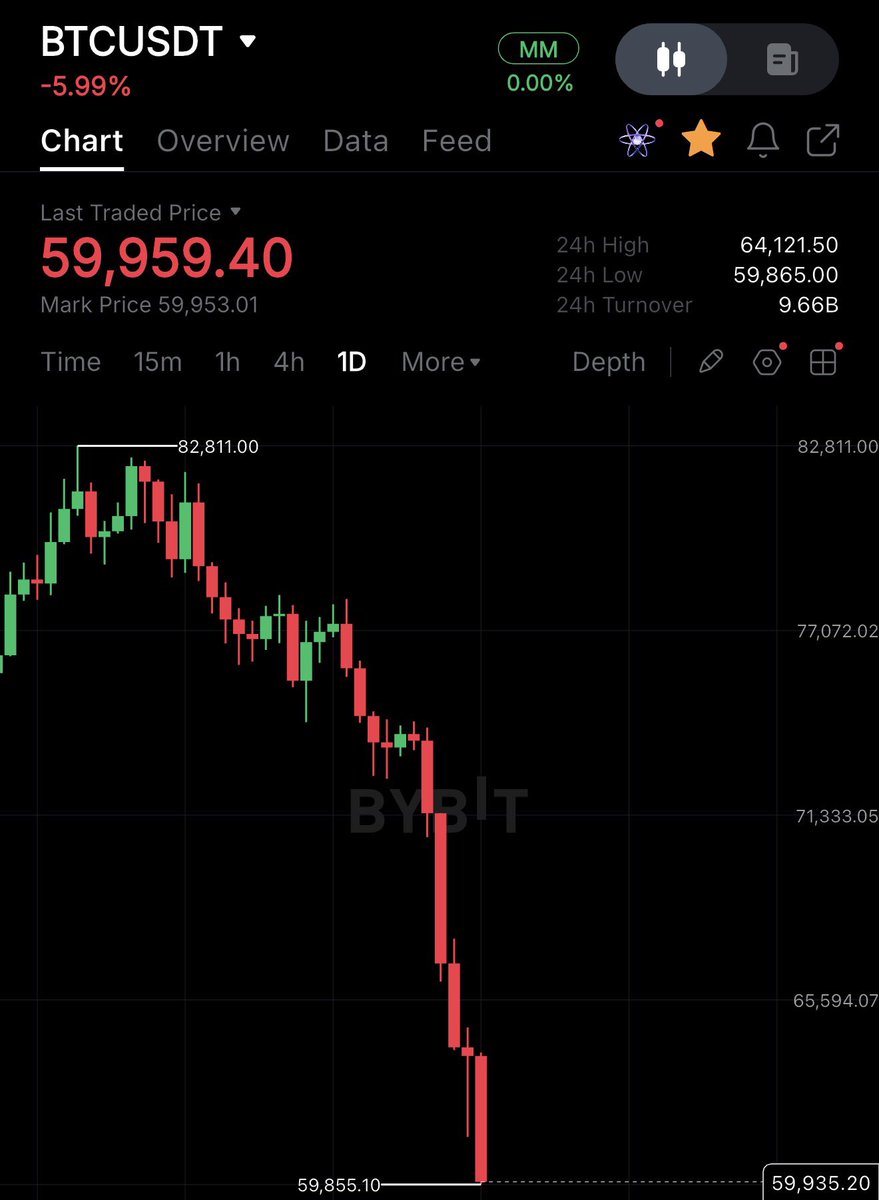
BREAKING: Bitcoin drops below $60,000 for the first time since October 2024.
It's now down 27% in the last 20 days, wiping out $460 billion in market cap.
1
2
65
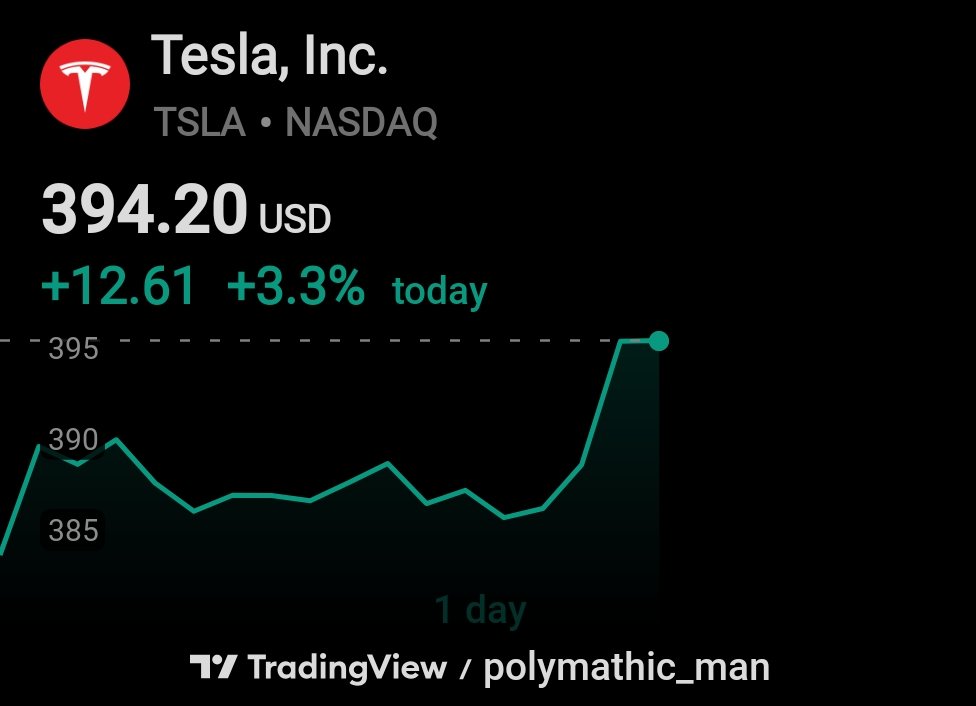
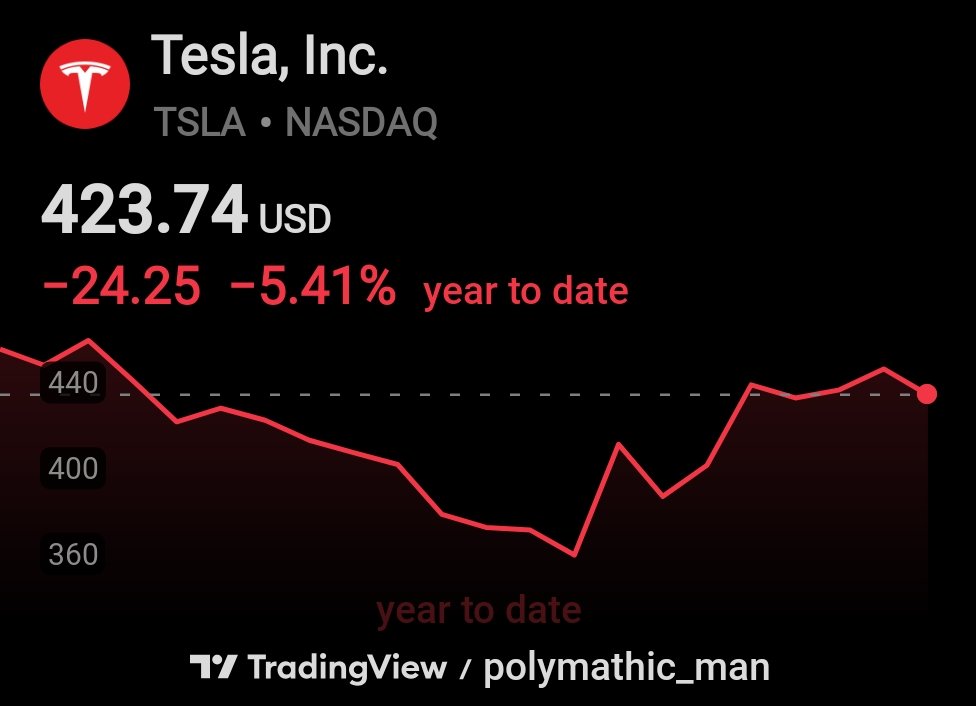
TSLA they said an AI company while all AI goes parabolic

1
1
57
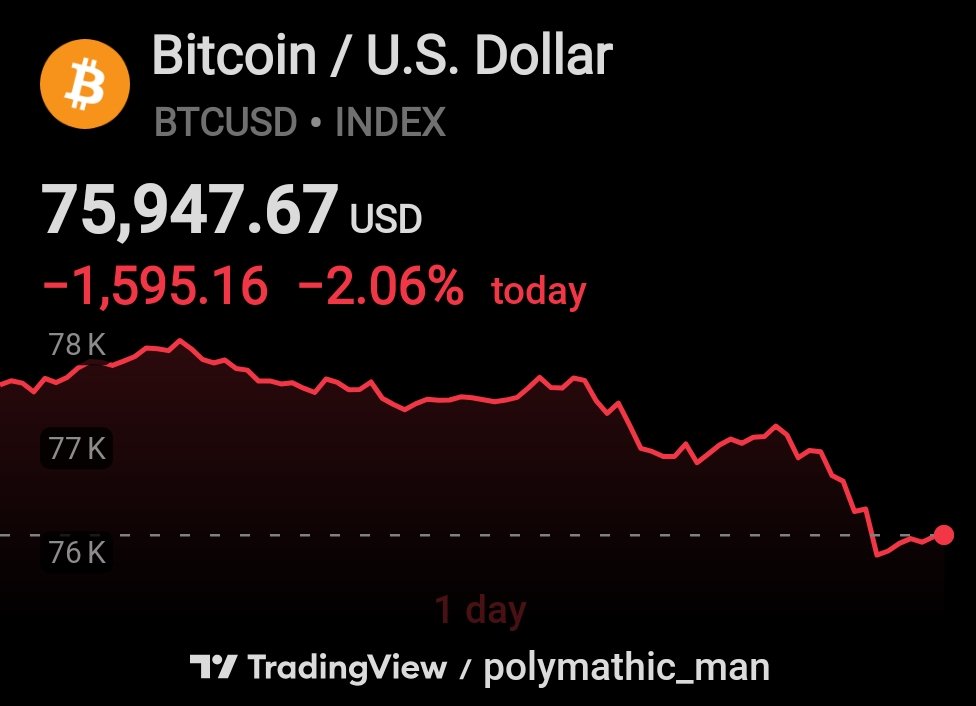
Folks, Bitcoin’s down to 75,950. But I aced the test! Pick 203, times 9, divide by 2, add 1,324, subtract 1,292, times 19... equals 75,950! Doctors said nobody’s ever done better. Tremendous math. Only I could solve the crypto dump like that. We’re gonna Make Bitcoin Great Again!
May 22

🇺🇸 Trump just walked through his cognitive test, step by step.
Only Trump can turn a medical exam into a victory lap in front of a live audience.
"Pick a number, sir. Okay. 203. Multiply times 9. Divide by 2. Add on 1,324. Subtract 1,292.
Sir, multiply it out one more time by 19. What is the answer, sir?"
"And I got it right!"
"And the one doctor said, I've been doing this test for 20 years. I've never seen anybody ace it."
"So I've taken it and I've aced it all three times, I'll tell you. Because it is a positive thing. Nice to be smart!"
The man aced it three times and he will tell you about it until he aces a fourth.
Source: @EricLDaugh
97
The artist never knows if the stroke landed until the paint dries.
I may overlook things in an interview. Prepared short as always, no time--God. Fatherhood. Stocks. Crypto. Work.
But whatever I decided in prayer becomes my history. And my history is always a gift.
1
28
Concentrate force at a single, decisive point for maximum impact. Velocity creates psychological paralysis, forcing opponents into a reactive panic. By striking the center with overwhelming intensity, you end the conflict before they can process a defense. Speed is power.
May 12

Today in 1940, the Nazi blitzkrieg of France began when German forces crossed the Muese River.
Blitzkrieg tactics 👇🏼
1
54
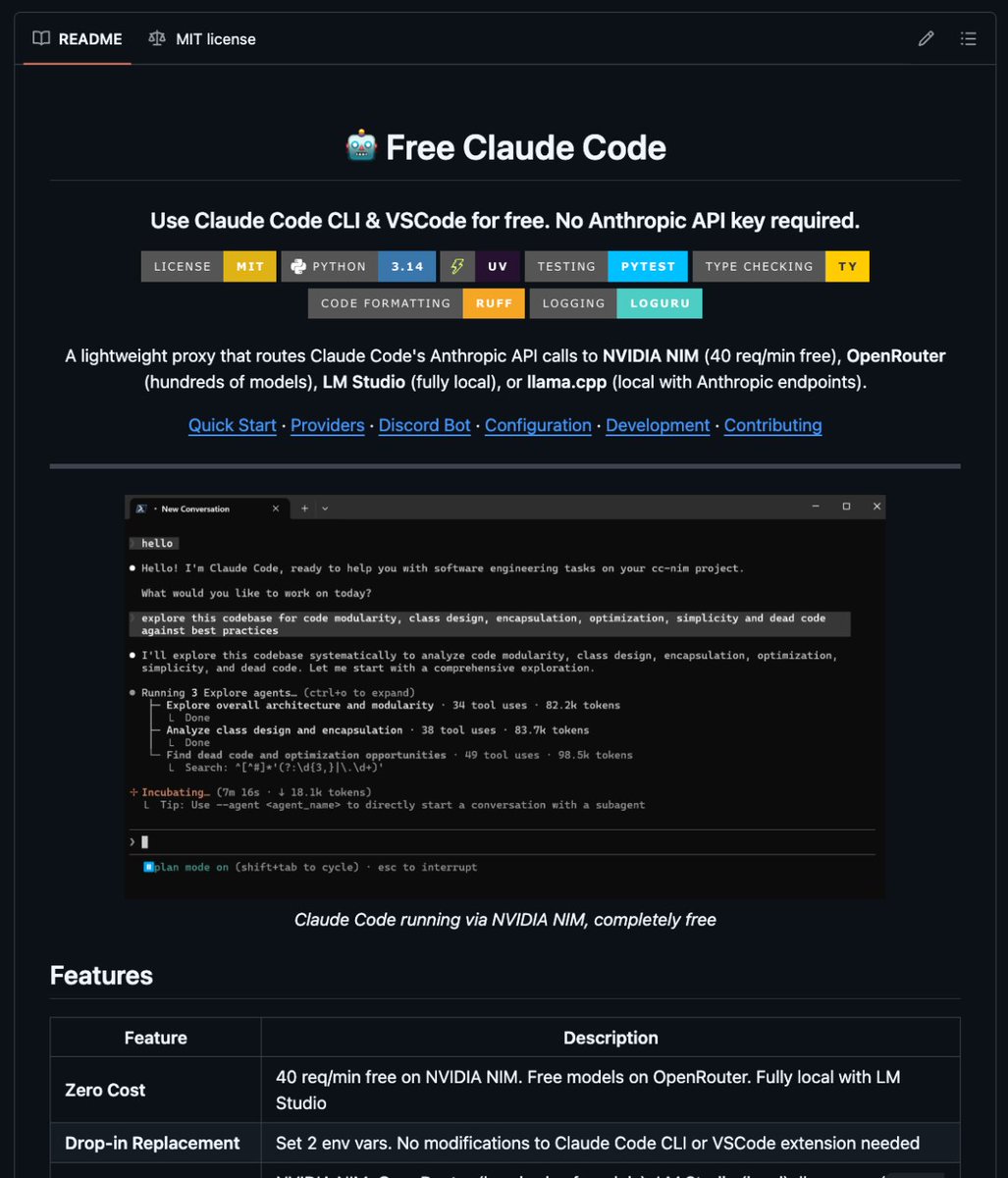
It has ~23.8k stars, very active development, and is the one everyone is talking about for exactly your use case (NVIDIA NIM free tier OpenRouter fallback easy routing).
github.com/Alishahryar1/free…
May 11

🚨 ULTIMA HORA : Alguien acaba de matar la suscripción de Claude Code.
Se llama free-claude-code. Un proxy open-source que convierte las llamadas a la API de Anthropic al formato NVIDIA NIM, y te da 40 requests por minuto completamente gratis.
La config tarda 2 minutos: consigues una API key gratuita de NVIDIA, apuntas Claude Code a localhost, y listo. Sin factura. Sin panic de rate limits. Sin depender de un solo proveedor.
Soporta Kimi K2, GLM 4.7, MiniMax M2, Devstral y más. Streamea thinking tokens y tool calls en tiempo real. Y tiene un bot de Telegram integrado para que controles Claude Code desde el móvil.
Esto no es un OpenRouter más. Convierte Claude Code en un agente libre que tú controlas desde cualquier sitio.
Código en GitHub. Se llama free-claude-code.

1
161

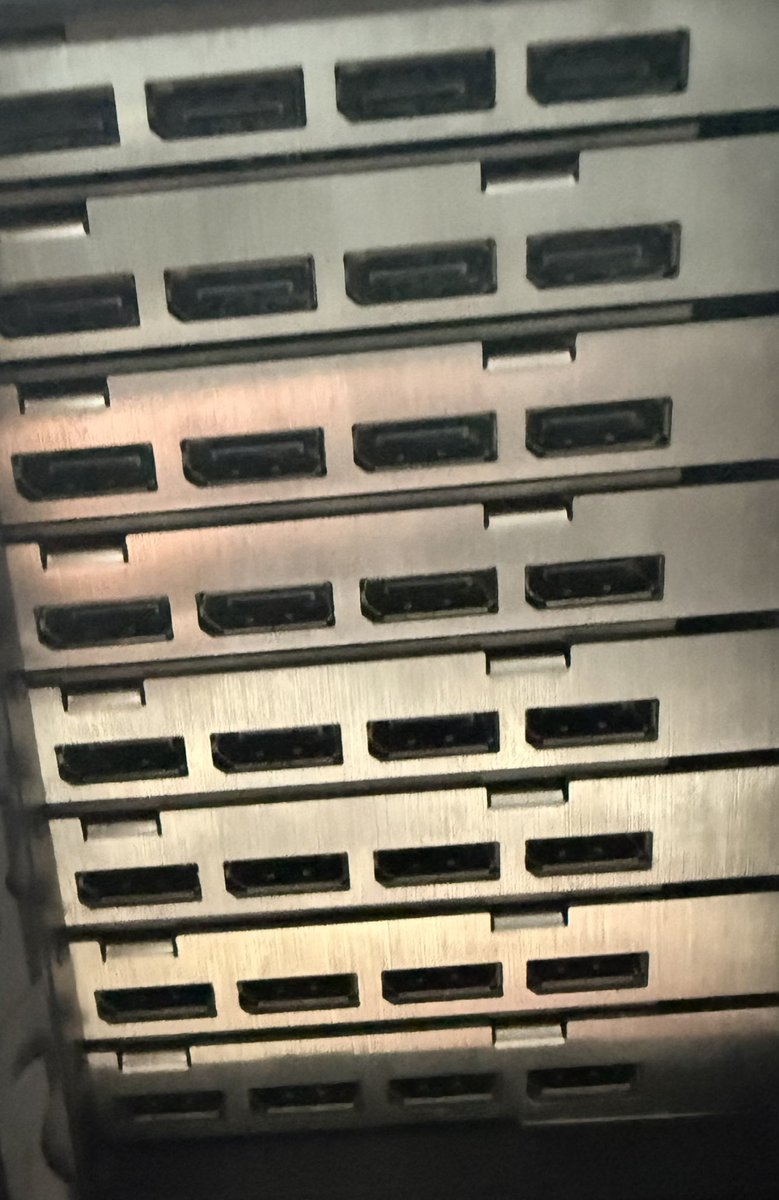
People with multiple GPUs, which port do you use to plug into your monitor?
1
6
209
Simplify your life.
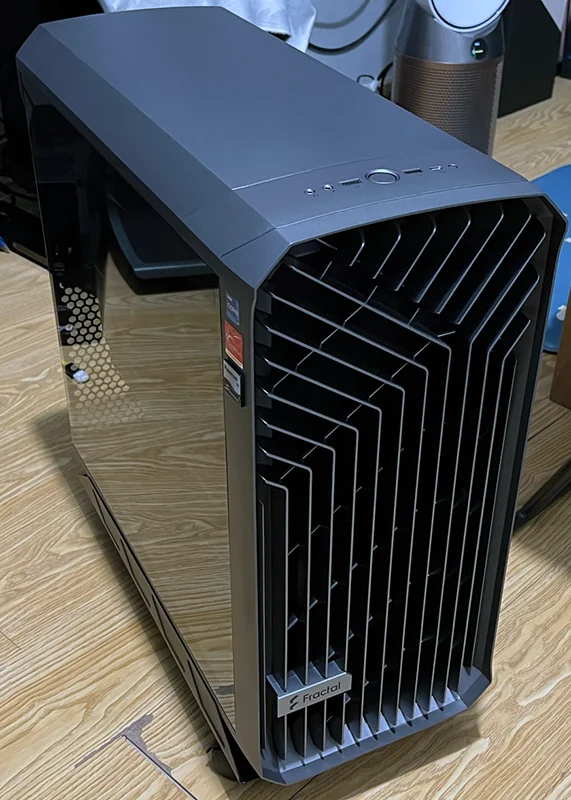
Ryzen 9 9950X MSI X870E Carbon 256GB DDR5 RTX Pro 6000 Blackwell 96GB GDDR7 ECC Seasonic TX-1600 Titanium
One GPU, no rack, no NVLink mess. Smokes 4×3090 in vLLM/Flux/inference thanks to unified bandwidth & zero multi-GPU overhead.

3 months ago, I realized I was hopelessly dependent on corporations that only care about power, money, and control.
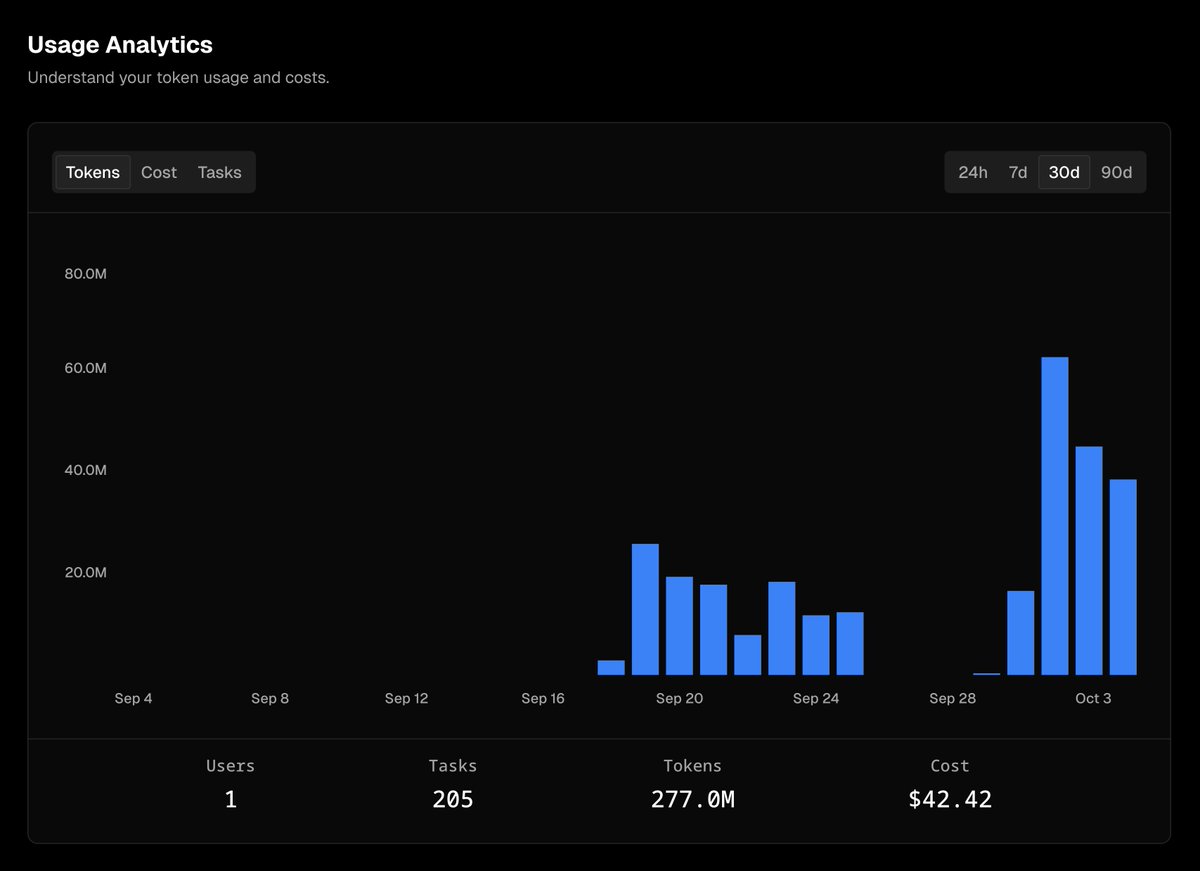
At this point Cursor, Claude, OpenAI, all had rugged their unlimited plans.
I wanted a Mac M3 Ultra with 512GB RAM. Ahmad and Pewdiepie convinced me otherwise.
Here's what I learned building my own AI Rig
-----------------------------
The Build ($3K-$10K)
This is the top performance you can get below 10k USD
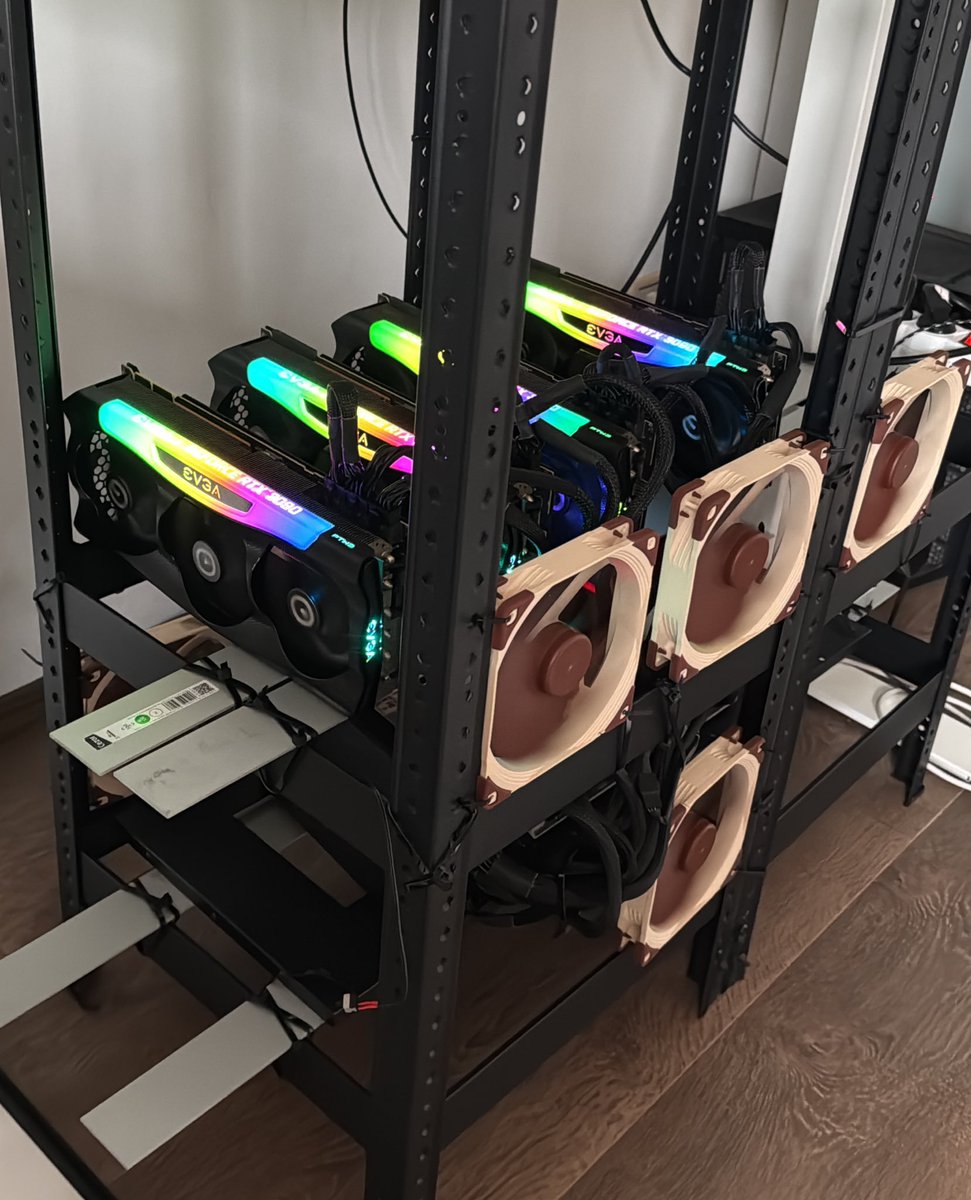
• 4x RTX 3090s with 2x NVLink
• Epyc CPU with 128 PCIe lanes
• 256-512GB DDR4 RAM
• Romed8-2T motherboard
• Custom rack fan cooling
• AX1600i PSU quality risers
Cost: $5K in US, $8K in EU (thanks VAT)
Performance Reality Check
More 3090s = larger models, but diminishing returns kick in fast.
Next step: 8-12 GPUs for AWQ 4-bit or BF16 Mix GLM 4.5-4.6
But at this point, you've hit consumer hardware limits.
----------------------------------------
Models that work:
S-Tier Models (The Golden Standard)
• GLM-4.5-Air: Matches Sonnet 4.0, codes flawlessly got this up to a steady 50 tps and 4k/s prefill with vLLM
• Hermes-70B: Tells you anything without jailbreaking
A-Tier Workhorses
• Qwen line
• Mistral line
• GPT-OSS
B-Tier Options
• Gemma line
• Llama line
------------------------------------
The Software Stack That Actually Works
For coding/agents:
• Claude Code Router (GLM-4.5-Air runs perfectly)
• Roocode Orchestrator: Define modes (coding, security, reviewer, researcher)
The orchestrator manages scope, spins up local LLMs with fragmented context, then synthesizes results. You can use GPT-5 or Opus/GLM-4.6 as orchestrator, and local models as everything else!
Scaffolding Options (Ranked)
1. vLLM: Peak performance usability, blazing fast if model fits
2. exllamav3: Much faster, all quant sizes, but poor scaffolding
3. llama.cpp: Easy start, good initial speeds, degrades over context
UI Recommendations
• lmstudio: Locked to llama.cpp but great UX
• 3 Sparks: Apple app for local LLMs
• JanAI: Fine but feature-limited
-------------------------------
Bottom Line
Mac Ultra M3 gets you 60-80% performance with MLX access. But if you want the absolute best you need Nvidia.
This journey taught me: real independence comes from understanding and building your own tools.
If you're interested in benchmarks I've posted a lot on my profile
1
4
266
Everything around you carries information you're ignoring.
That stranger's glance, the flickering light, the too-quiet room - all signals waiting to be read.
Train yourself to notice patterns.
Imagine every detail could be the key to something bigger.
48
polymathic_man retweeted

1 Aug 2025
Forget slick lines. They reek of desperation, triggering women's defenses like a predator in the night. Say Hi, nice shoes, and talk real. No scripts, just you.
Fools lean on corny compliments, crashing hard when she sees through them. Real players move with quiet strength, turning casual meets into magic.
1/2
1
1
3
157
polymathic_man retweeted
19 Aug 2025
9/11
“Hard to get” doesn’t mean hard to reach.
It means being worth the effort.
When you counter, you show:
You’re selective.
And interested.
Big difference from ghosting or flaking.
1
1
1
127
Surround yourself with people who fight harder when cornered. Most fold under pressure. The few who dig in become your most reliable assets. Test them before trusting. Build your team from those who obey when danger strikes.
49
The Two Commandments Are Inseparable
Jesus was asked what the greatest commandment was. He gave two, and called them inseparable:
"Love the Lord your God with all your heart... and love your neighbor as yourself."
— Matthew 22:37-39
Notice what is embedded there.
1
44
"As yourself."
The love of neighbor is calibrated to the love of self. If you have no love for yourself, the commandment mathematically collapses. You cannot give what you do not have. Neglecting yourself is not the fulfillment of the second commandment — it is its sabotage.
43