
Tools and Resources to help you never stop with music production
Joined October 2022
- Tweets 279
- Following 864
- Followers 379
- Likes 2,755
147 Photos and videos

23 Jun 2025
Writing melodies one note at a time is dead.
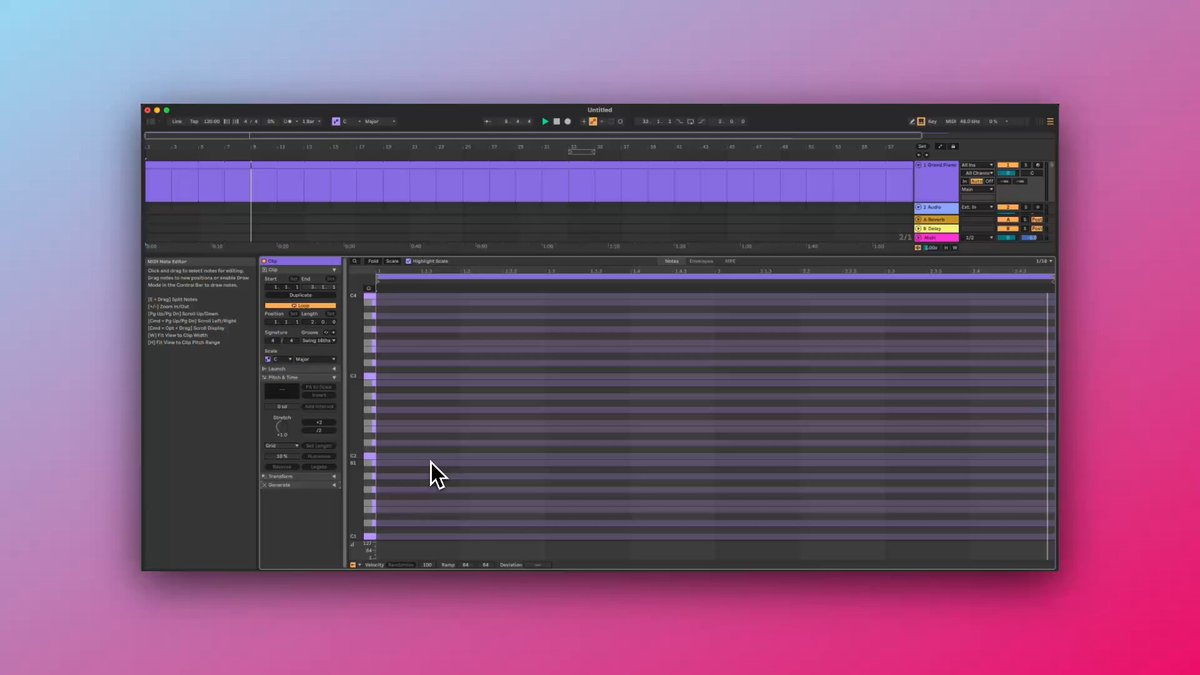
Ableton Live 12 has a new tool called Shape Generator.
You don’t enter notes. You draw shapes.
And Ableton turns those shapes into full musical phrases. Here’s how it works: the vertical axis controls pitch, and the horizontal axis controls time. You draw a curve, and Ableton fills in the notes for you.
No music theory? Doesn’t matter. Want a rising melody? Just select the “Up” preset. Want something weird? Draw your own shape.
You control elements like the pitch range, how fast the notes play, how dense the melody is, how long each note lasts, and how human or robotic the timing feels.
This isn't random. Shapes make sense. Draw a smooth arc, and you get a melody that flows. Add jitter, and the notes get looser, more human. It’s fast, visual, and surprisingly musical.
Here are a few tips to get the most out of it. Try using multiple shapes on different tracks for layered sounds. Freeze and flatten the MIDI when you like what you hear. Then edit it like any other phrase.
Want to try it now? Load a synth, set the pitch range from C3 to C5, choose the “Bounce Up” shape, set the rate to 1/8 notes, and click “Generate.”
Instant melody.
You don’t build a phrase one note at a time anymore. You design the motion, and let the notes follow.
Comment “Ableton” and we’ll DM you our free Shape Generator guide along with some creative tools to help you get started.
1
228
21 Jun 2025
Music production isn’t about gear.
It’s about finishing songs.
I wasted years chasing plugins and presets.
Now I spend every session focused on arrangement and mixing.
That’s when progress started.
116
21 Jun 2025
🎛️ Ableton Live 12.2 just dropped — and it's a MASSIVE upgrade for producers. Here's a full breakdown of what's new and why it matters 👇🎚️
🧵 THREAD
1
1
212
21 Jun 2025
9/ 🧠 Smarter Modulation
The modulation matrix connects everything — map LFOs, envelopes, velocity, or sidechains to any parameter. Visual feedback makes it intuitive, not overwhelming.
1
59
21 Jun 2025
10/ 🎧 It's a Playground Now
Ableton Live 12.2 isn’t just about tiny fixes — it unleashes new creative possibilities at every step of production. The tools feel more alive and responsive.
➡️ If you're a producer looking to level up your sound design, workflow, and musical expression — Live 12.2 is a must-try.
💬 Have you tried it yet? What's your favorite new feature?
#AbletonLive #MusicProduction #SoundDesign #DAW #ProducerTips
86
20 Jun 2025
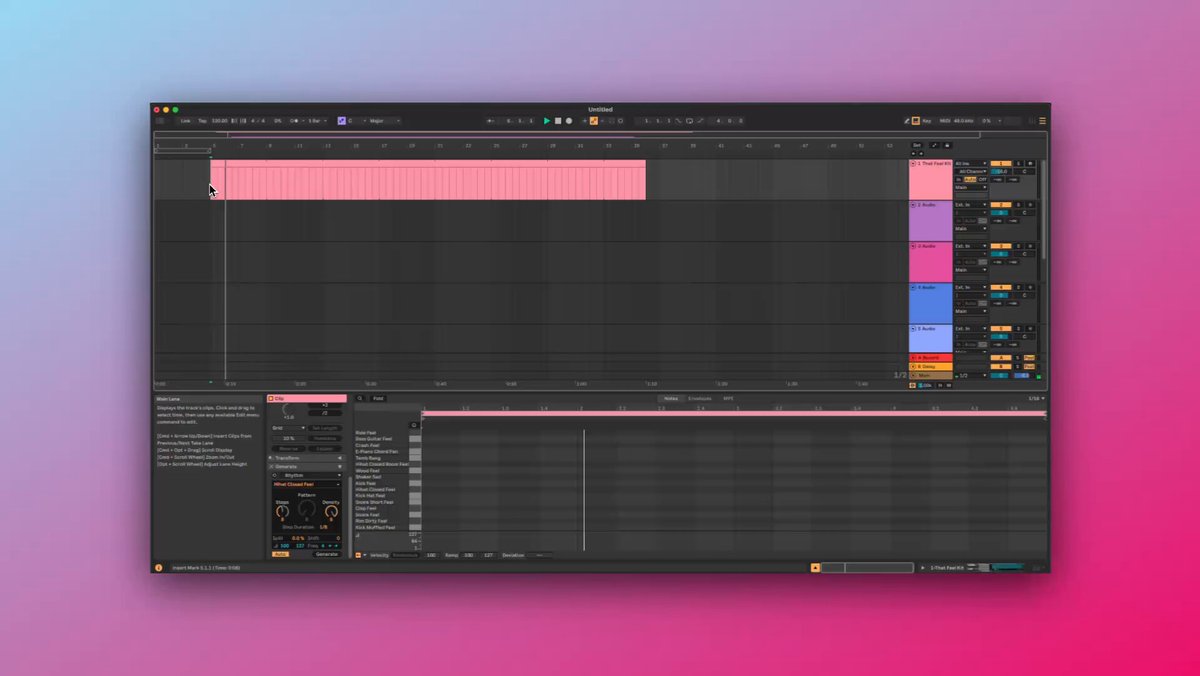
If you hate staring at an empty piano roll, the Rhythm Generator in Live 12 might become your new best friend.
It builds percussive MIDI patterns from scratch. You give it a few rules—like how dense, how fast, how loose—and it generates rhythmic ideas that actually sound musical.
You can shape the groove with parameters like Steps, Pattern, Density, and Velocity Range. Want syncopation? Lower the density and add some Shift. Want glitchy, fast rolls? Use Split to subdivide the notes. Every control is designed to give you structure with just enough randomness to keep things alive.
It’s not just for drums either. You can drive synths, plucks, or even ambient textures. And when you layer multiple Rhythm Generators with different step durations and swing settings, you get grooves that evolve and surprise you.
If you want our free tools and resources for building better grooves in Ableton, comment Ableton below and we’ll DM you the link.
109
14 Jun 2025
Slept on Ableton device alert: Have you tried Amp? Most producers overlook it, but it’s a powerhouse for adding analog grit and character—way beyond just guitars. 👇
1
75
14 Jun 2025
Want a more authentic setup? Pair Amp with Ableton’s Cabinet device. Or go raw—no cab, just pure chaos.
1
64
14 Jun 2025
Ready to level up your sound?
Drop “Ableton” below & I’ll DM you our free tools, guides, and creative tips for Amp (and more)!
👇👇
48