
Online simulation platform for industrial automation and robotics.
Joined August 2023
- Tweets 164
- Following 3
- Followers 43
- Likes 160
139 Photos and videos


Pinned Tweet

Jan 15
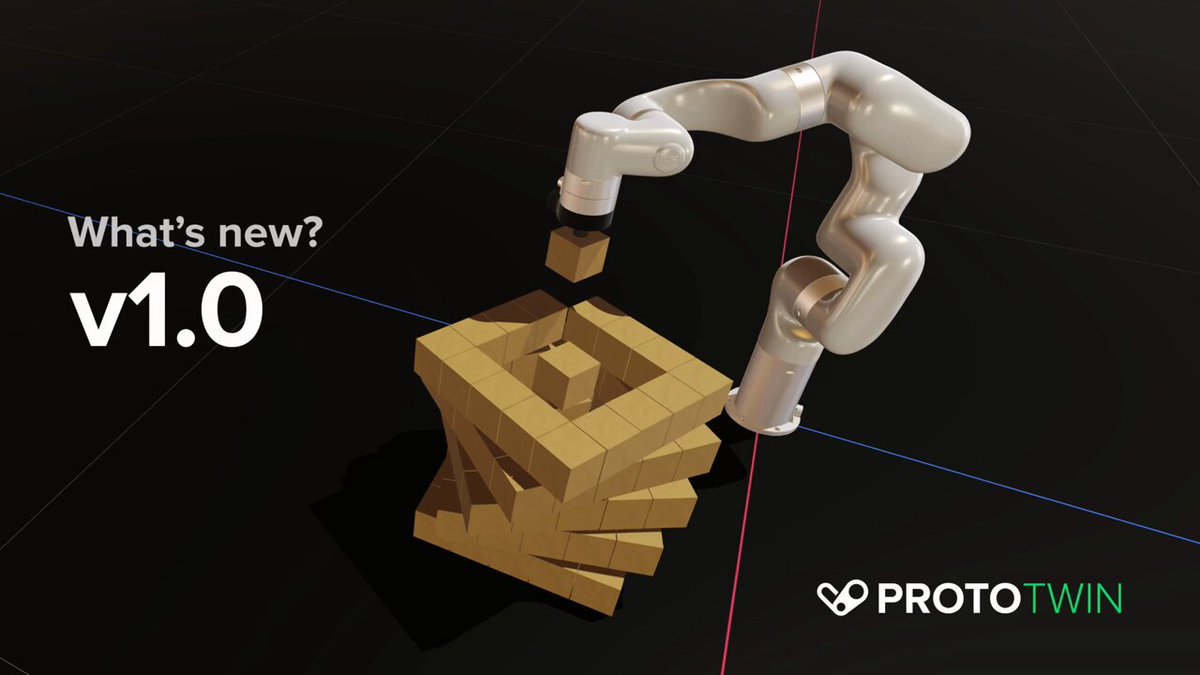
Introducing ProtoTwin Simulate v1.0
ProtoTwin Simulate v1.0 adds to the capabilities of the software, which includes a new product called Motion, a new sequence component, an AI assistant that can program robots & machines, AI code autocompletion and the new package manager.
1
1
432
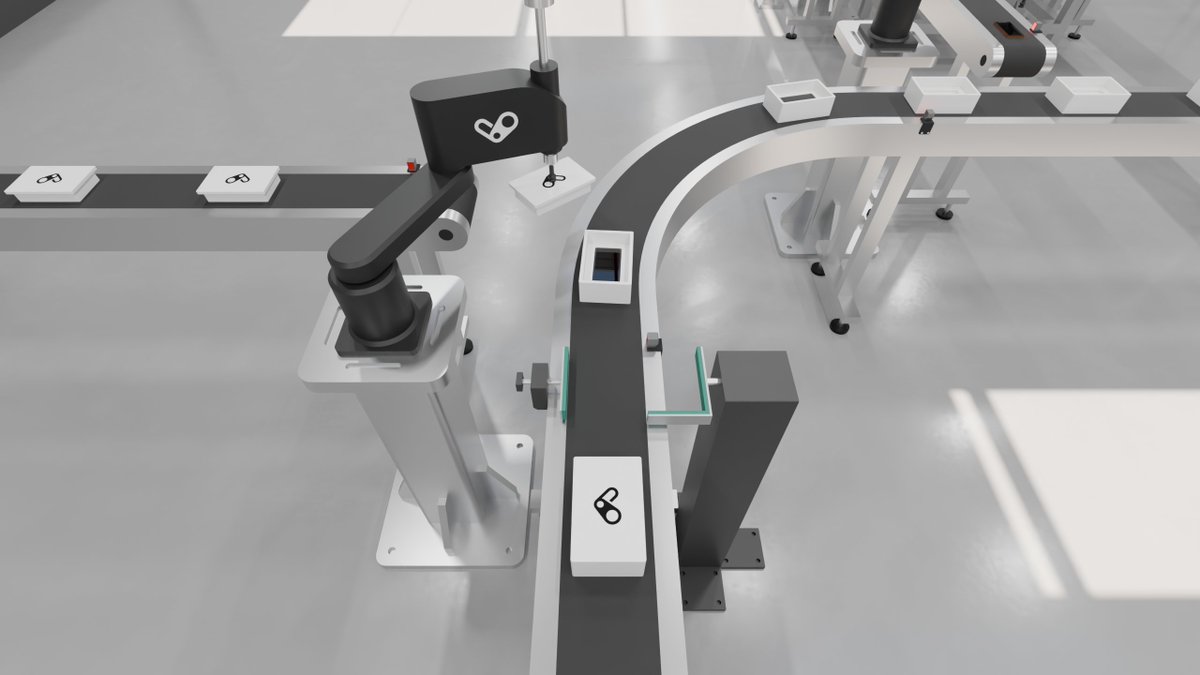
Jun 13
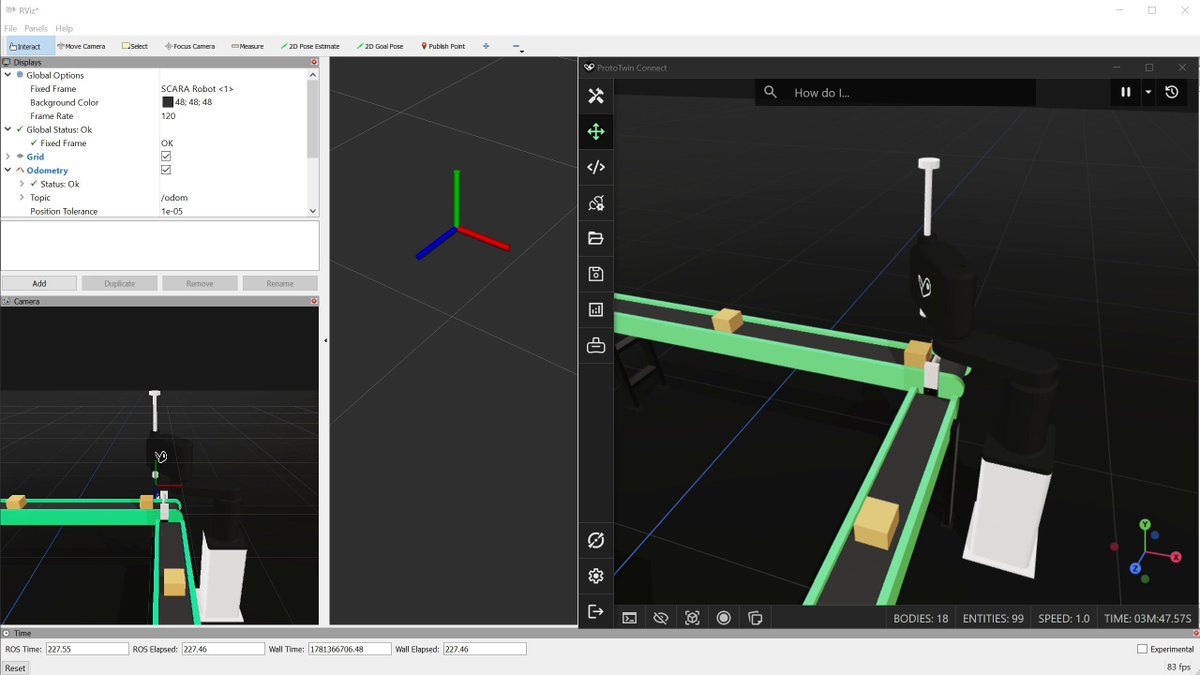
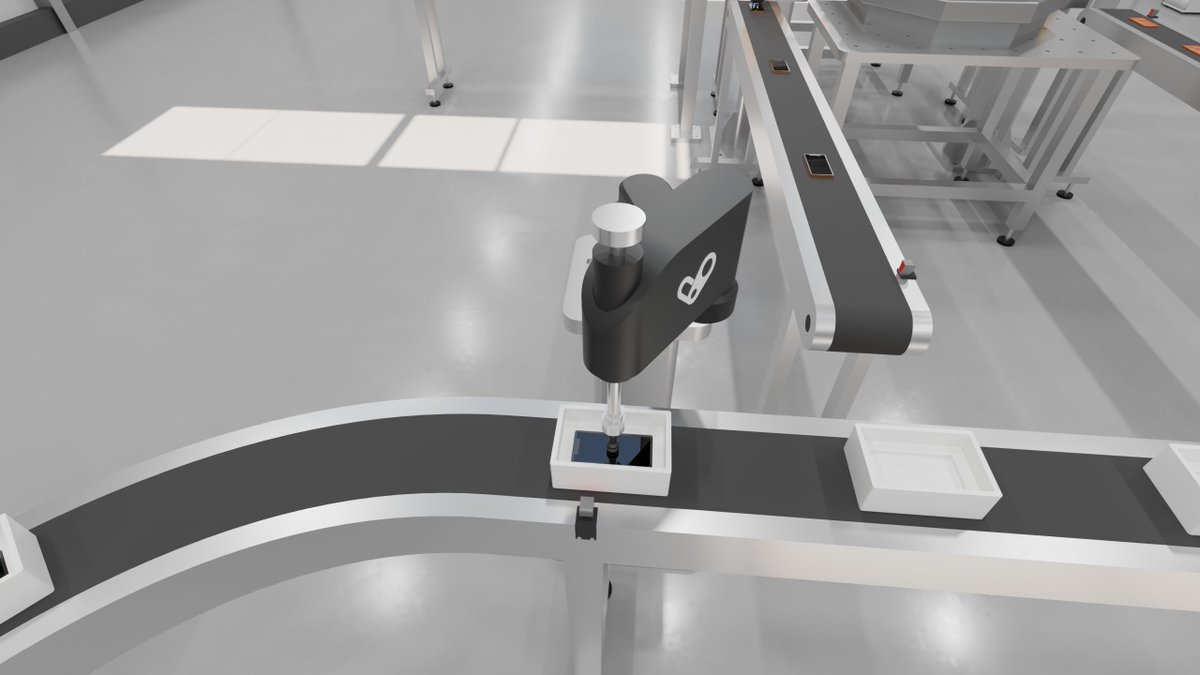
Successfully publishing vision camera data, transforms and odometry over ROS2 and visualizing in RViz.
2
67
Jun 6
ProtoTwin V1.2 will include support for ROS2, including topics, services and actions with automatic TypeScript interface generation for type safety. No separate ROS2 bridge required. We're also adding Vision Cameras, supporting RGB, depth and point clouds. These additions will significantly enhance ProtoTwin's robot simulation capabilities.
2
50
Jun 1
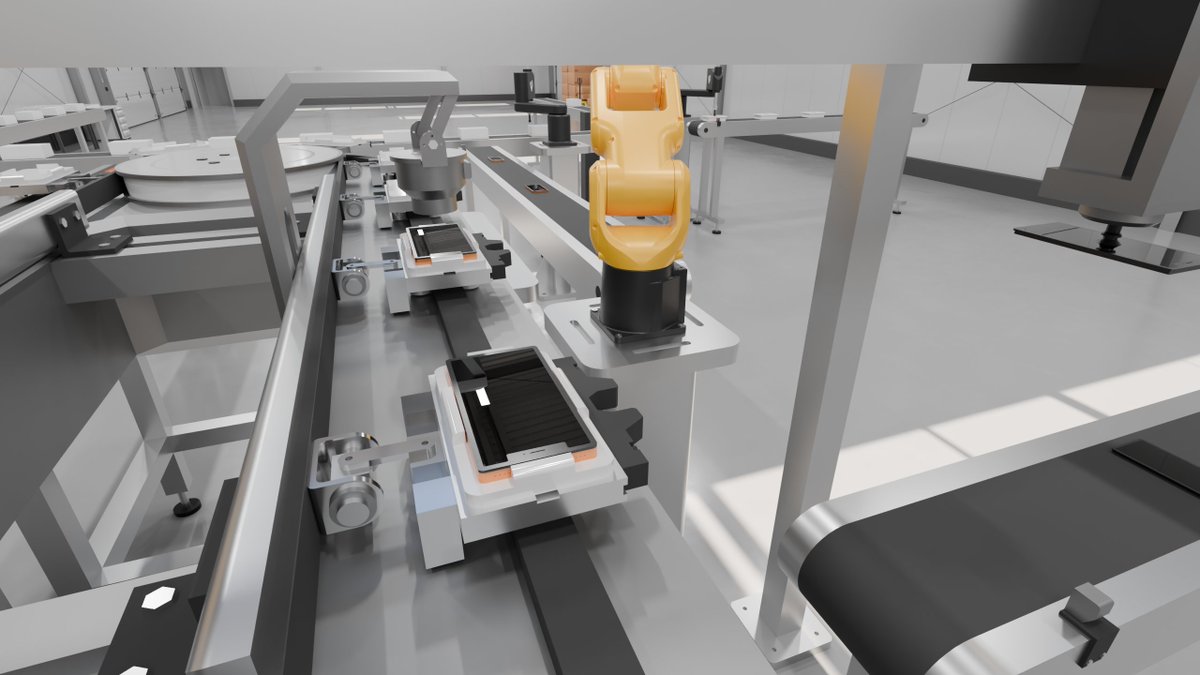
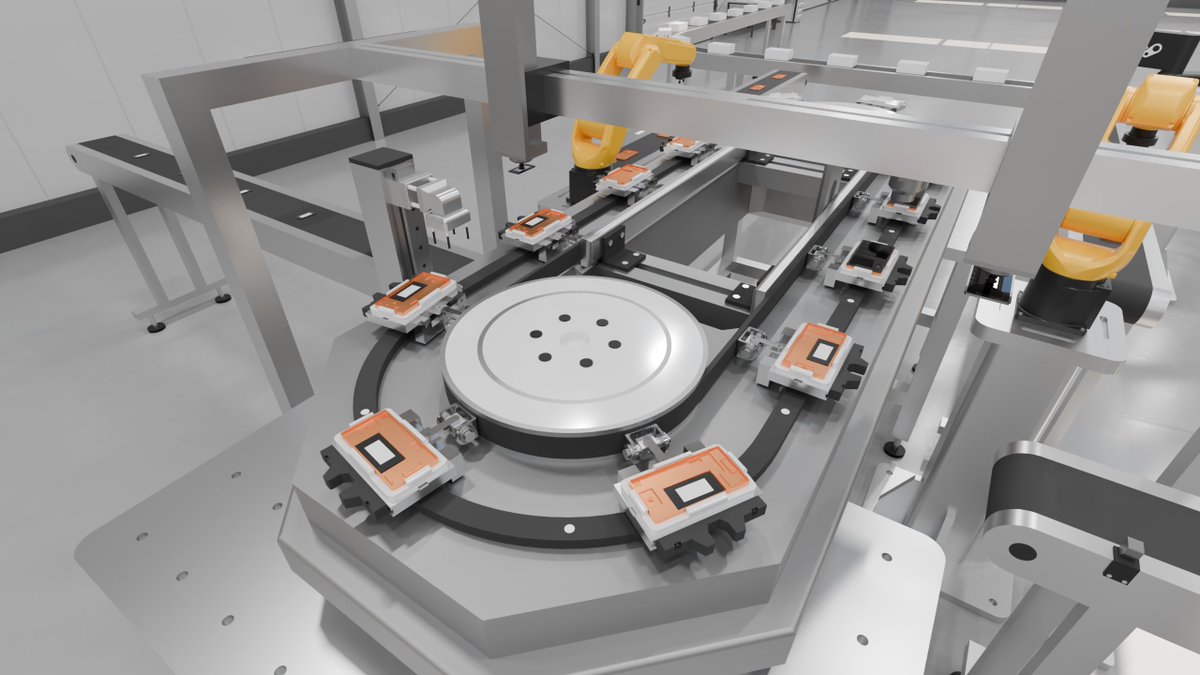
Digital Twin of a Module Assembly Machine
The digital twin was created in ProtoTwin Simulate and rendered using ProtoTwin Radiant. The digital twin is entirely physics driven and runs inside a web browser.
ProtoTwin allows engineers to import static CAD and convert the design into a dynamic physics-based simulation. In the digital twin you can:
☑️ Test and validate control logic.
☑️ Optimize design before machine is deployed.
☑️ Measure cycle times and throughput.
☑️ Discover issues before they arise on site.
Visit our website to learn more: prototwin.com/
3
424
May 29
💬 "It works on my machine..."
The culprit is usually non-determinism.
ProtoTwin is completely deterministic by default, even across different browsers, operating systems and hardware. This makes debugging issues and collaboration much easier.
2
61
Apr 30
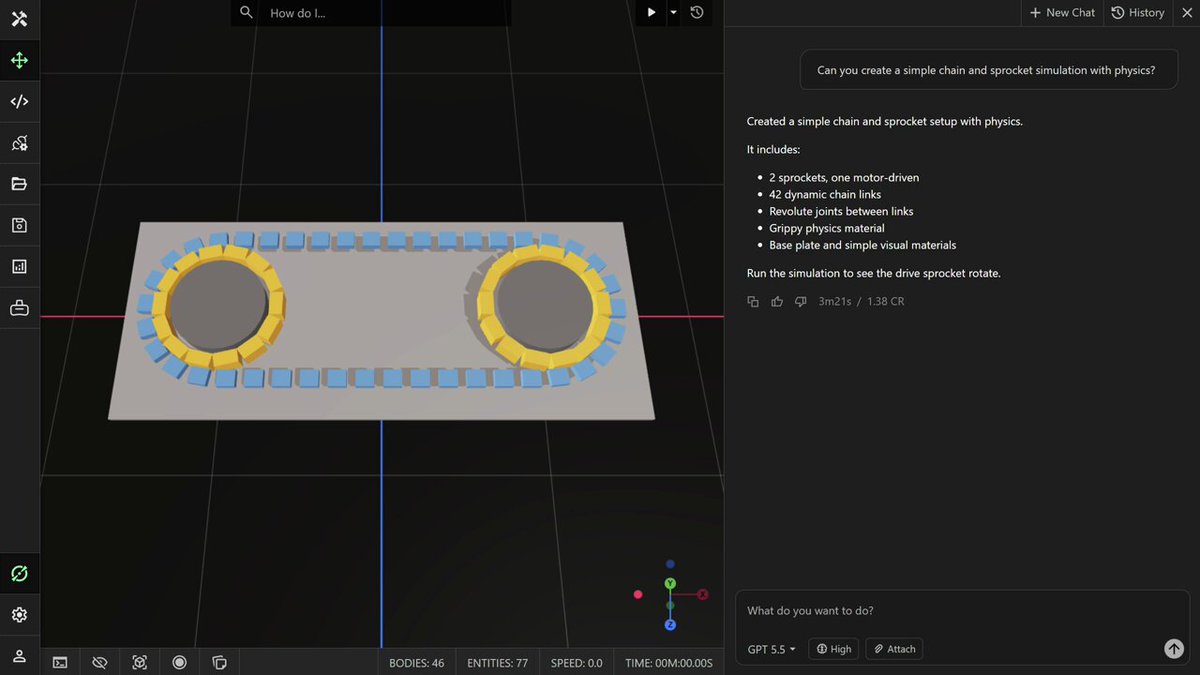
GPT-5.5 one-shot a (very) simple chain and sprocket physics simulation.
1
117
Apr 28
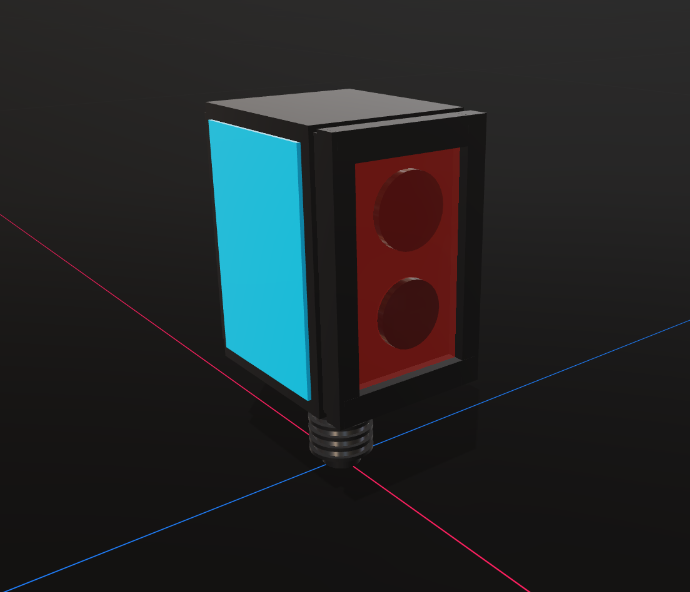
3D representation of the Sick DT35 sensor created by GPT-5.5 when given just an image. A big step-up from Gemini 3.1 Pro.
1
161
Apr 9
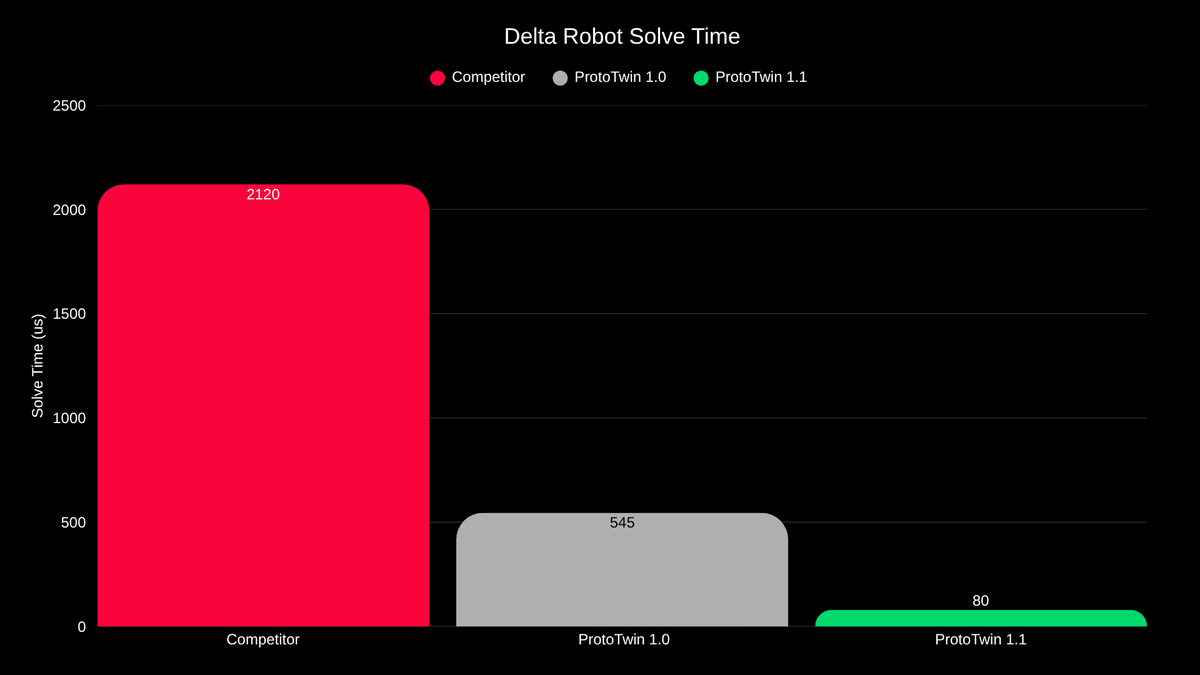
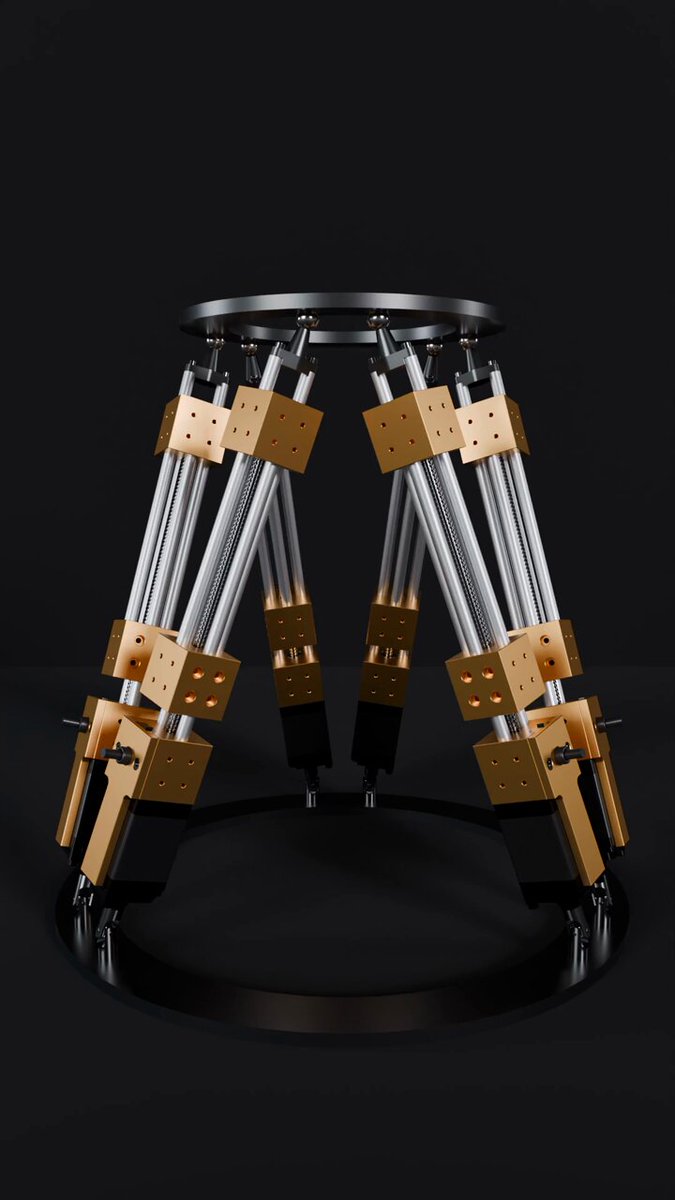
The next version of ProtoTwin will improve robot solver performance by nearly 7X over the previous version, and over 26X when compared to a competitor. It now takes just 80 microseconds to solve a delta robot numerically to less than 1e-9 error, with 39 DOF!
1
1
116
Apr 9
Delta robots are some of the most challenging robots to solve numerically due to the large number of inverse kinematic variables and closed-loop constraints. 6-axis industrial robots can be solved in 10-15 microseconds, and SCARA robots in just 8 microseconds.
1
87
Mar 9
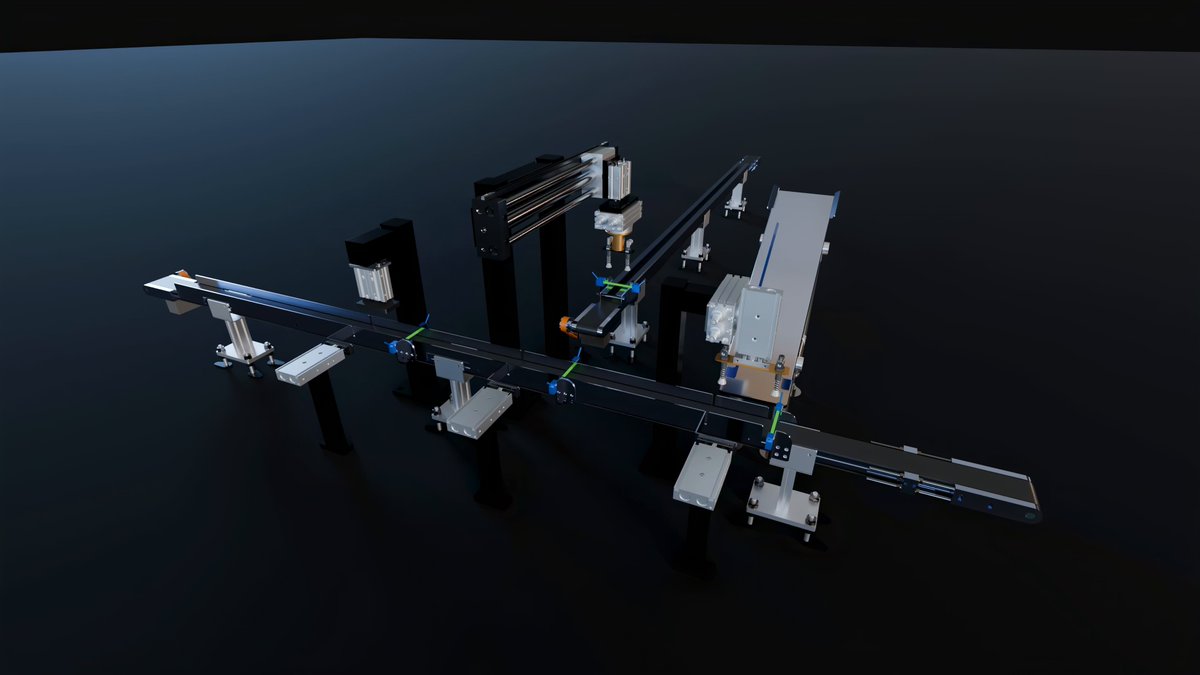
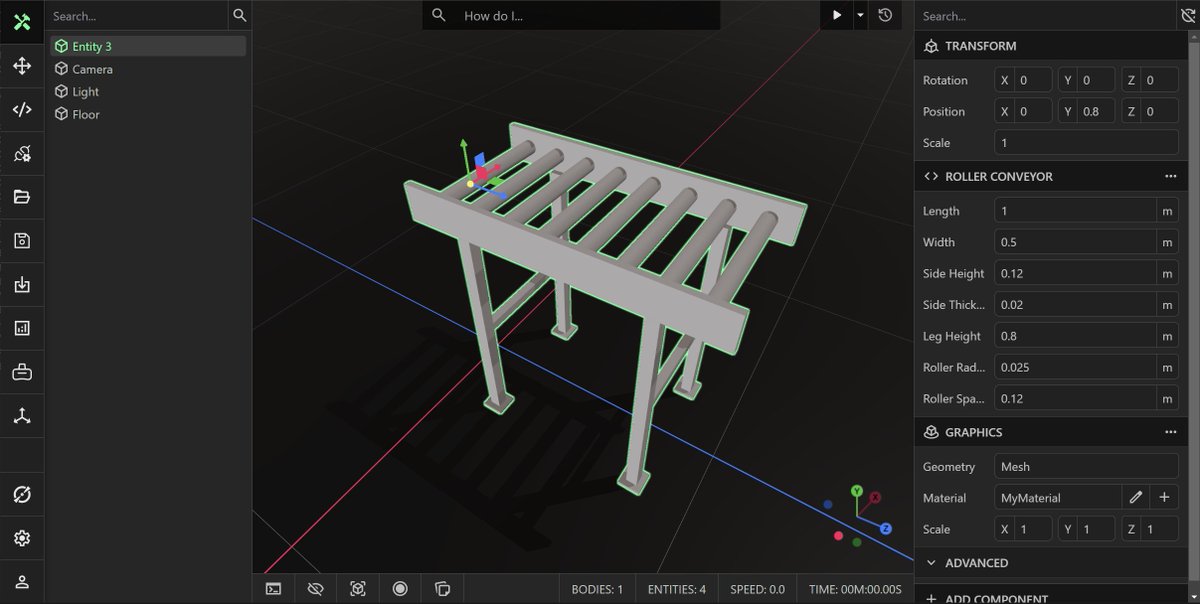
The next version of ProtoTwin will allow you to construct meshes using extrusions and sweeps. This will enable the creation of parametric components. Here you can see a basic parametric roller conveyor, which was created in seconds using the integrated AI coding assistant.
2
111
Mar 3
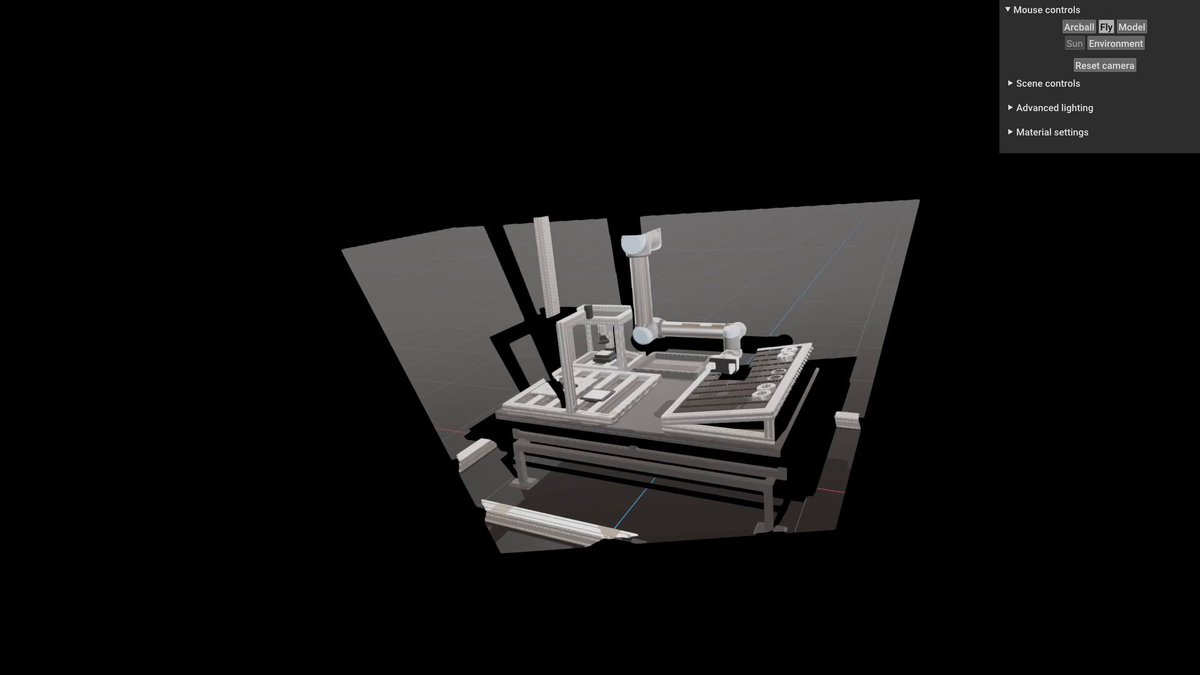
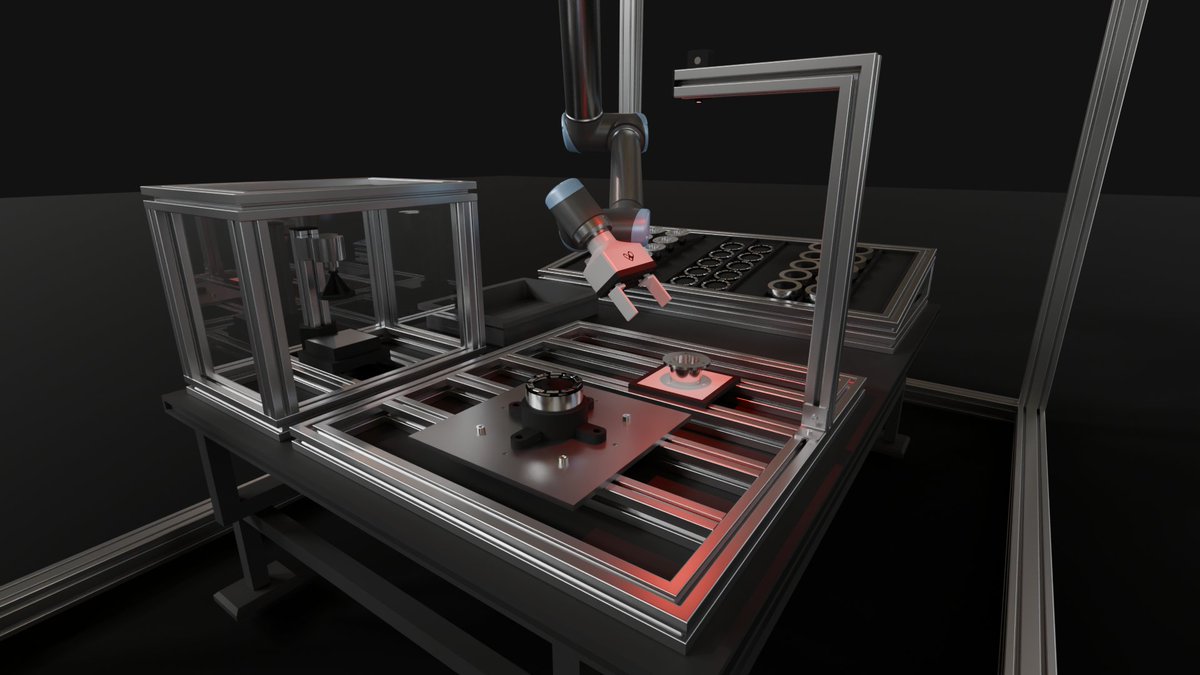
Digital Twin of a Universal Robotics UR10 Robot Assembling a Magnetic Brake
The digital twin was created in ProtoTwin Simulate and rendered in ProtoTwin Radiant. The simulation is entirely physics driven and controlled entirely by our integrated robot controller component.
1
157
Feb 22
1
102
Jan 19
1
176
Jan 16
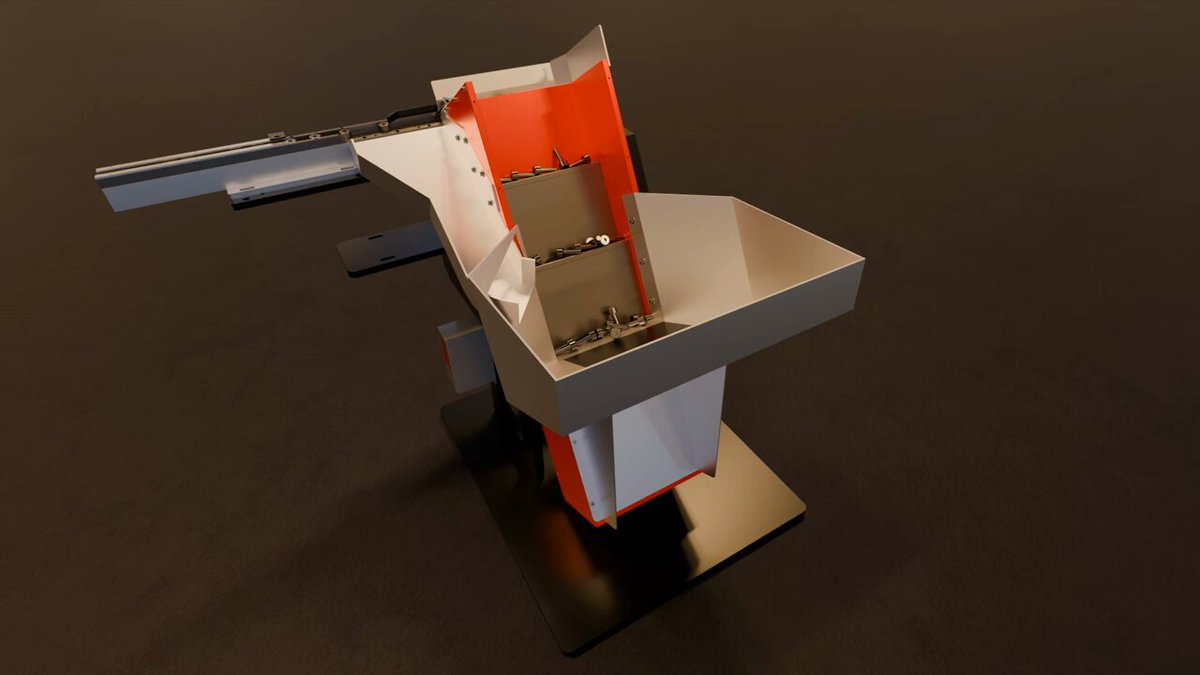
Vibratory Step Feeder and Segment Feeder Simulation
This video demonstrates ProtoTwin's ability to simulate machines involving small parts. The bolts used in these simulations are M3 (3mm diameter).
Please visit our website to learn more: prototwin.com/
1
103
Jan 15
Introducing ProtoTwin Simulate v1.0
ProtoTwin Simulate v1.0 adds to the capabilities of the software, which includes a new product called Motion, a new sequence component, an AI assistant that can program robots & machines, AI code autocompletion and the new package manager.
1
1
432
Jan 15
The package manager allows you to publish, uninstall, install and update packages. Packages are collections of scripts that can be installed instantly into your model at the click of a button.
Please visit our website if you would like to learn more: prototwin.com/
79
Jan 15
ProtoTwin Motion allows you to create 3D physics-based animations inside your web browser within minutes. Just import your CAD and start adding physics, joints and motors. #Onshape
1
99
17 Nov 2025
A short guide on how to go from CAD in Onshape through to training custom agents using reinforcement learning. No URDF, no XML and no programmatic physics setup required!
1
172