
Painless Ruby dev setup on Mac in 15 min. Restores your broken dev setup in 1 min. Supports all version managers. Install Ruby as old as 1.9.3. By @monfresh
Joined January 2022
- Tweets 73
- Following 0
- Followers 141
- Likes 13
2 Photos and videos
Ruby on Mac retweeted

6 Sep 2024
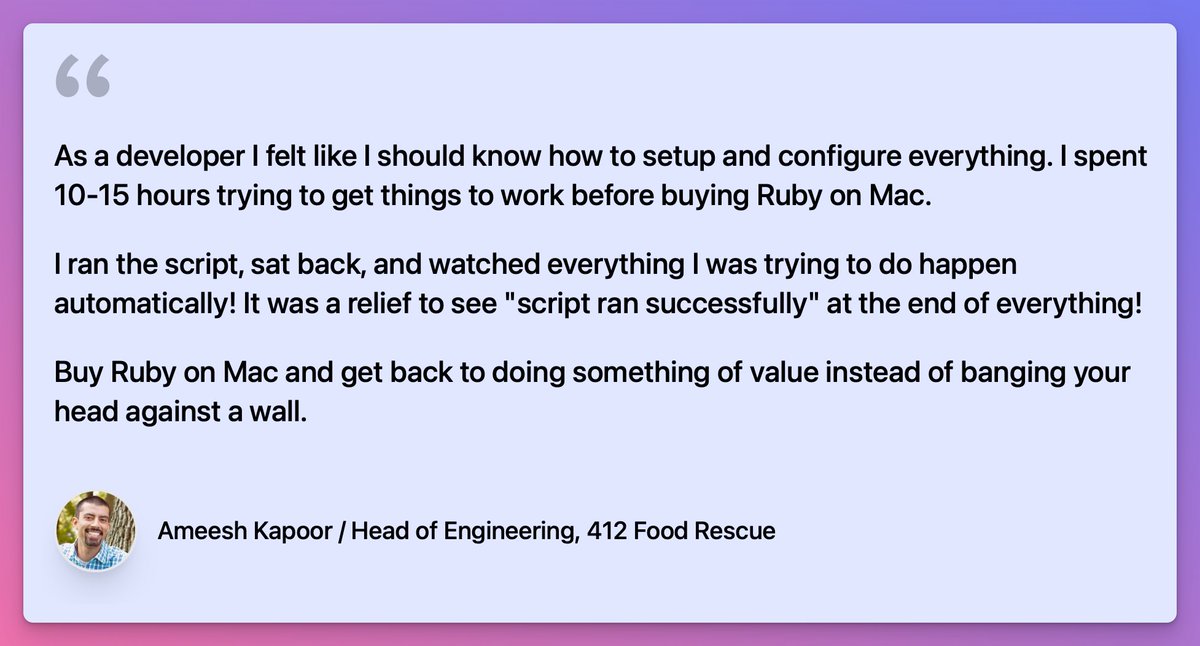
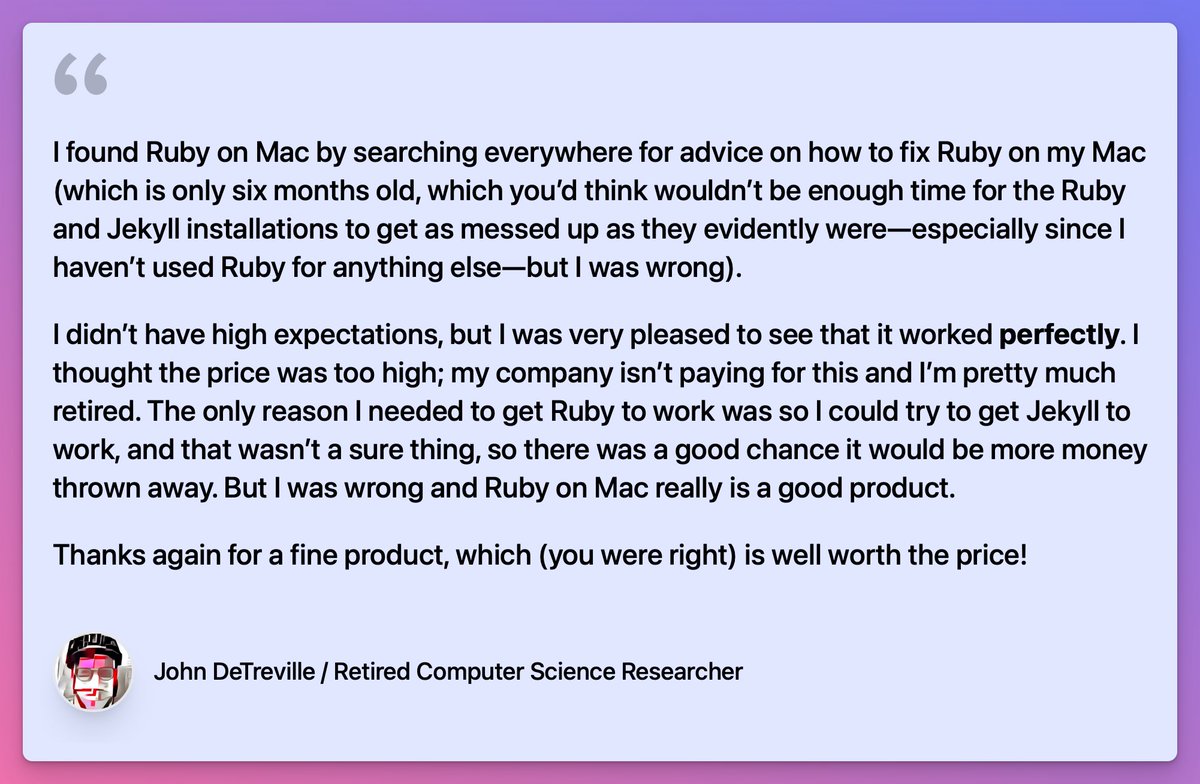
@rubyonmac - I bought this last year, I think, and never looked back. It works on Mac flawlessly so I never spend time to fix a Ruby installation - really worth the money if I factor in the time I would need to put it to fix an installation.
2
4
292


19 May 2024
Ever since Sonoma/Xcode command line tools 15 were released, it hasn’t been possible to reliably install and use Ruby versions older than 2.3.
I’m excited to announce that I found a solution for Ruby 2.0, 2.1, and 2.2!
1
1
159
19 May 2024
This will most likely be a feature in the upcoming “Complete” version which will also include:
• 30-min consultation (will be removed from the Ultimate version)
• 1 command to generate and deploy a brand new Jekyll or Bridgetown site to GitHub Pages (other hosts coming soon)
1
92
19 May 2024
• Course (video text) to learn how to troubleshoot issues with getting older Ruby projects running locally, and dev setup issues using real-world examples
• Any other template I add in the future (for example to generate a Rails Tailwind app)
Stay tuned!
71
21 Nov 2023
Ruby on Mac is now on sale until November 27! 50% off for the first 50 people with code GETUNSTUCK50.
Existing Prime customers: check your email for a special custom coupon code!
Stop wasting time with Ruby and gem installation issues on your Mac: rubyonmac.dev/pricing/
1
1
262
19 Sep 2023
Ruby on Mac Ultimate 2.0 is here! If you’re an existing customer, please check your email for upgrade instructions.
I also wrote a blog post with what’s new in 2.0, and behind the scenes about the licensing and distribution work:
rubyonmac.dev/announcing-rub…
1
2
343
Ruby on Mac retweeted
1 Sep 2023
If you plan to do a fresh install and you will need a wide range of ruby versions I recommend @rubyonmac
It saved me so many hours!
1
1
4
223
Ruby on Mac retweeted

6 May 2023
Paying for a tool to set up #RubyOnRails dev environments may seem ludicrous! @rubyonmac has repeatedly saved me many hours of time & even made installing older versions of Ruby like 2.3.4 on a Mac M2 Pro a breeze. And @monfresh offers great support and more🥇
2
8
1,523
18 Apr 2023
With Ruby on Mac Ultimate, you can now easily install Ruby versions older than 2.6 on Apple Silicon under Rosetta:
2.1.10, 2.2.10, 2.3.8, 2.4.10, and 2.5.9
Ruby 2.6.10 can still be installed in native mode on Apple Silicon. I just tested it on Ventura 13.3.1.
1
3
1,616
5 Apr 2023
Ruby on Mac Ultimate now supports default gems! Default file for now is ~/.default-gems
If you already had one of these:
• ~/.default-gems
• ASDF_GEM_DEFAULT_PACKAGES_FILE
• ~/.rbenv/default-gems
ROM will install those gems for you whenever a new Ruby version is installed.
1
2
373
Ruby on Mac retweeted

3 Apr 2023
1
3
6
212
16 Mar 2023
Update: I found a way to do that. So, if you’re using asdf but want to try another version manager, then come back to asdf, you won’t have to reinstall all the Rubies.
As always, updating to the latest version of Ruby on Mac Ultimate is as easy as running “rom update”.
8 Mar 2023

I’ll keep digging to see if there’s a way to disable asdf Ruby without removing Rubies.
297
8 Mar 2023
I’m thrilled to announce that Ruby on Mac Ultimate now lets choose your preferred version manager. You can choose from asdf, chruby, frum, rbenv, or rvm.
You can change your preference at any time by updating ~/rubyonmac/.default-manager
Let me know if you run into any issues!
1
1
156
8 Mar 2023
asdf can be used for many languages, so I don’t want to disable asdf completely from the shell startup file, but I also don’t want its Ruby setup to be active if you’re using another manager. So far, the only solution I found is to remove the ruby plugin, which removes Rubies.
1
94
8 Mar 2023
I’ll keep digging to see if there’s a way to disable asdf Ruby without removing Rubies.
355
23 Nov 2022
Version 1.6.0 of Ultimate is out today with support for Ruby 2.6.10, even on Ventura and Monterey with CLT 14.x:
rom install ruby 2.6.10
More recent features:
v1.5.0:
• Organize all files in ~/rubyonmac (soon you can specify the location with an ENV var)
• rom CLI
1/4
1
1
23 Nov 2022
• Speed up Bignum operations on Apple Silicon by 28x
require 'benchmark'
Benchmark.realtime { Integer('1' * (10 ** 7)) }
Goes from 14 seconds to 0.4 seconds!
3/4
1
23 Nov 2022
v1.4.0
• Install latest Ruby from GitHub. For power users/Ruby contributors. Install like this:
ruby ~/rubyonmac/scripts/install_ruby_from_github 3.1.3
This will be available in CLI soon. See what’s coming next here:
rubyonmac.dev/todo/
4/4