Joined August 2009
- Tweets 3,205
- Following 321
- Followers 11,967
- Likes 4,890
415 Photos and videos






Pinned Tweet

Jun 11
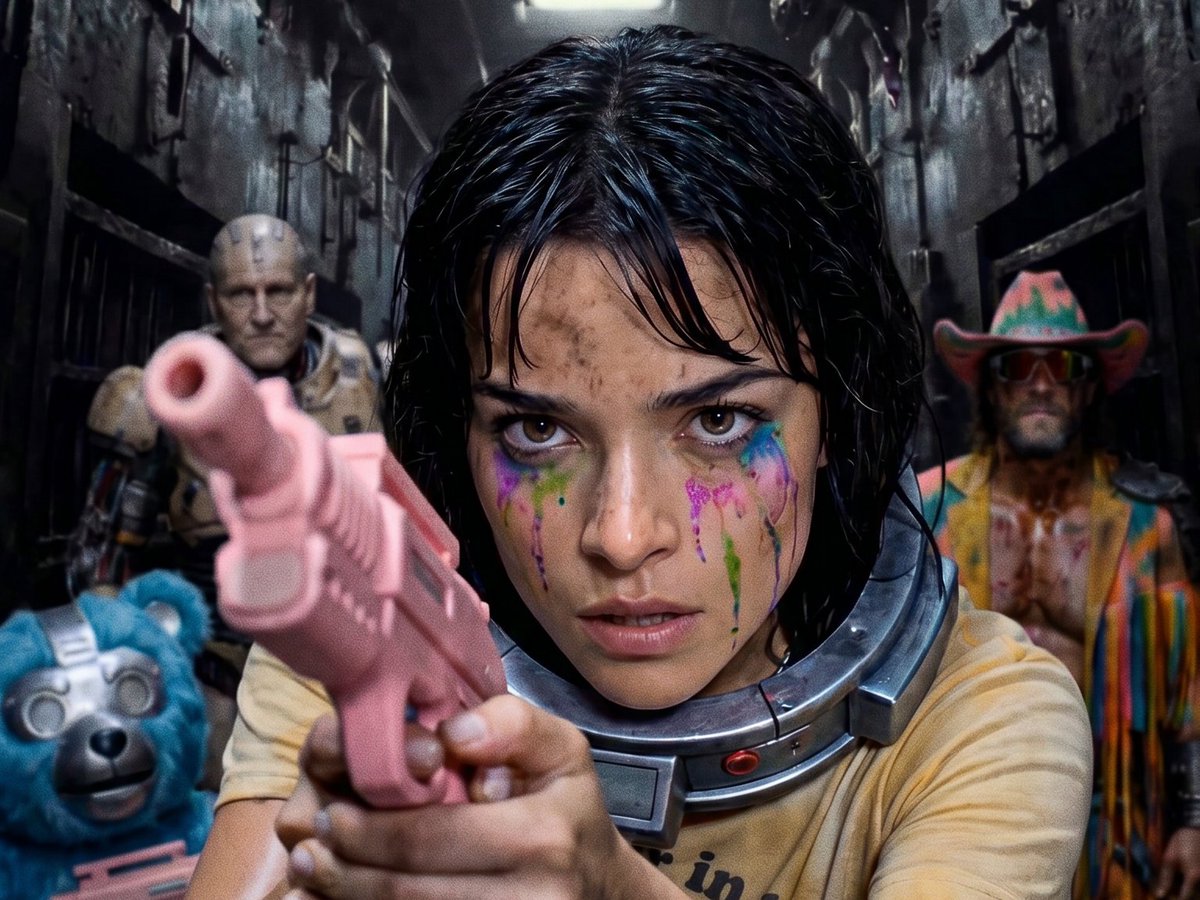
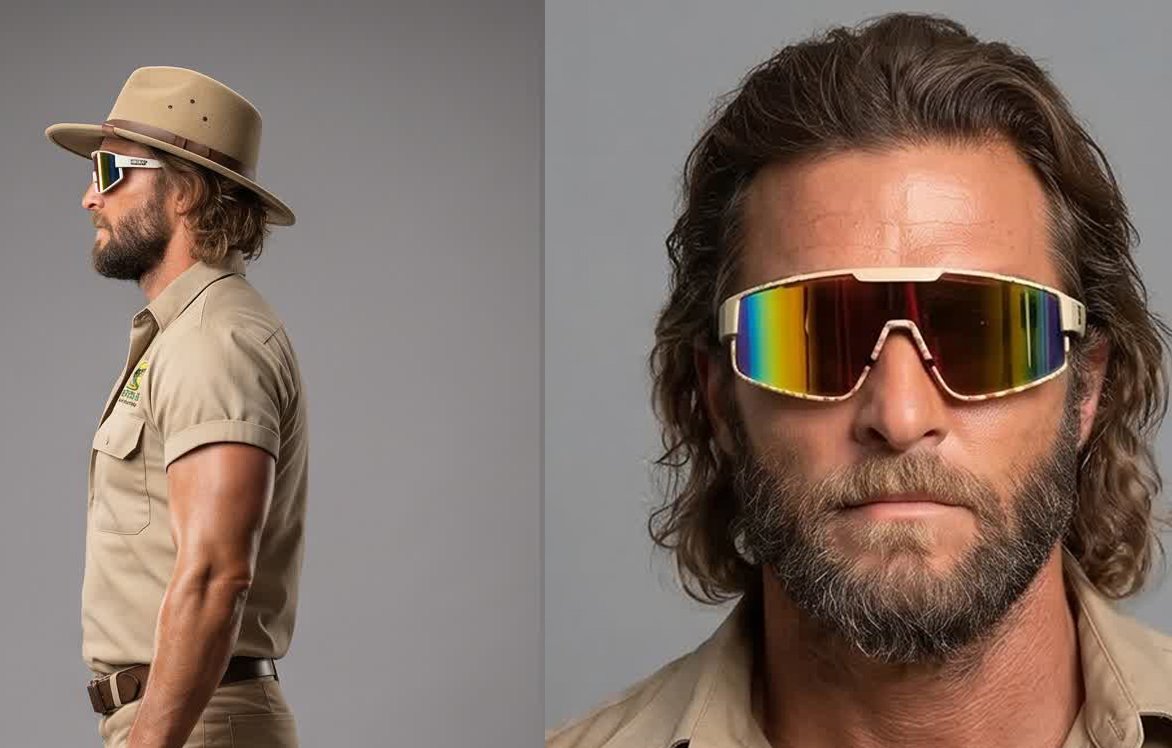
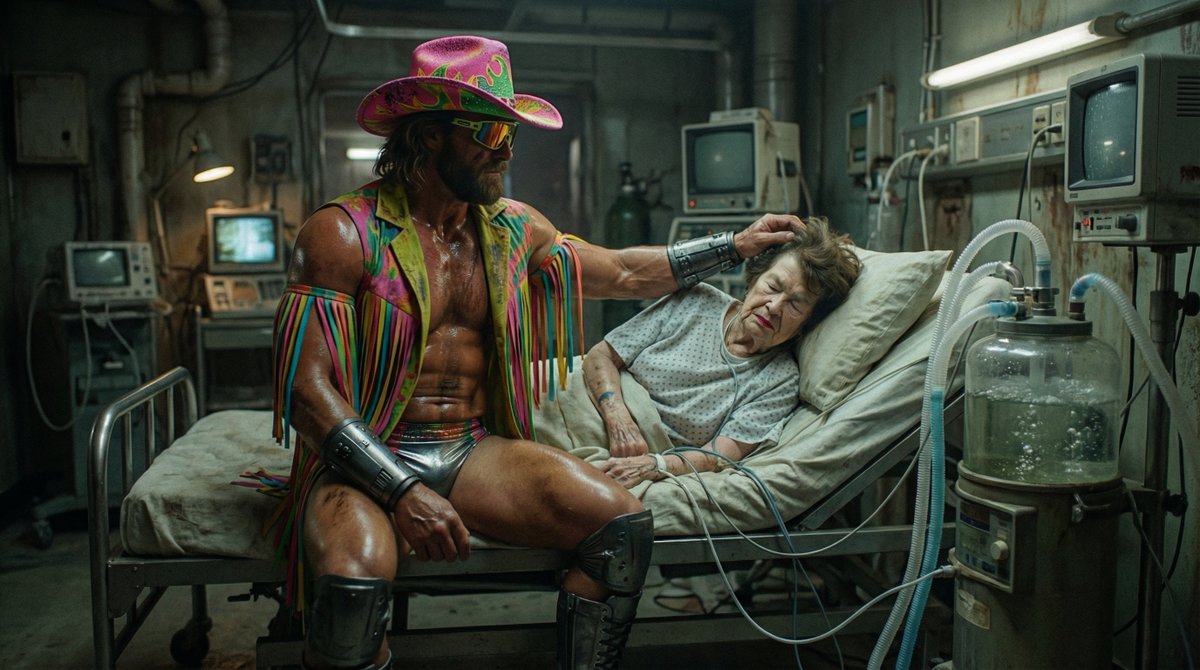
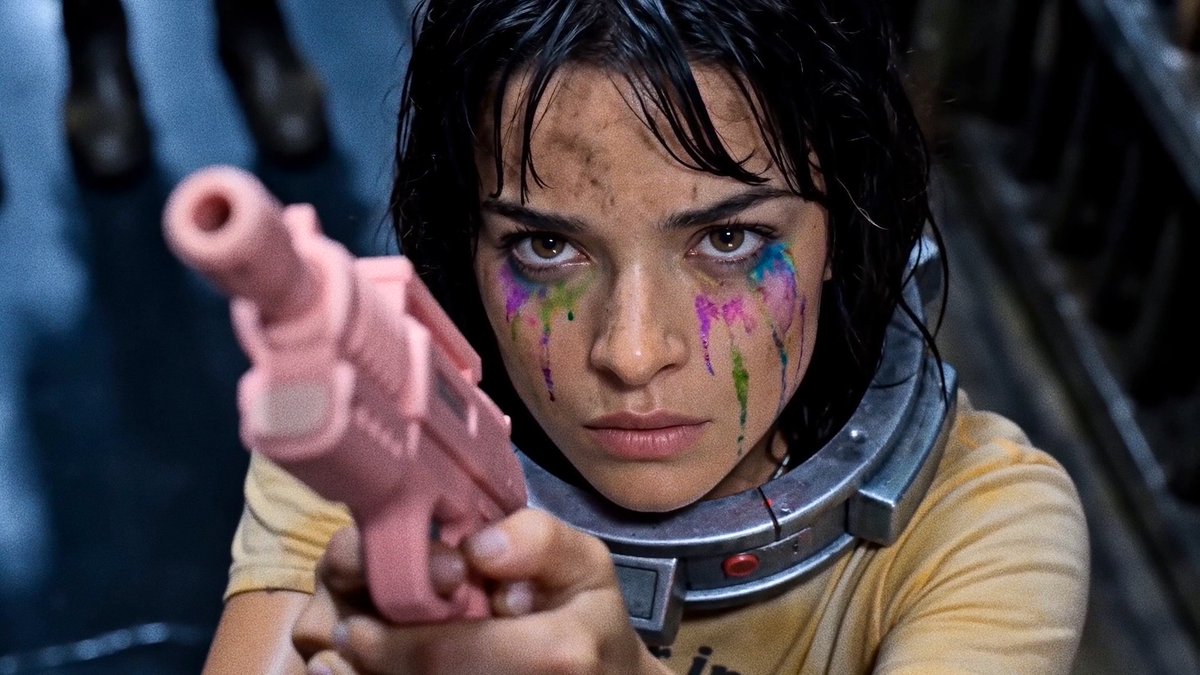
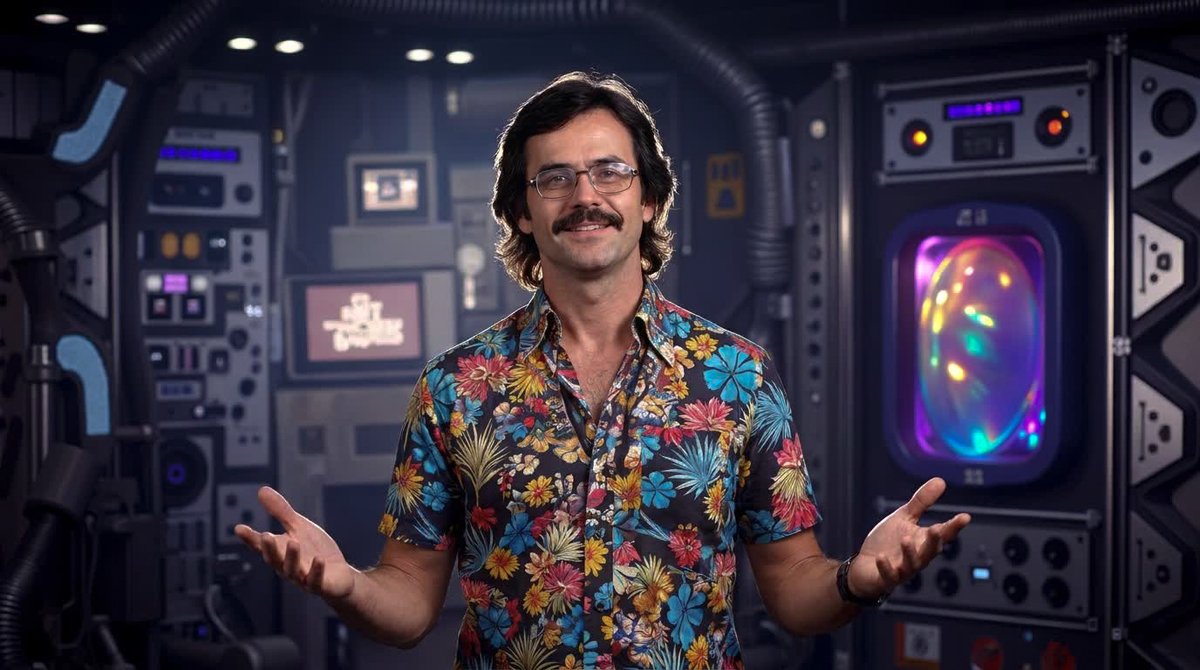
Hate to leave you hanging… but here come the Danglies Pt. 1.
Pt. 2 next week.
11
12
124
6,257

Jun 13
Next week I'll be cooking up some big juicy delicious danglies in @invideoOfficial Agent One...
x.com/ryanlightbourn/status/…
Jun 11

Hate to leave you hanging… but here come the Danglies Pt. 1.
Pt. 2 next week.
2
36
1,879
Ryan Lightbourn retweeted

Jun 11
Jun 10
In 1989, Quantum Frontiers tried to bury this episode.
The tech was too powerful.
It was a great pleasure putting this together for Xanadu (made with invideo Agent One):
1
10
520
Jun 11
Dr. Dreams is out here podcasting with the community, building Resolve plug-ins to fix Seedance glitches, and shipping daily bangers. Follow this absolute madman & watch in awe as he defies the laws of biology:
9
5
126
5,224
Jun 10
Backroobsession changes everything.
A new era of film is upon us.
16
8
200
12,127
Jun 10
In 1989, Quantum Frontiers tried to bury this episode.
The tech was too powerful.
It was a great pleasure putting this together for Xanadu (made with invideo Agent One):
13
9
98
4,366
If they only spent $49 on Higgsfield,
WHERE DID THE OTHER $199,999,951 GO!?
4
25
2,915
LIGHTBOURN INTERNATIONAL PICTURES, LLC has upgraded to Macbook Pro.
22
1
102
3,022
"thE ai BubbLe iS coLLapSing iN reAl tiMe!!!"
The AI bubble:

11
4
79
2,962
Ryan Lightbourn retweeted

May 27
Watching work by @CaptainHaHaa, @Gossip_Goblin, @ryanlightbourn, Dietmar Hopfl, @djdefjef, and others feels like the AI equivalent of hip-hop's Golden Era, when vital work was being made at a hellacious rate, and going in every direction, style, and approach possible.

2
1
21
1,615
May 27
This legend Dr. Dreams made a fix for the frame rate issue in Seedance 2.0. You'll occasionally have random glitches that need manual fixing, but for the majority of stuttering shots, this should do the trick:
x.com/DrDreamsMusic/status/2…
May 27

If you're using Seedance, your videos often have duplicate frames baked in — every 3rd frame is a held copy - especially for fast scenes or fast action.
This causes stuttering when you scrub through in DaVinci. Here's how I fixed it.
Thank you to @ryanlightbourn and @TomLikesRobots
for the invaluable info that I simply plugged into Claude and then iterated.
Seedance runs at ~16fps of real motion packed into a 24fps container. You can see it by pressing the arrow key frame-by-frame — every few frames nothing moves at all.
I built a free Mac app called SeeFrame that detects all the held frames and exports a clean ProRes 422 file with them removed.
Workflow:
Open SeeFrame, load your Seedance clip
Hit Analyze — it finds all the held frames
Hit Export Clean — saves a ProRes .mov next to your original
Then in DaVinci Resolve:
Import the _clean16.mov
Drop it on your timeline (it'll be shorter than the original)
Click the clip → Retime & Scaling → set Optical Flow, motion estimation Enhanced Better
Right-click → Change Clip Speed → stretch to match original duration
DaVinci synthesises real in-between frames — no more dupes
The key is ProRes Optical Flow. H.264 re-introduces duplicate frames through compression. ProRes keeps every frame independent so DaVinci can work with real motion data.
Free and open source. Mac only for now. Requires Python 3 and ffmpeg (free, install with Homebrew — instructions in the README).
🔗 github.com/radcity33/SeeFram…
2
30
2,212
May 27
Something is genuinely wrong with @swaymolina. You should follow him. It’ll brighten your day:
7
1
63
3,015

May 27
My creations are shaped by the top 10 greatest movies ever made.
The non-negotiable list:
1. Jurassic Park
2. Terminator 2: Judgement Day
3. 2001: A Space Odyssey
4. Alien
5. The Empire Strikes Back
6. Home Alone
7. From Dusk Till Dawn
8. Willow
9. Predator
10. Happy Gilmore
77
18
397
40,247
May 26
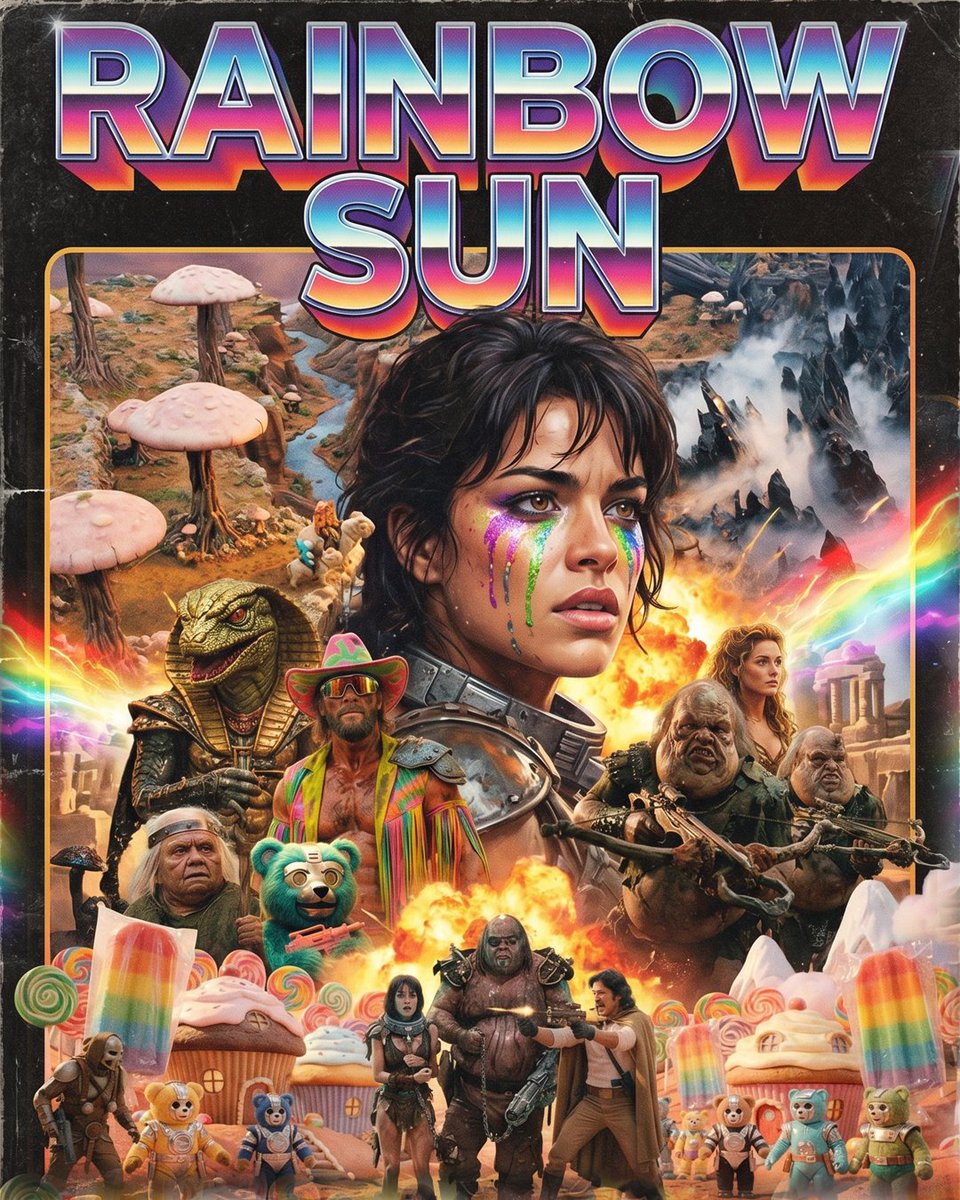
You can build an entire movie franchise on a MacBook Air.
RAINBOW SUN.
70
77
782
44,836
May 25
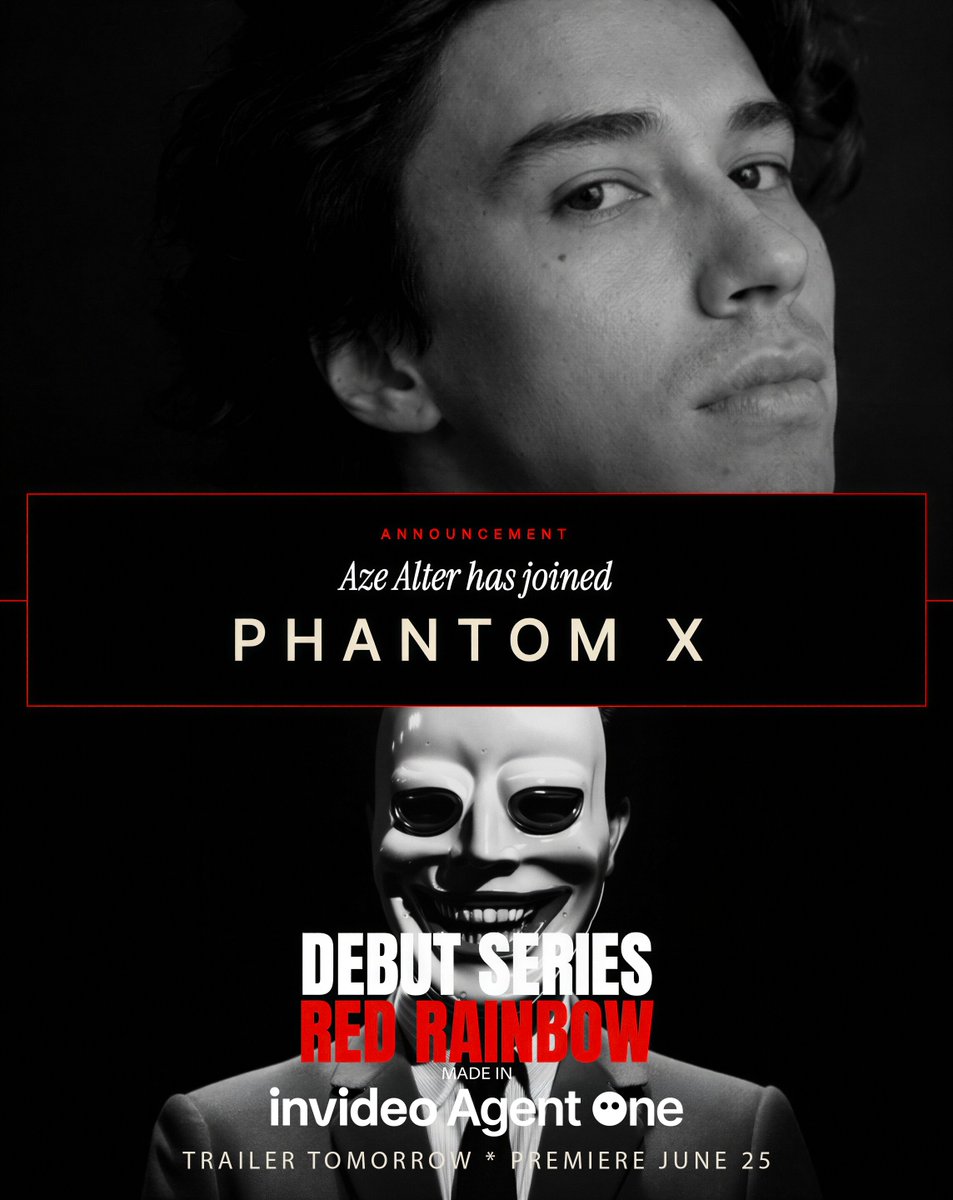
Well deserved, Alter is one of the greats:
x.com/AzeAlter/status/205898…

Red Rainbow Season 1 is officially happening. And I’ll be using a new AI tool called Invideo Agent One to create it.
Thank you to Invideo and the awesome Phantom X team for picking up the series. This is really a dream come true. Ever since the first Red Rainbow video ‘Capital of Conformity’ came out in 2023, I’ve been world building and writing the story almost every day.
Very excited to share this with all of you. There will be 10 episodes, 10 minutes long, 1 episode a month. It will be a chronological story line following the Capitals most loyal citizens… RED RAINBOW SEASON 1: No Cost But You
Thanks again @invideoOfficial @PhantomX_ai & everyone who has been supporting this channel over the years. I appreciate you all.
Have A Jolly Day!

1
16
1,849
May 23
I'm loving these chats Dr. Dreams has been hosting. A common theme is that we're branching into our own worlds with our own twists on entertainment, but with incredibly similar visions of how this all plays out in the future:
x.com/DrDreamsMusic/status/2…
May 22
New pod up! The great and powerful @BLVCKLIGHTai comes on Slop & GLORY VI!
He goes into how he was once anti-ai, the massive opportunity in generative entertainment, the future of AR/VR theme-park experiences, plus a ton more.
We dive deep into creating truly original AI art, why competitions miss the point, real-time generation, and building immersive worlds.
A must-listen for newcomers and OGs. Thanks to everyone for listening and supporting.
youtu.be/ocW_HsQOM6c
1
23
1,928
May 23
I haven't watched a new movie since 2013.
Birdman & Mad Max: Fury Road were at the top of my list.
What do you guys recommend? I like all genres, but no CG slop.
*FWIW an exception is most Disney Star Wars & Minions flicks, which I watched in theaters with my kids*
43
36
5,310