
🇭🇺 design engineer
Joined October 2022
- Tweets 114
- Following 401
- Followers 2,229
- Likes 3,462
14 Photos and videos


Pinned Tweet

May 12
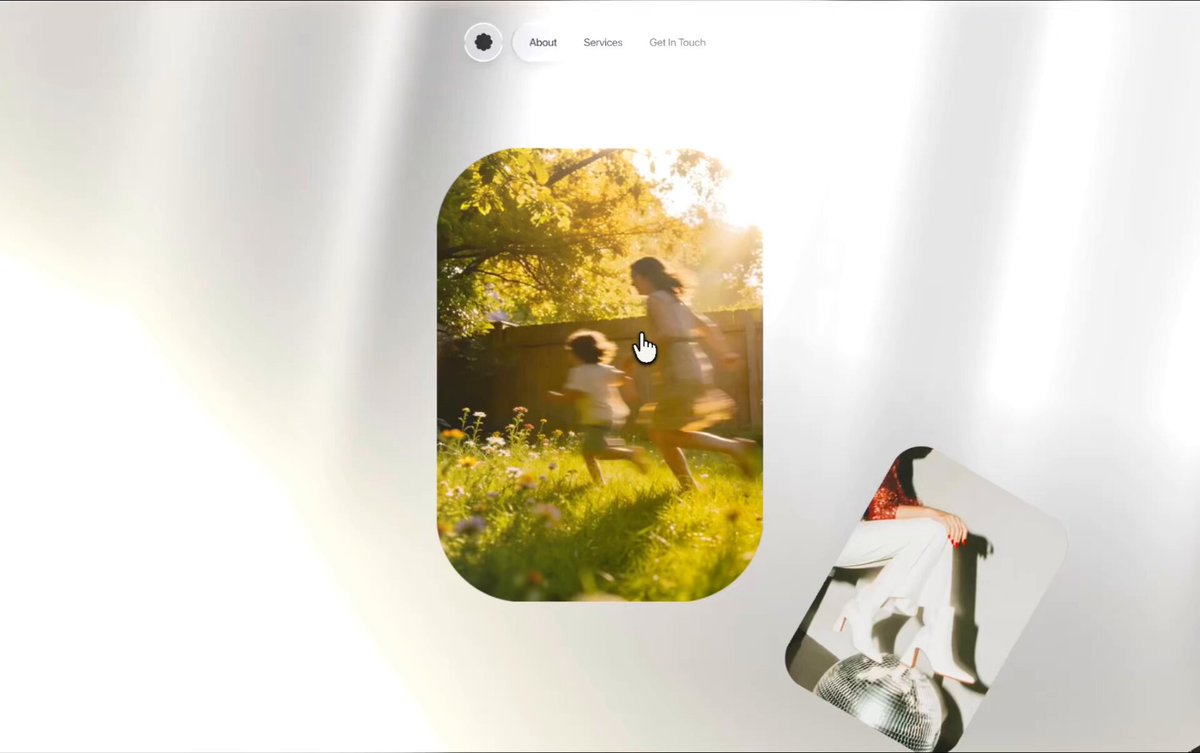
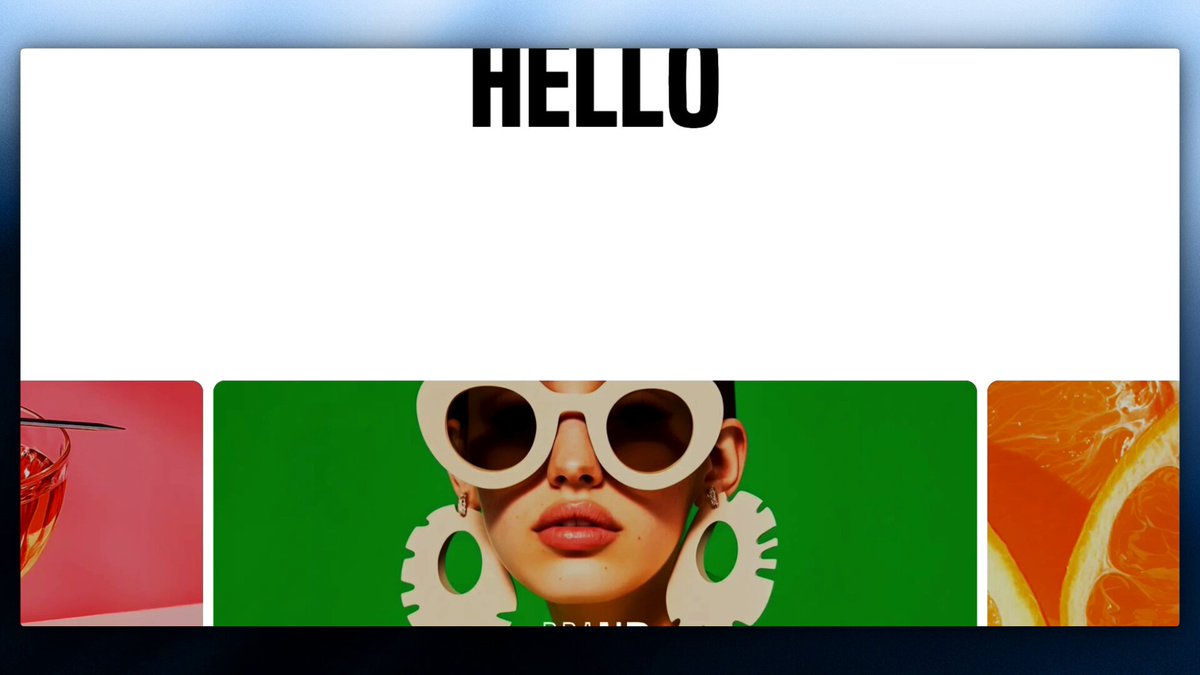
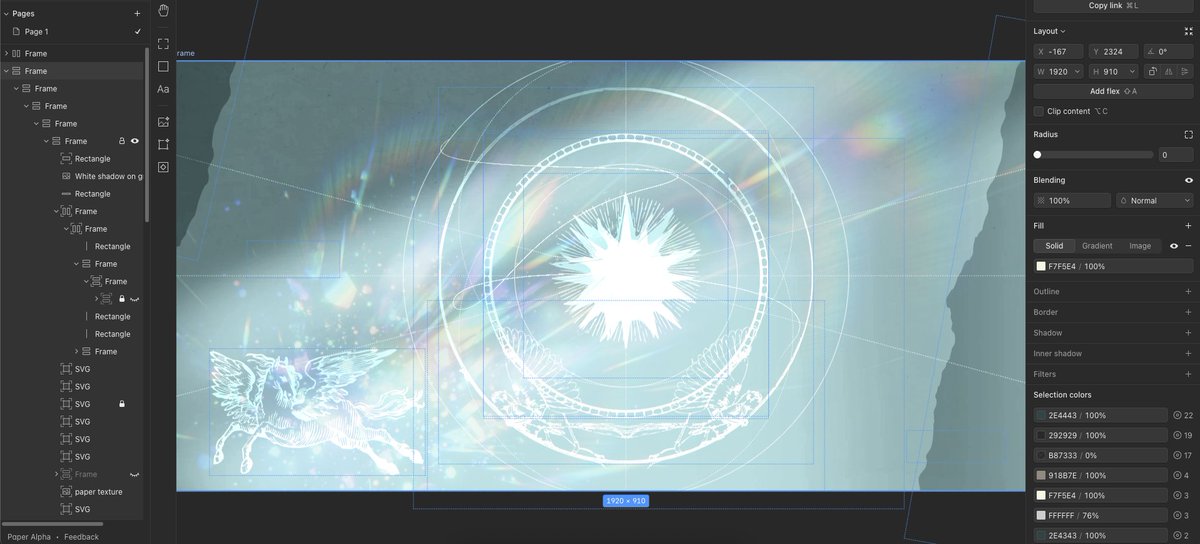
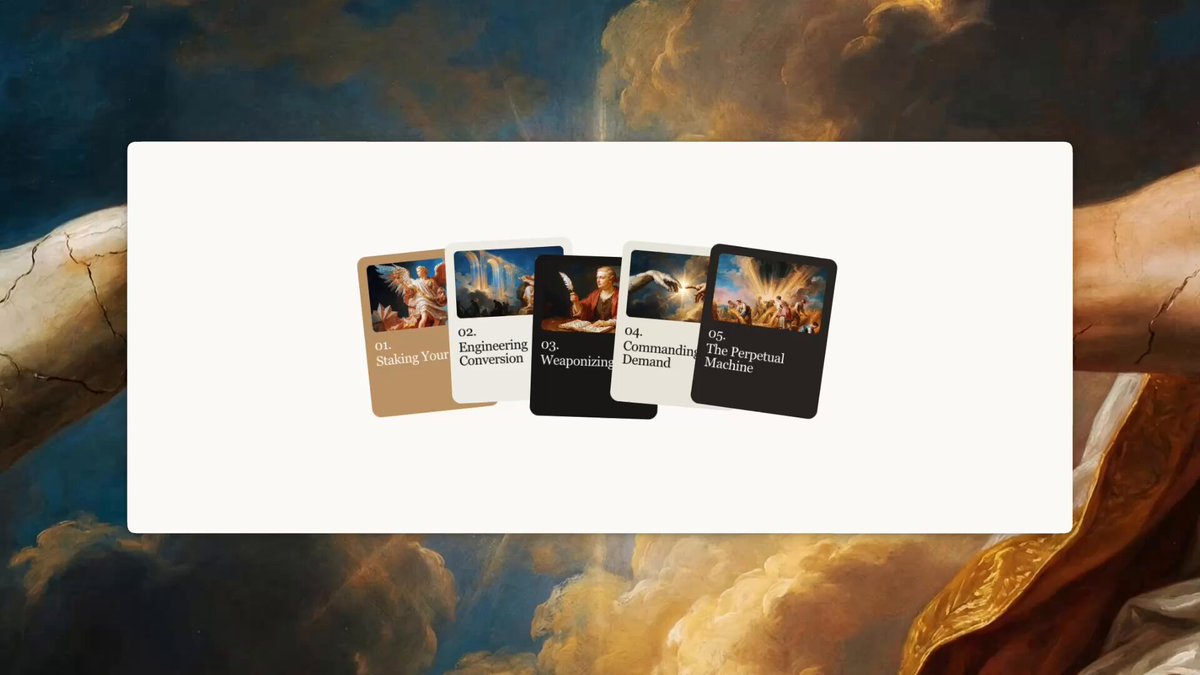
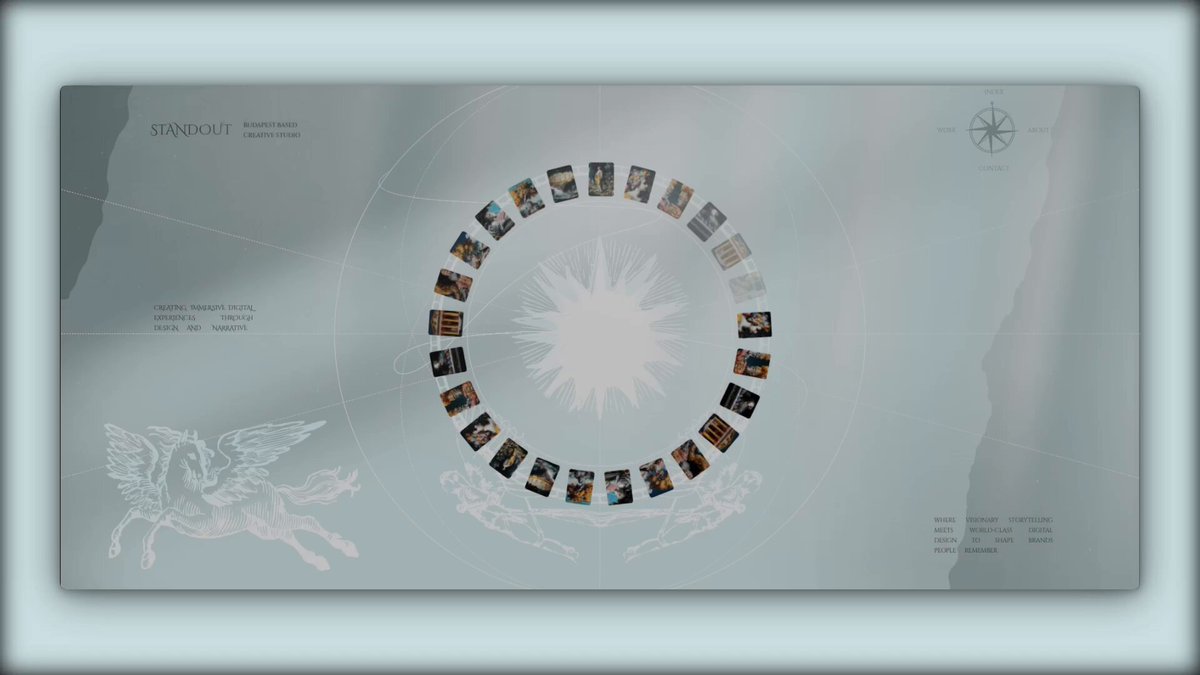
Built this hero section in 45 mins using @paper MCP plus a few prompts.
the era of AI slop is FINALLY over
26
13
522
38,572
17h
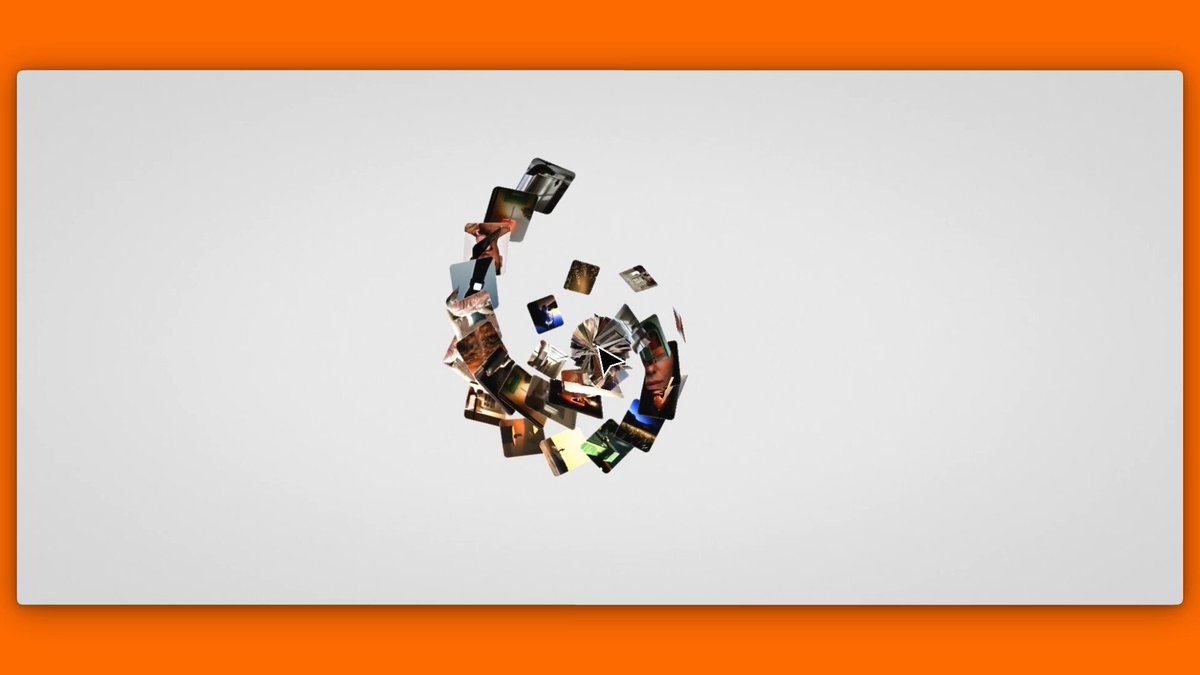
The cleanest image transitions you'll see today
(inspired by @geniegetsme 🏄♂️)
12
22
488
17,688
17h
Saw this gorgeous animation from genie a couple months ago. it's been living rent free in my head ever since so I finally decided to give it a try and bring it to the web lol
x.com/geniegetsme/status/200…
21 Dec 2025

When Steve Jobs unveiled Mac OS X, he introduced new graphics animations—like the Genie effect—that drew enthusiastic applause from the audience. We’re bringing that same level of craft to consumer AI.
3
806
Jun 9
Self perception is a way more important driver of output than skills. If u genuinely believe you can produce premium work, you'll find a way to make it premium.
But if your self-worth is low, even w real skills, you'll never fully use them.
4
168
Jun 3
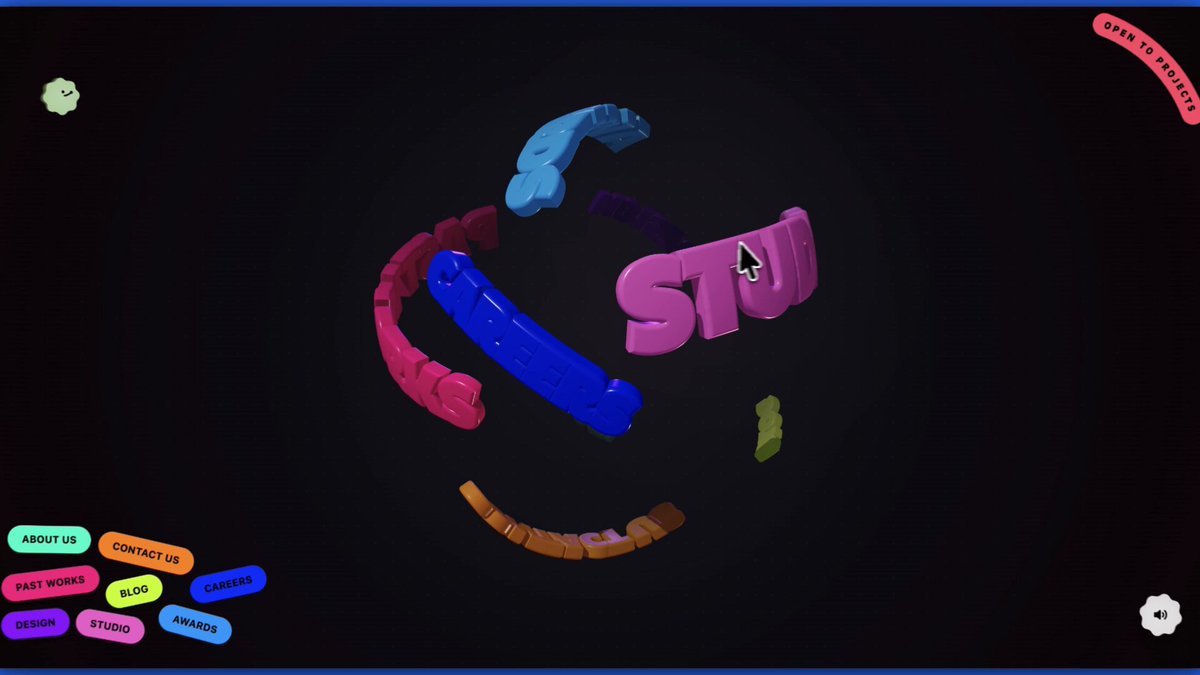
Built this 3D portfolio with custom sounds in a few hours using ONLY Gemini 3.1 Pro.
AI slop sites are still a SKILL issue
5
1
17
1,410
May 31
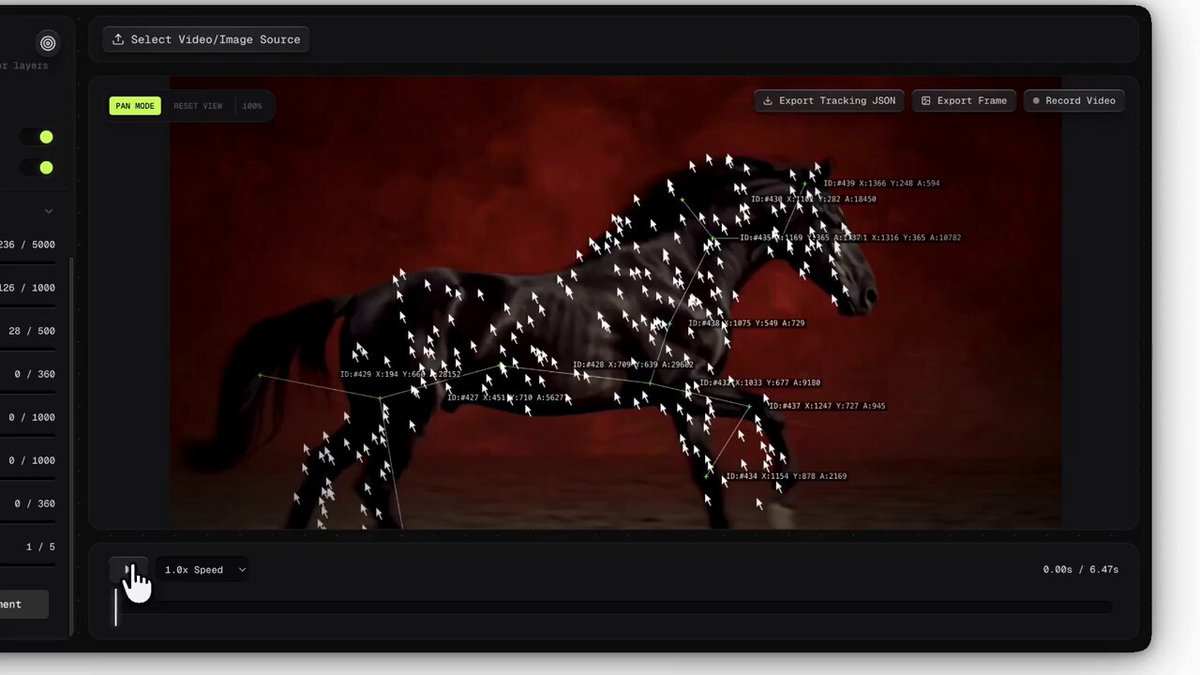
Building the creative tool I always wished existed.
$1000 worth of After Effects and Photoshop plugins, one browser tab.
Here's an early look 👇
2
26
1,488
saint retweeted
May 26
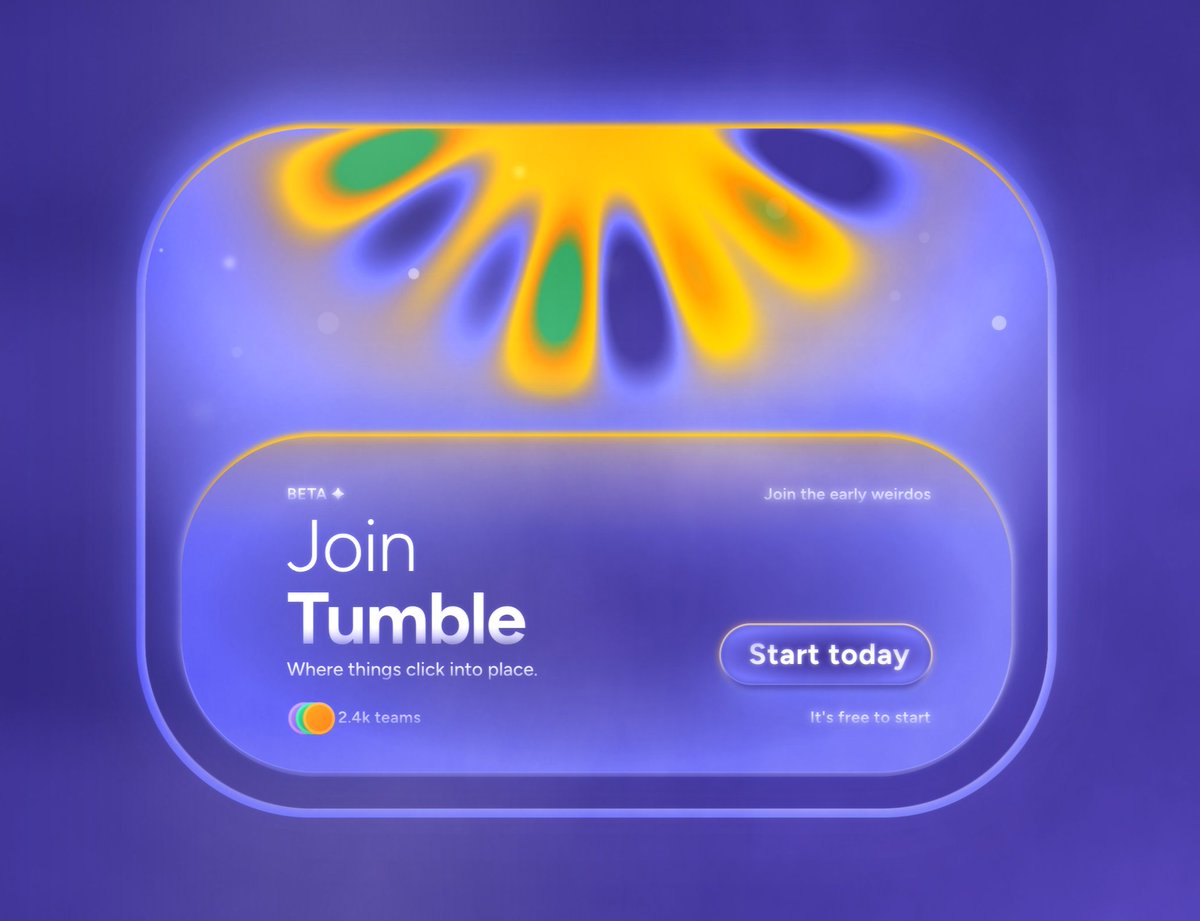
Shaders in @paper are RIDICULOUSLY beautiful.
It feels like I'm cheating lol
5
1
50
1,920
May 25
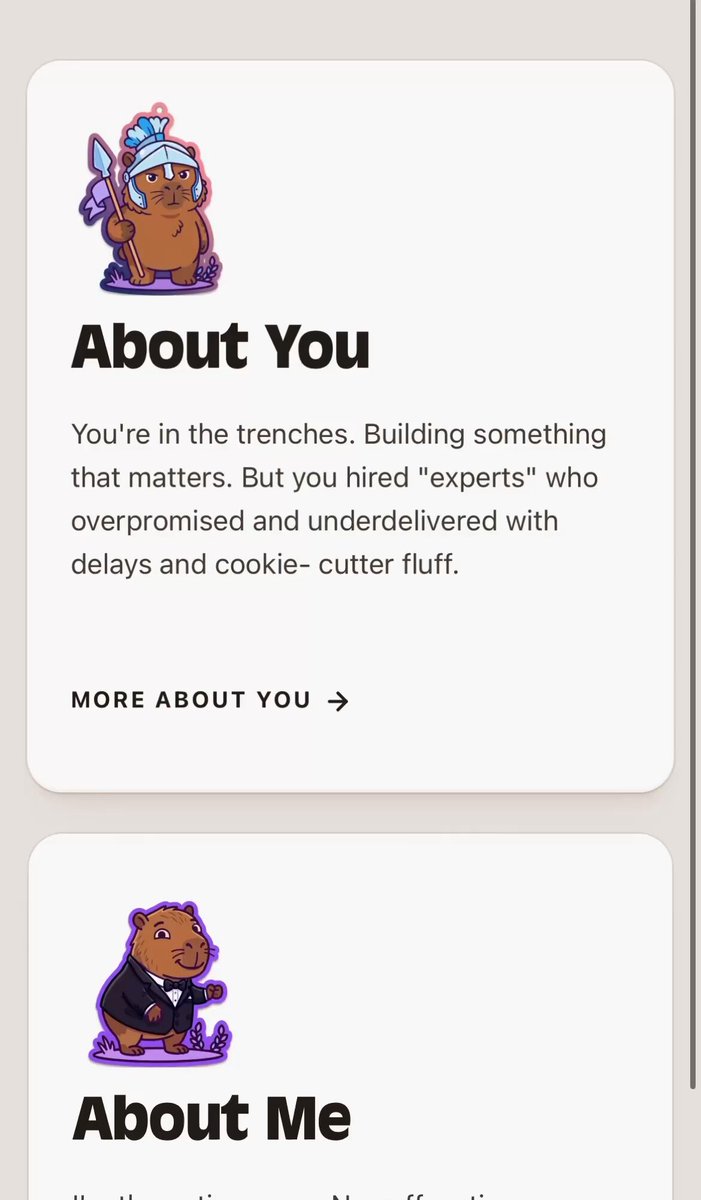
Built this 'About You' section with haptic feedback & custom sounds using Claude
(turn sounds on 🔊)
1
11
897
saint retweeted
May 20
Built this 3D carousel with the new Gemini model
it's actually pretty good
16
6
232
10,353
May 18
Mark my words. @paper will be the industry standard for UI development.
it's just a matter of time.
21
15
562
30,187
May 15
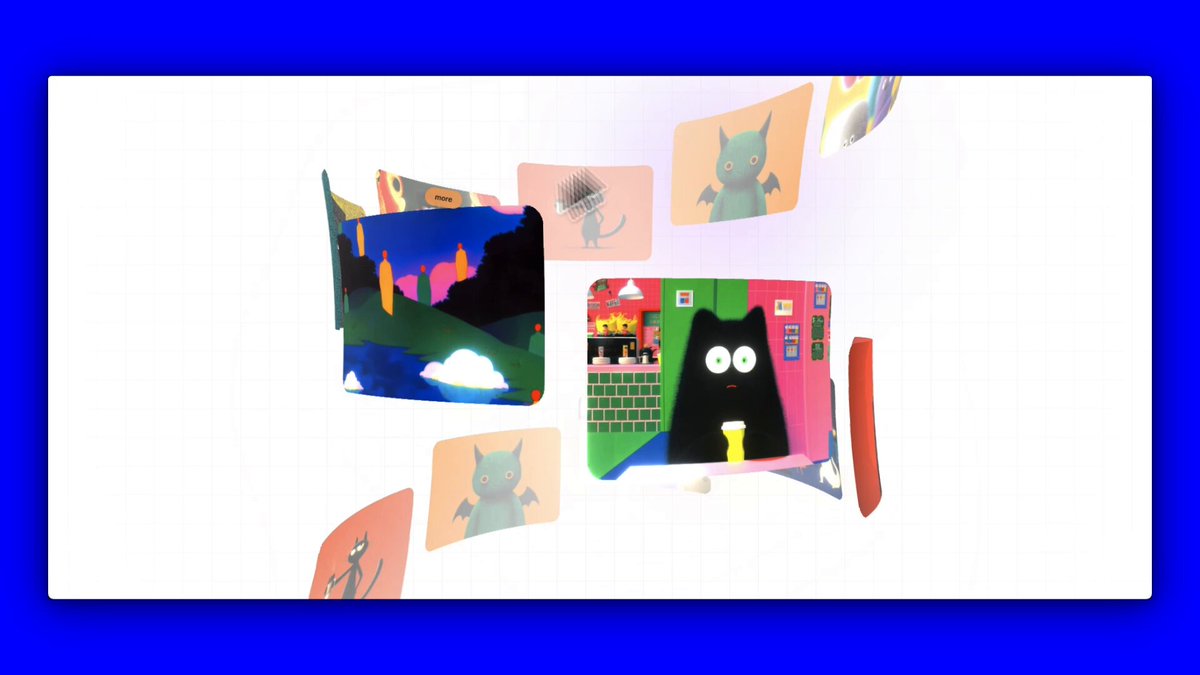
Built a draggable 3D gallery with custom sounds in a few hours using ONLY Gemini 3.1 Pro.
no components. just prompts.
(turn sounds on! 🔊)
11
22
426
24,278
May 15

1
16
2,190
May 16
May 16

I build this 3D Portfolio page with interactive sound effects using AI only.
Here's how you can do it too:
1,025
May 16
I build this 3D Portfolio page with interactive sound effects using AI only.
Here's how you can do it too:
May 15
Built a draggable 3D gallery with custom sounds in a few hours using ONLY Gemini 3.1 Pro.
no components. just prompts.
(turn sounds on! 🔊)
3
117
9,388
May 16
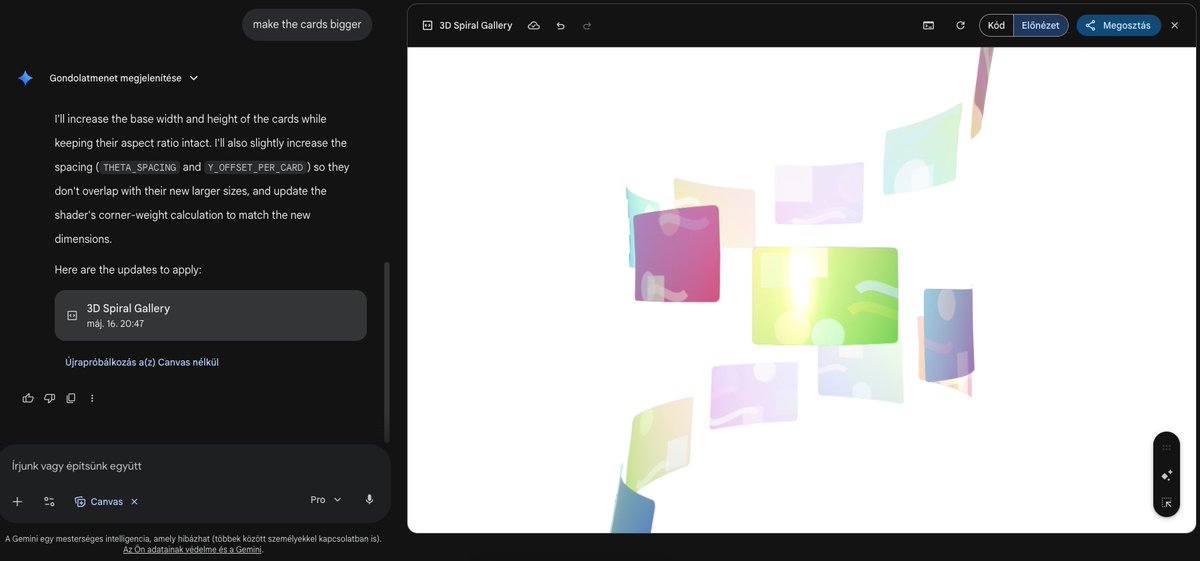
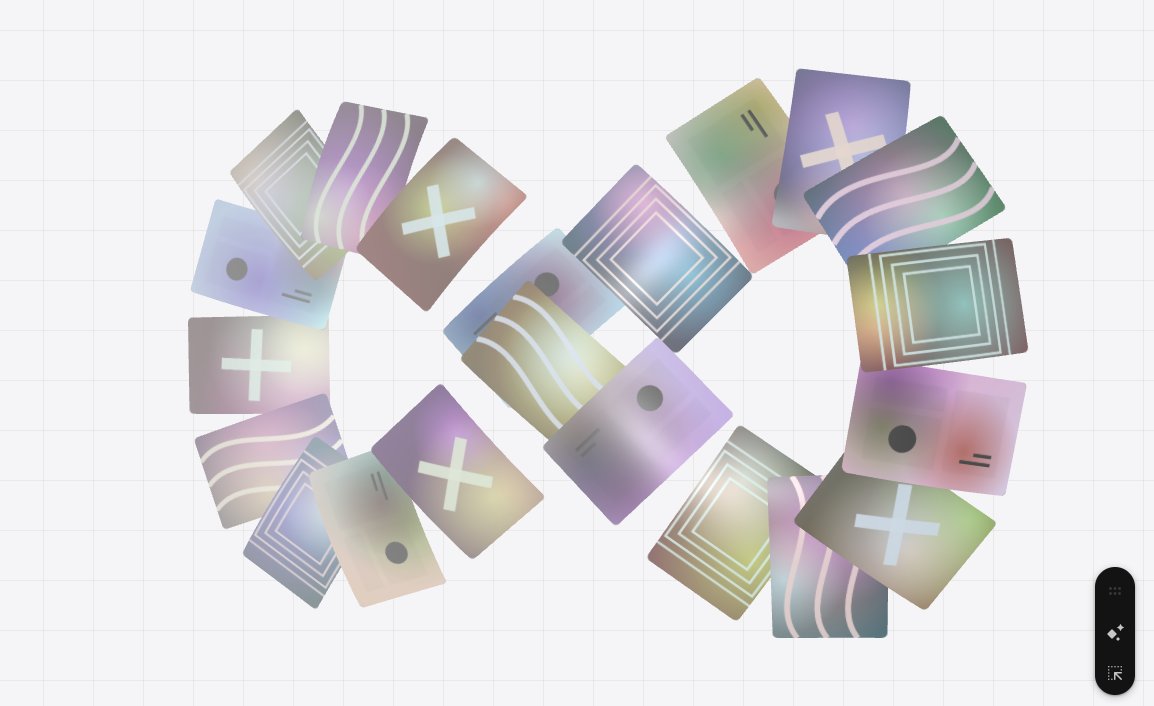
1. Infinite spiral
I used Gemini 3.1 Pro for this. You will 100% get different results. it will mess up the FOV/camera positioning, card sizes etc. so you will need to iterate. I highly recommend using reference images. I didn't try this out on other models.
( You can also try out other fun paths/shapes like lemniscate, sphere, möbius strip etc. )
Here's the cleaned prompt:
Build a 3D spiral card gallery using Three.js
Scene & Renderer
WebGLRenderer with antialias: true, alpha: true
outputEncoding: THREE.sRGBEncoding
Pixel ratio capped at Math.min(devicePixelRatio, 2)
Background color: #ffffff (white)
No fog, or if fog is used it must be white (0xffffff) to fade cards softly into the background — never dark fog
Renderer fills 100% of the viewport; handle resize events properly
Camera — STATIC, NO ZOOM
PerspectiveCamera with FOV: 45
Camera position Z: 52 — far enough back that 5–7 cards are comfortably visible simultaneously
The camera must never move on the Z axis, never zoom, never change FOV at any point
Mouse parallax allowed only on X and Y axes: targetCameraX = mouseX * 1.5, targetCameraY = mouseY * 1.0, lerp factor 0.05
Camera always looks at (0, 0, 0)
Lighting
AmbientLight at intensity 0.6
PointLight at scene center (0, 0, 0), intensity 0.8, distance 50
PointLight near camera (0, 0, 20), intensity 1.0, distance 30
Spiral Path & Card Placement
NUM_CARDS = 42
RADIUS = 10
THETA_SPACING = 0.72
Y_OFFSET_PER_CARD = 1.4
Spiral originates deep in Z-space top right, curves forward and left to the apex closest to the camera at center, then loops back down toward bottom left
Each card's rotation.y = angle so it always faces inward toward the central vertical axis
Card positions calculated each frame: x = RADIUS * sin(angle), y = -relIndex * Y_OFFSET_PER_CARD, z = RADIUS * cos(angle)
Visibility behavior (critical):
Only the 3–4 cards nearest the camera apex should be fully visible
Cards in the upper spiral are partially cropped at the bottom — only their lower portion visible, as if emerging from the top of the frame
Cards in the lower spiral are partially cropped at the top — only their upper portion visible, descending out of frame
This is achieved naturally through perspective projection and camera frustum — do not force-clip
Cards must never visually overlap — enforce a minimum 40px gap between card edges at all times via THETA_SPACING and Y_OFFSET_PER_CARD
Card Geometry
Base dimensions: CARD_WIDTH = 5.5, CARD_HEIGHT = 3.7 (landscape, roughly 3:2)
All cards share identical base dimensions — size differences on screen are purely perspective projection
Use PlaneGeometry(CARD_WIDTH, CARD_HEIGHT, 32, 16)
Cards are not flat planes — iterate over all vertices and apply cylindrical bend:theta = vertex.x / RADIUSvertex.x = RADIUS * sin(theta)vertex.z = RADIUS * cos(theta) - RADIUS
Call geometry.computeVertexNormals() after
Border radius of 20px — applied via canvas texture masking using ctx.roundRect() or manual quadratic curves to clip before drawing. Geometry stays rectangular; rounding is baked into the texture
No text, no labels, no UI copy on any card texture
Card Material & Shader
MeshStandardMaterial with roughness: 0.3, metalness: 0.1, transparent: true, depthWrite: false, side: THREE.DoubleSide
Use material.onBeforeCompile to inject a custom vertex shader adding:Corner-weighted peel/drag distortion when scrolling fast (uSignedDistortion uniform)
Subtle corner pulse: sin(uTime * 15.0 uWavePhase)
Each card gets a random uWavePhase so they animate independently
Bake a soft shadow blur into the canvas texture border to reinforce depth
Textures — Canvas API Only
All textures generated procedurally via Canvas 2D API — no external images, no text
Canvas resolution: 1024 × 682
Apply rounded corner clipping first (radius ~40px in canvas space) before any drawing
Each card gets a unique texture, rotating through:Rich colorful linear or radial gradients (warm, cool, pastel, vivid — all different)
Overlapping translucent circles/blobs using screen or multiply composite modes
Abstract geometric shapes (concentric rectangles, bezier wave lines, cross/plus forms)
No two adjacent cards should look similar — vary hue, lightness, and pattern type
THREE.CanvasTexture with minFilter: LinearMipmapLinearFilter, magFilter: LinearFilter, max anisotropy
Infinite Scroll & Wrapping
scrollIndex lerps toward targetScrollIndex with factor 0.08
Each frame: relIndex = (i - scrollIndex) % NUM_CARDS, handle negative modulo, subtract NUM_CARDS if relIndex > NUM_CARDS / 2
Auto-scroll: targetScrollIndex = 0.002 per frame for slow idle drift
Cards teleport seamlessly to the other end when they exit the visible frustum
Interaction
Scroll wheel: targetScrollIndex = e.deltaY * 0.003
Mouse drag: track isDragging, on mousemove apply targetScrollIndex -= deltaX * 0.015
Touch: support touchstart, touchmove (both X and Y), touchend
Hover: Raycaster detects hovered card; only trigger for cards with position.z > 5 and |position.y| < 8; on hover smoothly darken card color with GSAP
Post-Processing — Barrel Distortion
Render 3D scene into a WebGLRenderTarget, then pass through a full-screen quad with a custom ShaderMaterial applying subtle barrel distortion
Distortion strength: -0.105
Fragment shader: map UV to [-1, 1], compute r² = dot(p, p), apply p *= 1.0 r² * uStrength, remap to [0, 1]; discard pixels outside bounds with gl_FragColor = vec4(0.0)
Apply the same barrel math to raw mouse coordinates before raycasting so hover stays accurate on the distorted screen
2
13
986
May 16
2. Sound effects, button, hover animations, modal
From this point I moved to Antigravity (you can use any other IDE) and used simple prompts with clear instructions.
Exact prompts I used:
"I created a "soundeffects" folder, integrate it into my site."
"add a pill button when hovering over the cards, with an elastic soft curve. use GSAP customease for this."
"Animate the hover button so its more fun, like it should take like 0.8 sec to catch up, and use elastic.out for the overshoot. it should be wobbly"
"when clicking on a card, each individual card in the gallery should scale down on the y axis and fade away then a new modal section should come up. for the modal's animation use strong ease-out, and for the cards use elastic ish ease. the new modal should have 30px padding on top left and right, with a border radius of 18px with an X button on the top right corner of it"
enjoy
6
788
saint retweeted
May 14
What if your portfolio grid felt more alive?
Built with @greensock
4
3
59
3,334