
UC Berkeley alum. Silicon Valley AI/ML Scientist. Formerly at Microsoft. Spent a decade building teams and products at Apple. Now solo
Joined April 2007
- Tweets 192
- Following 1,267
- Followers 7,567
- Likes 5,728
86 Photos and videos









Pinned Tweet

1 Jul 2025
A Guide to Vibe-Coding Large Projects
I tried to come up with a guide for vibe-coding large greenfield projects. Here's my suggestion—wondering what else we should add to this list:
0- You do not need to pay for an IDE
Tools like Cursor, Windsurf, or Lovable are great for iterative improvements but less ideal for starting large greenfield projects from scratch. In my experience, these are too overfitted to a small niche audience. As for an IDE, I used to use IntelliJ and PyCharm, but I use VSCode for everything now.
1- You DO NEED to pay for a top-tier LLM subscription
Subscribe to premium foundation models. They're invaluable for brainstorming and refining complex project decisions. I pay for Gemini Pro, ChatGPT Pro, and SuperGrok. Claude is smart but unfortunately does not have a good UI to handle large codebases and constantly hits token limits.
2- Brainstorm architecture with AI
Gemini Pro, in my opinion, is the best at architecture. Use Gemini Pro to explore architecture and infrastructure options. Ask it to stick to a single ecosystem (e.g., GCP, AWS, Azure) for simplicity and scalability rather than custom infrastructure, which can become unwieldy.
3- Validate with multiple AI perspectives
After you've used Gemini Pro to come up with the first draft, run your design through ChatGPT and Grok to catch blind spots or innovative additions. Prioritize simplicity and modularity in your architecture to ensure flexibility for future expansion.
4- Use Gemini Pro to write your code and ChatGPT/Grok to perform code review
Pick a primary coder (I use Gemini Pro) and use the others as code reviewers (I use ChatGPT and Grok for review). When your reviewers catch errors, ask your primary coder to fix them. In my experience, reviewers add too many errors if you ask them to find bugs and correct them simultaneously.
5- Erase your context window frequently and don't let it get cluttered with noise
In my experience, Gemini Pro usually fixes my bugs if I dump my latest files into a fresh chat window rather than keeping a very long multi-day chat session going. It's probably more energy efficient too.
6- For graphics and icons, just use Sora
Gemini Pro and Grok do not do a good job with icons.
7- Use Git like your life depends on it
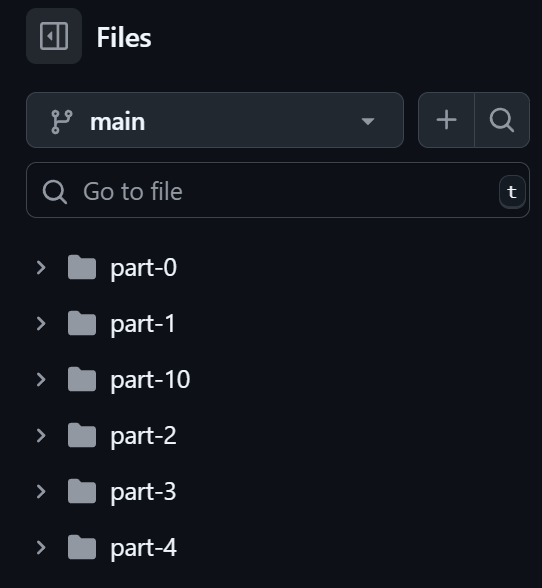
Otherwise, you will waste your time. Commit only stable, working versions. Stage changes frequently (aka `git add .`) and use `git restore .` liberally to revert broken states. Maintain clean commits and use tags. Your main branch should always be the best polished version that is just a few commits behind your staged changes.
8- Use containers and environments religiously
Use Dockerfiles, requirements.txt, and config files to manage dependencies and environments.
9- Build a robust testing framework
This is a must. These AI coding tools are not perfect. Integrate testing early. Use unit tests, integration tests, and CI/CD pipelines to ensure you're incrementally improving without breaking existing functionality. Keep an eye on any new warnings or errors in the console.
10 - Build your own tooling to feed code to generic AI tools
I have found that the Unix tree command is a very effective way to send my folder structure to these tools. I just paste my files and the output of the tree command to the AI. I also diff the AI output with what I have to make sure the AI isn't touching code blocks that it's not supposed to touch.
11- Introduce features gradually
Use an agile board (e.g., Jira, Trello) to prioritize tasks. Roll out features methodically, testing thoroughly to maintain stability and avoid technical debt.
12- Use your technically trained brain to lead the AI, but don't force it
I have noticed I should not force the AI to use my preferred tool, or it might do it poorly. In my experience, it's better to say "Compare Cloudflare with Firebase and help me choose the right deployment tool" rather than just forcing the AI to use the one that you like, which might very well be inferior and outdated.
13- Leverage modern deployment
Adopt platforms like Cloudflare for seamless deployments. Avoid outdated methods like SFTP, which are slow and error-prone.
14- DO NOT TRUST THE AI WITH SECURITY ROLES
If you ask an AI like Gemini Pro to suggest roles for your system accounts, it starts to liberally give them admin access, opening huge security holes in your system. It's best to double-check any suggestion against the official latest documentation, as these AI tools often latch onto outdated documentation or Stack Overflow posts that are problem-riddled.
15- Make sure you enjoy the ride, Document as you go
, feed your logs continuously to your AI for insights. Do not assume AI is magically going to solve everything. Read its answers fully, do not lose sight of what you eventually need to ship, and play nice music in the background to enjoy the ride. Also let me know your own tips for vibe-coding large projects
1
1
16
2,784
Apr 29
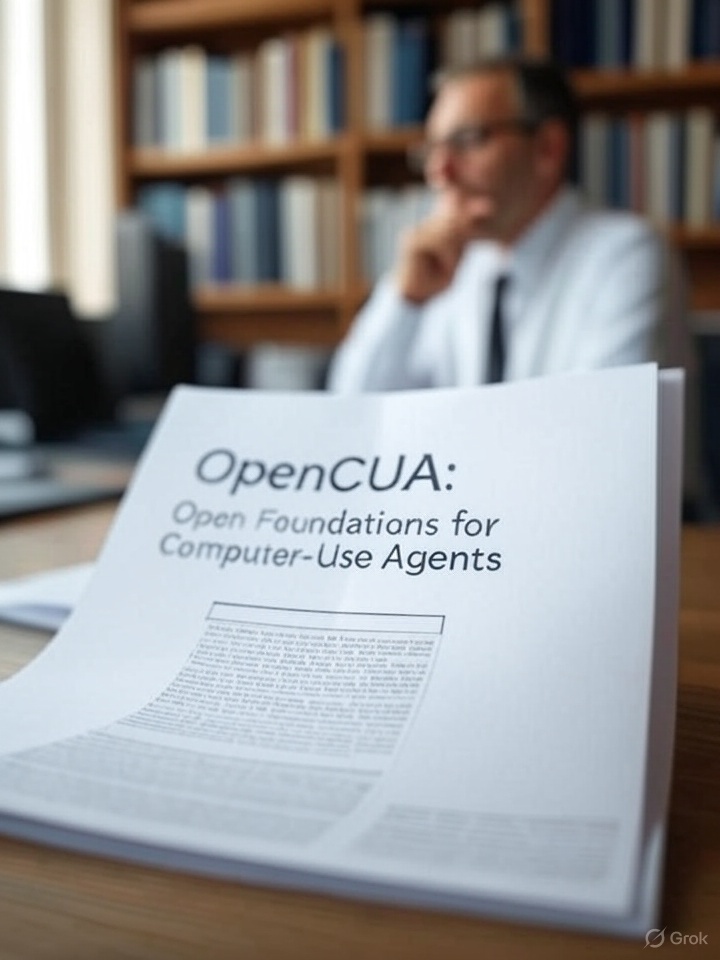
I've been heavily stress testing file download stability in Firefox vs Chrome (simply because I still naively believe Computer-Use is the last puzzle AI needs to solve for us and it hasn't).
Firefox is genuinely one of the most resilient downloaders out there. It is unbelievable.
1
3
351
Mark Faridani retweeted

Sharif University is Iran’s MIT. They’ve produced a huge number of engineers who’ve gone on to Silicon Valley and founded some of the most successful American tech companies.
Why are we bombing a university in a city of 10 million people?
Apr 6

Sharif University of Technology in Tehran, one of Iran’s top science and engineering institutions, was bombed tonight, and a number of schools reportedly damaged.
Founded in 1966 (as Aryamehr University), Sharif is a cornerstone of Iran’s scientific and academic life.
Striking and destroying universities and schools is not just an attack on buildings,it is an attack on a country’s future.
3,159
9,496
27,988
1,819,873
Apr 2
Most of the newly released Gemma 4 models are small enough to run on a strong mac or an RTX gaming card ollama.com/library/gemma4/ta…
1
283
Mar 14
I have been battling latency challenges with AI/LLMs. Anyone who has worked on putting these into real-time systems knows you must navigate the latency-accuracy tradeoff. It is a huge challenge and hard to navigate. Frankly, we don't have any solution for it other than dumbing down the LLM by using smaller or distilled models.
1
2
502
Feb 23
This is now getting exciting
Feb 23

@karpathy fit GPT training in 260 lines with microgpt. Fit a full coding agent in 407 with help from @siah and @claudeai
microcodeagent is one Python file, zero dependencies, 7 tools, complete agent loop.
7 tools: think, bash, read, write, edit, find, and grep.
The entire algorithm is a while loop.
Run python3 microcodeagent.py on any machine with Python 3.8 and an API key. It works. No install step.
gist.github.com/sunnypatneed…
1
704
Feb 17
Is there any LLM benchmark that also reports `Time To Last Token (TTLT)` ? I think an end-to-end latency metric can help replace a lot of old school ML with LLMs
365
Jan 29
More than 30,000 people have been killed by the Islamist regime in Iran. You can read their stories and be their voice #FreeIran 💚🤍♥️✊🏾 instagram.com/p/DUEO-SXga1I/…
1
1
359
Jan 25
This is horrifying

This is absolutely shameful. Agents of a federal agency unnecessarily escalating, and then executing a defenseless citizen whose offense appears to be using his cell phone camera. Every person regardless of political affiliation should be denouncing this.
1
3
838
Jan 13
This might be the dumbest take on the uprising of the Iranian women. @BBCWorld come get your stupid contributor before she embarrasses you more
Jan 10

If you haven't figured it out yet, this is a war on Islam. Fully manufactured by Mossad, CIA and Western Imperialism. Supported by ignorant Iranians, working with foreign collaborators.
Community note
For 46 years, the Islamic regime has been executing Iranians under various pretexts, such as links to foreign powers and spying for foreign states. The rhetoric used by this individual could easily be weaponized as a justification for the regime's killing of Iranians.
google.com/amp/s/www.nbcn…
google.com/url?sa=t&sourc…
1
1
1
410
Jan 10
The people of Iran have been protesting this regime for a very long time. But this time is different and the Ayatollah’s regime is on its last breath. The regime has shut down the internet for the past two days. I have not been able to contact my father and I hope he is okay.
3
1
5
690
Jan 7
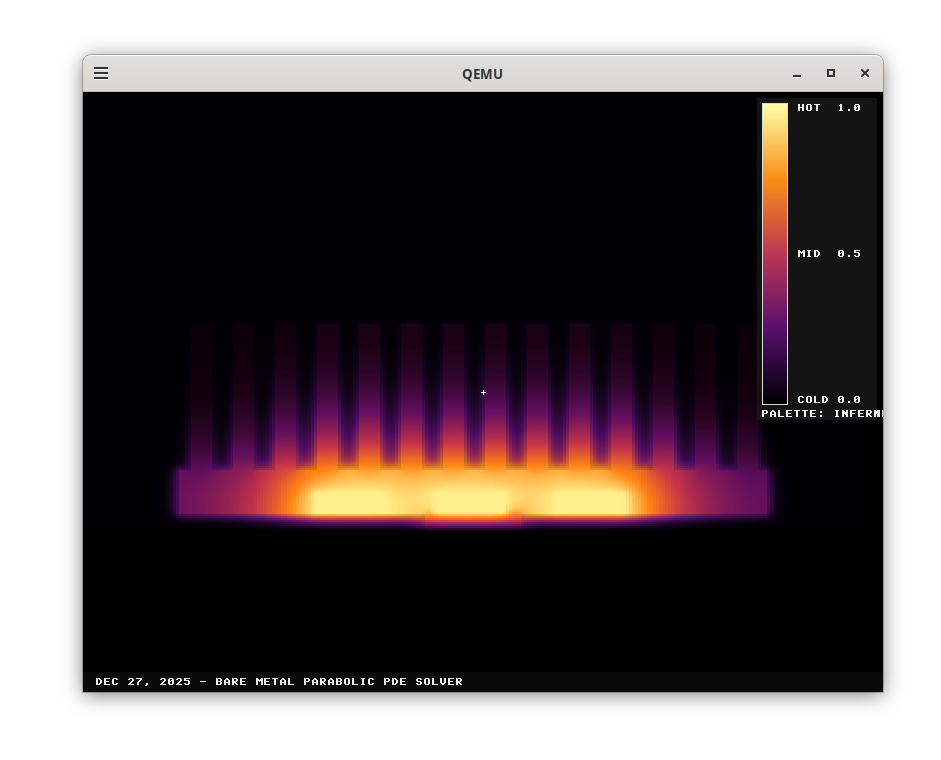
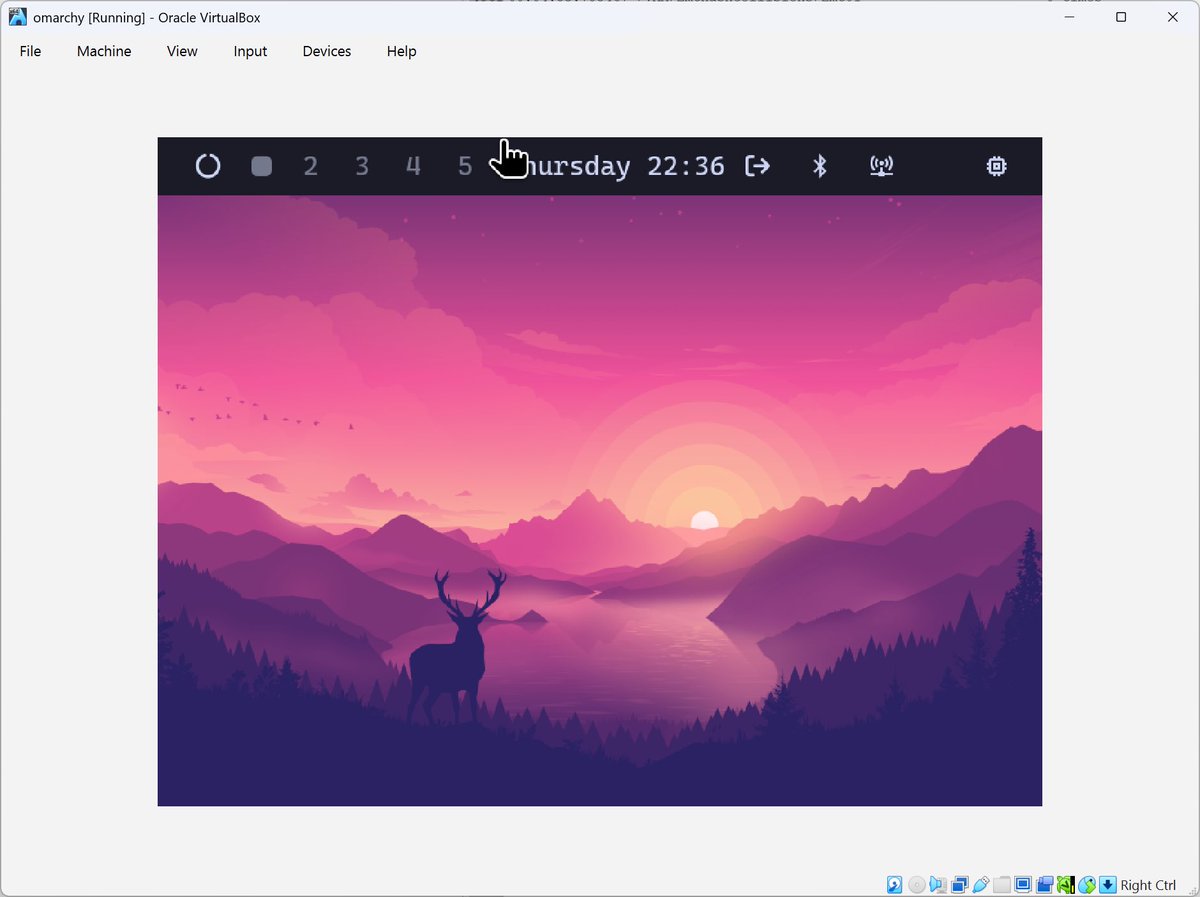
Operating systems will be optional in the AI era. At least, that is where I increasingly feel we are heading in the next 10 years. This is not a wild idea though. We humans used to run a lot of bare-metal code. Early game consoles like the Super Nintendo, and Sega Genesis didn't have an OS. You would insert a cartridge, and it would run. However, particularly after virtualization became ubiquitous, we developed a massive dependency on operating systems. In any data center, you see layers of OSs stacked on top of each other. Even to develop the code for this piece, I used an ARM emulator on Ubuntu, which itself was virtualized inside a Windows host.
If you add all the frameworks and libraries, it amounts to layers upon layers of abstraction designed to make the development, debugging, and maintenance of code easier. So, I constantly wonder: in the future, perhaps 10 years from now, when AI can fully understand chip datasheets and speak perfect machine language, will we even need an OS? Or is it worth letting go of observability, debuggability, and maintainability, to reach ultimate resource efficiency, blazing-fast latency, and above all, lower energy consumption?
And frankly, two years ago, I could not get any AI coding models to write the simplest "Hello World" in assembly. These days of course they can. And to see how far we have come, I chose a computationally complex problem: solving a heat diffusion partial differential equation on a 2D plane. These equations are common in nature. A competent graduate student with a sufficient physics background knows these kinds of equations are often solved via a numerical finite difference method.
While none of the current frontier AI tools, and I tried them all, could complete this task without going through the firmware, none needed an OS. The tools, found a rather clever way to exploit the UEFI layer to write the solver without loading an OS. The resulting code uses the bootloader to load the solver directly on top of the firmware, never invoking an OS.
The main argument against AI being eventually able to write perfect embedded code is that there isn't even enough human-written bare-metal code for the AI to learn from to begin with. And that is valid, but there can still be a lot to learn from synthetic data and reasoning. And an OS provides way beyond basic niceties. Above all, it guarantees secure code execution, enables concurrency, and loads device drivers, but I imagine there are a lot of areas that we can benefit from automatically generated, hyper-efficient bare-metal code. And I will keep trying to see when our frontier AI tools can finally write pure bare-metal complex code.
Finally, if this type of work interests you, I would love to chat, especially if you are thinking about starting a company. You can find my diffusion code along with some other Rust and C embedded code here: linkedin.com/posts/mfaridani…
1
1
255
14 Dec 2025
My father retired as a mainframe programmer. FORTRAN, COBOL, the whole stack. I spent years programming too, which makes the current debate feel uncomfortably personal: will programming even be a job category in five years? I don't have an answer. But I have a theory about what comes next.
linkedin.com/posts/mfaridani…
2
216
26 Nov 2025
Multi-codex is a little utility I built over time to help me use OpenAI Codex more efficiently. linkedin.com/posts/mfaridani…
213
12 Nov 2025
We're working on a #browseragent and noticed that the screenshots sent to the vision model are missing dropdown menus. This appears to be a bug in the upstream #Playwright library. I'd appreciate your thumbs up on this GitHub issue to get it triaged: github.com/microsoft/playwri…
1
214
26 Oct 2025
This is a really good paper with impressive results "Discovering state-of-the-art reinforcement learning algorithms" nature.com/articles/s41586-0…
1
346