
I'm a digital DP / Director with a strong focus on visual storytelling and a hands-on approach.
Joined April 2016
- Tweets 51
- Following 10
- Followers 209
- Likes 35
12 Photos and videos

May 23
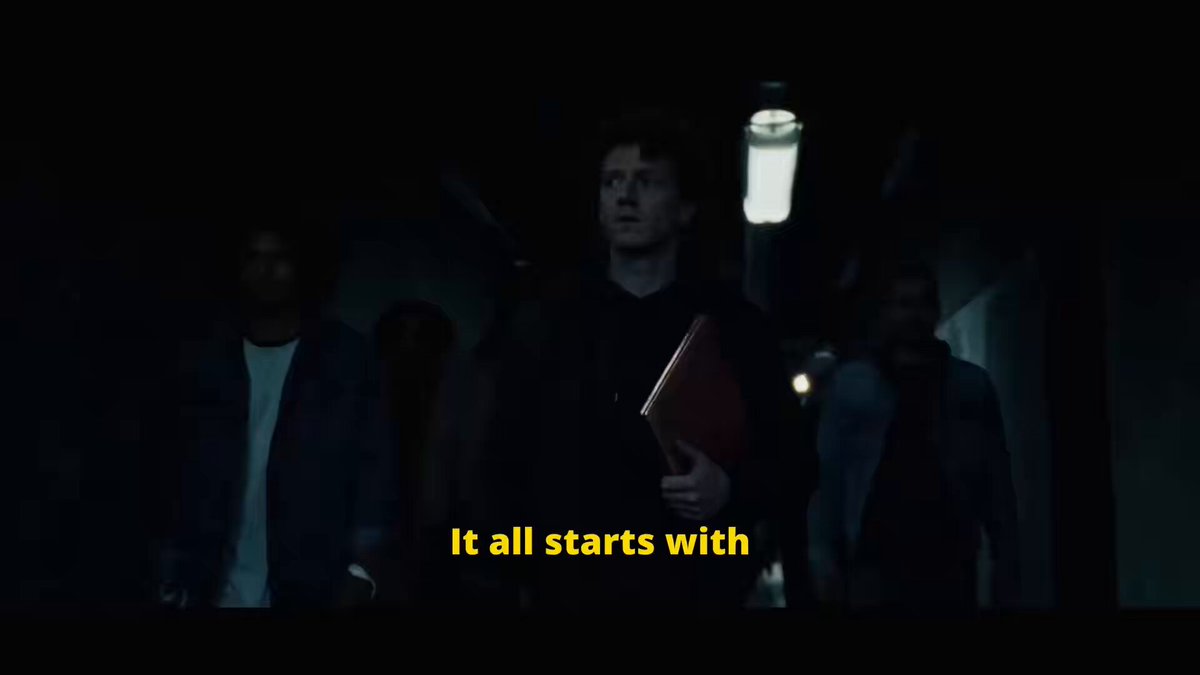
This is my Cheatcode for writing my prompts! And you can use it too! here is how...
Prompting should feel creative. But honestly, most of the time it still feels like a mess:
Tiny prompt boxes.
Broken formatting.
Copy-paste chaos.
Platforms that all work slightly differently.
That’s why I’m super excited that we at PROMPTR just launched CRAFTR 2.0.
CRAFTR 2.0 is a Browser Plugin made from AI filmmakers for AI filmmakers.
No marketing blah blah blah (ok, it is still a gamechanger). Just a tool for people who actually use these platforms every day.
2
8
175
May 16
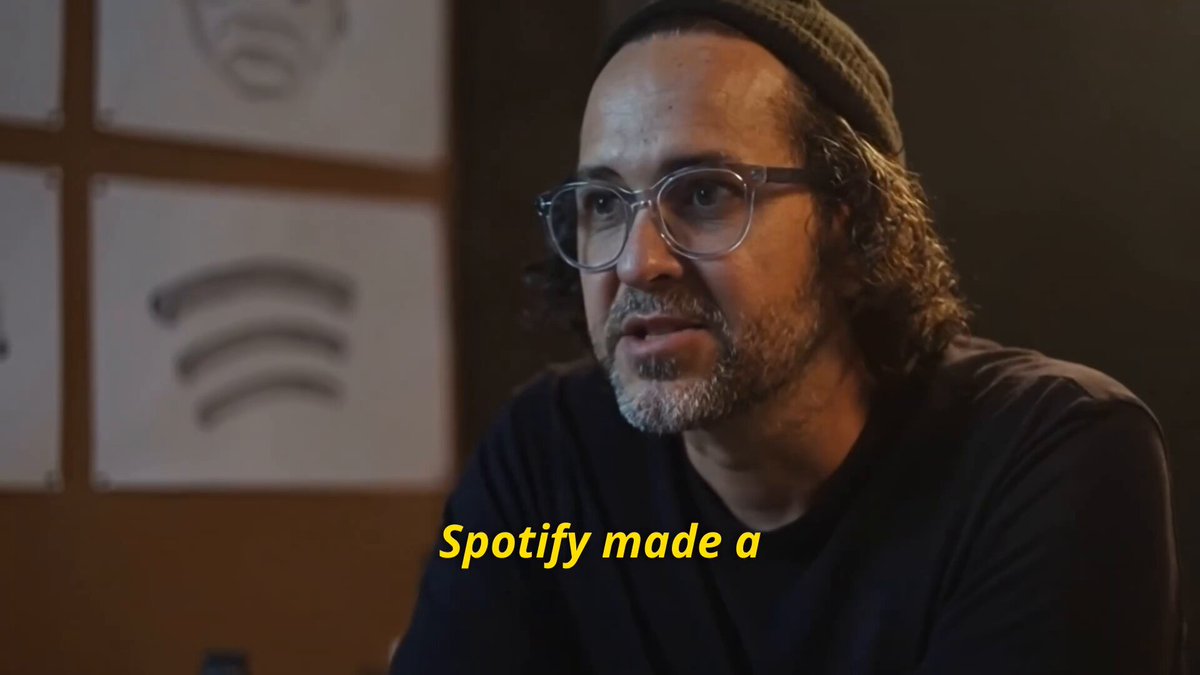
Spotify made a HUGE MISTAKE!!
If you wanna learn how to create photorealistic characters like this with AI check here 👇
9
1
24
2,444
May 16
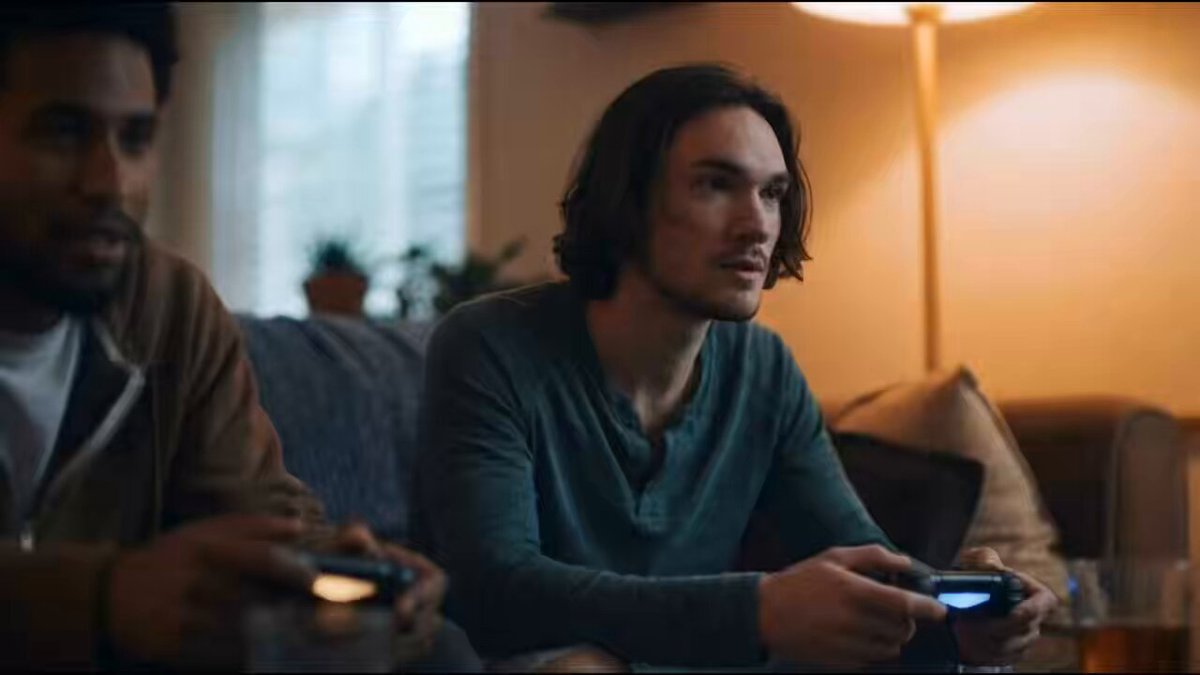
Here is a simple trick I use very often in my videos to create photorealistic characters: I create them using the good old text-to-video technique. I work without any start frame in Sora 2 (not Pro) and tell it to randomly create some characters (I guide it a little bit with age, etc.). Then I generate a 20-second video with multiple characters and pick the ones I like. If necessary, I tweak them a bit in Nano Banana and upscale. Then I use these characters in Kling to create the videos.
I think you can still tell the characters are AI, but I'm REALLY looking forward to Veo 4 — I hope they'll fix this audio issue.
I would love to hear your take on this! Regarding logos AND AI voices. Save this video for later!
3
196
May 16
But first: If you're an AI filmmaker, I would love to connect! Follow me, comment, and DM me if you like 🙂
I made this film because I was amazed by the new logo that just popped up on my screen today. I saw it in between all the other app icons on my phone and thought: Why do all of these icons look the same? Logos in general are starting to look kind of similar... I wish every brand had a really unique logo tbh. But well, that's another discussion!
2
4
207
May 14
I faked a Documentary with A.I. … Can you guess which shots are AI ?
7
204
May 14
Generating AI Videos & Photos in 4K makes no sense! Here is why!
1
13
235
May 14
What’s your favorite Multimodal Platform? Invideo, freepik, Higgsfield ? Or anything completely different?
6
6
271
May 13
Quick Hack for AI Artists Part 27
Try generating startframes in video models not in imagemodels. Use your image prompt in Sora or Seedance and generate 4sec Clips the cinematic realness of your stills will blow your mind!
4
11
289
May 13
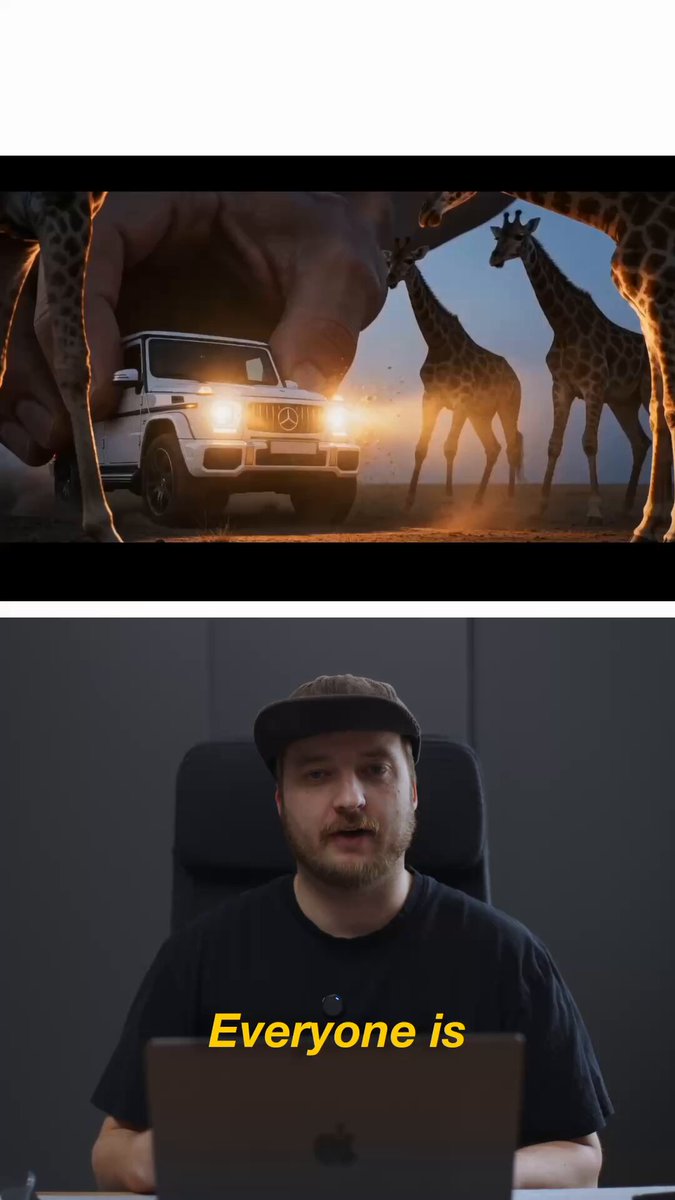
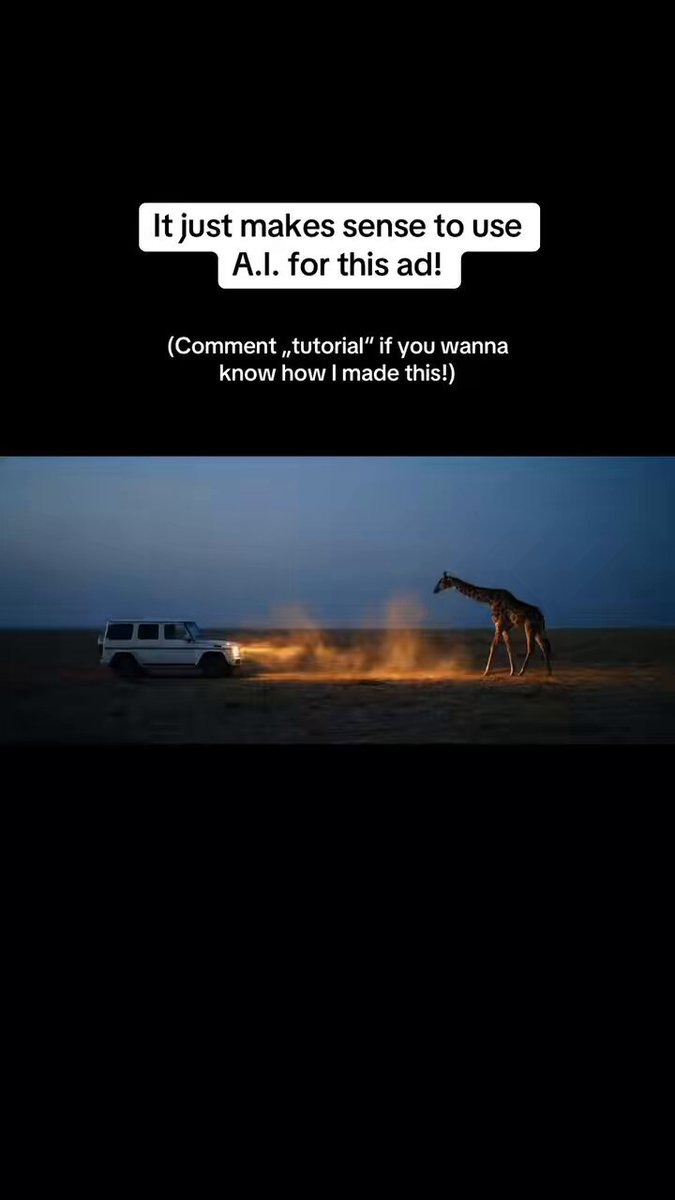
How I made the Mercedes G-Wagon spec ad with A.I. full breakdown and total costs …
Quick note first: I'm always happy to connect with other A.I. creatives!
If you're one too, feel free to send me a DM and follow for more
prompts and workflows!
Check out the final video in my post yesterday! I made it with @invideoOfficial and their new Agent One.
As this is a remake of my old G-Waggon Commercial i already had the script and the narration.
Then, I grabbed some of the stillframes of my old commercial and went to invideo and I told Agent One to use Nano Banana to transform the bright Base Images of the Gwaggon into the moody style in the savannah. I then used these images for the start frames.
Then I created the Start Frame Agent in AgentOne. I fed it the images and used the prompt in the video. I couldnt stop generating startframes with agent one as its so much fun to iterate with an agent. It generates, reviews and sometimes even regenerated images that it didnt liked. Wild! I generated over 70 Startframes, and nearly 50 were actually usable. I didnt expected that!
Then I used another Agent that I created to generate the videos. I fed it my base Multishot prompt (DM if you want it) and it came up with REALLY usable clips using this Base Prompt together with my shitty prompt that I gave Agent One. In total I generated around 20 Seedance Videos with Multishots between 5 and 15 Seconds.
Also pretty handy: I told agent One that i wanna download EVERYTHIGN and it just gave me a zip with all the files.
In the end I spent 3 Days working on this (Re iterating with the agent, sometimes manually correcting things, Editing, Sound effects, color grading etc.) and spent around 200$ on this Spec Ad in credits.
Have you ever tried agents ?Whats your experience? Drop it in the comments 👇
3
10
332
May 12
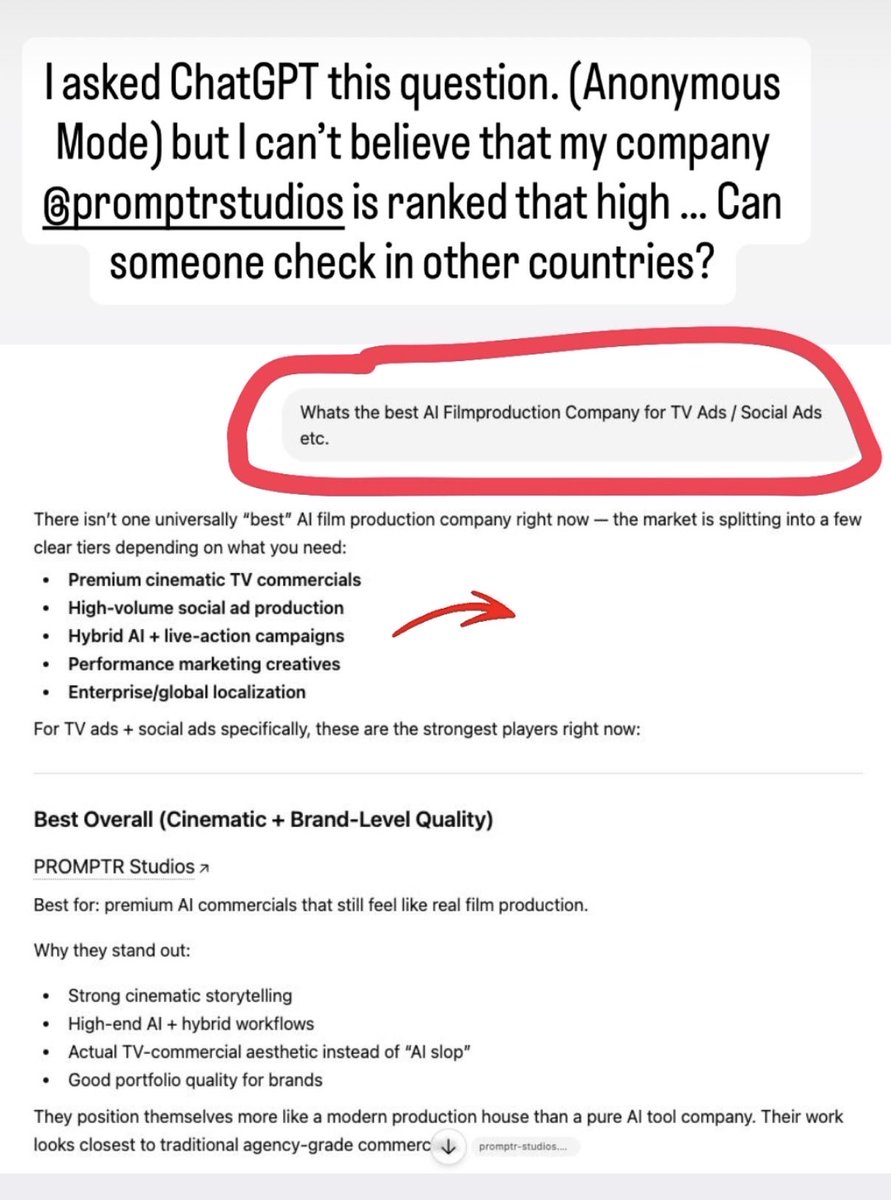
Asked ChatGPT „What’s the best AI Filmproduction Company“ and my company „Promptr“ came out #1 😳
I’m in Germany, Can someone in other countries try the same prompt? Wanna see if this is localized or global! …
3
5
192
May 12
Every A.I. artist knows this feeling! Here is my complete workflow & learnings for creating this 3-minute film! ...
I had SO many learnings about @BytedanceTalk Seedance 2.0 while creating this piece! Most important: there is a HUGE difference in quality between Reference Mode and Startframe Mode. Somehow the quality drops if you use only one image in Reference Mode. So I burned through a lot of credits finding this out. @TapNow_AI has both, so it was easy to switch to Startframe Mode. But this is something you really need to know about Seedance 2.0.
I started by writing the script. Then I jumped into startframe generation. @TapNow_AI has ALL the models, so I used OpenAI Sora (yes, the good old Sora) to create the initial characters. My process is always to generate a couple of characters with video models! For me, the characters look much more realistic when generated with Sora instead of Google Nano Banana.
Then I iterate with Nano Banana on still frames from these initial video gens and use the output as startframes again. I repeat this process for each scene.
This was made entirely on TapNow with Seedance, @OpenAI Sora, and @Google Nano Banana 2 / Pro.
Huge THANKS to Justin Bässler who worked with me on this can recommend following this guy, more is coming from him!
But one big question: how do you guys stay organized on open canvas systems? Even though you can group elements and Tapnow has great features for that, I feel lost after the first 100–200 gens.
1
6
248
May 11
Ad / I made this whole spec Mercedes-Benz G-Class commercial with an agent! Agent One from @invideoOfficial Shall I make a tutorial ? Comment „tutorial“ if you would watch it!
3
2
11
1,280
Mar 11
A.I. Filmmaking is SLOP! It’s disgusting. There’s no soul in it! ...
That’s what a lot of people on the internet still say.
Quick note: This post is sponsored by Flick, and I highly recommend checking them out.
But here’s the thing: many people also think making a film with AI is incredibly easy. And that’s partly true. It is easier when you compare it to the effort of a traditional film production.
But it’s incredibly hard if you think it’s just a “push of a button.”
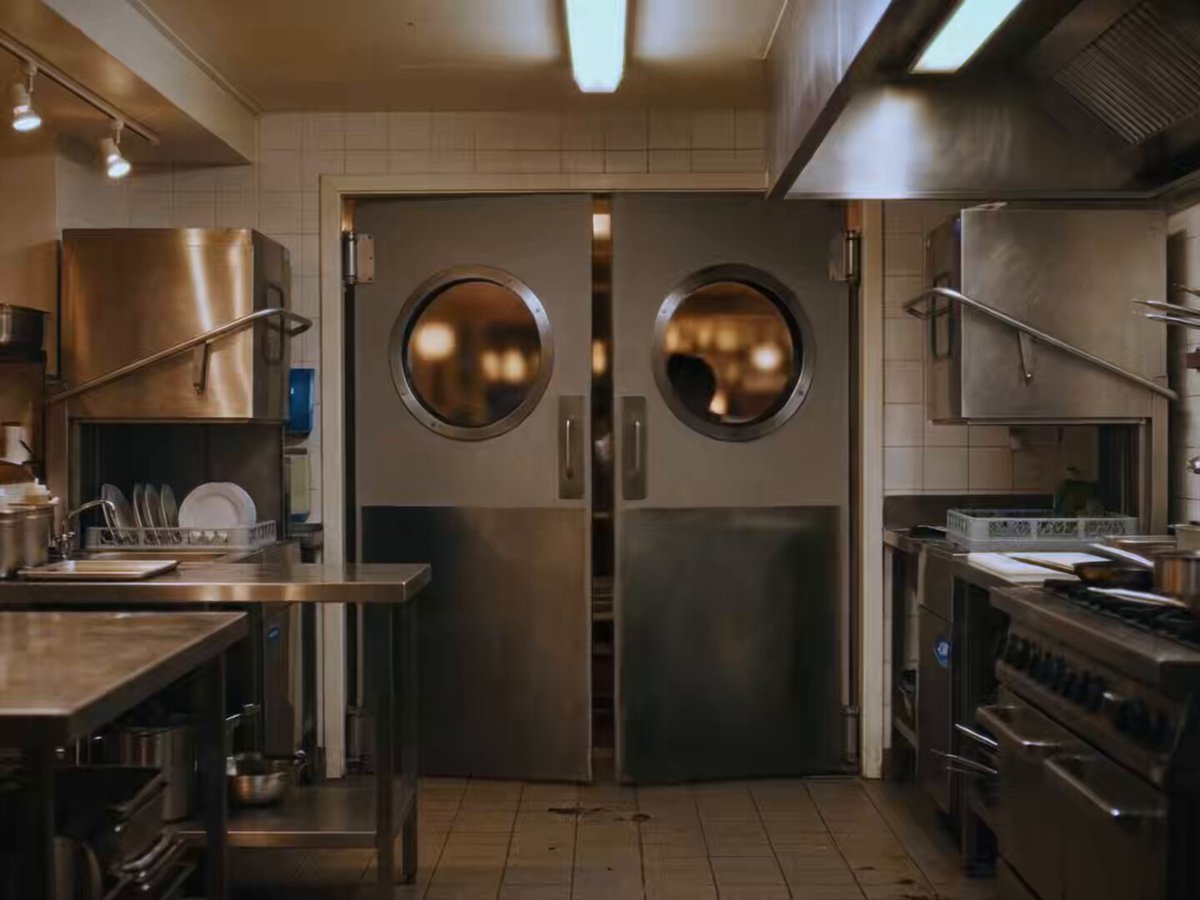
So I took that debate… and moved it into a kitchen.
I used flick.art as my home base and generated most of the project inside the canvas. Within Flick, I primarily used Kling AI 3.0 to create the dialogue scenes.
But here’s the game-changing hack:
I use video models to generate start frames.
Since video models are trained on actual video data, it makes a lot of sense to use them for the initial frames especially if you don’t want your start frames to look like static photos.
For example, when you use OpenAI Sora 2 or ByteDance Seedance with the same prompt you’d normally use with Google Nano Banana or Seedream, you’ll often get results that already feel much more like real video from the start.
Check out :
👉 flick.art/
And if you’re into A.I. filmmaking you can also sign up for my newsletter. (Something big is coming)
👉 simonmeyerdirector.com/music…
KEEP COOKING.
#ai #filmmaking
4
3
21
568
Feb 26
I need your help! Some neat tricks to create a Video like this! …
with this film I participate in the Higgsfield AI Action 500K Competition so if you want to help me win this, PLEASE tag Higgsfield AI IN THE COMMENTS! and share it (Would mean a lot to me) <3
#HiggsfieldAction
@mr_abujoe @higgfield
Here is the link:
higgsfield.ai/contests/make-…
Here is a little trick which is Maybe new for you but this is how I typically start Brainstorming: I take my script and just put it into OpenAI Sora 2. then i run it or parts of it a couple of time t get an idea of the Overall look!
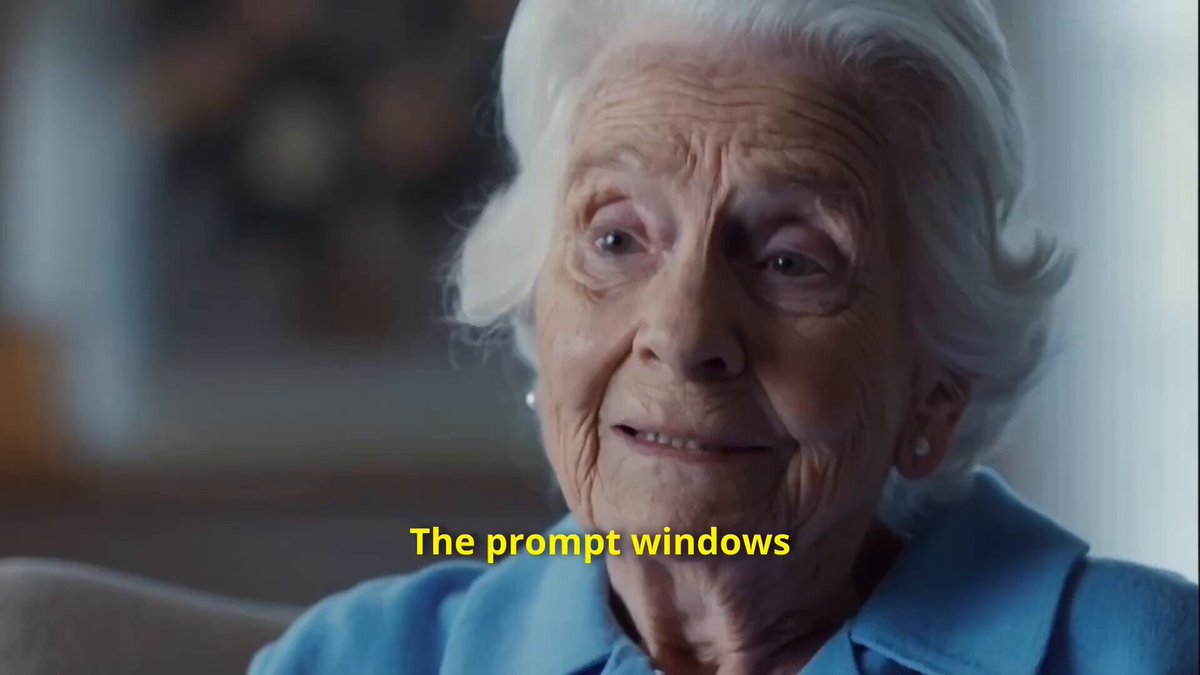
thats how we created the base of the grandma. then we re-itterated a lot in Google Nano Banana to make her look exactly how we envisioned it!
After that we used grid prompting to create 3x3 grids for the Scenes. we then used the grids the single Frames to generate the Scenes and Always promptet "CUT TO" into the prompt. For example:
use these references action sequence of grandma fights against a wasp like a ninja in Exrteme slowmotion 1000FPS highspeed camera style, low angle hero shots CUT TO multiple Closeups of the Grandma in Action
When using Grid Multi Cut Iteration is extremely fast and efficient!
DO you think we have a Chance to win the Prize?
1
11
316
Feb 23
Can you see the difference between Seedance 2 and Kling 3.0?
I made this whole trailer with Kling 3.0! It’s better in:
- Dialogue
- Resolution (1080p)
- Micro Expressions
- Prompt Following
But Seedance is extremely strong in overall dynamics! What’s your take on this?
9
2
24
1,223