
Sustainability Initiative of South Africa
Joined July 2015
- Tweets 1,242
- Following 199
- Followers 1,109
- Likes 45
836 Photos and videos
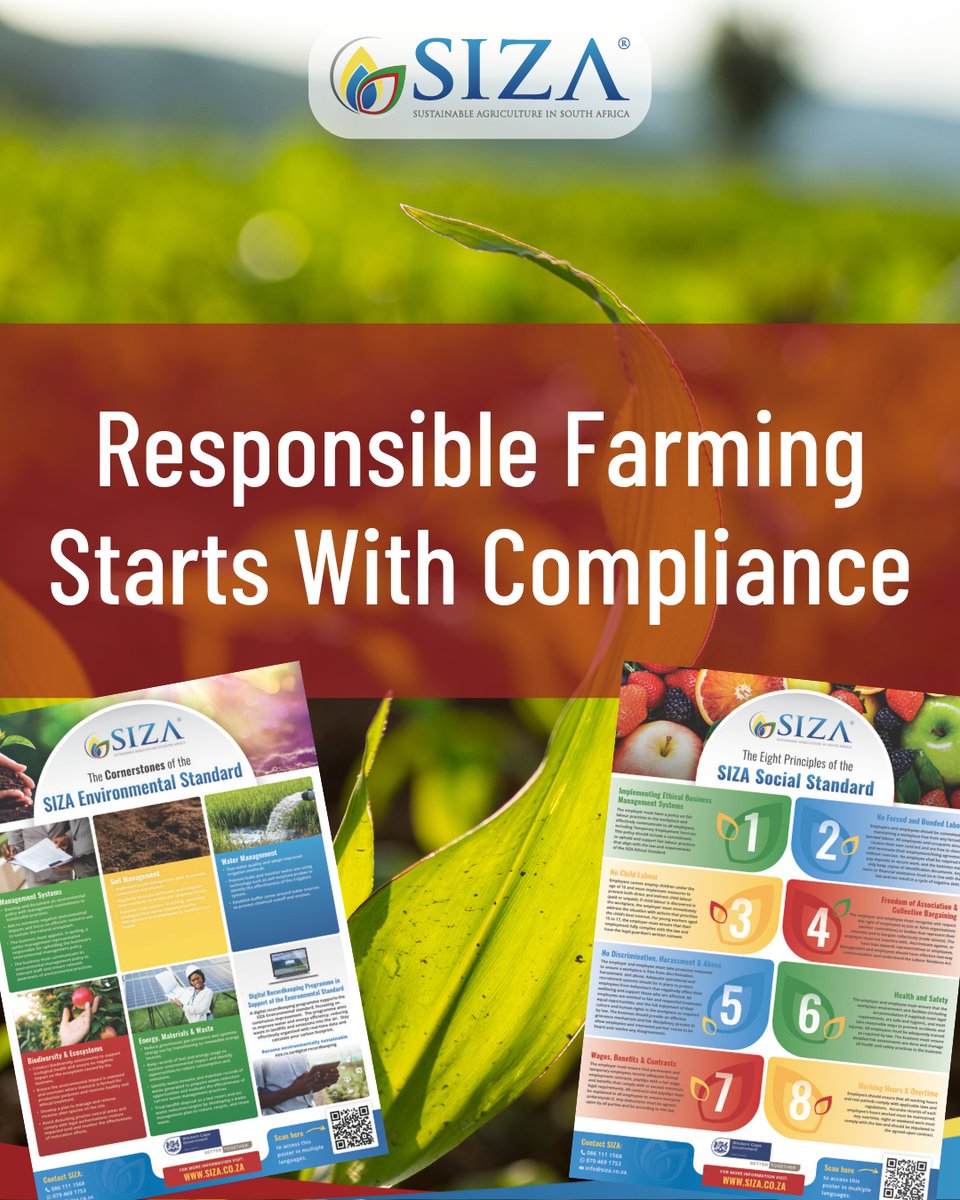




Compliance is not just a checklist or an audit — it’s the foundation of fair labour practices, environmental care, and sustainable farming. At SIZA, we support producers in creating ethical, globally respected supply chains by making SIZA a lifestyle.

Jun 16
At SIZA, we celebrate the energy, innovation, and potential of young people and their vital role in building an ethical and sustainable future for the South African Agriculture industry.
Happy Youth Day!
10
Jun 15
Before using any agrochemical, verify its legal registration by checking the L-number, batch details, supplier credentials & SDS. Unregistered products pose significant risks & may result in SIZA non-compliance, fines or imprisonment under South African law.
1
2
32
Jun 3
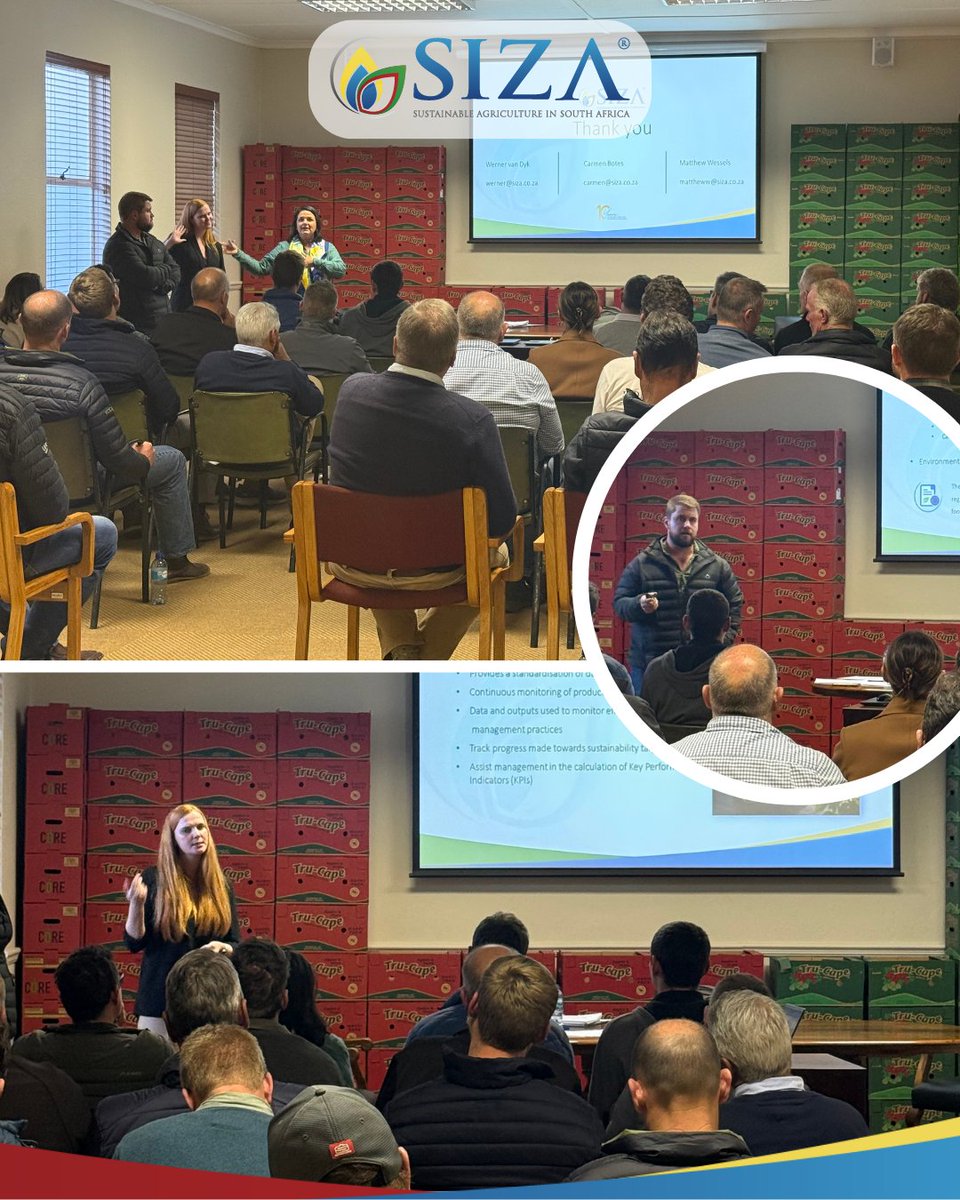
Thanks CVV for the opportunity to engage with agri stakeholders at their AGM in Ceres yesterday. Amid the challenges faced by the latest weather events, farms & packhouses are looking ahead & focusing on improvement. For more info on SIZATrack360, contact carmen@siza.co.za.
30
May 25
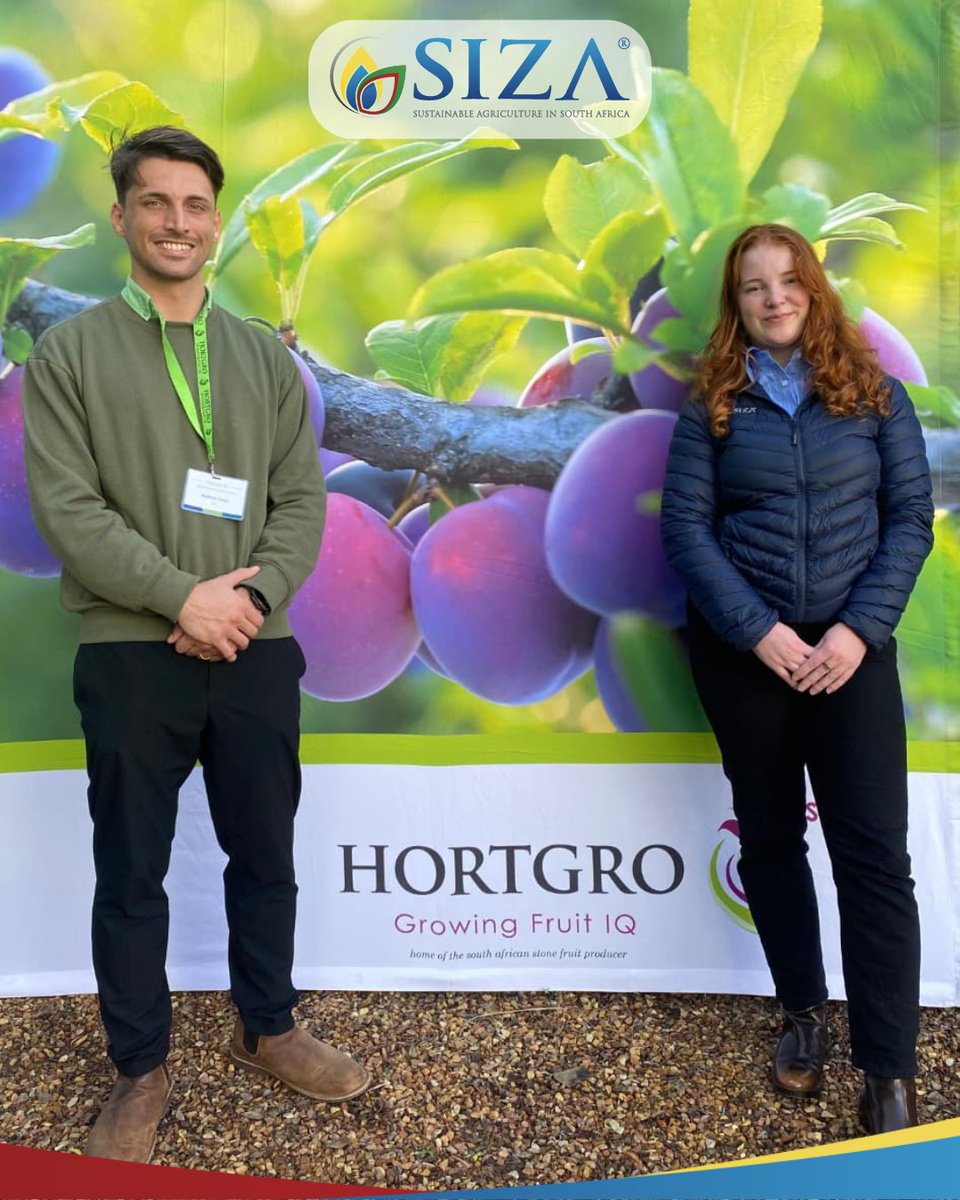
The SIZA team attended Day 1 of @Hortgro's Technical Symposium, where speakers addressed modern-day pressures many producers are facing. Topics like sustainability, market access & climate resilience provided plenty of food for thought. We look forward to Day 2 & hope you do too.
1
1
72
May 8
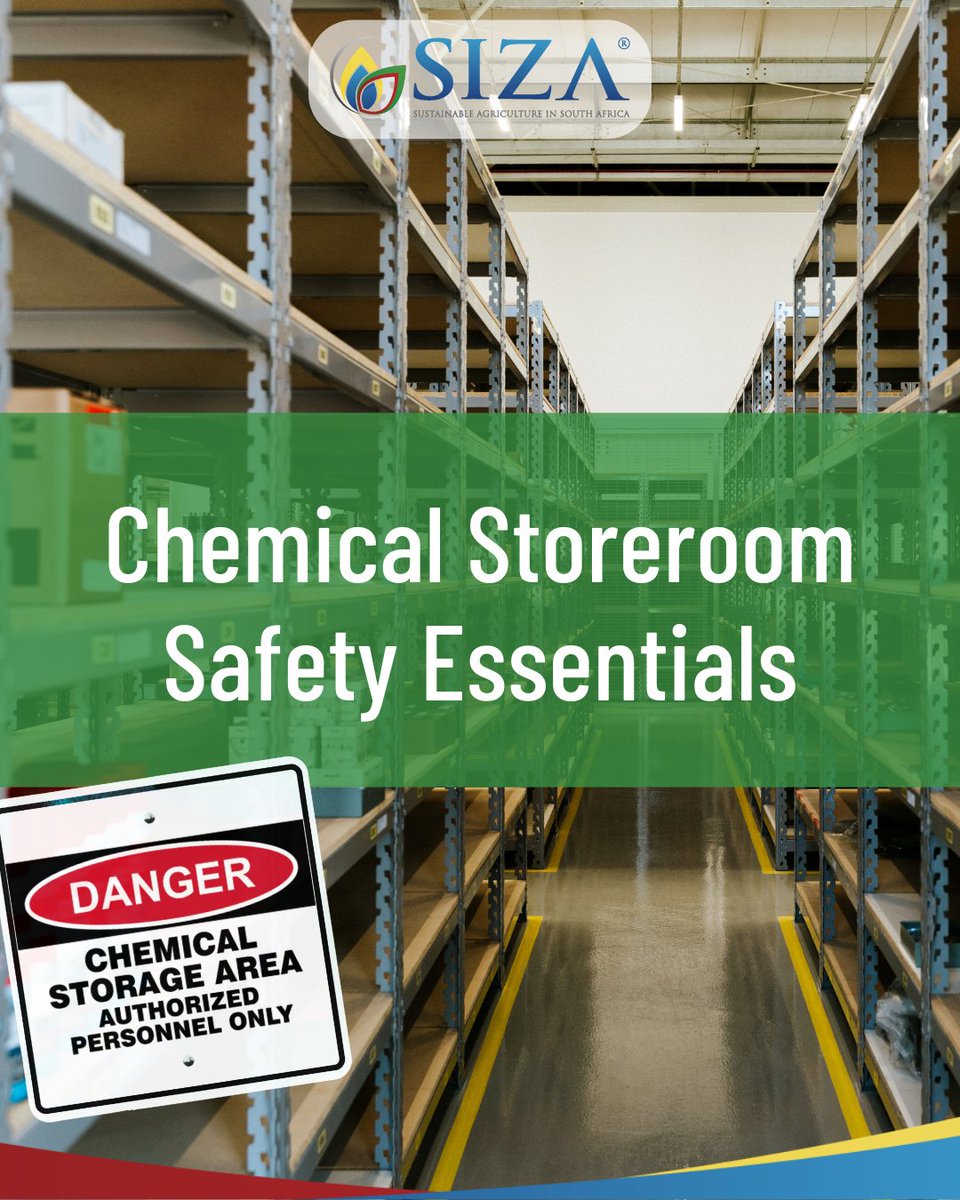
Chemical storerooms can pose serious risks if not managed correctly. Secure storage, proper signage, bunding, eye wash stations & accessible Material Safety Data Sheets (MSDS) help protect workers from injury & exposure. These safety systems support compliance & safer workplaces.
29
May 7
Retailers need proof of ethical & sustainable sourcing. SIZA helps suppliers stay ahead through traceability, credible data, risk monitoring & continuous improvement. More than certificates, retailers want transparency & measurable progress they can trust.
25
May 6
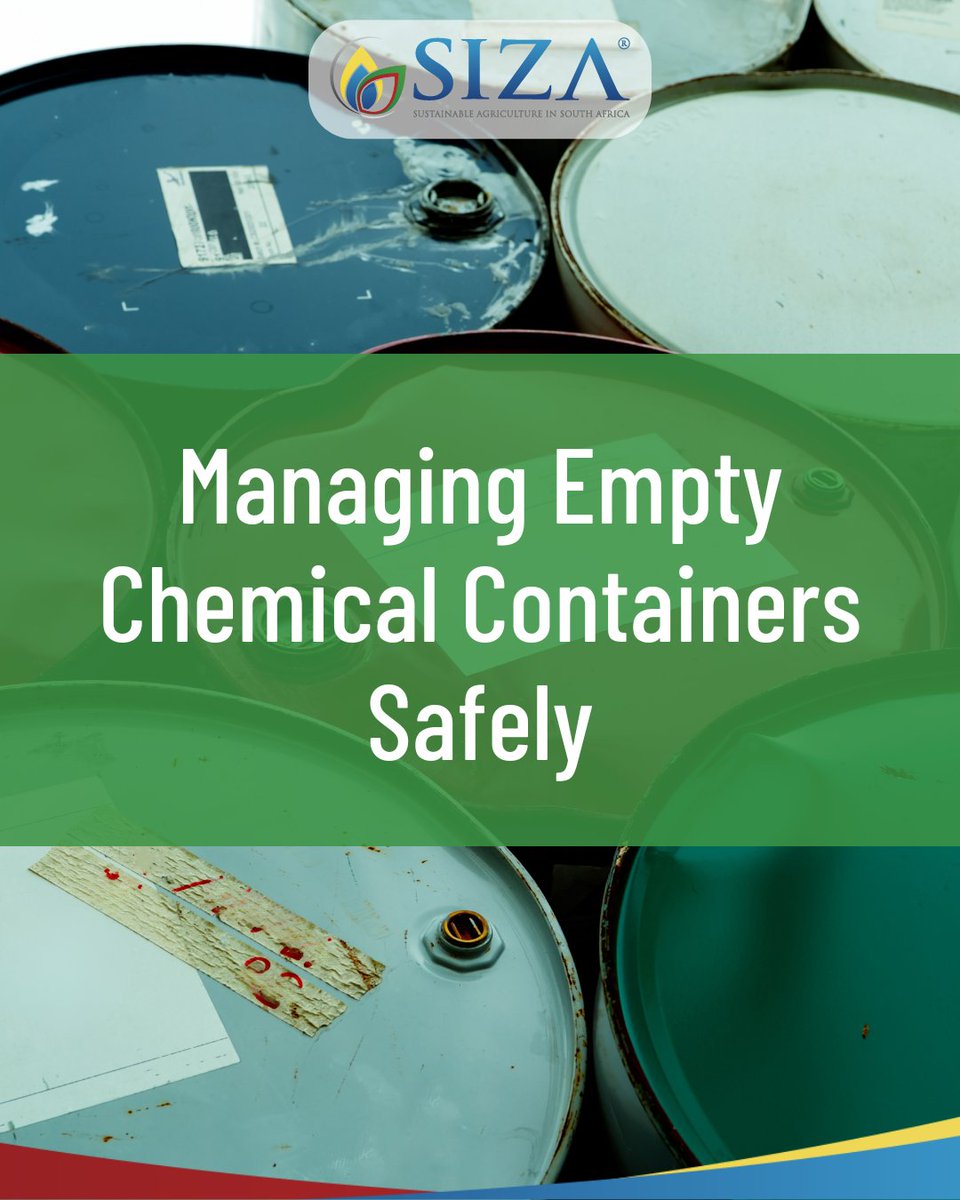
Recycling empty chemical containers supports sustainability, but it must be done compliantly. Follow SANS 10206 requirements for rinsing, storage, signage & secure handling to reduce environmental risk & avoid audit findings during SIZA Environmental assessments.
10
May 5
Uploading corrective actions on MySIZA is simple. Log in, open your audit, go to the CAPs tab, upload your files & save. Once signed off by the auditor, your audit status changes to “Completed” & your audit completion letter can be downloaded. Need help? Contact wian@siza.co.za
11
May 4
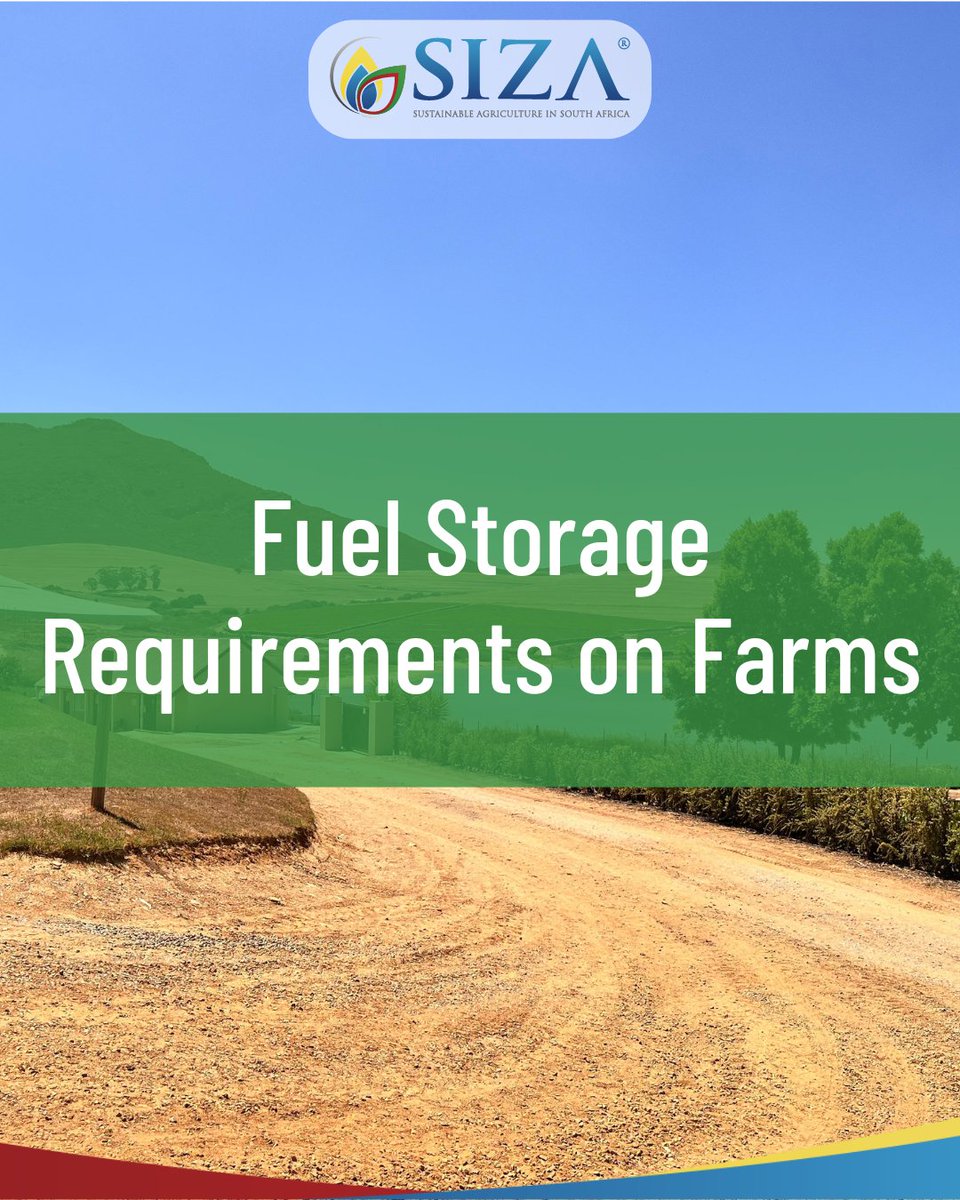
Safe fuel storage reduces enviro & safety risks while supporting SIZA compliance. Follow SANS requirements for above- & below-ground storage, including bunding, non-porous surfaces, pressure testing & secure placement away from water sources.
19
May 1
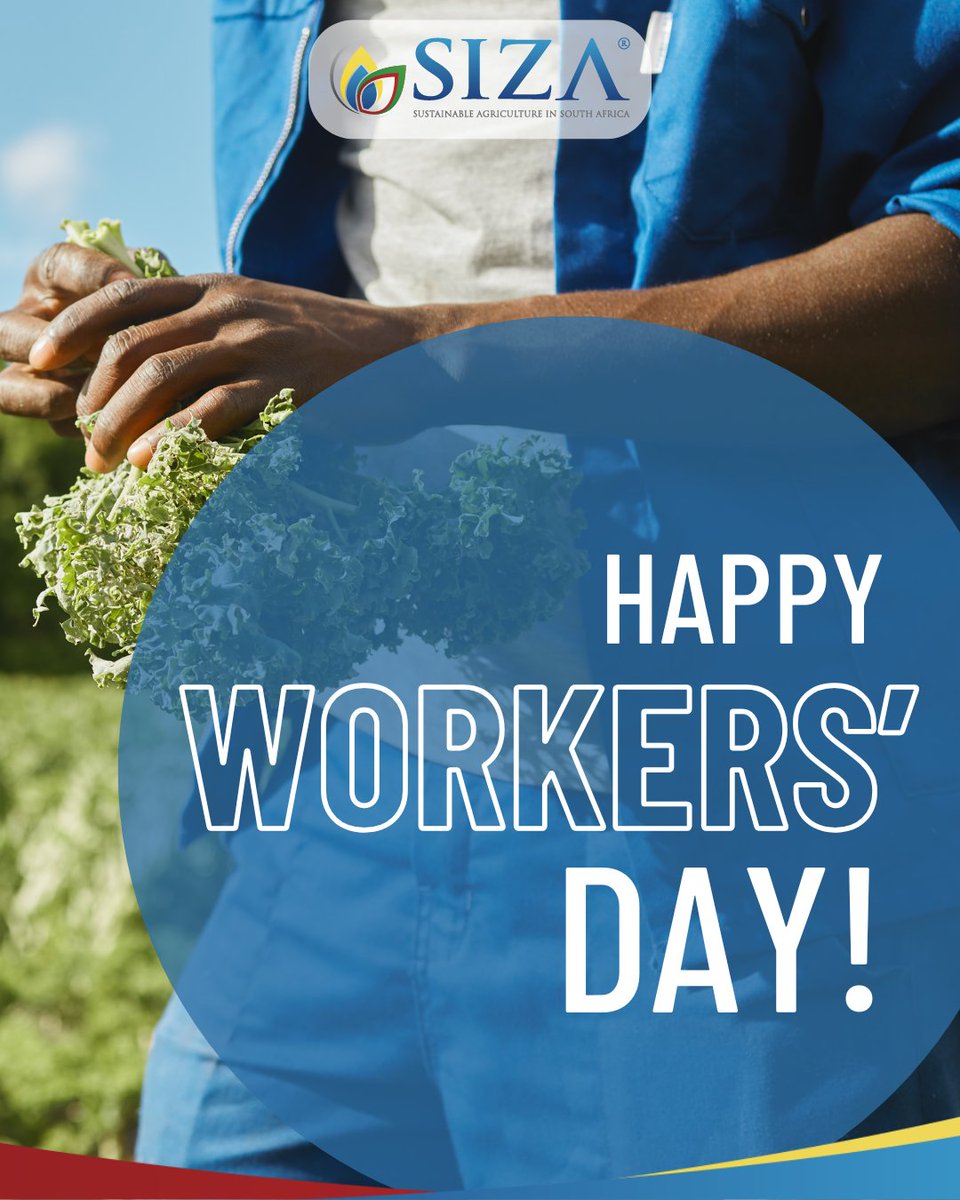
Today, we recognise the dedicated, hard working people across sectors who keep things moving daily. Every role is important in building sustainable industries. Today also highlights the value of safe workplaces, fair practices & opportunities for growth.
6
Apr 30
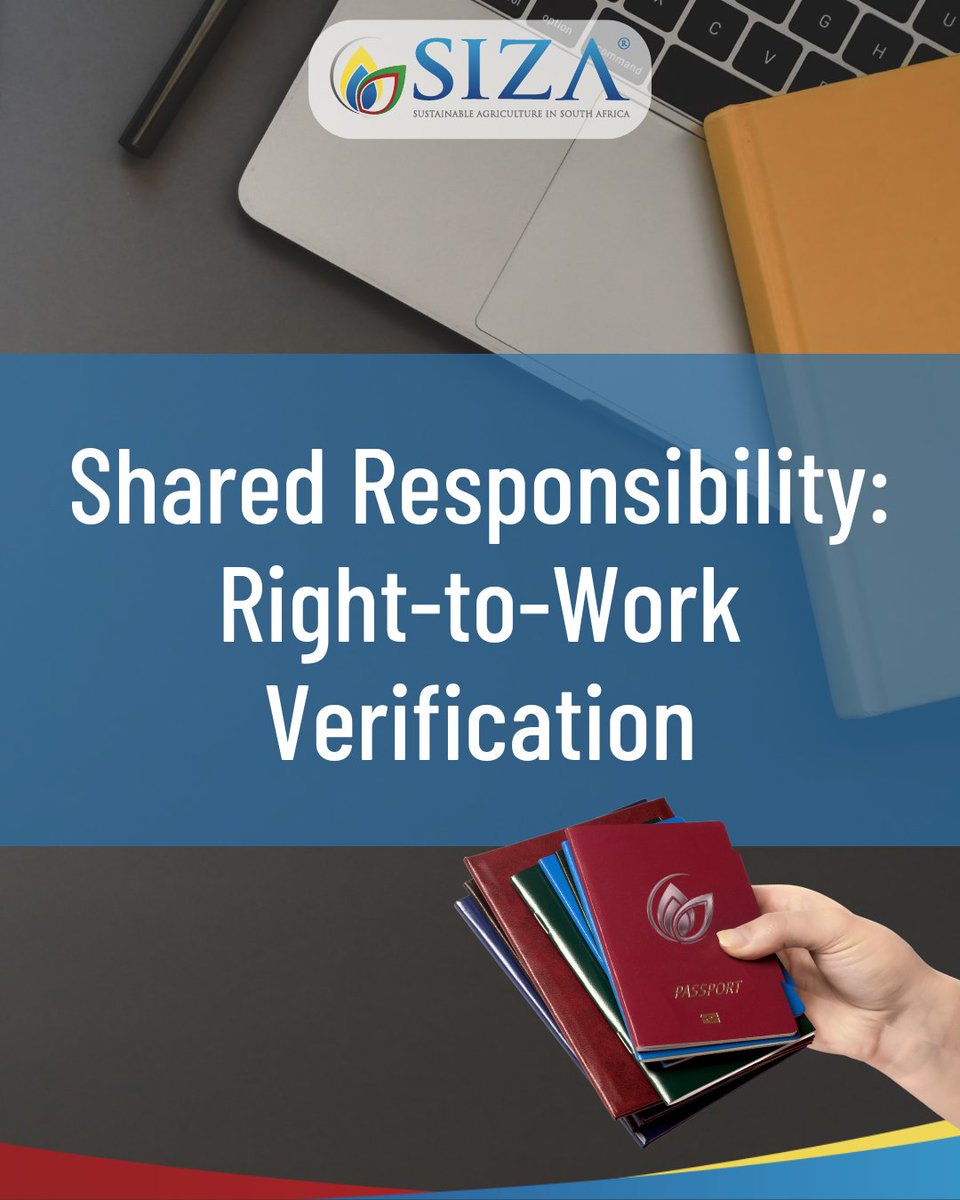
Both TES & work sites must verify employees' right-to-work documents. TES must ensure all workers have valid documentation before starting services. Work sites must regularly check these documents & maintain proper records. For more info: siza.co.za/wp-content/upload…
13
Apr 29
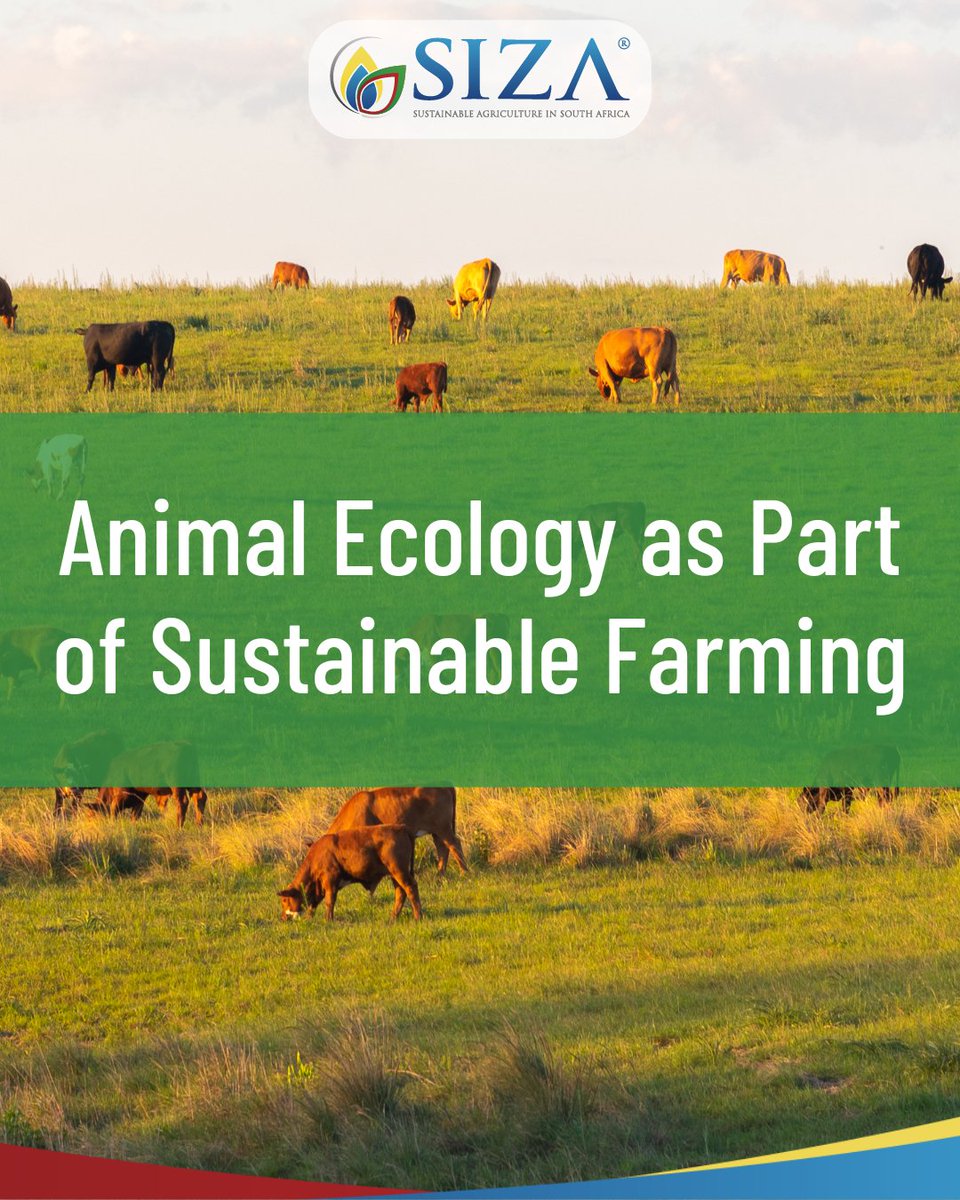
The Animal Ecology section of SIZA's Enviro Standard supports responsible livestock & enviro management. Focus areas include nutrition, health monitoring, ethical breeding, grazing plans & compliance, helping create a more sustainable environment for your animals and your farm.
29
Apr 28
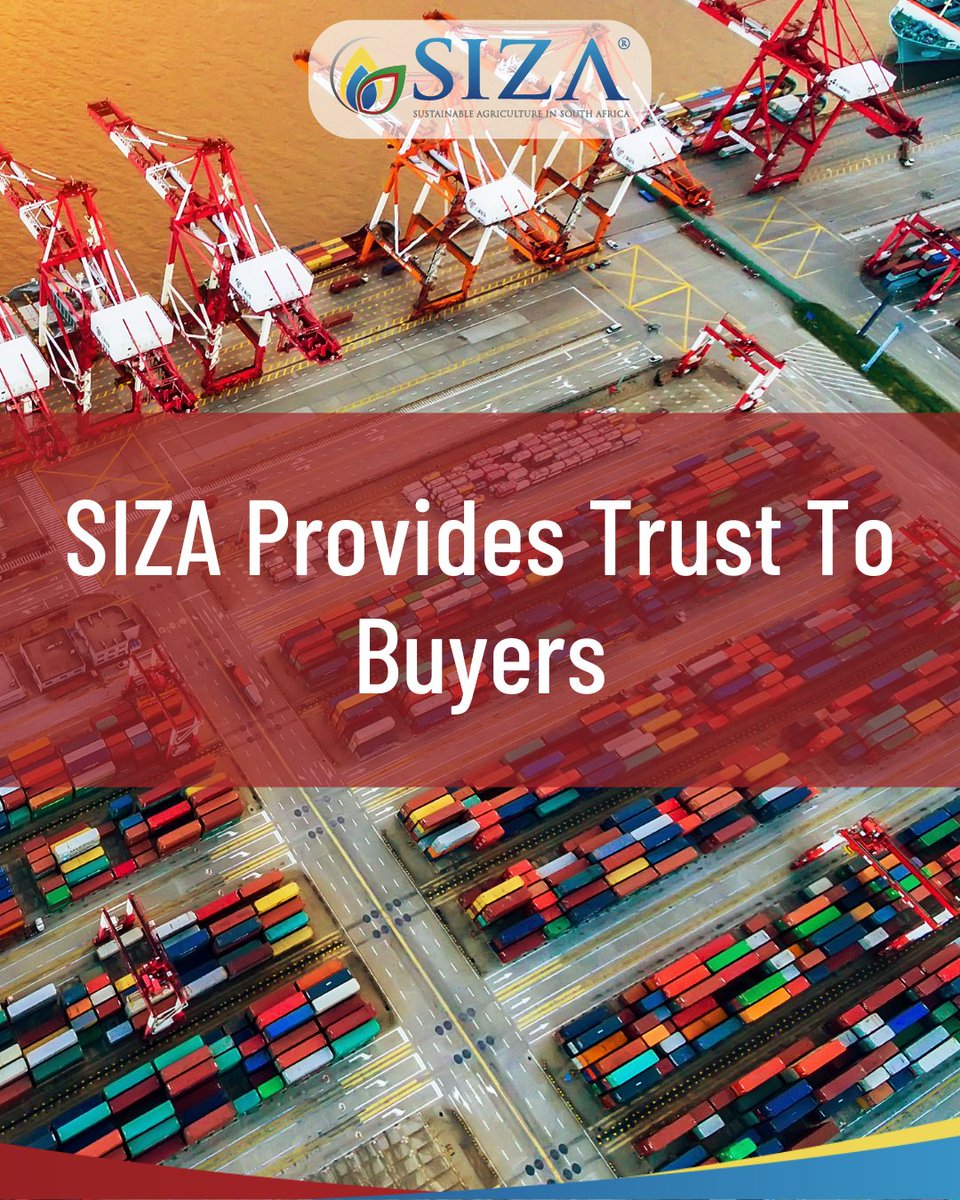
As markets demand greater transparency & ethical sourcing, SIZA gives buyers confidence in South African suppliers. Through credible audits, risk monitoring & verified data on MySIZA, we support traceability, due diligence & responsible sourcing across the supply chain.
16
Apr 27
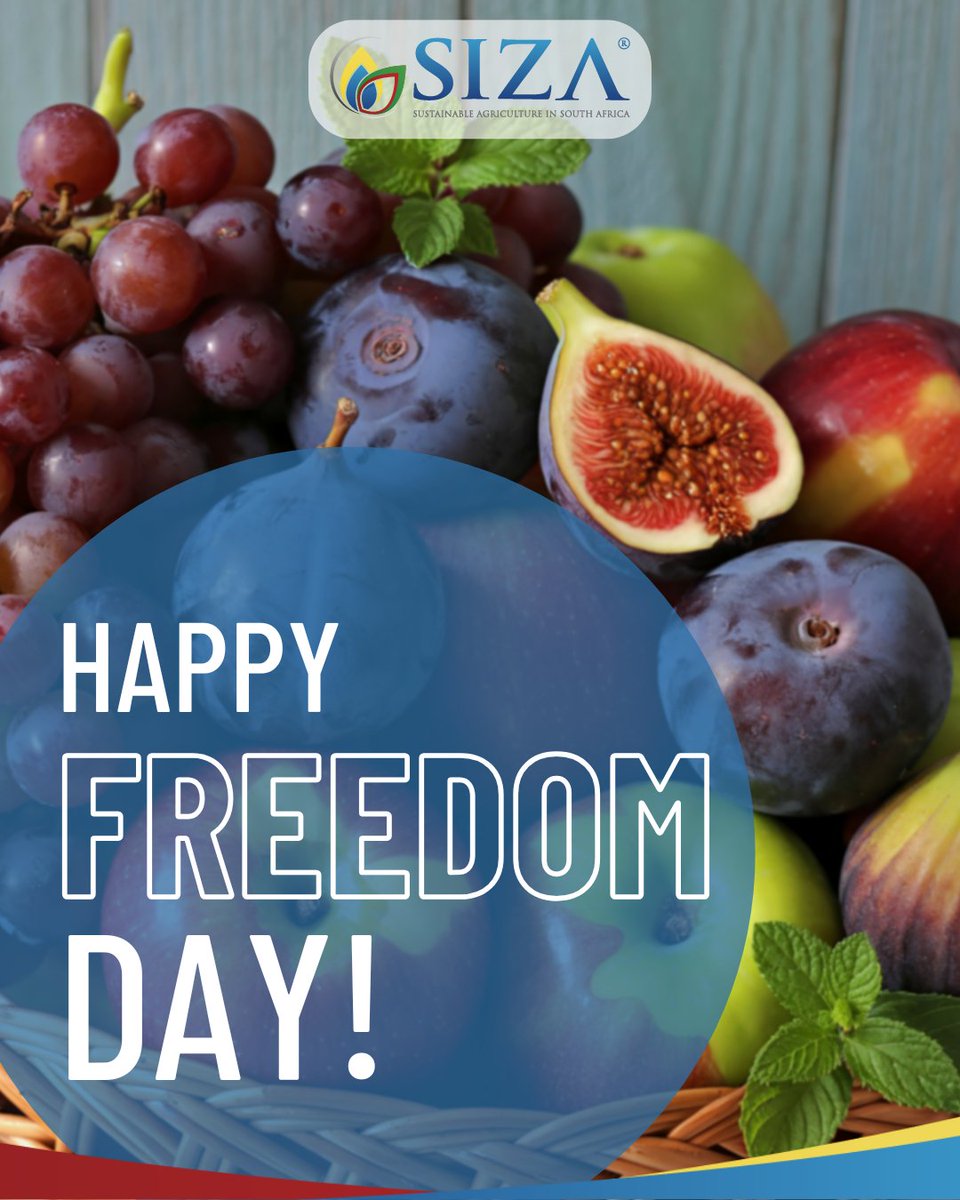
Today is a moment to reflect on the value of freedom, the ability to make choices, to grow & to contribute to our communities. Freedom comes with responsibility: to respect one another, act with integrity & help create environments where everyone has the opportunity to thrive.
1
14
Apr 24
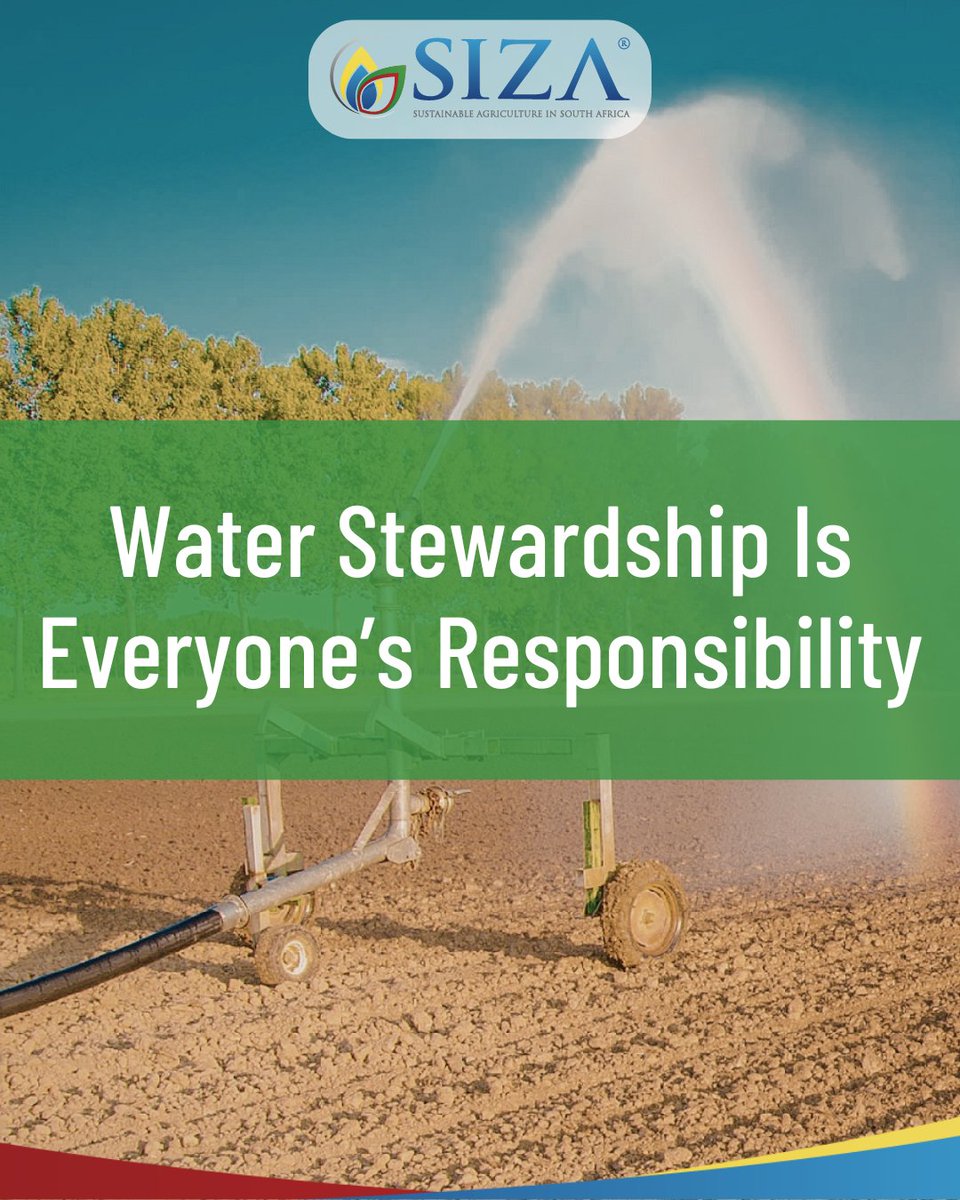
Water shortages affect us all. Implement water-saving practices, monitor usage & document controls to support enviro resilience. Small actions contribute to long-term water security. Ethical trade includes responsible water use & caring for our shared natural resources!
1
11
Apr 23
The BCEA grants 3 days’ paid family responsibility leave per cycle. It applies after 4 months’ service to workers that work 4 days/week. If more days are needed, employees may use their annual leave. Employers can request proof of the event, such as a medical certificate.
10
Apr 22
Earth Day reminds us that that the small choices we make shape the planet's future. Farming, consuming & caring for natural resources sustainably goes hand in hand with building resilient communities, ethical supply chains & a future we can be proud of. youtube.com/watch?v=xxlYH7EE…

9
Apr 21
Today, 21 April, marks a true milestone for SIZA. Over the past decade, we've built a programme rooted in credibility, trust & continuous improvement. Thank you to our SA agri stakeholders & global buyers who put their confidence in SIZA. We are excited for what lies ahead!
2
78
Apr 21
Pending visibility requests on MySIZA must be approved or revoked—don’t leave them unresolved. If you're unsure if you supply to a market, confirm with your buyer before responding. For more information, please contact Ashley Robinson by emailing ashley@siza.co.za.
1
47