Joined December 2012
- Tweets 1,807
- Following 157
- Followers 620
- Likes 9,504
107 Photos and videos


Jun 10
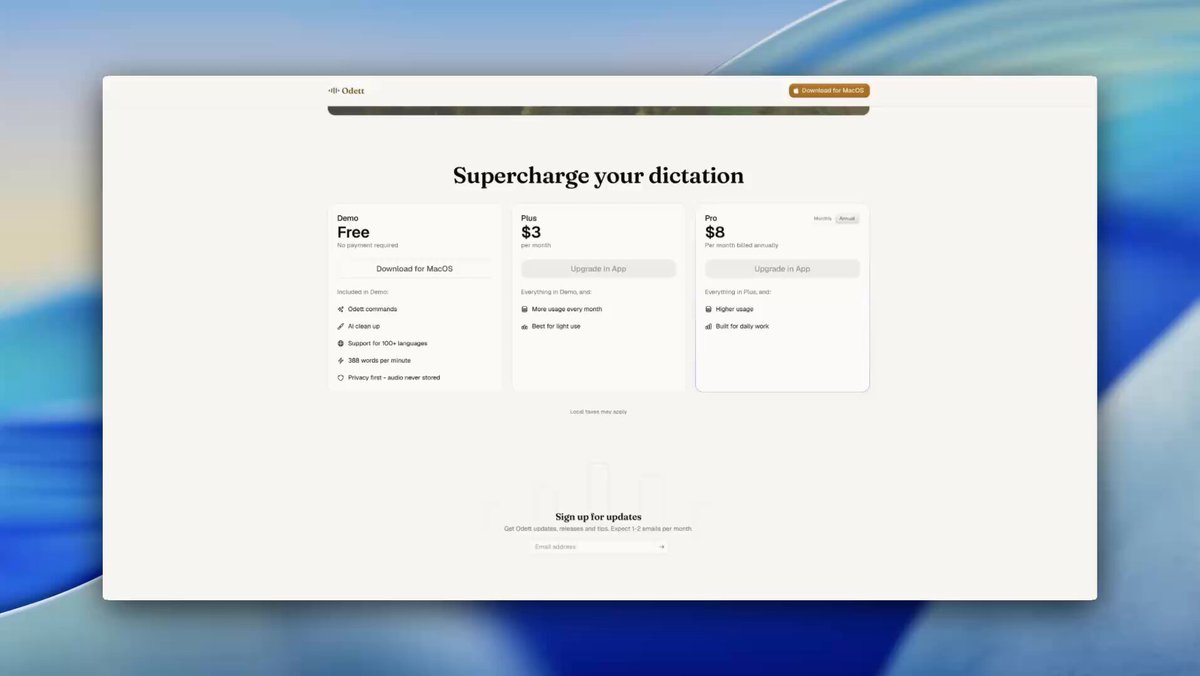
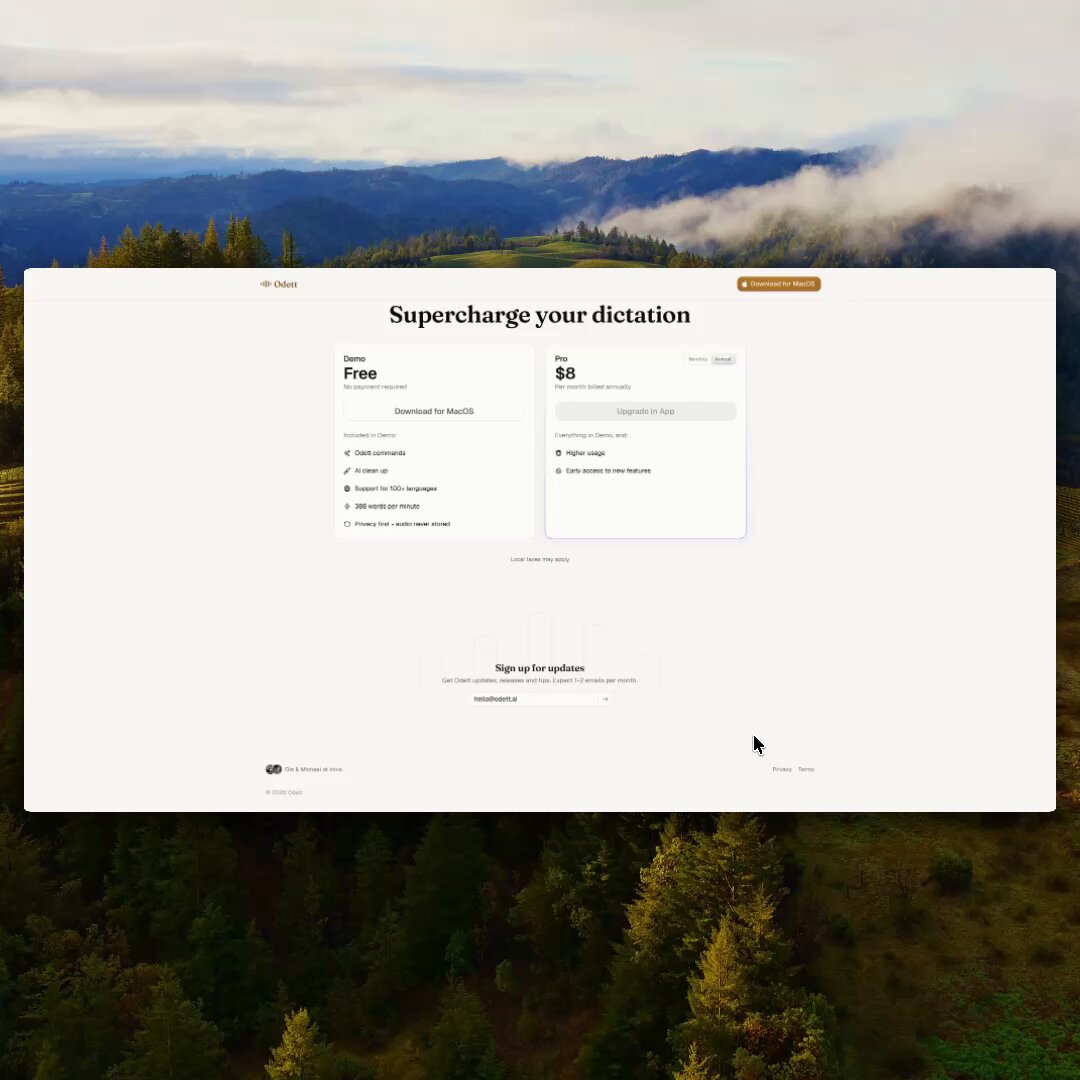
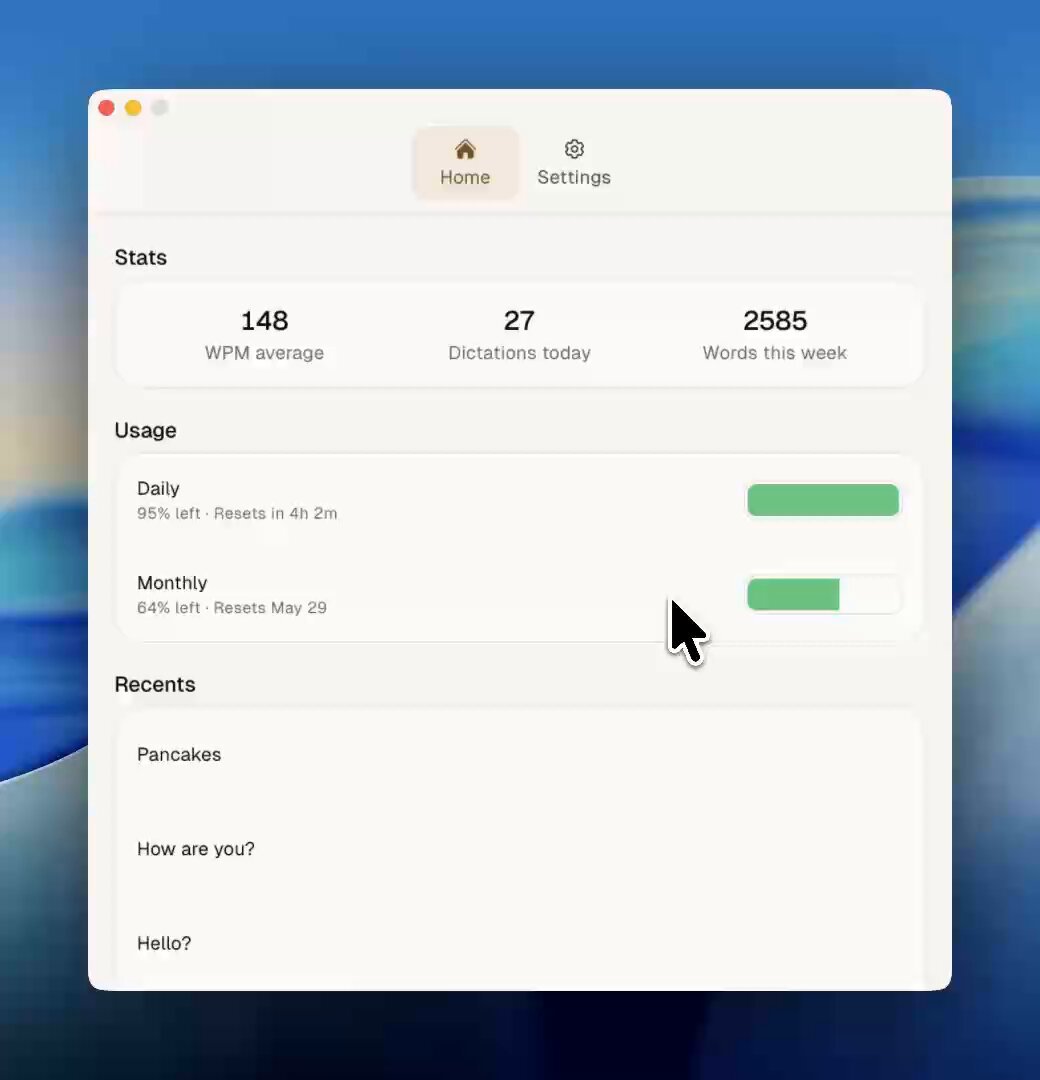
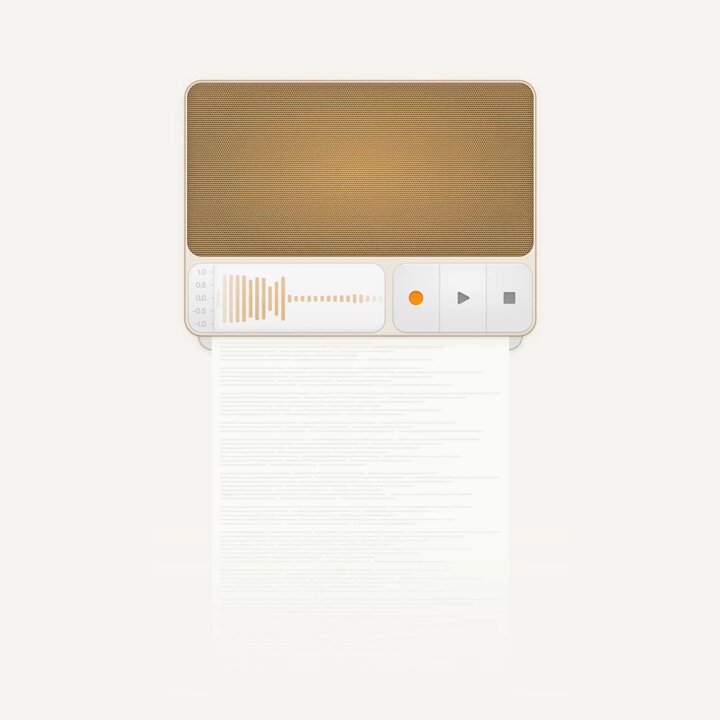
Pricing card animation for Odett
We also just introduced Plus, a new entry-level tier that gives you the full Odett experience at a lower monthly price.
Built for lighter use, with the same powerful dictation, cleanup, and Hey Odett commands.
1
1
2
56
Michael Skillicorn retweeted

Jun 8
Why use Odett?
Take a look at our demo video showing the power of our voice-to-text app for MacOS ❤️
Ps: Isn't @skillico 's voice just amazing?
youtu.be/Tuat1rT_IJU
3
1
3
2,783
Michael Skillicorn retweeted

Odett just leveled up and I'm over the moon ❤️ 🚀
My productivity is just skyrocketing. Here's a quick overview.
# 🐇 Fast Mode / 🧠 Smart Mode
Switch between insanely fast dictation and well-polished dictation in two clicks.
# 👂🏻 Sound Mode / 🔤 Text mode
Switch between getting your dictation into the clipboard or straight into the input field. (Sound mode is perfect for multitasking.)
# ⚙️ Tray bar toggle
Switch between all your most used settings straight in the tray bar, save time, #productivityGains.
I can't wait to start to make the demo videos for you guys so that you can see the action.
Make sure to check it out if you're on Mac OS. You can download it for free and then it's a pretty generous demo if you would like to try it out.
Check my profile for link :D
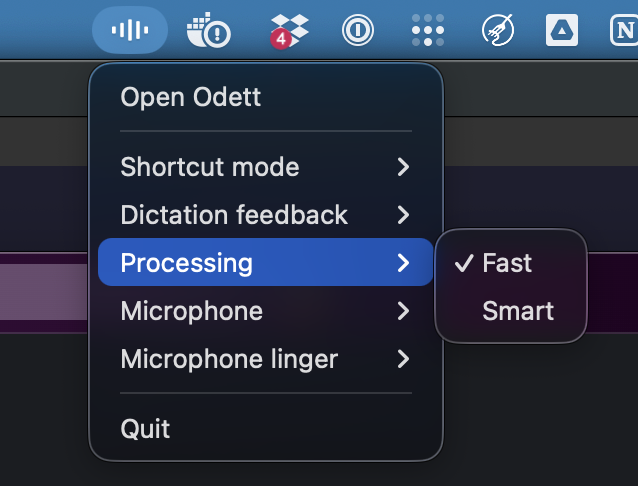
1
1
82
May 26
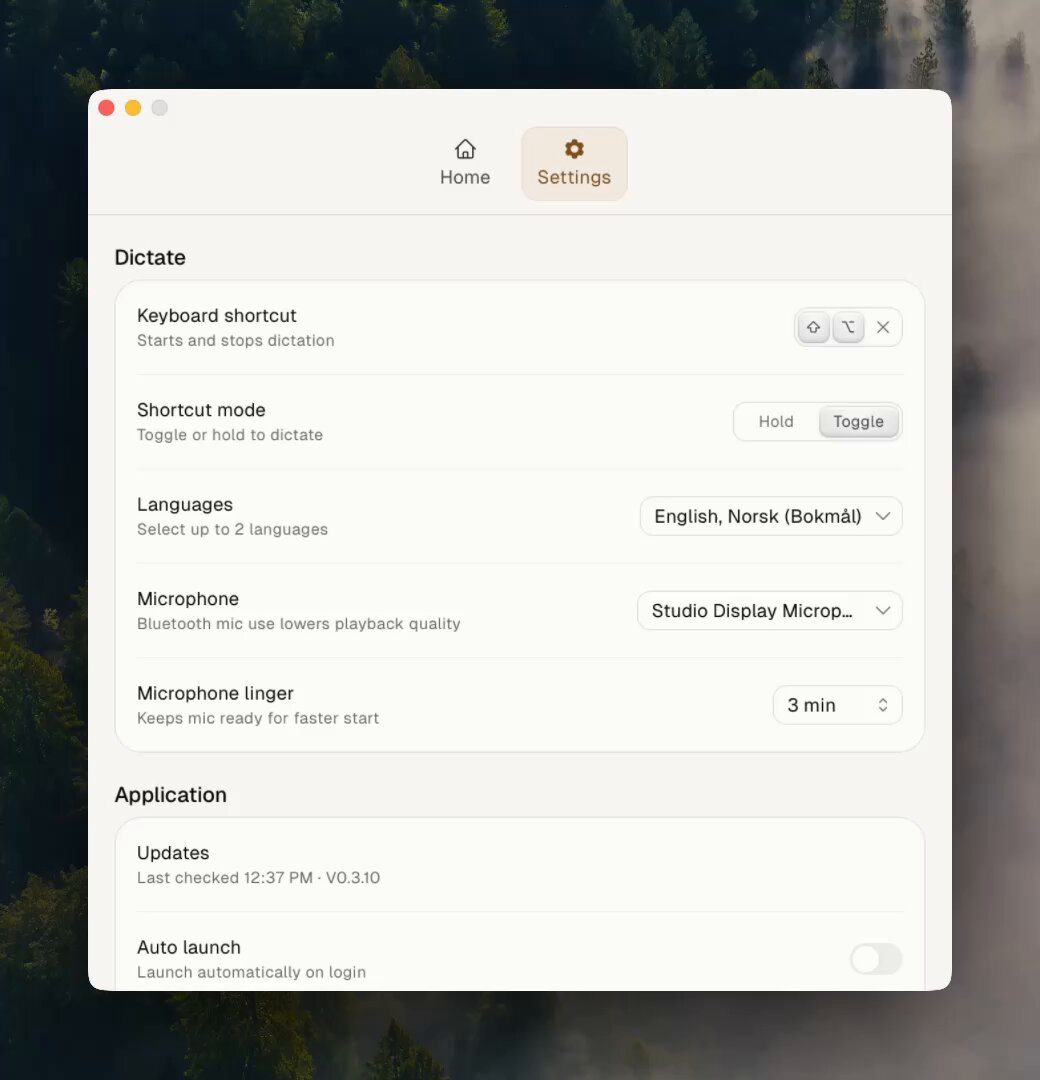
Recently reworked the shortcut recorder for Odett.
The goal was to make recording a shortcut feel smoother and more reliable, while clearly showing which modifier keys are available.
Designed in @figma. Built with @OpenAI Codex inside @cursor_ai.
1
1
117
May 24
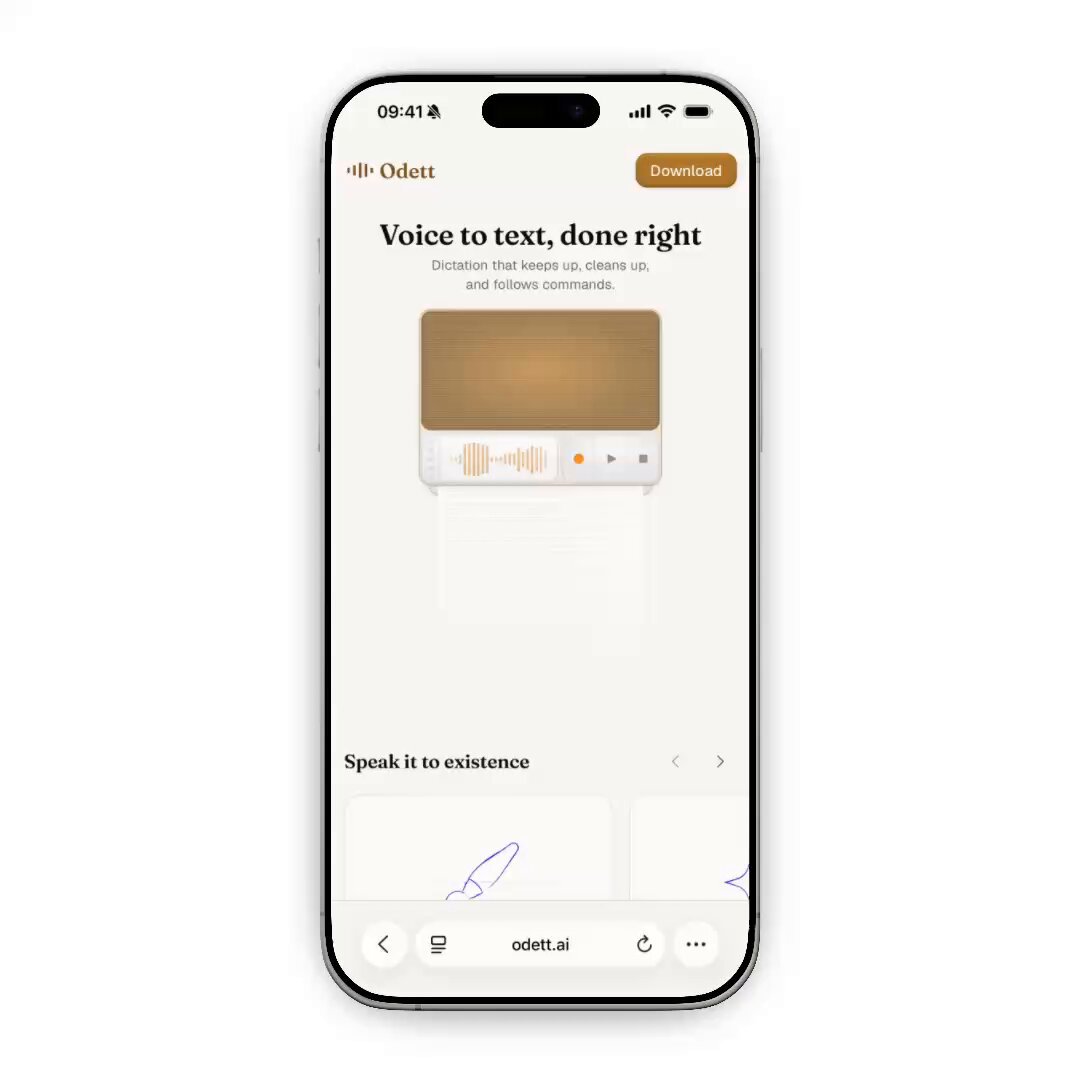
Creating the bottom sheet for the Odett website was trickier than it might look.
Getting this kind of interaction to feel natural on the web, across different devices and browsers, takes a lot of small decisions.
Two details that made a big difference:
First, the backdrop uses the same color as the page background, instead of something like black at 25% opacity.
On iPhone, a darker transparent backdrop can create a hard edge where it meets the status bar. Matching the page background makes the sheet feel more like it belongs to the surface it opens from.
Second, I added a small footer treatment that only appears in Safari on mobile and tablet.
Because Safari has floating bottom navigation, the sheet can otherwise feel like it appears from nowhere. The footer gives it a more natural anchor point, so the motion feels closer to something that could happen in the physical world.
Small details, but they make the whole interaction feel more intentional.
Designed in @figma, built with @OpenAI's Codex inside @cursor_ai.
1
1
3
142
Michael Skillicorn retweeted
🧵 After many long days and late nights, the day has come! Official release day for Odett 🥳
Reply with your thoughts and feedback!
We built Odett because the existing voice-to-text applications just didn't cut it. We wanted the strongest models and the most accurate text output.
Read the full thread to get to know Odett a bit better.
2
1
5
384
May 20
Today we’re releasing Odett.
We built it because dictation still feels too much like something you have to manage. Before you speak, you often have to choose the right mode, language, format, or preset for what you’re about to write. Slack reply. Email response. Norwegian. English. Cleaned up. Formatted properly. That setup gets in the way of the actual thought.
Odett is our attempt at making voice-to-text feel like part of your actual workflow. Press a shortcut, speak naturally, and Odett writes where you already are.
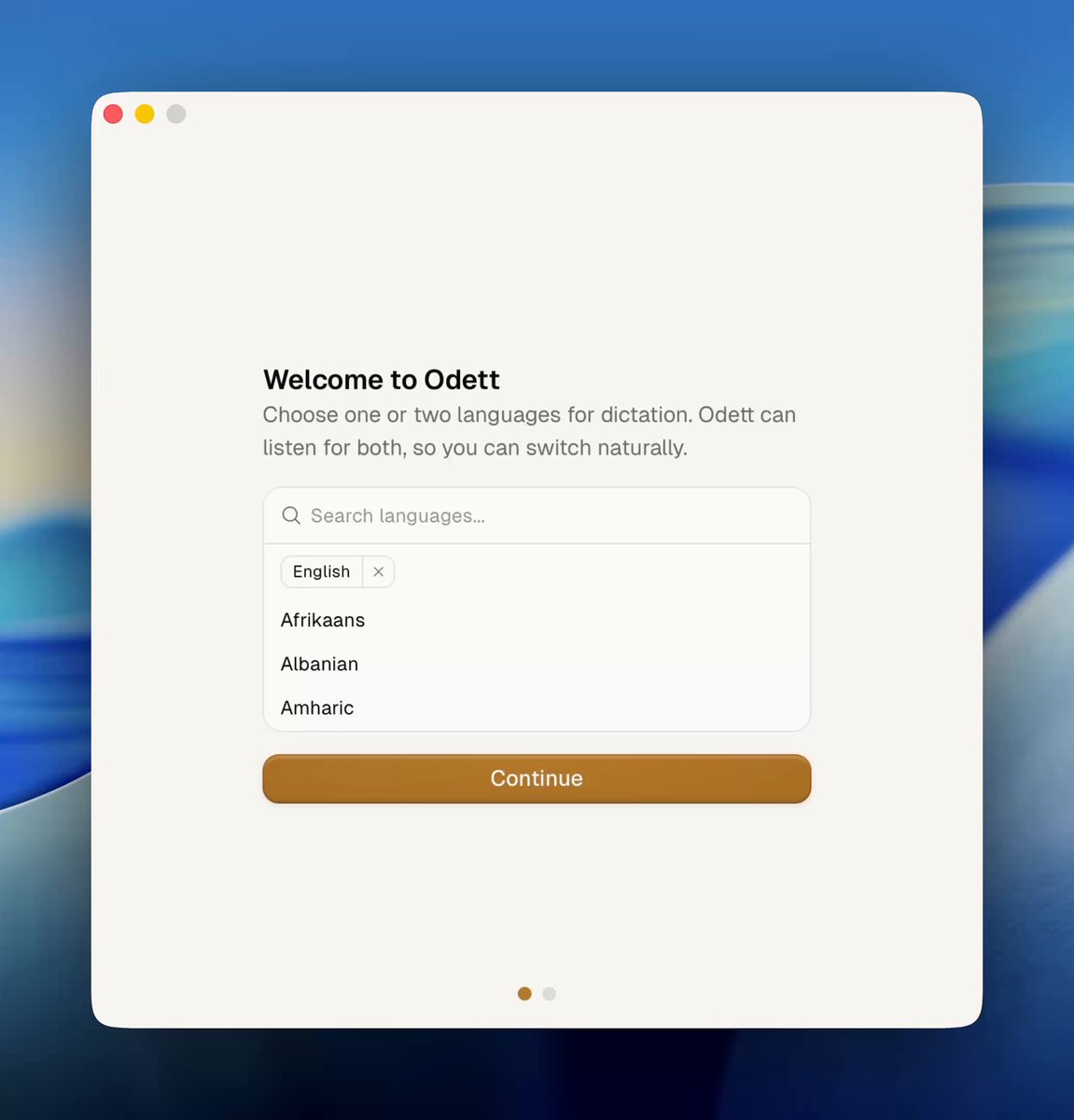
Choose up to two languages and move between them naturally while you dictate. No language switching needed. It cleans up your text as you speak, so messy thoughts become clearer writing without extra steps.
And when you want more control, just say “Hey Odett” while dictating and tell it what you want the text to become. Format the text, turn rough notes into a plan, draft an email response, enrich a prompt for Codex or Claude Code, or whatever else you need.
No mode switching. A simple UI. Powerful dictation out of the box.
We’ve also made the demo generous, so you can properly test it before deciding if you want to use it.
Here’s a 3-minute look at Odett.
3
2
5
897
May 5
We’re closing in on the alpha release of Odett.
One of the most exciting parts has been using Odett to build Odett. Seeing how well it already fits into our own workflows has made the process both faster and more enjoyable.
I’m really excited for more people to try it soon.
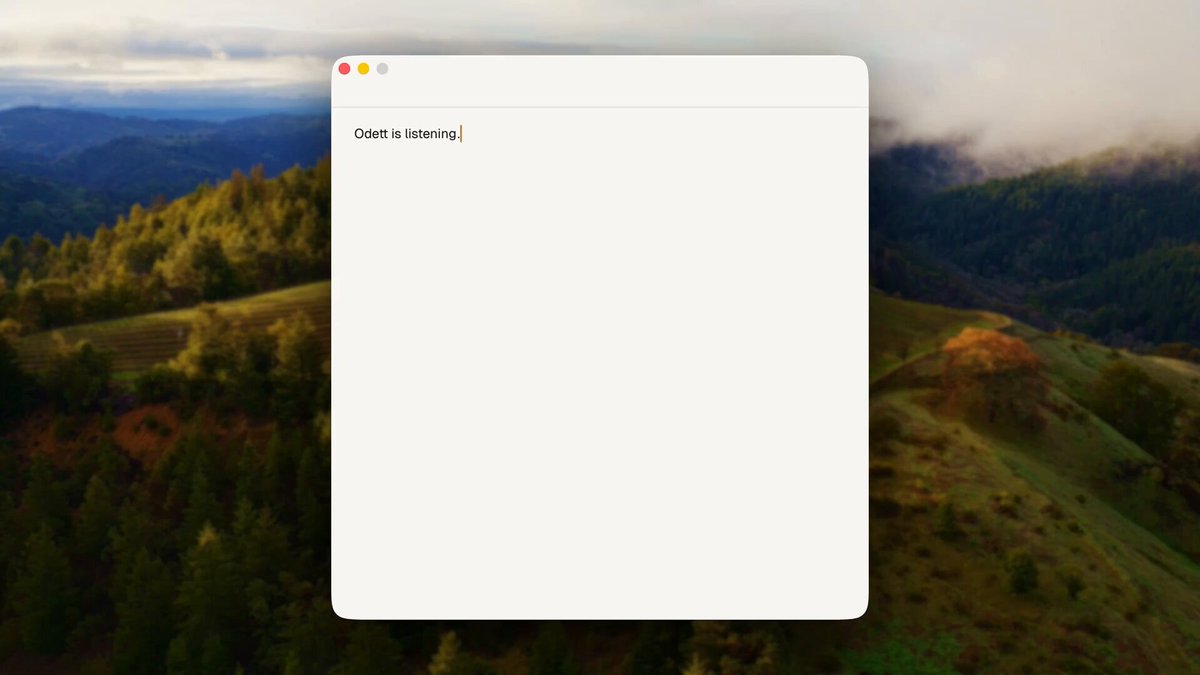
For now, here’s a small snippet from the onboarding.
This is, obviously, dictated with Odett. 😉
1
2
8
1,509
Apr 12
Really excited about working on Odett with @OleHerland.
Getting to own the full process from brand and design to implementation and animation has been a lot of fun.
More coming soon.
1
1
2
182
17 Jul 2025
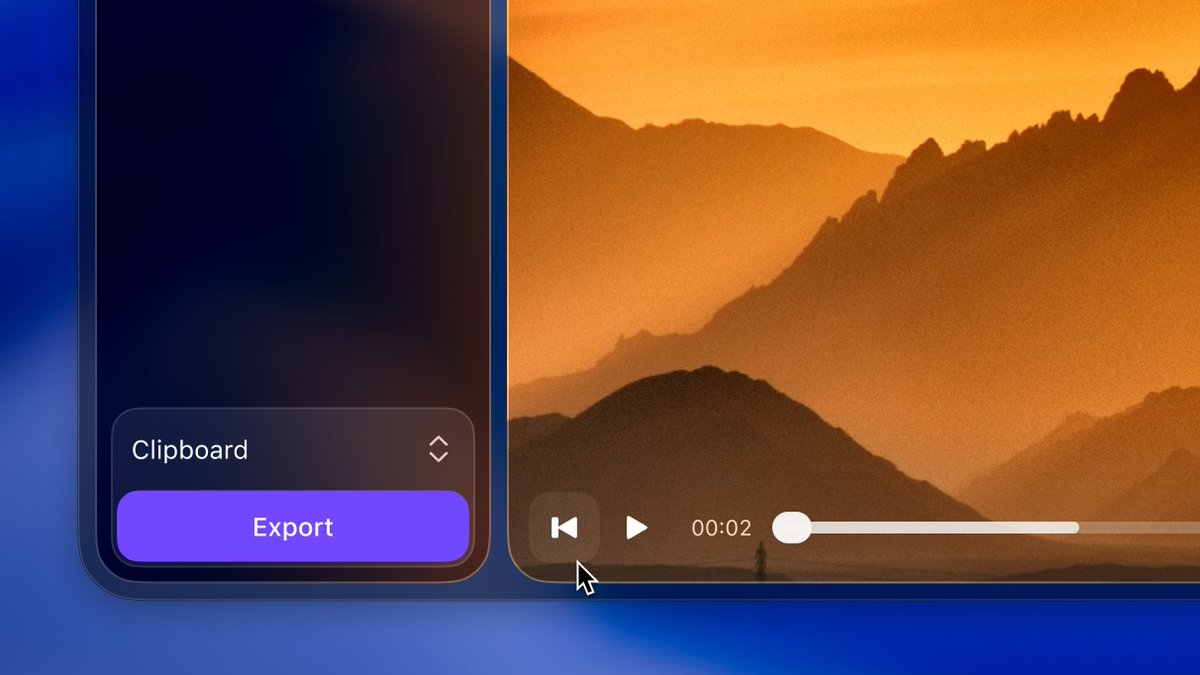
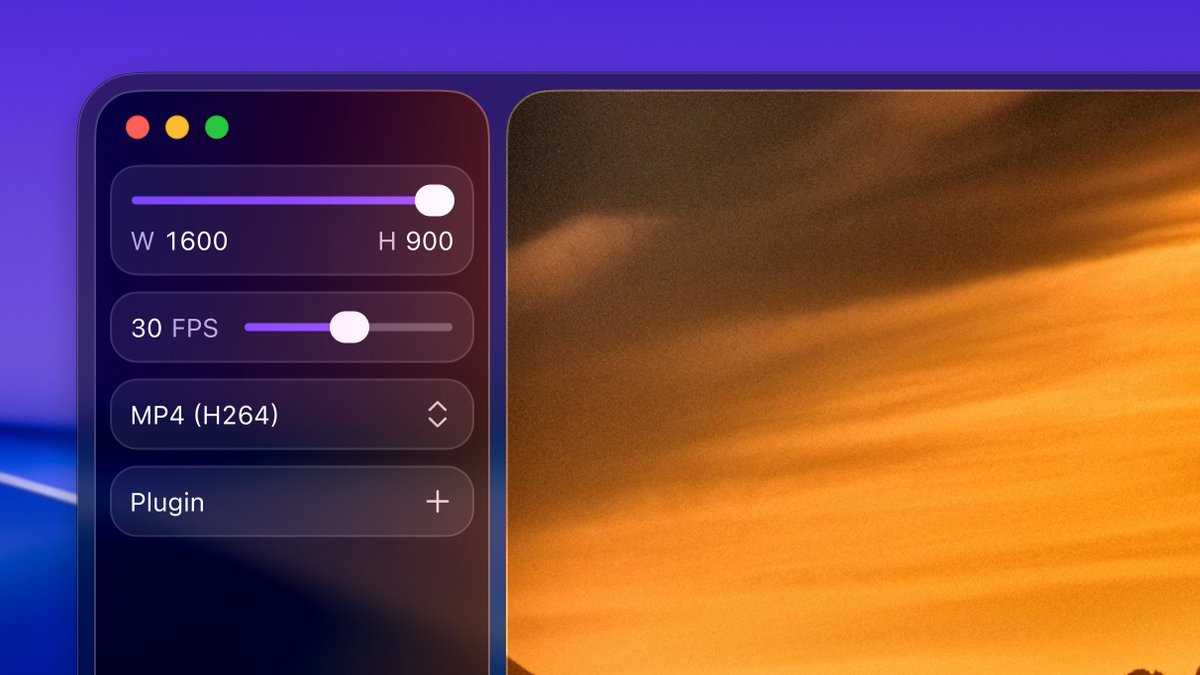
First SwiftUI project, been really enjoying @emilkowalski's animations.dev course.
4
598
25 Apr 2025
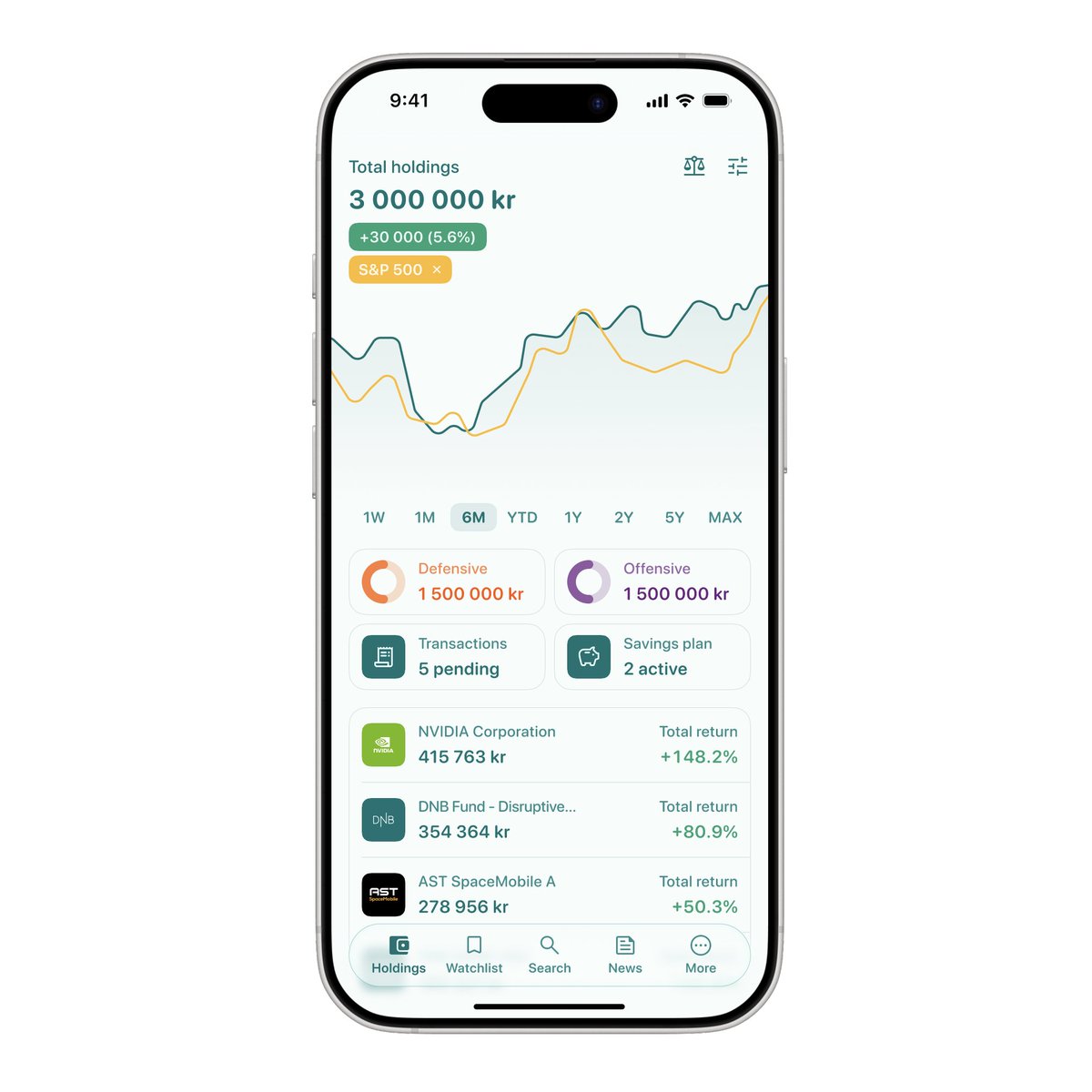
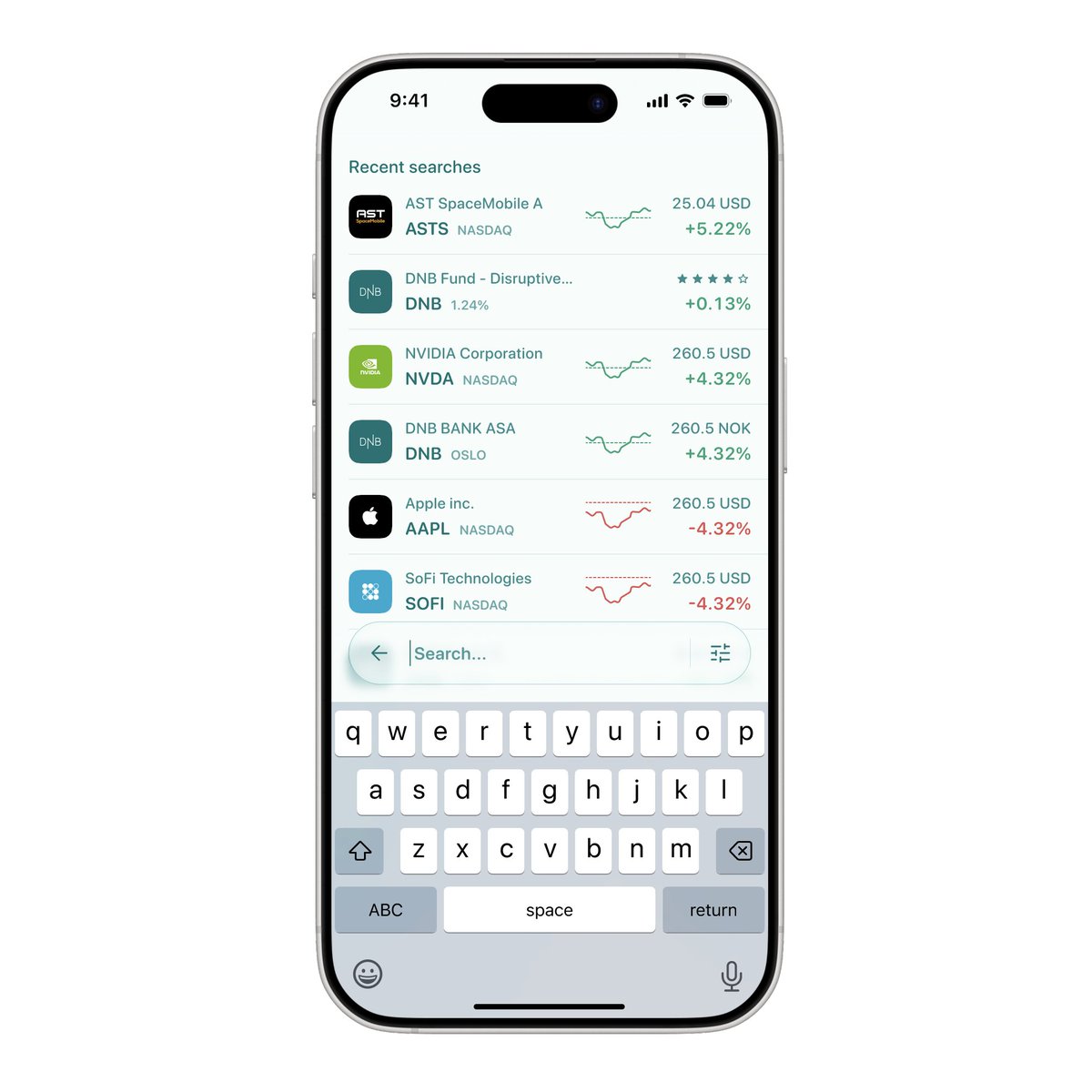
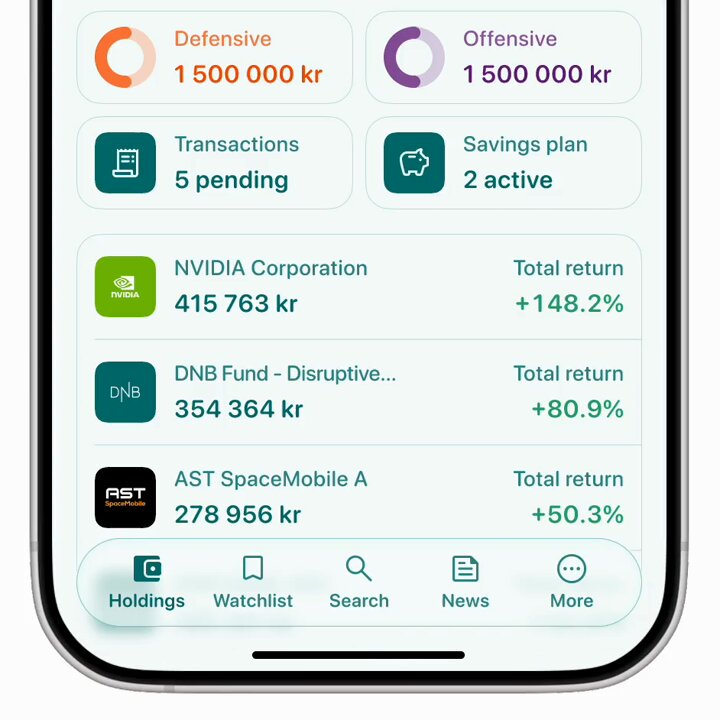
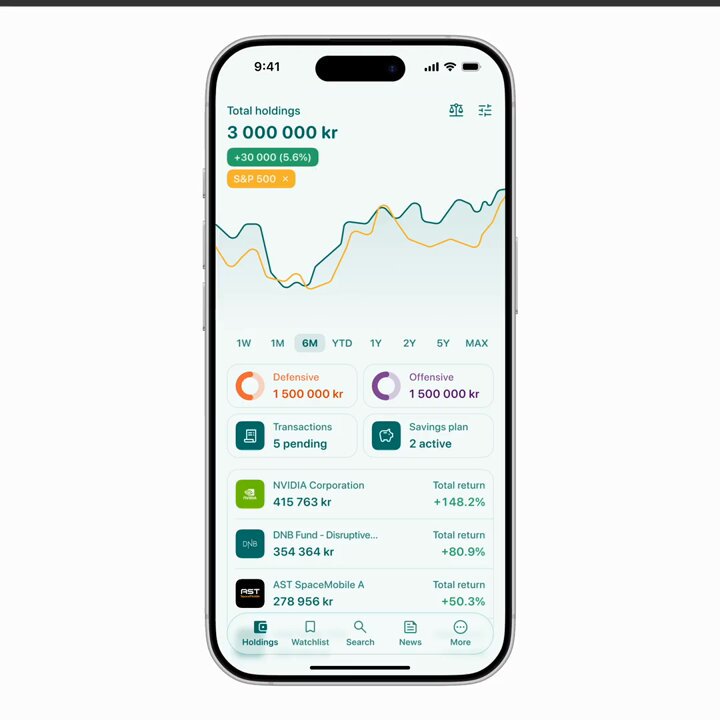
I've been working on this personal project that started off wanting to explore progressive blurs, and eventually ended up creating my own interpretation of the DNB Spare app with a floating bottom navigation that morphs into a search bar.
1
1
2
607