
Google Trainer & Innovator @NYSCATE @ISTE 20 to watch 2023 @SAANYS Dig Leader 2023 Author: SMILE Learning #SMILELearning #XFactorEDU #Chi24
Joined May 2015
- Tweets 25,038
- Following 3,689
- Followers 7,046
- Likes 40,537
5,063 Photos and videos



Pinned Tweet

8 Jan 2025
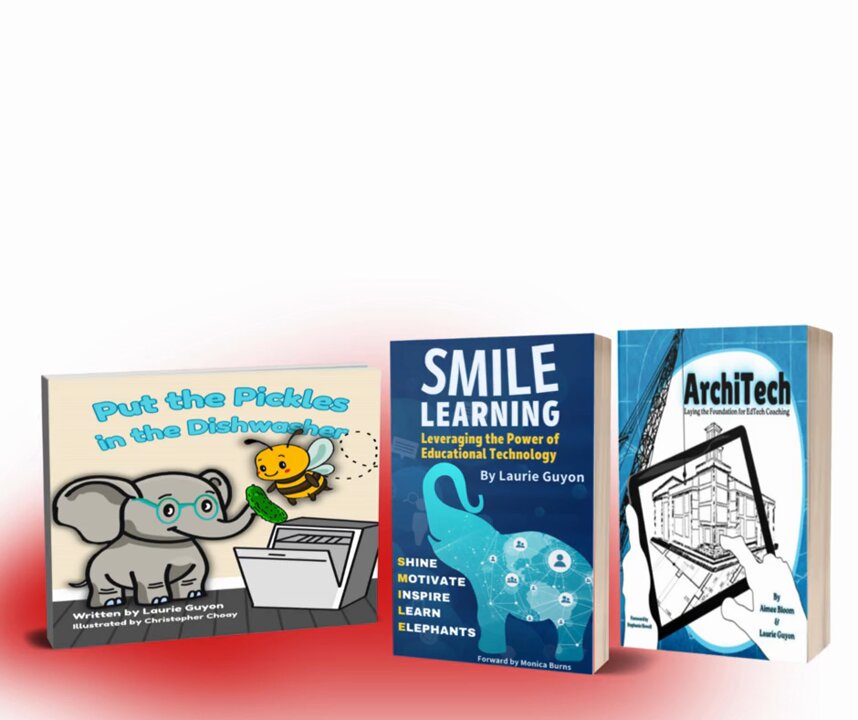
👷♀️ Get your hard hats ready....it's time to lay the foundation for #EdTechCoaching!
Working on this book with @AJBloom2pnt0 was magical!
Thanks, @mrshowell24, for the forward!
Get your copy today: xfactor.link/architech
#ArchiTech
#XFactorEDU
#SMILEFactor

1
2
18
1,156
Laurie Guyon 🐘 retweeted

Jun 4
Add a bit of randomness and excitement to your lessons. Dice Slides brings interactive dice into Google Slides, making it great for games, review activities, and quick classroom decisions. Simple interactive tools like this can boost engagement and keep students actively involved in learning.
workspace.google.com/marketp…
#GoogleEDU #GoogleWorkspace

2
5
651
Laurie Guyon 🐘 retweeted

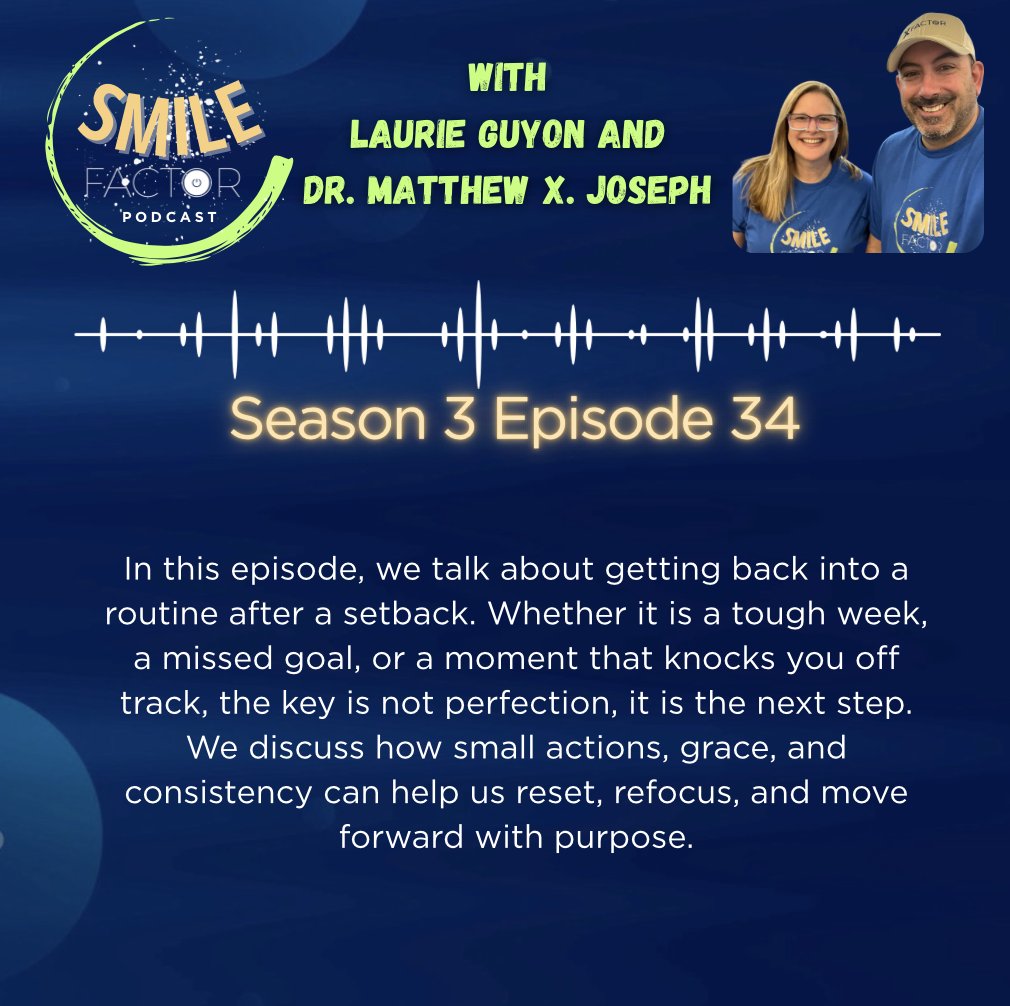
In this episode of The SMILE Factor Podcast, @SMILELearning and I talk about getting back into a routine after a setback. Whether it is a tough week, a missed goal, or a moment that knocks you off track, the key is not perfection, it is the next step.
open.spotify.com/episode/0XF…
1
80
Laurie Guyon 🐘 retweeted

May 10
I invite you to take a look around TeacherHive.app. There are nearly 400 apps, tools, and games vibe coded by educators.
If you're interested in learning the ins and outs of vibe coding, join me for my June online workshop: learninginhand.com/classyvib…

ALT Graphic with the words "vibe coding" exploding from a laptop's screen
2
12
19
1,832
Laurie Guyon 🐘 retweeted

May 7
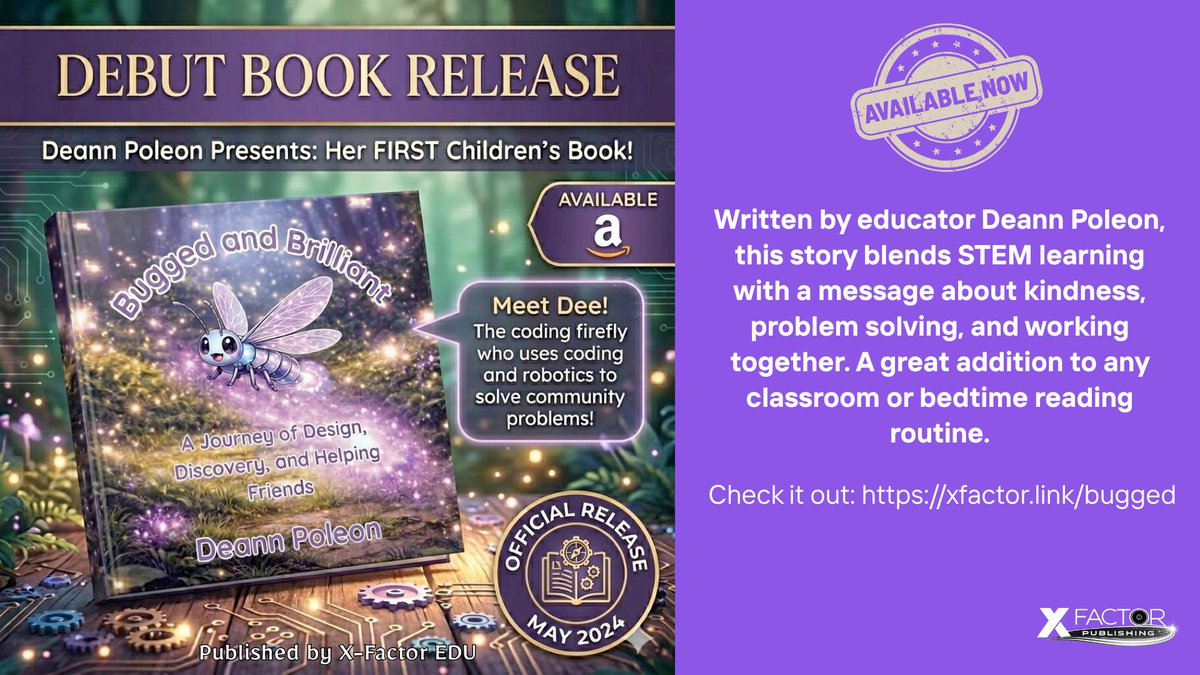
Follow Dee, a small but bright innovator, as she uses design thinking and basic coding ideas to support a friend in need. Through teamwork and creativity, Dee shows that even the smallest ideas can make a big difference.
Check it out: xfactor.link/bugged
@DeannPoleon
2
2
240
Grab your copy of Access First: Because You Never Know Who You Are Helping a.co/d/06csr5km
2
4
102
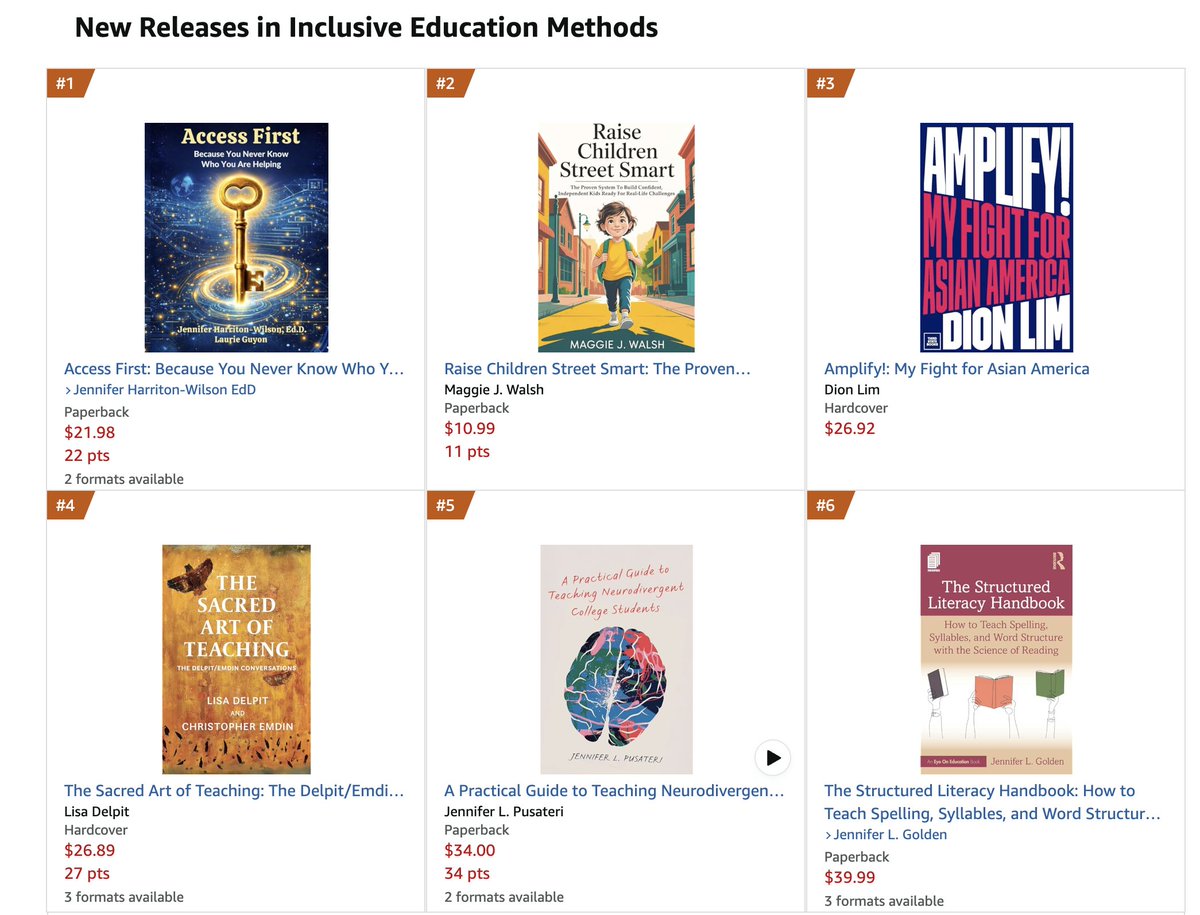
#1 in Inclusive Education Methods! Grab your copy today! xfactor.link/access
#SMILEFactor #SMILELearning #XFactorEDU
ALT Top 6 amazon chart
1
2
202
New book alert!
We are so excited to share ideas for building inclusive, UDL-aligned environments.
Order your copy here: xfactor.link/access
#AccessFirst #UniversalDesign @XFactorEdu
1
60
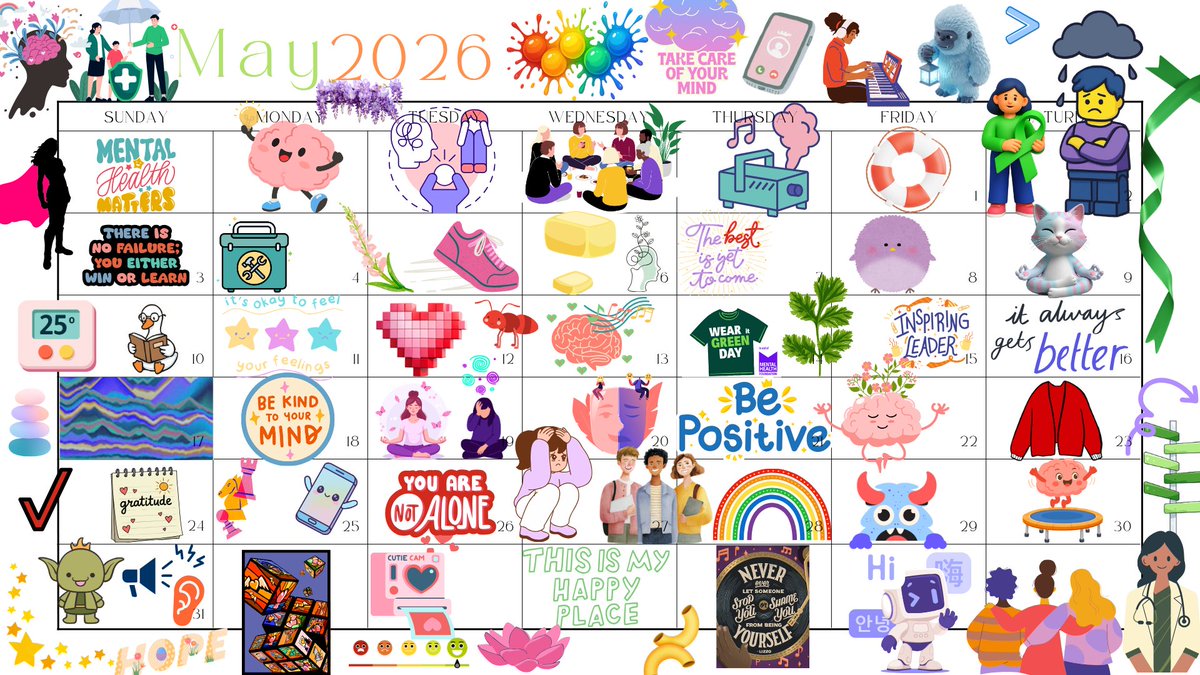
Here is my #MentalHealthAwareness Calendar with 65 links! Click the 2026 to get all the links as a list.
canva.link/2l9cc1rw3l7jl5f
ALT Calendar with images that link to mental health resources
4
59
I am so excited to get my first sweatshirt from here. If you want to help raise awareness about mental health this May, here is your chance!
Get 15% off with this link! dearpersonco.store/LAURIE226…
28
Apr 30
If anyone is interested in getting a discount at DearPersonCo, feel free to use my code dearpersonco.store/LAURIE226… for 15% off any purchase!
43
Laurie Guyon 🐘 retweeted
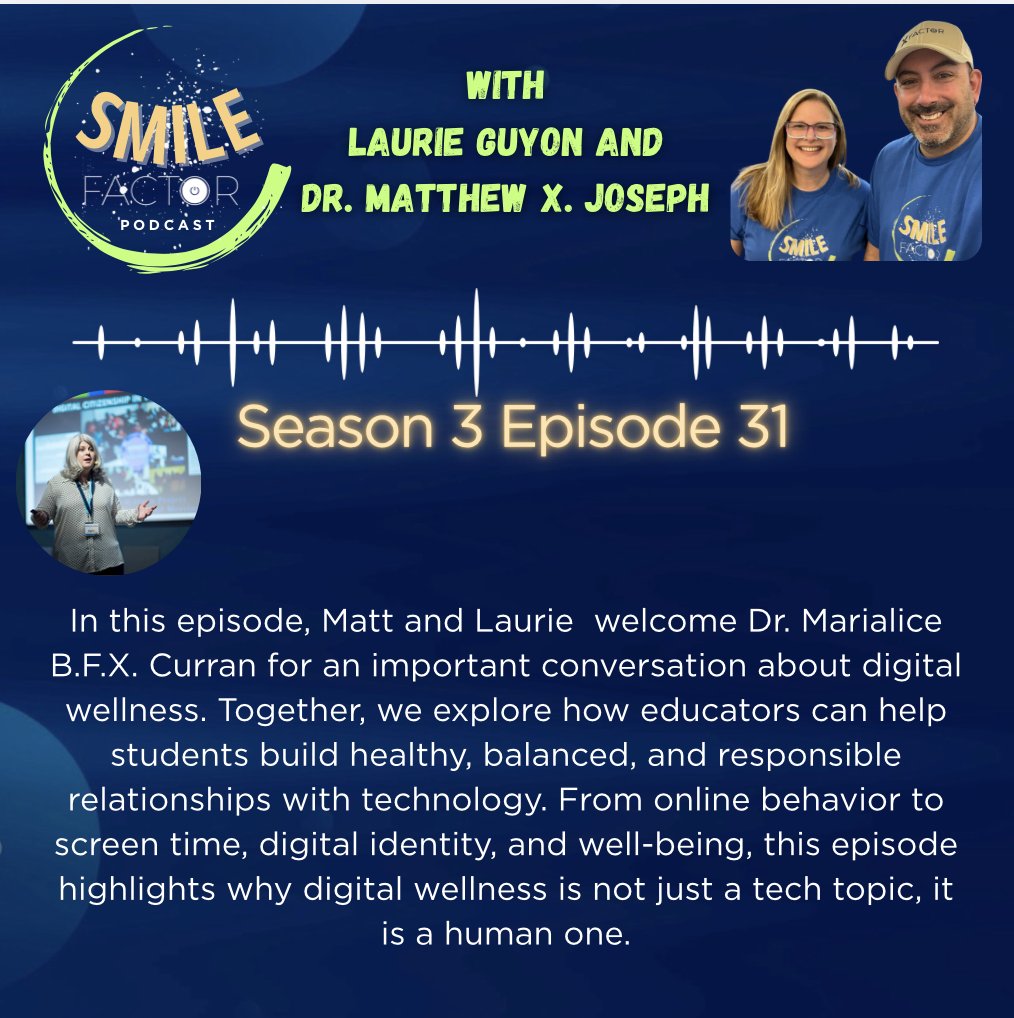
In this episode of Smile Factor, @SMILELearning and I welcome Marialice B.F.X. Curran, Ph.D. for an important conversation about digital wellness.
Have a listen: open.spotify.com/episode/1PN…
1
93

Laurie Guyon 🐘 retweeted

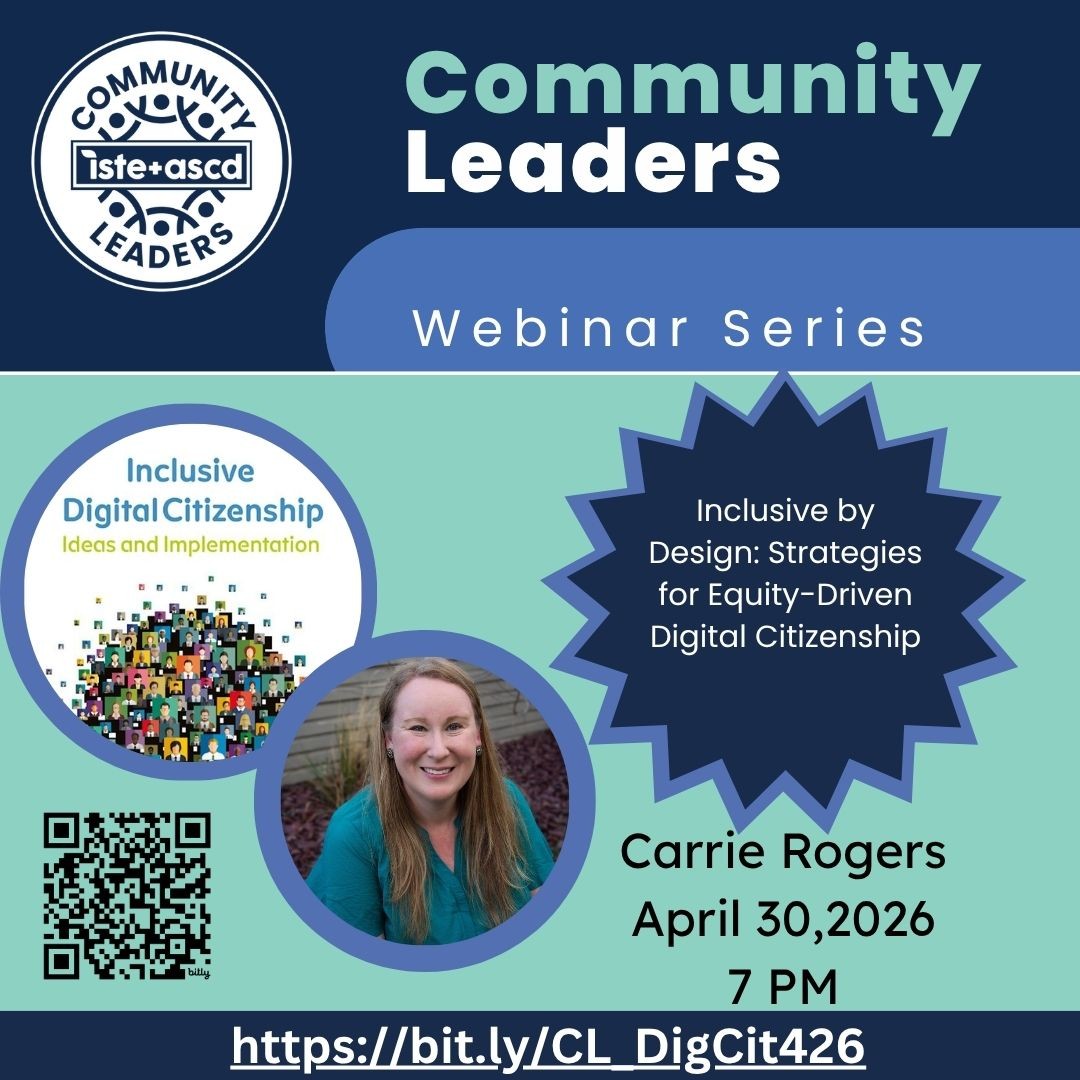
Are you moving beyond "don’ts" in your #DigCit lessons? 🖥️
Join #ISTEauthor Carrie Rogers to learn about The Connection Matrix—a framework for inclusive digital citizenship that reaches every student.
📅 4/30/26 at 7 PM
Register now: bit.ly/CL_DigCit426
@ISTE_ASCD
1
1
6
291
Laurie Guyon 🐘 retweeted

Apr 18
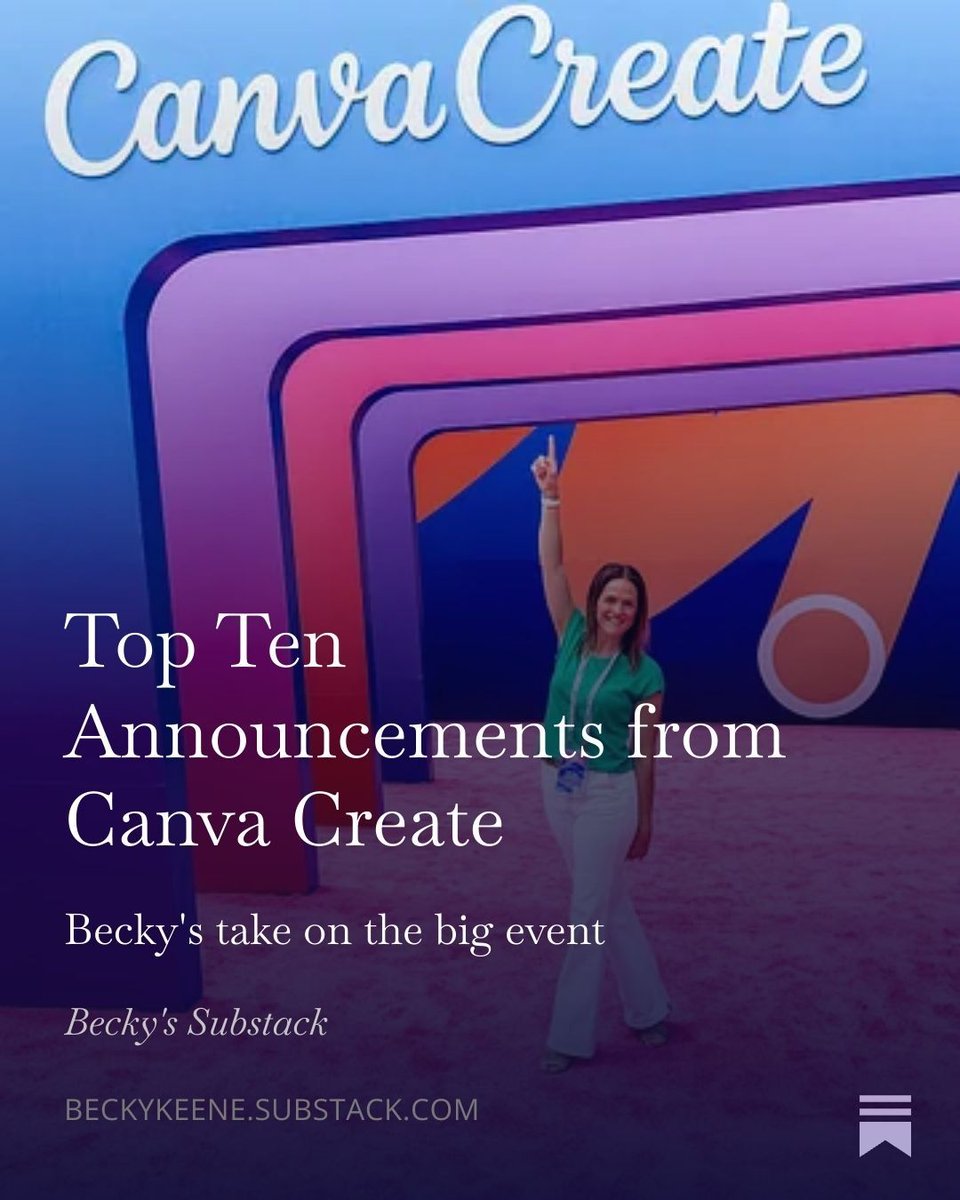
All my thoughts for educators on the big news from Canva Create just went live! Read on my Substack: open.substack.com/pub/beckyk…
6
19
1,503
Laurie Guyon 🐘 retweeted
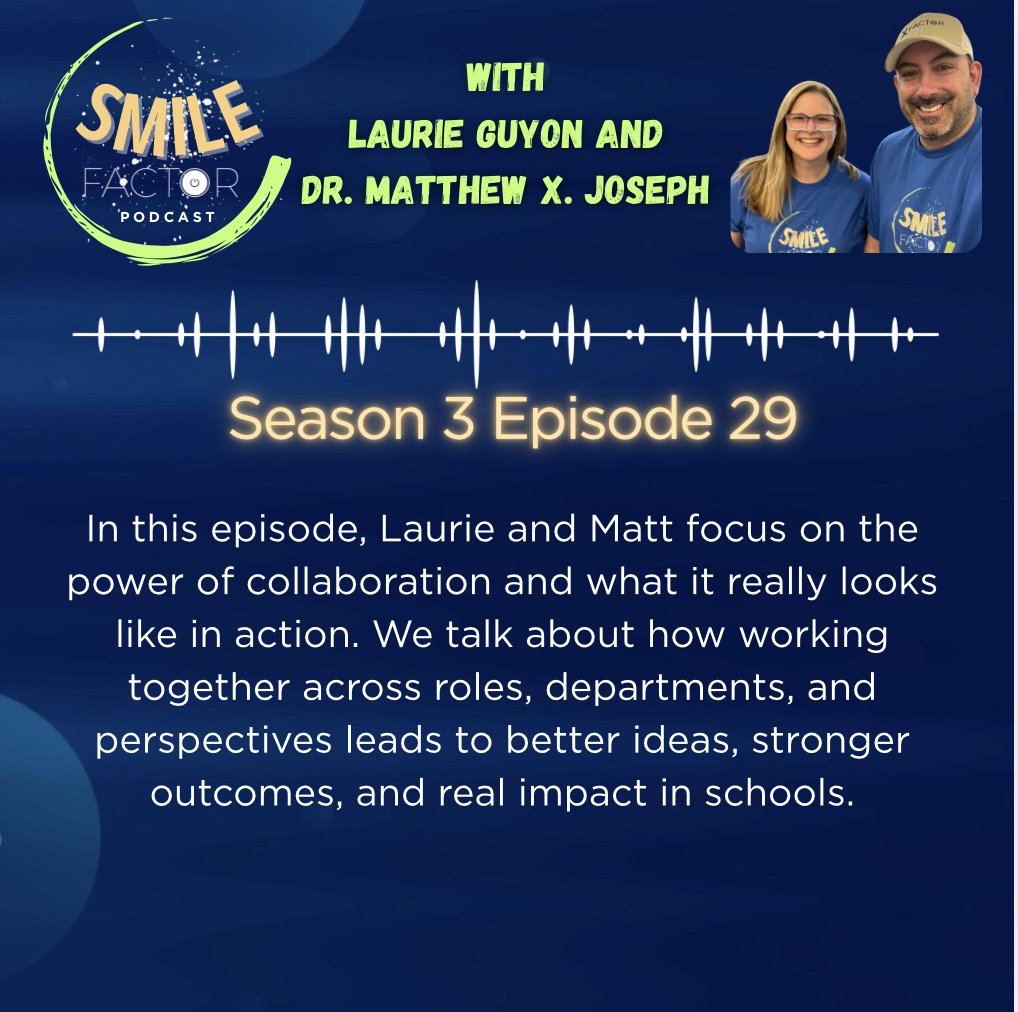
In this episode of #SMILEFactor, @SMILELearning and I focus on the power of collaboration and what it really looks like in action.
Have a listen: open.spotify.com/episode/0UK…
1
97
Laurie Guyon 🐘 retweeted
Apr 14
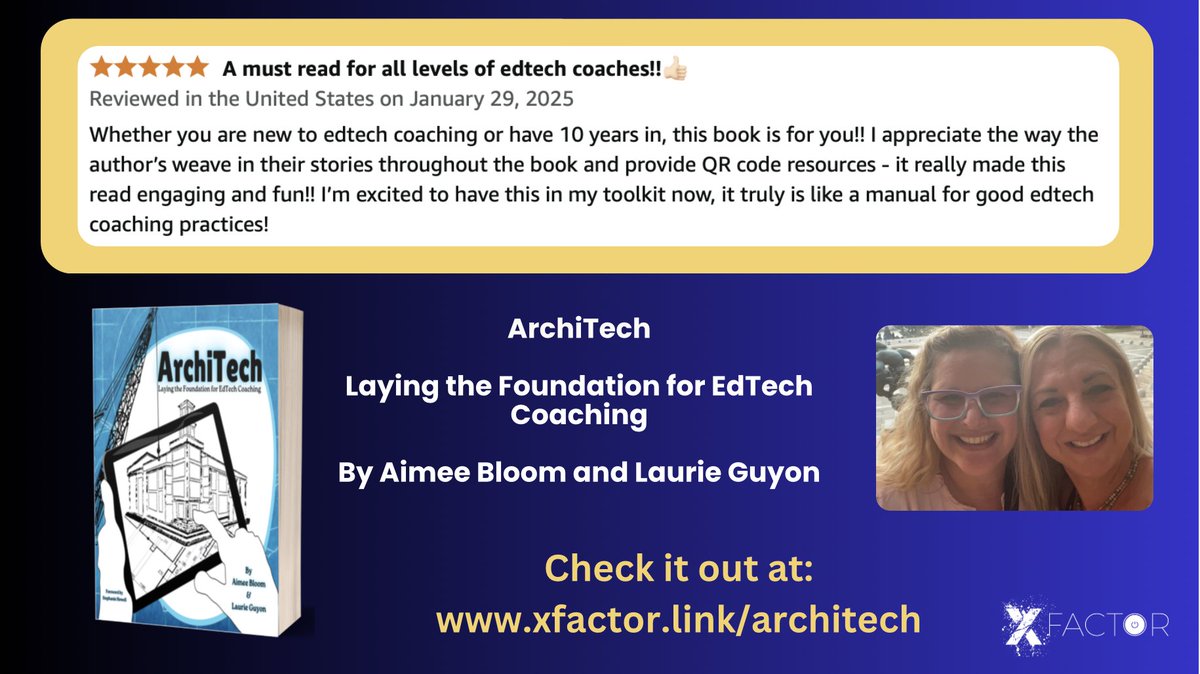
Whether you are new to #edtech coaching or have 10 years in, this book by @SMILELearning @AJBloom2pnt0
is for you!! The author’s weaved in their stories throughout the book and provide resources.
Check it out at: xfactor.link/architech
@MatthewXJoseph @DeannPoleon @NYSCATE
2
2
258
Apr 13
It was a pleasure working with High School teachers around AI concepts at Sullivan Community College. And of course, we used LEGO bricks to explore the concepts! riverreporter.com/stories/tr…
33
Padlet auto-translates posts into over 45 languages so students and parents read in theirs and you read in yours. This is how to do it in 3 clicks:
1) Go to your padlet board and click on (...) at the top right bar.
2) Click on 'Language'.
3) Choose the language you'd like to view the collaborations in.
Done! Same board, no language barrier.
3
6
614
Laurie Guyon 🐘 retweeted
Finding Joy in our work is critical to keep that fire burning. In this episode,@SMILELearning and I explore the importance of self-care for educators and why it is not a luxury, but a necessity.
Full episode here: open.spotify.com/episode/3Qf…
1
88