
#threatintel and #dfir lead @ PwC. Blue team forever. Christian, husband, dad, coffee addict, bad photographer, awful cyclist. Tweets my own, not PwC's.
Joined September 2009
- Tweets 9,628
- Following 828
- Followers 5,048
- Likes 8,490
184 Photos and videos



Kris McConkey retweeted

May 20
If you are dealing with incidents and want quick analysis of which VS Code Extensions are installed, you need to run custom scripts. EDRs most often lack inventories/visibility here.
Sharing a PS1 script to collect all installed extensions from a device.
github.com/Bert-JanP/Inciden…
1
12
52
2,663

On Day 2 of CYBERUK, the NCSC and 15 international partners have issued new guidance to help organisations better defend against activity originating from China-linked covert networks. 🌍 🚨
Find out more⬇️
ncsc.gov.uk/news/defending-a…
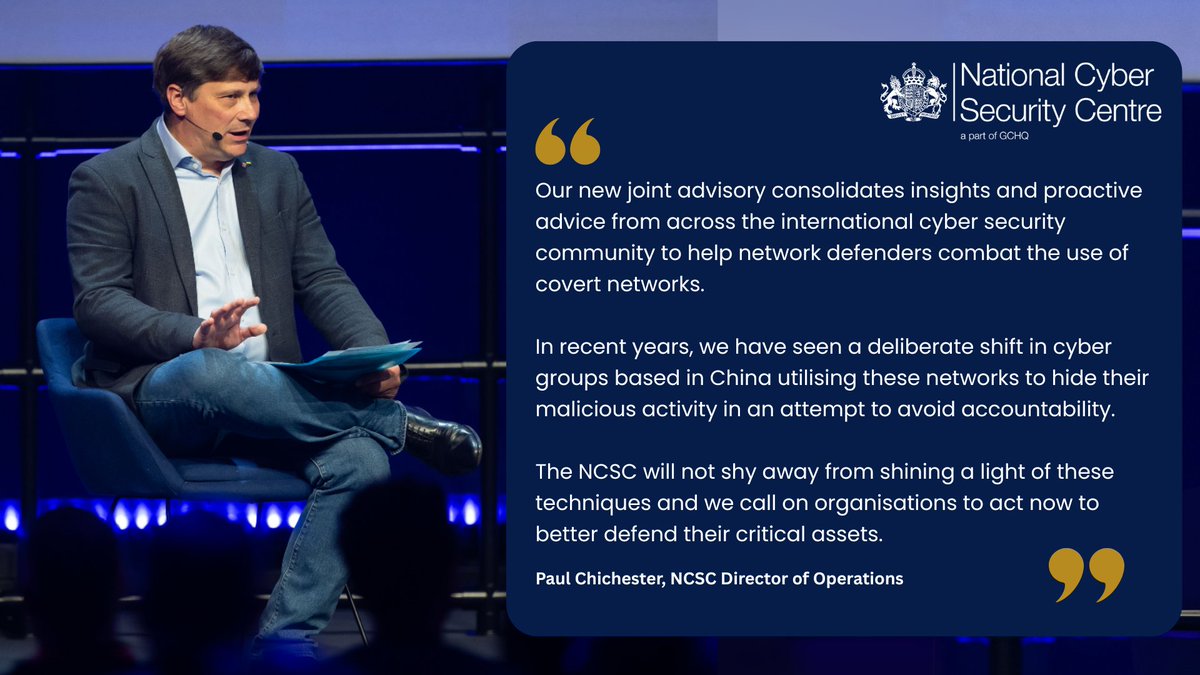
ALT Paul Chichester, NCSC Director of Operations said: “Our new joint advisory consolidates insights and proactive advice from across the international cyber security community to help network defenders combat the use of covert networks. “In recent years, we have seen a deliberate shift in cyber groups based in China utilising these networks to hide their malicious activity in an attempt to avoid accountability. “The NCSC will not shy away from shining a light of these techniques and we call on organisations to act now to better defend their critical assets.”
3
27
37
4,773
Kris McConkey retweeted

Apr 14
Threat Actor: Cluade, compromise this company, be stealthy
Claude:
4
32
2,778
Kris McConkey retweeted

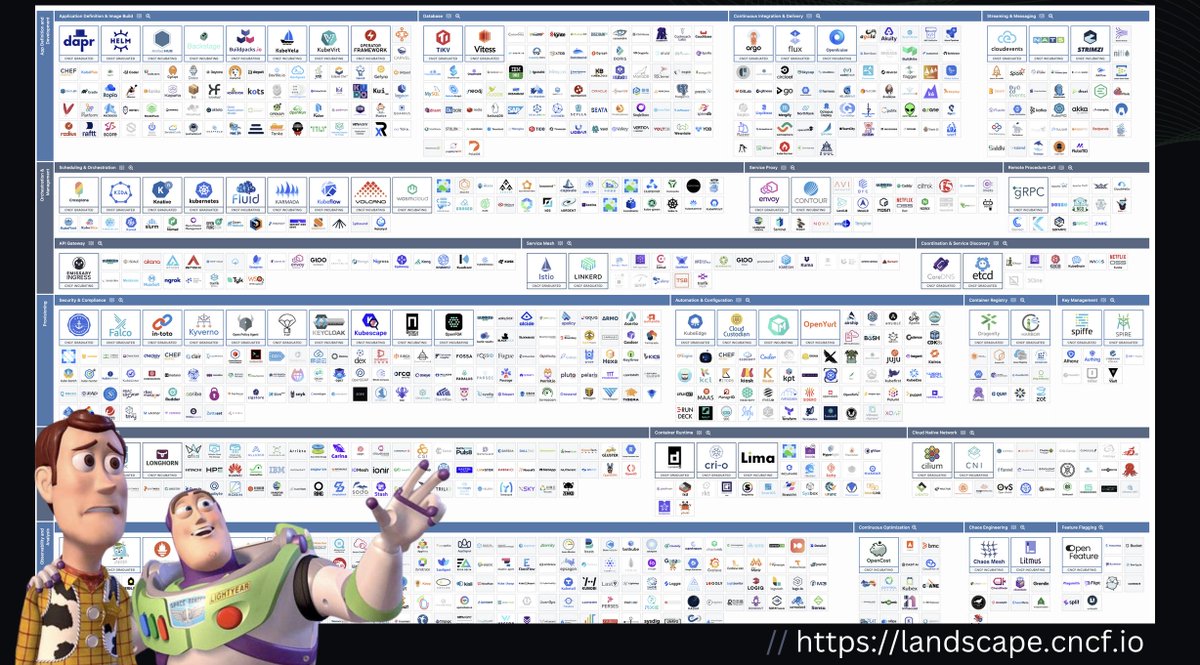
Attack surface.... attack surface everywhere
4
42
284
12,390
Kris McConkey retweeted

Apr 14
🚨 The LABScon 2026 Call for Papers is officially OPEN!
🗓️ Deadline to submit: June 19, 2026
🔗 labscon.io <- find the button here
1
31
43
25,778
Kris McConkey retweeted

Apr 13
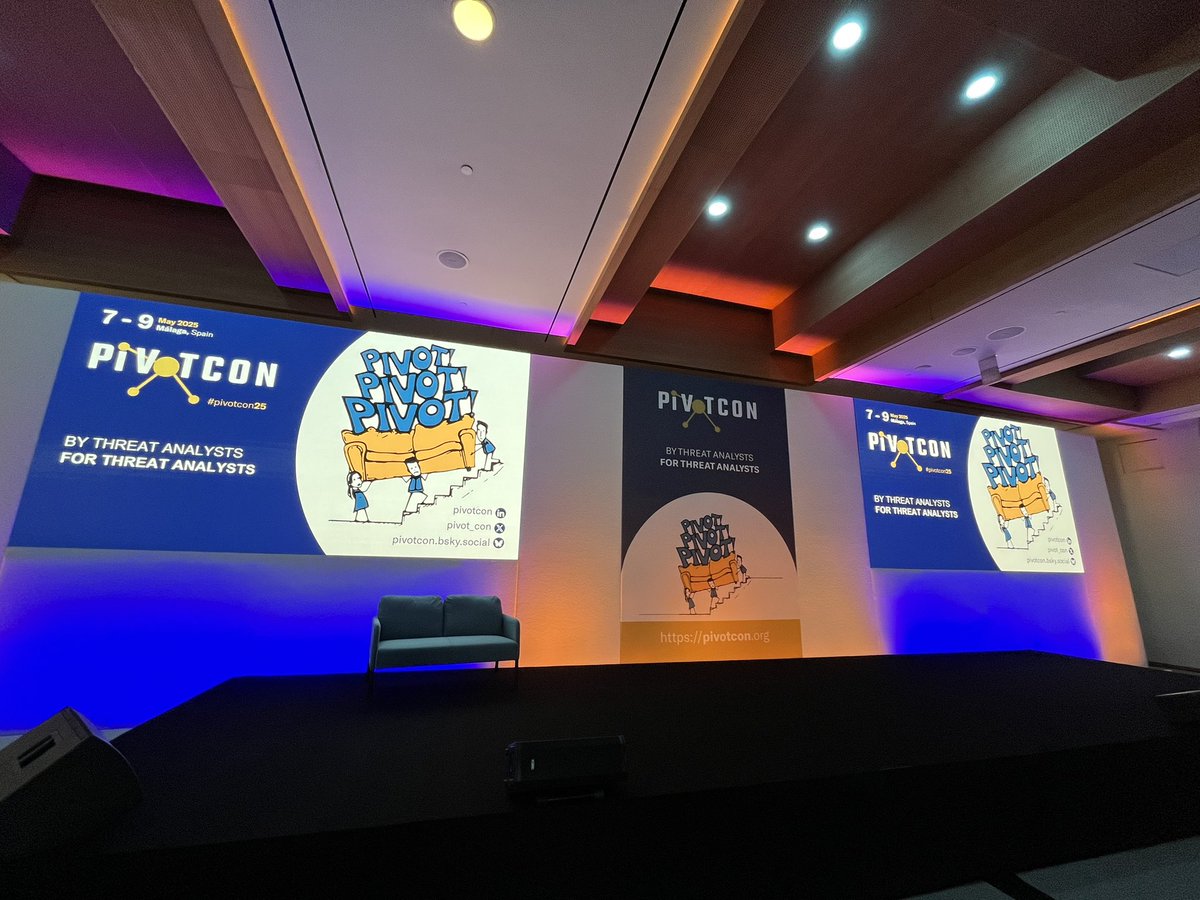
Excited to support @pivot_con again! This year we're hosting a workshop on hunting phishing pages & pivoting across infrastructure. If you're attending, come find us - we'd love to catch up with familiar faces and hear your stories! urlscan.io/blog/2026/04/13/j…

5
21
1,649
Kris McConkey retweeted

There is no easy 'just do' in response to the surfacing of latent vulnerability in technology.
Vendors must make the investment to address, test and then release.
Customers then need to patch.
There is no magic - just a sequence of events which now need to take place..
6
12
960
Kris McConkey retweeted

Mar 10
📣#PIVOTcon26 Agenda is here 🤟 We are thrilled to announce the lineup for this year's speaker lineup.
2⃣days and 19 talks from leading #ThreatResearch experts.
The agenda link is in the first comment👇, and the talks and speakers are in the thread.🧵
#CTI #ThreatResearch
1/15
1
12
22
3,186
Kris McConkey retweeted
Exploitation of Cisco Catalyst SD-WAN
Agencies strongly encourage immediate investigation of potential compromise of Cisco Catalyst SD-WAN, and full updating and hardening.
ncsc.gov.uk/news/exploitatio…
1
10
7
1,001
Kris McConkey retweeted

There’s no need to suffer through the rough patch of indeterministic Claude Code behaviors. Here’s my config to get you started w proper planning, implementation, and review, phased development, decision point documentation, git worktrees, and consensus deep research implemented w deterministic hooks. It’s a WIP. Hope it helps!
github.com/juanandresgs/clau…
4
28
160
22,393
Kris McConkey retweeted

Jan 27
I agree, and that’s what I bet my life on at @knosticai. Prevent your coding agents from deleting your computer/code, detect attacks, find agents, and get an inventory of MCP, extensions, rules, etc.
Jan 27

If I were a CISO at an org full of devs running Claude Code, I’d focus super hard on observability and detection. Use Claude hooks to pipe audit logs to a server you control, and run frequent AI jobs on those logs to look for problems (eg malicious MCP servers).
1
3
777
Kris McConkey retweeted

Jan 19
Nice. @Jhaddix is a legend.
He just published a treasure trove of context to feed your agents to help them produce more secure code.
github.com/Arcanum-Sec/sec-c…
7
82
472
41,246
Kris McConkey retweeted
Jan 20
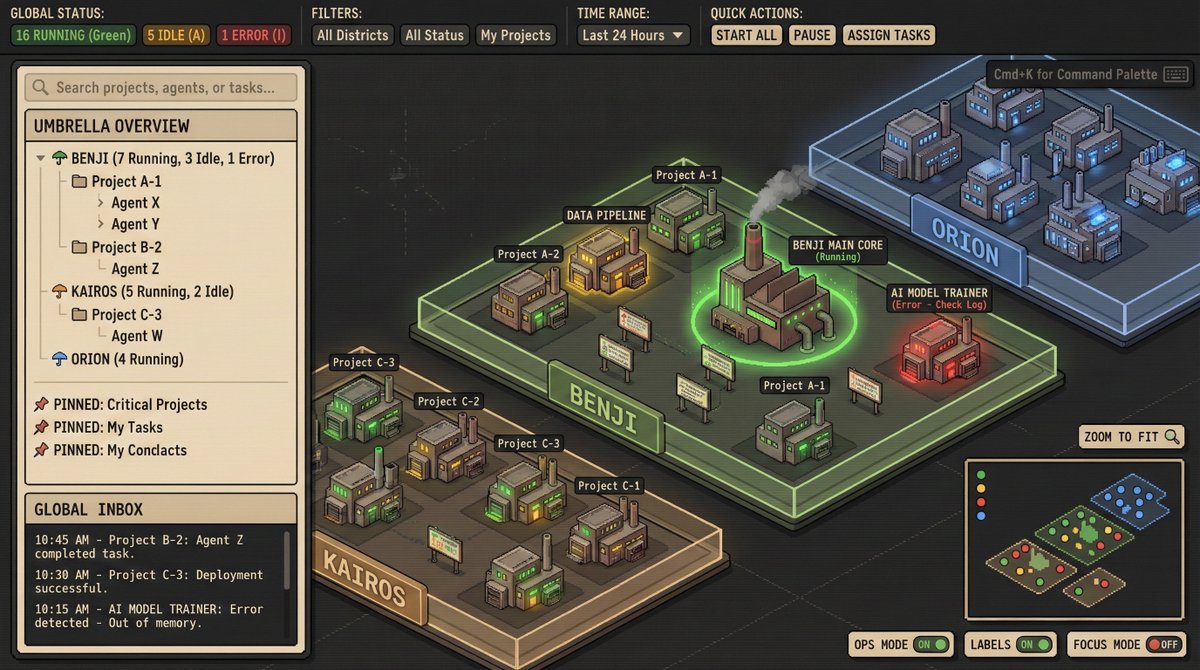
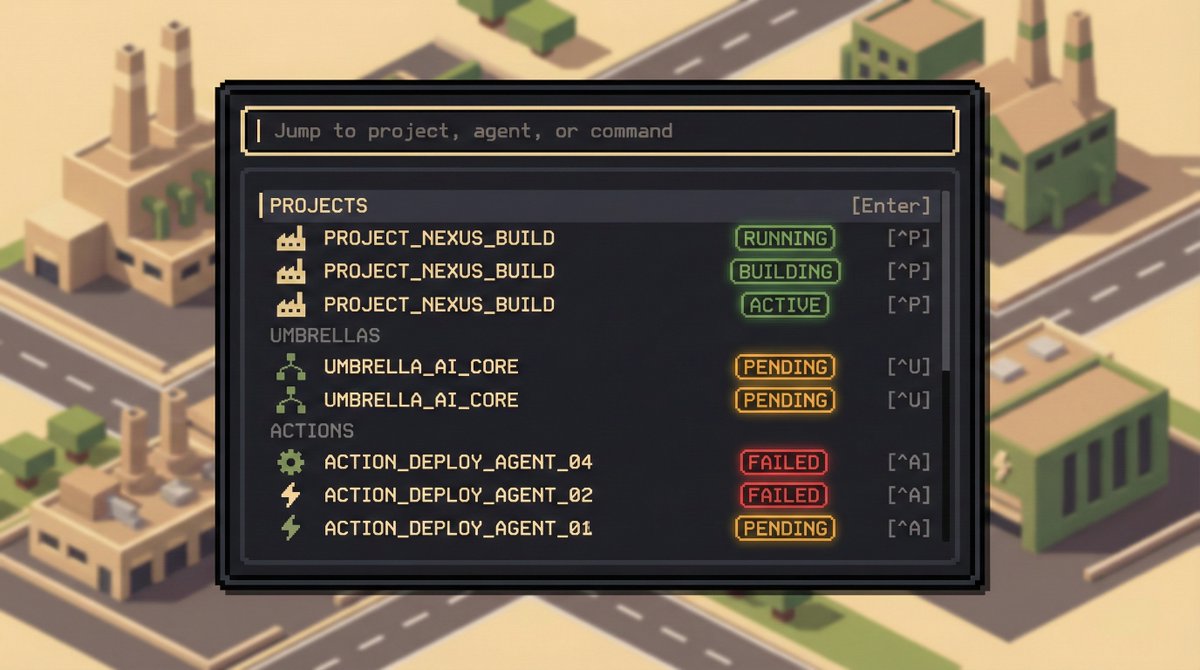
Playing strategy games? You can code. Coding? Manage your code in a strategy game setup. That's the trend from last week. I wonder what will happen next week?
Visualizing agent orchestration is amazing, and will go places.
These two mockups are from @thekitze
1
5
520
Kris McConkey retweeted
Today @NCSC supported by international partners released guidance on Secure connectivity principles for operational technology (OT) - go forth and secure..
Blog:
ncsc.gov.uk/blog-post/design…
Guidance:
ncsc.gov.uk/collection/opera…
#OT #CyberSecurity
1
3
10
1,413
Kris McConkey retweeted

Jan 13
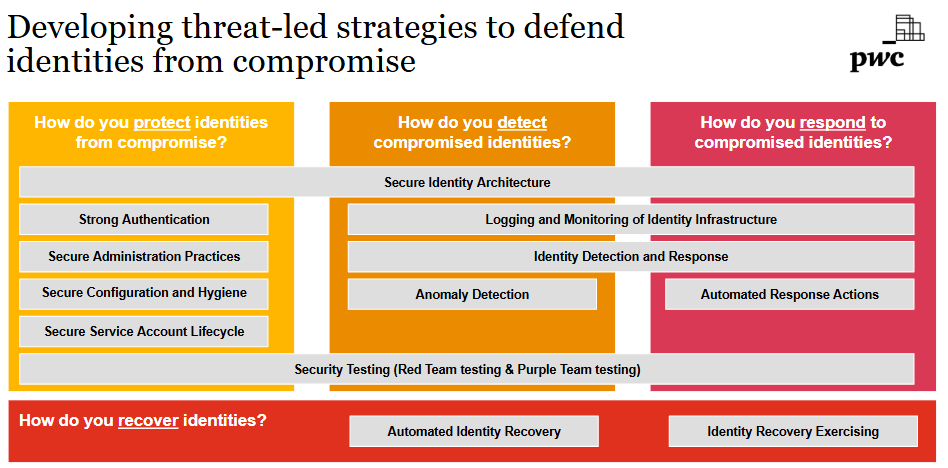
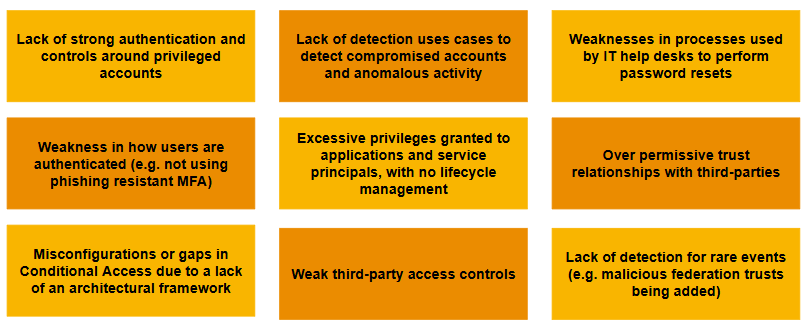
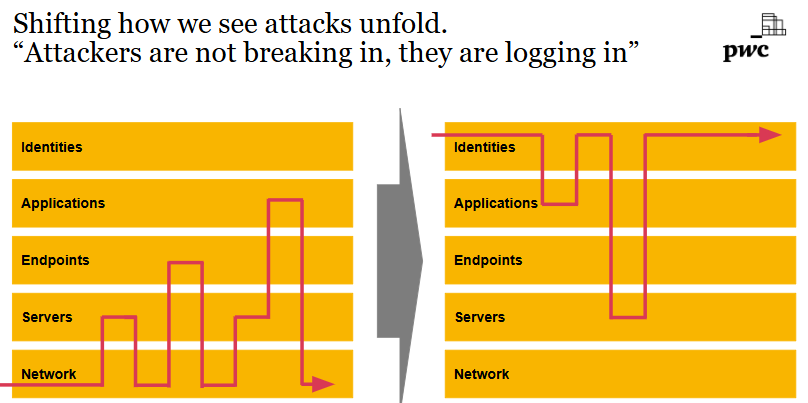
Having responded to probably hundreds of incidents at this point, from ransomware to APT's, in my experience, the lack of knowledge on how to adequately secure Entra applications and service principals continues to be the biggest knowledge gap most defending teams have.
You should be able to securely configure apps, detect compromise of apps and understand how to investigate compromise of apps. It seems overwhelming at first, but it isn't.
Get started like this
Secure them:
•Use managed identities where possible - negates the need for credential handling
•Limit privilege - reduce both the permissions granted and add additional API specific restrictions (i.e don't grant read/write all to all SharePoint sites, just the ones an application needs to access). This includes pushing back on vendors or internal teams that request privilege not required
•High privileged applications should have no direct owners - lower privileged users can be granted direct ownership of an app, don't do this, govern the ability to manage applications via Entra ID roles
•Configure credential restrictions such as requiring shorter lived secrets or enforcing use of certificates
•Remove unused apps and service principals, this can prevent existing high privileged apps being leveraged and reduces your supply chain compromise footprint for multitenant apps
•Monitor risk events for service principals like you would users
Detect compromise of them:
•Alert on application creation or application credential creation - may be noisy in large environments, but a good starting point
•Alert on credentials being added to service principals - credentials generally live on the application object, service principal credential creation should be rare
•Alert on permission consent - this can detect not only malicious activity but permission creep
•Alert on anomalous resource access - does your app usually access only Azure Storage, and suddenly it accesses Microsoft Graph? - this may indicate a compromised credential
•Alert on anomalous ASN or location access - does your app usually access only from a specific ASN or country, and suddenly that changes? - this may indicate a compromised credential
Many of these are covered by Defender for Cloud Apps and other tools out of the box, but it is worth ensuring you are covered down and what they actually mean.
Investigate compromise of them:
Know how to query the following logs and understand the events surfaced
•Entra ID sign in data - filter on service principal sign in events via the Entra portal or Kusto in the Defender XDR portal
•Entra ID audit logs - filter on events related to the service principal via the Entra portal or Kusto in the Defender XDR portal. Service principals can be used to further establish persistence, such as creation of users or additional service principals, rinse and repeat for any malicious additions to your environment
•Microsoft Graph - was the compromised app used to access data via Microsoft Graph? You can query via the Defender XDR portal using Kusto to find these events
•Defender for Cloud Apps - did the compromised app access other M365 services? You can query via the Defender XDR portal using Kusto to find these events
•Unified Audit Log - you can retrieve the events related to the compromised app via the audit functionality inside the Defender XDR portal
16
112
577
63,687
Kris McConkey retweeted

17 Dec 2025
Open Klara released - your own private cloud Yara scanner!
Together with our community member Gajesh, I would like to announce the fork of the KLara project into Open Klara!
We aim to maintain, support and fix future bugs.
Open KLara is a community-driven fork of the original KLara project by Kaspersky Lab, aimed at helping Threat Intelligence researchers hunt for new malware using Yara.
Think of it as your own private Yara scanner where you can setup malware / clean collections on multiple distributed servers and fire up Yara rules, everything centralized with a nice web interface / UI.
For more info, check github.com/xdanx/open-klara
Happy hunting!
1
20
89
11,812
Kris McConkey retweeted

1 Dec 2025
I finally came around and documented all the Conditional Access bypasses in a single blog post. It contains not only the documented bypasses, but also the results of new research.
#Entra #ConditionalAccess #Security #Cheese
cloudbrothers.info/en/condit…
8
153
467
57,182


Kris McConkey retweeted
27 Nov 2025
#PIVOTcon26 #CfP is open and you can submit your proposals till 6 FEB 2026
CfP rules and submissions here: pretalx.com/pivotcon26/cfp
#ThreatIntel #ThreatResearch #CTI
13
16
3,587
Kris McConkey retweeted

I live in the real world and so I’m not really surprised to see this, but I am definitely shocked. As an incident response person, how do you spend all day supporting and watching your customer’s teams cope with the stress and grief of going through a ransomware incident and then turn around and inflict that on others. 🤦♀️😱🤮
4 Nov 2025

In a truly brilliant move, employees from DigitalMint and Sygnia, responsible for handling ransomware negotiations, were indicted for performing ransomware attacks under ALPHV ransomware group.
- Kevin Tyler Martin, ransomware negotiator from DigitalMint
- Ryan Clifford Goldberg, Digital Forensics and Incident Response manager from Sygnia
- Unnamed co-conspirator-1
The motive, per court documents, were the individuals were motivated to "get out of debt".
All 3 men began performing ransomware attacks in May, 2023 and continued performing ransomware attacks until on or around April, 2025. The attacks stopped when the United States Federal Bureau of Investigation approached Ryan Clifford Goldberg regarding the ransomware attacks.
Unsurprisingly, Mr. Goldberg initially denied having any knowledge of the ransomware attacks. However, he cracked during the interview and placed the blame on the currently unnamed co-conspirator. He stated he was recruited by him.
After the interview concluded, Mr. Goldberg and his wife purchased 1-way tickets to France (???). Unsurprisingly (again), he has been detained in France because he is not a citizen of France and France doesn't give a fuck about a non-citizen.
Mr. Kevin Tyler Martin, currently residing in Texas, spoke in 2024 at a technology conference where he spoke about his experiences defending ransomware attacks and handling negotiations.
Both Mr. Goldberg and Mr. Martin have been charged with:
- Violation of the Hobbs Act (18 U.S.C. § 1951) x2
- Computer Fraud and Abuse Act (CFAA), 18 U.S.C. § 1030 (x1)
Under max penalty of law, Mr. Goldberg and Mr. Martin could face as long as 50 years in prison.
1
2
19
4,912