
The official creator and fan support channel for @spring4creators. Have a question about our platform? Need help with an order? Our team are here to help.
Joined December 2020
- Tweets 1,602
- Following 11
- Followers 524
- Likes 93
22 Photos and videos

16 Mar 2022
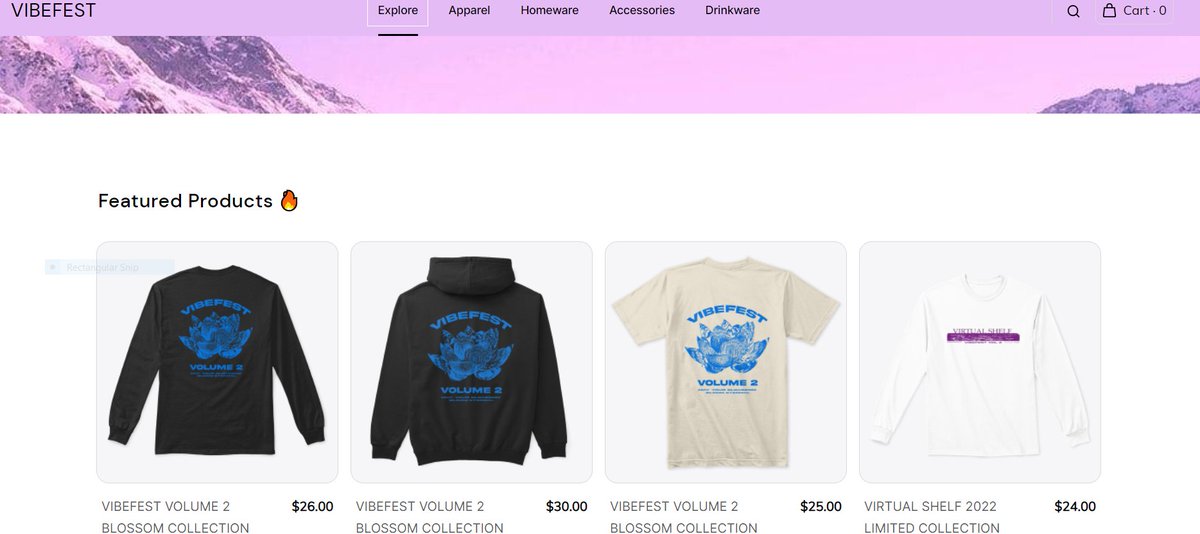
Calling all Spring creators and their fans. We’ve got news: on March 23, we’re closing our fan support page, @spring4fans. Going forward—all your questions will be answered via our main page, @spring_help. We’re hoping it’ll be easier for everyone to get support in one place ✨
15
1
16 Mar 2022
We’ll be saying our final goodbyes on March 23. Make sure you’re following @spring_help. We’ll be on hand to help any time 🤙🏼
1
7 Dec 2021
Due to a widespread outage with the AWS platform, creator response times may be longer than normal/expected. Our teams are working hard to assist everyone as soon as possible, in the meantime contact us at creatorhelp@spri.ng. Thanks for your patience.
4
2
27 Nov 2021
Great news! We have made the appropriate fixes and we’re back to normal. Please reach out to our support team if you experience anything unusual. Thank you again for your patience and understanding.
1
27 Nov 2021
We are currently working with our server provider to get things back up and running. Thanks for your patience and understanding.
1
3
27 Nov 2021
Due to a huge spike in traffic today, we are seeing some creators & fans experience site issues. Our team is working on this and will be back to normal ASAP.
2
9 Nov 2021
Our social support team are online and ready to help Monday - Friday 8:30AM – 9:00PM EST. Learn more about how you can reach us: bit.ly/3bSppae
30 Sep 2021
✔️ Create your holiday collection
✔️ Order samples
✔️ Prep your Cyber Weekend sale
✔️ Get your store holiday-ready
✔️ Prep digital products
Learn more: bit.ly/3idEZ3T
3
4
17 Sep 2021
1⃣Wear them in your posts. Head out to your favorite spot with your friends and get snapping.
2⃣ Use them to promote a sale. Just layer a promo code and the discount amount onto a photo. It works a treat.
3⃣Run a giveaway. All you need to do is mail them to the lucky winner.
1
3
25 Aug 2021
1⃣ Order a sample of your product(s) from the Listings tab on your dashboard
2⃣ Start snapping photos of your products (even better if you wear them in your photos too)
3⃣ Promote your launch using this imagery across your social media profiles (remember to include links)
3
1
3
13 Aug 2021
✔️ Link to your digital products. Platform integrations are perfect for this.
✔️Shout about incentives, like free giveaways or a bonus digital product in your downloadable file.
✔️ Show what your product does by creating imagery with it or explaining it using video content.
1
1
1
5 Aug 2021
The new Instagram Integration will gradually roll out to eligible US creators until the end of the year. If you received an email from Instagram, you’re eligible now. If not, register your interest here. bit.ly/3vRv1Jl
1
5
8 Jul 2021
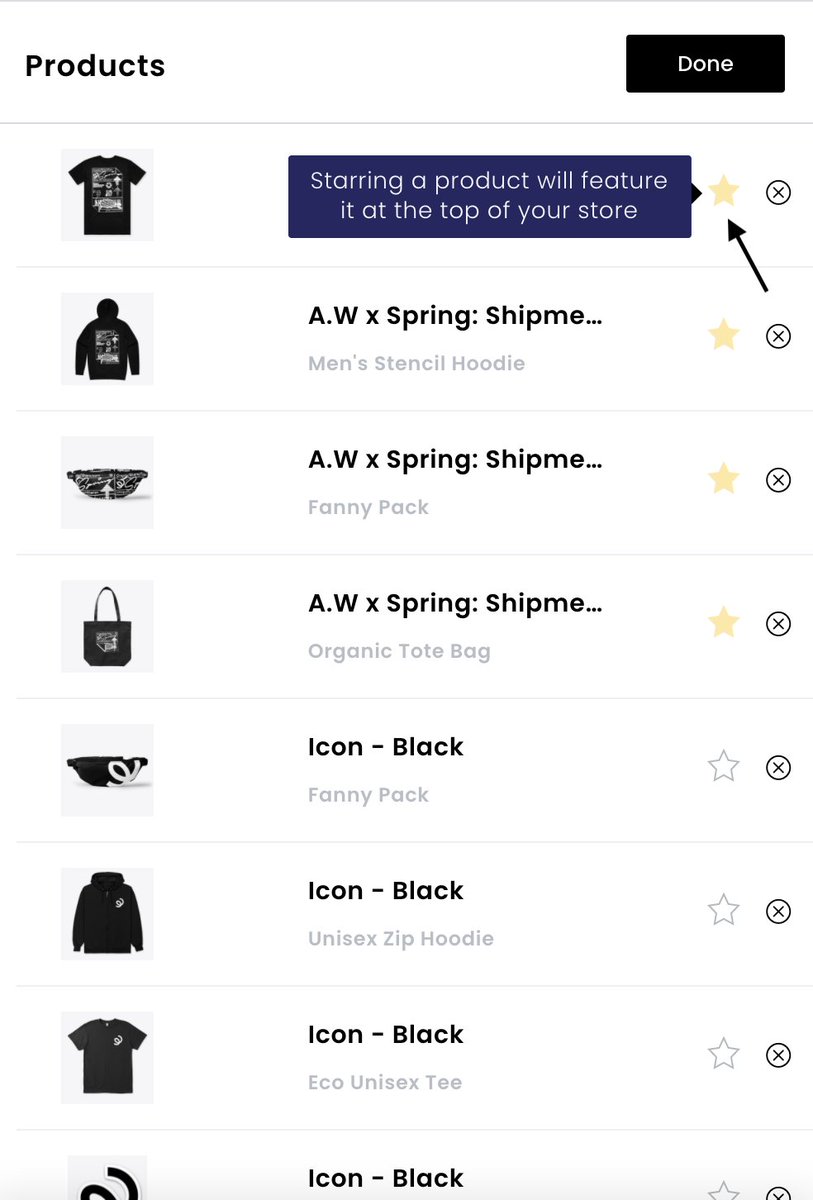
1⃣Share engaging imagery of your products and designs 😍
2⃣Paste a URL to the listing(s) you want to promote so fans can quickly click to shop 🖱️
3⃣ Pin the promo tweet to the top of your profile, so it is the first things your followers see 📌
2
2
8
17 Jun 2021
1. First, Set up a Linktree account.
2: Add a new link in your Linktree account
3: Paste your Spring store URL into the links tab
4. Click “Show me more,” then select “Show my shop on Linktree”
Learn more about our Linktree integration here: bit.ly/3ibuNd3
1
3
17 Jun 2021
We’re aware that some creators are experiencing issues relaunching their listings. Our team is investigating the issue, and we will update you as soon as this has been resolved. Thank you for your patience.
2
1
4
13 Jun 2021
Website update: our team will be performing database maintenance on the morning of June 14th between 12:00am and 1:00am EST. During this time spri.ng/, stores, dashboards and listing pages will not be accessible. We thank you for your understanding!
1
3
27 May 2021
Our top tip: consistently post content about your products on social media. Take advantage of Spring’s social integrations and be sure to link to your products. For examples of best practices across all platforms, check out our creator resources: bit.ly/3uAEJ2p
1
1
5
17 May 2021
We’re aware that some creators are experiencing slight delays in PayPal payout requests being processed. Our team are investigating the issue, and we will update you as soon as this has been resolved. Thank you for your patience!
2
2
6
18 May 2021
The issue with PayPal payout requests has now been resolved and everything is operational. Thanks again for your patience, and we apologize for the inconvenience caused!
1
2
4
14 May 2021
Short answer: There’s tons. The best online tools to start with are @placeitapp and @Canva. Subscriptions are available for both, but you can access hundreds of free templates and design mock-ups. Learn more: bit.ly/2QNGVpp
2
6