Joined January 2025
- Tweets 111
- Following 60
- Followers 10
- Likes 69
9 Photos and videos


Pinned Tweet

15 Jan 2025
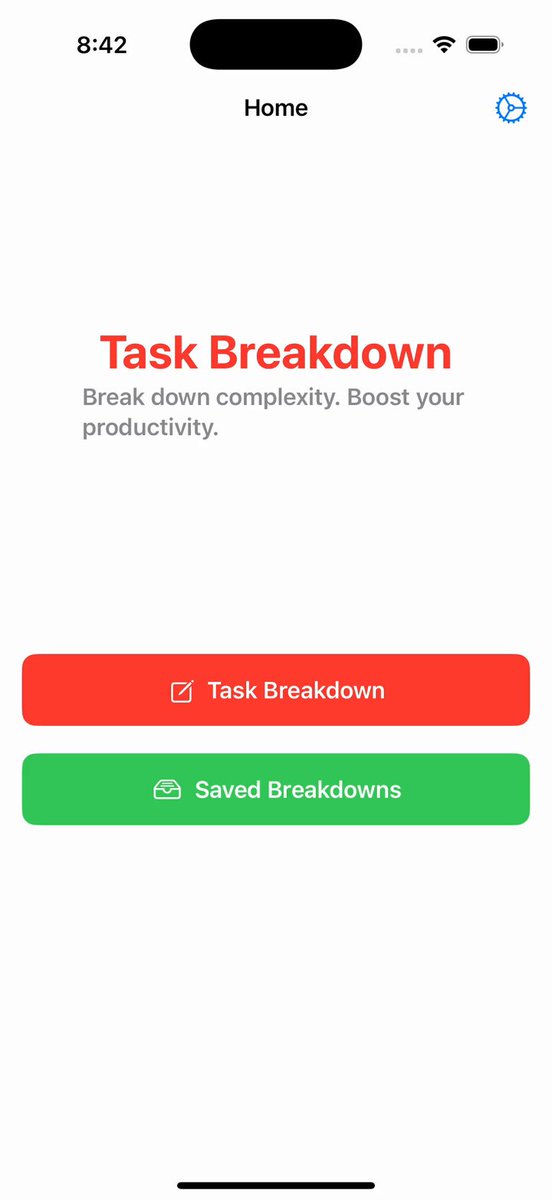
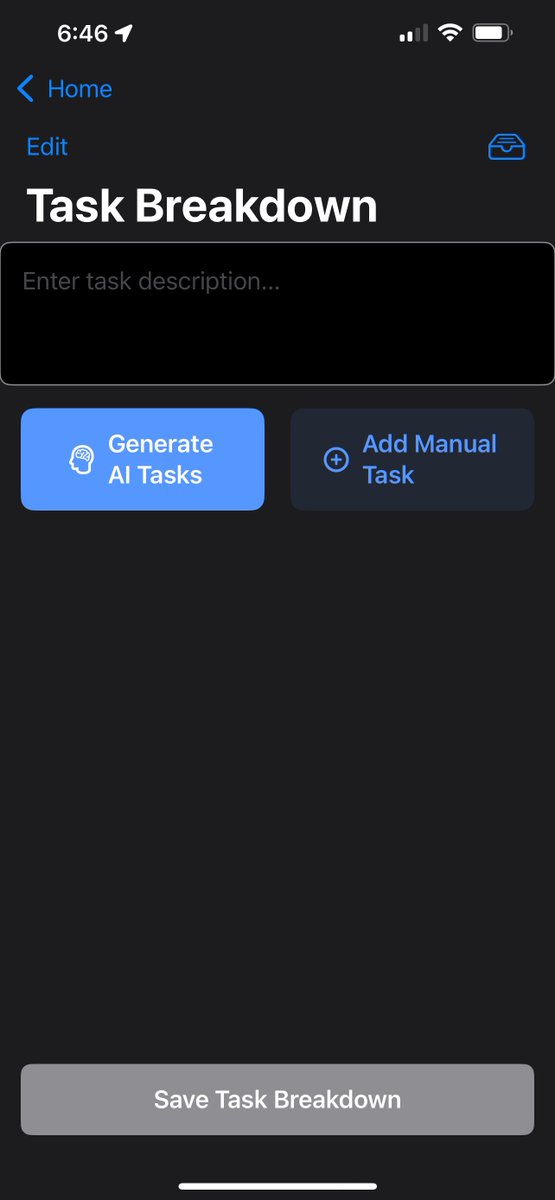
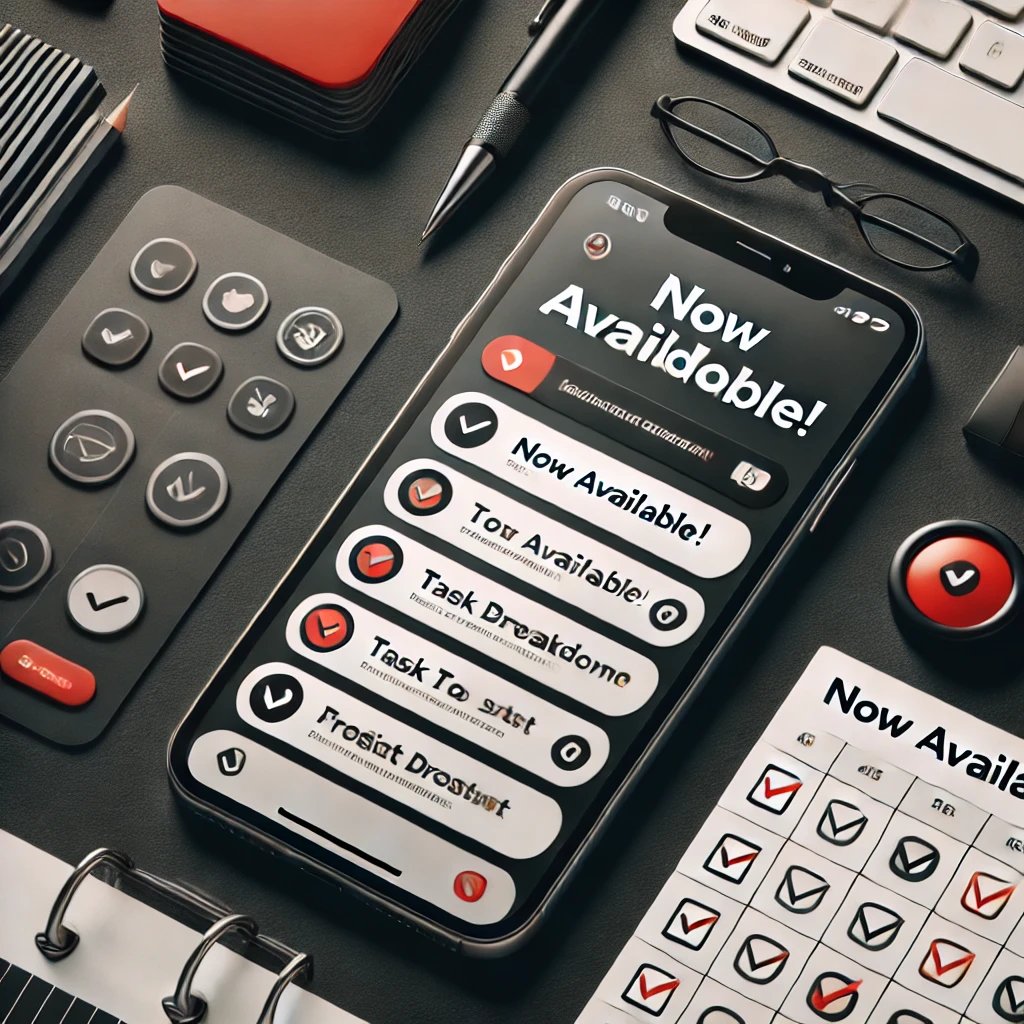
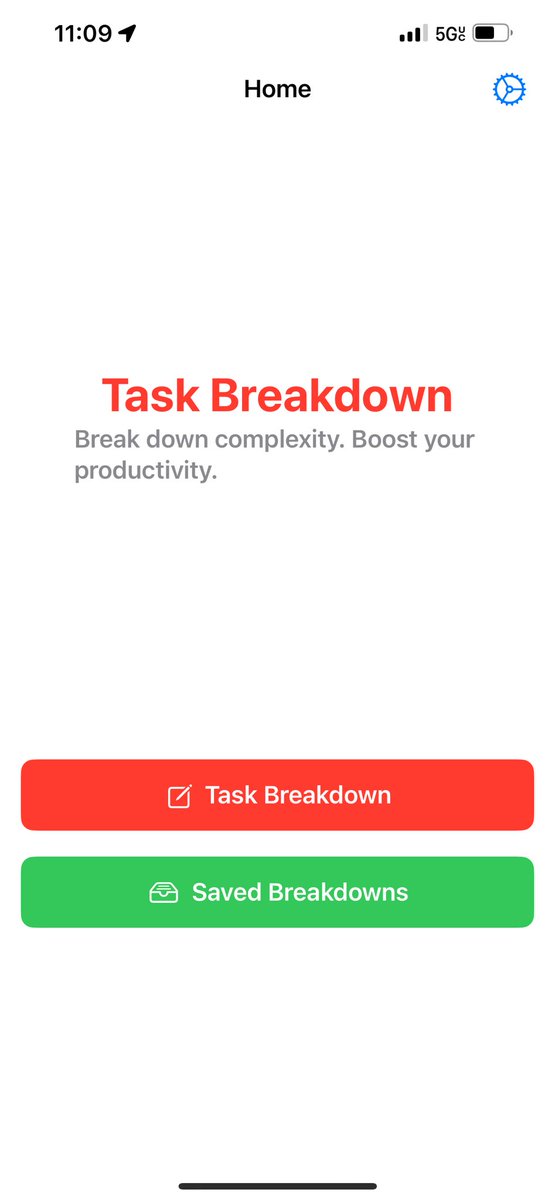
The wait is over! 🚀 Task Breakdown is now available on the App Store! Simplify complexity and boost productivity—download now and transform how you manage your tasks. 💼✨
📲 Get it here: apps.apple.com/us/app/task-b…
#Productivity #TaskManagement #AppLaunch
1
1
2
90
28 Feb 2025
Which productivity habit has made the biggest impact on your life?
✅ Breaking tasks into steps
⏳ Time-blocking
🚀 Automating small tasks
6
22 Feb 2025
What’s your productivity style?
🔥 Structured planner
🌊 Go with the flow
🛠️ Mix of both
8
22 Feb 2025
What’s the hardest part of getting things done?
📌 Starting tasks
⏳ Staying focused
🚀 Managing priorities
5
21 Feb 2025
Overwhelmed by a massive to-do?
Task Breakdown’s AI Suggestions Screen helps you turn chaos into clear, actionable steps.
Get started today: apps.apple.com/us/app/task-b…
3
21 Feb 2025
What’s your go-to method for staying on top of your tasks?
📌 To-do lists
⏳ Time-blocking
🚀 Breaking tasks into steps
2
20 Feb 2025
Feeling overwhelmed?
Task Breakdown’s AI Suggestions Screen helps you instantly turn big projects into clear, manageable steps.
Get started today: apps.apple.com/us/app/task-b…
7
20 Feb 2025
What’s the best productivity tip you’ve ever received?
💡 Batch tasks
⏳ Time-block your day
🚀 Break tasks into small steps
Drop your go-to strategy in the replies!
4
19 Feb 2025
Turn complexity into clarity.
Task Breakdown’s AI Suggestions Screen helps you organize big ideas into actionable steps—so you can stop overthinking and start doing.
Try it today: apps.apple.com/us/app/task-b…
6
18 Feb 2025
Some people use time-blocking.
Others swear by breaking tasks into micro-steps. What’s YOUR best focus trick?
Share your favorite strategy below!
1
10
18 Feb 2025
Task Breakdown’s AI Suggestions Screen helps you turn complex projects into simple, step-by-step action plans.
Start now: apps.apple.com/us/app/task-b…
3
18 Feb 2025
Your to-do list isn’t a measure of how much you should do—it’s a tool to help you focus on what truly matters.
How do you decide what makes the list?
4
17 Feb 2025
Feeling stuck?
Task Breakdown’s AI Suggestions Screen helps you transform overwhelming tasks into simple, actionable steps—so you can stop planning and start doing.
Try it now: apps.apple.com/us/app/task-b…
3
17 Feb 2025
Feel like your to-do list is out of control?
Start by separating urgent tasks from important ones, then break each into three simple steps.
Visualize your priorities and tackle them one by one.
5
17 Feb 2025
Let’s test your focus:
✅ Choose ONE task from your list
⏳ Set a 20-minute timer
🚀 Work without distractions
Comment below when you’re done
6
16 Feb 2025
Lost in a sea of tasks?
Task Breakdown’s AI Suggestions Screen helps you sort, prioritize, and take action—so you can work with clarity.
Try it today: apps.apple.com/us/app/task-b…
1
16 Feb 2025
What’s your go-to trick for getting things done?
🔹 Breaking tasks into steps
🔹 Setting time limits
🔹 Eliminating distractions
Reply with your favorite method!
3
15 Feb 2025
Too many tasks, too little time?
Task Breakdown’s AI Suggestions Screen helps you simplify your workflow by turning complex projects into clear steps.
Try it now: apps.apple.com/us/app/task-b…
6
14 Feb 2025
Overthinking kills productivity.
Task Breakdown’s AI Suggestions Screen helps you map out clear, simple steps—so you can stop stressing and start doing.
Try it now: apps.apple.com/us/app/task-b…
1
8
13 Feb 2025
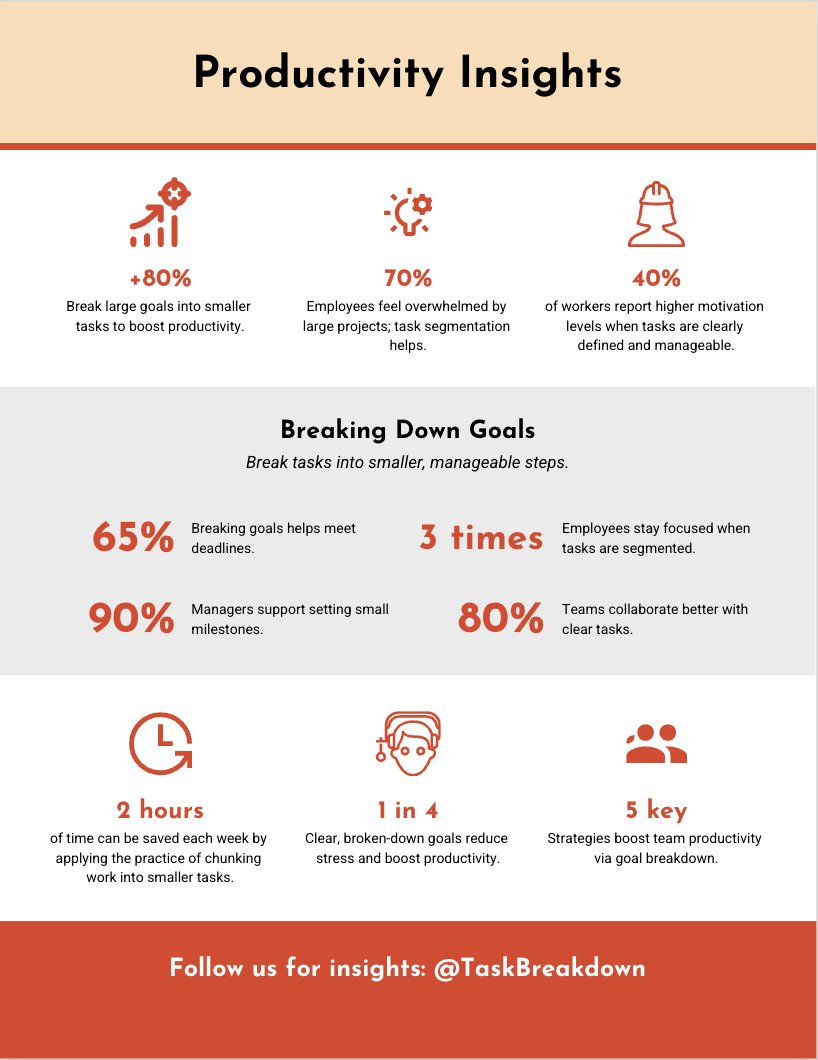
Did you know that breaking down your tasks doesn’t just increase productivity—it can reduce stress and boost creativity?
When your mind is free from overwhelm, it’s free to innovate. Give it a try: apps.apple.com/us/app/task-b…
7
13 Feb 2025
What’s your biggest productivity challenge right now?
⏳ Staying focused
📌 Breaking tasks down
🚀 Finishing what you start
Reply below—we’d love to hear from you!
6