K12 Educators teaching young learners to read 📚, this one’s for you 🥳! The newest #ChromeOS update supports students tackling reading longer text passages, with natural-sounding text-to-speech (TTS) voices. Read more about the newest #a11y feature goo.gle/3xvGp4w
ALT Video previews natural sounding text-to-speech options in reading mode in Chrome browsers
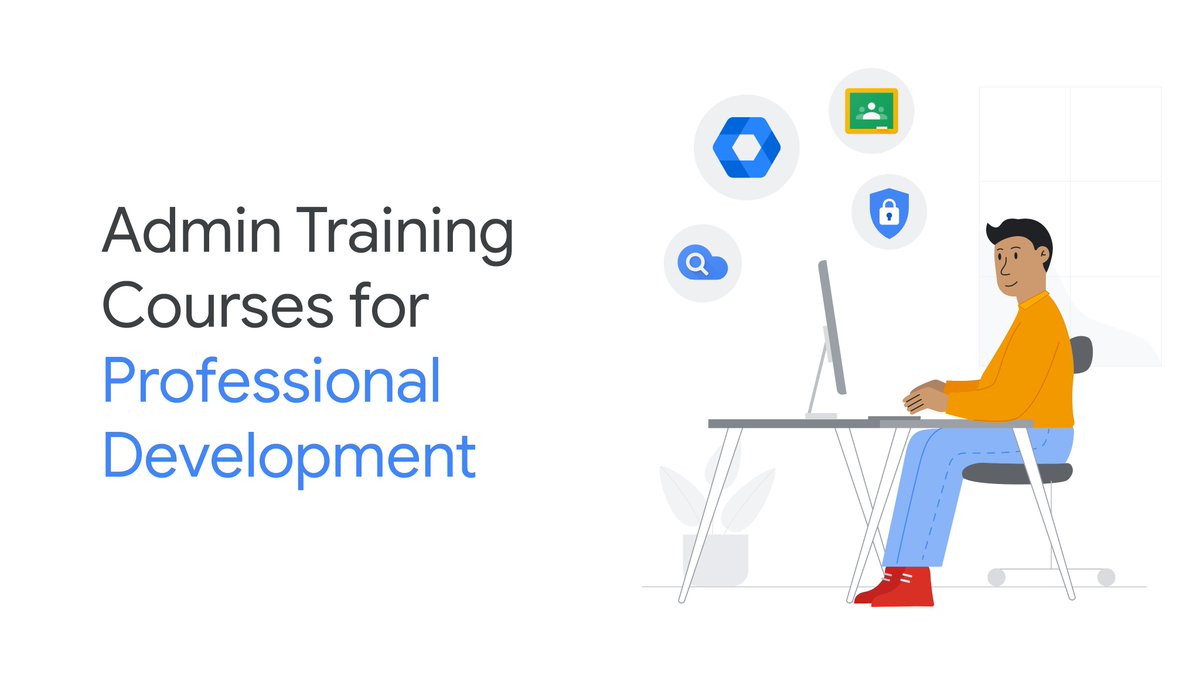
Hey Admins 👋. Ready to level up your IT admin skills 🚀?
Explore this catalog full of training courses designed to help enhance your expertise, and provide guidance on ways your institution can be better connected, safer and digitally empowered 💻💡goo.gle/40EU83b
ALT Illustration of an admin sitting on a desk on their computer surrounded by different logos like Google Classroom and Search.
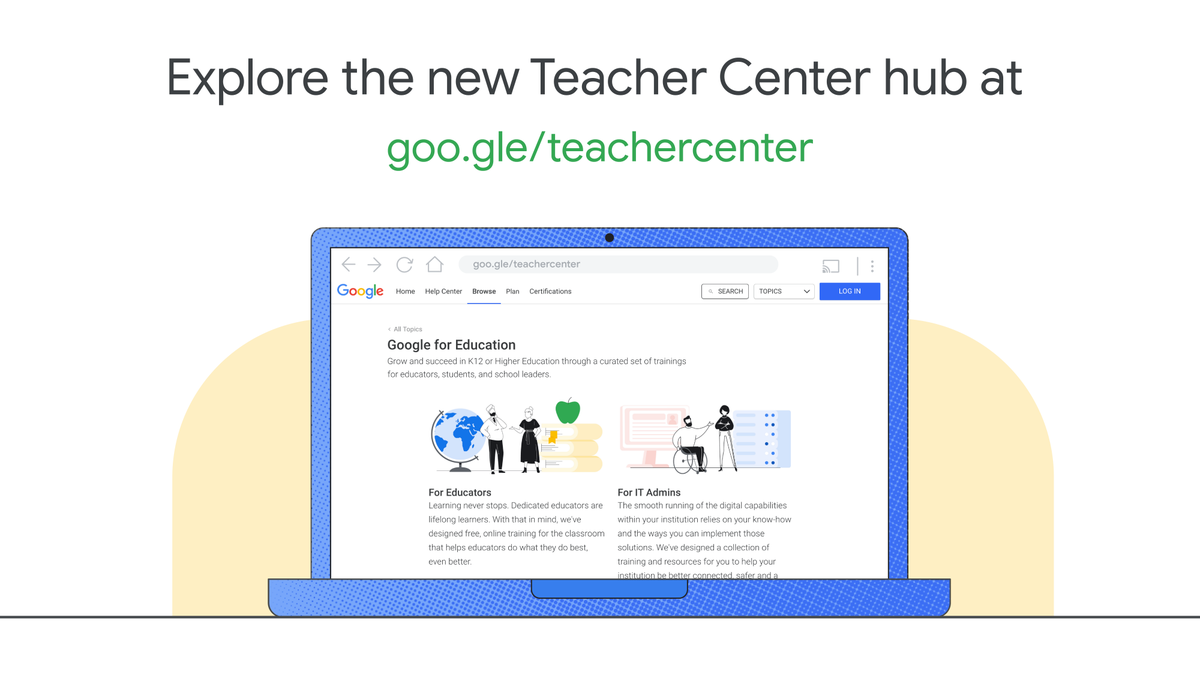
This is your sign to stop 🛑 and explore 🔎 some free, online resources to better support your classroom! Check out the new Teacher Center Hub and discover available certifications, trainings, lessons, and more 🤩: goo.gle/47h97mb
ALT Illustration of a computer with the screen of the new teacher center hub. Visual copy says, “Explore the new Teacher Center hub at goo.gle/teachercenter”
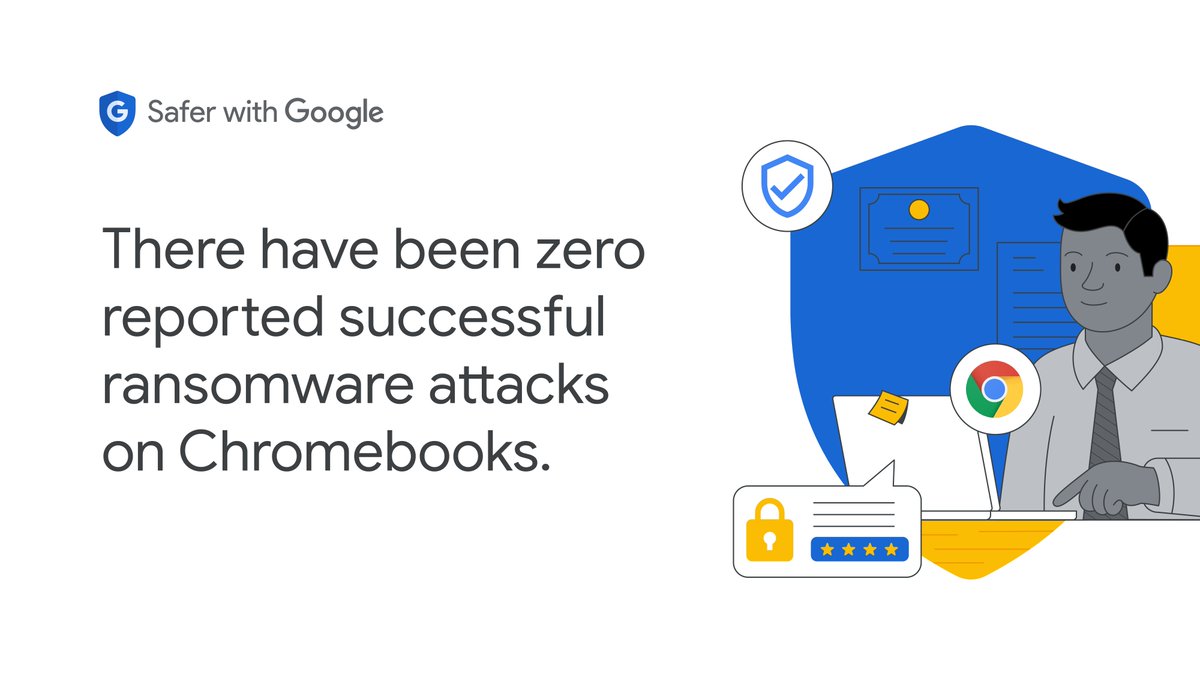
For #CybersecurityAwarenessMonth, we’re sharing a few highlights from our K-12 Cybersecurity Guidebook to help keep schools’ data secure and digital learning environments safe. Check out these best practices → goo.gle/3FouPIV
ALT White image with text on the left that says, “There have been zero reported successful ransomware attacks on Chromebooks.” Image on the right shows a person on a laptop with a Google Chrome logo and an illustration of a lock and password.
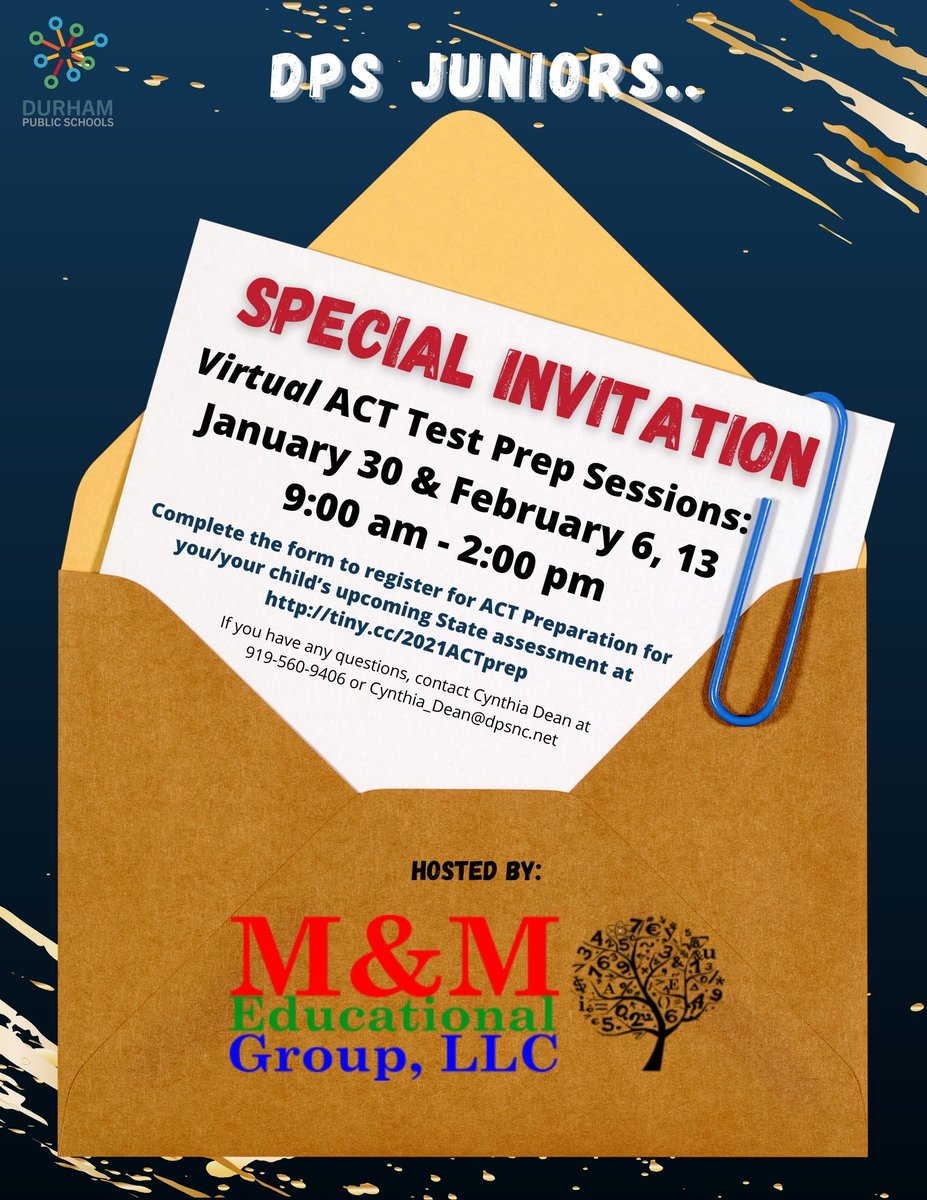
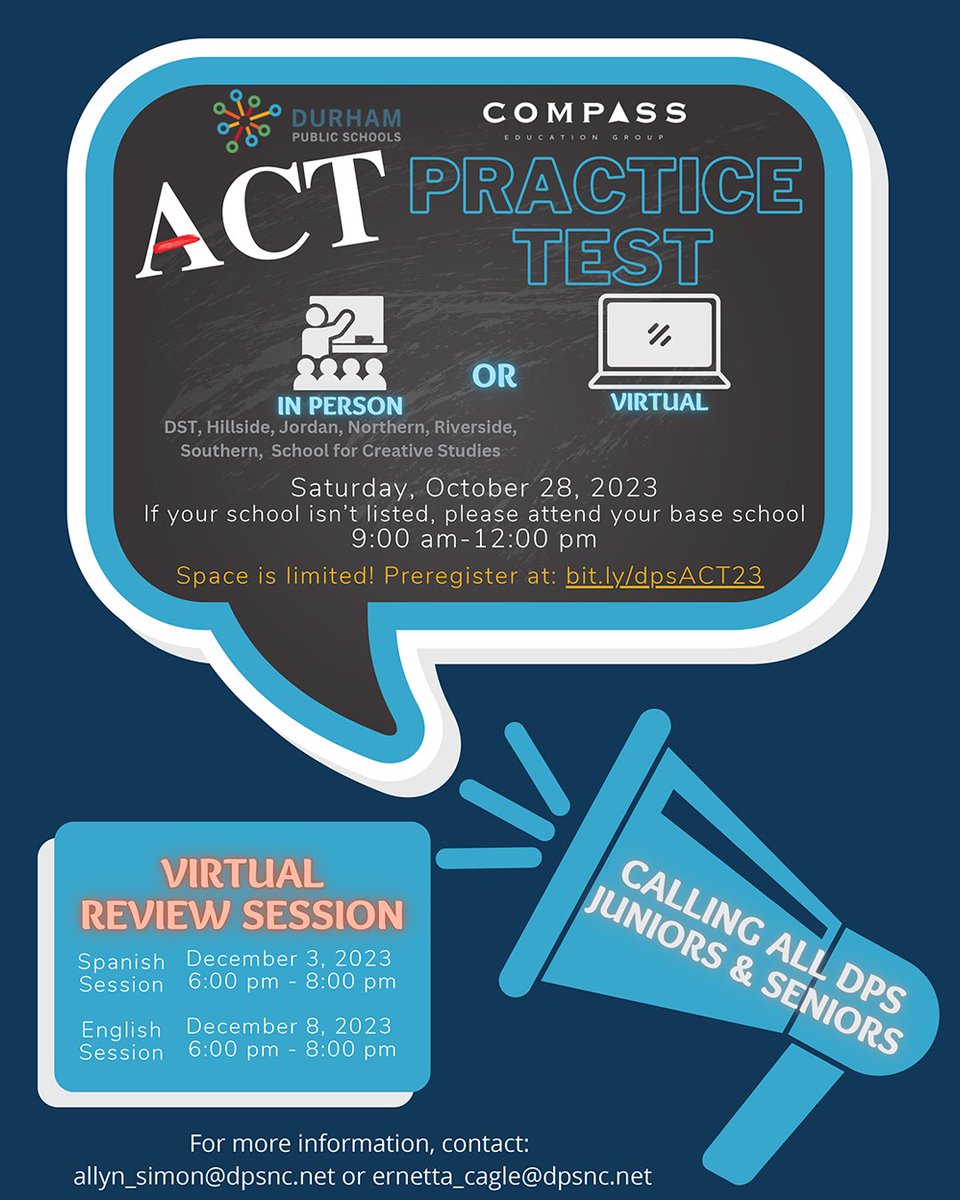
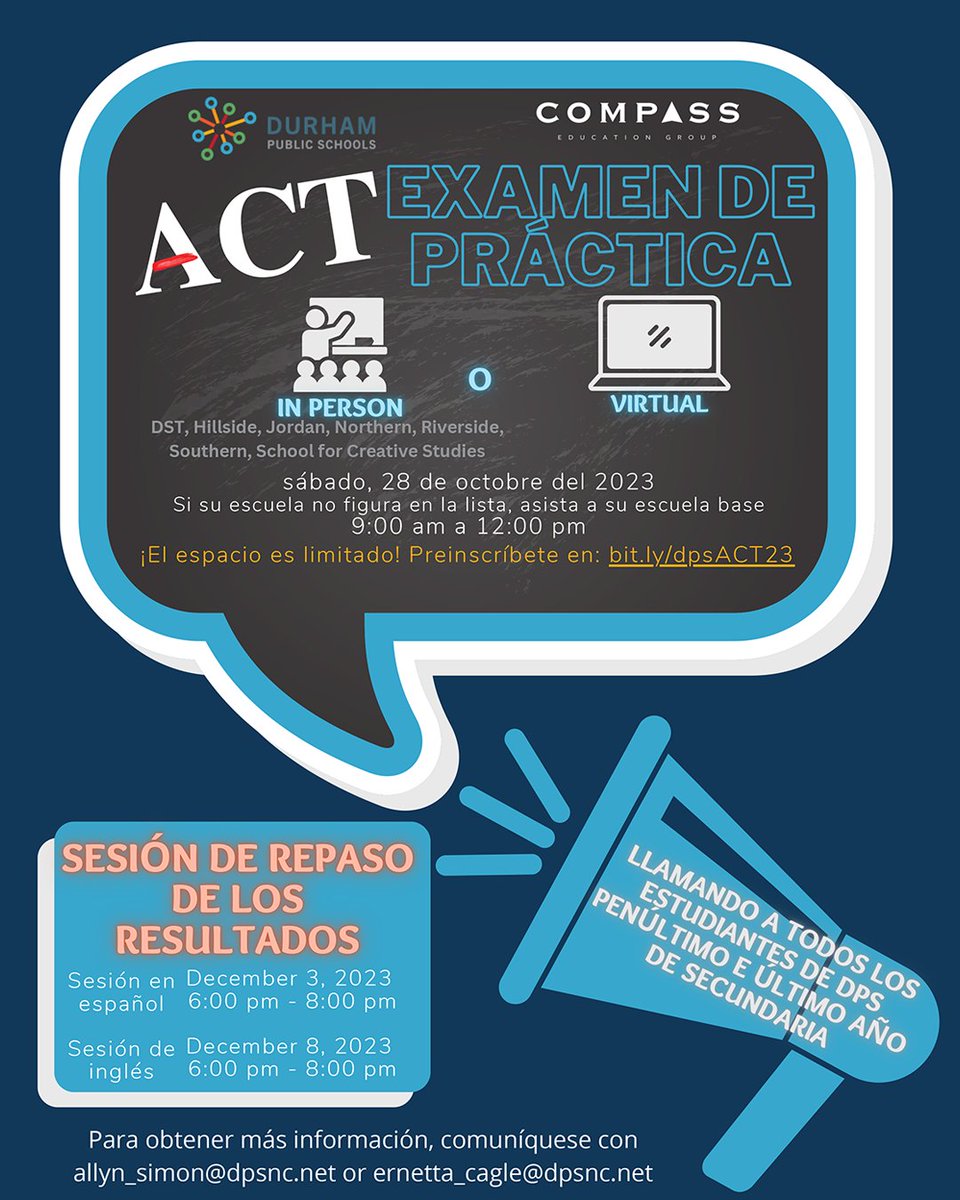
DPS juniors and seniors! Secure your spot for the ACT Practice Test on Saturday, October 28th, from 9 a.m. to 12 p.m. We're also offering virtual review sessions on Dec. 3rd for Spanish speakers and Dec. 8th for English speakers. Reserve your spot: bit.ly/dpsACT23
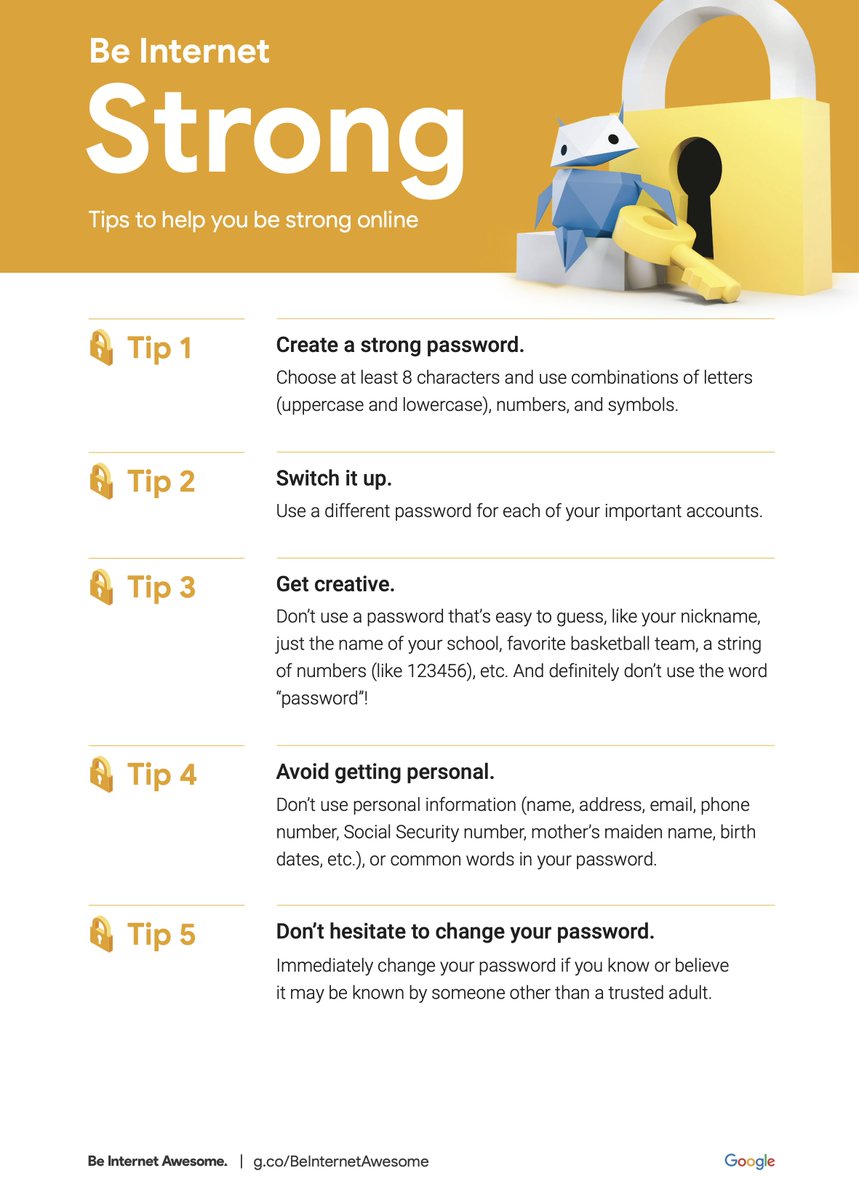
Drumroll, please 🥁! This month’s #BeInternetAwesome online safety tip is all about teaching students to safeguard valuable information online. From creating strong passwords to privacy guidelines, check out these 5️⃣ tips: goo.gle/30w0YKO
ALT Be Internet Awesome's five tips to being Internet Strong. In the printable sheet the Internaut is sitting next to a large lock and holding a key
🎮 Exciting News! @educateall_org will be participating in #EdGamesExpo 2023 in cooperation with @IESResearch 🌟 Discover cutting-edge tech tools that empower educators and learners alike. Let's shape the future of learning together! See you there! 👩💻👨🏫
ALT Image reads "Ed Games Expo, September 20th-22" with EALA, InnovateEDU logos"
I AM OFFICIALLY an ISTE Certified Educator! This process has allowed me to reflect on my practices and apply the ISTE Standards to support educators with #EdTech.
I am excited to join this community of almost 2K educators worldwide.
#ISTECert @isteofficial @atilamrac
Ready to find the perfect #EdTech tool to help you and your students meet education goals? 📏
Meet the @EdSurge Index, where you can compare learning technology products to find the perfect fit. bit.ly/3skJhhG
Collaborate with your school librarian to unlock a wealth of knowledge, resources, and technology.
Save time, enhance teaching, and transform your classroom into a hub of creativity. ⚡
bit.ly/43752PN
High school educators: Help your incoming seniors and juniors explore the world of #cybersecurity with the Google Cybersecurity Certificate. Students can access job opportunities available in this growing field and learn job-ready skills: goo.gle/3oKPm5z#GrowWithGoogle
ALT “Google Cybersecurity Certificate, Status: New.” A mission brief loads as text appears as if it’s being typed: “Your mission, should you choose to accept it, is to help protect people, organizations, and their data from online threats. Assignment Brief: Learn how to anticipate and defend against cyber threats. Gain hands-on experience with in-demand tools. Enter the growing field of cybersecurity.”
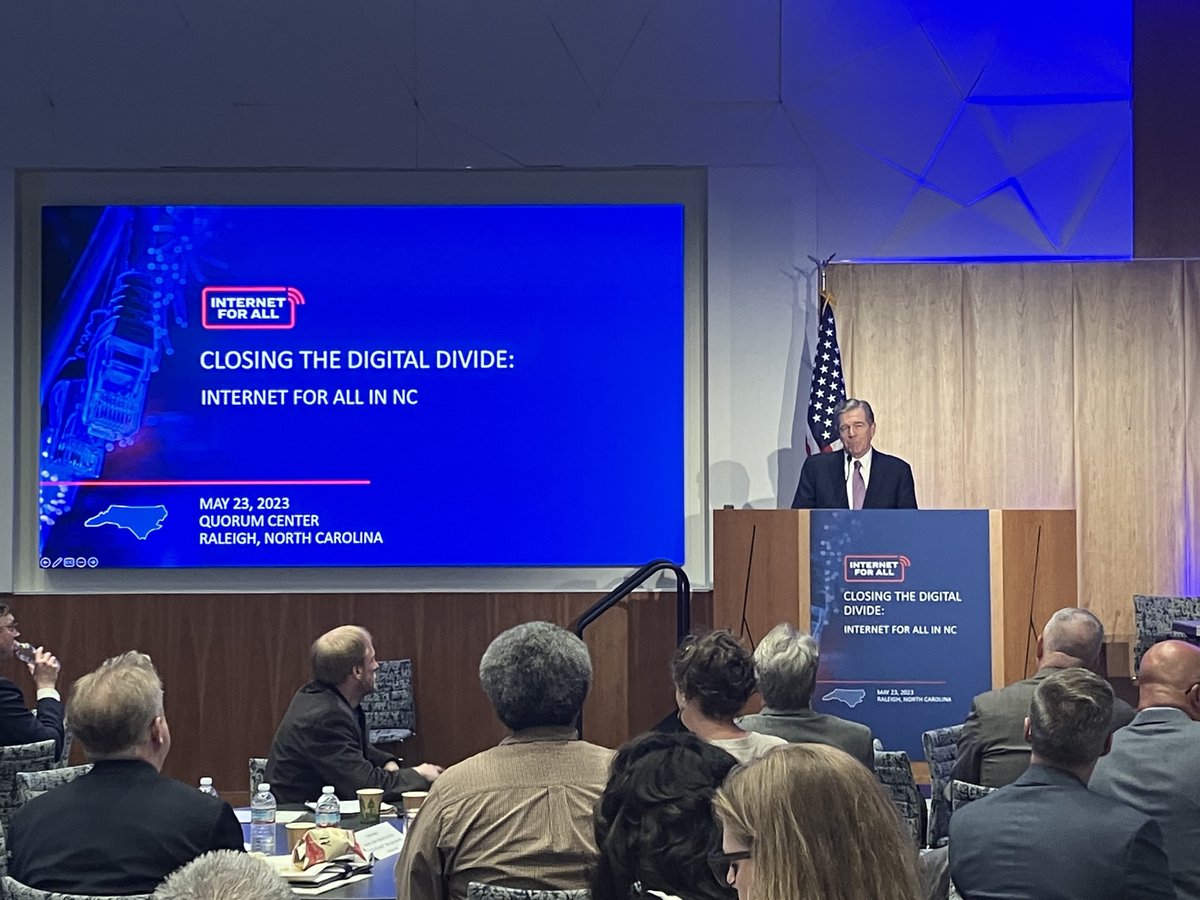
TODAY: @NC_Governor joined officials from NTIA and @NCDIT in Raleigh, NC, to spotlight our #InternetForAll efforts to close the digital divide in the Tarheel state.
We need to hear from local communities to ensure no one is left on the wrong side of the digital divide.
ALT North Carolina Governor Roy Cooper pictured speaking at a podium with a slide displaying: "Closing the Digital Divide: Internet for All in NC" to his left.
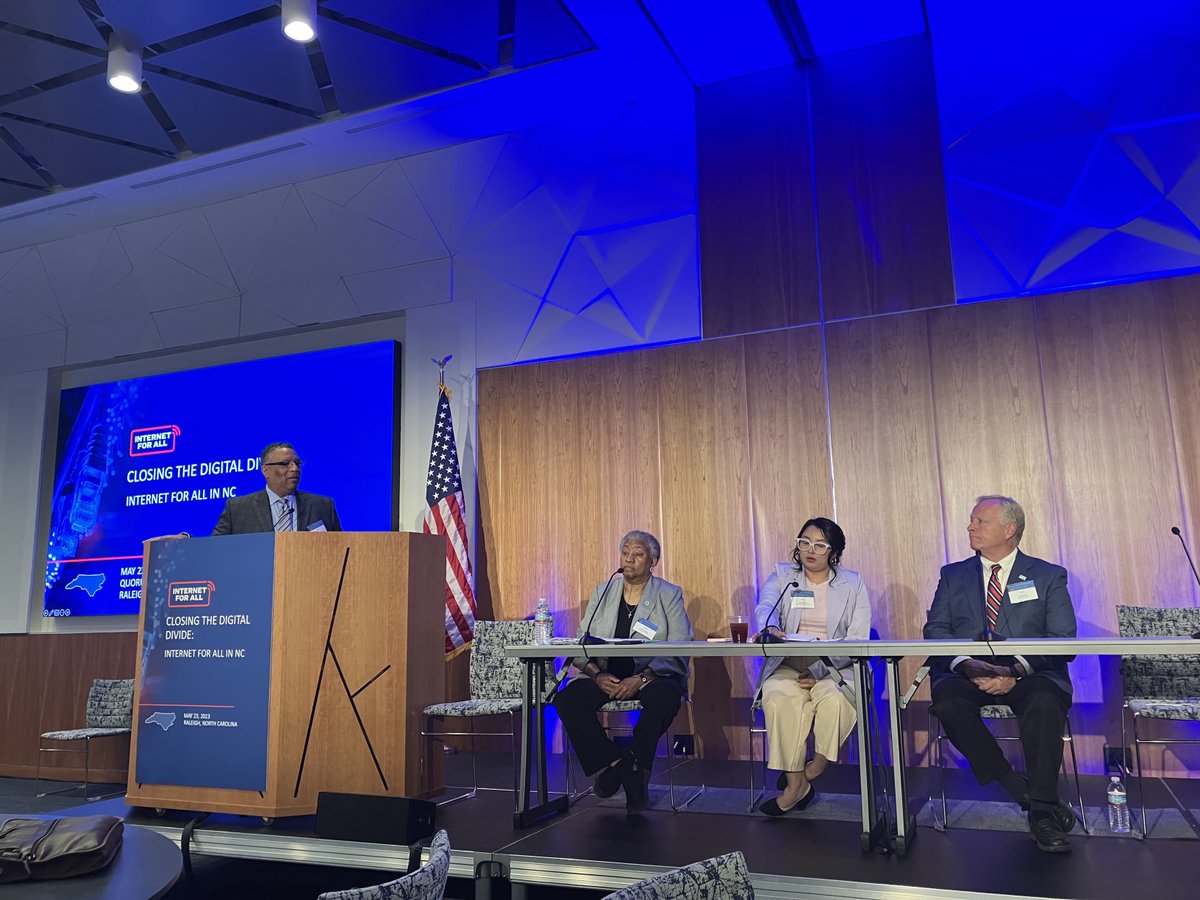
ALT Pictured from right to left:
Scott Neisler, Mayor of Kings Mountain, NC; Immediate Past President of NC League of Municipalities
Rosa Miranda, Health Support Services Coordinator, Surrey Medical Ministries
Tracey Johnson, President of NC Association of County Commissioners
Jon Gant, Dean, North Carolina Central University
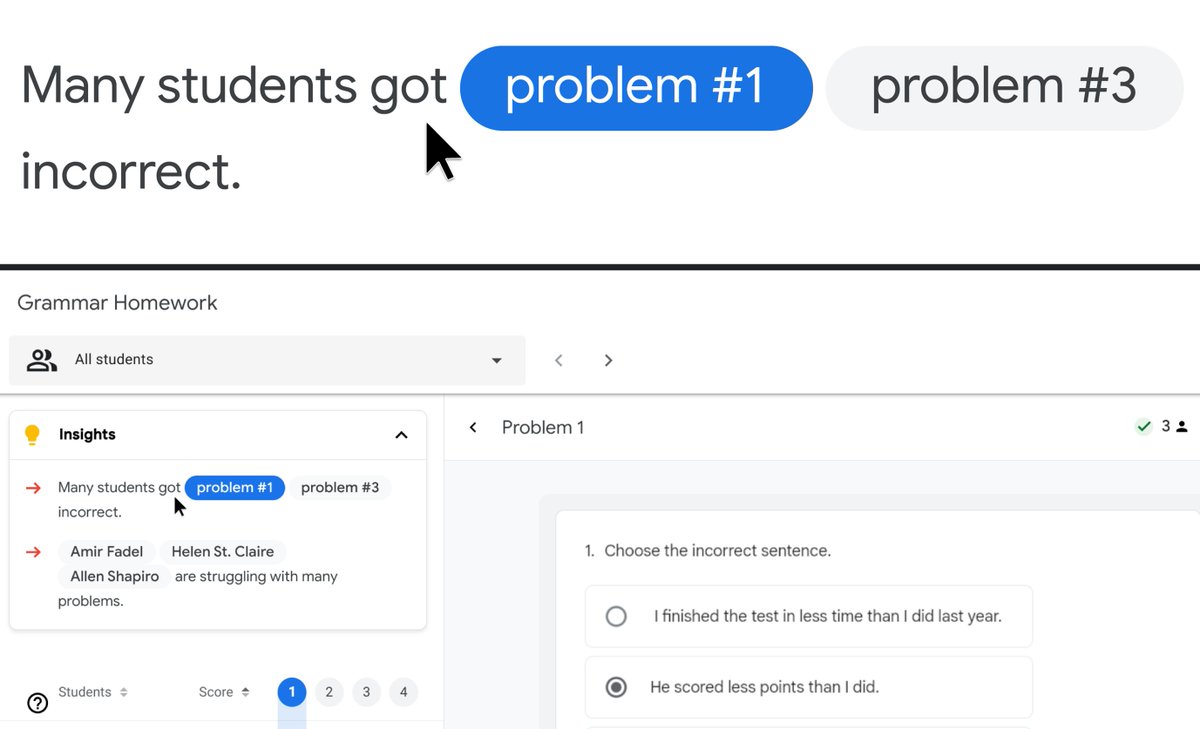
Chromebooks allow you to change your screen resolution, zoom in, and magnify your screen to improve visibility and help you find things easily. Check out how to implement this on your device: goo.gle/3MBfE2f#GAAD#A11y
ALT Visual demonstrating how the screen magnifying feature would zoom in over an area